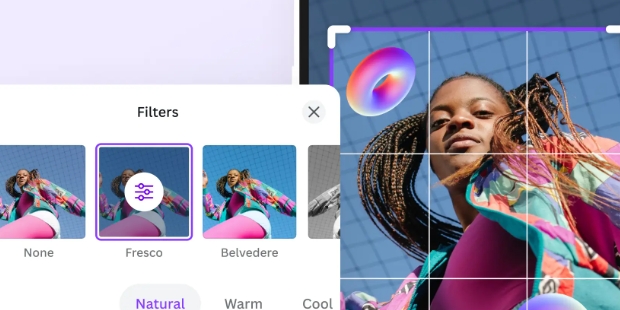
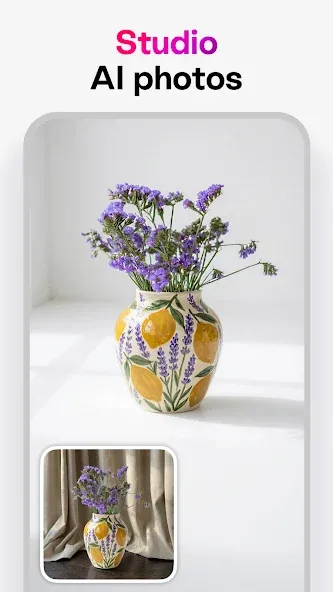
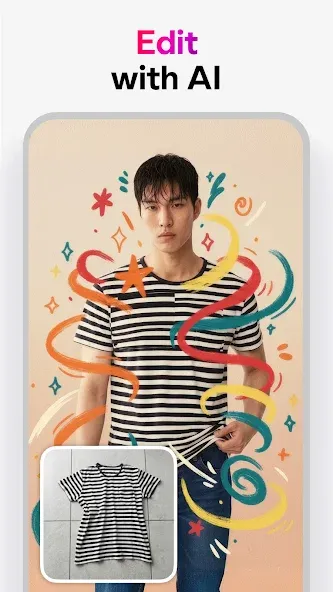
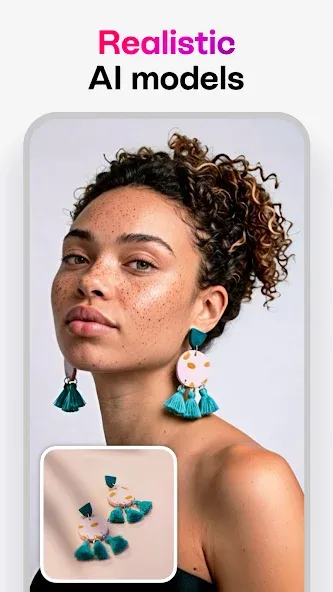
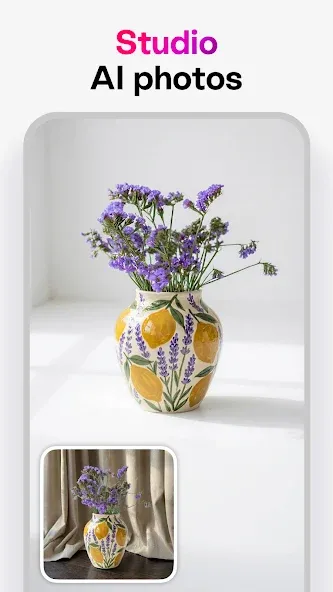
Bazaart is an AI-powered photo editing tool that allows users to easily edit photos, avatars, and posters, as well as create attractive invitations and stickers to meet diverse creative needs. Users can effortlessly remove specific elements or backgrounds from photos—or generate new images—using simple text prompts. With built-in tools for cropping, subject extraction, and adjustments to contrast, color temperature, and special effects, users can craft impressive visuals and freely choose export formats to share with friends. The app also saves time through a suite of customization tools; you can create and utilize your own presets—such as auto-alignment and fine-tuning features—to streamline your workflow and make editing easier.
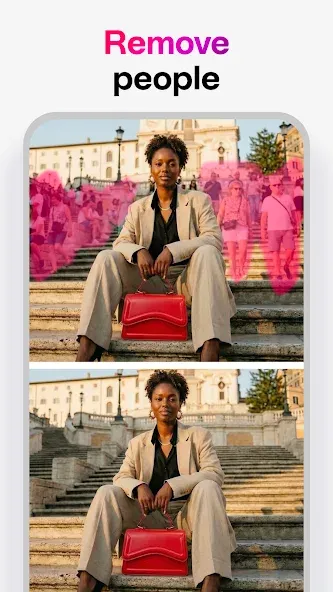
Magic Eraser & Remove Tool: Instantly remove backgrounds or objects effortlessly from photos.
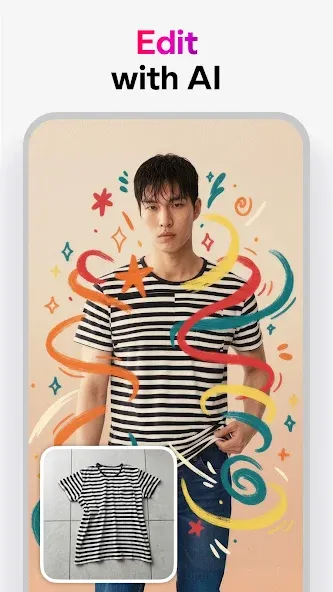
AI Art & Replace Tool: Transform text into images or replace elements in a photo via text prompts.
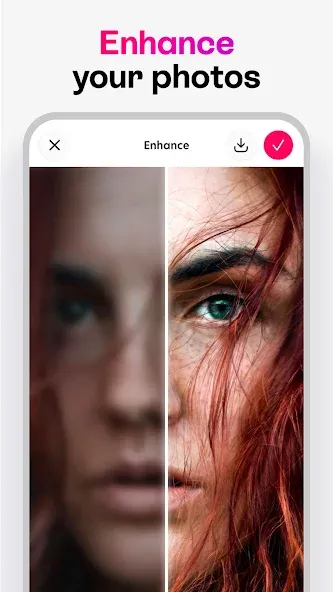
Enhance Tool: Upgrade photo quality, adjust resolution, and clarity even with blurry images.
Layered Editing & Customization: Incorporate up to 30 photo layers, each independently editable.
Editing Tools: Adjust exposure, contrast, saturation, and other aspects while applying filters for added visual impact.
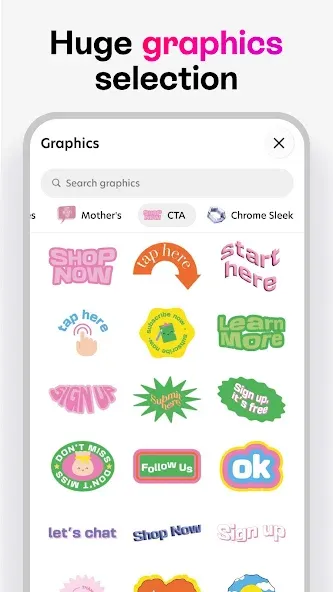
Stickers, Overlays, and Fonts: Access a vast library of backgrounds, stickers, shapes, fonts, and photo overlays.
Integration & Sharing: Use photos from various sources such as Google Photos, Dropbox, or the gallery. Share finalized creations on social media or via text and email.
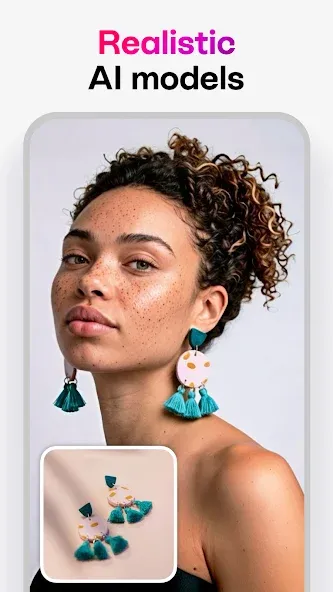
Text to image: Users will turn ordinary text into interesting visual art photos.
Instant graphics: You can use speech to output text and then use new graphics to make the content more interesting.
Designer-level results: The design process becomes simple and effective without you having to spend too much time or effort. It seems like you’re more of a pro at the graphic creator than you were before.
Seamless editing: Text prompts come in handy when reminding you to replace or add new graphics to your photos.
Object remover: Unnecessary objects that need to be deleted, the application supports quick deletion and only takes a few seconds for this operation.
Reversible freedom: Users are allowed to be creative without being forced to follow a pattern. This is where you discover your own color mixing and editing abilities.
I love this app and have been increasingly using it over the past months to make things from menu signs, to yearbook layouts, profile bios to cosplay lineups for conventions. I do wish they had the same features across devices though. They have a multiple select feature on iPad that isn't on Android, but it is easier to use on the larger screen. I use it so much I may actually pay for ad-free. Definitely easier to navigate and use than other similar apps, and no intimidating confusing features.
I absolutely love this app. Out of all the apps I've used, and I've used many, this is the one I use for everything and that I cannot live without. The variety of options and the final products always make me smile. There are frames and effects, so many background choices, fonts and color options, eraser tools and even the ability to restore and clean up old home photos, and many other things. I don't purchase apps often but this one I do believe is definitely worth it and I'm happy to have it.
Love this app, simple, easy to use and makes quality graphics. I recommend Bazaart to everyone that asks how I make my graphics. I just wish you could add more than 20 layers. I can add more but have to save the graphic then go back in to start a new one, click use photo then add more layers that way, but wish it could support more than 20 layers on one graphic.
I've always said I'm not paying for no photo editor, and here I am lol!! This one is absolutely worth it!! So many different things to choose from with this one. Backgrounds, Stickers, Etc. I'm honestly super impressed with this. Definitely takes my photos to another level! If you like editing photos, this is the one!! One of the best editors I've use!!
How can I add a new language font pack?
We offer font packs for the following languages: Russian, Hebrew, Japanese, Chinese, Korean, and Arabic. These are visible to users who have the language keyboard set on their device.Under your device Settings > General > go to Keyboard > Keyboards > choose Add New Keyboard > add the new language.
Why can't I find a feature that exists on iPhone?
Bazaart for iOS exists for 10 years, the Android version is new in comparison. This is why it does not have the same features. We're constantly working on adding new tools and features.
Why don't I have access to my subscription on Android?
This might happen because you reinstalled the app from the wrong Google Play account.According to Google Play's policy, to have access to your subscription, the Bazaart app needs to be downloaded from the email address that was connected to the Play Store when the subscription was purchased.To check if this is the case go to Bazaart's app settings > upgrade> continue > click on the credit card details> check the email listed in the payment methods.If the email listed under payment methods (#3) doesn't match the email address listed on the payment receipt from Google Play, you will need to delete the app and reinstall it from the correct email.
Can I use the designs I create for commercial purposes?
All content on the app is free to use for personal or commercial use, with exception to:- The Web Search, which may be copyrighted,- The Music stock, powered by Epidemic Sound and licensed under their respective license and solely for personal use.- Our Shapes menu is powered by "The Noun Project", and according to their terms, a shape cannot be redistributed as is, but, must be modified in some way.For print product we allow up to 5000 units without any need for our explicit authorization.See more details under "Content Policy" section in our terms of service.
My projects are being saved blurry. What should I do?
You might be using a small canvas size. Please tap the (...) button > Canvas Size > Custom, to check and change the project size. To reach optimal resolution, you'll need to keep the existing ratio between height and width. To do so, multiply both of them by the same number. Your project can reach up to 5000x5000 pixels.For example, if the dimensions you require are 500X200, you can multiply both by 10 (or any other number), reaching 5000x2000 pixels.
Bazaart earns a recommendation for Android users who create composite images more often than they perform basic photo correction. Its cutout workflow, reversible layers, precise positioning, and broad export support form a capable editing package. Premium is the main reservation, especially because automatic background removal and the full AI toolkit are central to what makes the app appealing.
Size:69.65MB Version:4.6.3
Requirements:Android Votes:549
Package Name:me.bazaart.app Signature:f8f79e139844e62f6b94b97180c47c1c
Welcome to our image editing apps! Perfect for beginners and pros alike, they make photo enhancement easy. Use PicsArt to crop, adjust colors, and apply filters. Remove backgrounds instantly with Remove.bg. Get creative with layers and advanced tools on Adobe Photoshop Express. Start transforming your images today!
Visuals serve as a primary gateway for players to engage with games, where distinctive art direction immediately captures attention and creates lasting impressions. An unconventional aesthetic not only stands out in crowded markets but also enhances immersion and emotional connection. When executed with creativity and polish, striking visuals elevate gameplay into a memorable artistic experience. That's why titles with truly exceptional art styles deserve recognition - they offer both visual delight and meaningful interactive expression that resonates with players long after the session ends.
Enhance your photos effortlessly with the best free photo editing apps for Android! Whether you want to apply stunning filters, adjust brightness and contrast, remove blemishes, or create professional-quality edits, these apps offer powerful tools at your fingertips. From simple one-tap enhancements to advanced editing features like background removal and AI-powered effects, you can transform your images with ease. Explore a wide range of user-friendly and feature-rich apps, all available for free download. Start editing and make your photos stand out today!
About us | Contact us | Privacy policy| DMCA
Copyright © 2026 Xiaohei All rights reserved.