CameraFi Live is a visually stunning and practical video live streaming platform that brings users high-quality streaming video content. CameraFi Live boasts a beautifully designed interface and smooth, stable playback, allowing users to enjoy excellent live streaming and replay functions so you don't miss a single exciting moment. CameraFi Live offers a constant stream of novel content, topics, and perspectives, and users can try creative filter chats to enrich their social activities.
Camera and Screen Modes
Choose camera mode or screen mode to live stream your camera's view or your smartphone screen.
External Camera Connection
It supports external camera connections. You can use high-performance USB cameras (camcorders, DSLRs, etc.) for high-quality live video streaming with clear shooting and zoom capabilities.
Instant Replay
The replay function allows you to highlight key moments during your live stream, enhancing interactivity. It can also be used as a Video Assistant Referee (VAR) tool or to check your posture during recording.
Image, Text, Video, and Audio Overlay
Easily add image/video/audio files during live streams, and also add text overlays.

A real-time video recording tool designed specifically for streamers. Therefore, it features tailored functionality for platforms like YouTube, Facebook, and Twitch.
The main advantage of this application is that it allows you to create live stream videos without complex software or advanced computer skills. Simply open the application, select a filter (if needed), and then click the "Start Creating Content" button.
In the main menu, you can choose to record video using your phone's camera (front or rear) or directly record your screen. This means it can also help you stream gameplay installed on your device.

i love this app certainly for YouTube Live streaming its just perfect if you have the right phone, go to my YouTube PSDarkLP666 to see the app in experience.
As a YouTuber & Live streamer, this app is the best one I've used for connecting an external camera to my Google pixel phone. I've done several 12-15 hour Livestreams at the Dragway and the connection has been excellent. I have recommended this app to my peers. I'm ProTreeVideos on YouTube if you want to see this app in action. IRL livestreaming. 5 stars because I've tried every other app out there and this one does everything. My streamlabs alerts work great through the Web feature too.
best app to use and I wish you can add using two phones or cameras to interchange the coverage from one camera to another within the app. but,am a thankful premium user
You're app is amazing. I use it for my live streams. A request is the chat box to update when it's moved or The chat logs sometimes don't update properly, another issue is flipping the camera back during the live stream, and the camera box needs to be made as large as I want, not limited by its overall size.

Can I connect my DSLR camera to CameraFi Live?
Yes, you can easily connect your DSLR camera to CameraFi Live using an HDMI cable, video capture card, and Type-C OTG adapter. This allows you to record high-quality video for your live stream.
Is CameraFi Live easy to use?
Absolutely! CameraFi Live is designed to be very user-friendly, even for beginners. Its intuitive interface allows for easy navigation, so you can start streaming without any technical difficulties.
Can I customize my live stream settings?
Yes, CameraFi Live allows you to customize various settings for your live stream. You can add your own videos, adjust privacy settings, and even connect to popular live streaming software like OBS and vMix.
With CameraFi Live, you can create engaging live content and interact with your audience like never before. This powerful app has everything you need to succeed in live streaming, so don't miss out. Download CameraFi Live now and start sharing your story with the world!
Size:87MB Version:1.35.94.0925
Requirements:Android Votes:481


A video hosting platform that is embedded with live streaming technology can create and broadcast videos in real-time. Live streaming is unlike the pre-recorded videos which can later be edited as required. The video hosting platform is a component that connects the creator and audience. It helps in reaching your business globally resulting in more consumers and leads despite the barrier of physical location like Bon Appetit, Martha Stewart, BuzzFeed and more. As per the reports from Grand View Research, the size of the video marketing industry is likely to reach USD 233.98 billion by 2028. Further, the pandemic outbreak has created a positive impact on the video streaming industry increasing the need for real-time engagement/entertainment.
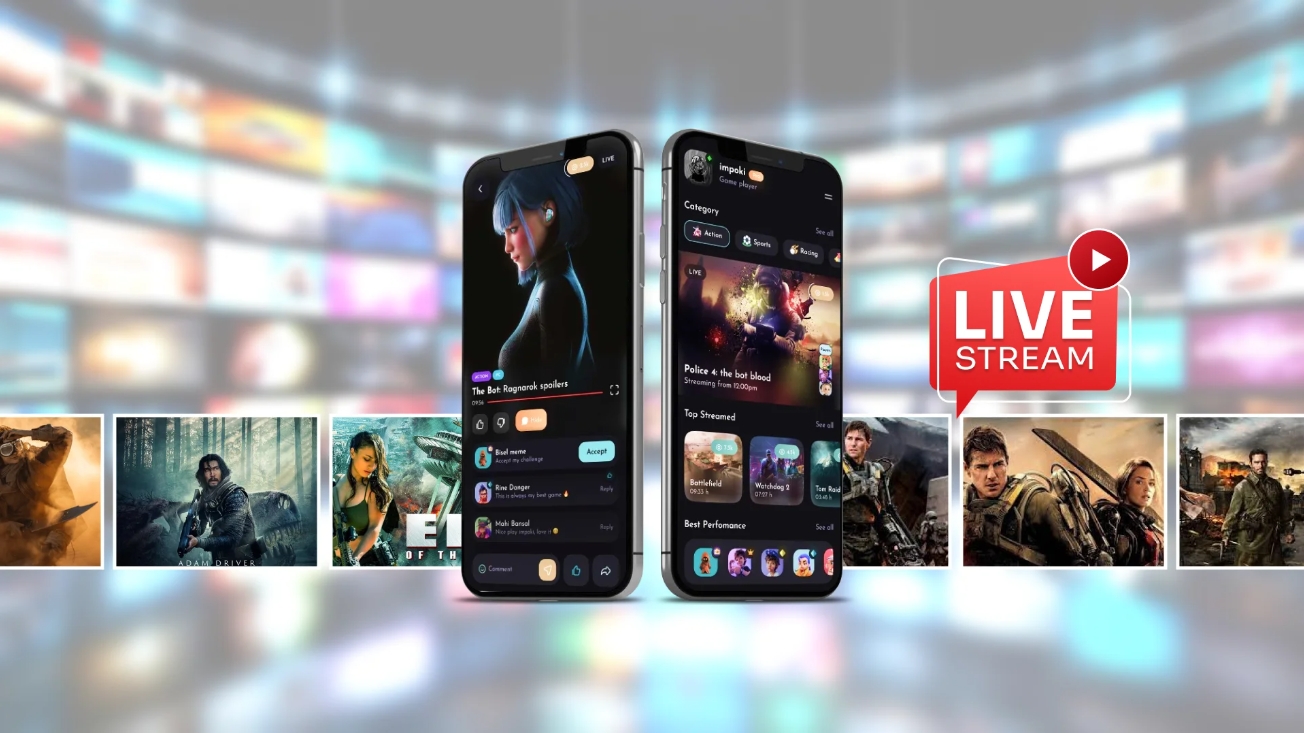
Live Streaming App is a digital platform that enables users to share real-time video broadcasts with audiences worldwide. It supports diverse content formats including gaming streams, educational tutorials, entertainment shows, vlogs, and interactive personal broadcasts. The platform facilitates instant viewer engagement through live chats, donations, and reactions, creating dynamic connections between creators and their communities. Whether for professional content or casual sharing, it provides accessible tools for real-time video streaming across various interests and purposes.
Designed for creators and businesses of all sizes, our powerful broadcasting tools help you produce professional-quality streams with ease. Featuring intuitive controls and robust functionality, our solutions enable seamless integration of cameras, microphones, and media sources-along with dynamic overlays, real-time effects, and studio-grade production capabilities like multi-camera switching and virtual environments. Whether you're streaming gameplay, hosting webinars, or running corporate broadcasts, our software empowers you to engage your audience with polished, high-impact content.
About us | Contact us | Privacy policy| DMCA
Copyright © 2026 Xiaohei All rights reserved.