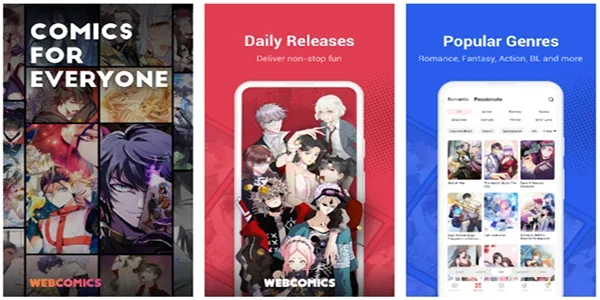
EhViewer is an app focused on comics. Here you can find a wide variety of comics, from popular titles to classic masterpieces—there's something for everyone. All content supports offline reading; download chapters and enjoy reading anytime, anywhere. You can also customize your reading settings: brightness, font, background color, page-turning method—adjust anything that might hinder your reading for the best comic reading experience! Furthermore, the app supports multiple languages, allowing you to read comics in your favorite or preferred language.
Rich Comic Library: Explore a vast collection of popular series, new releases, and classic works.
Offline Reading: Download chapters and enjoy reading anytime, anywhere, even in areas with limited network coverage.
Customizable Reading Settings: Adjust brightness, font size, and background color for a comfortable reading experience.
Bookmarks and History: Easily bookmark your favorite comic series or chapters and continue reading from where you left off using the app's reading history feature.
Multilingual Support: The app supports multiple languages, allowing you to enjoy comics in your preferred language.
Community Interaction: Interact with other comic book fans through comments, reviews, and ratings, and share your thoughts on comic book series.

EhViewer is merely a browser aggregator; all content comes from the public internet. Please abide by local laws and regulations and surf the internet responsibly.
Do not easily believe claims of "unlimited coins" or "ad-free green versions." Any requests to install an accelerator or pay for an activation code are scams.

Step 1: Enable Unknown Sources
First, configure your device to allow apps to be installed from other sources.
Access your device's security settings and find the "Unknown Sources" option. Enabling this option will allow apps from unknown sources to be installed on your device. Enable "Unknown Sources" to install Ehviewer
Step 2: Download and Install the APK
Download the EhViewer APK file on your device and wait for the download to complete.
Once the file is downloaded, find it in the "Downloads" folder of your file manager application.
After finding the file, tap it for more options. Then tap the "Install" option to begin the installation process.
The app will be installed on your device in a few seconds. Please wait for the installation to complete; once finished, you can open it. It will ask you to log in or register. You can log in or register, or you can access it directly without logging in.

Q: Why do some images load slowly?
A: Try switching CDN nodes in "Settings - Network" or enabling the smart preloading function.
Q: How do I export my reading history?
A: Go to "Personal Center - Data Management" and select Export CSV file (this permission needs to be manually enabled for the EhViewer green version).
Q: Is data shared between versions?
A: As long as you log in with the same account, the data for the EhViewer green version/EhViewer white version/EhViewer color version is synchronized in real time!
Download the EhViewer APK and explore a world of comics and anime you may not know exists. Here, you will find a wealth of content, perhaps more obscure than usual, much of which has hundreds of thousands of reads and downloads. In the application's configuration options, you can also change some settings to personalize your reading experience or modify the application interface.
Size:30.4MB Version:1.1
Requirements:Android Votes:482


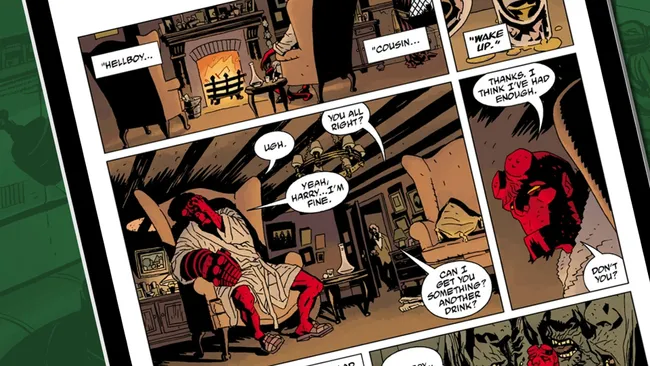
If you're a comic book fan looking for a new way to read your favorite titles on a smartphone or tablet, or if you simply want to check out the hype behind the hottest technological advance to happen to four-color funnies in a very long time, you have a lot of choices when it comes to selecting a digital comics app. In fact, there are more digital comic book apps in the Google Play marketplace than there have been Jean Grey deaths (and resurrections). Digital comic book apps let you read both classic and contemporary comics. Some digital comic book apps feature integrated stores, while others are stand-alone readers that let you enjoy DRM-free comic files. A few are publisher-exclusive apps for fans of a particular comic book house. In short, there are numerous ways to read comics on an Android tablet or smartphone-you just need to find the app (or apps) that works best for you.
If you love comics and want unlimited access to thrilling stories on your Android device, you're in the right place! We’ve handpicked the top free comic apps that offer a vast collection of genres-from action-packed superhero sagas and Japanese manga to indie graphic novels and webcomics. Enjoy high-quality artwork, seamless reading experiences, and regular updates-all without spending a dime. Whether you're a casual reader or a die-hard fan, these apps bring endless entertainment to your fingertips. Start your comic adventure today by downloading these must-have apps!
Struggling to find a great place to read comics? Many fans face issues like limited selections or annoying paywalls-but it doesn't have to be that way! To make your reading experience smoother, I've put together a curated list of the best comic apps, all packed with free, high-quality content and easy-to-use features. Whether you're into manga, webtoons, or classic comics, these apps have you covered. Check them out and dive into endless entertainment hassle-free!
About us | Contact us | Privacy policy| DMCA
Copyright © 2026 Xiaohei All rights reserved.