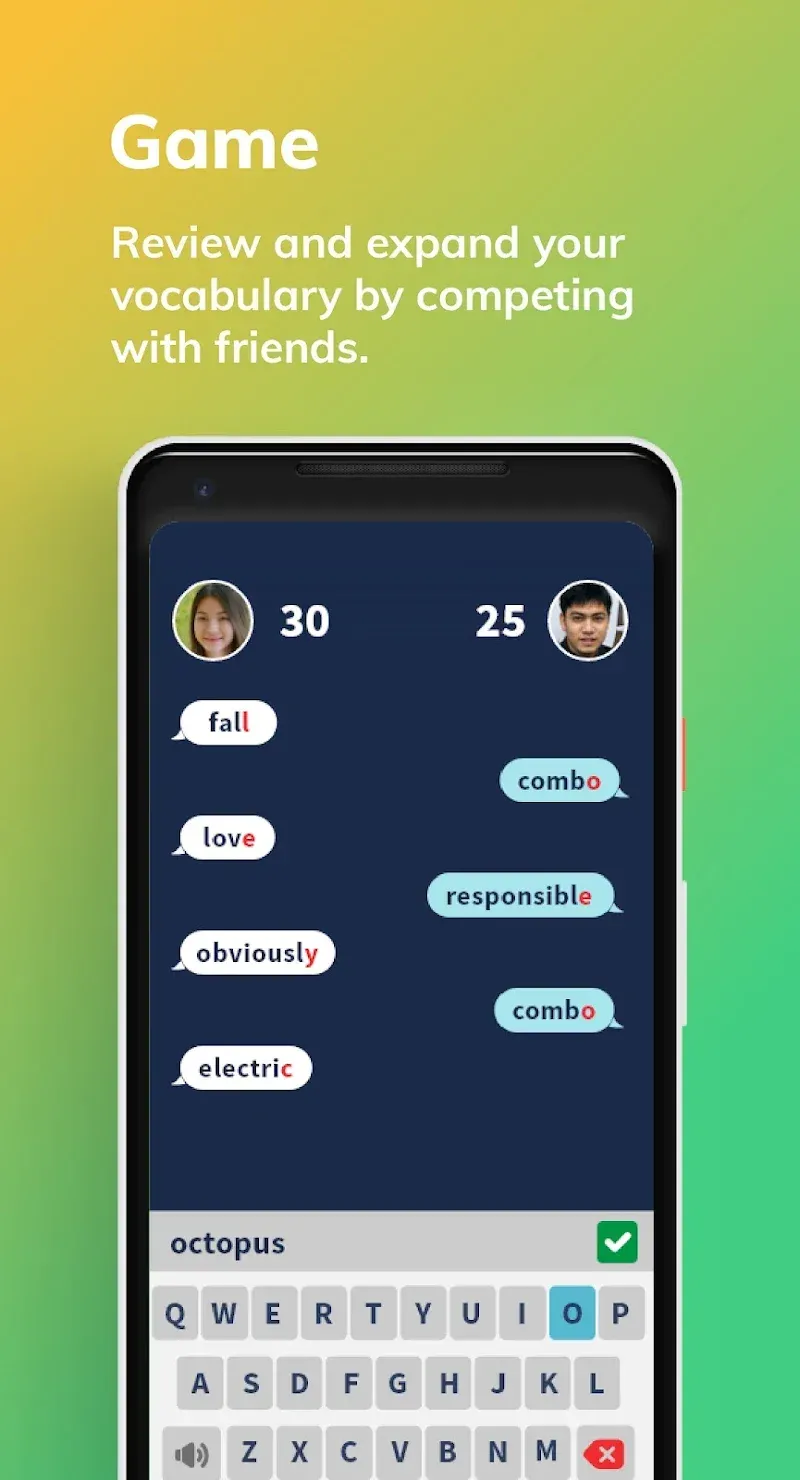
4English is an educational software designed for users who want to learn English. It not only provides users with a detailed vocabulary database with explanations and example sentences, but also keeps them informed about the latest news from around the world. Simply click on any unfamiliar word in the news to find its explanation. The software combines learning with fun, engaging word chain games and competition with friends, making learning more immersive and reinforcing users' progress. The vocabulary and news are updated daily to keep the software fresh and engaging for users.
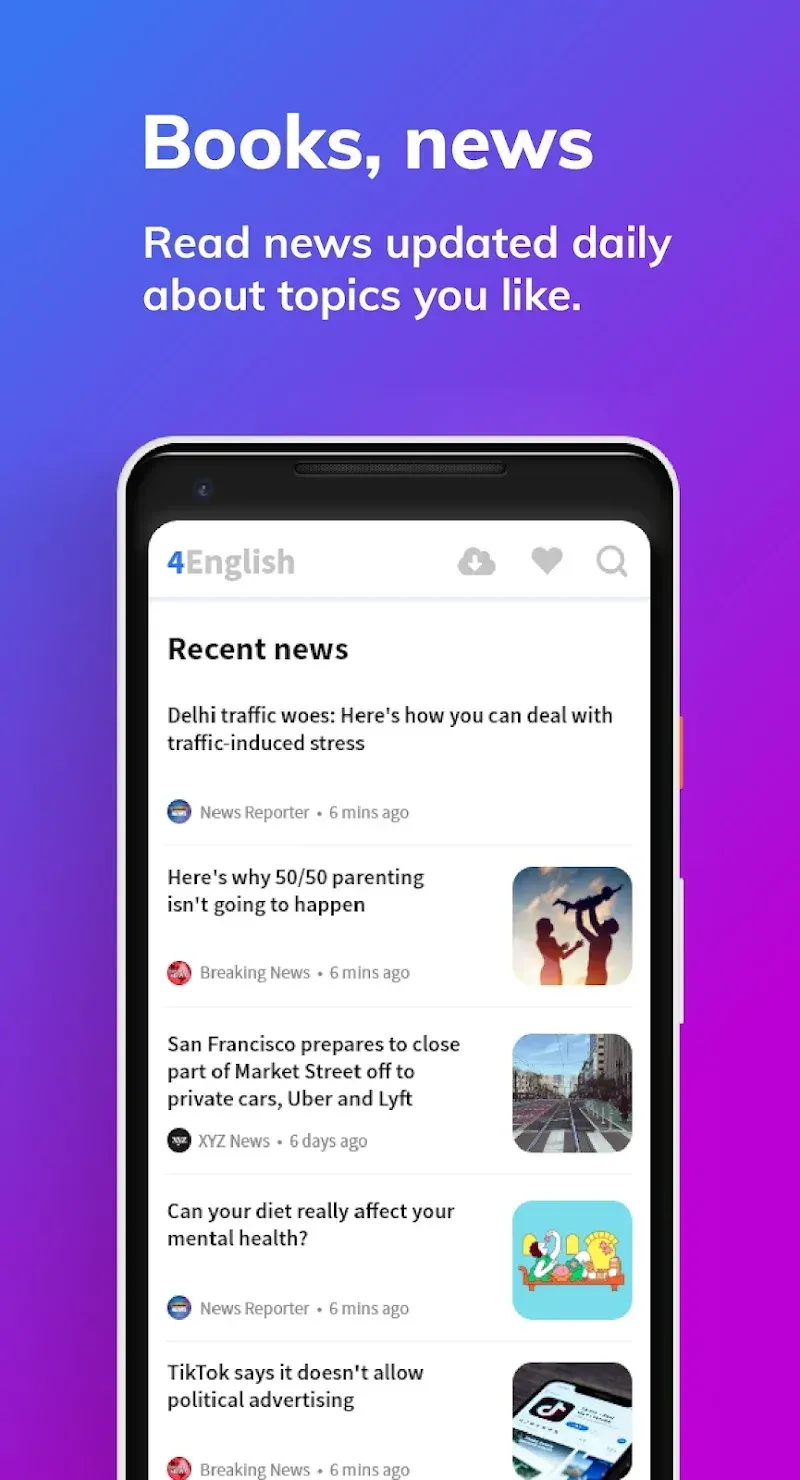
Learn with Global News: Stay informed with the latest headlines from around the world. Read articles from top-tier reputable sources and instantly look up words you do not know, making vocabulary building a natural part of your day.
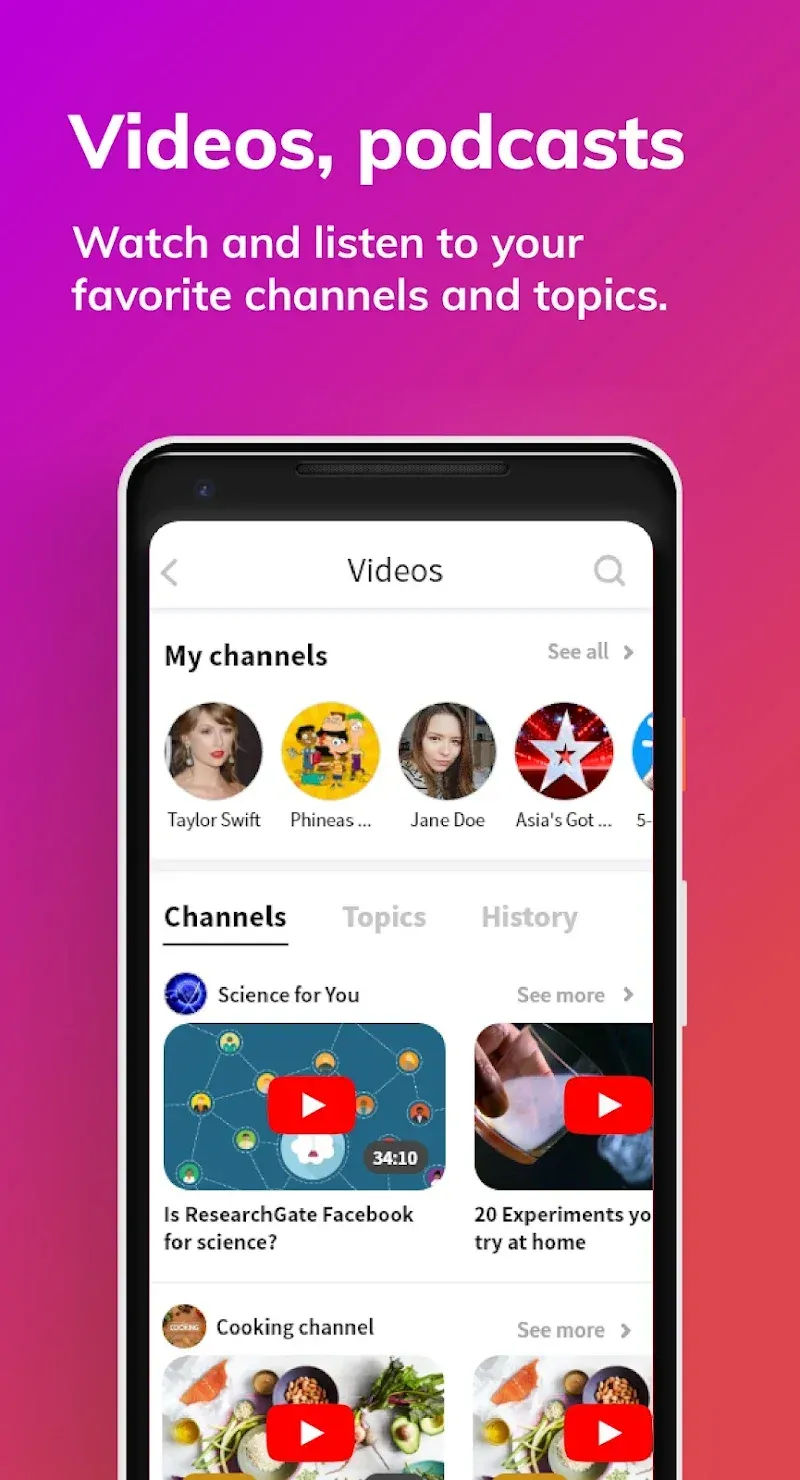
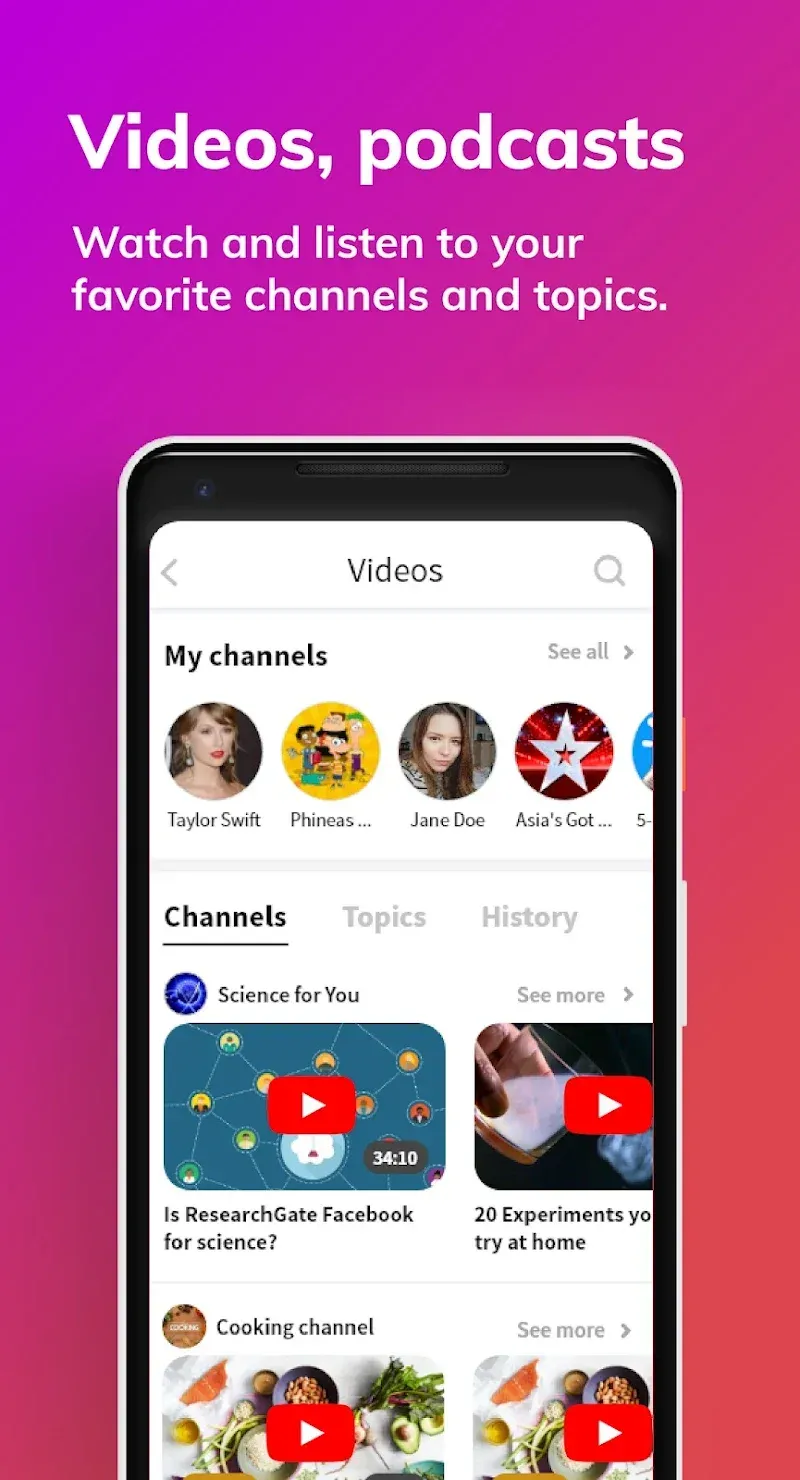
Interactive Video Content: Access a massive library of YouTube videos with dual-language subtitles. Toggle between your native language and English to understand nuances, idioms, and context perfectly while improving your listening comprehension.
Integrated Dictionary & Translator: No more switching between multiple apps. Simply tap any word within the news or book sections to get instant definitions, audio pronunciations, and usage examples.
Extensive Digital Book Collection: Dive into classic literature and modern stories. Read and translate on the go, turning every page into a dynamic learning opportunity.
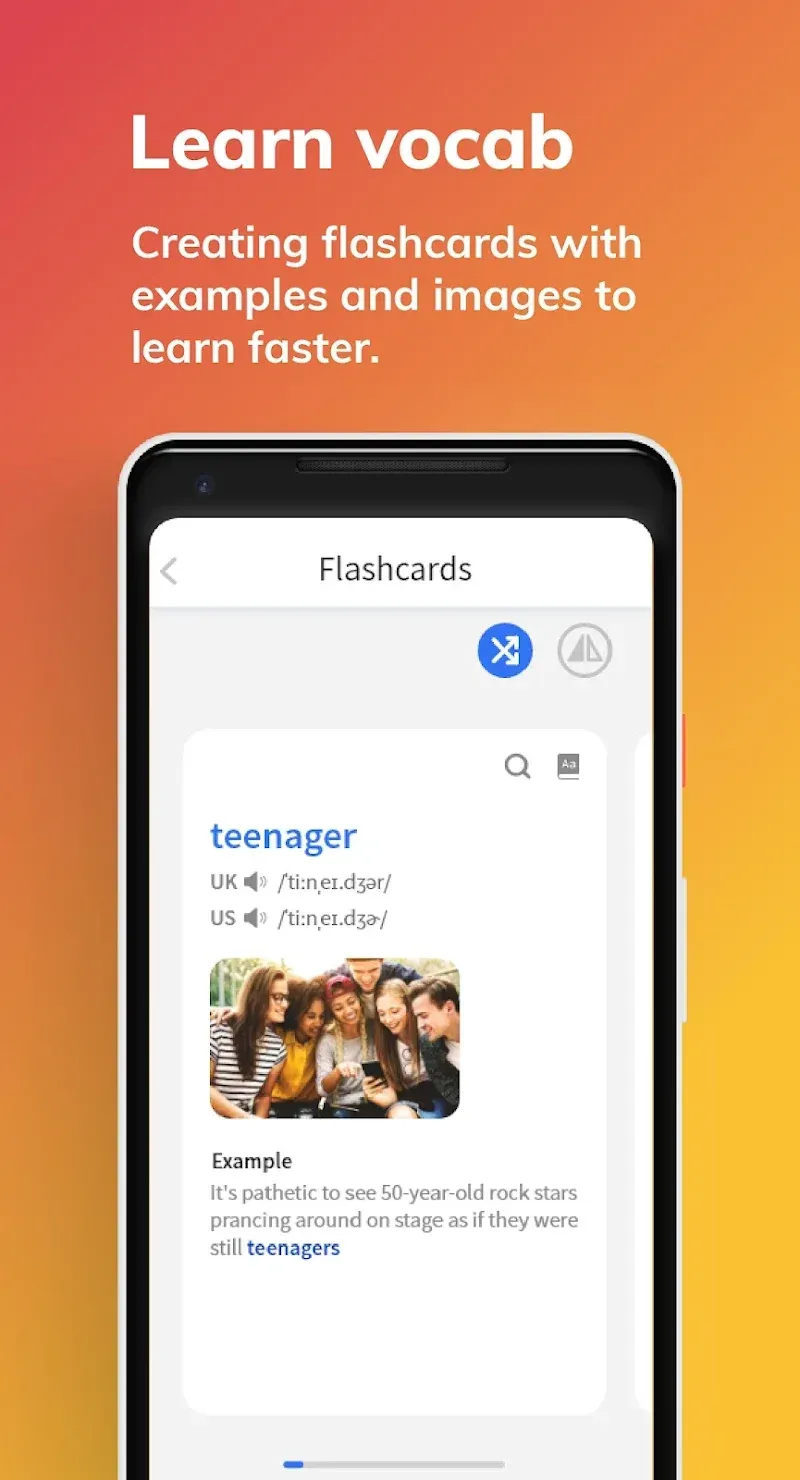
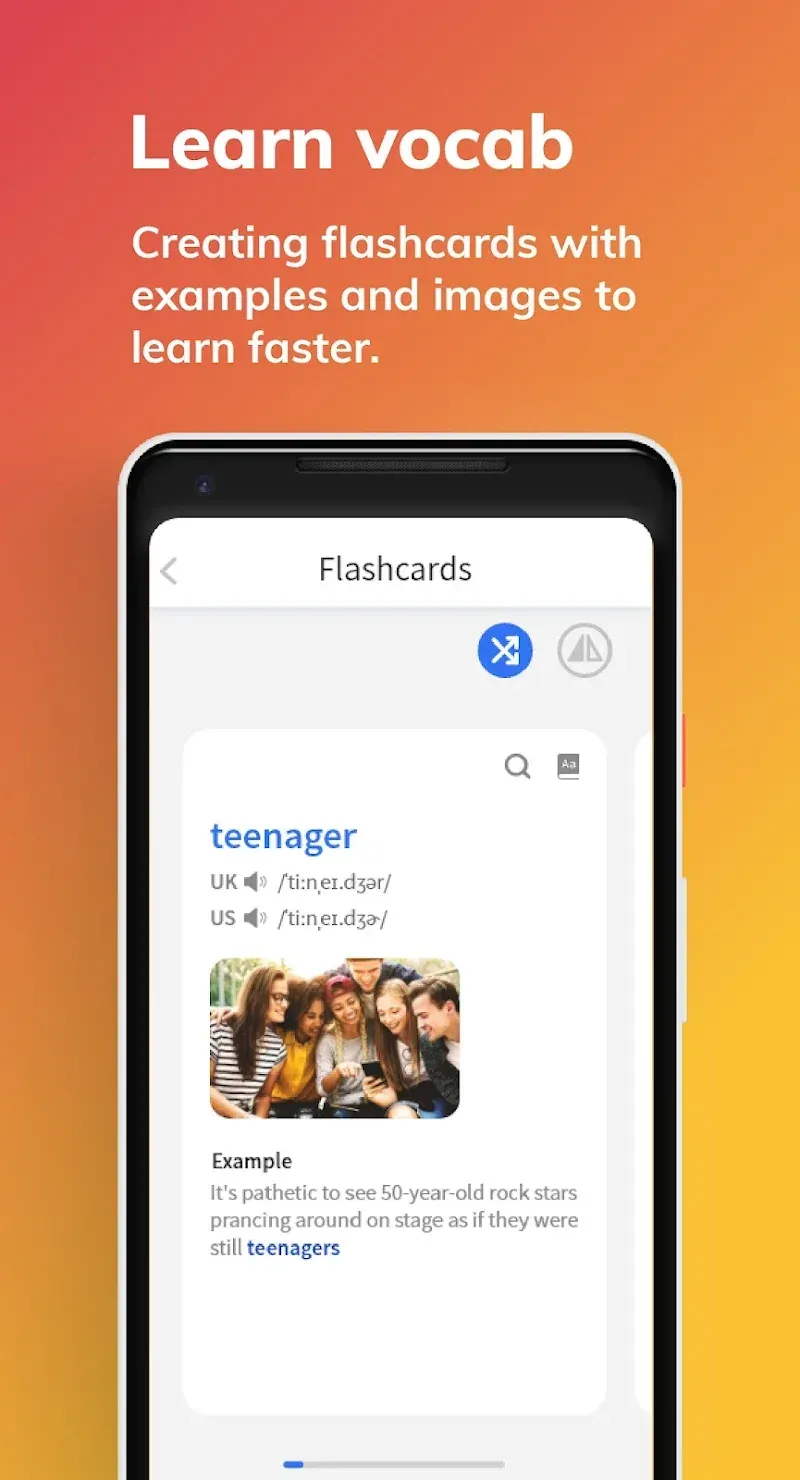
Daily Vocabulary Exercises: Build a rock-solid foundation with gamified exercises and flashcards that help you memorize new words and phrases through spaced repetition and contextual learning.
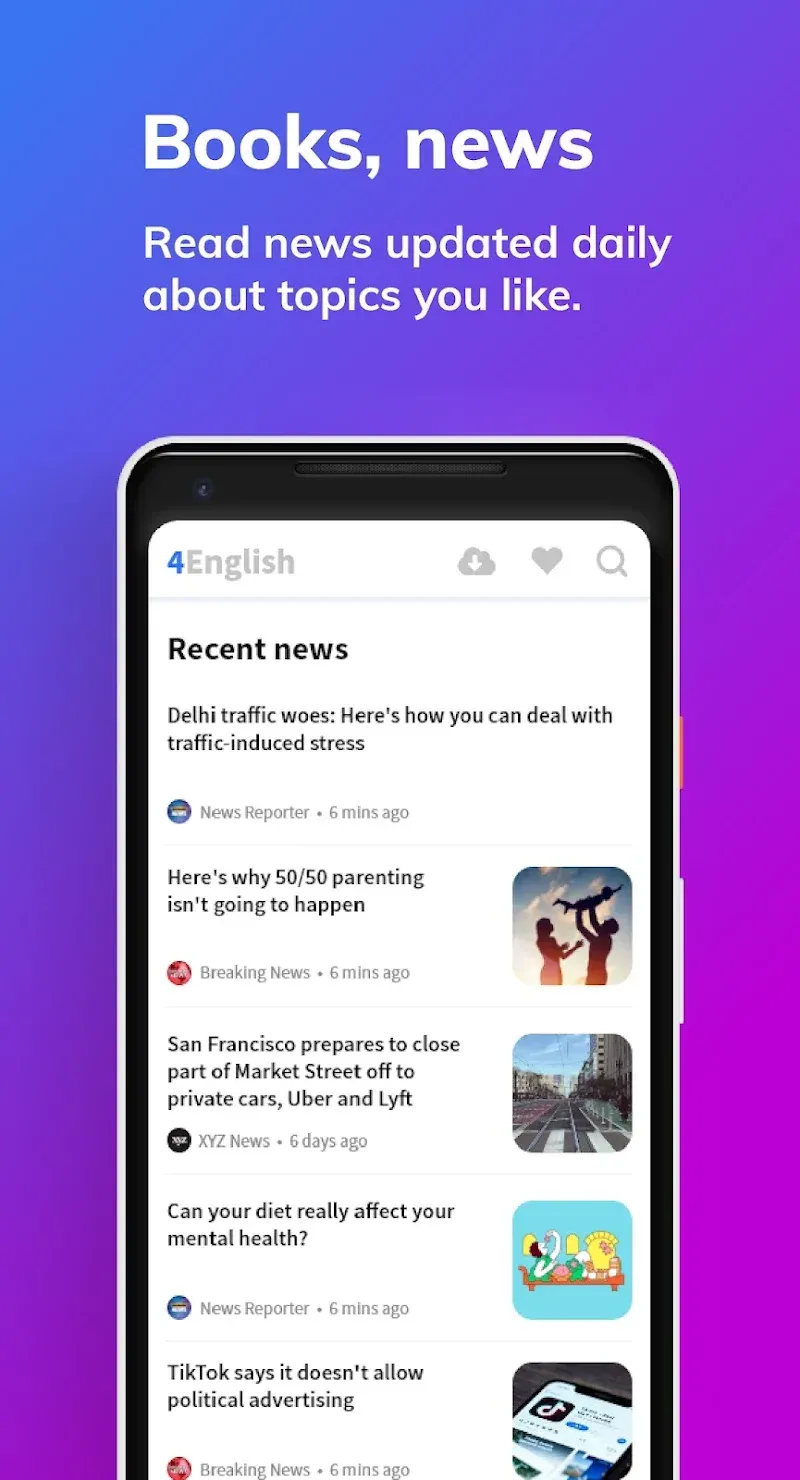
Word Translation: Every word in the news articles can be tapped to see its definition and translation, making learning more accessible and quicker.
Word Saving: You can save words, examples, and images, helping you memorize new vocabulary effectively.
Daily Updates: The app provides fresh news stories daily, ensuring that you always have new content to learn from.
Language Barrier Removal: With the translation feature, you can read news articles without worrying about language barriers.
User-Friendly Interface: The app is designed to be easy to navigate, making your learning process smooth and enjoyable.
Interactive Learning: You actively learn and remember new words and phrases by engaging with news articles and using the dictionary in real-time.
Movies. Pick up any movie you like that was originally filmed in English. It should be something you like a lot and has strong characters. Watch the movie in your native language a few times so that you understand each individual phrase very well and know when it’s said. Once you have it, watch the movie in English with subtitles in your language a few times. You will start to associate English phrases with their meaning. English phrases become familiar to you. Then you need to start pronouncing each word and phrase and they happen on the screen. Try to mimic the actors’ voices. Become the character yourself! After one week of 3-4 hours watching the movie you will learn all phrases and will be able to pronounce the whole movie by heart. The second movie will be faster! Repeat first movie once you complete second. After just 10 movies you will be shocked!!!
Sentence writing. Another activity you need to do is to practice your writing memory and improve the knowledge of various English sentence structures. Take any phrase that has a new structure to you (e.g. from the movie) and write it down. Then write again. Repeat these 10 times. Then change one word using a thesaurus (e.g. Power Thesaurus, it was developed by me as all others were just too inconvenient and not really user-friendly). And write the new sentence 10 times. Change the same word again to another one and write the re-phrased sentence 10 more times. Repeat this task for each word of the sentence. Don’t stop until you write at least 20 sentences for each word! This practice will allow to learn the limited range of grammar rules that are used in English sentences.
The third exercise is to learn topics by writing them. This will train your motoric memory and will improve your spelling dramatically. Take some establish correct English topics texts (e.g. from here IELTS Exam Writing Samples). Print the text and then write it by hand by looking at a printed version. Check if you have any mistakes. No mistakes? Then take another piece of blank paper and hide the side of printed text so that you can’t see two letters at the end of each line. Write the whole text again. Check for mistakes. No mistakes? Move the sheet further and repeat. Got a mistake? Start from the beginning. Write the text while looking at it. Then add a sheet of blank paper and write again and re-check for mistakes. Eventually you should be able to write the text by looking at one letter of each line only and then the whole text by memory without any mistakes. Congrats! Do the same for second time next day. Once you complete your second text without any mistakes with printed version fully hidden, re-write first one too. Check for mistakes in both. Got a mistake? Start from text 1! Now you do that for 10 texts and you will be shocked again!
I've used this app since 2022, and it has been one of my go-to apps for English improvement. I see the non-stop effort from the development team to make this app better and better every day. Thanks for this wonderful platform, where I can play, study, and review vocabulary at the same time.
It is all good. But there is one thing i would recommend to improve the experience is that when new words are added to the deck, it'd be helpful if the app tells us whether we had already added the word or not. I hope this function will be added soon.
Great app with many useful features like news, podcasts, and video lessons. It really helps build vocabulary. One thing that could be improved is the ability to translate full sentences instead of just single words. Overall, it's a very helpful tool for daily practice.
This is a great app for anyone who wants to improve their English skills, especially in reading and listening. I use the 4English app every day it's not only useful but also helps me access a wide range of content that I enjoy. I would definitely recommend this app to anyone who needs it.
Overall, the 4English app serves as a valuable resource for anyone looking to improve their English language skills, whether for academic, professional, or personal purposes. It offers a structured approach to learning, combining educational content with engaging activities to make language acquisition more enjoyable and effective.
Size:61.2MB Version:10.2.32
Requirements:Android Votes:209
Package Name:com.new4english.learnenglish Signature:d7628023b0bf7a1d2f618b8f686bb2bc
Educational software are emerging in an endless stream on the market, so which one can stand out? It should not only be simple and convenient to use but also helpful for our study. Below, Xiaohei.com brings you a very comprehensive and practical summary of educational software downloads. Come and download it, there is always one that suits you.
About us | Contact us | Privacy policy| DMCA
Copyright © 2026 Xiaohei All rights reserved.