WhatsApp Business is a business communication app designed for small and medium-sized enterprises. It separates users' work and personal lives, requiring them to fill in detailed information such as company number, address, business scope, and trademarks to ensure customers have a clear understanding of their business. While not integrated with personal WeChat, it incorporates all WhatsApp features and adds new social options like auto-reply for quick responses to customer messages. Users can also create groups to send various formats of images, emojis, stickers, and documents, accelerating communication efficiency.
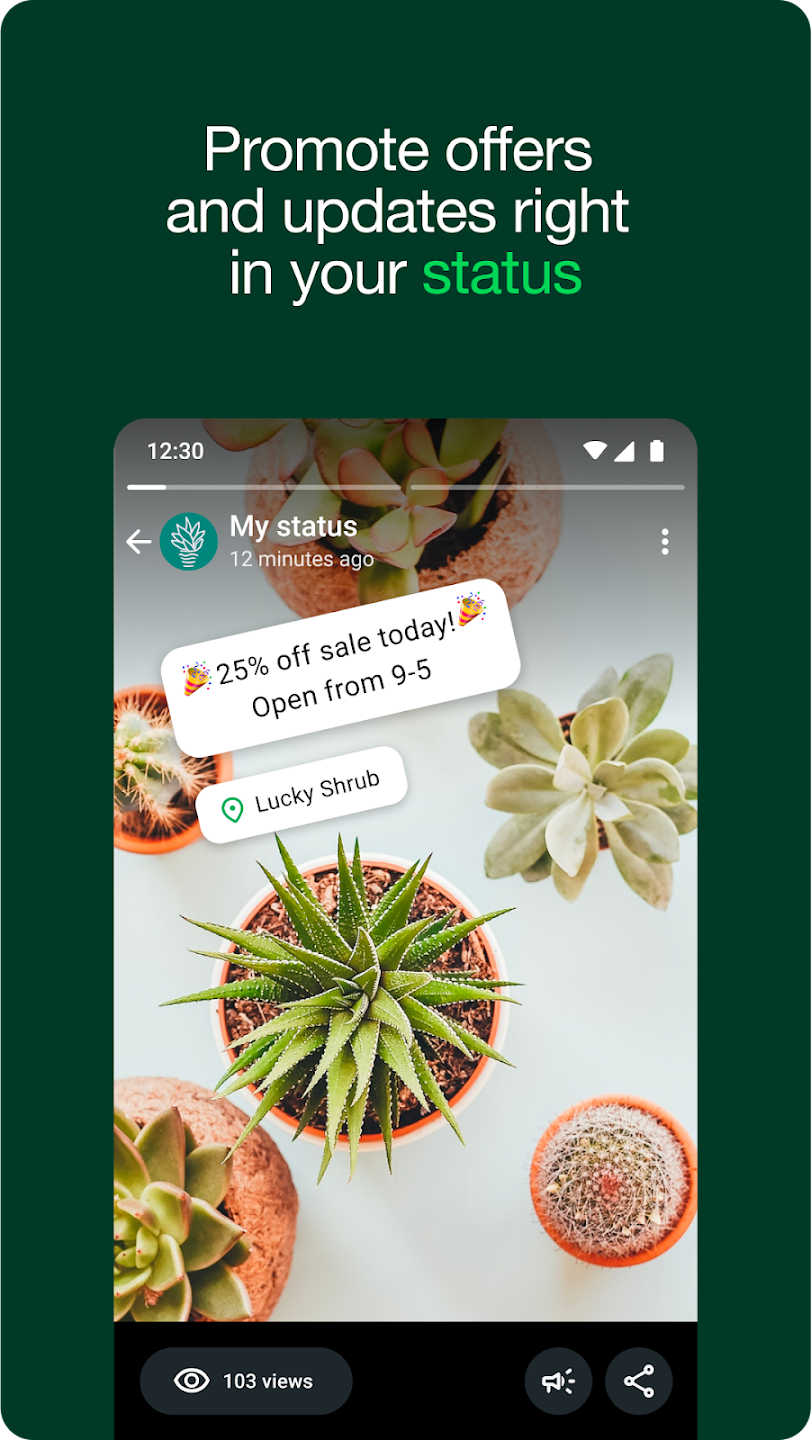
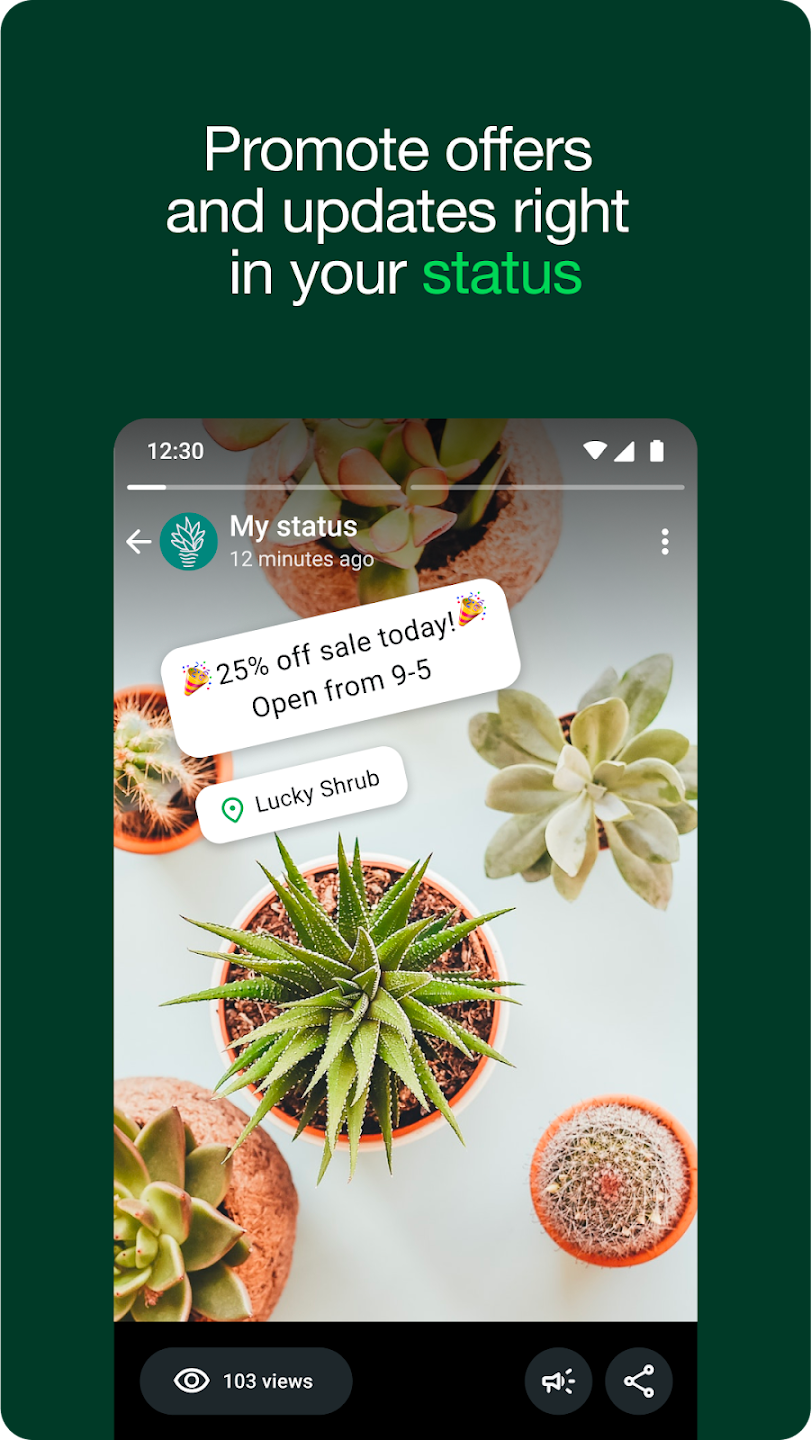
Smart automation and organization: WhatsApp Business lets you save time with quick replies for common questions and greeting or away messages when you are not available. You can apply labels to chats to separate leads, orders, and support requests so nothing gets lost in busy periods. When you need to spread the word fast, share offers through Status to reach recent customers in one place.
Multi device use and teamwork: You can link up to five devices to the same account so more than one person can reply without switching phones. With WhatsApp Business Web, staff can respond from a computer, which helps maintain faster response times during peak hours. Meta Verified users can link up to ten devices, which supports larger shop counters or remote helpers.
Dual accounts and easy migration: WhatsApp Business can run alongside your personal WhatsApp, as long as each account uses a different phone number. During setup, you can restore a backup to bring past messages, media, and contacts into the new workspace so you keep your history. Calls and messages run over mobile data or Wi Fi, and your carrier may apply data charges.
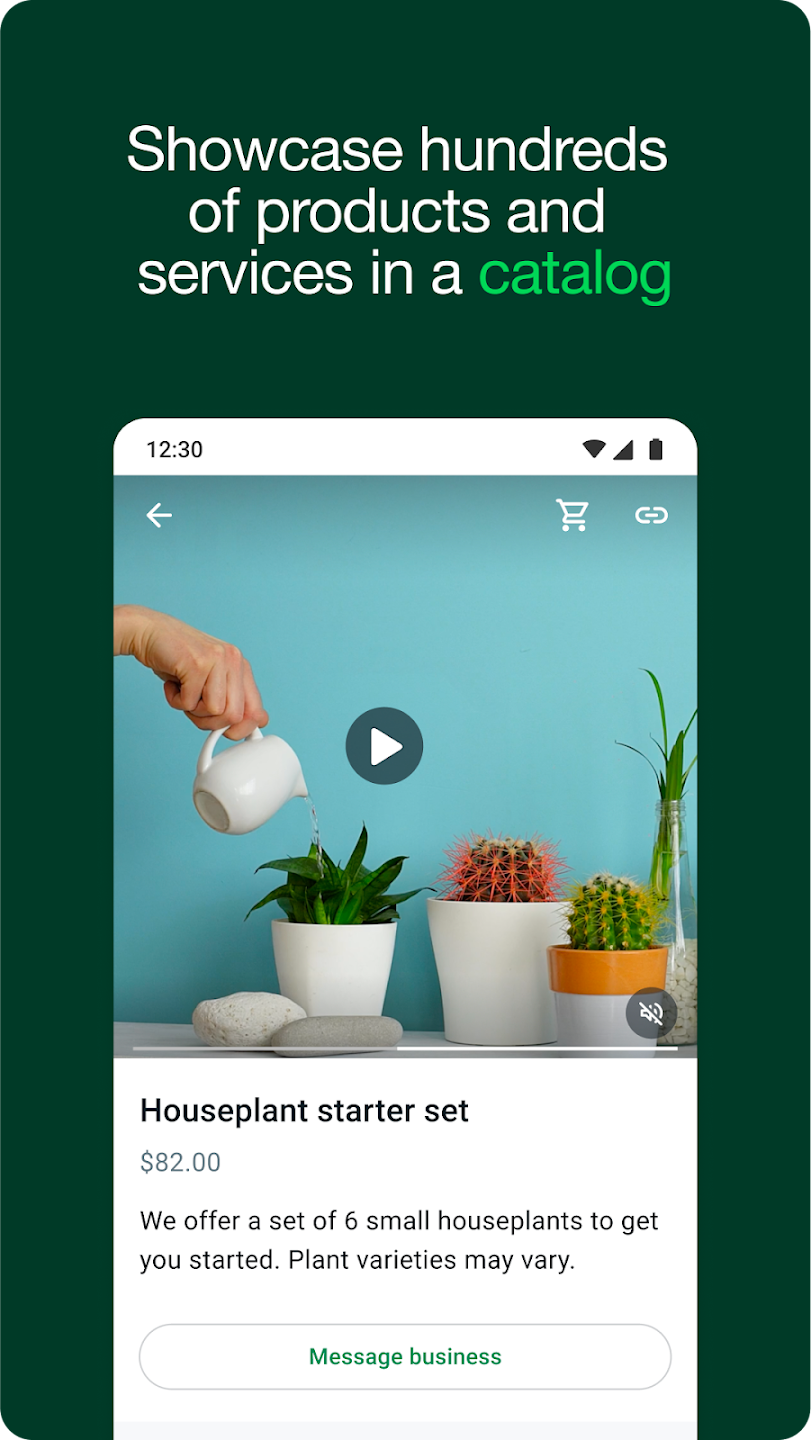
Sell and promote directly in chat: WhatsApp Business supports a catalog so you can showcase products or services with photos, prices, and details that are easy to share in chat. Ads that click to WhatsApp turn ad taps into new conversations, and you can send targeted offers to re engage past customers. In app orders and payments are available only in select markets, so check local availability before planning your checkout flow.
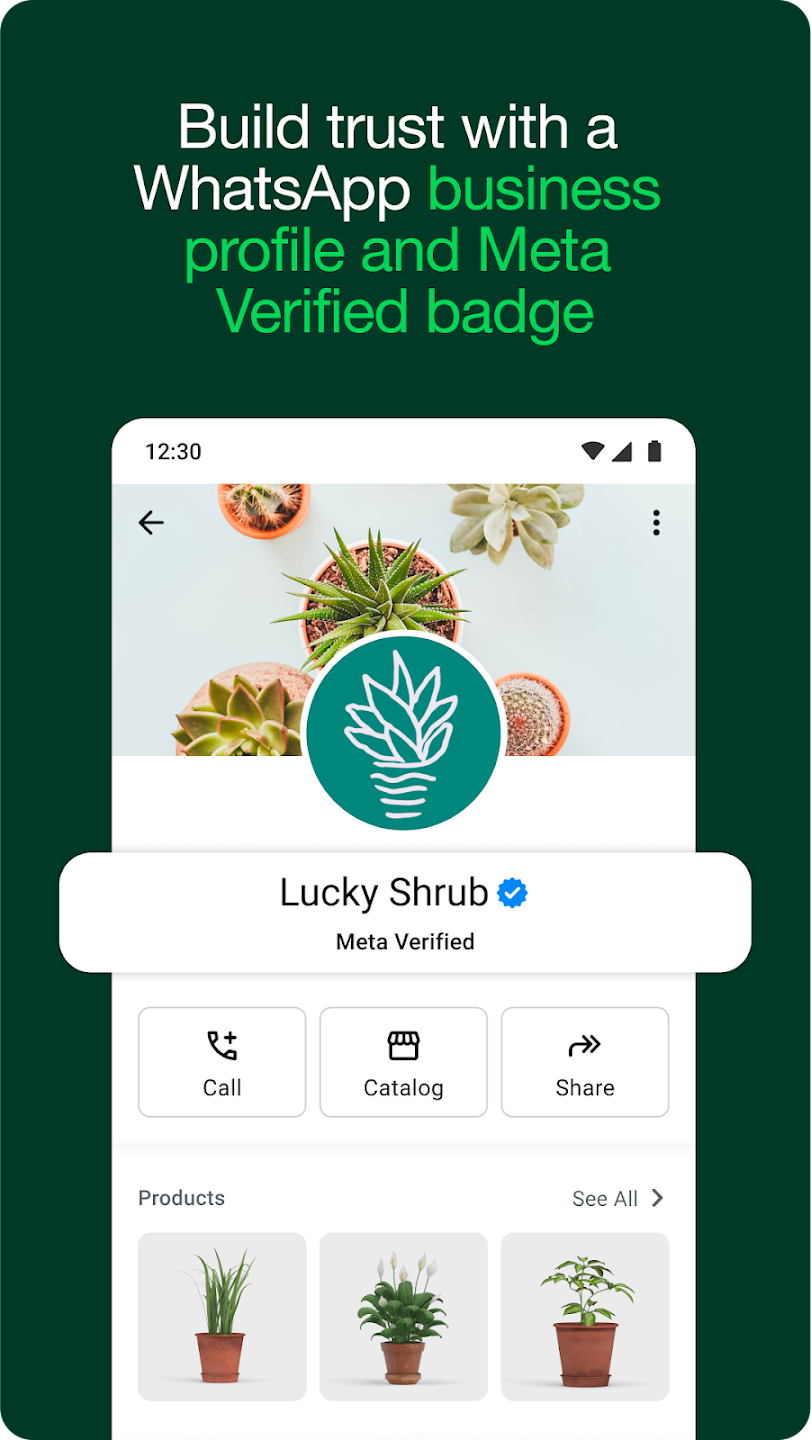
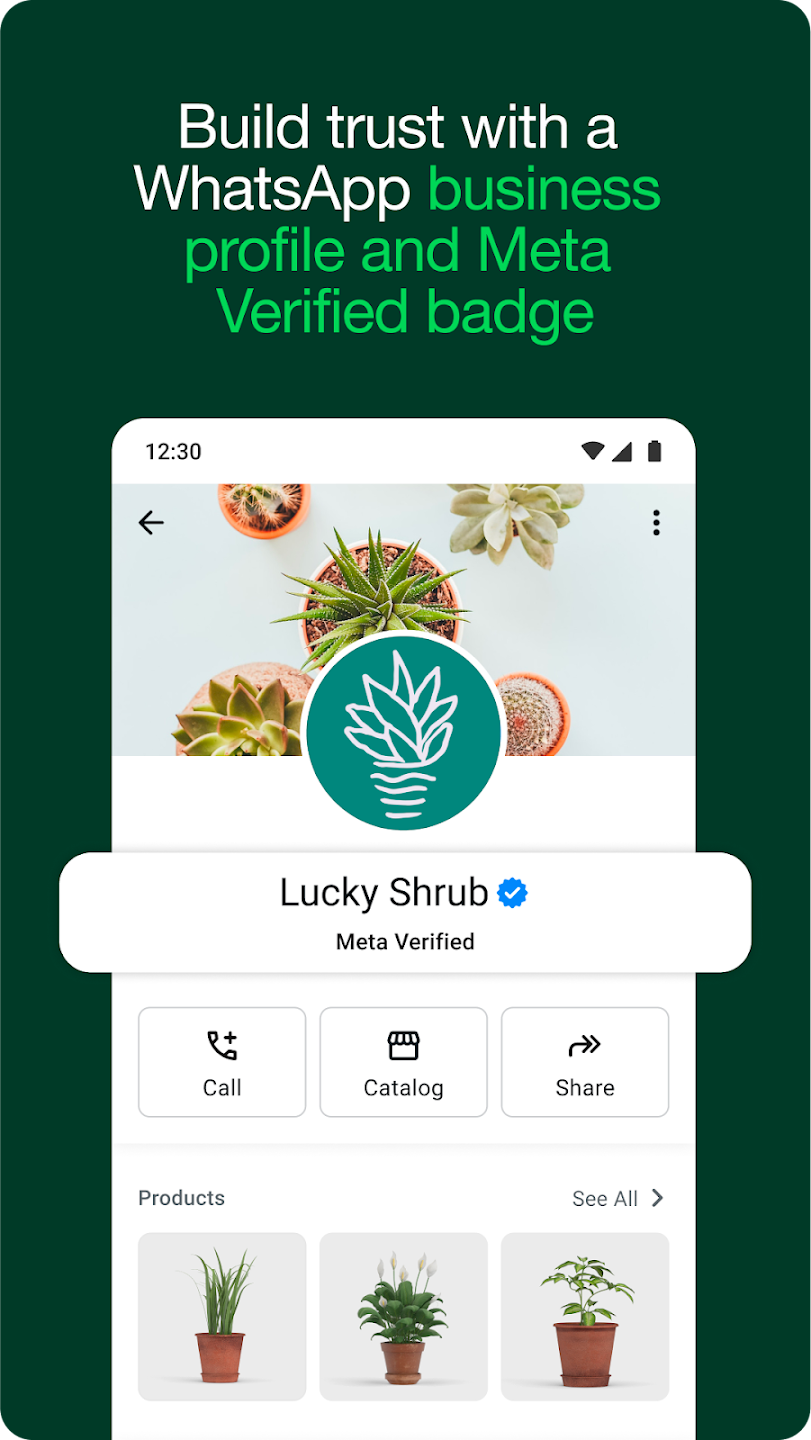
Customize your business profile: To create your WhatsApp Business profile, you must first enter your company's business phone number. It is important to remember that this number cannot be currently associated with a WhatsApp account. If it is, you will first need to unlink it. Once you have entered the number, you can add your company name and logo. When adding your logo, you should consider the circular design of WhatsApp profile photos to make sure everything looks good. A poorly positioned logo can affect your business' branding.
Add all your business information: The more information you provide about your business, the easier it will be for your customers to communicate with you. It is important to indicate the customer service operating hours, the web address, the physical address of your business (if any), and a whole host of extra information that you think may be useful. The more data you give preemptively, the fewer conversations you will have to provide the same answers repeatedly. As with Google My Business, you can even add a list of all your products for customers to see.
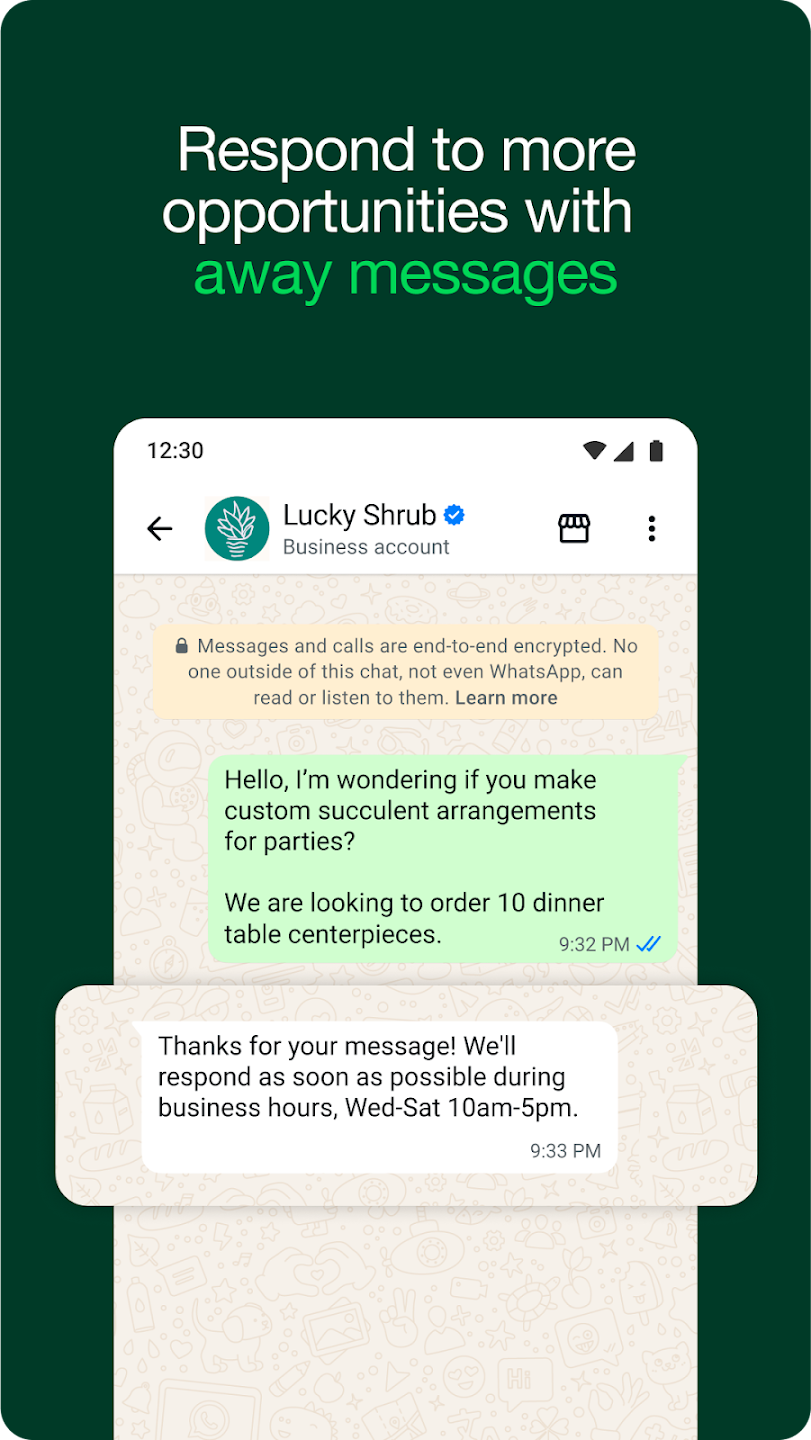
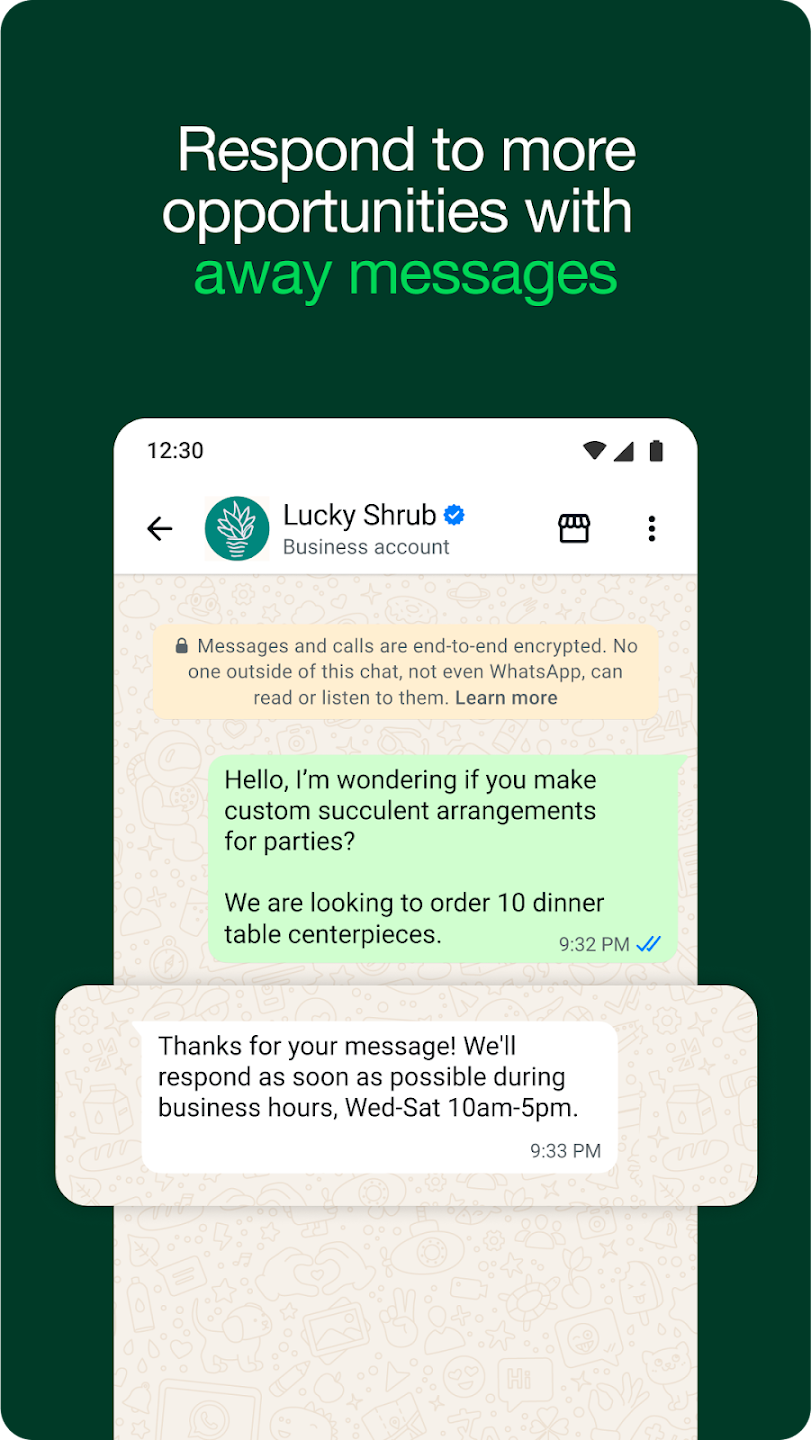
Automate messages to improve your service: One of the most interesting aspects of WhatsApp Business is the ability to automate messages. Most businesses create an automatic welcome message so that when customers start a conversation, they instantly receive a welcome response. You can also create automated messages for when someone writes to your business after hours, informing them that they may not get a rapid reply. You decide how you want to use message automation.
Enjoy all the features of WhatsApp and more: WhatsApp Business has been developed using the same structure as the standard WhatsApp client, which means that you can use all the others apart from the already-mentioned features. In other words, from your professional account, you can also send photos, videos, audio messages, stickers, etc. You can even change your status, block phone numbers, create messaging groups, or make video calls. Everything you can do with WhatsApp, you can do with WhatsApp Business.
Nice app. Very good in making calls both audio and video calls. Keep it up. I have a complain pls. I don't know if it is from my phone or from the app. When someone sends me a video or picture, when I download it, it will not go directly to my gallery. I have check my phone settings and the WhatsApp settings, they are all normal. What could be the problem? Thanks.
Your personal messages and calls to friends and family are end-to-end encrypted. No one outside of your chats, not even WhatsApp, can read or listen to them. Simple and secure connections, right away All you need is your phone number, no user names or logins. You can quickly view your contacts who are on WhatsApp and start messaging. Good , what a life changing and experience. good features and it is reliable app without crushing.
WhatsApp is one of the best and most useful communication apps available today. It has made it extremely easy for people to stay connected with their family, friends, classmates, colleagues, and loved ones, no matter where they are in the world. I have been using WhatsApp for a long time, and overall, my experience has been very positive. One of the best things about WhatsApp is its simple and user-friendly interface. Even new users can easily understand how to send messages, make calls, share.
Dear WhatsApp Team, WhatsApp is one of the best messaging apps, but I would like to suggest a feature that would make it even more useful. Please add a Message Scheduling option, similar to Facebook's post scheduling feature. This would allow users to write a message, choose a specific date and time, and have WhatsApp automatically send it at the scheduled time. This feature would be extremely helpful.
Q: How is the WhatsApp Business Platform different from the Messenger Platform?
A: The WhatsApp Business API is specific to messaging with your customers on WhatsApp. Messages sent on the Messenger Platform cannot reach customers on their WhatsApp numbers.
Q: How is the WhatsApp Business Platform different from the WhatsApp Business app?
A: The WhatsApp Business app is for small businesses to communicate with customers from a single device through a free-to-download app. The Business app enables businesses to reach hundreds of customers, is free to use and offers limited customization and integration with other tools.The WhatsApp Business Platform enables medium and large businesses to chat with customers at scale through programmatic access to WhatsApp. Businesses also get access to rich messaging features on the platform such as the ability to send media with messages and add quick reply buttons. The Platform enables businesses to reach millions of customers at a time, and integrate with the rest of their technology stack. Businesses pay per conversation they have with their customers and the first 1,000 conversations per month are free.
Q: How should a business decide to use the platform directly, or to work with an integration partner?
A: Businesses with in-house developers who can directly call our APIs may be interested in signing up directly. If you are not a developer, or would like to connect WhatsApp to the rest of your technology stack, such as an omnichannel inbox, customer support software, or a bot platform, you may prefer to work with one of our partners.
Q: Can a developer sign up and offer platform access to other businesses?
A: At this time, developers can access our APIs on behalf of their own business only. If you are interested in offering API access to other businesses, or becoming a partner, please join our waitlist.
Q: Is it possible to use an on-premises API, if we don’t want to use the Cloud API?
A: If you are interested in an on-premises option, please work with one of our partners. We are not enabling direct access to the on-premises API.
WhatsApp Business suits small and medium businesses, online sellers, service providers, and anyone who needs direct and fast communication with customers. It works best in situations where quick replies, simple order handling, and personal interaction are important.
Size:98.4MB Version:2.26.29.73
Requirements:Android Votes:85
Package Name:com.whatsapp.w4b Signature:38a0f7d505fe18fec64fbf343ecaaaf310dbd799
Virtual dating apps are digital platforms that allow users to connect, socialize, and build relationships in immersive online environments. By leveraging cutting-edge technologies like VR (virtual reality), AR (augmented reality), live video chat, and gamified interactions, these apps create engaging and lifelike dating experiences. Whether through virtual dates in digital worlds, interactive games, or AI-powered matchmaking, they offer a fresh and exciting way to meet new people. Ready to explore? Dive into the virtual dating scene and discover meaningful connections in a whole new way!
In today's digital era, many people find dating apps to be an incredibly effective way to expand their social networks. As one of the most convenient tools for modern socializing, these platforms offer users diverse opportunities to connect with others. Our curated selection of dating apps provides high-quality matching services, helping users quickly find like-minded people for meaningful interactions. Whether you're looking for friendship or romance, these apps empower you to meet new people in ways that suit your personal preferences and social style, making the journey of connection both enjoyable and rewarding!
Android mobile dating is one of the social channels for many otaku and beautiful women. Everyone likes to stay at home, lie on the sofa, chat with that person, share pictures, and communicate their feelings. Faced with the abundance of mobile dating apps in the Android market, do you often feel overwhelmed when choosing? Which Android mobile dating app is the best and most convenient? Our website has collected and organized a variety of mobile dating apps with different functions and designs for you to download and use for free.
About us | Contact us | Privacy policy| DMCA
Copyright © 2026 Xiaohei All rights reserved.