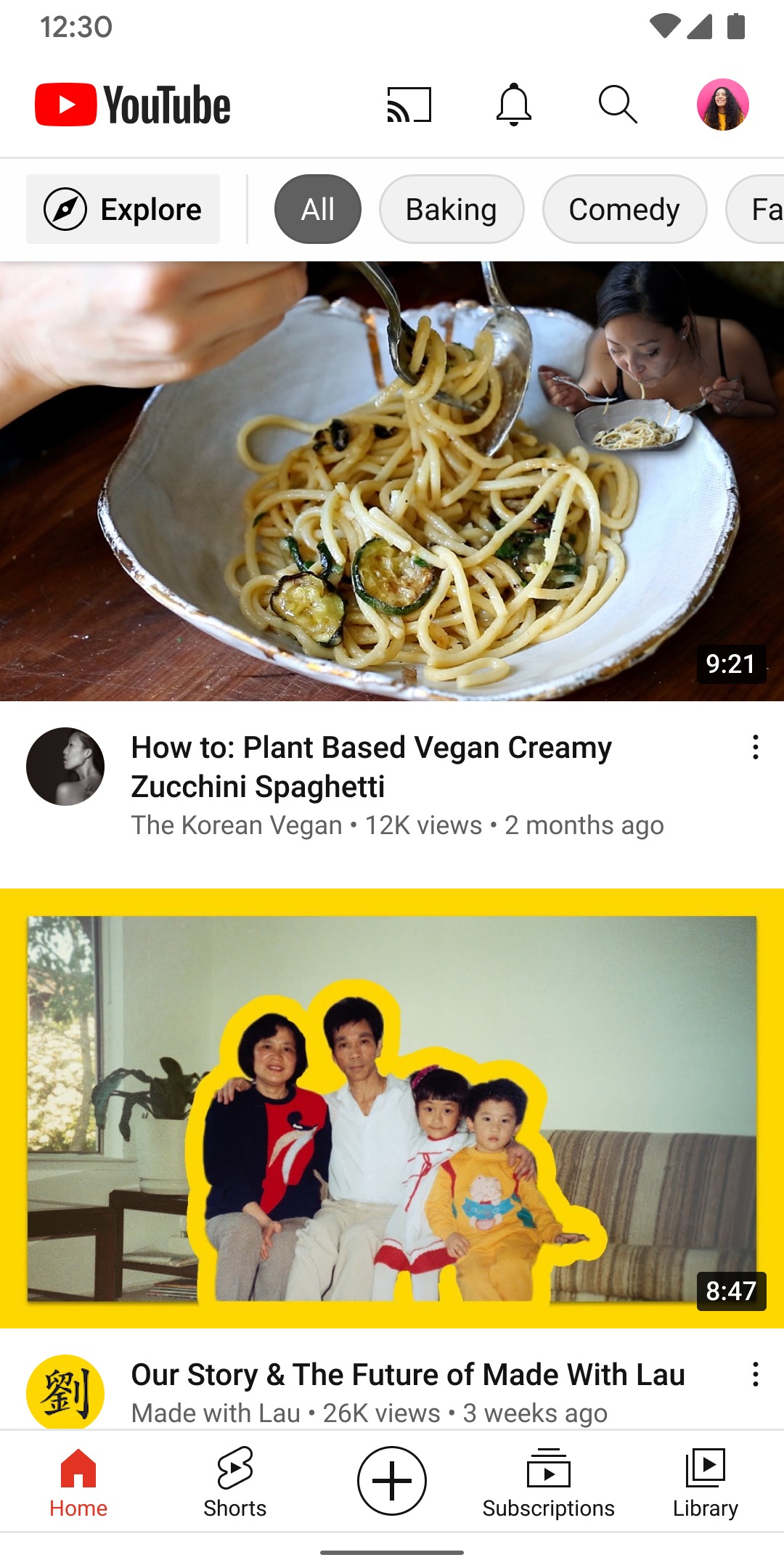
YouTube Premium Vanced is an enhanced experience tool designed specifically for YouTube users. It not only blocks various ads and pop-ups but also allows users to customize the playback theme and background color to better suit their aesthetic preferences. With the software's help, users can play videos in the background even when the screen is off. Favorite videos can be downloaded directly to the device without subscriptions or memberships. The software also supports picture-in-picture mode for windowed playback, facilitating multitasking.
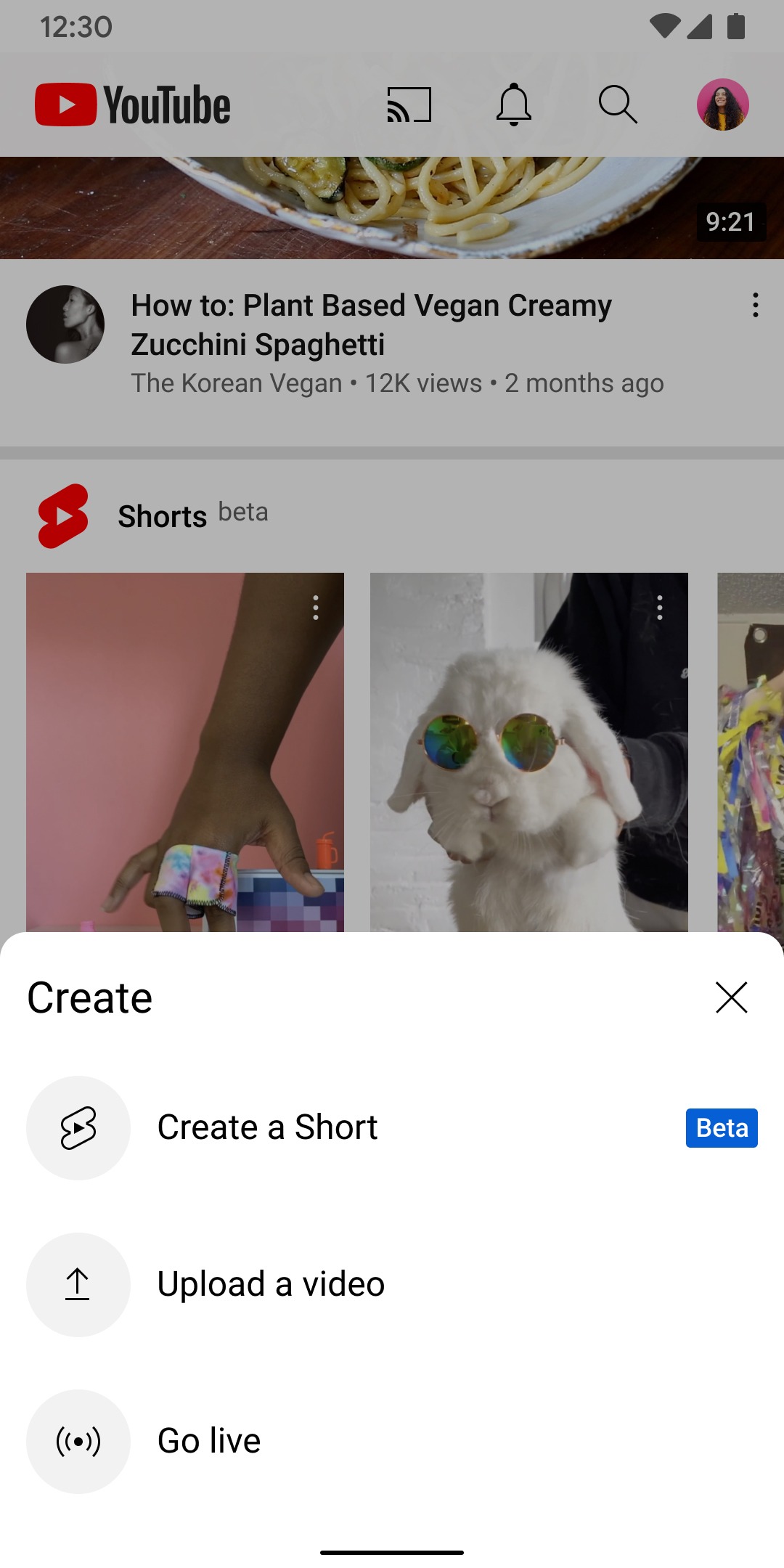
Ad-Free Streaming: One of the main attractions of both YouTube Premium Vanced is the ad-blocking feature. Ads are often the most frustrating part of watching YouTube, whether they appear before videos, in the middle, or as pop-ups. With these Premium apps, all advertisements are automatically blocked, giving you a seamless and uninterrupted viewing experience.The ad-free streaming feature is particularly useful for users who spend significant time on YouTube. It removes not only video ads but also banner ads and pop-ups that clutter the screen. Whether you’re binge-watching content, listening to music, or browsing videos, your experience remains distraction-free.
Background Playback: Another excellent feature offered by YouTube Premium Vanced is background playback. This functionality allows you to continue listening to audio or watching videos even when switching to other apps or when your phone’s screen is off. This is especially useful for users who enjoy YouTube for music, podcasts, or long-form content.Whether you’re chatting, checking emails, or reading articles, you don’t have to pause your video. Simply switch apps and the audio continues playing in the background.
SponsorBlock: The SponsorBlock feature is another highlight of both applications. Many YouTubers insert sponsored content into their videos, including product promotions and service advertisements. While this supports creators, it can be annoying for viewers who want uninterrupted content. With SponsorBlock, these sponsored segments are automatically skipped.This feature saves time and provides a smoother viewing experience by automatically bypassing intro ads, sponsored segments, and other irrelevant content.
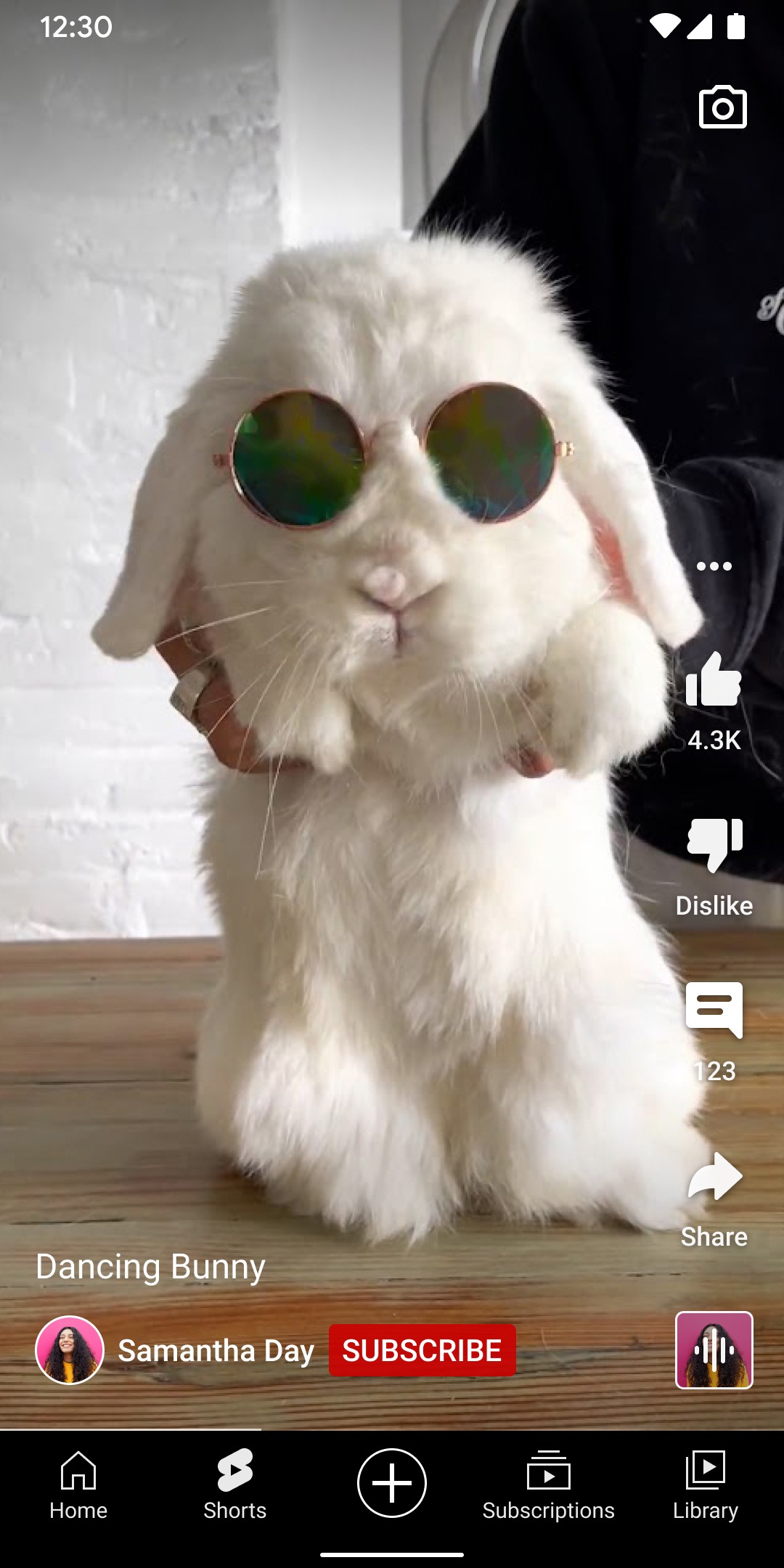
Return YouTube Dislike: Another useful feature of YouTube Premium Vanced is the Return YouTube Dislike option. YouTube’s decision to remove the dislike counter received significant criticism. Many users find the dislike count helpful for assessing video quality before watching. ReVanced brings back this functionality, allowing you to see dislikes on any video.This feature helps you avoid wasting time on low-quality content, ensuring your viewing time is well spent.
Premium Features Unlocked: Everything you love about YouTube Premium, without the subscription.
Video Downloads: Download videos in multiple qualities and watch offline. Save your data and watch anywhere.
Picture-in-Picture: Watch videos in a floating window while using other apps. True multitasking at its finest.
Theme Customization: Choose from multiple themes including dark, black, and custom colors. Make YouTube truly yours.
Advanced Controls: Swipe controls for brightness and volume, repeat mode, speed controls, and gesture navigation.
Do I need to root my Android device for YouTube Premium Vanced?
No, YouTube Premium Vanced works without root. You can install YouTube Premium Vanced on any Android device without requiring root access or system modifications.
Can I use YouTube Premium Vanced alongside the official YouTube app?
Yes, YouTube Premium Vanced can be installed alongside the official YouTube app. They have different package names and won't conflict with each other.
Is YouTube Premium Vanced available for iOS (iPhone/iPad)?
No, YouTube Premium Vanced iOS does not exist. ReVanced only works on Android devices. iOS users should look for alternatives like YouTube Premium, Safari ad blockers, or sideloading apps through AltStore. Beware of fake "ReVanced iOS" downloads as they are scams.
You can use more YouTube features for free. Without ads, all your video ads will be skipped. You can turn background playback on and off. Unlock the maximum video resolution.
Size:104MB Version:17.02.34
Requirements:Android Votes:193
Is it safe to say the movies are back? Admittedly, they never really left. But it seems in this decade where every year throws up new challenges and hiccups in the industry, folks become convinced the sky is falling and cinema’s days are numbered. Still, here we are back at the end of the year. And once again, there seems plenty to be thankful for as new cinematic images burrow their way into the collective subconscious for years to come. Whether it’s the sight of Muad’Dib standing before a nation of radicalized disciples as if he were a space-aged T.E.
With the advancement of technology, downloading videos on Android devices is no longer time-consuming. The Android universe is now infested with hundreds of apps for video download in Android that can download HD videos from a slew of video-sharing and streaming sites like YouTube with the swipe of a finger. However, the majority of these apps may contain adware and other unwanted software! As a result, if you’re looking for a good list of the best free Video Downloader Apps for Android. That is completely safe; this is the place to be!
Media player with multimedia capabilities is one of the important features in today’s smartphones. Most of the video content is consumed on smart devices and viewers continue their tasks like sending emails, surfing apps keeping the video playback on through Picture-in-Picture mode. Playing audio/video on an Android app has become a basic function with android video players becoming more and more customizable. Some of the best video players for Android offer multi format support, easy customizations, hardware acceleration, subtitle support and much more. In this blog, we have compared the best video player for Android based on speed, battery consumption, streaming capabilities, resource usage and more.
About us | Contact us | Privacy policy| DMCA
Copyright © 2026 Xiaohei All rights reserved.