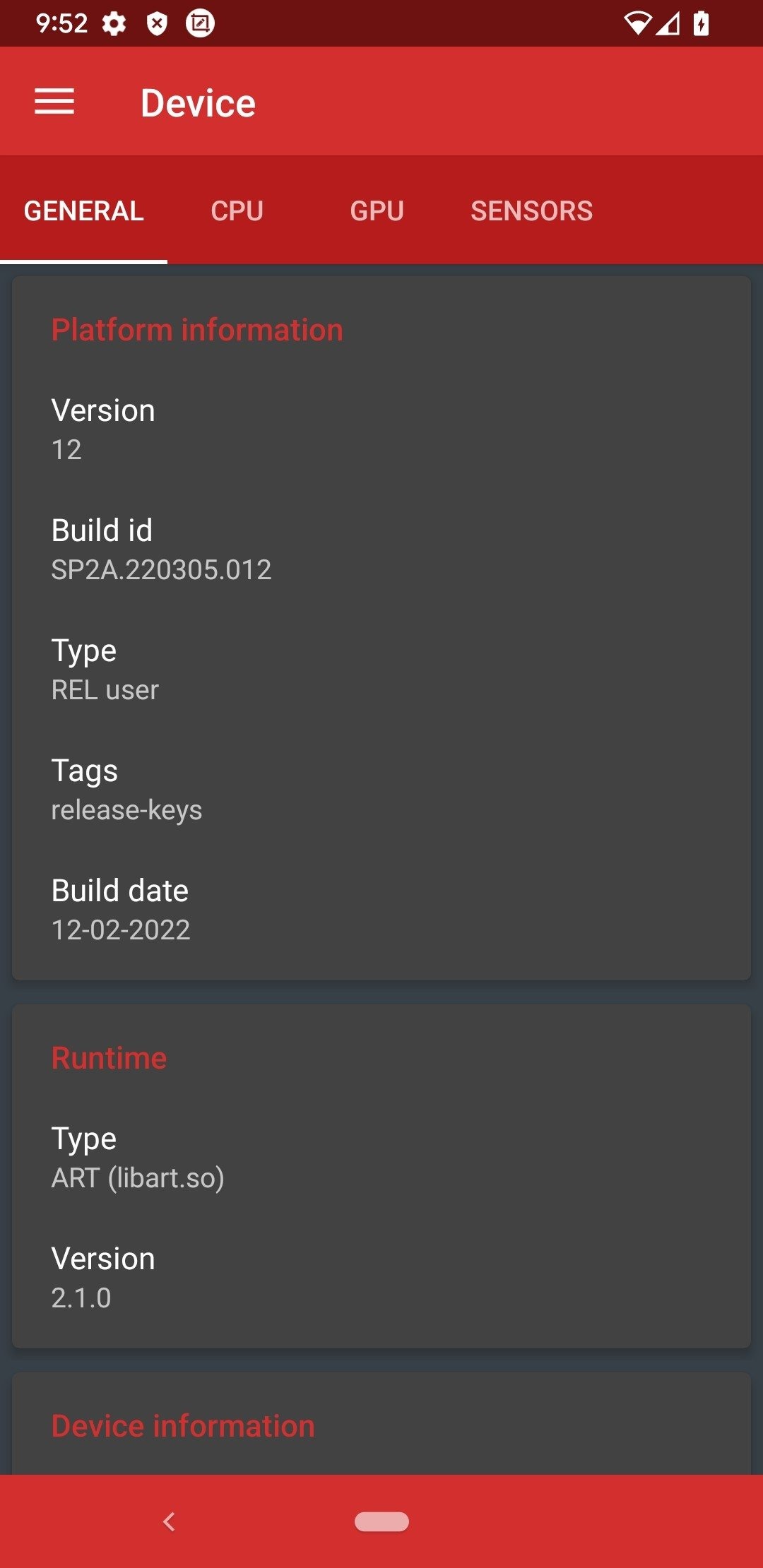
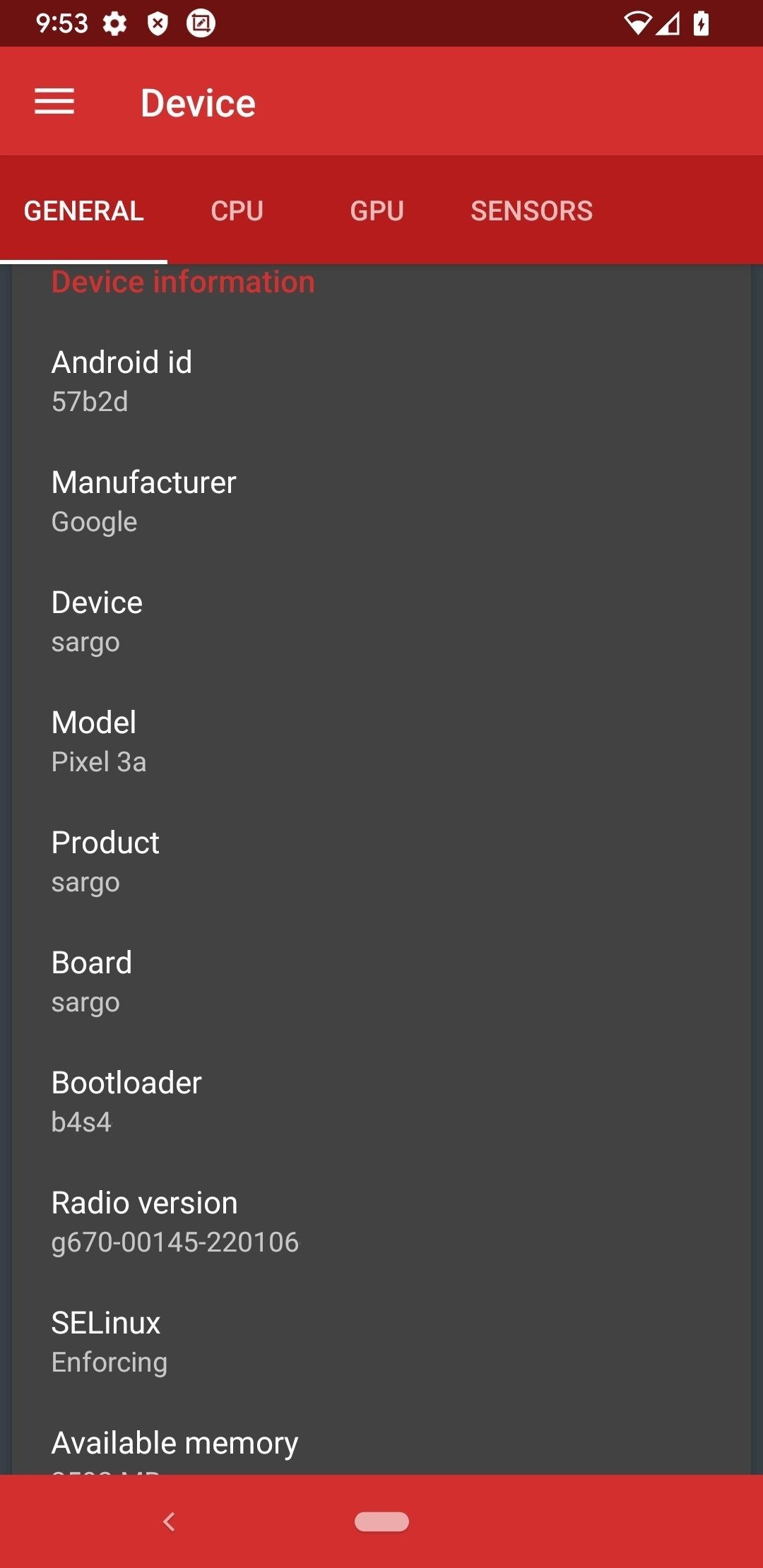
Device Control is a popular open-source Android utility. Packed with powerful features and advantages, it grants users deep access to device settings and direct control over many advanced functions on their Android phones. With Device Control, users can adjust CPU speed, view core performance, and uninstall system applications. Additionally, the app includes a built-in wireless file manager and recovery tools, allowing you to tweak various settings to optimize performance, extend battery life, and more.
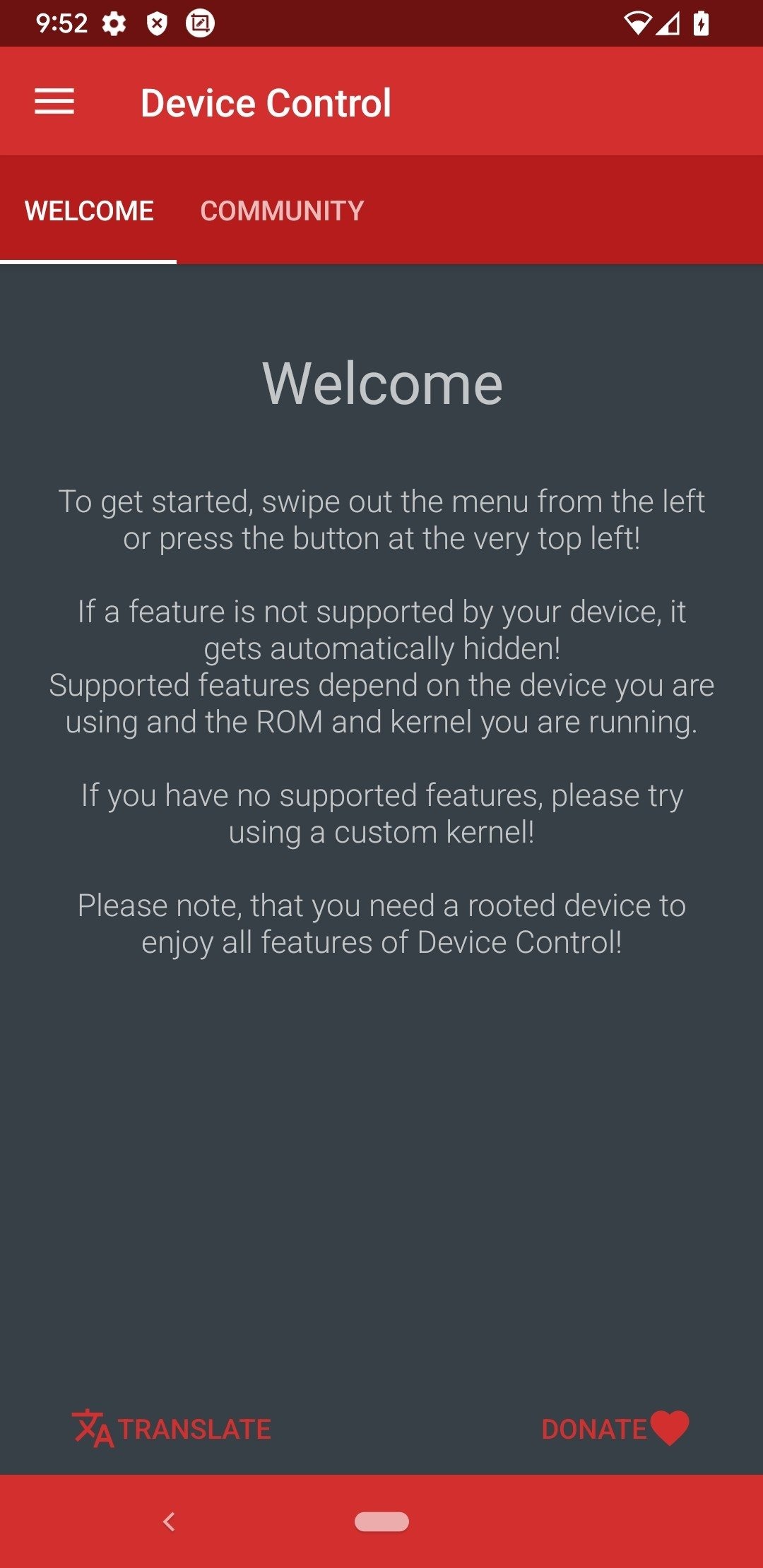
Device specific features like Knock-On, vibration strength, screen color temperature, LCD power reduce, ...
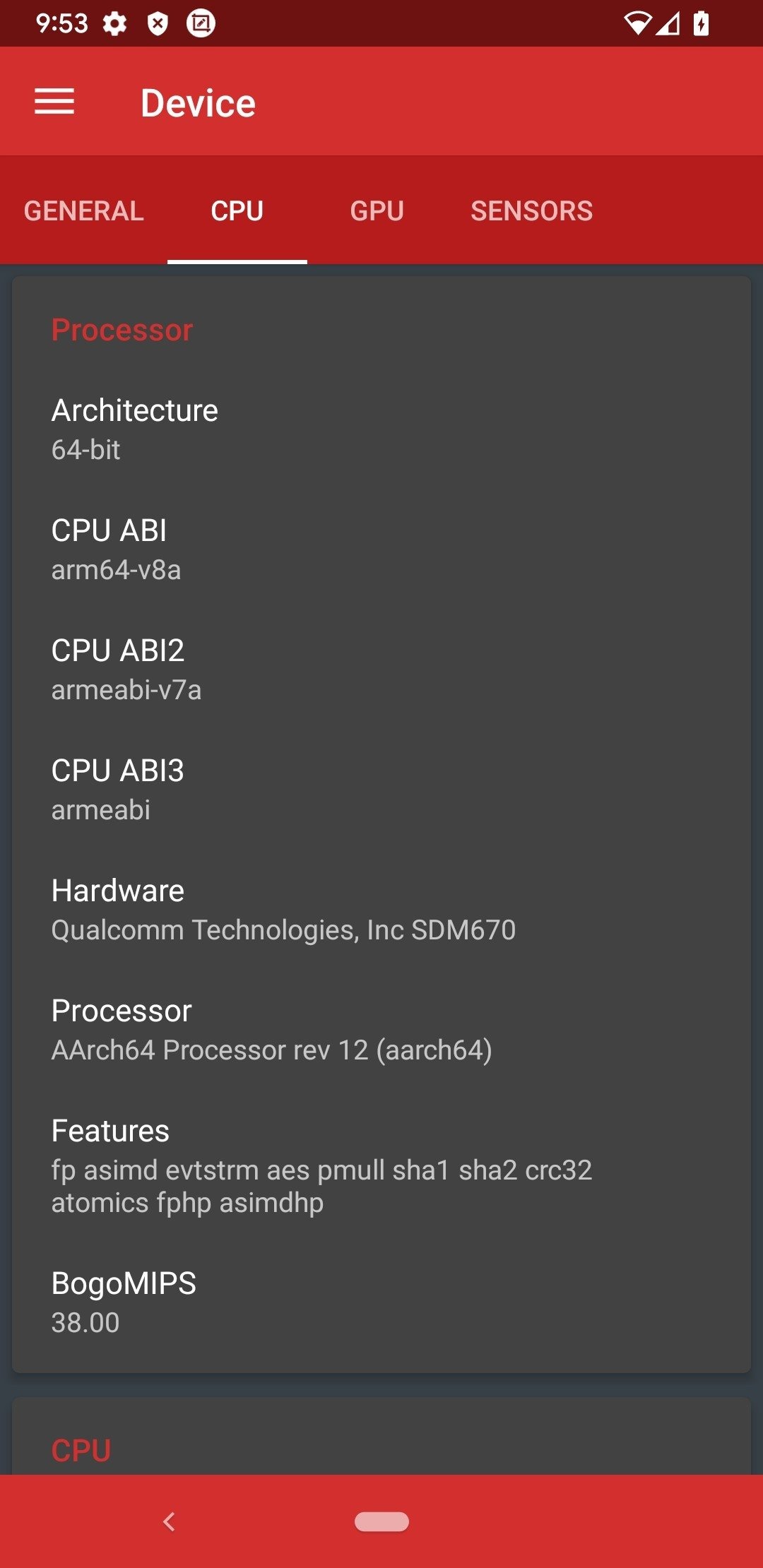
CPU frequencies, governors, i/o schedulers, ...
GPU frequencies, governors, ...
Kernel specific extras like intelli-plug and intelli-thermal by faux, msm dcvs toggle, mpdecision toggle, power scheduling, power efficient workqueues ...
Voltage Control, Fast Charge and more
Control and modify the CPU and battery temperature, the CPU status or the maximum and minimum processor frequency.
Manage the memory of our handset.
Reduce the power of our LCD screen.
Modify the screen's color temperature.
Access our SD card and internal storage space through a file explorer.
Manage applications to view their information, visit their datasheet on Google Play, disable them, enable them, or hide them.
And many more options...
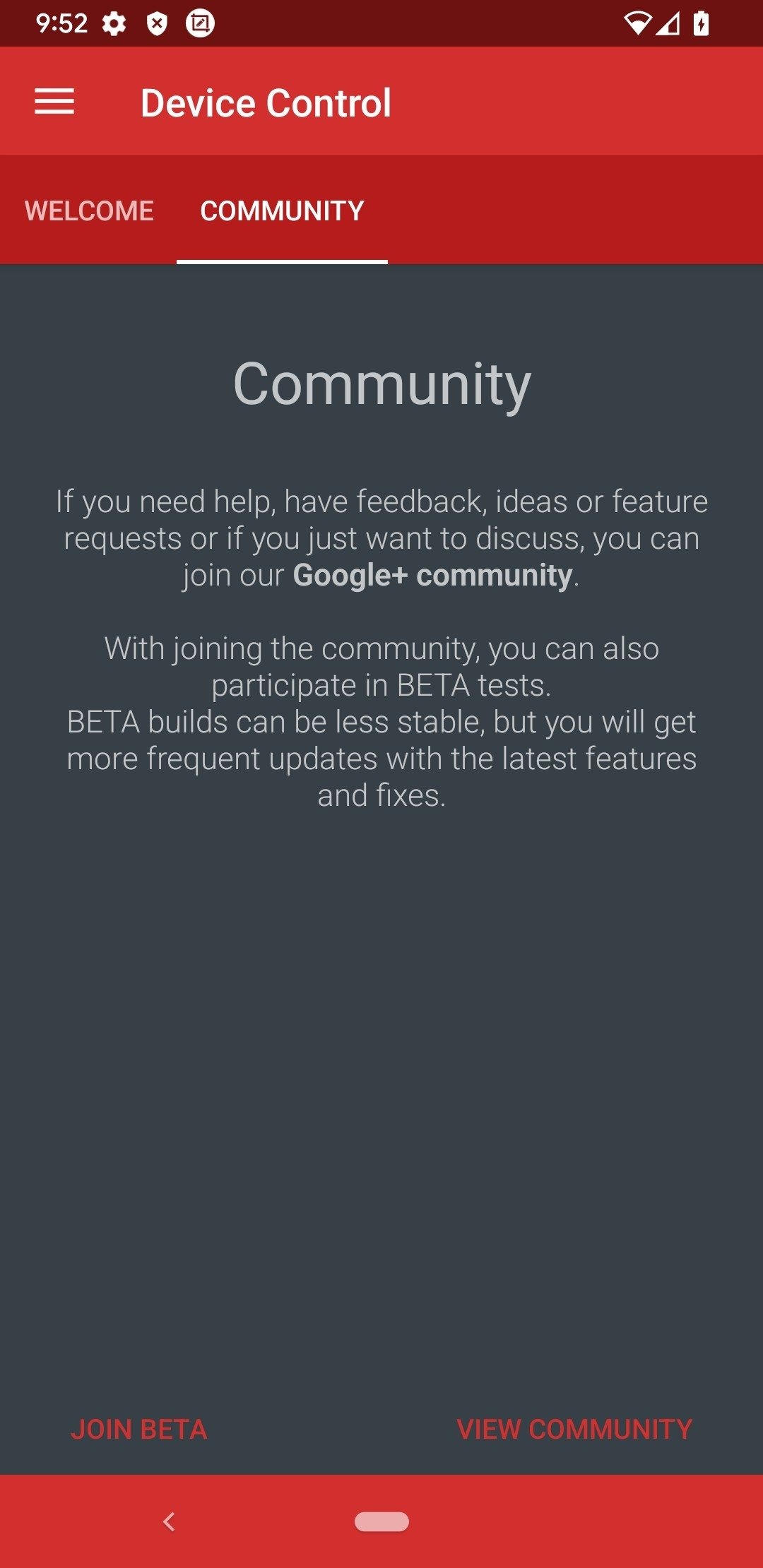
Day-Night theme
Use different way of displaying app icons in app manager
Cleanups and bug fixes
More to come, if you are interested in the details, just check the GitHub commit history! (Press on the version in the navigation drawer)
Other interesting features are: the 'tasker,' which lets you schedule different tasks; the wireless file manager that lets you manage the device's memory from any browser; and the recovery tools. Device Control shouldn't be used lightly. You could cause severe damage to your device if you're not careful. On the other hand, you can also get the most out of your device, if you know how to use it.
Size:4.92MB Version:0.9.0
Requirements:Android 4.0.3+ Votes:281
Package Name:org.namelessrom.devicecontrol Signature:81387f53305fe5e8df3ebff6e3daf18a
Utility apps are indispensable in our lives, making our daily routines more convenient. To help you find these apps more easily, this site has created a collection. This collection brings together a series of practical tools covering various aspects of life, work, and education, meeting all your needs. What are you waiting for? Try these apps now and make your life easier!
Transform your mobile device into a powerhouse of efficiency with these handpicked essential tools. Whether you need professional-grade photo editing, seamless file organization, smart task management, or real-time weather updates, our curated selection of premium apps delivers unbeatable performance. Streamline your daily routine, automate repetitive tasks, and boost your productivity with intuitive interfaces and powerful features. Designed for both professionals and casual users, these editor-approved applications will revolutionize how you work and play. Don't settle for an ordinary phone - upgrade your digital experience today and unlock your device's full potential!
About us | Contact us | Privacy policy| DMCA
Copyright © 2026 Xiaohei All rights reserved.