ClassicBoy Pro is a powerful Android game emulator that allows you to connect a game controller to your device and supports multiple save states for instant game playback. ClassicBoy Pro boasts a massive library of classic games and extensive game compatibility. Choose ClassicBoy Pro to relive a wide range of classic games and satisfy all your gaming needs in one place.
ClassicBoy Pro is a multifunctional game simulator designed specifically for Android devices, allowing users to play thousands of classic vintage video games on their mobile devices. This application supports simulation for various retro game consoles and handheld consoles, such as Nintendo, Sega, and other brands' gaming platforms, and provides a range of professional features and customization options to enhance the user's gaming experience.
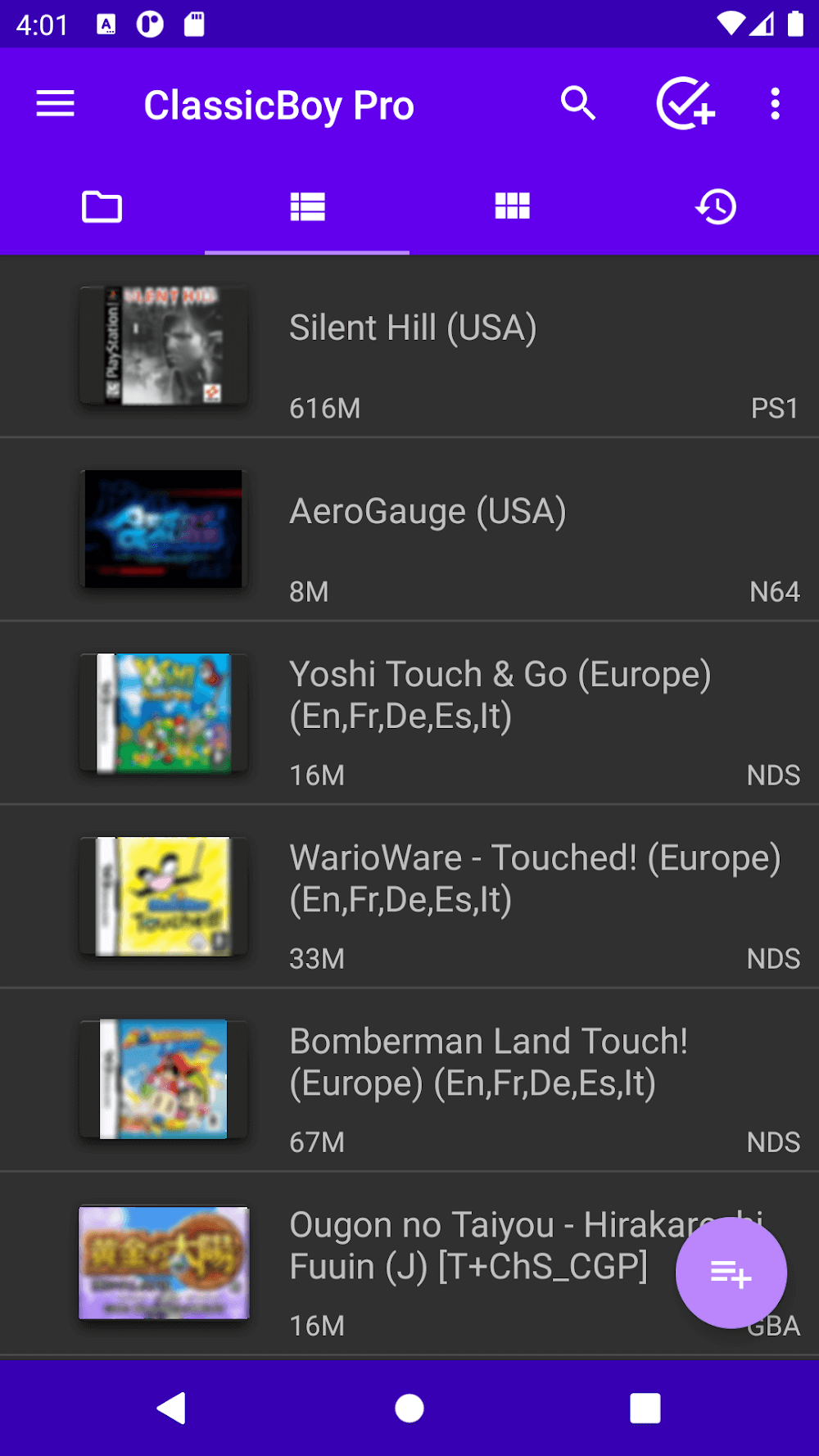
Multi platform simulation
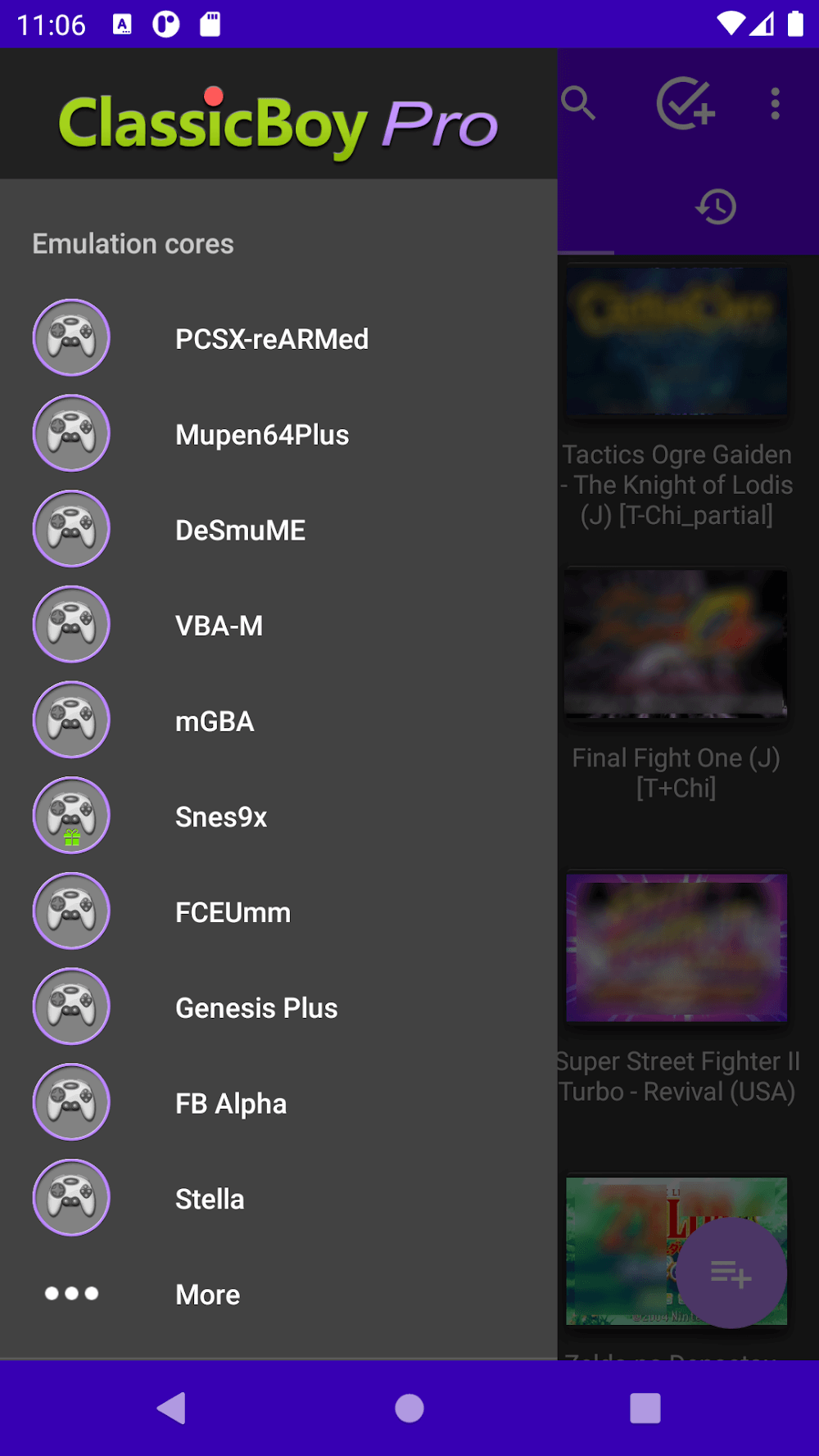
Supports over twenty different simulation cores, including PCSX ReARMed, Beetle PSX, Mupen64Plus, etc.
Capable of simulating console games from multiple eras, from NES to PlayStation 1.
ROM Management and Database
Provide ROM scanning tools to help quickly find and identify game files in your collection.
Having a built-in game database for easy management and categorization of your game library.
Game Control and Customization
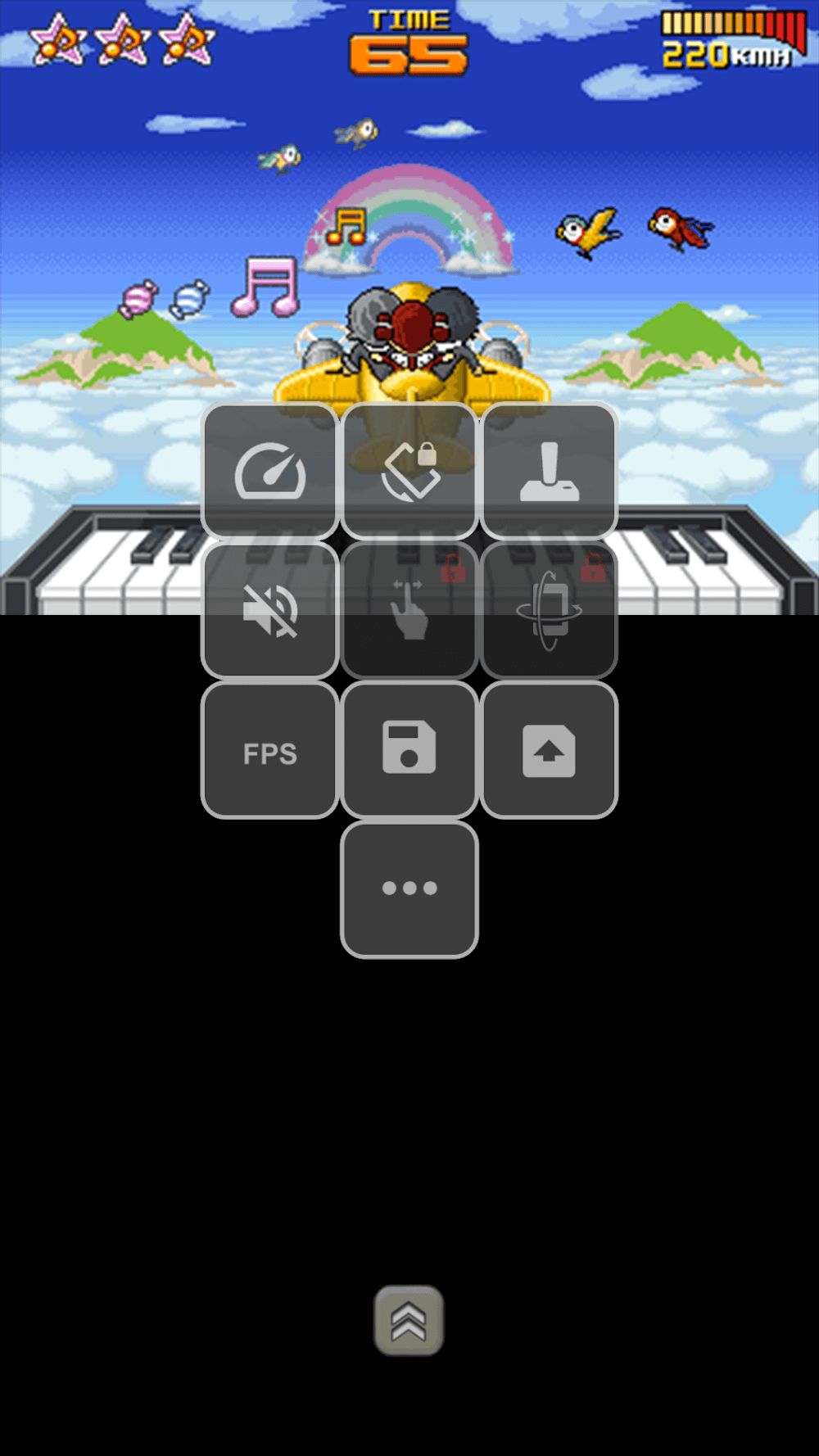
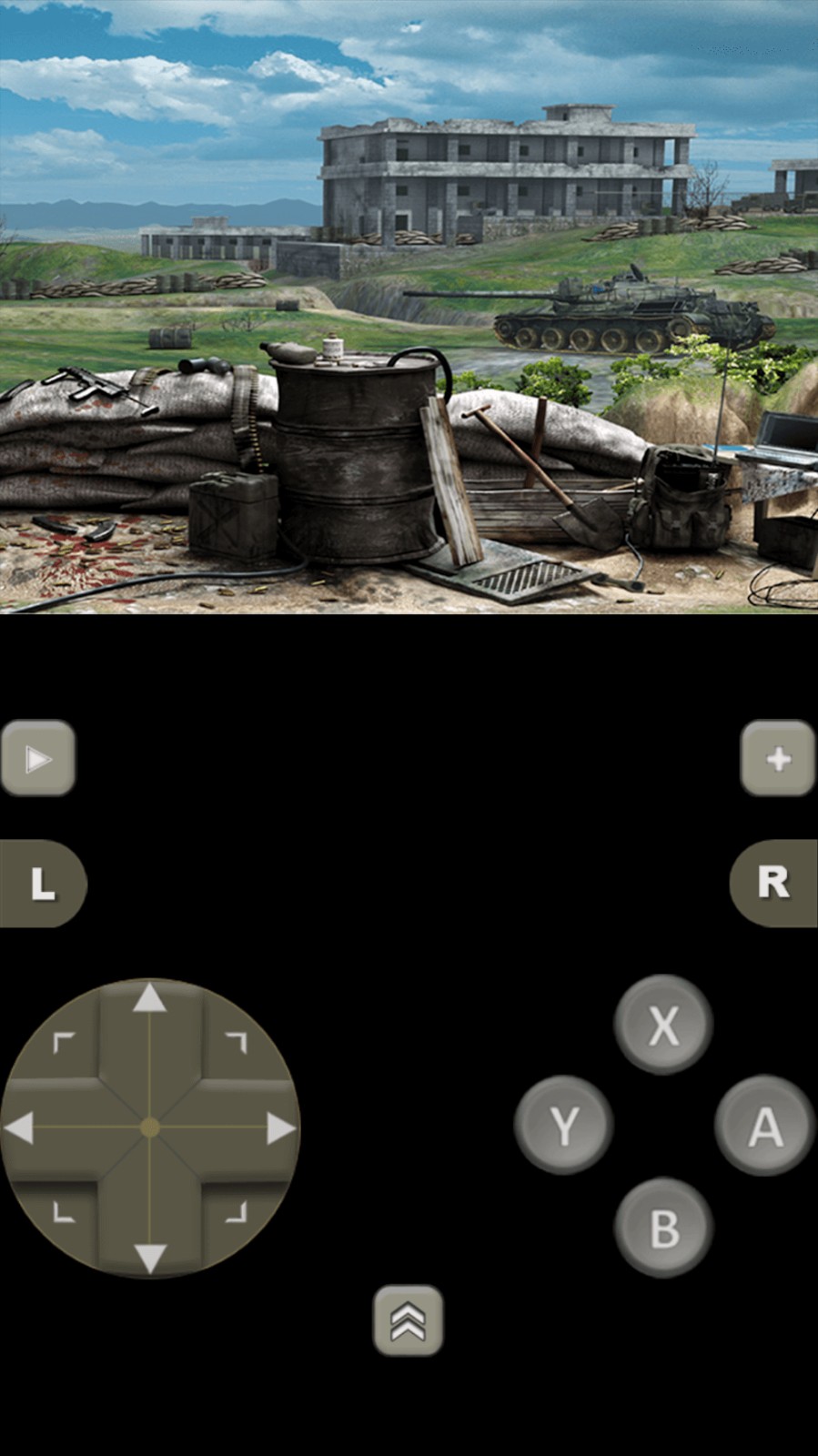
Support operation through 2D buttons on the touch screen or external game controller, supporting up to four players to play simultaneously.
Users can customize the position, size, and appearance style of screen buttons.
Support gesture control and sensor control to increase interactivity.
Game progress saving and loading
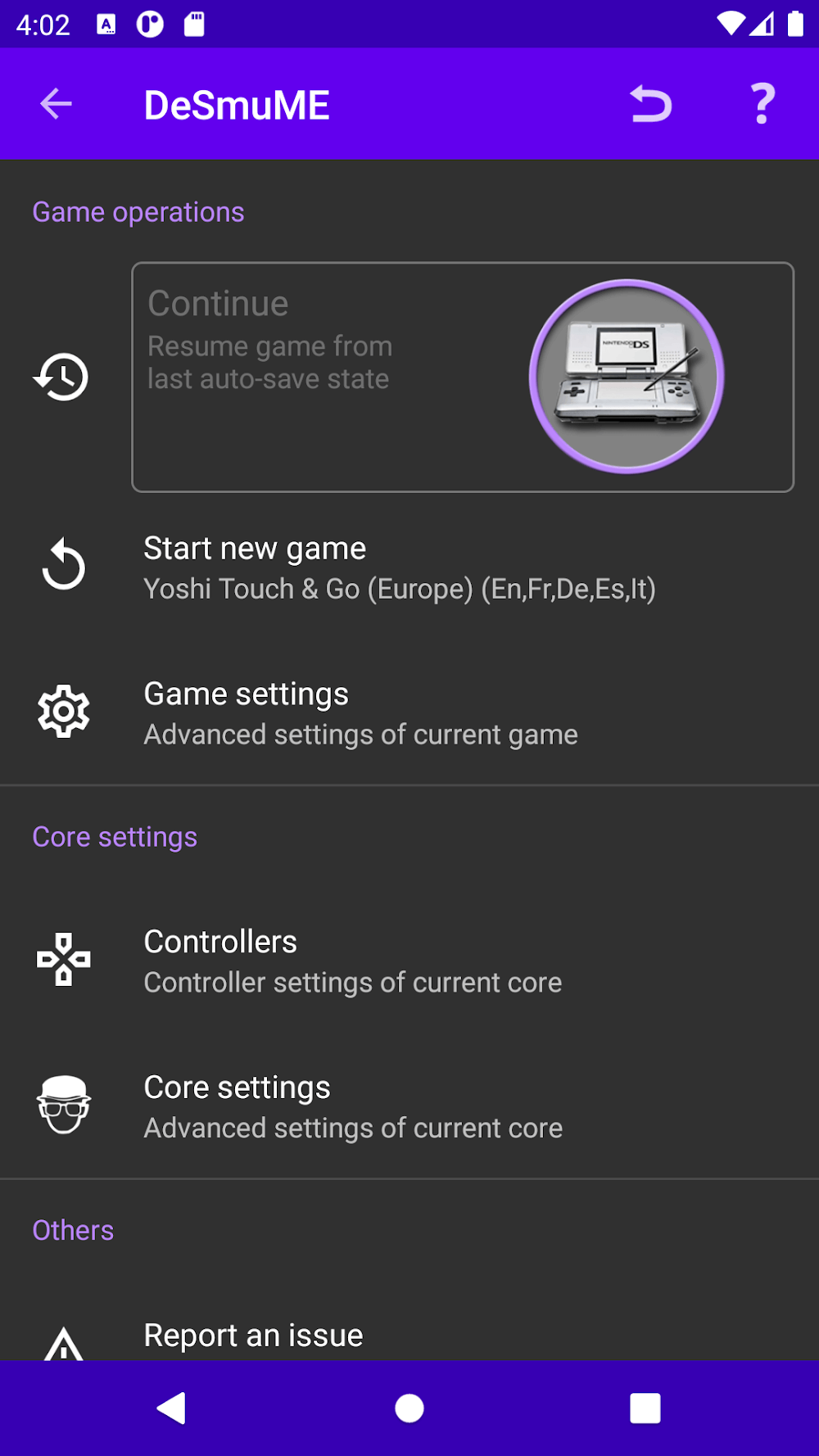
You can start the game from scratch or restore it from the save slot.
Restart the game using the battery SRAM file.
Support automatic saving and slot saving, making it convenient to pause and resume the game at any time.
Other characteristics
Provide turbo option to adjust game running speed.
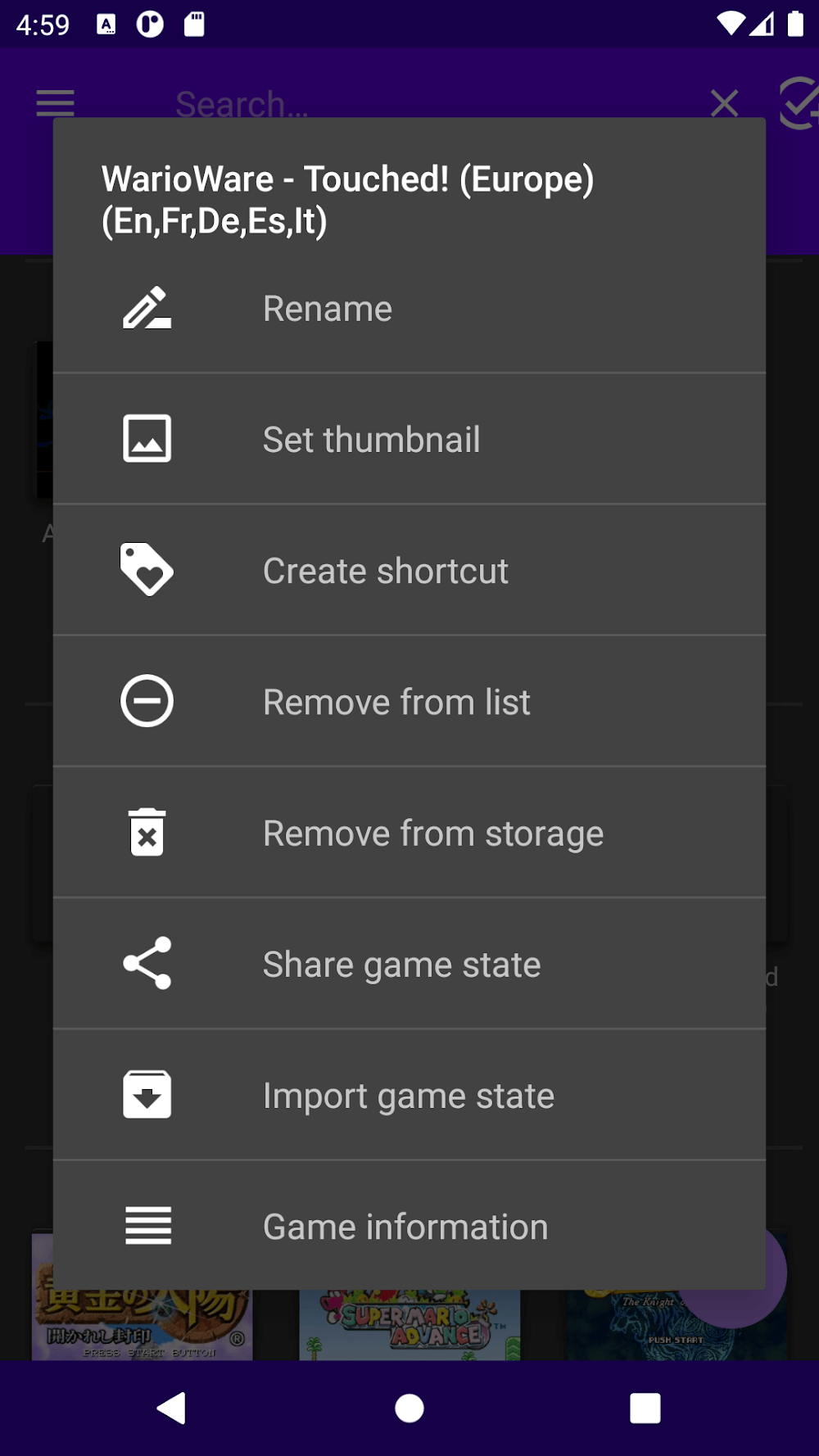
Support importing/exporting game data.
Allow setting cheat codes to unlock hidden content or modify gameplay.
Provide additional plugin downloads to expand the number of simulation games available.
Installation and setup: First, ensure that your device has enabled application installation permissions from unknown sources, and then download and install the ClassicBoy Pro APK file from a trusted channel.
Add game: Place the game ROM files in the specified directory, open ClassicBoy Pro, and use the built-in ROM scanning function to find and load these files.
Configure controller: Adjust the layout of screen buttons or connect external game controllers according to personal preferences.
Start game: Select the game you want to play, click enter to start the game.
Save Progress: In the game, you can save the current progress through menu options for the next continuation.
ClassicBoy Pro is loved by retro gamers for its extensive simulation support and highly customizable gaming experience. For those who wish to revisit classic childhood games, it provides a convenient and powerful solution. However, it should be noted that local laws and regulations should be followed during use, and game ROM files should be obtained legally. In addition, due to the involvement of older game formats, initial setup may require some technical knowledge. If you are new to this type of application, you may need to spend some time familiarizing yourself with its various functions.
ClassicBoy Pro is a powerful emulator for Android that, just like the fantastic RetroArch, lets you emulate more than a dozen game consoles on your device. The list of consoles that can be emulated includes: the original Playstation, Nintendo 64, Gameboy Color, Gameboy Advance, Gameboy Classic, NES, Sega Megadrive (Genesis), Game Gear, Master System, Sega Saturn, Sega CD, SNK NeoGeo, and Atari 2600 VCS.
Size:67MB Version:7.0.2
Requirements:Android Votes:570
Utility apps are indispensable in our lives, making our daily routines more convenient. To help you find these apps more easily, this site has created a collection. This collection brings together a series of practical tools covering various aspects of life, work, and education, meeting all your needs. What are you waiting for? Try these apps now and make your life easier!
Transform your mobile device into a powerhouse of efficiency with these handpicked essential tools. Whether you need professional-grade photo editing, seamless file organization, smart task management, or real-time weather updates, our curated selection of premium apps delivers unbeatable performance. Streamline your daily routine, automate repetitive tasks, and boost your productivity with intuitive interfaces and powerful features. Designed for both professionals and casual users, these editor-approved applications will revolutionize how you work and play. Don't settle for an ordinary phone - upgrade your digital experience today and unlock your device's full potential!
With the development of mobile hardware and software, many practical tool software have emerged, covering a wide range of aspects and becoming a good helper for everyone in work and life. Today, the editor provides you with a list of useful tool software downloads. These tools are not particularly complex types, and after reading them, everyone can quickly learn how to use them. Proper use can bring great convenience to life and work.
About us | Contact us | Privacy policy| DMCA
Copyright © 2026 Xiaohei All rights reserved.