UC Browser Turbo is a browser application designed for Android devices. It not only provides users with free cloud acceleration and private storage space to help store important information and files, but also supports multilingual design and diverse browsing modes. It helps users hide browsing history and protects eyesight at night, meeting various user needs. The software also includes a wide variety of wallpapers, allowing you to easily change your browser's theme with a simple click. Furthermore, the software helps users save a significant amount of data, making it very useful when downloading software, playing games, or watching movies.
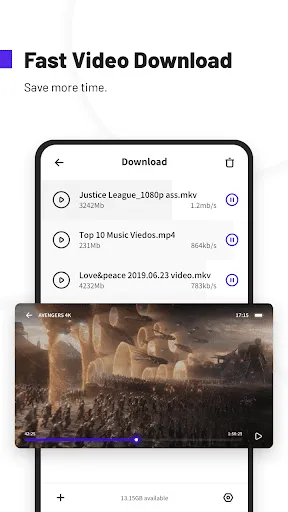
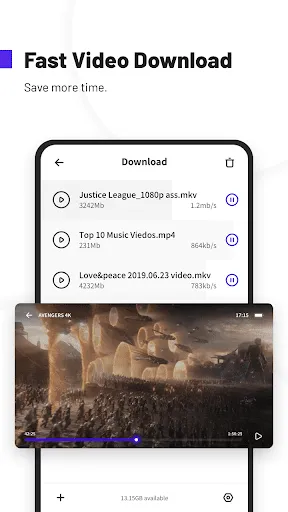
Faster video downloads: Uc Browser Turbo uses multi threaded downloading with server acceleration to improve speed and stability. Large files start quickly and continue reliably, even on spotty connections. You can queue videos and keep browsing while downloads run in the background to save time.
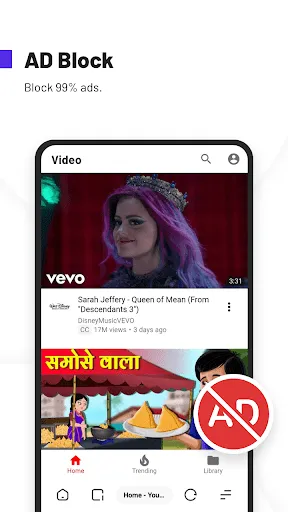
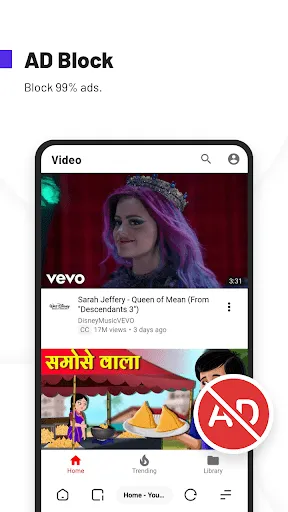
Ad blocking and cleaner pages: You can block banners, pop ups, and video overlays to reduce on-page distractions. When the same type of ad appears again, mark similar items to block them in the future. Pages feel cleaner and load with fewer interruptions, which helps with reading and scrolling.
Data Saver up to 90 percent: Uc Browser Turbo compresses web pages and downloads to use less mobile data. This is useful if you have a limited plan or are traveling on slower networks. With lighter pages, sites open faster and video playback can start with less buffering.
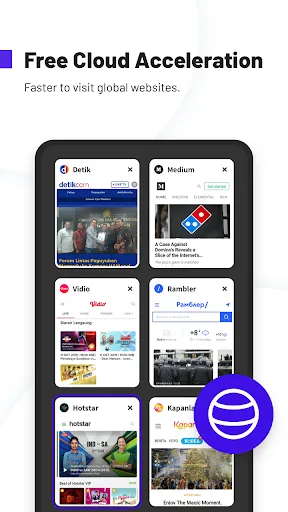
Free Cloud Acceleration: Cloud Acceleration routes traffic through optimized servers to help open sites and videos more smoothly. It works in a way similar to a VPN, improving speed and stability for content that is far from your location. This can make streaming and browsing feel more consistent during busy hours.
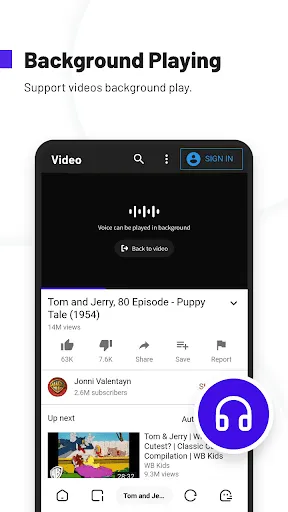
Private viewing and storage: Use Incognito mode when you do not want to save history, cookies, or cache. Private Space lets you hide and password protect downloaded files in a separate area. You can also keep videos playing in the background, even in incognito, and save clips for offline viewing when there is no connection.
Private Space: Users enable to hide downloaded online videos or files and encrypt with password, creating a privately-owned space.
Data Saving: UC Browser Turbo helps you use less mobile data to control your data budget. Whether you're downloading or browsing, Uc Browser Turbo always saves 90% data.
Useful Tools Kit: With a series of tools like status downloader, network speed test, image search, you just need to open Uc Browser Turbo to own them.
Switch Tab on Toolbar: It is a special feature which can save your time and give you smooth browsing. Just move your finger on toolbar, tabs can be switched quickly. Open and Delete options are added now!
Secure Browsing: Incognito mode helps you to browse in private. Your browsing history will not be recorded in this mode.
Ad Block: Ad Block function blocks different forms of ads that effect your browsing experience. Also you can mark them manually to block ads with same style in future.
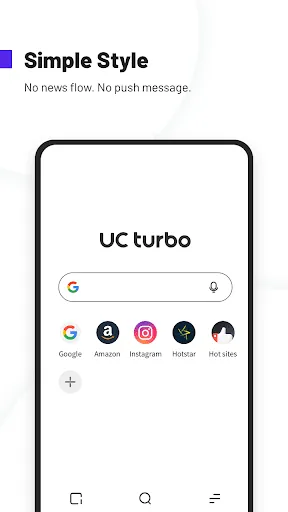
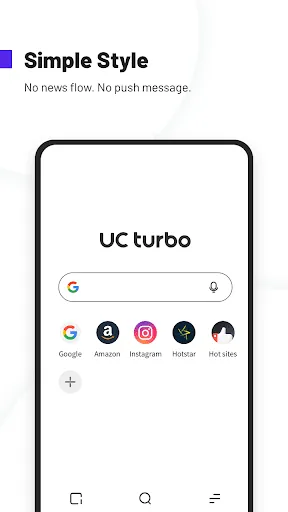
Homepage Customizable: You can decide your own homepage. Add your favorite sites to homepage from Bookmarks (add sites to Bookmarks first), or delete all built-in sites to have a blank homepage. You can also set your own picture as unique wallpaper. It’s all up to you.
I use this browser when I am out at the lake where i have very poor slow connection. Before I could never browse internet when at my cabin, but with this browser it has made it possible with the ease as pages now actually load. You can tweak many thing like data saver and lower quality images which is what I think helps, I can't do this with other apps. One thing I would like to be improved is easy access option for desktop mode and the toolbar to have the option to be at the top.
UC Browser Turbo lives by its name. Much faster and peppier in comparison to the existing browser. Moreover the interface is much more cleaner and simplistic unlike the existing browser which looks extremely busy. Ad blocked seems way more efficient with users being given an option to handpick and block certain specific ad categories only in comparison to all ads. "Search within the page" feature is also something that did not exist earlier. "voice enabled search" feature is extremely responsive and efficient.
I have not changed browser for 3 years and have this made me just fall in love with it. The old uc was cluttered and didn't seems modern. This is perfect, good features of the old with modern design elements. I love the bottom navigation bar and the the address bar at the bottom. I love the Fact that you can exit the browser and close all tabs, there is an exit tab!. Thanks team UC.
Definitely the best browser I've ever used before, so much so that I've developed a bias for it. It's fast, simple(yet complex) and gives a variety of options for it to suit your needs and wants(much like other browsers but this one has a certain charm to it), although I have been having issues with looking up anything these past months and I hope the developers fix this issue because I love this browser and I wouldn't want to switch to any other.
How does the ad-blocking feature work in Uc Browser Turbo?
The ad-blocking feature in Uc Browser Turbo automatically filters out intrusive ads while you browse, allowing for a smoother and faster browsing experience.
Is Uc Browser Turbo free to use?
Yes, Uc Browser Turbo is completely free to download and use without any hidden charges.
Does Uc Browser Turbo save data while browsing?
Yes, Uc Browser Turbo is designed to compress data and optimize loading times, helping users save on mobile data consumption.
Can I customize the homepage in Uc Browser Turbo?
Yes, users can customize their homepage by adding or removing shortcuts to their favorite websites.
Is my browsing data safe on Uc Browser Turbo?
Uc Browser Turbo includes built-in security features to protect user privacy, but it’s always recommended to be cautious and review privacy settings. Freeware& Shareware
Does Uc Browser Turbo support multiple tabs?
Yes, Uc Browser Turbo allows users to open multiple tabs simultaneously for efficient browsing.
All in all, UC Browser Turbo gives its users much more than complete browsing. It offers fast and safe browsing while being data-efficient. Moreover, there are essential tools that you can make use of without downloading and installing extensions. Some of the features from the original UC Browser are missing but these can be overlooked as the app offers a very futuristic experience.
Size:44.69MB Version:1.10.9.900
Requirements:Android Votes:466
Package Name:com.ucturbo Signature:25532cd25a21b3391870df15367862bc
Browser is a software application that enables users to access, render, and navigate information resources on the internet. These resources, identified by Uniform Resource Identifiers (URIs), include web pages, images, videos, and other multimedia content. Browsers facilitate seamless exploration of interconnected data through hyperlinks, allowing users to transition between related information effortlessly. Technically, browsers operate by sending HTTP/HTTPS requests to web servers, retrieving data, and processing it through rendering engines (such as Blink, Gecko, or WebKit) to display interactive, visually structured pages. Modern browsers also support advanced features like caching, scripting (JavaScript), and secure encryption (SSL/TLS), ensuring efficient and safe web interactions for users worldwide.
Which browsers on mobile phones are currently very convenient to use? Today, the editor will recommend ten similar mobile applications in detail based on the ranking of mobile browser apps. In these browser software, users can experience rich reading functions and also enjoy information content.
About us | Contact us | Privacy policy| DMCA
Copyright © 2026 Xiaohei All rights reserved.