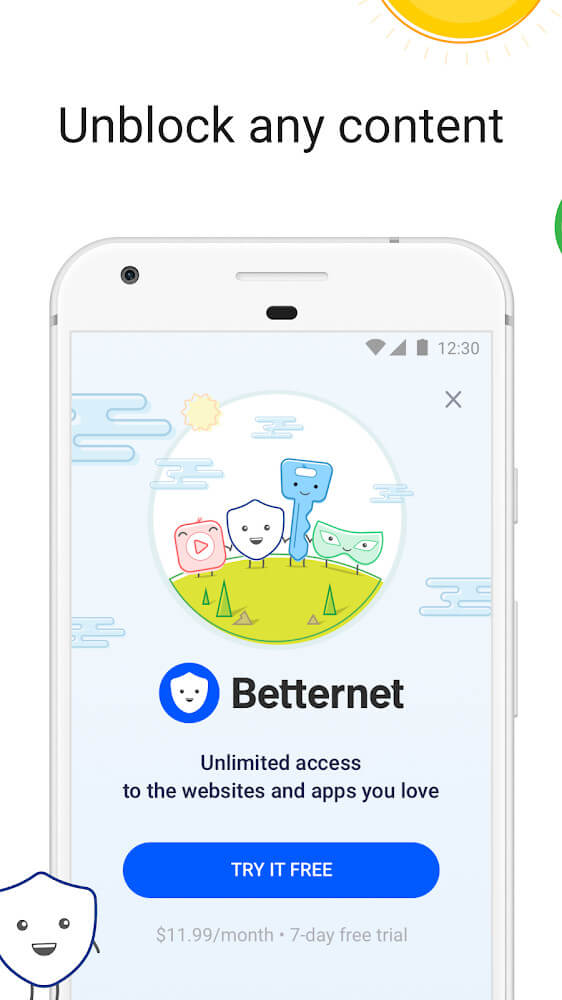
Betternet VPN is a secure and convenient VPN service application. This powerful application boasts servers located globally, allowing users to smoothly access various websites. With Betternet VPN, you can change your IP address in just a few simple steps and enjoy a secure and private browsing experience. This IP address changing function effectively improves privacy and security, protects your device, and allows users to access global entertainment content. Click to download and experience it now!
Unlimited VPN access with no registration or credit card required
Complete privacy: no saved logs or email needed
End-to-end protocol encryption to secure your Wifi or 5G connection
Malware and phishing protection
Advanced proxy technology
24/7 always-online customer support
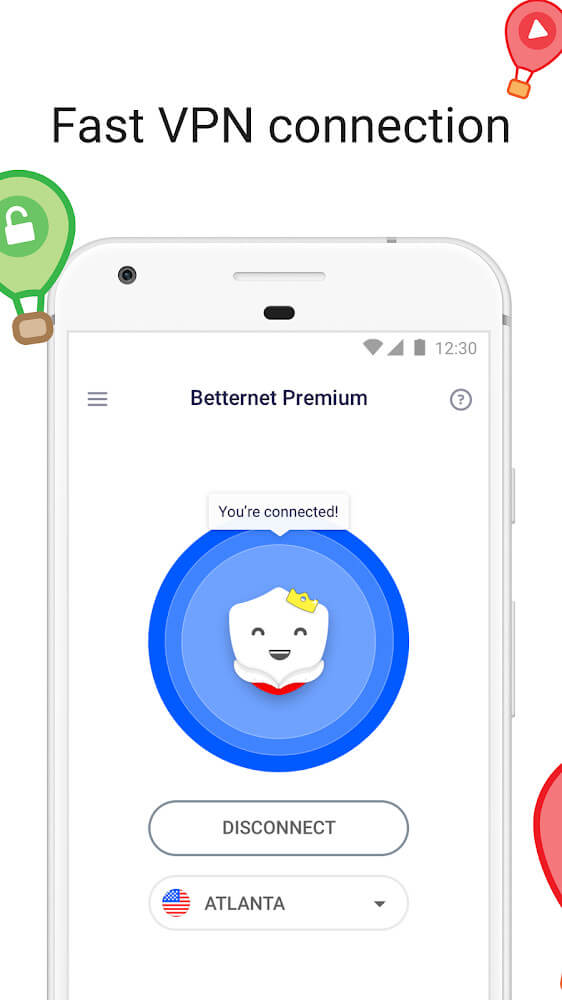
If you have bought the premium version, there is a list including different servers for you to choose from. However, this is all that this VPN service enables you to do. You are not allowed to alter the VPN protocol or ask whether you want to open a VPN with TCP or UDP. For example, BetterNet supports the Catapult Hydra of the Hotspot Shield to make the connections. The Catapult Hydra is very fast, but it has no control or flexibility, so it can make some users disappointed.
To select the appropriate server location, you click the “select virtual location” function. Here, you will see and choose among 10 countries and 7 cities in the US. This seems to be a proper amount, but there are several other VPNs providing services for over 50 countries.
Fortunately, turning into another server location is relatively simple. You do not need to disconnect your recent server before switching to the new server. This VPN will automatically do it for you.
The downloading process for BetterNet VPN is quite simple. First, you visit the official website to get the application. Normally, it is on your right-hand corner. When launching the application, you will be asked if you want to try a premium or not. Agree if you want to use the premium version.
After selecting the appropriate plan, you can choose from the list of 10 countries. You select your favorite server and click the “connect” function. It is noticeable that the VPN connects rapidly, and no problems occurred. When the connection is established, the shield changes into the blue with a happy face. This means that you do it right and everything’s okay now.
It seems that the features of Betternet Hotspot VPNk are very basic. The location list comprises only a name list with no sorting, no ping times, no favorite system, or search box. The app even if does not notice when the VPN drops, or it is active. You have to check the window to know.
Besides, there are only a few settings. As a default, the “Prevent IP Leak” and “Reconnect Automatically” will be enabled and you should follow this setting. Otherwise, you can set up an automatic connection for the app when you access other network types or insecure networks.
There is an unusual feature named “Exclude Domains”. This feature allows defining domains that will not be routed through the tunnel. For instance, when the IPs outside your living country are blocked by the local streaming site, you can add its domain. Then, you can use it regularly in the future.
It can be said that the performance of Betternet Hotspot VPN is quite good. It is not surprising with this when BetterNet uses speedy servers of Hotspot Shield along with the efficient protocol of Catapult Hydra. Specifically, Vietnam servers give 50Mbps even though it is a less well-connected location. Whereas, UK server hits nearly 70Mbps.
Furthermore, privacy tests also give positive results. The services with DolLeak, IPLeak, or other sites are checked and there are no issues with WebRTC, DNS, and other leaks in the Windows system.
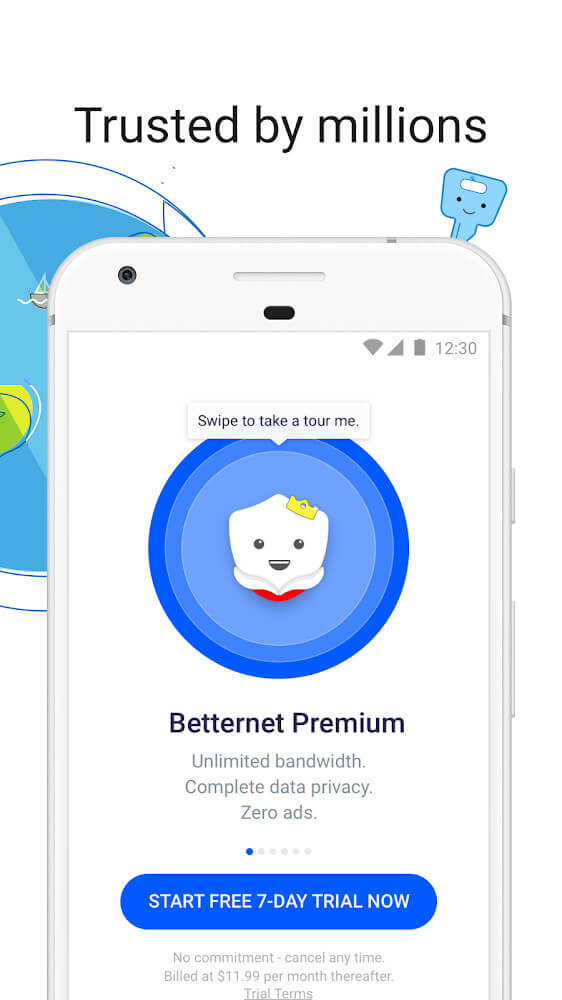
Maximum Privacy Protection: The application anonymizes your address and encrypts traffic to ensure good security for the device you are currently using.
Shield Against Hackers: No tracking will appear in this application because the tracking and hacker prevention feature is effective.
Bypass Blocked Websites: Previously you would not be able to access blocked content, but now the application abolishes this, you can have unlimited access to many different content.
Hidden Identity: The application hides your IP address as well as your current access address to protect your personal information and your device security.
Stop Tracking & Data Selling: Data providers will also not be able to detect your access.
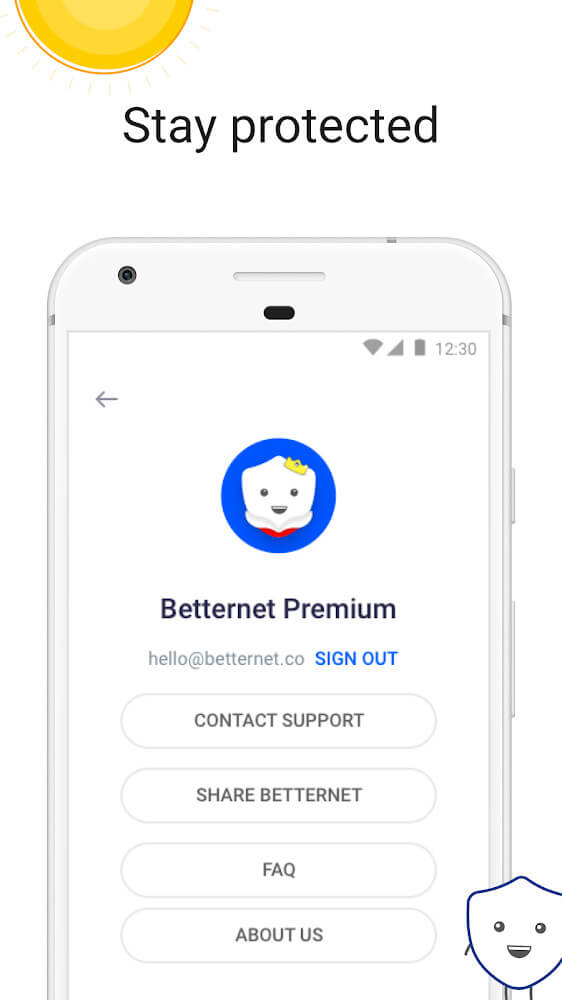
Betternet VPN is an application that lets you access any webpage in the world without any type of restrictions, avoiding any kind of censorship that might be present in your country. You can also access different services that would normally be restricted within your country borders. It doesn't let you choose the country to use as a mask, but in exchange you can have a really user-friendly experience.
Size:57.6MB Version:8.5.0
Requirements:Android Votes:564
Utility apps are indispensable in our lives, making our daily routines more convenient. To help you find these apps more easily, this site has created a collection. This collection brings together a series of practical tools covering various aspects of life, work, and education, meeting all your needs. What are you waiting for? Try these apps now and make your life easier!
Enjoy unrestricted internet access anywhere in the world with these top-rated free VPNs for Android. Securely browse in private, bypass geo-blocks, and unlock censored websites in just a few taps. These powerful apps encrypt your connection, mask your IP address, and protect your data-especially on risky public Wi-Fi. Whether you're streaming global content, accessing restricted platforms, or simply safeguarding your privacy, these trusted VPNs deliver fast, reliable performance. Discover the most popular free VPN downloads and experience true online freedom today-no limits, no compromises!
About us | Contact us | Privacy policy| DMCA
Copyright © 2026 Xiaohei All rights reserved.