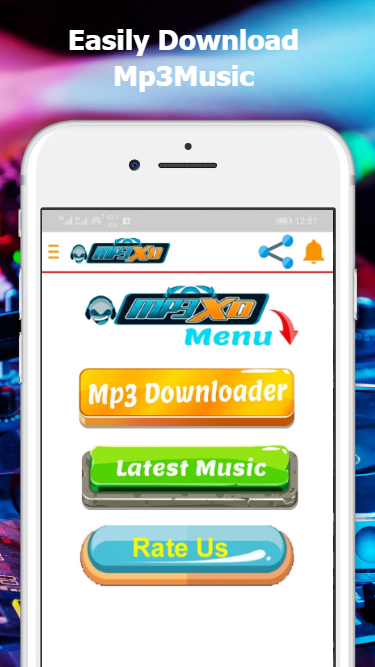
Mp3XD is an Android application based on a simple design philosophy. It boasts beautiful graphics and a user-friendly interface, supports various music file formats, and provides users with a complete music platform. With Mp3XD, you can easily find various types of music and get the results you want through its efficient search tool. Furthermore, users can use it to play songs downloaded to their smartphones or tablets, regardless of whether they are audio or video formats. Every downloaded song has clear sound quality and excellent audio performance.
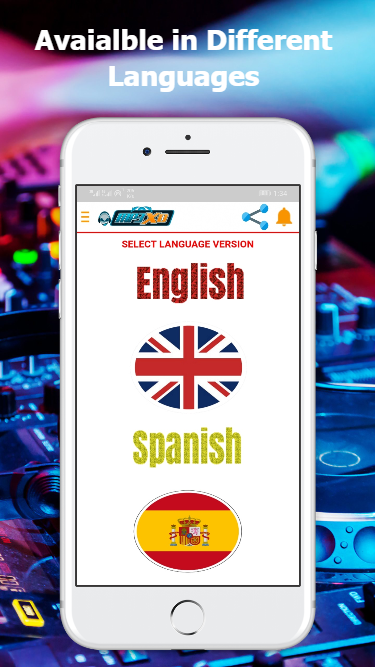
Unlimited Free Music Downloads: With the app, you can download your favorite music for free. Say goodbye to costly subscriptions or paid downloads - now you can enjoy your favorite tracks anytime, anywhere, without spending a dime.
Easy and User-Friendly Interface: Our app is designed to provide a seamless and enjoyable user experience. With its intuitive interface, you can navigate through different sections effortlessly and find the music you love in just a few clicks.
Wide Range of Music Genres: Whether you're a fan of pop, rock, hip-hop, or any other genre, the app has got you covered. Our app offers a vast library of songs from various genres, ensuring there's something for every musical taste.
Fast Downloads with High-Quality Audio: Don't compromise on sound quality when downloading music. Mp3XD allows you to download songs quickly without compromising on audio quality. Enjoy your favorite tunes in crystal-clear sound.
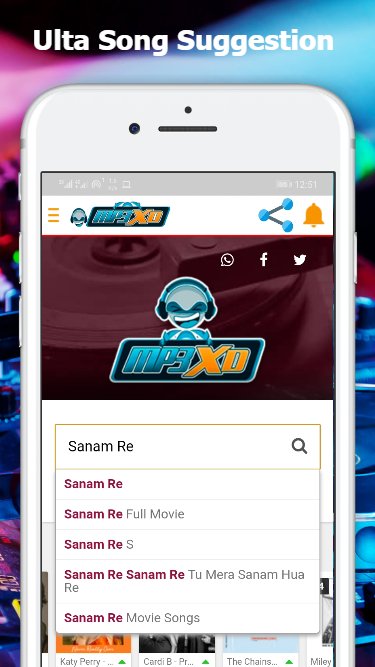
Utilize the Search Function: Make the most out of the app by using the search function. Simply type in the name of the song, artist, or album you're looking for, and Mp3XD will provide you with relevant results. This saves you time and allows you to find your favorite music quickly.
Create Customized Playlists: Organize your downloaded songs by creating personalized playlists within the app. This feature allows you to have easy access to your favorite tracks and enjoy seamless music playback. Perfect for creating playlists for different moods, occasions, or genres.
Explore Recommendations: Mp3XD offers recommendations based on your music preferences. Take advantage of these suggestions to discover new artists, albums, or songs that you might enjoy. Expand your music library and surprise yourself with hidden gems you might have never found otherwise.
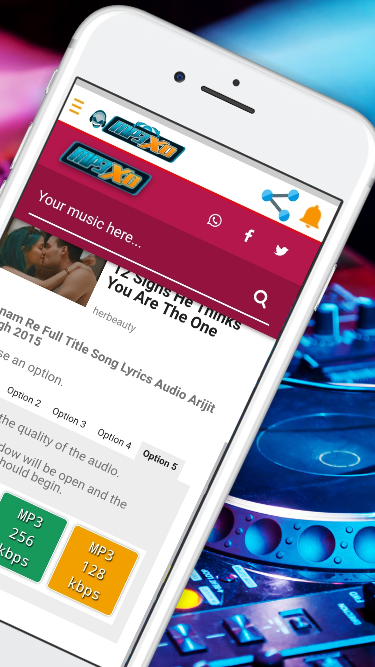
Clear purpose as an MP3 download manager
Search-driven approach for discovering tracks
Option to preview audio before downloading
Presented as free, without subscriptions
Public app details are sparse, so it is hard to tell how deep its features go beyond basic downloading
Emphasis on downloading makes copyright considerations part of the experience
In summary, Mp3xd stands out as a comprehensive solution for anyone interested in exploring the vast world of music. This makes Mp3xd not only a destination for downloading music but also a handy companion for streaming high-quality audio content directly from their device. With its rich features and user-friendly design, it caters to a broad audience, from casual listeners to professional content creators.
Size:6.2MB Version:1.75
Requirements:Android Votes:475
Music Player is a tool designed to play audio files, available as both software applications and dedicated hardware devices. It can be installed on electronic devices like smartphones, tablets, and computers, allowing users to stream or play locally stored music in various formats. Additionally, standalone hardware devices, such as MP3 players and digital audio players, are specifically built for high-quality music playback. Many modern music players support advanced features like equalizers, playlists, offline playback, and streaming service integration, enhancing the overall listening experience.
About us | Contact us | Privacy policy| DMCA
Copyright © 2026 Xiaohei All rights reserved.