Kaspersky VPN is a powerful VPN tool. This application boasts robust features and provides a free VPN solution through a user-friendly interface. With Kaspersky VPN, you can enjoy free VPN services that hide your location and real IP address, allowing unrestricted access to geographically restricted websites. Furthermore, you'll have access to the fastest VPN servers, enjoying optimized speeds when browsing the web, watching videos, or downloading content.
One-tap connection – enjoy private Internet access in seconds
Unlimited* VPN streaming of music, TV shows & movies, even in HD
Home routers are secured once VPN connects* to home Wi-Fi
Fast & secure torrenting – part of our private VPN experience
Expanding network – over 2000 servers in 85+ countries & counting!
Beta support* for Apple TV+, Spotify, ESPN+, DAZN, Sky Go, Crunchyroll & TVer
Bold interface which displays your key personal VPN info
Helpful on-boarding to help you get the most from our service
Free, expert 24-hour support
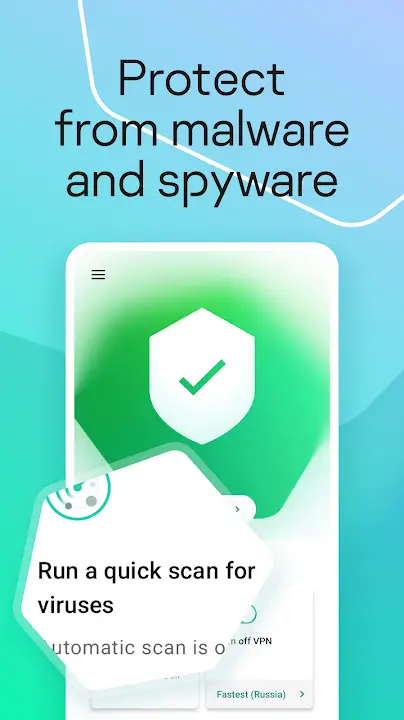
Next-level privacy features
Secures your IP address, even on unsecured Wi-Fi hotspots
Prevents data leaks, keeping your personal information secure
Cuts your internet if the VPN drops, so your data stays safe
Fastest global servers
Server speeds of up to 20 Gbps keep your devices running fast
Enjoy global access to Netflix, Amazon Prime Video, Disney+, and more
Enhanced customization options
Enable your VPN for certain applications, and disable it for others
Set your VPN to automatically switch on for specific browsers, search engines, and email services
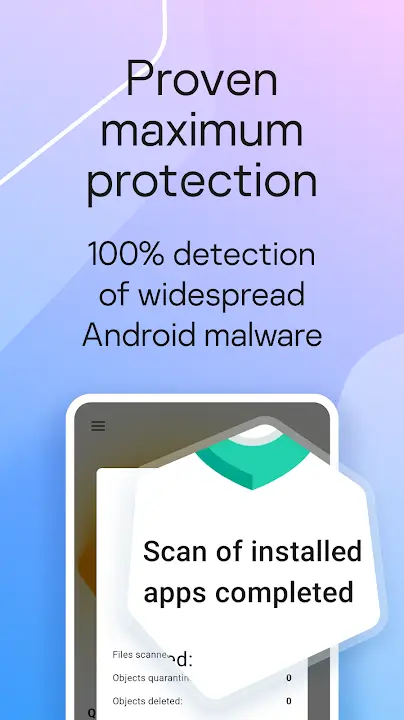
Stay Updated: Make sure to regularly update Kaspersky to have the latest protection against new threats and vulnerabilities. Set up automatic updates to keep your device secure at all times.
Use Secure Passwords: Take advantage of the Password Manager feature in Kaspersky to create and store complex passwords for all your accounts. This will help prevent unauthorized access to your personal information.
Enable VPN Protection: Activate the VPN feature in Kaspersky when connecting to public Wi-Fi networks to encrypt your data and protect your online activities from prying eyes.
Kaspersky VPN offers a comprehensive suite of features designed to enhance your online privacy, security, and speed. With the ability to remain invisible to hackers, secure your data on public Wi-Fi, and enjoy blazing-fast internet speeds, this app ensures a safe and smooth browsing experience. The selective app encryption feature and no-logs policy provide an added layer of security, while access to global content and improved gaming experiences make it an ideal choice for users worldwide. Download the app now and enjoy private internet access with ease.
Size:139.6MB Version:11.129.4.14969
Requirements:Android Votes:399
Enjoy unrestricted internet access anywhere in the world with these top-rated free VPNs for Android. Securely browse in private, bypass geo-blocks, and unlock censored websites in just a few taps. These powerful apps encrypt your connection, mask your IP address, and protect your data-especially on risky public Wi-Fi. Whether you're streaming global content, accessing restricted platforms, or simply safeguarding your privacy, these trusted VPNs deliver fast, reliable performance. Discover the most popular free VPN downloads and experience true online freedom today-no limits, no compromises!
About us | Contact us | Privacy policy| DMCA
Copyright © 2026 Xiaohei All rights reserved.