Gspace is an application designed specifically for Huawei devices. This powerful app aims to help users access Google apps and enjoy full Gmail account functionality on Huawei devices. With Gspace, you simply install it to use it as a free online storage service to store all the documents and files you deem important. Users can transfer files between different devices and locations or save backup copies online. In addition to storage services, Gspace offers many more convenient features for you to experience.
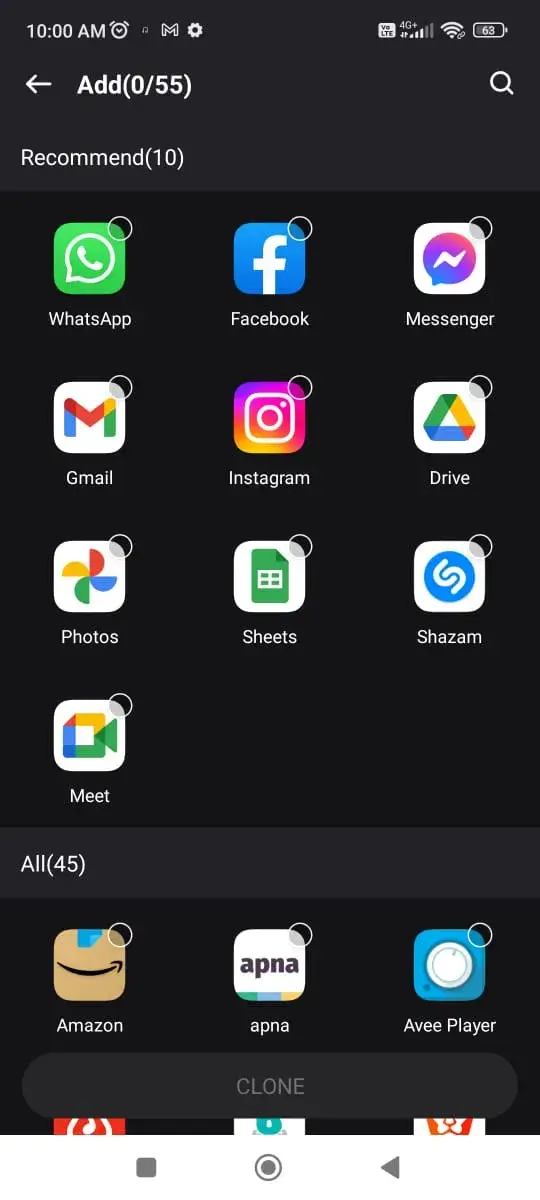
Built-in GMS
Specially customized for users without GMS, with built-in Google Play, you can search and download Google apps in Gspace. It will no longer be a problem without GMS.
Dual Accounts
Two accounts will work independently and messages from both accounts won't interfere with each other.
Easy to use
You don't need to root your device, neither unnecessary operations. Gspace will run stably and safe,and it supports all Android phones.
Safety Protection
Provide private space,never collect any personal data, ensure data security and privacy.
Numerous Apps
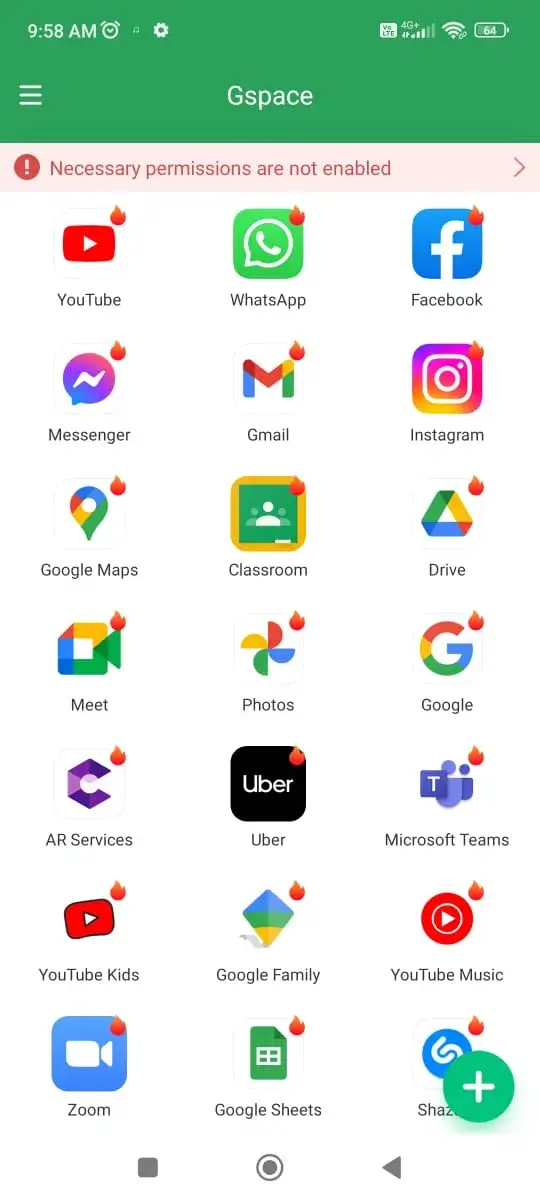
You can find many apps in the GSpace itself, from all of the Google Apps like Maps, Gmail, Google Search, Translate, Twitter, and many others. This app has the GMS ecosystem enabled, so you get all the Google apps and third-party apps. You just have to tap on the apps and download them to start using them.
Manage Dual Accounts
Once you install the GSpace on your phone, you can manage dual accounts on the apps. For example, you can open one account on Instagram on your phone and then open another account on Instagram in GSpace itself. GSpace allows you to create multiple variations and manage multiple accounts with ease on various social media apps.
Simple UI
After looking at these features, you might be confused. But the simple user interface allows you to easily use this app without any confusion. The simple UI makes it easier to access all the apps and features. Even the newbies to the Android ecosystem will find it simple to use this app without getting confused.
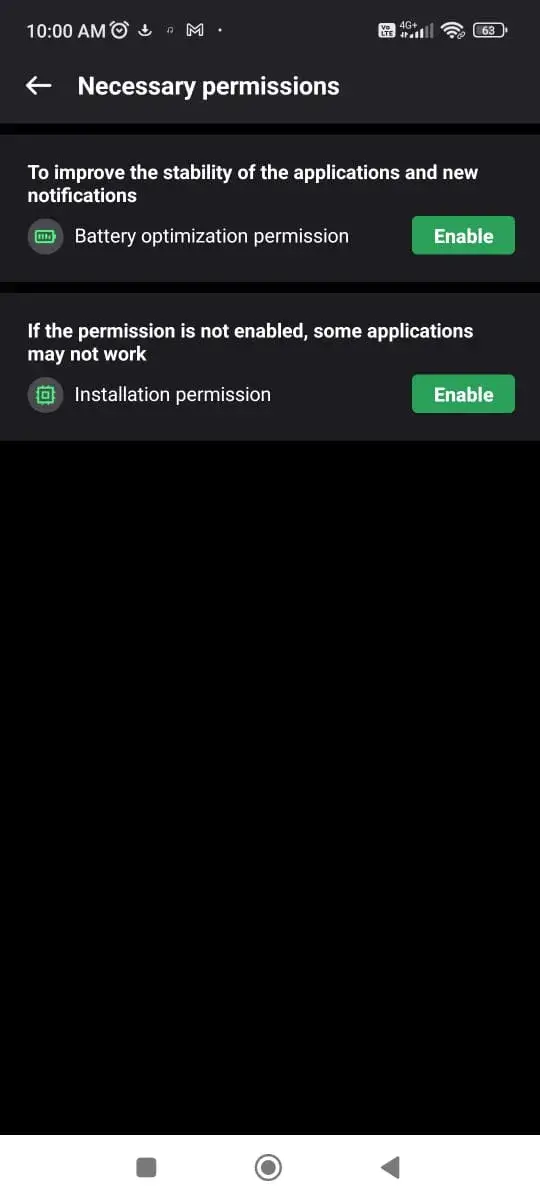
No-Root Needed
Privacy and Security of the device are very important points nowadays. The majority of similar apps require root access, but that’s not the case with GSpace. The GSpace app does not require any kind of root access and works flawlessly on any smartphone without compromising the device’s security.
Is the GSpace app free to use?
Yes. The GSpace app is free to use, and there are no hidden in-app purchases.
Is the GSpace app legal?
The legality of this app depends on the laws of the country you are living in. This app is legal in the majority of countries, so you don’t have to worry.
Is it safe to install this app?
Yes. The GSpace app is completely safe, and it is itself a sandbox app. So you don’t have to worry about the safety of this app.
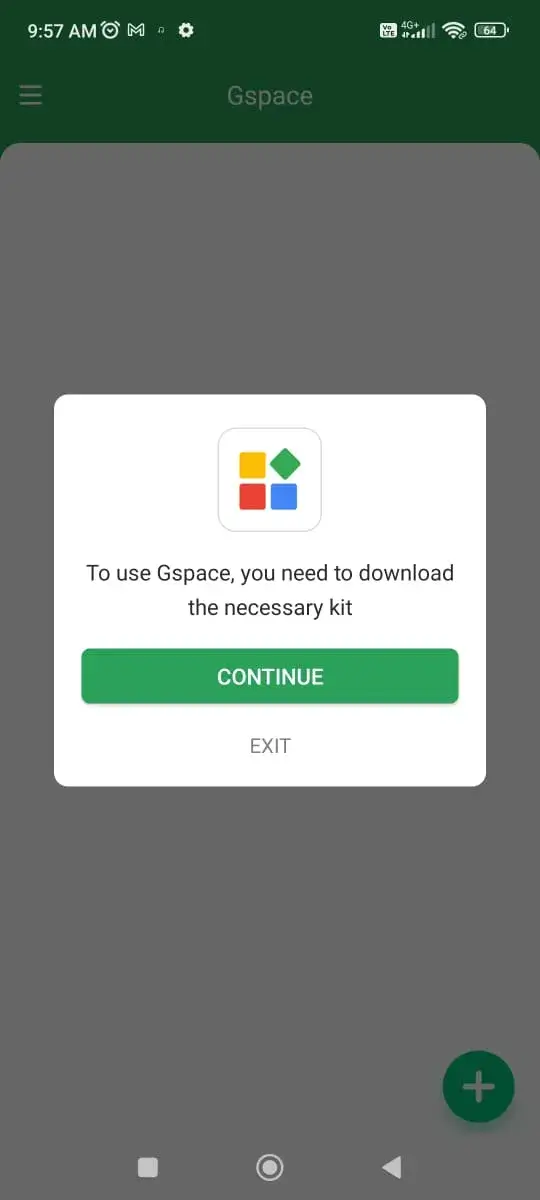
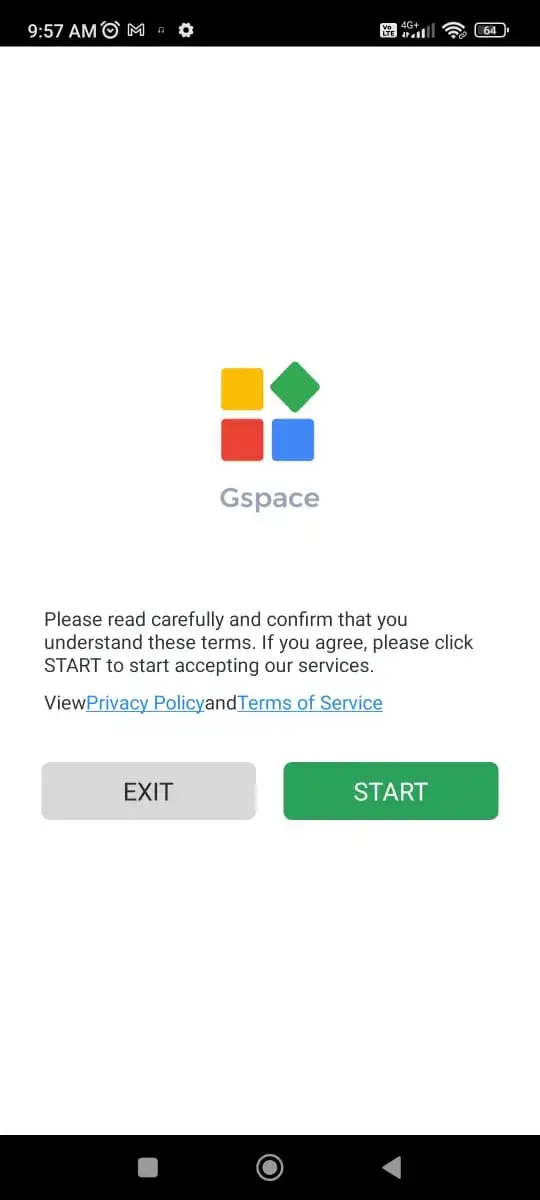
Gspace is a private space where you can especially download and use google apps with many accounts. This app is generally used to assist Huawei mobile users with google based apps since those apps are banned. Download Gspace and use apps from Google AppStore such as Gmail, Facebook, Youtube and much more.
Size:14.70MB Version:2.3.3
Requirements:Android Votes:445
Utility apps are indispensable in our lives, making our daily routines more convenient. To help you find these apps more easily, this site has created a collection. This collection brings together a series of practical tools covering various aspects of life, work, and education, meeting all your needs. What are you waiting for? Try these apps now and make your life easier!
About us | Contact us | Privacy policy| DMCA
Copyright © 2026 Xiaohei All rights reserved.