Waze is an excellent map and navigation application. It boasts powerful features and, thanks to its global user base, provides real-time traffic and road conditions updates, allowing users to stay informed about obstacles and unexpected traffic situations. With Waze, you can use this information to plan your trip before you even set off. Furthermore, you don't need to register an account to access most of the app's features, but once you do, you can save your frequently used locations as favorites for quick access. The app's suggestions help you obey traffic laws at appropriate times and drive safely and legally.
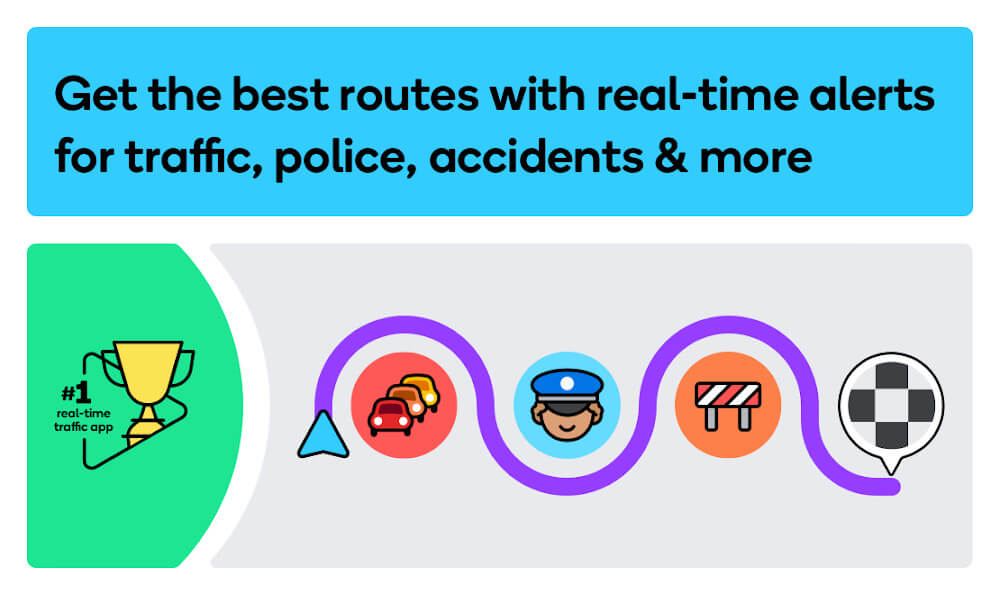
Get there faster with real-time directions, accurate ETAs, and automatic rerouting based on live traffic, incidents, and road closures
Even if you know the way, avoid surprises on the road ahead with safety alerts for accidents, crashes, construction, objects on the road, potholes, speed bumps, sharp curves, bad weather, emergency vehicles, railroad crossings, and more
Steer clear of tickets by knowing where police and red light & speed cameras are located
Share what’s happening on the road with other drivers by reporting live incidents and hazards
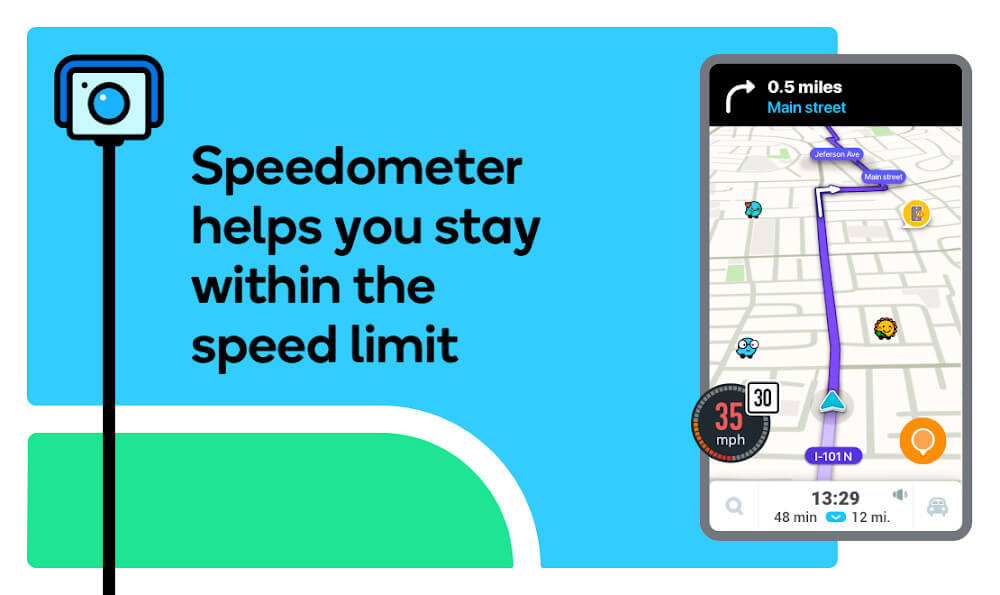
Stay informed of upcoming speed limit changes, and keep your speedometer in check
Know which lane to be in with multi-lane guidance
See toll pricing and choose to avoid tolls along your routes
Add road passes and vignettes for HOV lanes and restricted traffic zones
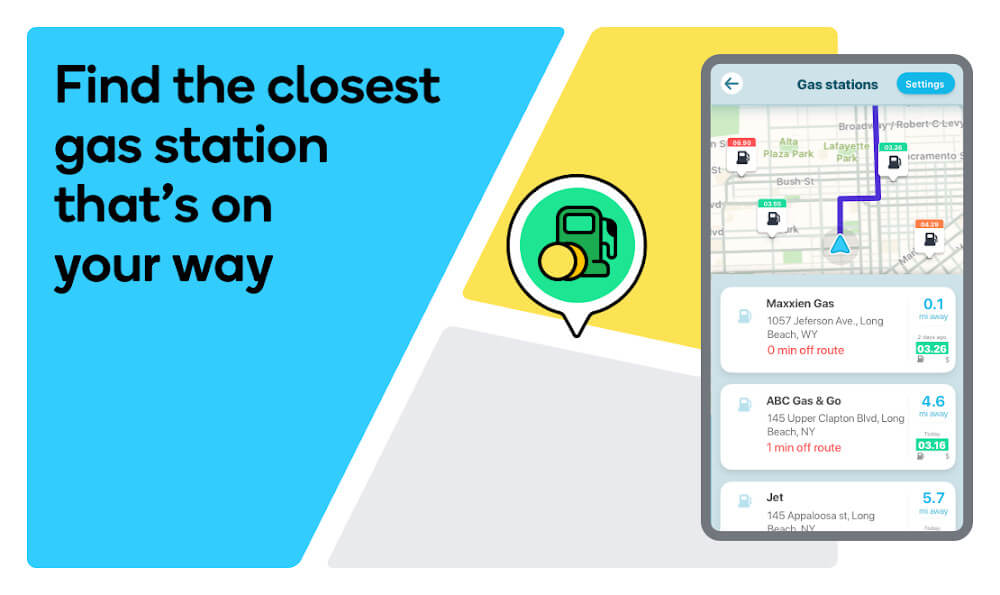
Find gas / fuel stations & prices and EV charging stations along your route
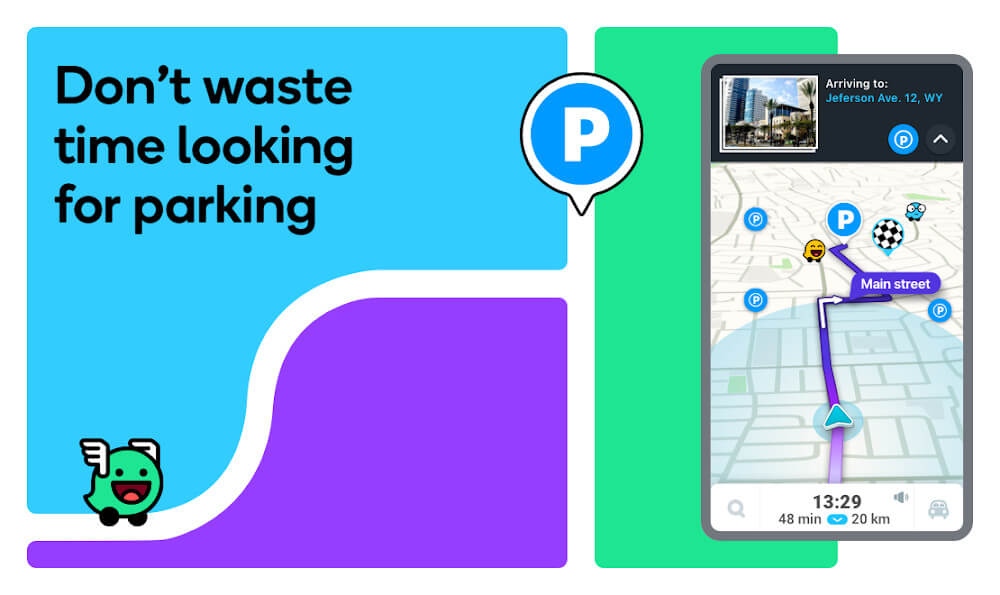
Locate and compare parking lots and their prices near your destination
Use voice-guided turn-by-turn navigation from a variety of languages, local accents, and your favorite celebrities
Plan your next drive by checking ETAs by future departure or arrival times
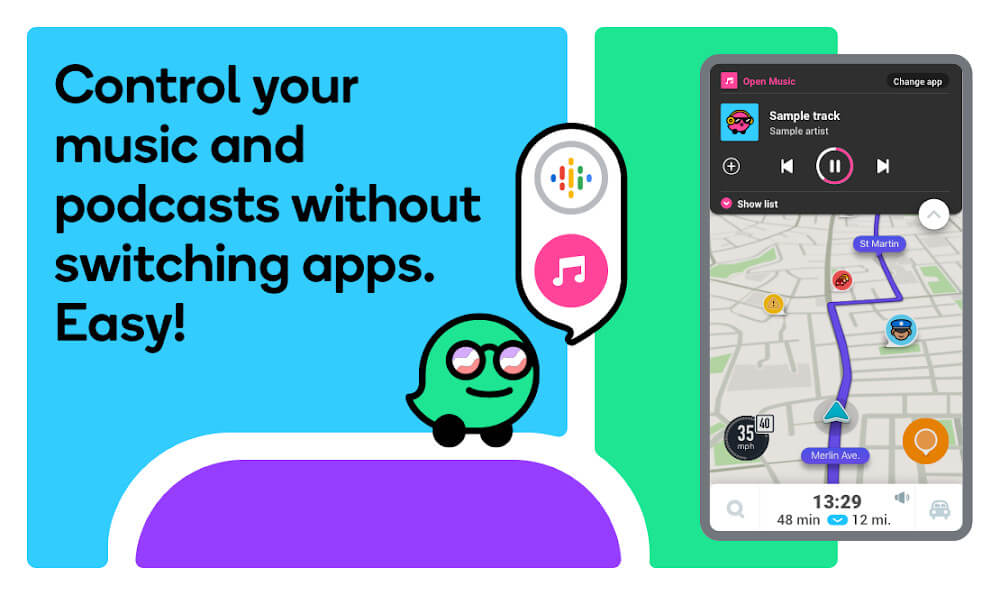
Use your favorite audio apps (for podcasts, music, news, audiobooks) directly within Waze
Sync Waze to your car’s built-in display through Apple CarPlay
Waze has begun rolling out a highly anticipated feature: reduced speed limit alerts. This rollout comes as part of a series of updates initially announced in April, including speed bump alerts, improved navigation for roundabouts, and enhanced information about users' favorite routes.
The latest update introduces notifications for upcoming speed changes, designed to give drivers ample time to adjust their speed gradually. This feature is crucial for preventing sudden braking, which can lead to accidents and phantom traffic jams. The alerts function similarly to Waze's existing railroad crossing notifications, appearing approximately 500 meters before a flagged location. Drivers will see a speed limit indicator on the map and receive a pop-up alert on their screens, ensuring they can slow down safely and avoid surprises.
Speed bump alerts and improved navigation: This rollout follows the recent introduction of speed bump notifications, which started appearing for users last month. Additionally, Waze has enhanced its navigation for roundabouts and provided more detailed information on users' preferred routes, making driving safer and more convenient.
Stage-based rollout: The deployment of these new features is happening in stages, as map editors gradually add the necessary data to the app. This means that while some users may already be seeing these alerts on their devices, others might need to wait a bit longer until all speed limit changes are integrated into the Waze system.
Users are encouraged to report any discrepancies they encounter to help improve the accuracy of the alerts. Overall, these updates represent another step forward in Waze’s ongoing mission to enhance driver safety and convenience.
Report Incidents: Help fellow drivers by reporting live incidents and hazards on the road, contributing to a safer driving experience for everyone.
Utilize Voice-Guided Navigation: Make use of the voice-guided turn-by-turn navigation with various languages, accents, and even your favorite celebrities’ voices for an entertaining drive.
Check ETAs and Plan Ahead: Plan your drive by checking ETAs for future departure or arrival times, ensuring you arrive at your destination on time.
Sync with Car's Display: Sync Waze Navigation & Live Traffic to your car's built-in display through Android Auto for enhanced convenience and accessibility.
Download the Waze APK and discover an excellent navigation app for Android which makes it much easier for you to plan any road trip. What's more, the app allows you to provide your own information quickly and conveniently. When riding with a passenger, they can add any incidents you encounter on the road to warn other drivers.
Size:96.7MB Version:5.14.90.900
Requirements:Android Votes:207
These must-have travel apps bring global adventures to your phone, making trip planning effortless and budget-friendly. Compare flights and hotels in seconds, access offline maps and expert city guides, or master key phrases in foreign languages. Read authentic tips from locals to uncover hidden gems before you arrive. Whether you're dreaming up future journeys or navigating current travels, these tools transform wanderlust into reality. With exclusive free premium features, your digital passport to discovery is ready - download now and let your next unforgettable journey begin!
Accurate navigation software can not only help users quickly find their destination, but also assist customers in obtaining real-time traffic information and avoiding congested roads. So which navigation software is the most accurate? In order to help netizens better choose the most accurate navigation software, the editor has compiled a ranking list of navigation apps. Through these navigation apps, users can easily access practical information such as gas stations, restaurants, and parking around their destination, making it easier to plan their daily travel plans. At the same time, these navigation apps also provide accurate route planning and navigation services, allowing users to rely on them with confidence to complete accurate navigation.
About us | Contact us | Privacy policy| DMCA
Copyright © 2026 Xiaohei All rights reserved.