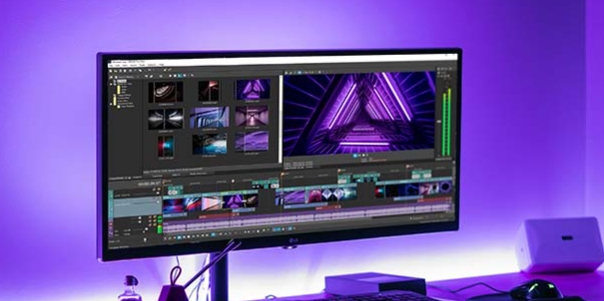
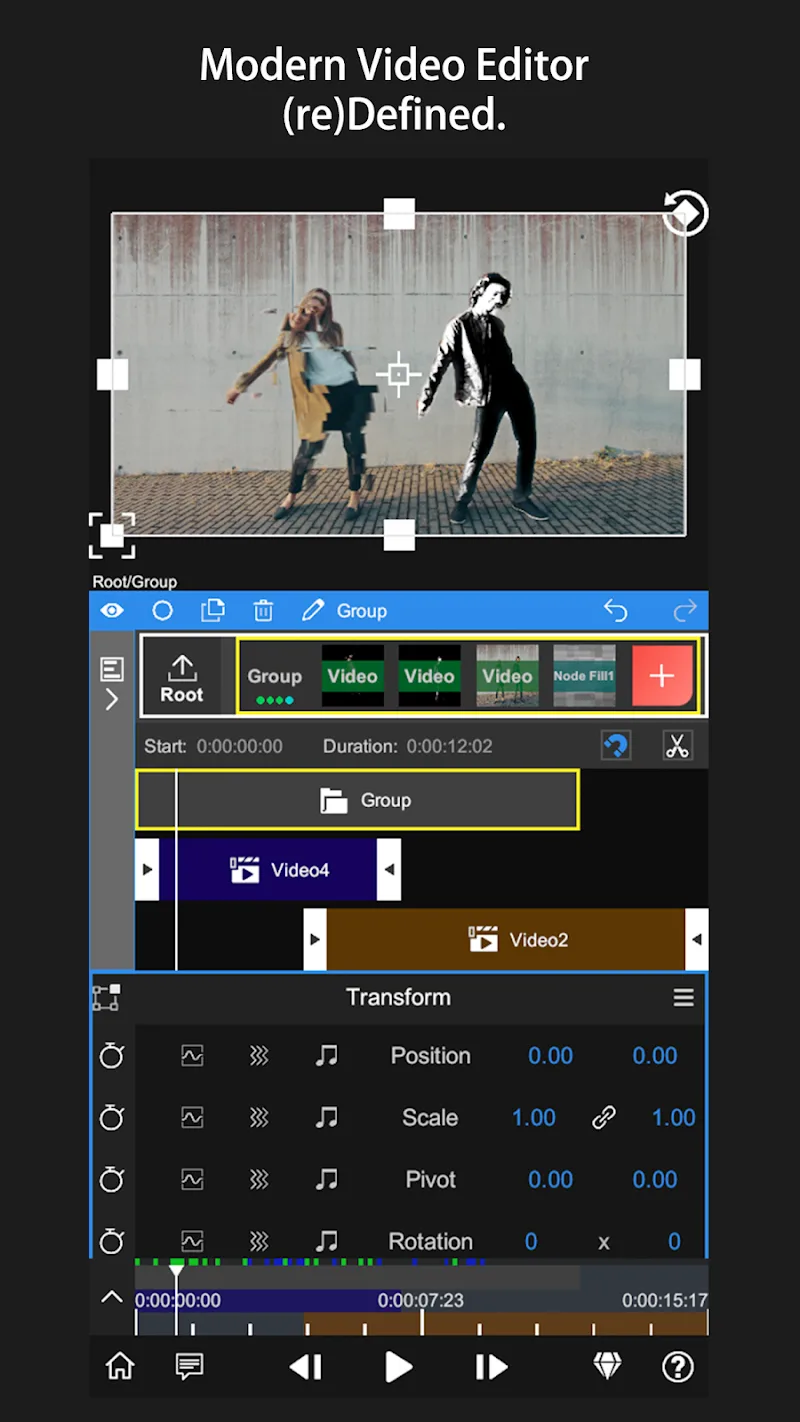
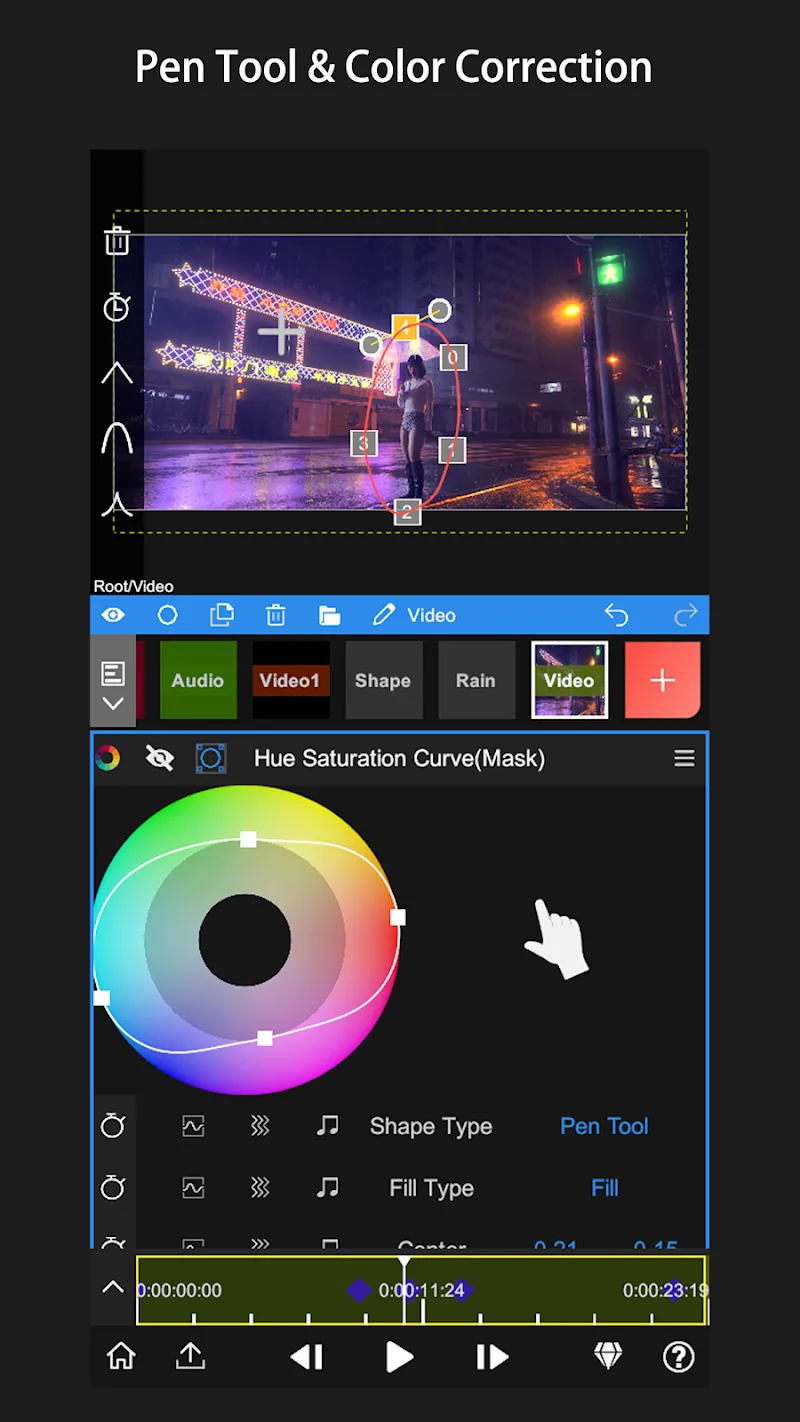
NodeVideo is a powerful mobile video editing application. It offers a variety of editing tools, allowing users to quickly edit videos without being limited by their device. With NodeVideo, users can make complex modifications to videos, from adjusting brightness and color quality to adding effects via masks. Furthermore, this application allows you to track the movement of selected objects, draw with a pencil, and view volume changes using a spectrum analyzer to ensure background music matches the entire video.
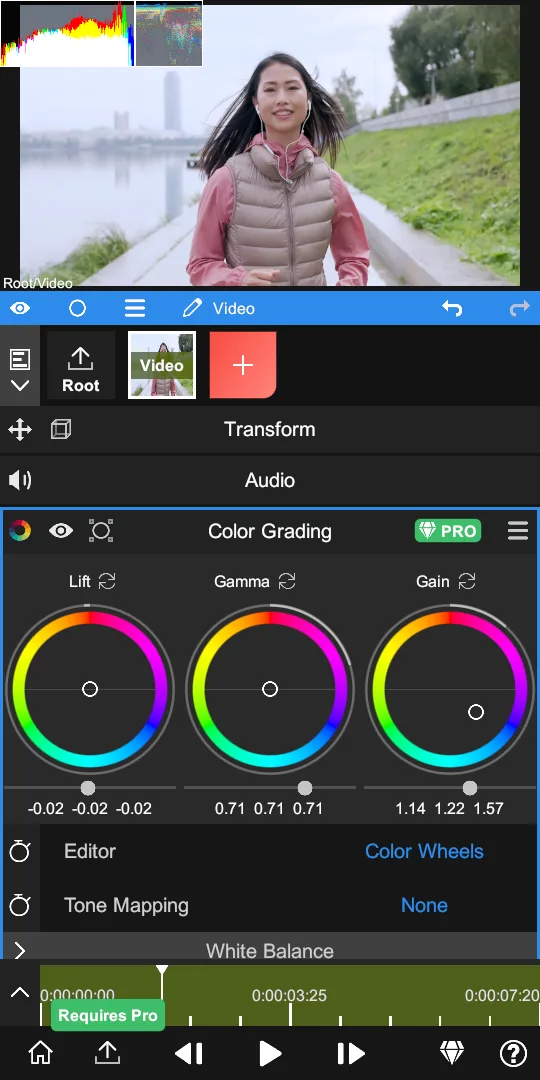
-Blend Mode
-Motion Blur
-Luma Fade
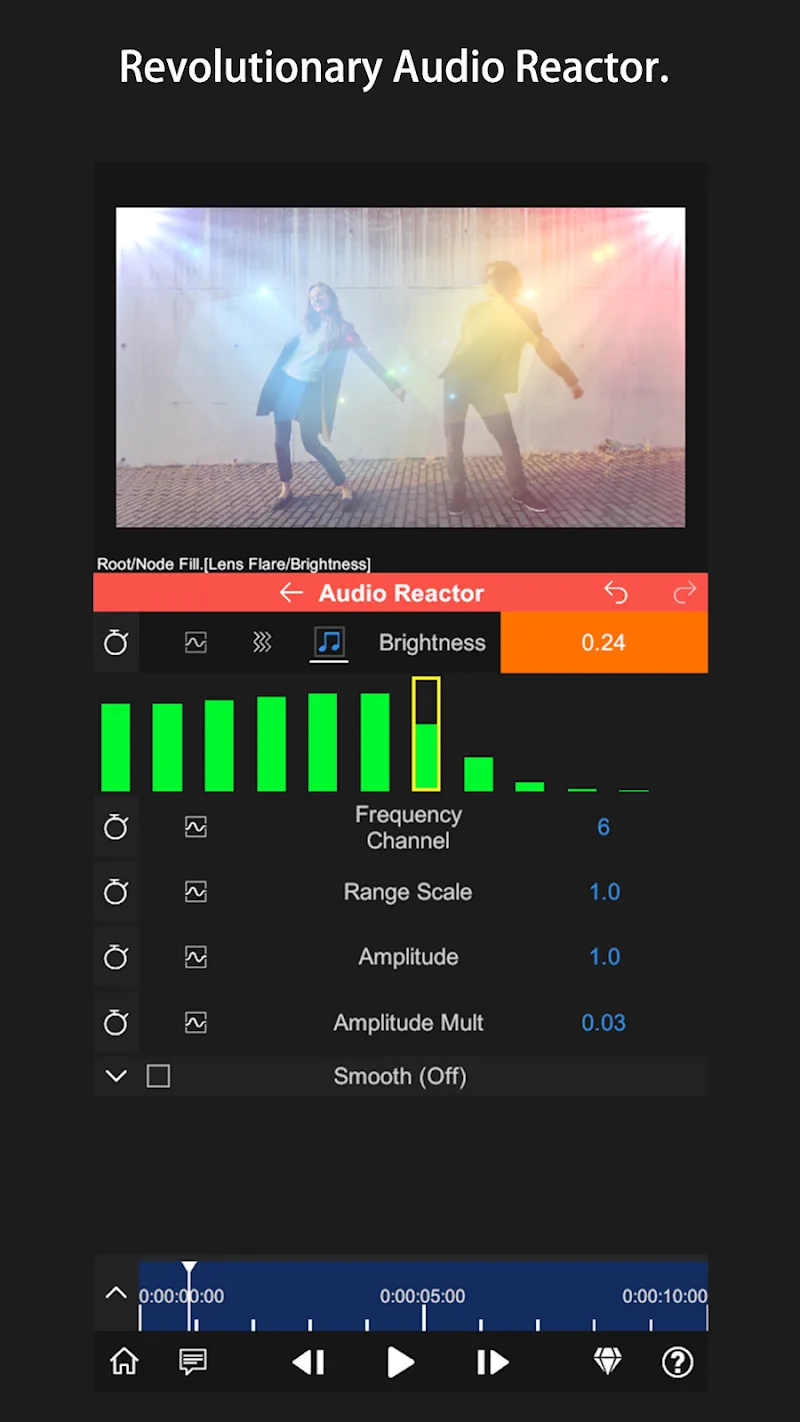
-Lens Flare
-Fractal Noise
-Time Remap
-Basic Color Correction(Exposure, Contrast, White Balance, etc.)
-Emboss
-4 Color Gradient
-Shift Channels
-Invert
-Camera Lens Blur
-Gaussian Blur
-Cross Blur
-Directional Blur
-Radial Blur
-Glow
-Motion Tile
-Mosaic
-Find Edges
-Vignette
-Displacement Map
-Mirror
-Lens Distortion
-Polar Coordinates
-Clipping Mask
-Human Matting
-Shape Mask
-RGB Curve
-HSL Curve
-Color Wheel
-Sketch
-Old Movie
-Manga
-Cartoon
Live streaming of videos from multiple sources.
Ability to save video for offline viewing.
Support for different file formats like MP4, AVI, and MOV.
Automatically detect media files on the device storage.
Create playlists with ffavoritesongs or movies.
Option to share videos directly through social networks.
Multi-language support.
Advanced search options based on metadata.
Background playback mode.
Pros
Comprehensive and powerful editing tools
Color grading
Timeline scrubing
Advanced AI processing
Cons
Steep learning curve
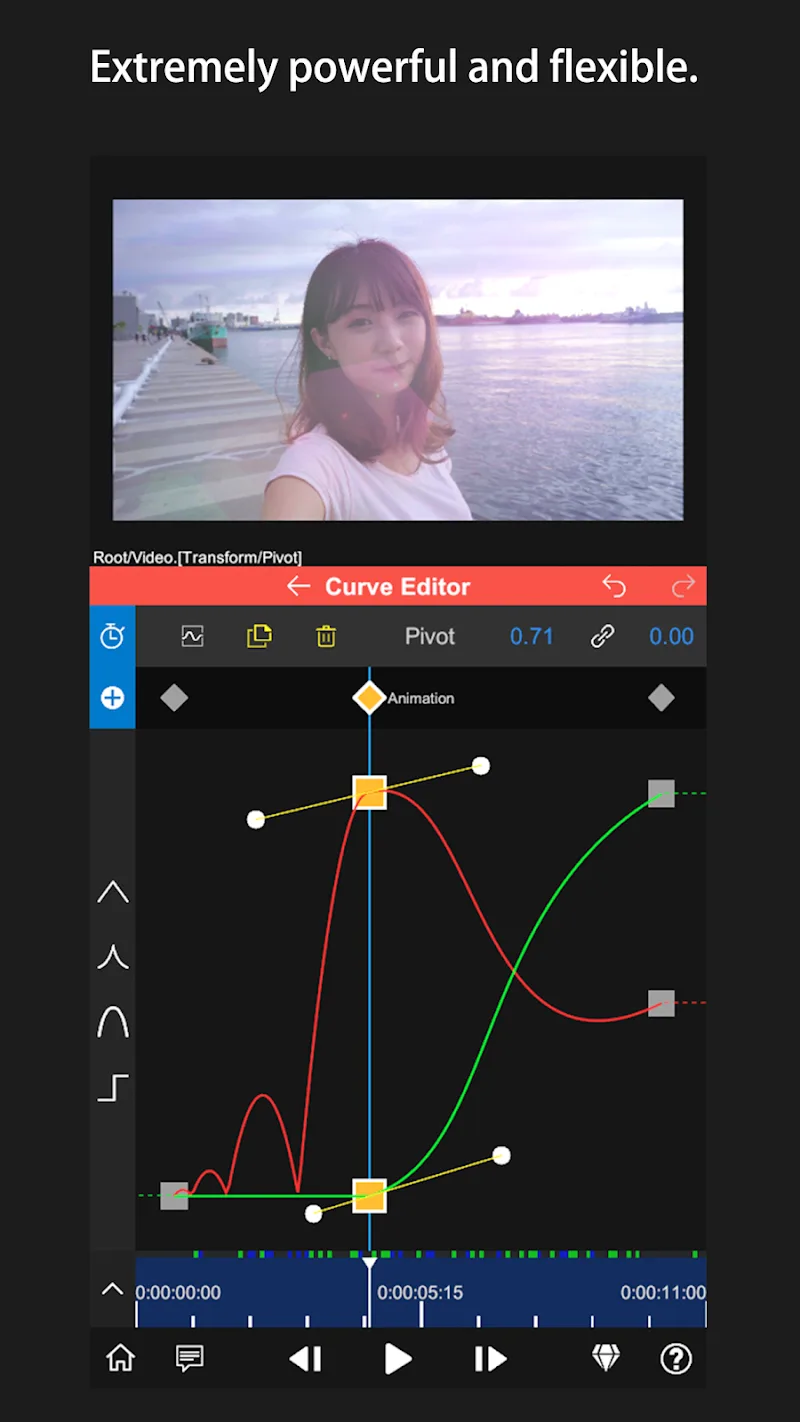
When exporting videos, you can choose the resolution (up to 1080p), the FPS (the number you want), and the quality. Regarding the latter, if you opt for the high setting, you will obtain the lowest possible compression— although you can always customize it to choose the bit rate yourself. If you are looking for a complete video editor for your smartphone or tablet, don't hesitate to download Node Video , as it is very intuitive and easy to use.
Size:95.24MB Version:8.4.1
Requirements:Android Votes:445
Transform your smartphone into a powerful editing studio with the best video editing apps for Android! Whether you're a content creator, social media enthusiast, or just looking to polish personal videos, these apps offer professional-grade tools right at your fingertips. Enjoy intuitive interfaces, advanced features like multi-track editing and filters, and seamless exporting options - all optimized for mobile devices. Download now and start creating stunning videos anytime, anywhere!
In the era of popular short videos, it seems that everyone can edit, which has become an essential skill. The editor brings you a ranking of video editing software that is good. Editing videos seems to be a daily routine, used by both internet celebrities and daily life recorders. The editing techniques are also different. The videos edited by professional personnel are more shocking and beautiful, while those edited by non professional personnel are ordinary. Below, the editor will organize some useful video editing software.
About us | Contact us | Privacy policy| DMCA
Copyright © 2026 Xiaohei All rights reserved.