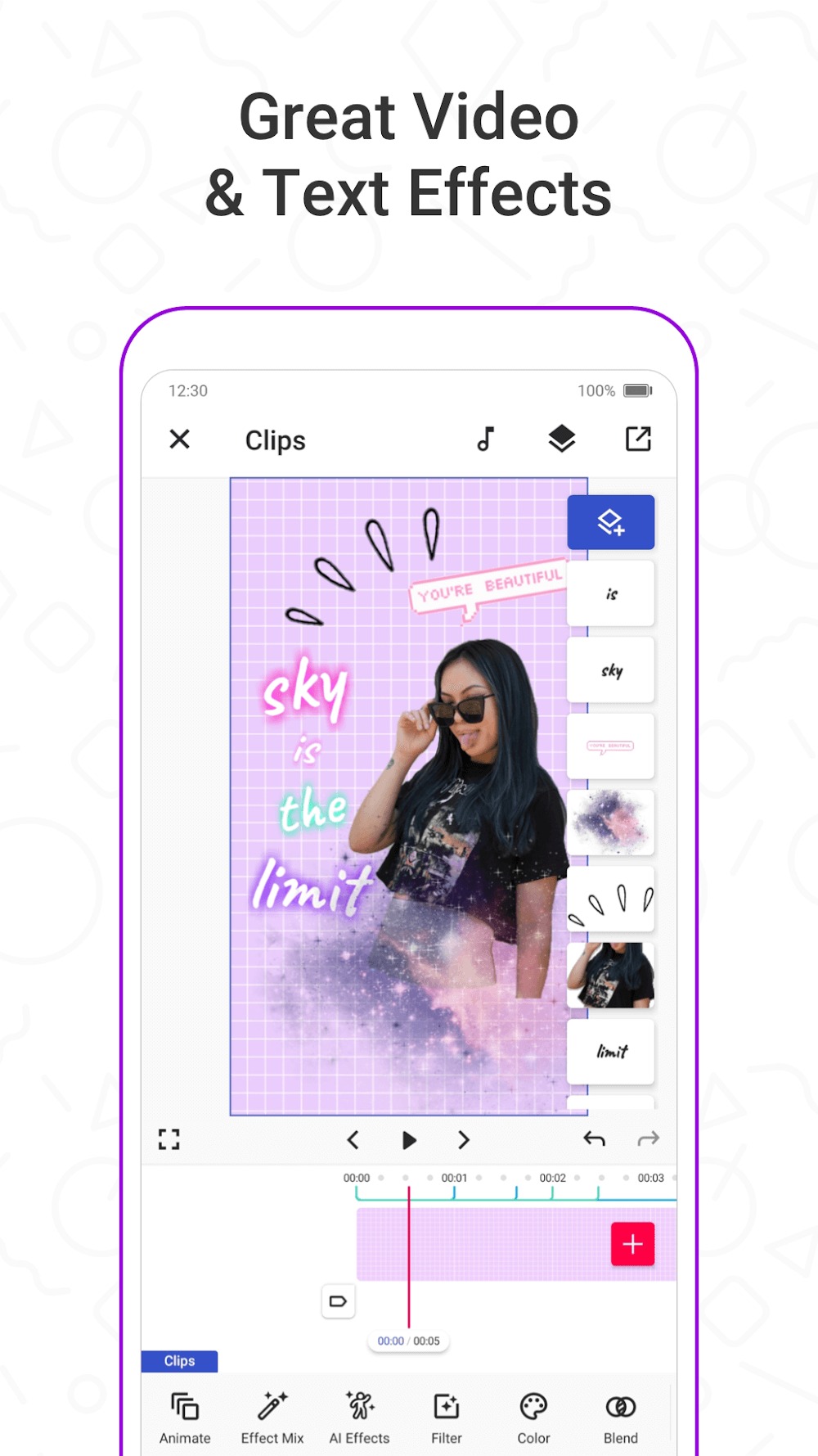
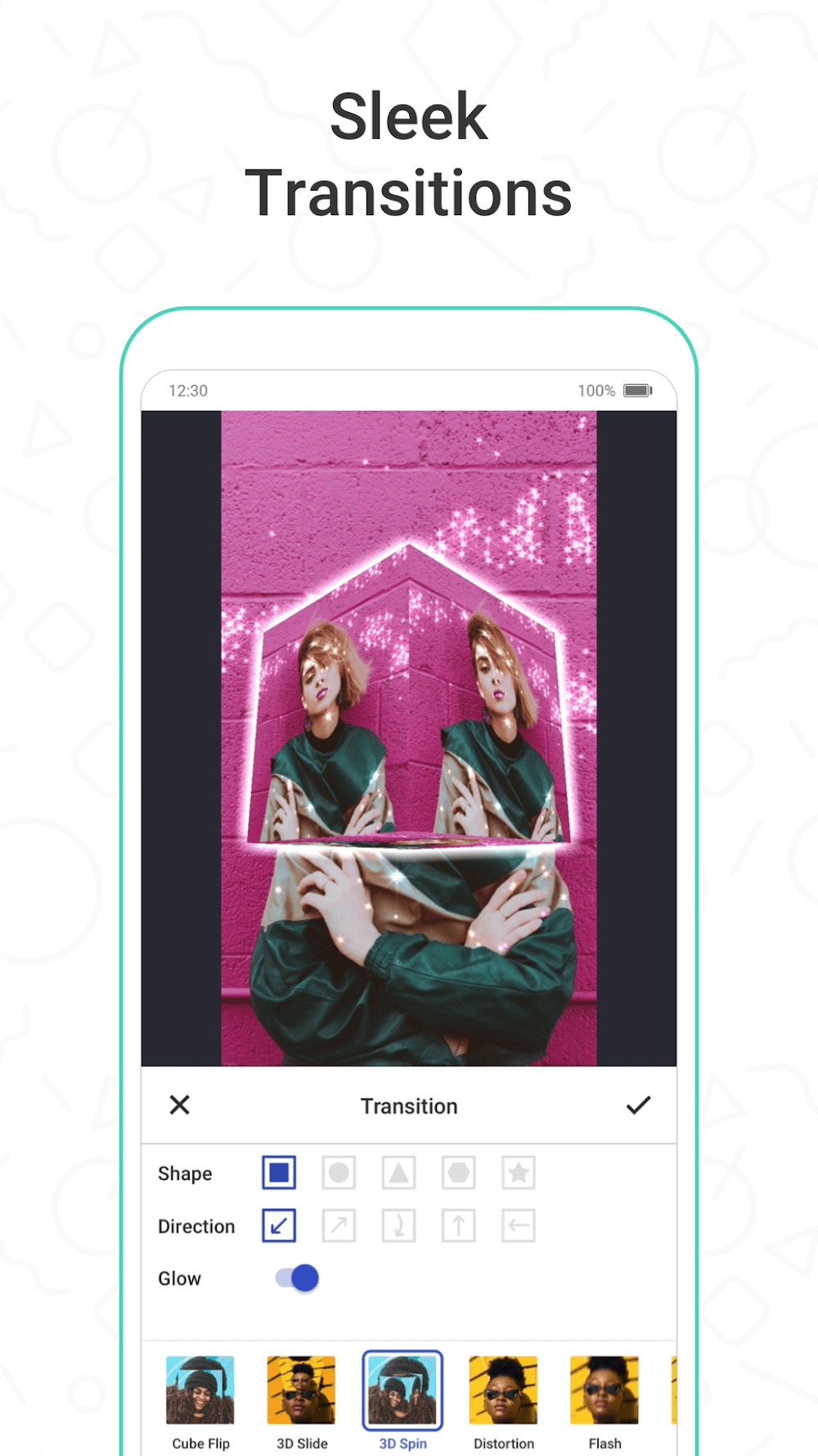
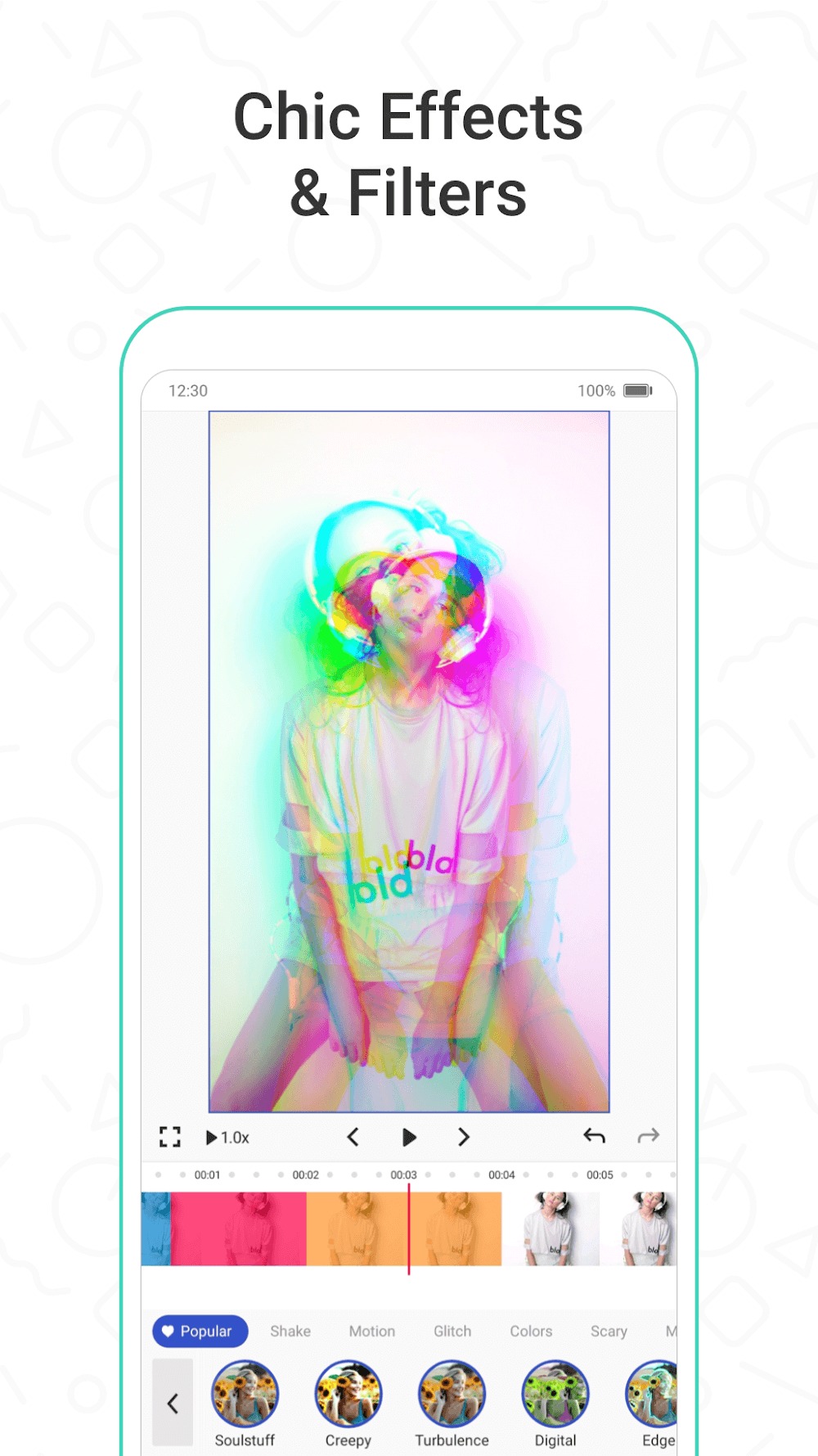
Funimate is a user-friendly video editor. Users can generate various AI character images and videos based on their ideas, and also upload their videos to edit them using the software's built-in tools, creating high-quality video works. The software includes numerous video effects, filters, transitions, text styles, and music, which users can easily apply to their videos with a simple click, making them more unique. The software also supports customization, allowing users to unleash their imagination and creativity by giving the AI different commands to create beautiful images, meeting their creative needs.
User interface and workflow: Funimate’s interface is intuitive and visually appealing, making it straightforward to start editing right after installation. The main workspace presents easy-to-access features such as cut, trim, merge, and add music directly from the device or built-in library. Drag-and-drop controls enable quick placement and adjustment of effects, streamlining the editing process for users who want fast results.
Community and collaborative features: Funimate goes beyond simple editing by fostering an active global community. The app allows creators to participate in regular challenges, share their videos, and discover trending content. Interactive features, like ranking, following, and commenting, make it possible to engage with fellow editors and gather inspiration. This community-driven aspect encourages experimentation and creativity, especially among younger users and aspiring influencers.
Performance and export options: Real-time previews ensure users can see changes immediately, reducing wait times and making it easier to fine-tune edits. Finished projects can be exported in various resolutions, optimized for popular platforms like TikTok and Instagram. Sharing directly from the app is quick, although export options for advanced formats remain limited.
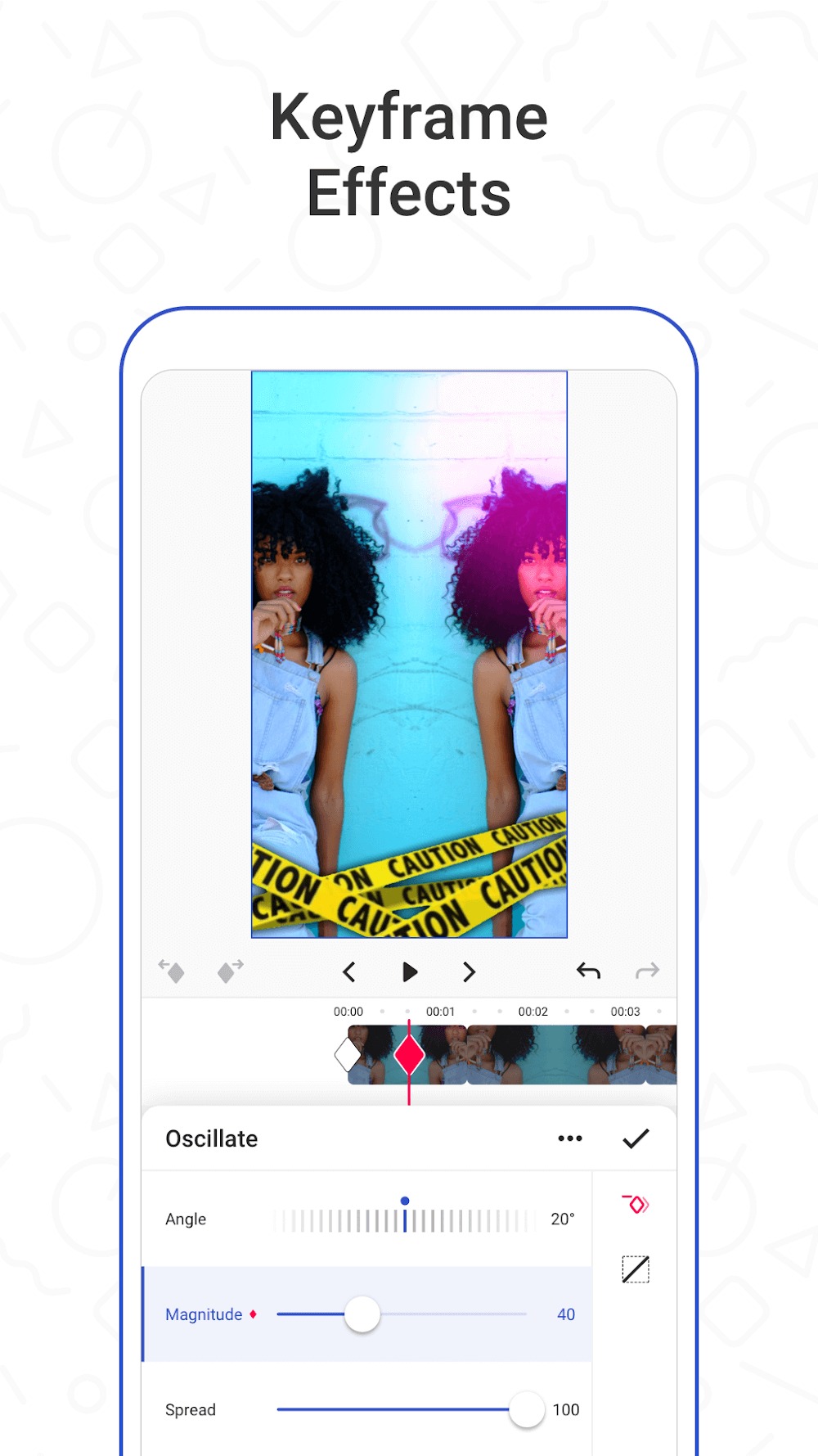
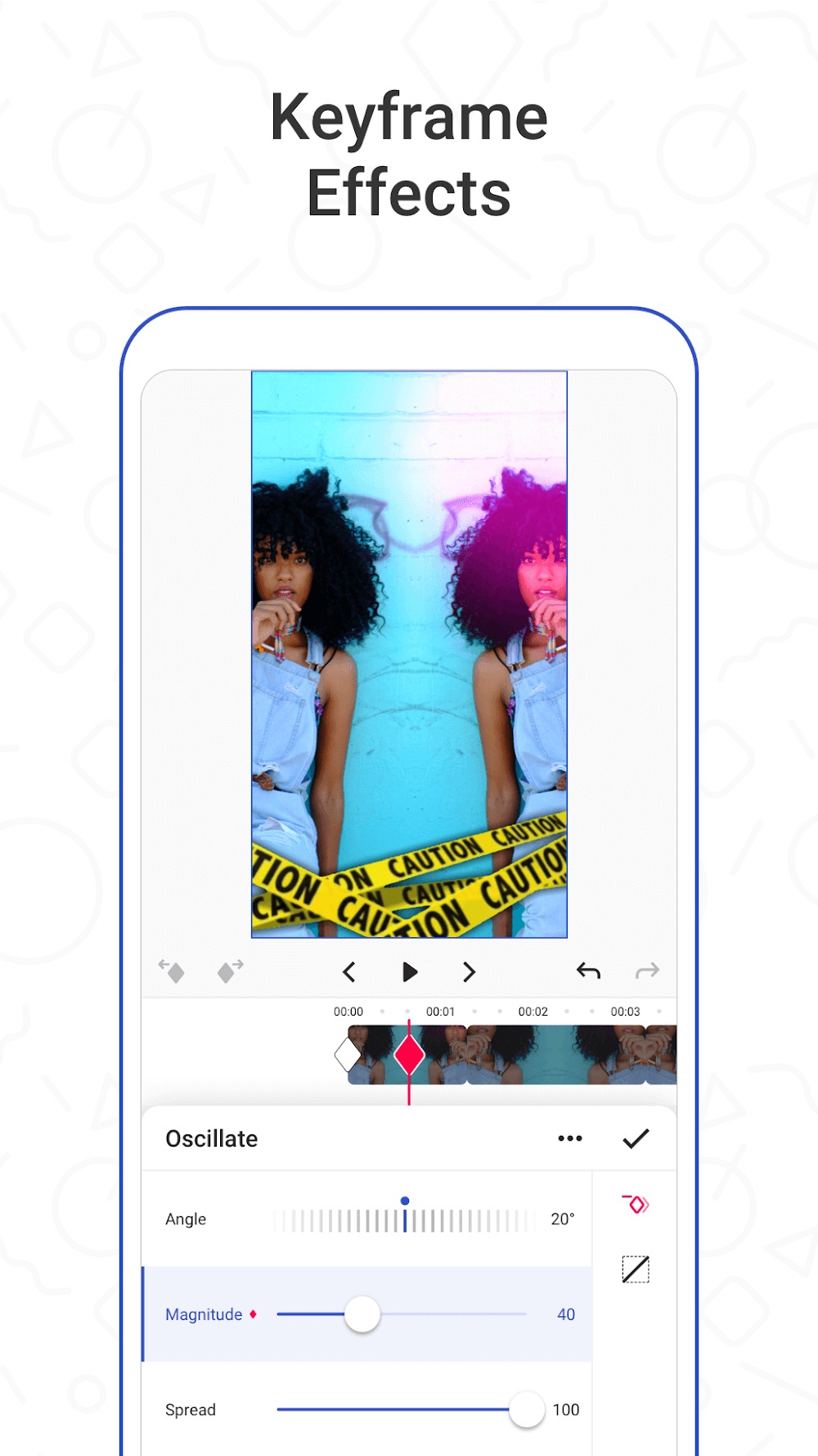
So are you ready to let your creativity go wild? There is an effect for every occasion. You will be amazed at how creative and fun the results are. You can easily add your favorite music to make your own short music video with creative effects just like TikTok.
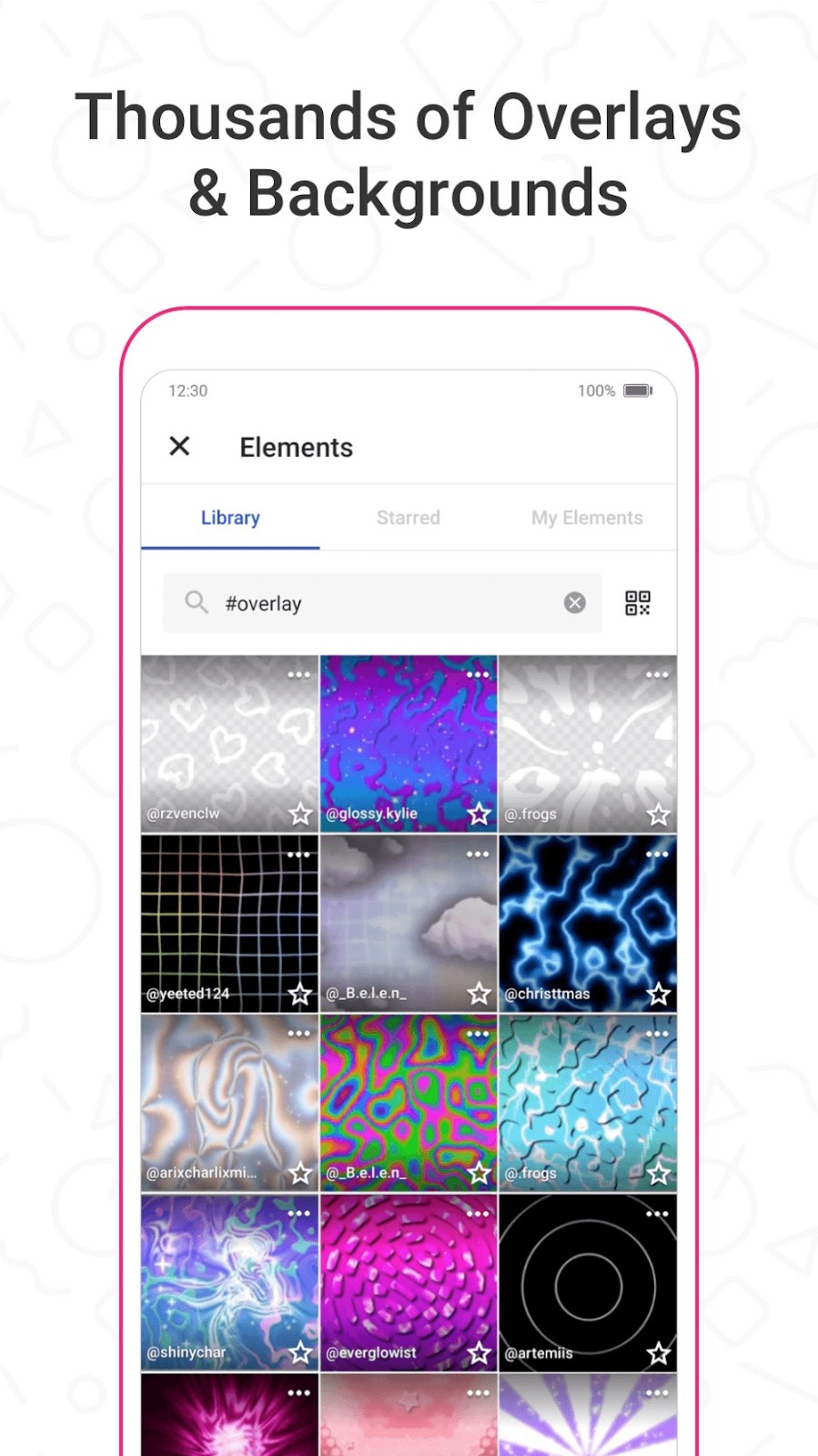
This app allows you to easily modify the background of your movie and mask it with many creative effects using the AI Effects option. It also has a pro version that offers more than 100 cutting-edge video effects to keep your video original.
Basic Funimate editing features include cutting, trimming, cropping, combining, transition effects, and templates. There is a community aspect to this app as well. That allows you to look at what other people have done to their videos using the same visual effects.
Once you’ve created a great video, there’s still one more thing to do before uploading it: pick some hashtags! The hashtags you choose can greatly influence how many people see your video.
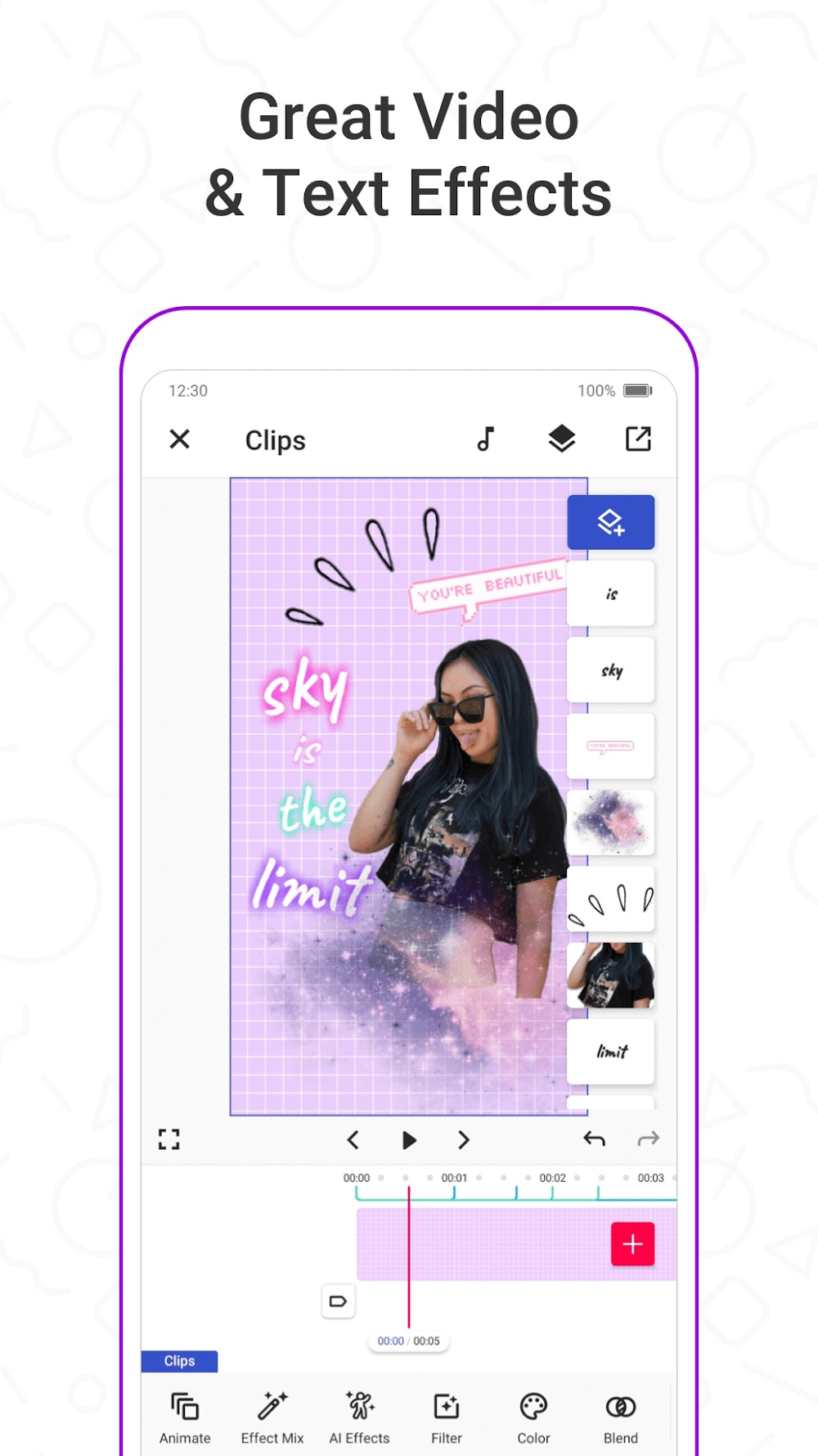
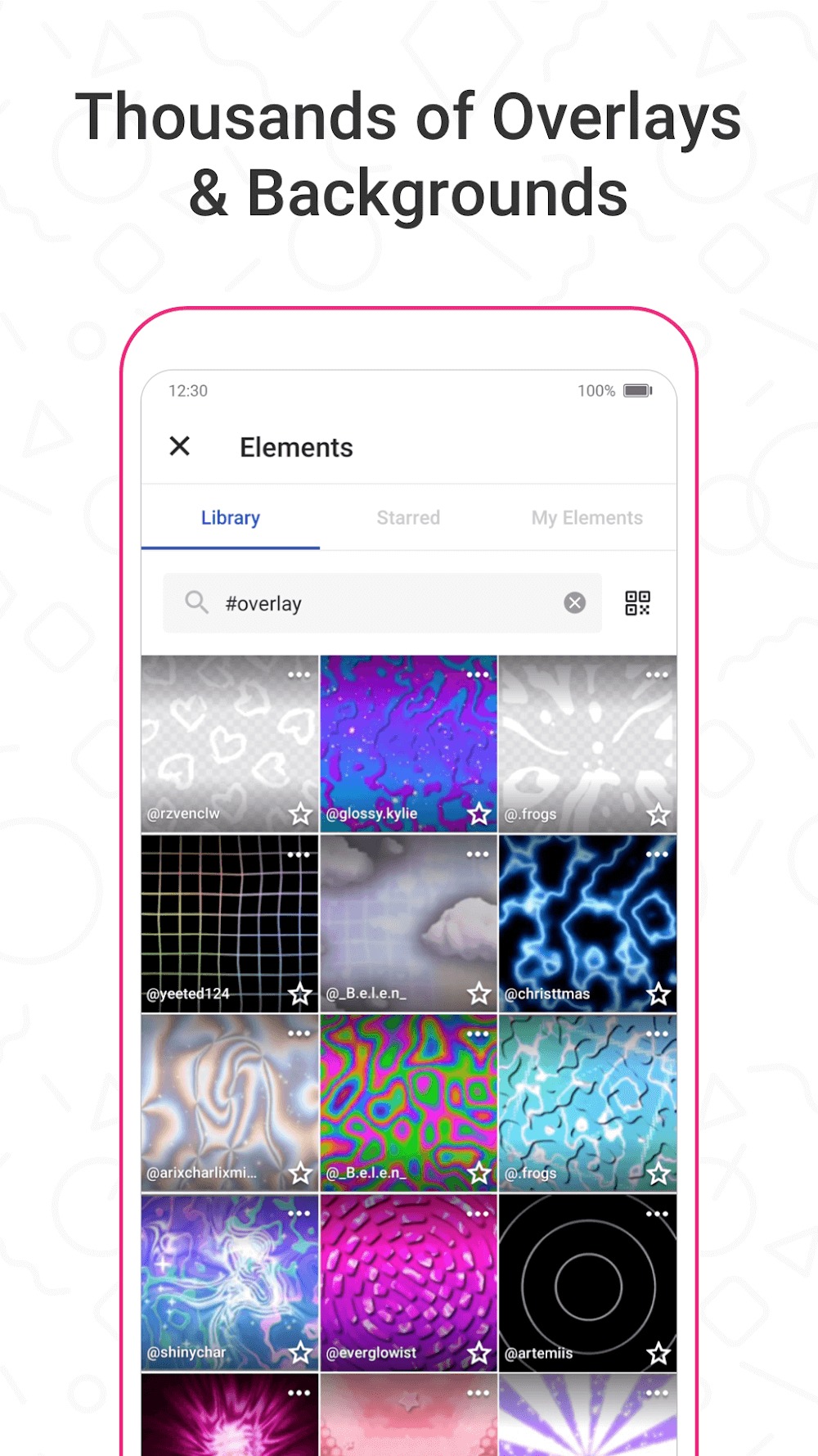
You also have the ability to add emojis, stickers, and personalized text to your videos using the Element Gallery tool. Download the app now by clicking the download button above. Install the files and enjoy video editing on the go.
First you’ll need to make your own Funimate Pro Account. This takes a few seconds to do, so don’t worry about that.
Once you’ve successfully created your own account, click on the blue plus button. This will pop up all of your media files and allow you to select between the ones you want. From this point, just pick all the ones you want.
Then, there will be able to choose the format between square, portrait, and Landscape. This will automatically move you to the editing screen. On the bottom of this screen you will see the music note icon. This is obviously how you add your own sound to the project. Go ahead and click on this to add your own music files onto the clip.
Now there is also a Timestamp available. You can select how long a specific scene is by selecting on Duration and trimming it down for yourself. This can be done with a simple tap and hold, followed by dragging down the time stamp bar.
Now, you can go ahead and add edits between the transitions of your videos. You can do this by selecting the white boxes that are in between each of your media files. You will have such options like Flash, Split, Vortex, and Zoom.
There are also many other options to utilize. You can Split your work apart, Crop, Trim, and even Duplicate it.
Once you are satisfied with your work, you can go ahead and share it with others. Either choose to share on your account, or save the project to your media and add it to your social media. You get to decide where your work goes and should be proud of it. A lot of work may have been put into your video. Thus, everyone deserves to see your results, first-hand!
luv this app sm! But, this app is very glitchy and has a lot of bugs. Whenever I add a video to my edit and I export it, it freezes and turns into images. And whenever I edit and want to see my progress it freezes and doesn't show it. It's very annoying. Also, whenever I want to speed up or slow down the video in my edit it just keeps FREEZING! I also can't use the elements..I'm using this app on a new phone btw, so there is no way its because of my phone! Edit: It works now! thx for fixing it!
Awesome app!! I love how easy it is to edit and create my own edits! I joined a long time ago I cant remember exactly when but I've had such a fun time with it! The only thing I've been noticing is the text. When I try to use text it allows me to type what I want, but I can't edit it. I can't edit the colour or font of the text. Which I kinda find annoying bc then I have to use text from elements. (I do have a Samsung btw, a Samsung s9) But over all its a great well made app!
I love this app! ive been using it for years! the ads dont matter to me since they aren't that bad, but the funimate pro doesn't work for me anymore. everytime I try to buy it, it always tell me that the product doesn't exist. I wish I could buy it or funimate can fix the buy button so we can actually buy their subscription!
BEST APP I'VE EVER INSTALLED. Unfortunately it's not free BUT you can have a 7 day free trial. After that it's around £7 per month which I think is reasonable. You can literally do ANYTHING with the photo you have chosen. Only downside of this app is that your songs are limited. Most of their songs can fit any video but i'd rather be able to get ANY song in the world instead of one i've never even heard before.
Ideal for ease of operation and great video output, this app is superb for anyone seeking an original or updated look for their shots rather than e genuine editor programme. Users can join in with fun challenges, too, and contribute to the community of video makers. It is great for anyone wanting to stand out from the crowd.
Size:300.49MB Version:14.0.9
Requirements:Android Votes:527
Package Name:com.avcrbt.funimate Signature:ab4a1f2d47c49d8bfe91ba21f7972d39
Transform your smartphone into a powerful editing studio with the best video editing apps for Android! Whether you're a content creator, social media enthusiast, or just looking to polish personal videos, these apps offer professional-grade tools right at your fingertips. Enjoy intuitive interfaces, advanced features like multi-track editing and filters, and seamless exporting options - all optimized for mobile devices. Download now and start creating stunning videos anytime, anywhere!
Video Editor is a powerful software tool designed for crafting, refining, and enhancing video content. It enables users to transform raw footage into compelling visual narratives or effective communication platforms. As digital media continues to evolve, video editing has grown in significance - no longer just a professional necessity but also an accessible skill for everyday creators. Modern editing tools now offer intuitive interfaces, AI-powered features, and cross-platform compatibility, making high-quality video production achievable for both experts and casual users alike.
Mobile video editing tools are highly popular, with complete functions and professional tools that provide a strong atmosphere for various materials. Rich video templates can be operated with just one click, saving time and without too high a threshold. So what are the free versions of mobile video editing software? Editing software should have high popularity, but most of them require membership. Next, I recommend several platforms that can be used for free.
About us | Contact us | Privacy policy| DMCA
Copyright © 2026 Xiaohei All rights reserved.