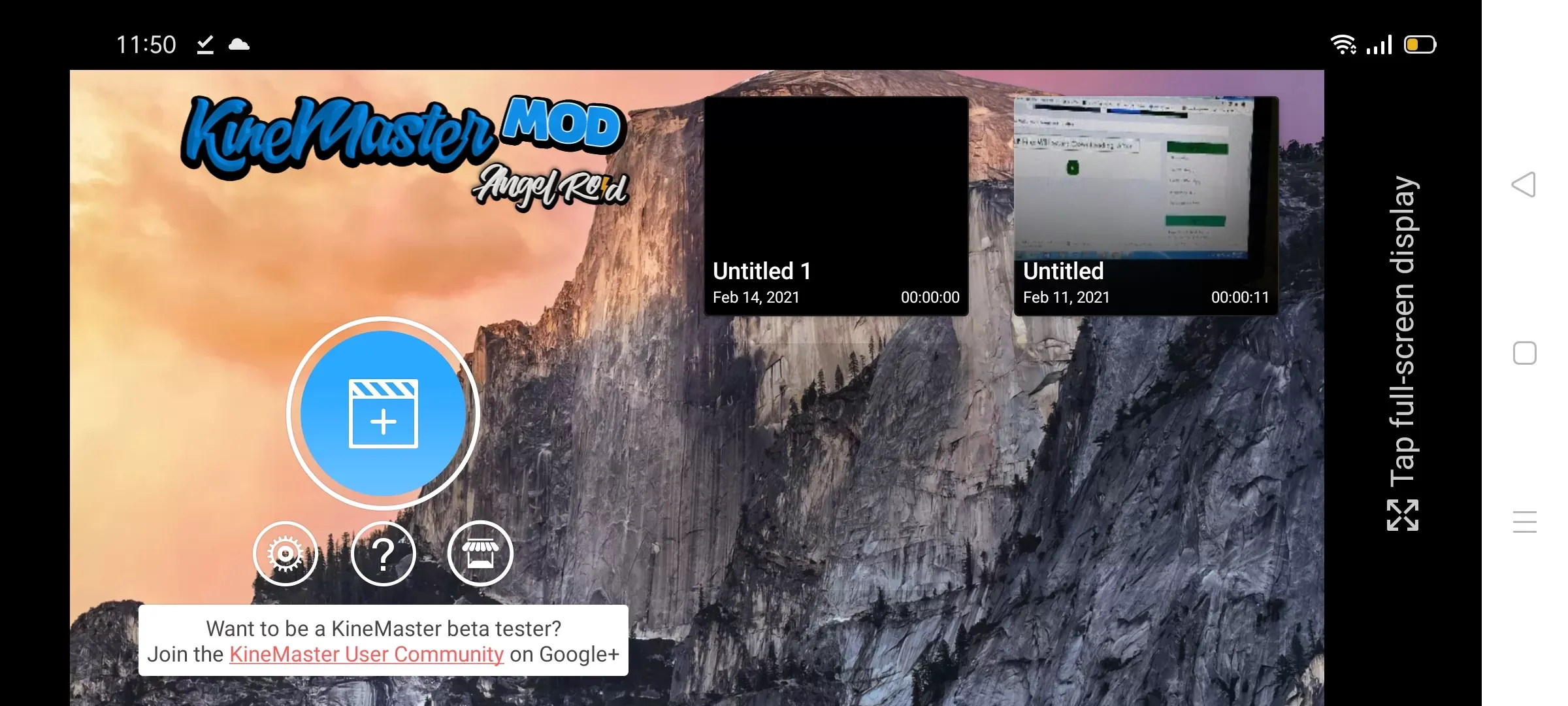
Kinemaster Diamond is a video editing tool for mobile devices, offering users numerous video editing templates. It allows users to easily add various video filters and effects, music, text subtitles, and more. It also supports video rotation, cropping, merging, and adjustments to brightness, saturation, and volume, helping users create high-quality video works. Once finished, users can share their videos with friends or on other social media platforms to earn likes. The software is completely free, exports videos without watermarks, and more materials and editing tools are constantly being added to help users create even better works.
Blue Diamond Interface: The app's innovative blue diamond theme gives it a modern look, setting it apart from standard red or black designs. Buttons and layoutsare simple and easy to use, making editing smooth and fun.
Ad-Free Experience: KineMaster Diamond provides an uninterrupted editing environment There are no ads to disturb your workfiow, allowing you to focuscompletely on your video projects.
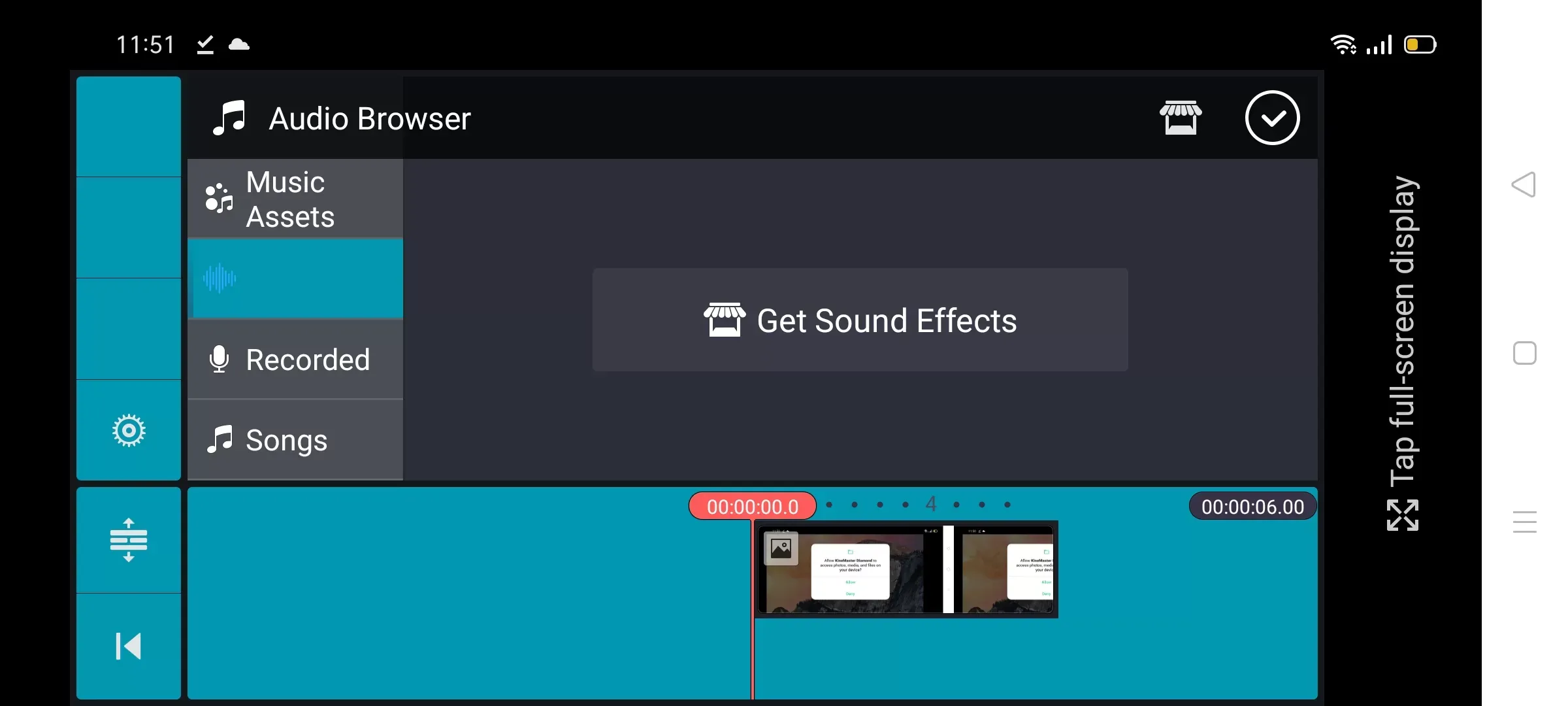
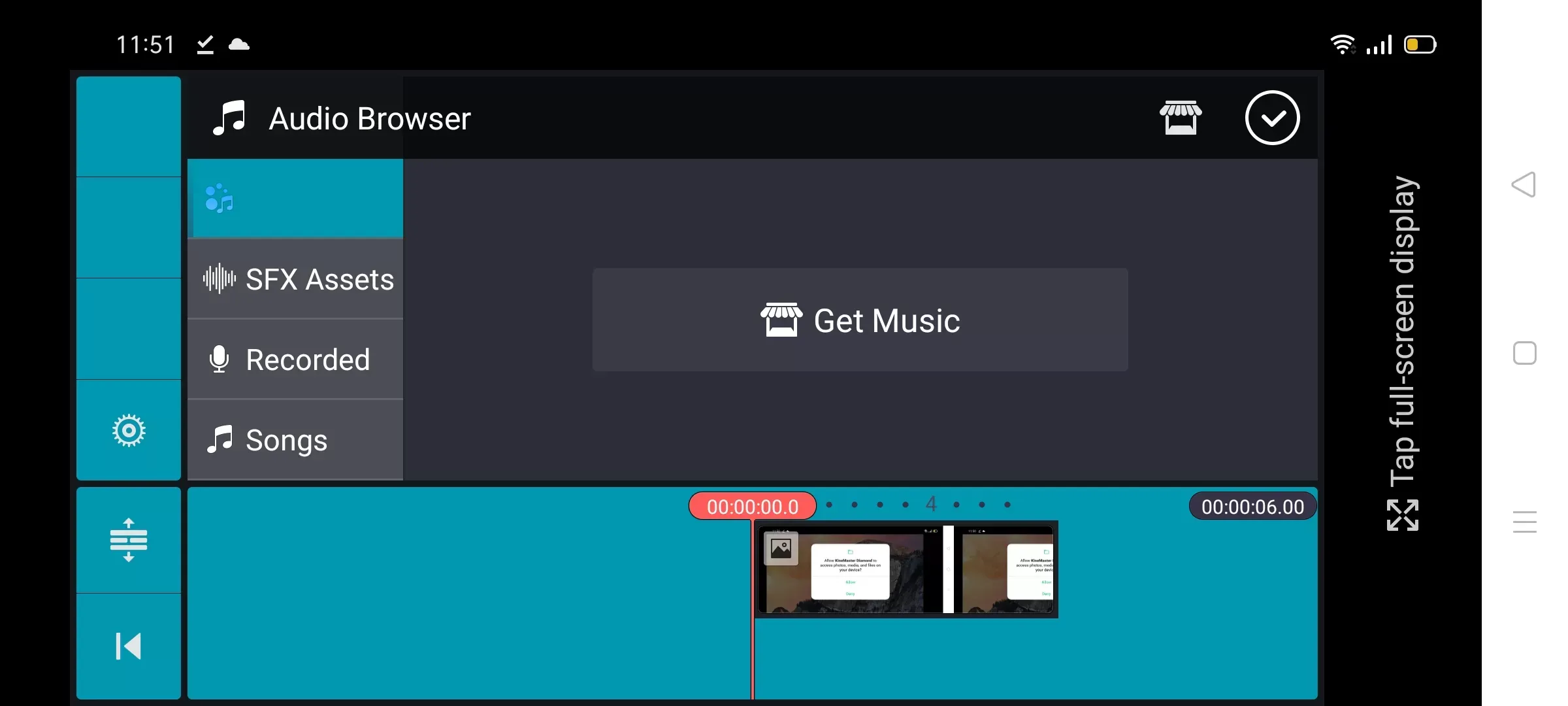
Built-In Music Tracks: The app comes with a library of free music tracks. You can also import your own songs from your gallery. This makes it easy to enhanceyour videos with sound that matches your style and mood.
Voice Changer Feature: One standout feature is the voice changer, which allows you to make your voice sound funny, deep, robotic, or customzed to fit yourvideo's theme. This is ideal for gaming videos, reels, and comedy clips.
Glitch and Motion Effects: Add trendy glitch effects and motion animations to give your videos a moder, styish look. Perfect for fast paced edits, music clips, orsocial media content.
Direct Social Sharing: KineMaster Diamond makes sharing videos simple. Post your creations directy to social media platforms wthout extra steps, saving time and effort.
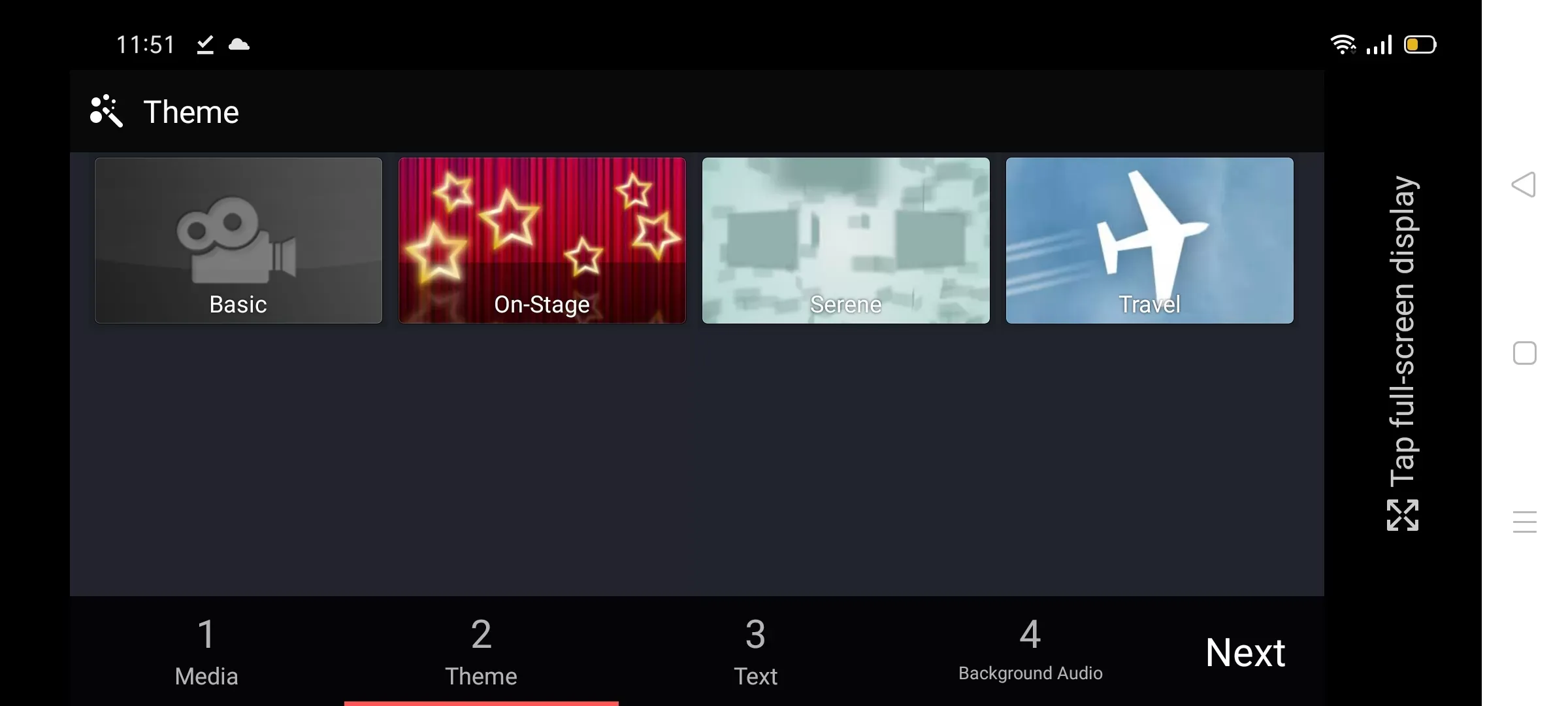
High-Quality Transitions: Transitions play a crucial role in enhancing the flow of your videos. Kinemaster Diamond offers a diverse library of smooth transitions that elevate the visual appeal of your projects. These include fades, slides, zooms, and more, enabling you to craft seamless connections between clips. The variety ensures there’s something for every style and theme.
Chroma Key Effect: The chroma key effect, commonly known as green screen technology, is another highlight of this app. It lets you replace backgrounds with custom images or videos, opening up endless creative possibilities. Whether you’re shooting tutorials, vlogs, or fictional scenes, this tool helps bring your ideas to life.
Audio Editing Tools: Audio is just as important as visuals in video production. Kinemaster Diamond includes robust audio editing tools that allow you to adjust volume levels, add sound effects, and synchronize tracks with precision. You can also import external audio files to enhance your project further.
Customizable Text Options: Adding text to your videos has never been easier. With customizable font styles, colors, animations, and positioning options, Kinemaster Diamond makes it simple to incorporate engaging titles and subtitles. This feature is particularly useful for educational content or promotional videos where clarity matters.
Export Without Watermark: A major advantage of Kinemaster Diamond is the ability to export videos without watermarks. This ensures your final output looks professional and ready for sharing across platforms like YouTube, TikTok, or Instagram. Removing watermarks enhances the overall presentation and credibility of your work.
If you’re new to video editing or want to improve your craft, keep these tips in mind:
Plan Your Story: Before you start editing, think about your main message and what you want to share.
Keep It Simple: Avoid overusing effects. Clean, well-paced edits often work best.
Use Good Music: Background music can make or break a video. Choose tracks that match your tone.
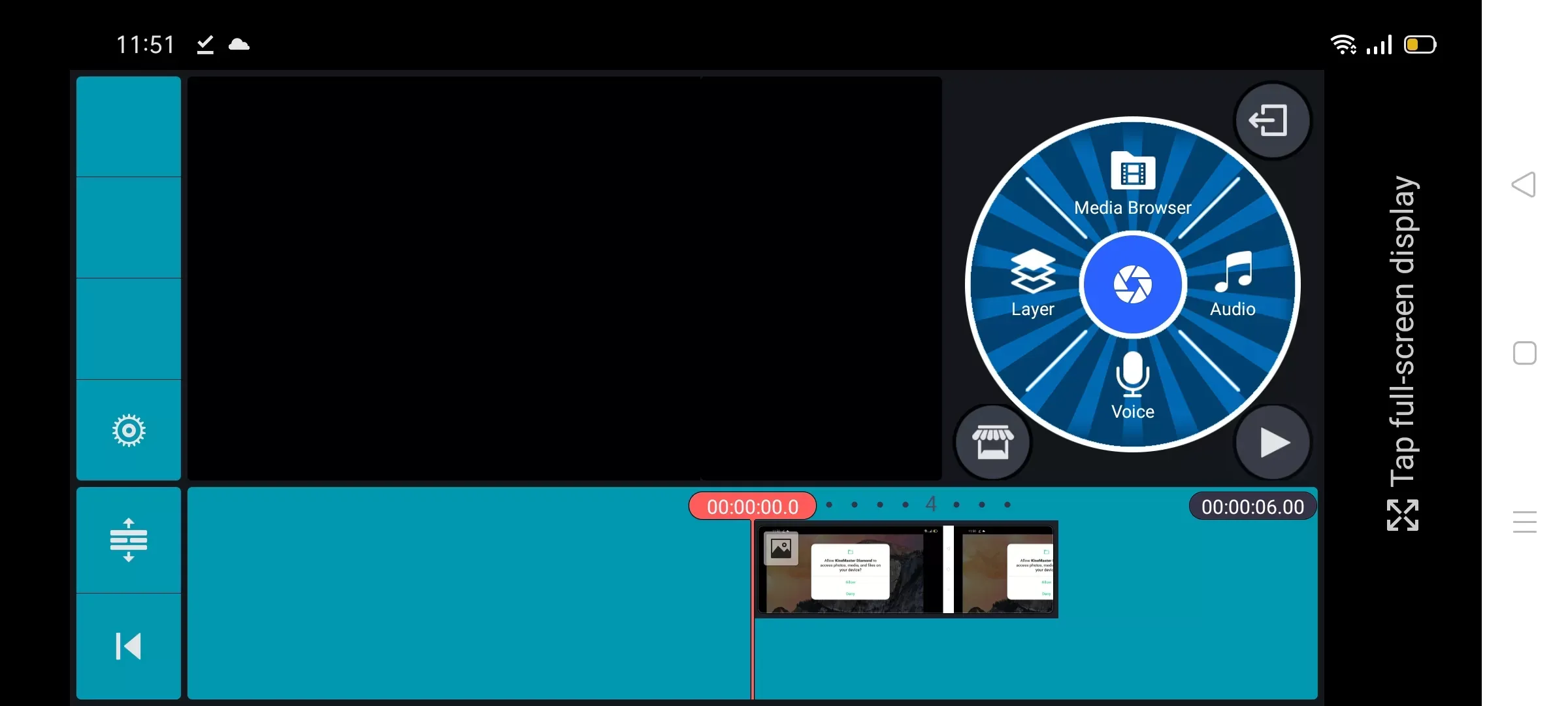
Experiment with Layers: Try overlaying images, text, or motion graphics to add depth.
Mind the Length: Keep your content concise to maintain viewer attention.
Kinemaster Diamond provides all the tools you need. All that’s left is to use your imagination.
Is Kinemaster Diamond safe to use?
Yes, but only if downloaded from a trusted source. Always verify the authenticity of the APK file to avoid malware risks.
Can I use this app on iOS devices?
No, Kinemaster Diamond is currently available only for Android devices.
Do I need technical skills to use this app?
Not at all! The app is designed for users of all skill levels, from beginners to experts.
Will my edited videos have watermarks?
No, one of the key benefits of Kinemaster Diamond is the ability to export videos without watermarks.
How often are updates released?
Updates depend on the developer. It’s recommended to check regularly for new versions to stay updated.
KineMaster Diamond is the most popular video editing program in several regions, with 50 percent of creators using it and using this video editing tool on cellphones for amazing professional features. Overall, this is the best APK for you. I hope you’ve downloaded and installed it on your phone. So, if you liked our website, please share it with your friends.
Size:132.8MB Version:8.1.12.36540.GP
Requirements:Android Votes:474
Transform your smartphone into a powerful editing studio with the best video editing apps for Android! Whether you're a content creator, social media enthusiast, or just looking to polish personal videos, these apps offer professional-grade tools right at your fingertips. Enjoy intuitive interfaces, advanced features like multi-track editing and filters, and seamless exporting options - all optimized for mobile devices. Download now and start creating stunning videos anytime, anywhere!
Video Editor is a powerful software tool designed for crafting, refining, and enhancing video content. It enables users to transform raw footage into compelling visual narratives or effective communication platforms. As digital media continues to evolve, video editing has grown in significance - no longer just a professional necessity but also an accessible skill for everyday creators. Modern editing tools now offer intuitive interfaces, AI-powered features, and cross-platform compatibility, making high-quality video production achievable for both experts and casual users alike.
Mobile video editing tools are highly popular, with complete functions and professional tools that provide a strong atmosphere for various materials. Rich video templates can be operated with just one click, saving time and without too high a threshold. So what are the free versions of mobile video editing software? Editing software should have high popularity, but most of them require membership. Next, I recommend several platforms that can be used for free.
About us | Contact us | Privacy policy| DMCA
Copyright © 2026 Xiaohei All rights reserved.