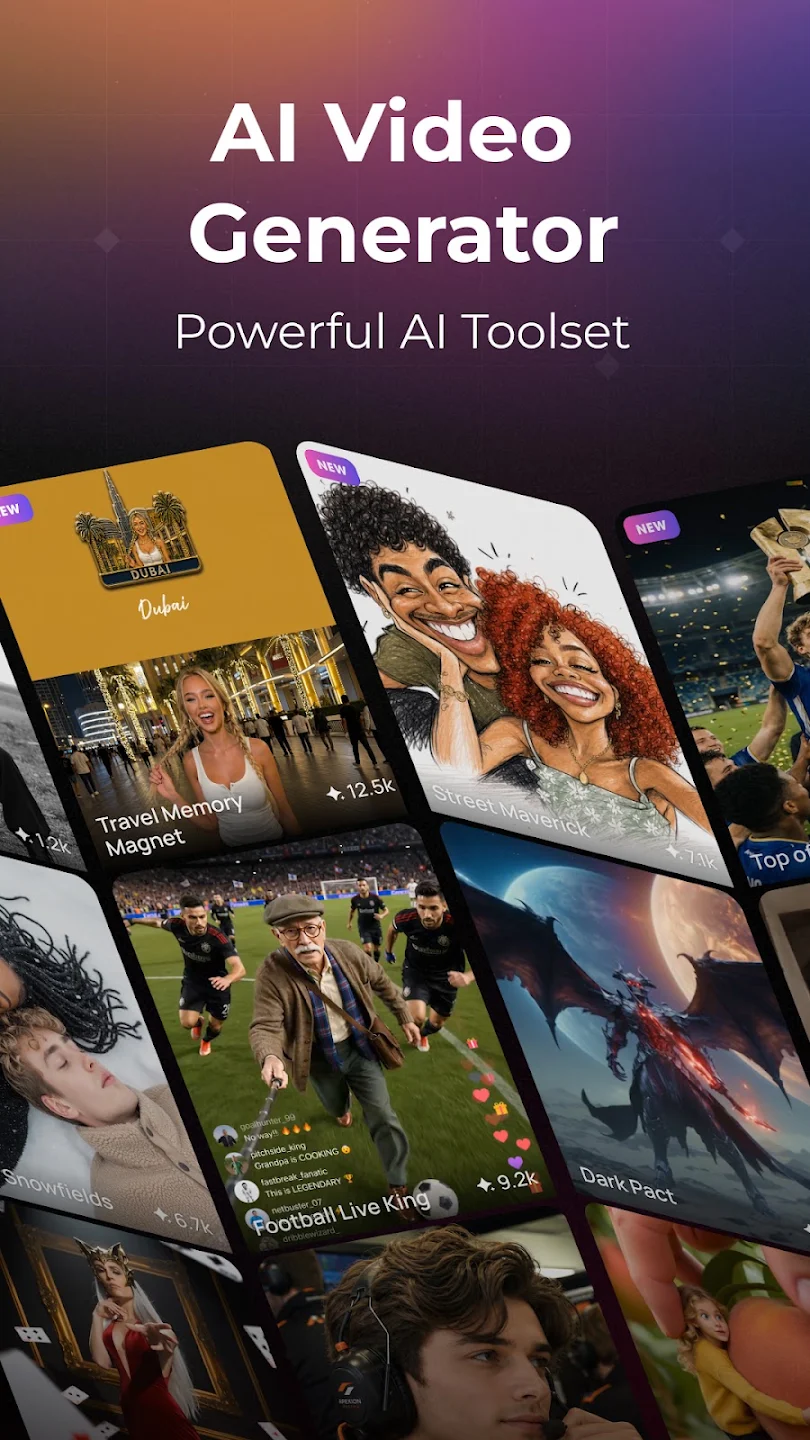
PixVerse is a user-friendly video creation software. With the help of new AI technology, users can easily convert text and images into videos of different styles, further edit them according to their preferences, export them, and share them with their friends to garner numerous likes. The software is also very easy to use. After completing a text description, upload reference images to generate a more complex 30-second video. You can freely add more effects and filters to create your own unique works. The software is also constantly being updated and optimized, improving the effects template library and AI model to make the generated videos more realistic.
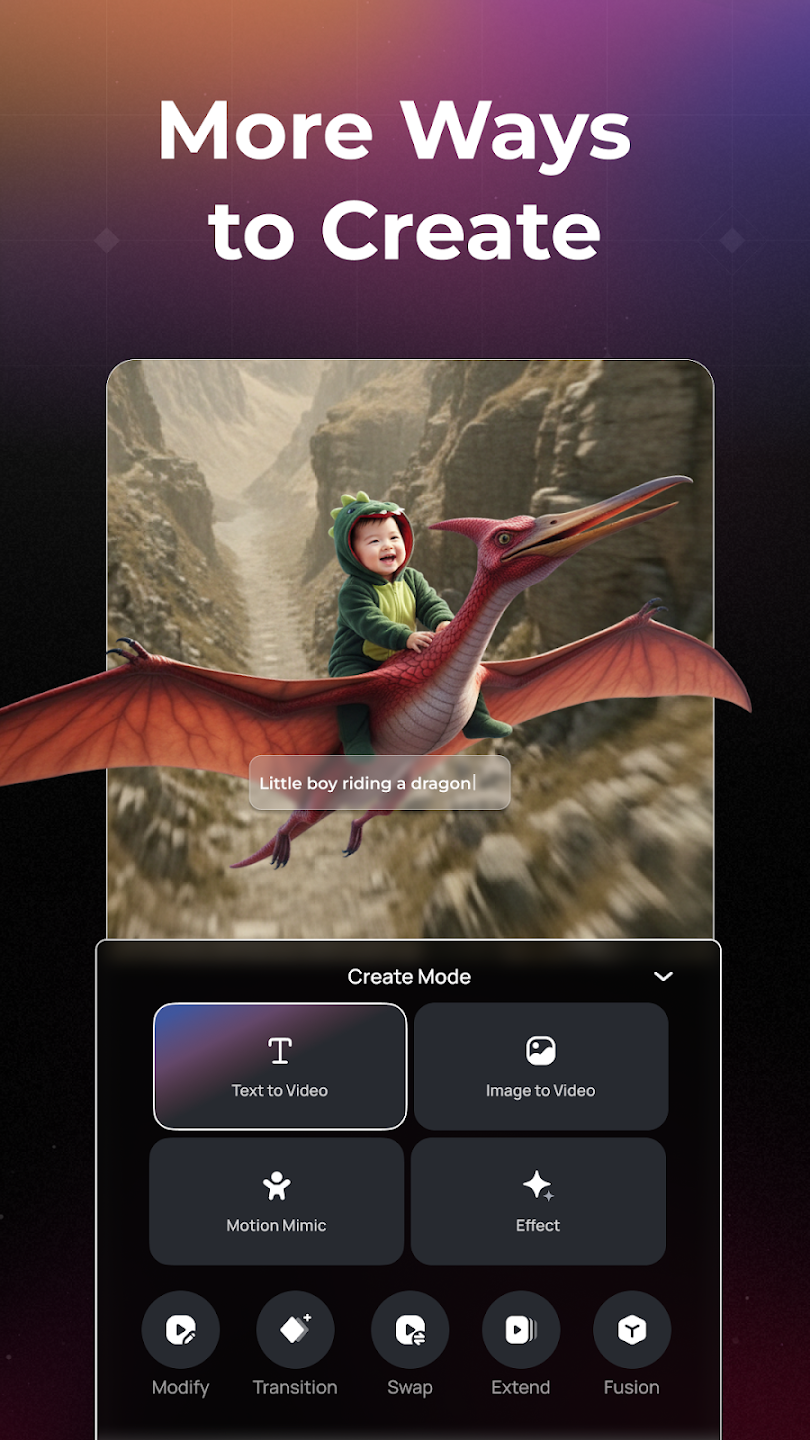
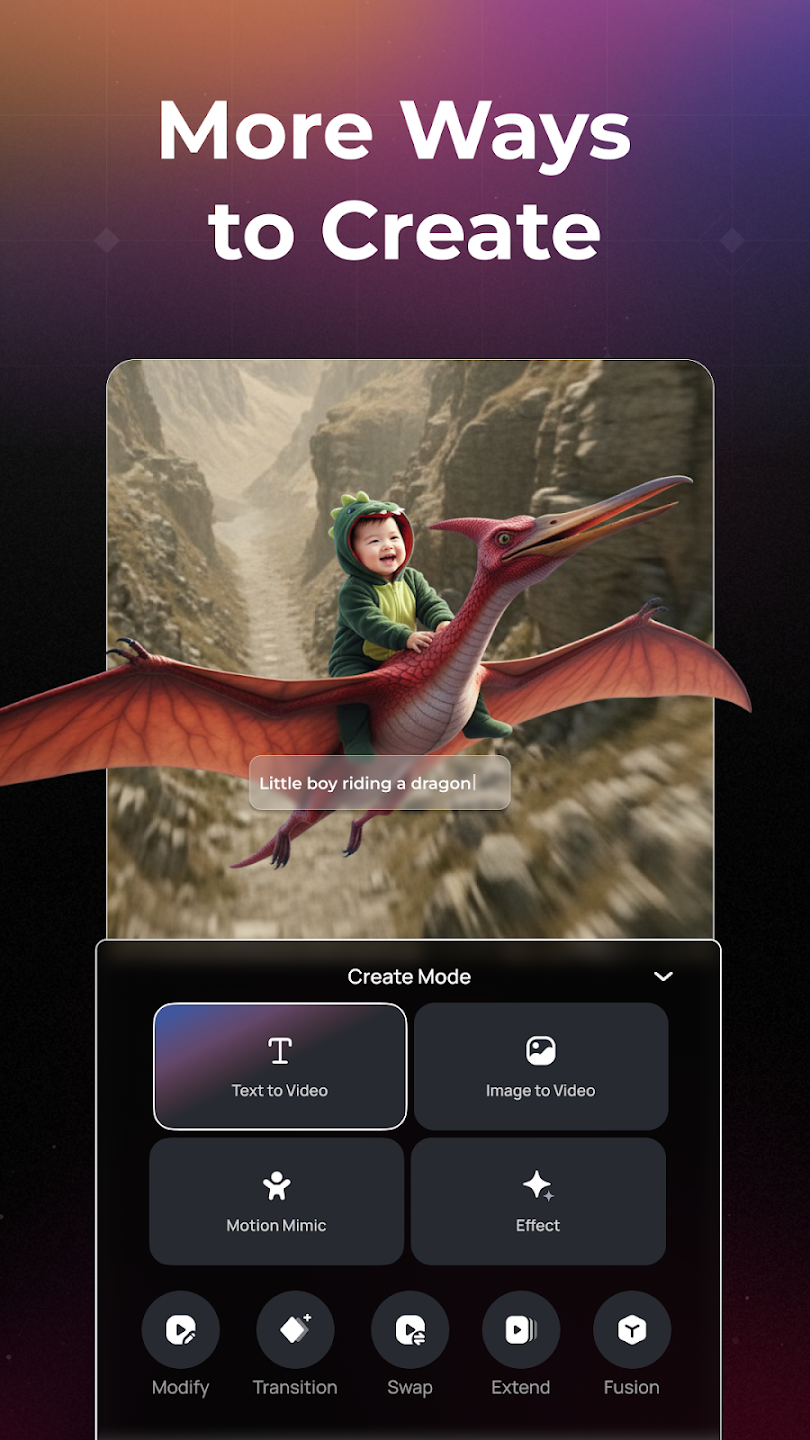
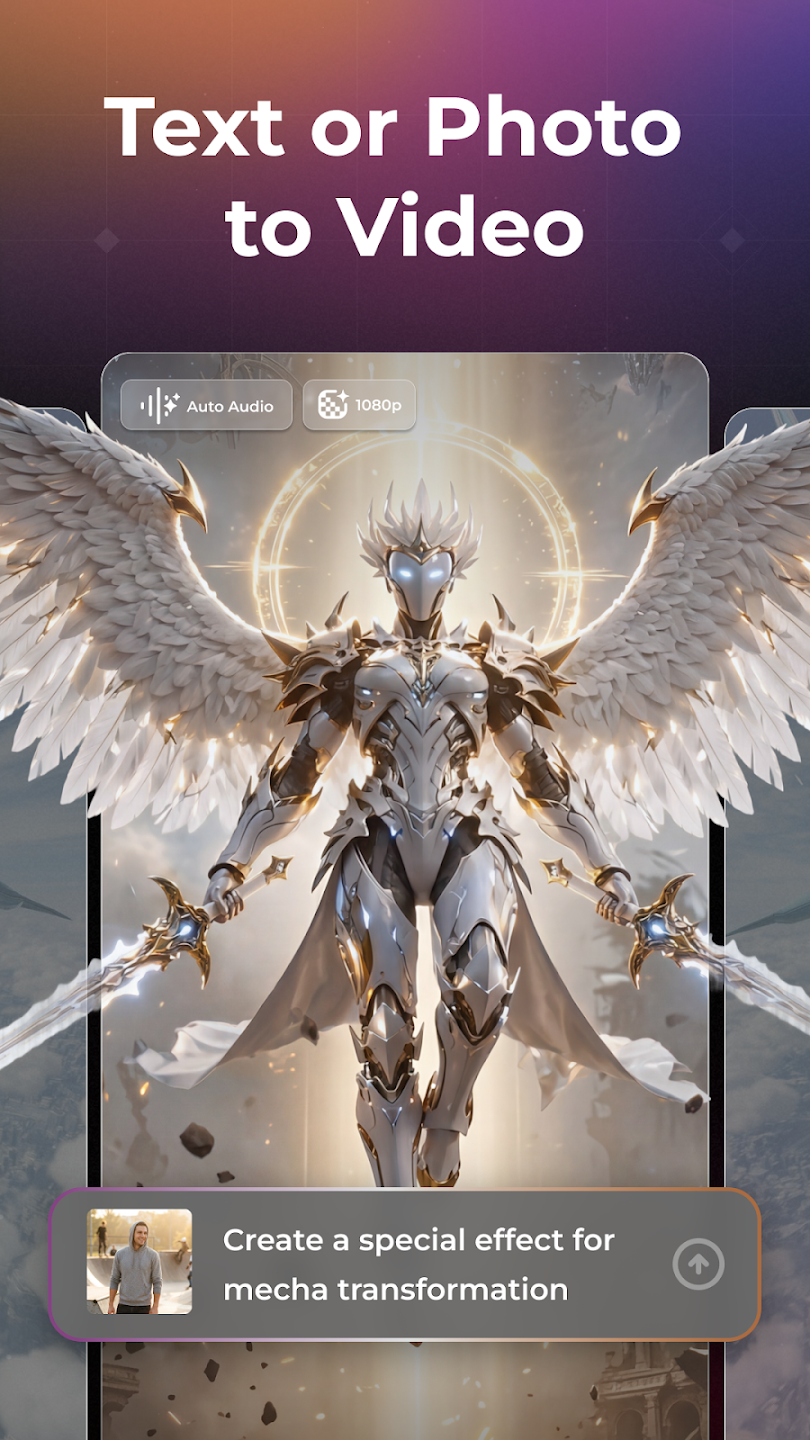
Text to Video and Image to Video: PixVerse generates clips from a typed prompt or an uploaded image with realistic motion and cinematic quality. It applies advanced physics to animate subjects, clothing, hair, and camera movement for lifelike results. This helps turn static ideas into short videos that fit everyday sharing without manual keyframing.
Modify, Key Frame Control, and Video Extension: PixVerse provides edit controls that respond to plain language. You can modify a draft by updating the prompt, set key frames to lock poses or camera changes, and extend a shot to keep continuity. Together these tools support small corrections and longer scenes without starting over, which saves time across multiple versions.
Fusion Mode and reference generation: PixVerse blends up to three images into a single coherent clip using Fusion Mode. You can also guide consistency by supplying a reference so characters and style stay aligned across shots. This works well for lookbooks, product demos, or character reels where visual identity matters.
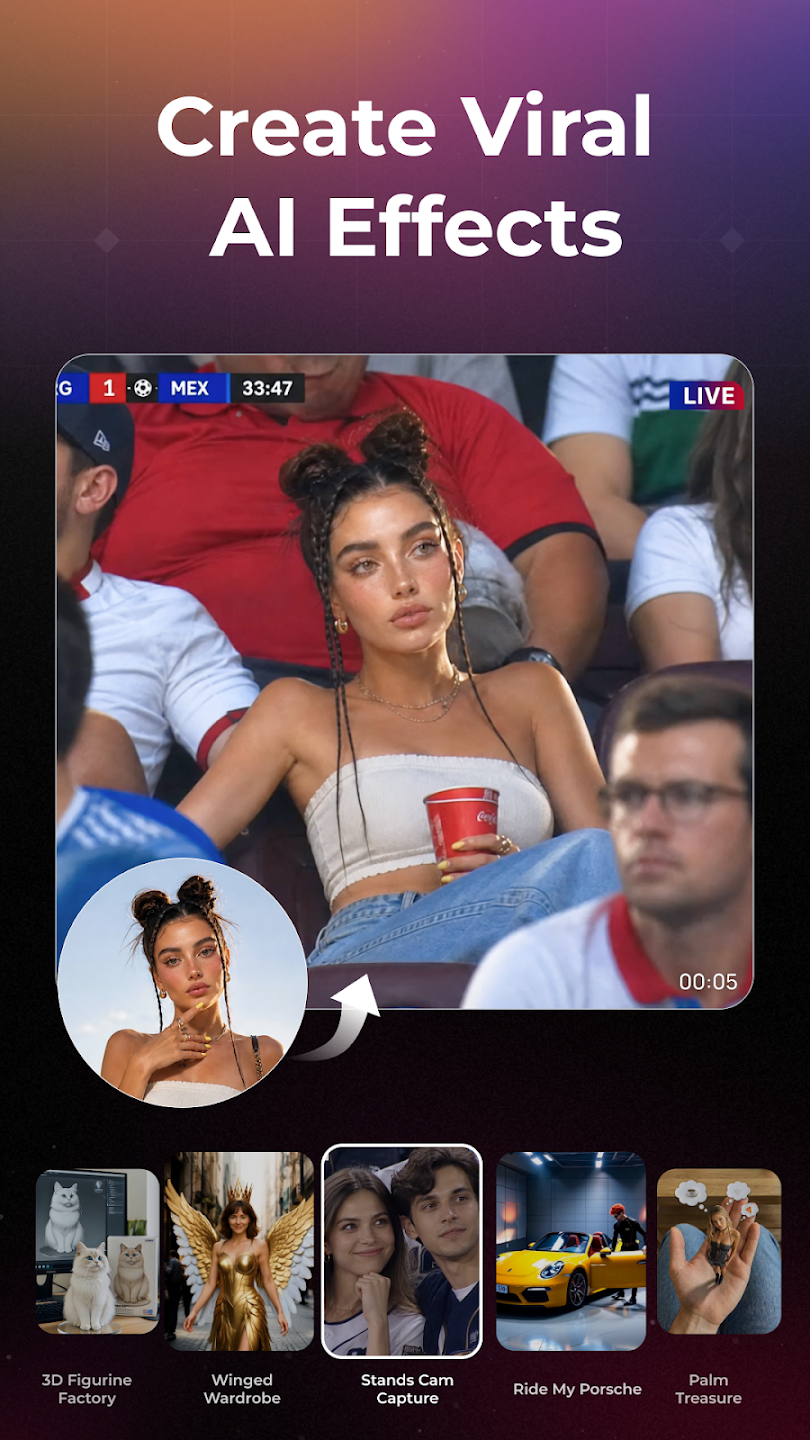
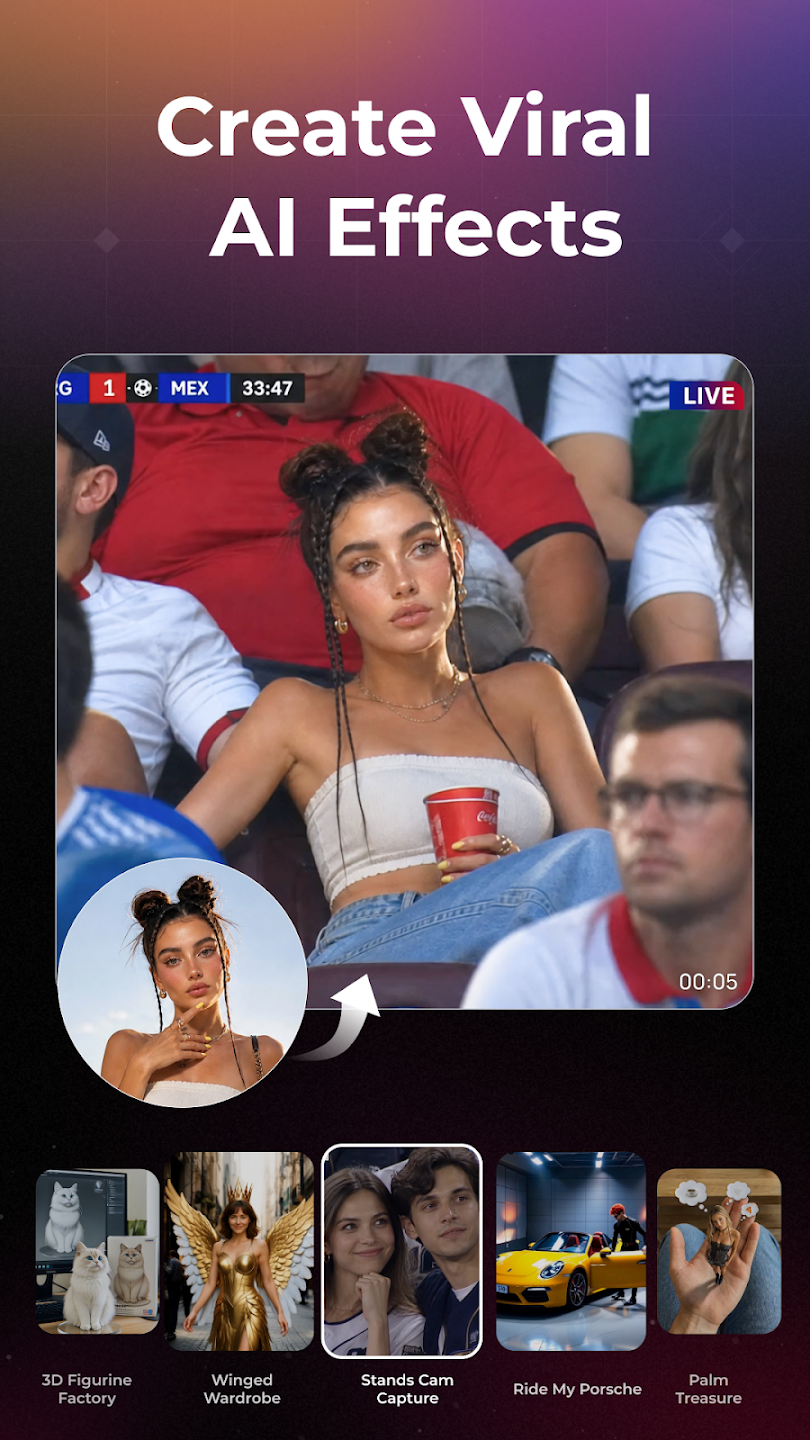
Templates and named effects: PixVerse includes template categories with viral effects such as AI Kiss, AI Hug, AI Dance, AI Muscle, AI Fighting, AI Jesus Hug, Old Photo Revival, Magic Transformation, and AI Beauty and Skin Tone. You choose a template, preview the result, and adjust prompts or images to suit your idea. This approach speeds up common social formats while keeping room for quick tweaks.
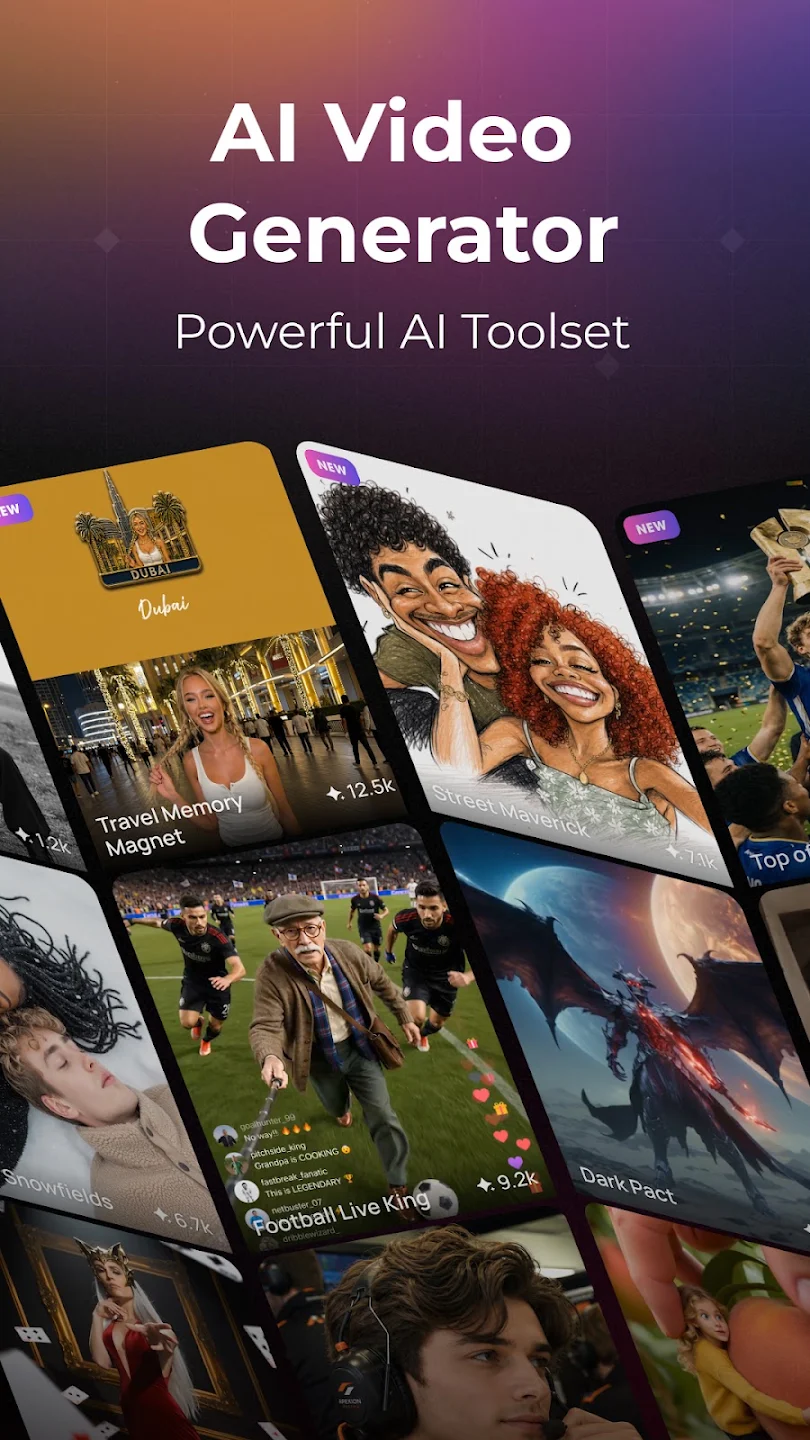
Image-to-Video: Use advanced AI models, including external top models, to animate photos and turn them into dynamic video content.
Transition (First & Last Frame): Smoothly connect the beginning and end of your video. Describe the scene between the first and last frames for seamless transitions and professional editing.
Upscale: Take your visuals to the next level. PixVerse's new Upscale feature enhances both images and videos to stunning 4K resolution, delivering crystal-clear quality with support for up to 30 seconds of video-so every frame looks its absolute best.
Video Extension: Keep your video rolling. Describe the next scene, and PixVerse will intelligently extend your footage for as long as you need.
Modify Video (Selection Editing): Edit specific parts of your video with precision. Use @mentions to call out images, clips, or modes, and instantly apply your edits.
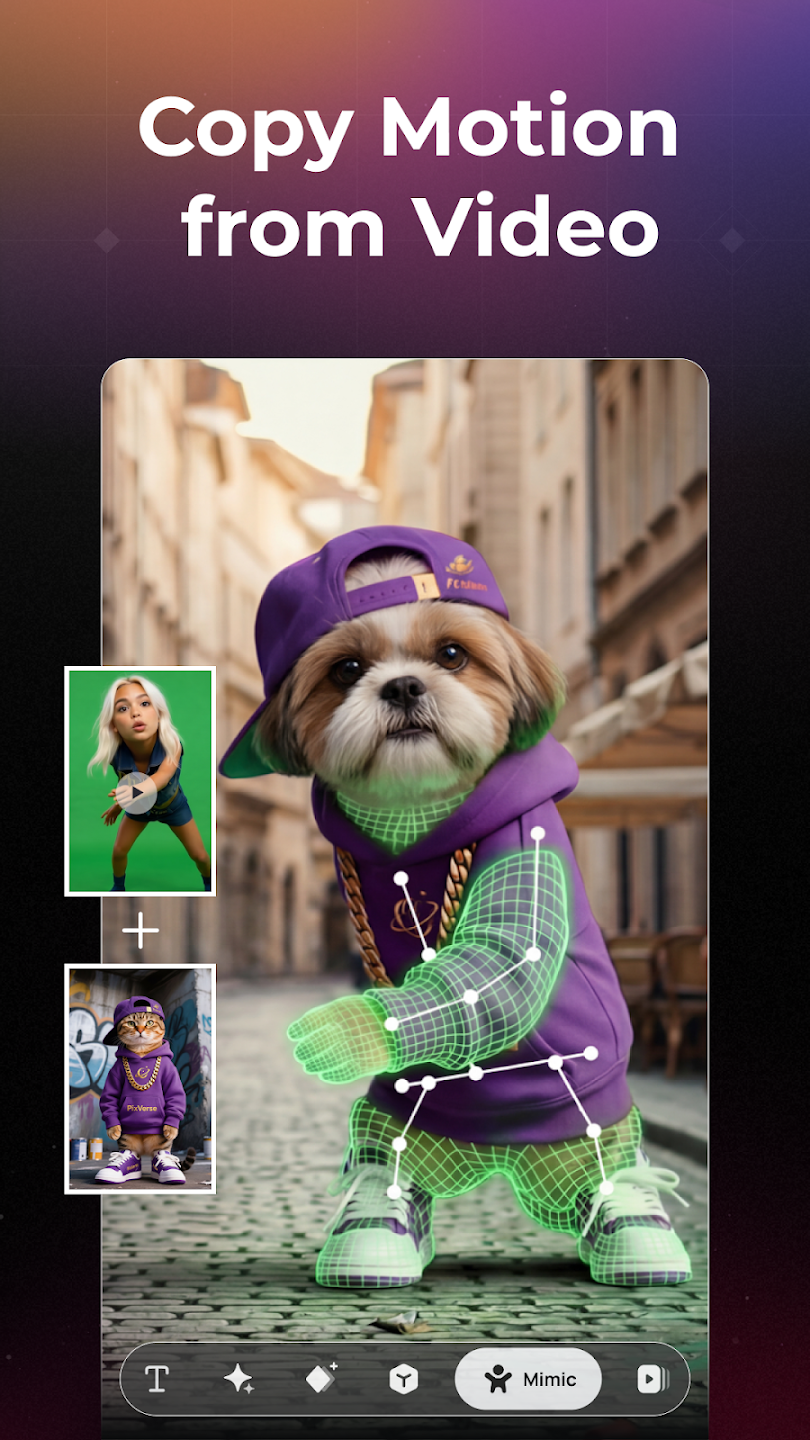
Motion Control: Upload a character’s image and a reference motion video. PixVerse AI will mimic the exact actions, from simple gestures to complex movements.
Speech Integration: Add character dialogue effortlessly by typing their lines, like: "Today, I’m excited to introduce our latest AI model." The AI will seamlessly integrate your script for professional delivery.
This one is good unlike other ai generators. you can earn decent amount of free credits enough to generate several images every day, depending on what you're generating, which one you're using, at what quality, still very nice, you can also use reference images to generate what you want, yep, all at free service, no cap, just try this right now, dont thank me later.
This app is amazing! The image-to-video quality is smooth and the animation looks very natural. I really like how easy it is to use, even for beginners. The motion is realistic and the results are much better than I expected. Please keep improving the free credits system and add even more free daily credits for creators. Thank you for making such a great AI video app!
For the most part, I love the app but as others have stated, it's too expensive and you have to continually keep buying more credits to keep creating. My biggest complaint is that you can't preview and accept what you have created and sometimes to get exactly what you want you have to remake your creation multiple times and you still get charged credits for each remake even if the previous version didn't work out for you. Also the voice prompts aren't always accurate causing more remakes.
Sword of Justice is an incredible free-to-play MMORPG that I highly recommend! The visuals are absolutely breathtaking, and the open world is massive and full of things to do. The martial arts combat feels smooth, and the story is genuinely engaging—a rarity in MMOs. It’s incredibly generous for a free game, and you never feel forced to spend money. It’s a must-try for any fan of the genre!
What should I do if my request is stuck in 'generating' status OR if the concurrent processing capacity doesn't match the displayed limit?
1.First, check if you're using a duplicate ai-trace-id in your generation request. If so, ensure each generation request has a unique ai-trace-id to successfully retrieve the completed video.2.Second, verify if all your requested videos have been successfully generated.
Why is there a delay in accessing the URL after receiving the result?
After a successful generation request, it enters the generating state. You need to poll the video details and wait for the status to change from 5 (generating) to 1 (generation successful) before access. For the v3.5 model, generation typically completes within 1 minute, but please check the specific time through API requests. Currently, Turbo completes generation tasks within 15 seconds.
What does content moderation failure mean?
To ensure the security of our technical services, we have content review systems in place.If your account makes too many requests that get moderated, we will suspend your account. If needed, you should add moderation before calling the PixVerse API, to avoid suspension.
What happens if video generation never returns a response?
1.After 10 minutes of video generation, the concurrent request quota will be released.2.At the latest after 2 hours, we will refund Credits based on the generation failure status.
Whether you’re a student looking for quick concept art, a designer searching for inspiration, or just someone who loves experimenting with AI visuals, PixVerse is like having a personal genie in your pocket. This app transforms words into stunning images, generates animations, and unlocks artistic possibilities that once felt impossible.
Size:123.2MB Version:3.18.6
Requirements:Android Votes:179
Package Name:com.pixverseai.pixverse Signature:5b4d8d5c0794d7d645342e924bca8395ac976827
Transform your smartphone into a powerful editing studio with the best video editing apps for Android! Whether you're a content creator, social media enthusiast, or just looking to polish personal videos, these apps offer professional-grade tools right at your fingertips. Enjoy intuitive interfaces, advanced features like multi-track editing and filters, and seamless exporting options - all optimized for mobile devices. Download now and start creating stunning videos anytime, anywhere!
Video Editor is a powerful software tool designed for crafting, refining, and enhancing video content. It enables users to transform raw footage into compelling visual narratives or effective communication platforms. As digital media continues to evolve, video editing has grown in significance - no longer just a professional necessity but also an accessible skill for everyday creators. Modern editing tools now offer intuitive interfaces, AI-powered features, and cross-platform compatibility, making high-quality video production achievable for both experts and casual users alike.
Mobile video editing tools are highly popular, with complete functions and professional tools that provide a strong atmosphere for various materials. Rich video templates can be operated with just one click, saving time and without too high a threshold. So what are the free versions of mobile video editing software? Editing software should have high popularity, but most of them require membership. Next, I recommend several platforms that can be used for free.
About us | Contact us | Privacy policy| DMCA
Copyright © 2026 Xiaohei All rights reserved.