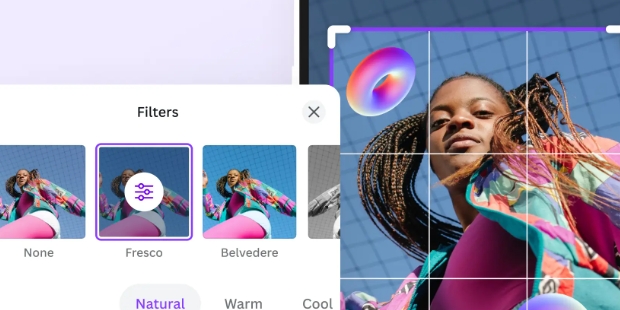
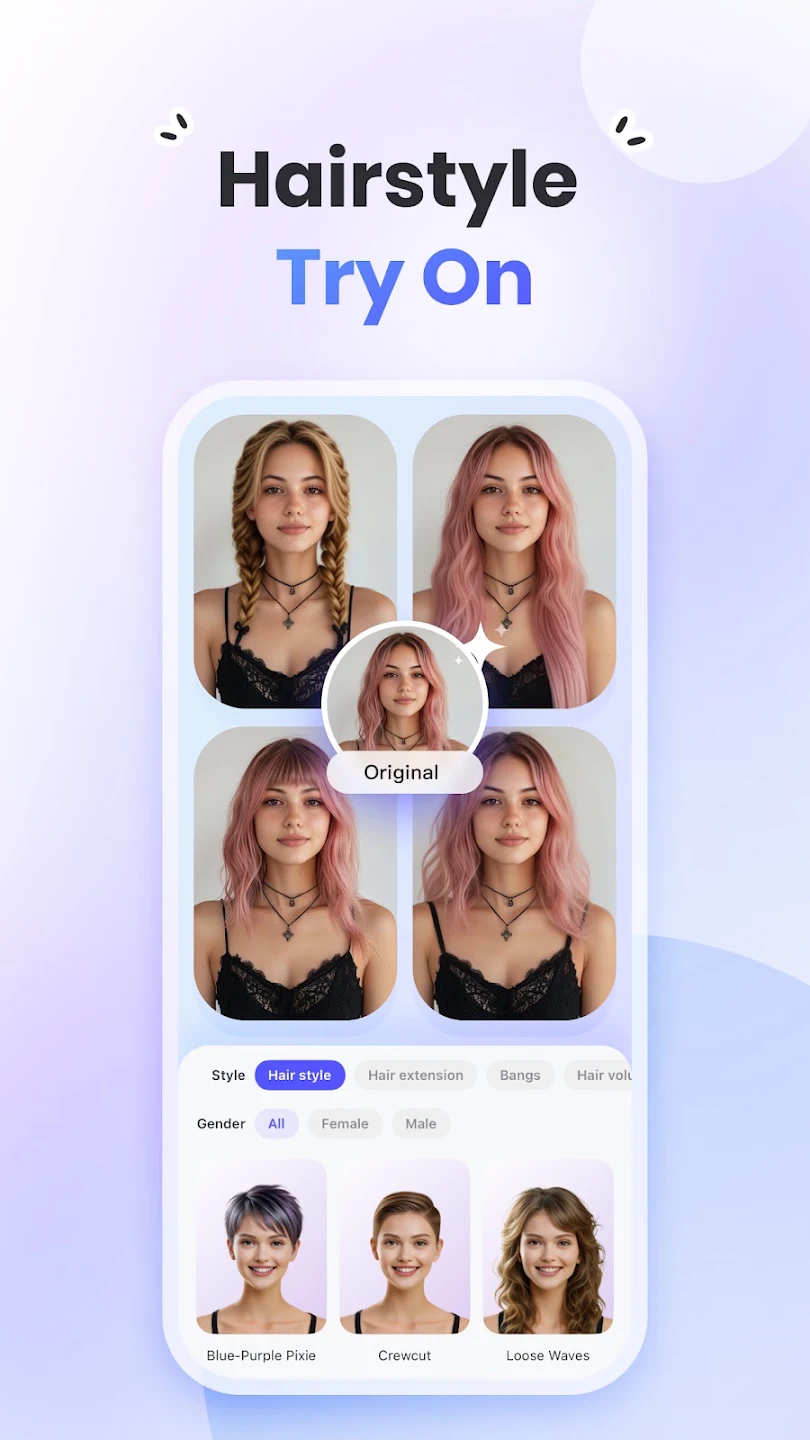
PicWish is a simple and easy-to-use photo editor that not only provides users with diverse editing templates but also allows for batch operations on photos, such as removing backgrounds and adding different filters, saving users time and effort. After uploading photos, users can change their size, brightness, and background color according to their preferences, and add various filters, effects, text, etc., to meet different user needs. Users can easily export images in high-resolution or higher quality and share them with friends or on social media platforms to earn their likes. Furthermore, the software is constantly being updated, with more useful materials and tools to be released continuously, so stay tuned!
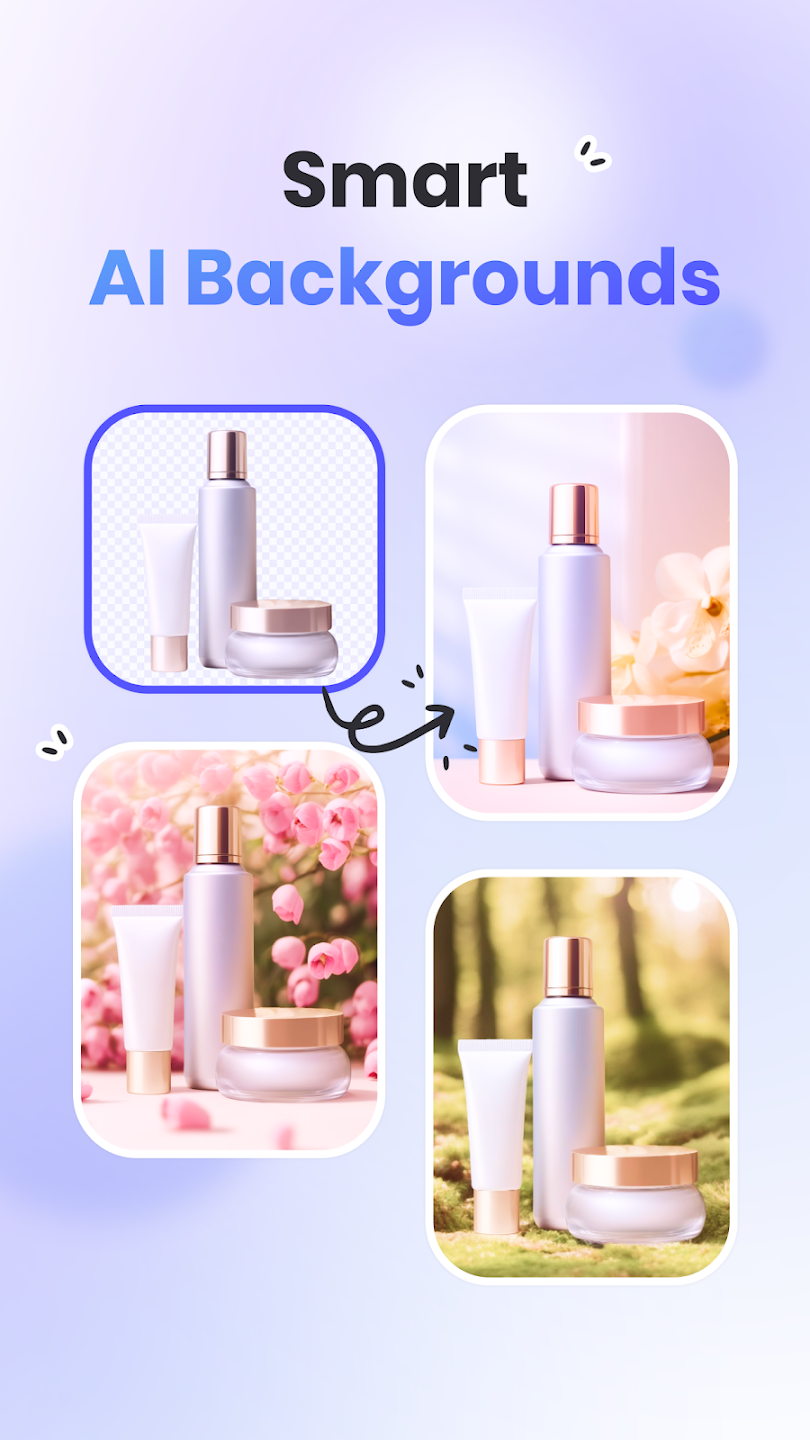
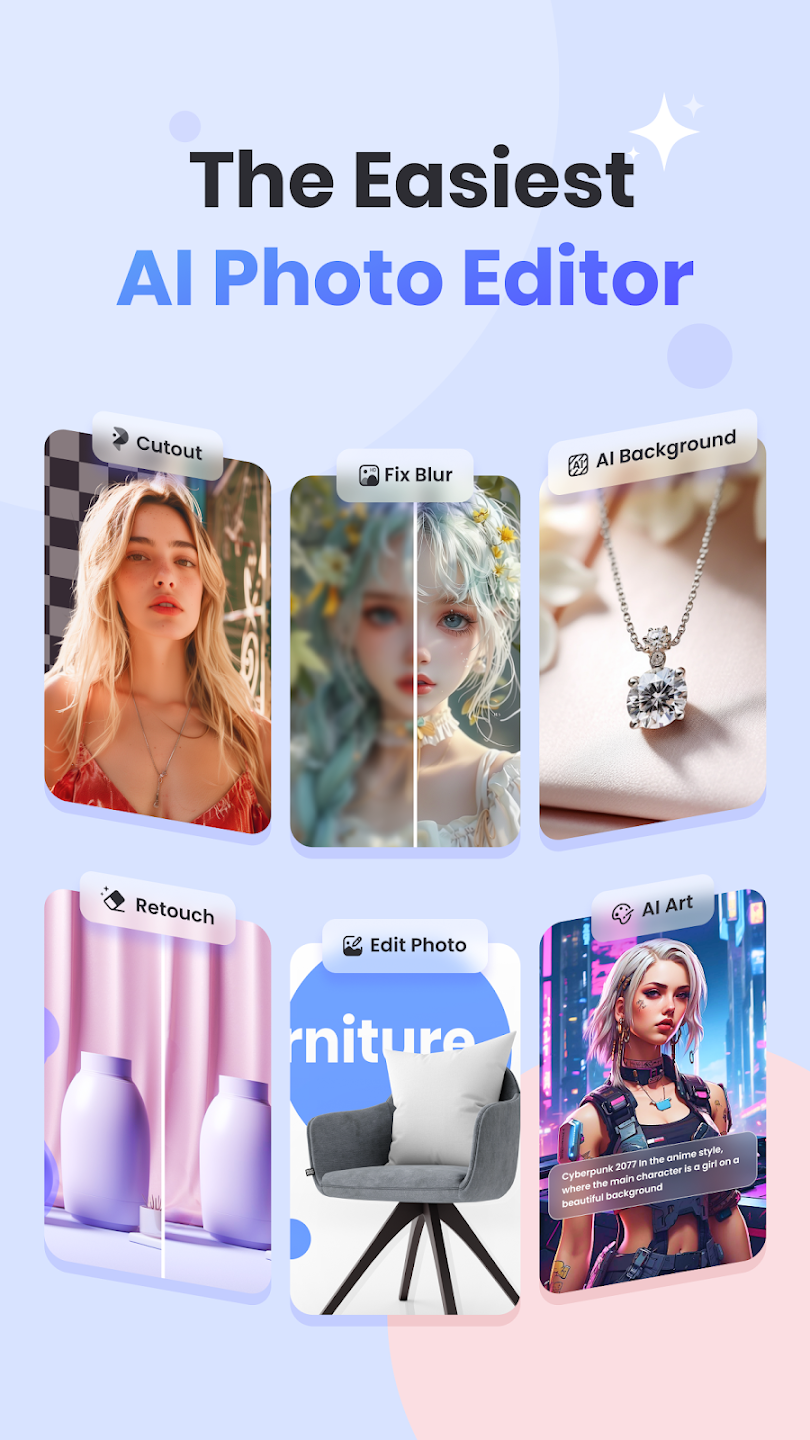
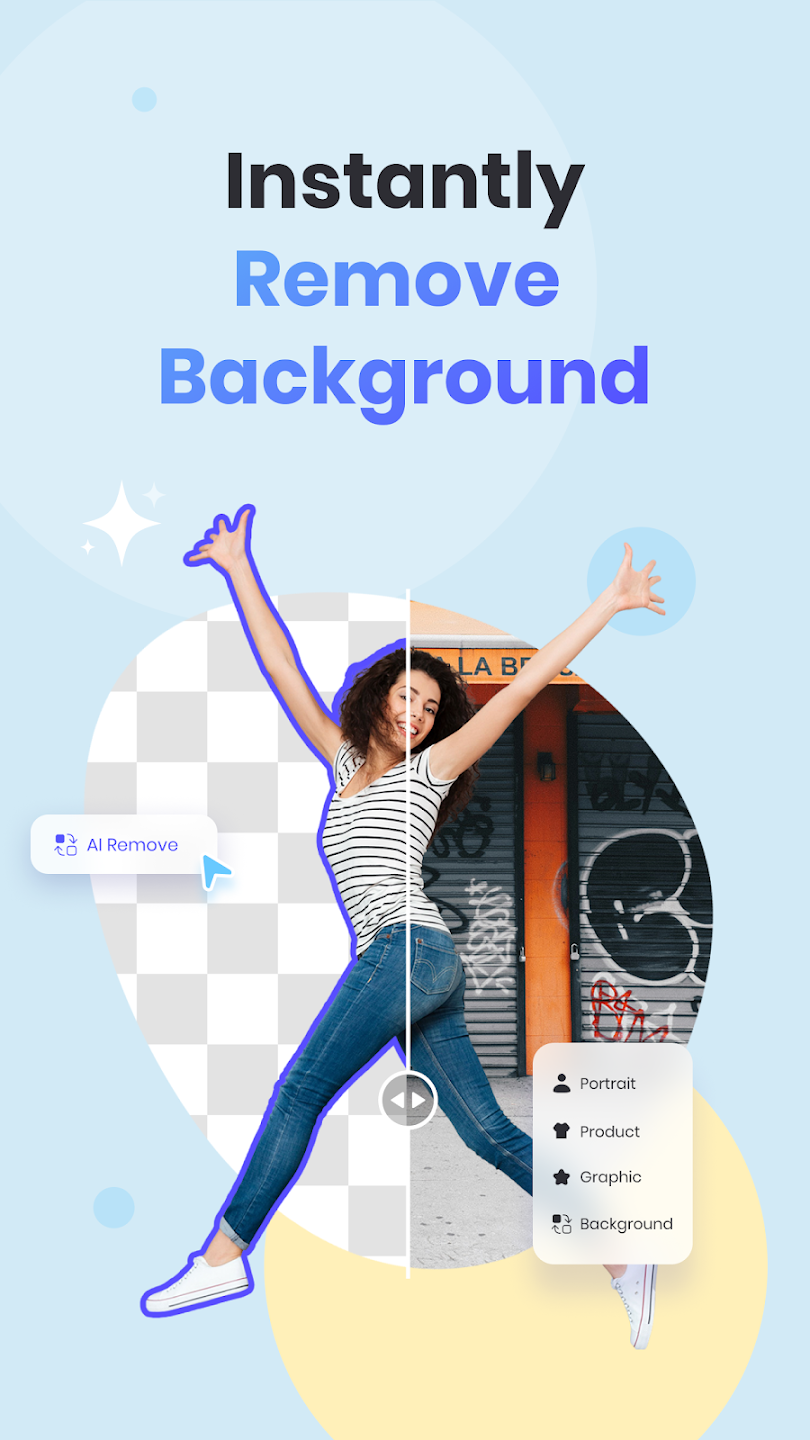
Advanced AI Background Removal: Say goodbye to tedious manual masking. Our AI detects even the finest details, like hair and complex edges, to create perfect cutouts in seconds.
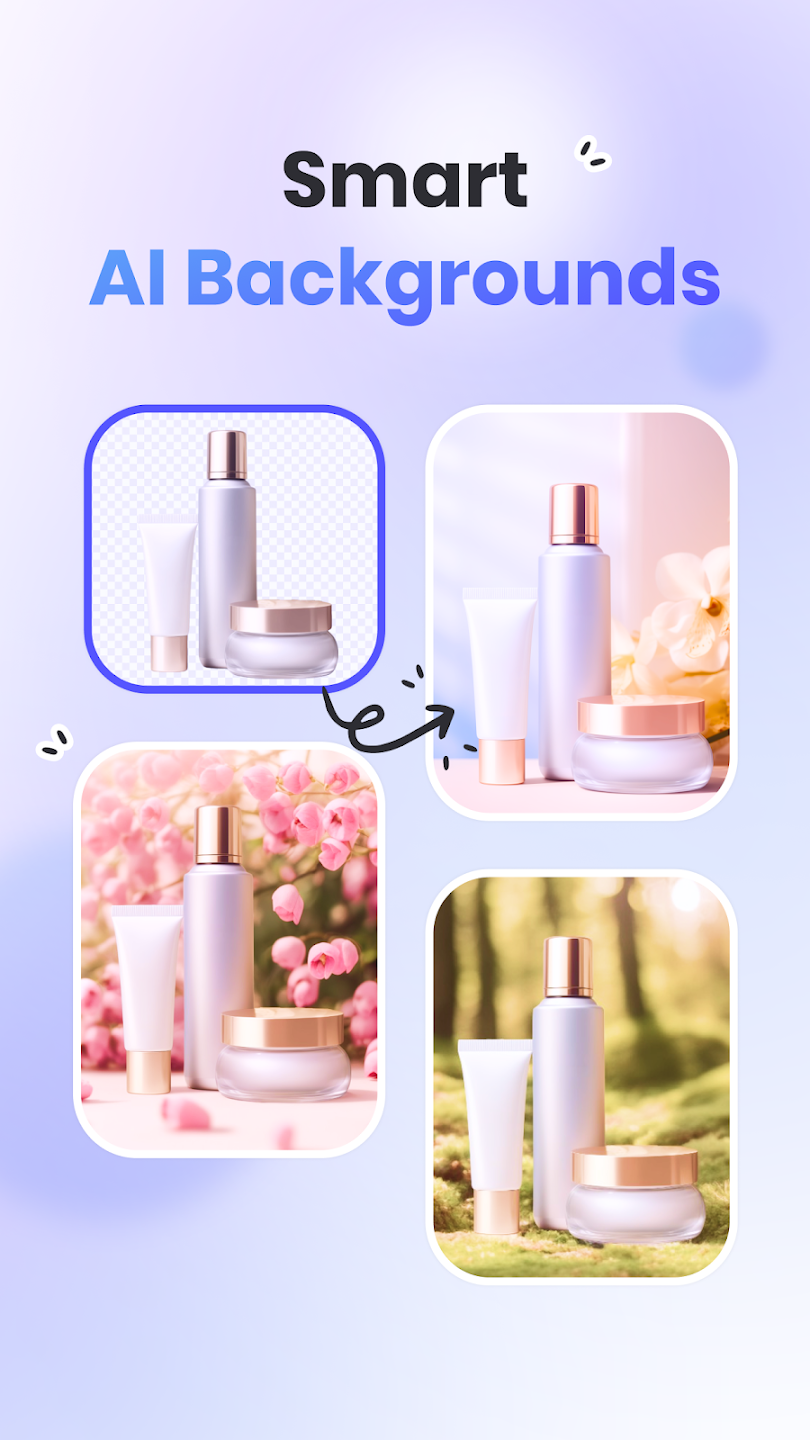
E-commerce Magic: Boost your sales with professional product images. Generate clean, white, or transparent backgrounds optimized for Amazon, Shopify, and Etsy instantly.
Photo Retouch & Object Eraser: Remove distractions, photobombers, or unwanted text from your images effortlessly using our smart healing technology.
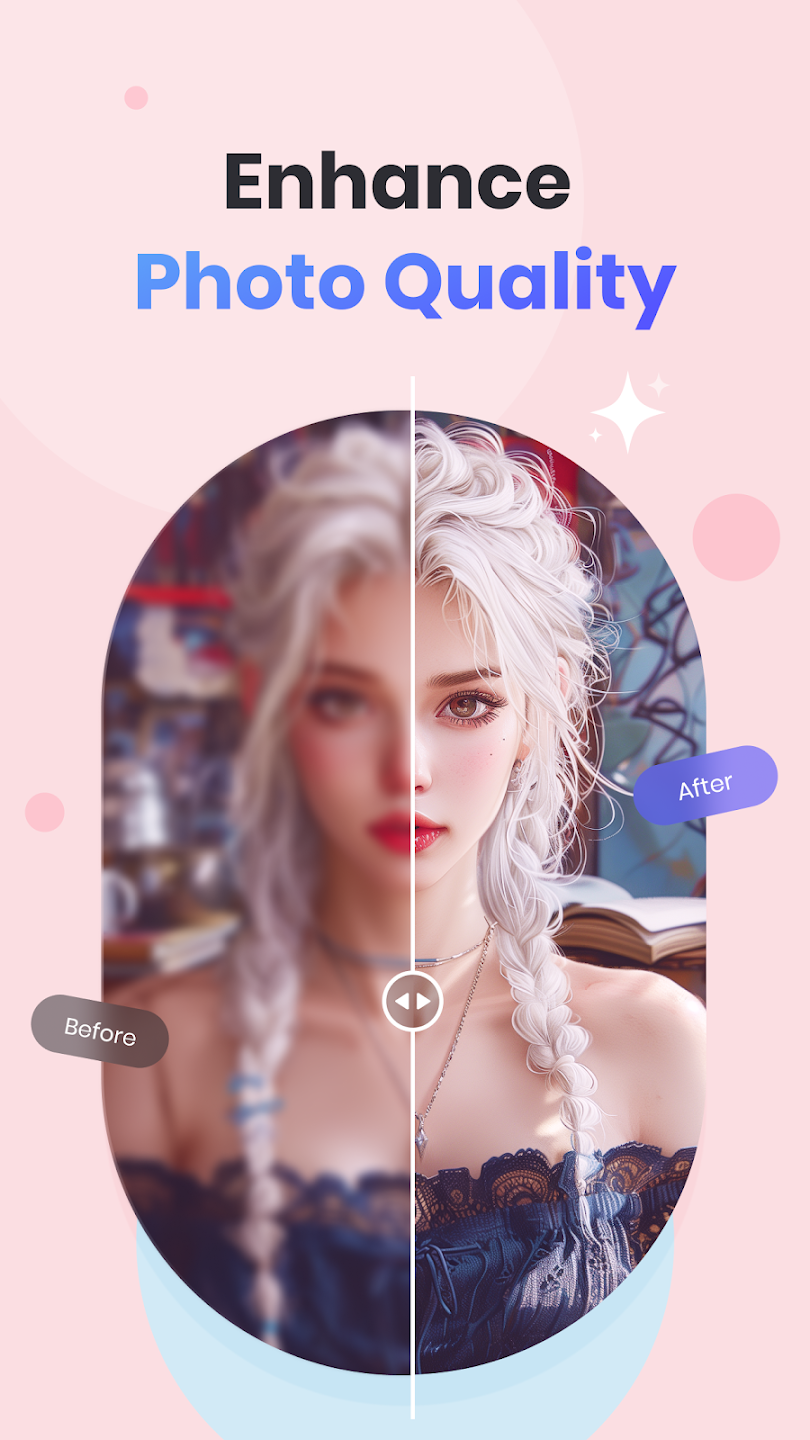
AI Image Enhancer: Instantly fix blurry, pixelated, or low-quality photos. Our AI upscaler breathes new life into old memories by sharpening details and reducing noise.
Creative Background Templates: Swap dull scenes for vibrant, professional backdrops or solid colors that make your subject pop.
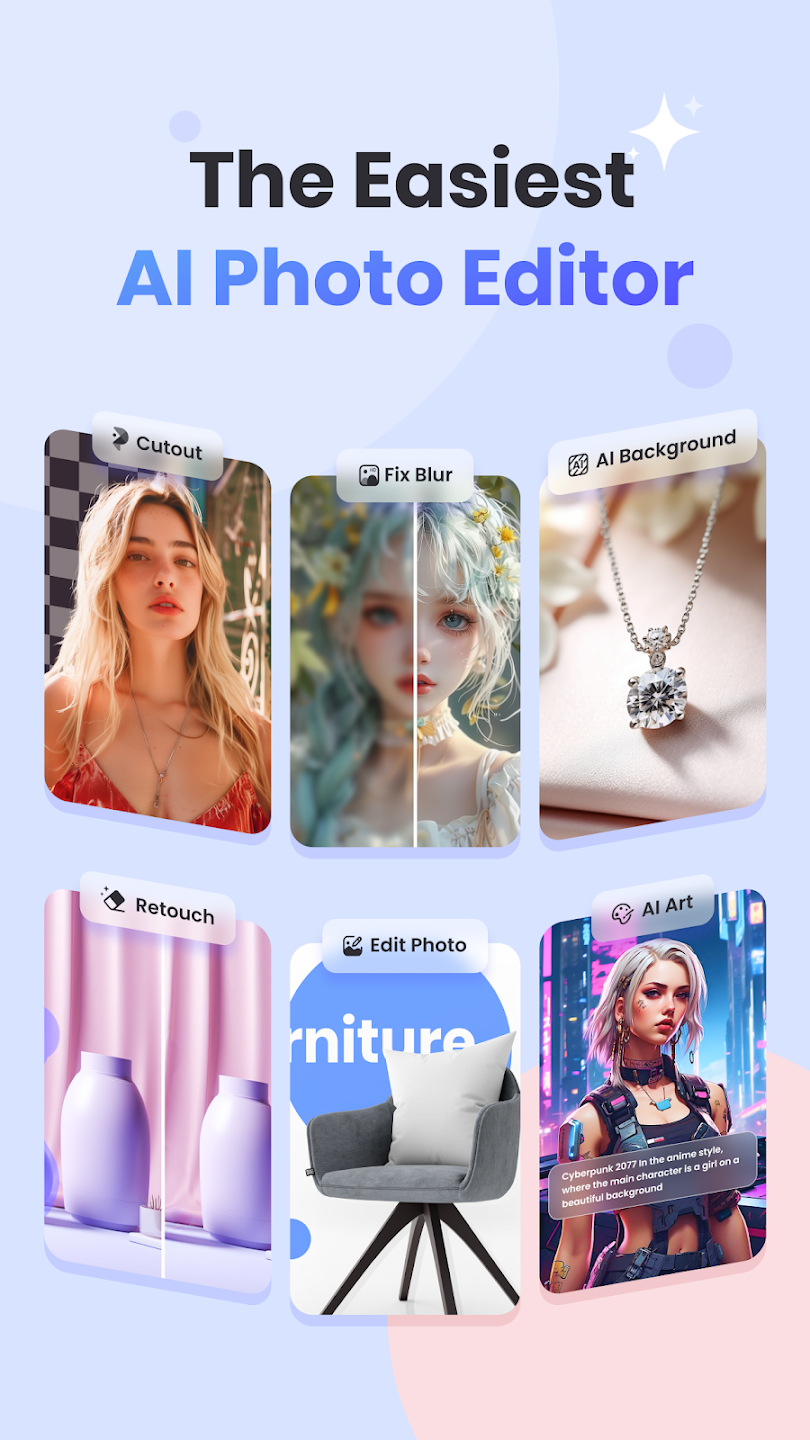
Behold the magic of PicWish’s AI-based Photo Enhancer. Have you got a blurry image? PicWish works its magic with just a few clicks, breathing life into each pixel and making your photos vibrant and lifelike. It’s not just about clarity; it’s about making your images expressively engaging.
Unwanted elements in your photos? Fear not! PicWish’s Retouch feature is your virtual scalpel, elegantly removing folds, smudges, text, and more. It’s all about highlighting what truly matters in your photos and discarding the distractions.
Creating professional ID and passport photos has never been simpler. With predefined sizes like 2×2, PicWish transforms your device into a pocket-sized photo studio, ready to capture impeccable ID snapshots whenever needed.
Say farewell to the days of individual edits. PicWish’s Batch Mode lets you simultaneously apply background removal or enhancements to up to 30 images—a game-changer for designers, resellers, and merchants juggling multiple photos.
Ready to elevate your editing game? PicWish Pro is your answer. Unlock premium features like logo removal, high-definition export, template access, and more. Curious? Test the waters with a free trial before choosing from weekly, monthly, or annual subscriptions that suit your needs.
I have been looking for this AI photo editor for a long time I used to use it on there online site. I was using Unblur image. it's good however it's not as good as pic wish.
I've used a number of apps in the past but honestly, since I tried picWish, I've completely fallen in love with their work. It's results are just incredibly amazing! The only challenge is that they don't seem to work quite well with images such as logos. If they could improve on that, I'd stick with them for a long run. Keep it up guys. You are doing an amazing job, literally coming to my aid everyday. I'm grateful!
I've been using PicWish!!! for several months now, and I must say, I'm very impressed with this picture editor software. As an avid photographer, I have used many editing tools in the past, but none come close to the ease and convenience of PicWish. The interface is intuitive and user friendly which makes it easy for me to navigate and create beautiful edits on my photos!!
Among all the photo editing apps out there, I just happened to try PicWish and now I can’t stop talking about it! It’s honestly a blessing for anyone wanting quick, awesome edits without the usual hassle. I keep telling my friends and folks I meet how easy and crazy good the results are. Seriously, once you use it, you won’t want anything else—it’s a must-have for turning photos into magic anytime!
I just had to share my excitement about Picwish, the photo editing app that has completely won me over. Seriously it become my favorite app. The feature that blows me away is their background remover. It is easy to use, and with just a few taps, I can effortlessly make my subjects pop by removing the background. The results are so professional and precise, thanks to their magical AI-powered algorithms that makes it a good app.
Transparent backgrounds in PNG images show up white?
This has been an issue and a widely reported one since iOS 13 was released, when you import photos using iTunes import/sync or iCloud sync it will convert your transparent PNG file to a non-transparent JPG file. It has not been fixed so far.You can use AirDrop, or download your PNG images from a weblink to get the transparent PNG file onto your device rather than sharing through iPhoto.
How to confirm your file has been converted?
Pressing edit on the image on your device from the Apple Photos app, if the background turns black then transparency has been maintained. If it stays white then the image has been converted to a JPG file.
Can the Pro membership purchased in the mobile APP be used for Windows or Mac?
Yes. Pro membership purchased in the mobile APP is available on the computer.
How do I permanently delete my PicWish account?
You can delete your account in the PicWish APP by yourself.Tap “Settings” >> “Username” >> “Delete account”.
What is my UID(User ID)?
UID is often used to quickly find your account info when you encounter a problem and ask customer service for help.
From PicWish App, tap “Settings” >> “Username”
From PicWish desktop, click your Avatar and get your User ID.
Taking pictures of distinct subjects is standard procedure, but distinguishing between their backgrounds can be challenging. For some reason, nobody has ever figured out how to make manual background separation tools work, and those who have tried have given up in frustration. In such a situation, you should use PicWish. This app provides users with access to AI that can provide them with immediate support. Currently, all of your manually extracted backgrounds will be automatically changed.
Size:69.56MB Version:2.0.7
Requirements:Android Votes:543
Package Name:com.wangxutech.picwish Signature:00f2cdfac3bf3810ec3cb3c48e6f2bdc
Welcome to our image editing apps! Perfect for beginners and pros alike, they make photo enhancement easy. Use PicsArt to crop, adjust colors, and apply filters. Remove backgrounds instantly with Remove.bg. Get creative with layers and advanced tools on Adobe Photoshop Express. Start transforming your images today!
Visuals serve as a primary gateway for players to engage with games, where distinctive art direction immediately captures attention and creates lasting impressions. An unconventional aesthetic not only stands out in crowded markets but also enhances immersion and emotional connection. When executed with creativity and polish, striking visuals elevate gameplay into a memorable artistic experience. That's why titles with truly exceptional art styles deserve recognition - they offer both visual delight and meaningful interactive expression that resonates with players long after the session ends.
Nowadays, with the popularity of intelligent technology, this new intelligent technology will provide faster content creation in daily life. In the face of today's intelligent landscape application creation, it supports the creation of text content for different themes, provides intelligent image creation and painting, and even realizes various personalized AI creation functions such as intelligent image cutout. In terms of using intelligent tools, you can gain more information, knowledge and inspiration. The editor recommends the following popular AI creation tools for you to experience the help that intelligent AI brings to different scenarios such as life, work, and study.
About us | Contact us | Privacy policy| DMCA
Copyright © 2026 Xiaohei All rights reserved.