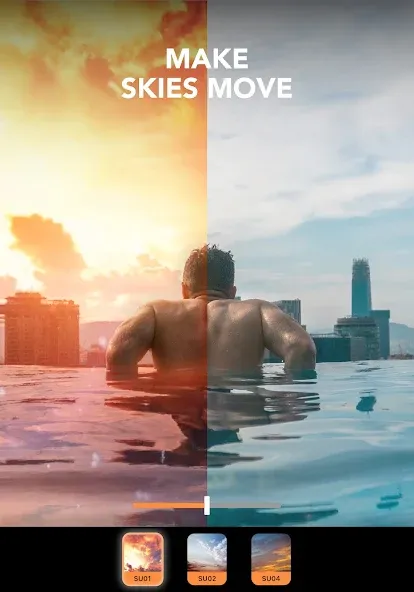
Motionleap is an image editing tool that allows for dynamic image editing. It can create animations from static images, adding dynamic effects to photos. It also supports story generation, incorporates AI art and digital art, and boasts a powerful text-to-image conversion function. Furthermore, it can add 3D effects to make your images more tangible. It's incredibly easy to use; simply add your photo to the editor for one-click generation. The application is completely free, allowing users to quickly get started. Anything you want can be achieved within this application.
ANIMATE PICTURES: Bring photos to life with motion editing. Create animations from still images and add motion to your photos to tell a story.
CREATE LIVE PHOTOS: Transform any image into a stunning live photo and amaze your friends with mesmerizing visuals.
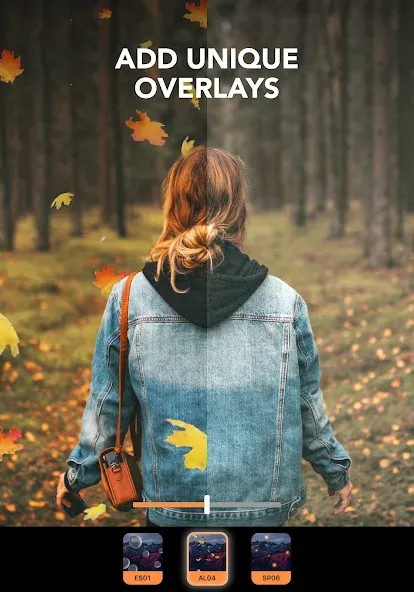
EDIT IN PHOTO OVERLAYS: Enhance your images and apply overlays to create awesome designs and double exposures.
AI ART & DIGITAL ART: Experience the power of AI with Motionleap's text to image capabilities. Turn words into visuals and take your images to the next level.
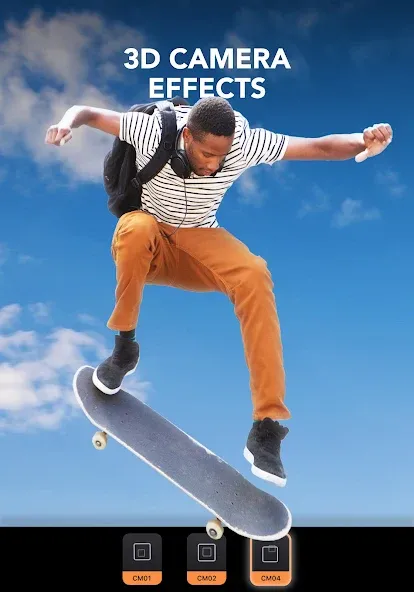
3D PHOTO EFFECTS: Play with 3D photo effects and add a unique flair to your pictures. Take your creative expression to the next level.
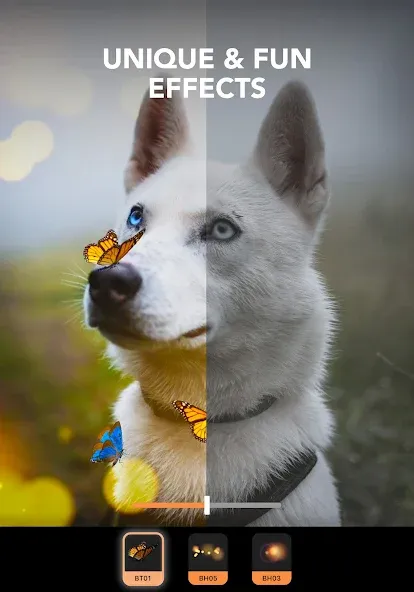
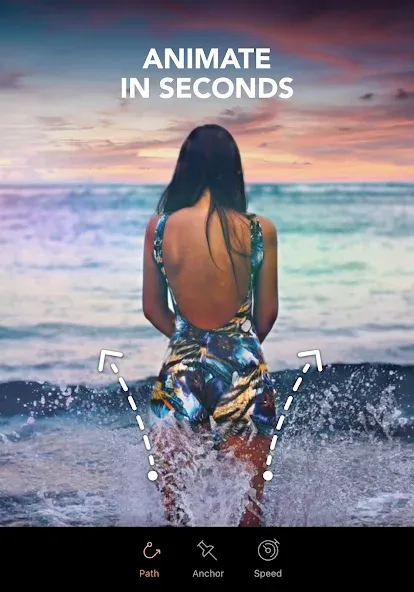
To start using effects on your photos, first you have to add them to the editor. After that, you can select one of the available filters. If you choose to animate your photos, you have to mark certain points on each image. That way, the app can determine which areas to animate.
It's important to mention that the arrows that appear on the photos represent the animation that will be applied later. So pay attention to the way you mark the photo if you want the best results.
In just a few seconds, Motionleap by Lightricks can bring any photo to life. Although the free version doesn't let you use every effect, you can still use popular effects to surprise everyone who lays eyes on your photos.
I installed a few minutes ago. Got a pic of a waterfall from google for a quick test to see how it works, instantly !! saved it as mp4 works a treat. With a bit more time spent on details (zoom in) and experience, you could create something very decent. So not sure why others say it doesn't work however maybe their phone's hardware not upto it. click X to remove the subscription pop-up to dive in to the free version.There are dozens of video converter apps to change to the format you want
I have nothing but praise to say about this application. It's a powerful bundle of tools in a small package. You can take ANY still image and in less than 5 min. It becomes Animated! A ton of special effects are included. Your imagination is your only limitation. I installed 2 weeks ago and can't stop using it. I've done family photos, paintings and downloaded images from the web. Very user friendly. Easy learning curve! Thumbs up to the developers!!!!!
Even without the pro version, you can still have fun editing! I'm having fun transforming normal photos to a great one!! Easy to learn!! I'm glad that the developers aren't greedy unlike other apps that requires you to pay so that you can have fun and it DOESN'T HAVE ANNOYING ADS! I Hope the developers won't be so greedy on the upcoming days. AMAZING APP!!!
Is Lightricks' Motionleap free?
Yes, Lightricks' Motionleap can be downloaded and installed on your Android device for free from this site.
How do I install Lightricks' Motionleap on my Android device?
Open this site on your Android phone or tablet, search for Motionleap developed by Lightricks Ltd., or click the "This Site" button on this page and then click "Install". The app will download and install automatically.
What is com.lightricks.pixaloop?
com.lightricks.pixaloop is the application ID (package name) for Lightricks' Motionleap on this site. Every Android app has a unique package name, which is the safest way to verify that you are installing an official app.
Is downloading Lightricks' Motionleap safe?
Installing Lightricks from Motionleap via Google Play is the safest option: you get the official version released by Lightricks Ltd., which is verified by Protect on this site and can be automatically updated. Avoid downloading APK files from unofficial third-party websites.
If you really want something, it can be done. Just like a photo editor making an image look real by adding life to it; this is when fantasy meets reality. However, becoming a great photo editor isn’t easy – only after years of practice and hard work will someone have the skills they need for success.
Size:156.61MB Version:1.8.1
Requirements:Android Votes:250
Package Name:com.lightricks.pixaloop Signature:9c26e756a4f798d707397178b629050b
Welcome to our image editing apps! Perfect for beginners and pros alike, they make photo enhancement easy. Use PicsArt to crop, adjust colors, and apply filters. Remove backgrounds instantly with Remove.bg. Get creative with layers and advanced tools on Adobe Photoshop Express. Start transforming your images today!
About us | Contact us | Privacy policy| DMCA
Copyright © 2026 Xiaohei All rights reserved.