After Motion Z is a video editing software designed specifically for mobile devices. It offers users a wide range of editing tools, allowing for easy timeline adjustments, keyframe animation creation, adding various audio and text, effects and filters, shadows, and other visual effects to help users create high-quality video works. After video production, users can freely choose to export videos in different qualities and share them with friends or on social media platforms to gain popularity. Unlike other video editors, After Motion Z exports videos without any watermarks or other identifiers, ensuring user safety and peace of mind.
Before choosing an editing app, you want to know what it offers. Here’s what makes After Motion Z so powerful:
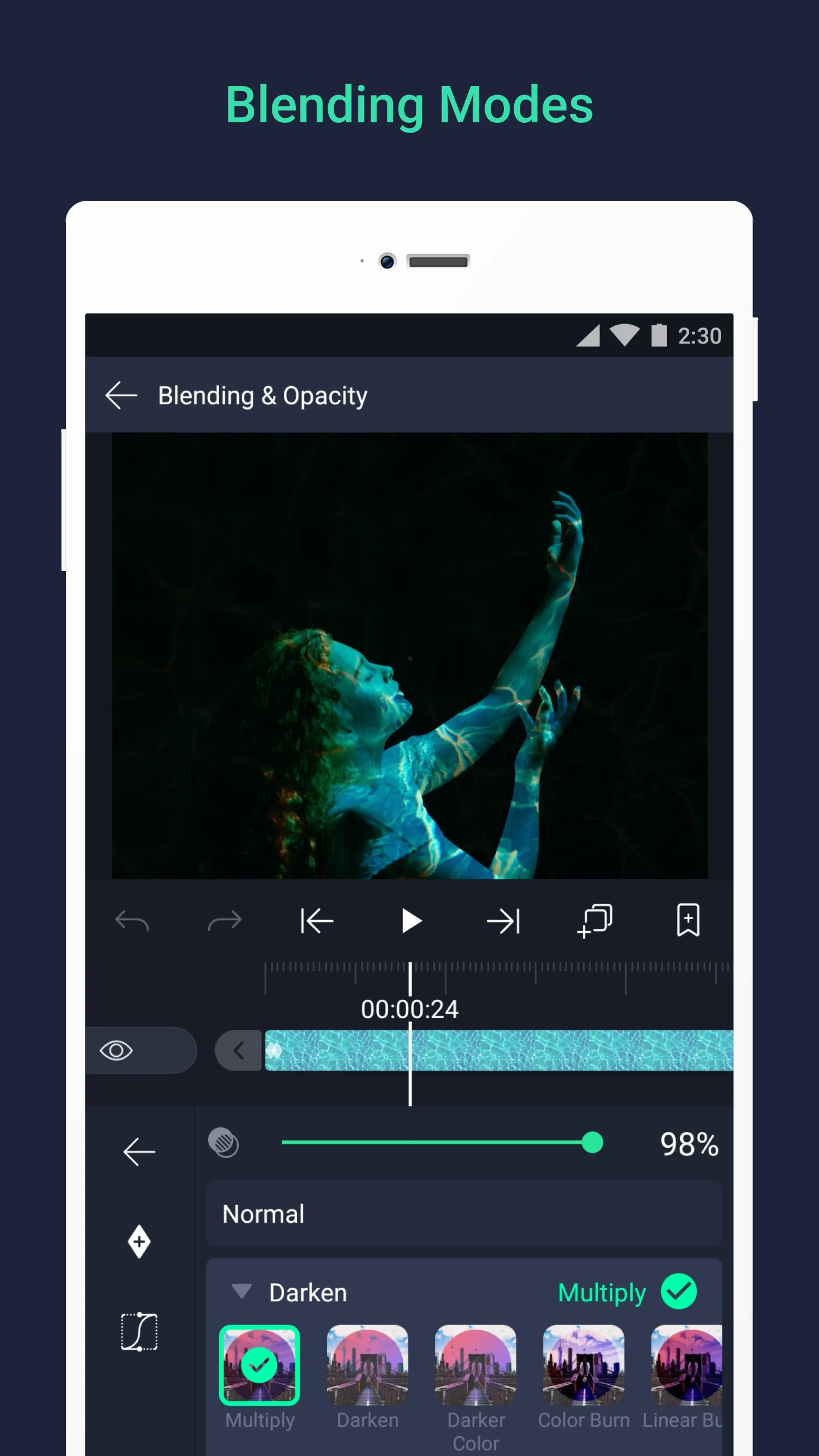
Keyframe Animation: Animate elements with frame-by-frame precision. Control position, scale, opacity, and rotation to create smooth motion that rivals professional software.
Multi-Layer Editing: Stack unlimited video, audio, text, and image layers. This gives you complete freedom to build complex scenes or simple edits with equal efficiency.
Chroma Key & Masking: Replace backgrounds, add special effects, or create composites seamlessly. Adjustable tolerance and feathering mean you can fine-tune results without frustration.
Audio Editing: Sync soundtracks, voiceovers, or effects with precision. Built-in EQ and reverb make even mobile audio sound polished.
Premium Filters & Cinematic FX: Access over 160 effects: color grading, distortions, glows, blurs, and more. Combine filters to design unique visual identities for your content.
Smooth 60FPS + Fast Export: Thanks to hardware acceleration, playback and exporting stay smooth even on mid-range phones. You can edit confidently without lag disrupting your workflow.

Anytime, Anywhere Editing: Video editing software has improved to the point where you don't need to bring a laptop with you everywhere. This tool allows you to create a wide range of films, which is just one of many fantastic things you may accomplish today. Today, mobile devices can provide access to a wide range of enjoyable activities. Our smartphones enable us to take advantage of a wide range of options, not just professionally, but also academically and personally.
Amazing Video and Image Editing Software: Currently, you have access to a variety of apps that you can download and use whenever you want. We can create anything we want with the many apps available, including Facebook postings, films, and much more. We may now use any and all of the postings without having to download any more stuff. If you want to efficiently edit videos, download and install After Motion.
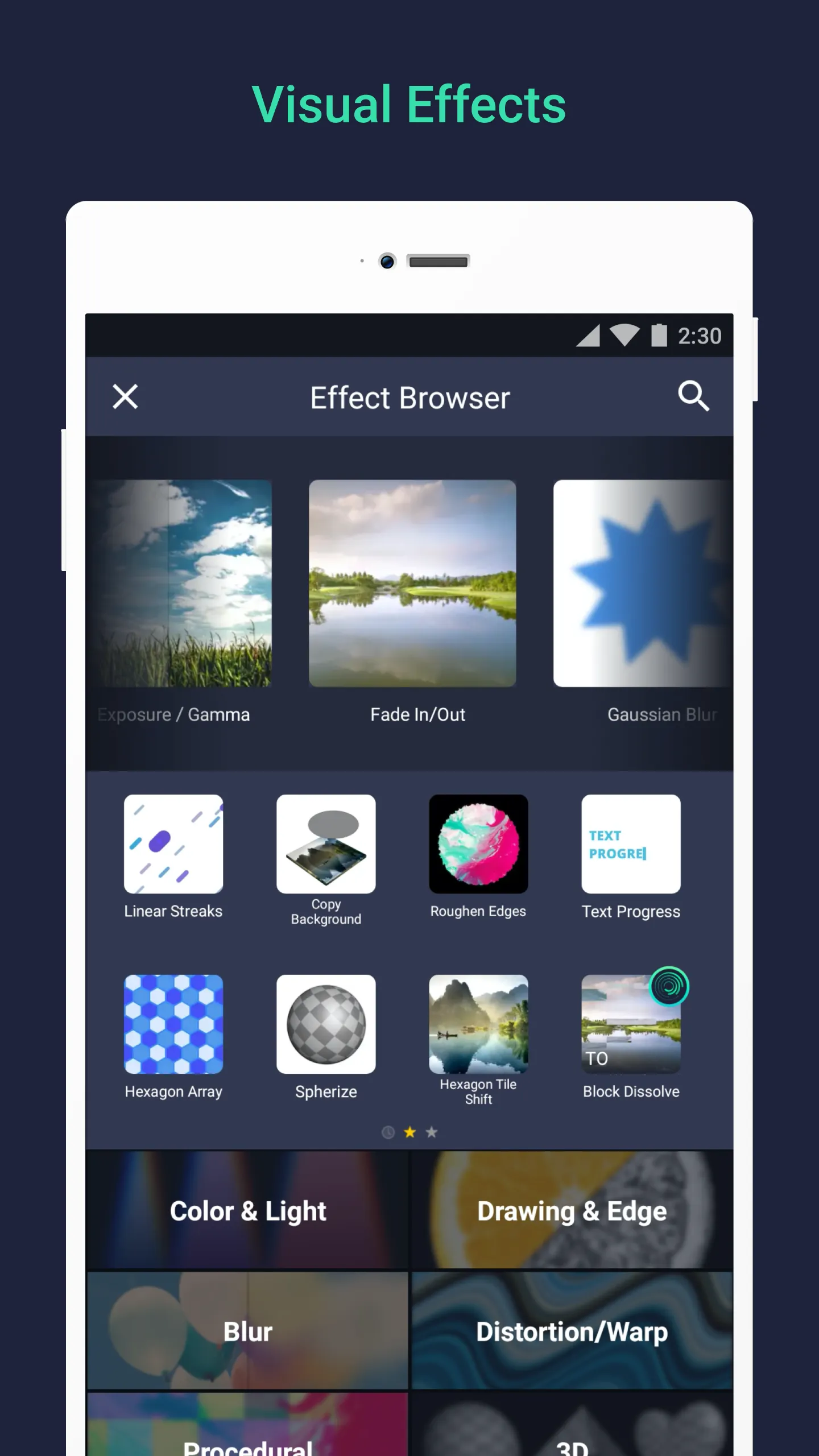
Visual Effects of Several Kinds: Now you may quickly create any effect you want at any moment. Currently, this software has no limitations on the types of things that can be generated. Take the time to explore the various effects, and combine them together if desired. This software also allows you to add visual effects to any video you create. Unlike editing software, this method rapidly applies a predefined effect to any clip. You don't need to start from the beginning when constructing anything because the program has already done it for you.
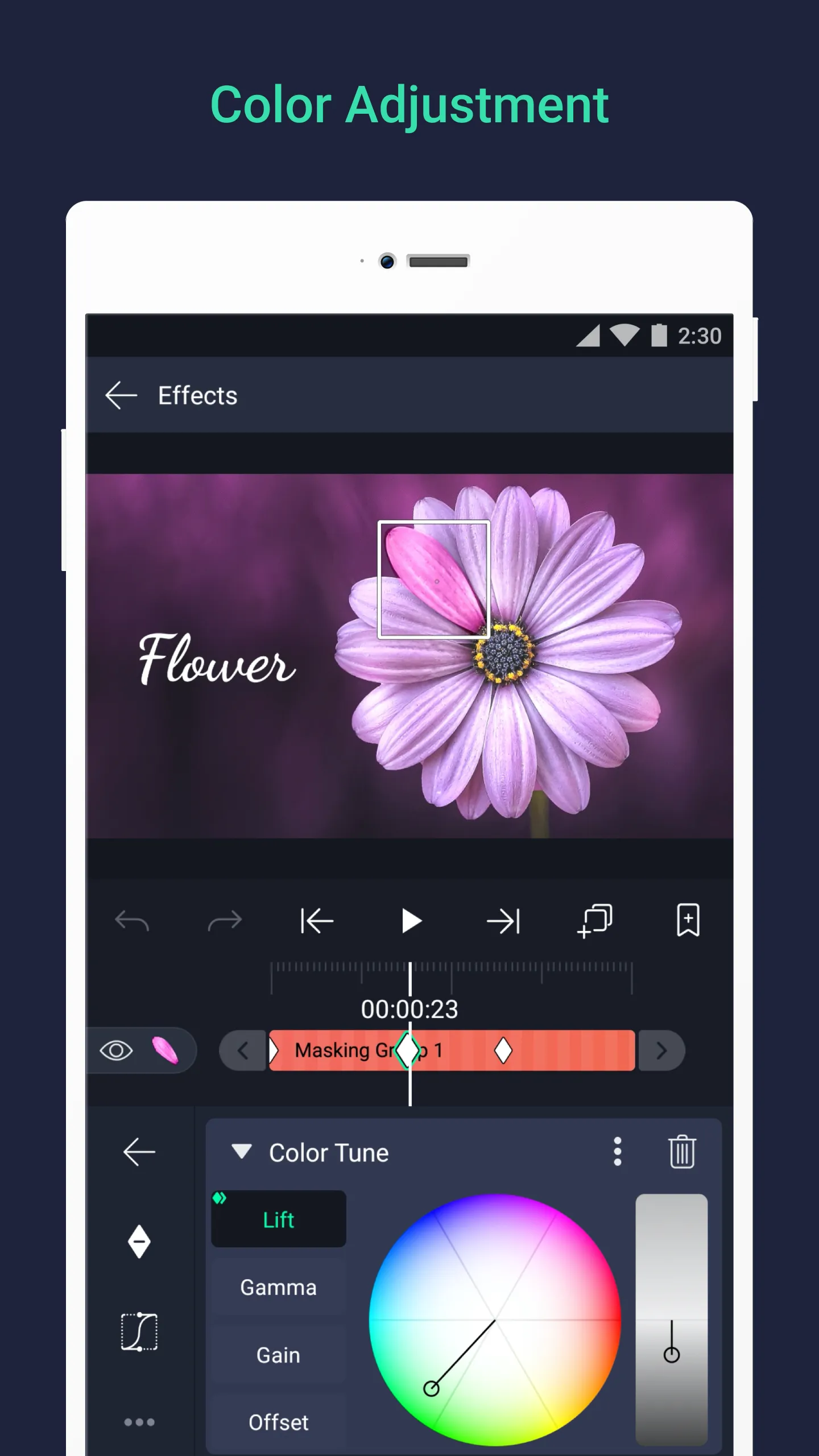
Colors, Layers, and More Modifications: After Motion also allows you to adjust the hues of any video you want, allowing you to achieve the precise tone you want. This space can be utilized for a variety of purposes, regardless of whether the lighting in a certain scene needs to be decreased. In addition, the software lets you to add more photos, movies, messages, songs, and other data. This page allows you to export your movie to your device while preserving great quality.
Start from Basic Editing Before Going Advanced: The advanced features are the real game if you want to create catchy and reliable content. But if you rush it the chances of getting overwhelmed by technicalities increase. As this application is built for the newcomers into the field, it will be easy for you to start with basic tools and then move up the ladder of complexity. Get familiar with the buttons, controls, and other aspects to gain confidence. Later, the move to complex options will be easier and fun.
Utilize Real-Time Preview for Easy Edits: This is one of the useful aspects of After Motion Z. It is the real-time preview feature. This allows the user to see the changes right away without waiting for slow rendering. This feature can be utilized to test various effects, transitions, animations, etc. So if you get a chance to have a look before finalizing them. If you can view your edits play out in real time it becomes easier to fine-tune your work and avoid the possible mistakes.
Master the Keyframe Workings: The keyframe animations may sound technical. But they are quite visual and fun once you are able to get the hang of it. The new users can start by animating small elements such as texts and icons. Begin by doing simple tasks such as position change, resizing, or rotating for a different orientation. Watch your moves and see how the app fills in the motion between two points. This hands-on practice will help you understand how animation works, basically.
Be Smart When Saving and Exporting: Once your final product is ready and you are about to share your video, make sure you take a moment. It is essential to opt for the right export settings. This app supports MP4 and MOV formats. These formats are widely accepted across online and offline platforms. At the same time, pick a resolution and quality level. These should match where you plan to post your video. These exports will play smoothly and will show your hard work visually.
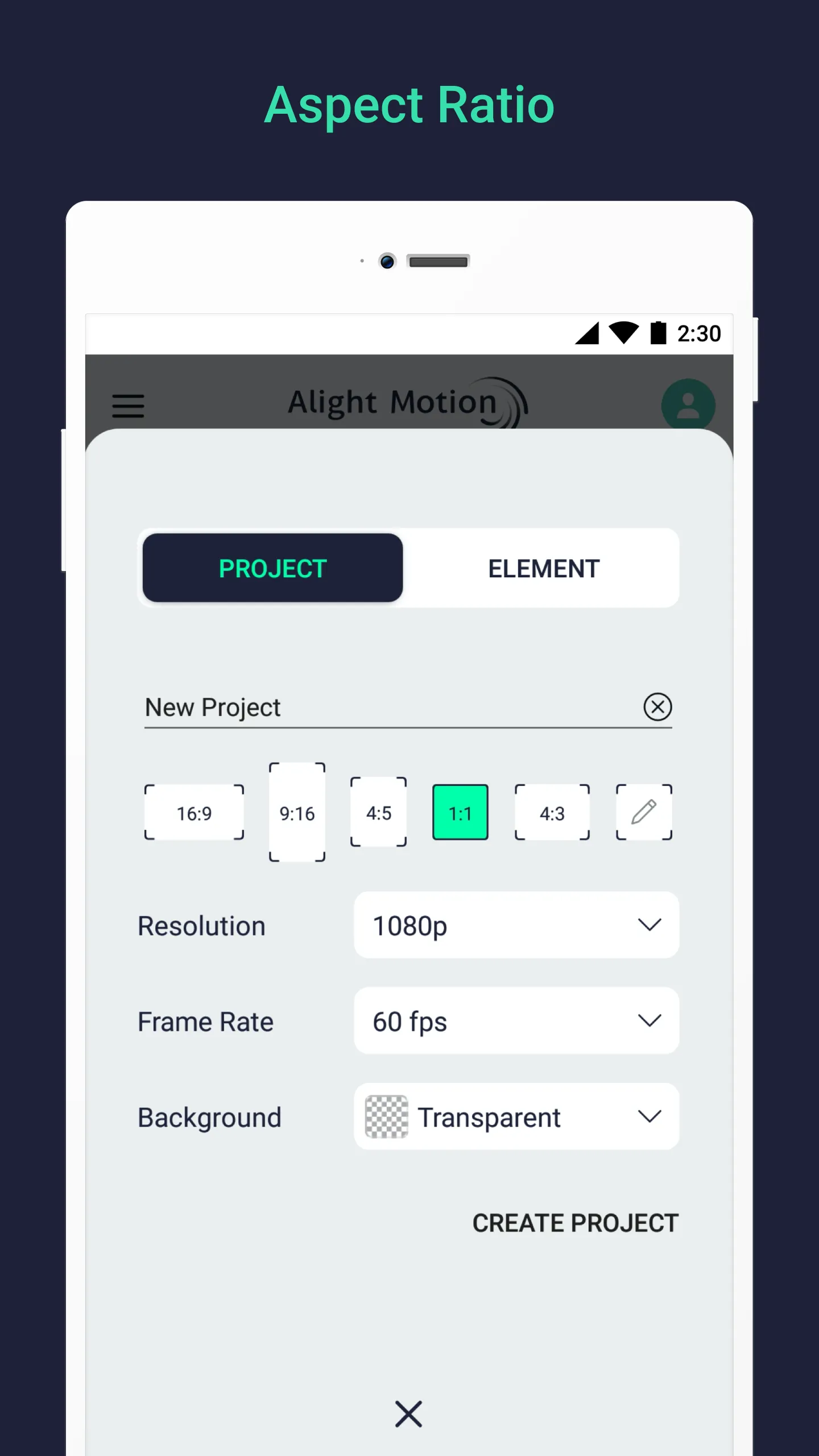
it is good, but for some reason the "x" button and the "create project" button dosent click, I keep tabbing it and it dosent let me, I just have to tap in random places looking for ghost buttons that works, other than that, it is very good and cheap.
The best editing app in the world, I don't care if it has a watermark or the fact you need to watch ads to export. You can literally just watch 3 ads for as much premium effect/easing(or anything that's premium except watermark). I still hate the fact it doesn't save your data in your account. But I do have an suggestion that could make it better! You could add different colored bookmarks, so when you hold the bookmark(time) down, you can change the color to anything else other than pink/red.
I want you to add the physics effect, the spark effect, the gravity effect, and the tracking. The physics effect makes the element/shape/etc solid and this can make it like a barrier. so when an object tries to move there, that object gets blocked by the object with physics. The spark effect is for like sparks which each spark has gravity. The gravity effect can make the object have gravity and can be moved. Tracking is making the object follow where the tracking point is! YOU CAN DO IT!
Out of all of the phone video editors I've tried, this is absolutely the best one. While yes, like any other phone editor you have to pay for certain effects and to remove the watermark, even without membership you can use majority of the features they have. It also reminds me of After Effects with the way they do keyframing, and it feels a little like AE as well, which is a plus for me. I wouldn't recommend for simple editing though. Overall, this is the best editor.
After Motion Z suits casual creators, fan editors, short-form video makers, and anyone who wants stronger editing tools on Android without sitting at a computer. It makes the most sense when you need quick motion-based edits, social media content, or lightweight creative projects that still need control over animation, effects, and audio placement.
Size:153.8MB Version:5.0.271.10025954
Requirements:Android Votes:553
Transform your smartphone into a powerful editing studio with the best video editing apps for Android! Whether you're a content creator, social media enthusiast, or just looking to polish personal videos, these apps offer professional-grade tools right at your fingertips. Enjoy intuitive interfaces, advanced features like multi-track editing and filters, and seamless exporting options - all optimized for mobile devices. Download now and start creating stunning videos anytime, anywhere!
Video Editor is a powerful software tool designed for crafting, refining, and enhancing video content. It enables users to transform raw footage into compelling visual narratives or effective communication platforms. As digital media continues to evolve, video editing has grown in significance - no longer just a professional necessity but also an accessible skill for everyday creators. Modern editing tools now offer intuitive interfaces, AI-powered features, and cross-platform compatibility, making high-quality video production achievable for both experts and casual users alike.
Mobile video editing tools are highly popular, with complete functions and professional tools that provide a strong atmosphere for various materials. Rich video templates can be operated with just one click, saving time and without too high a threshold. So what are the free versions of mobile video editing software? Editing software should have high popularity, but most of them require membership. Next, I recommend several platforms that can be used for free.
About us | Contact us | Privacy policy| DMCA
Copyright © 2026 Xiaohei All rights reserved.