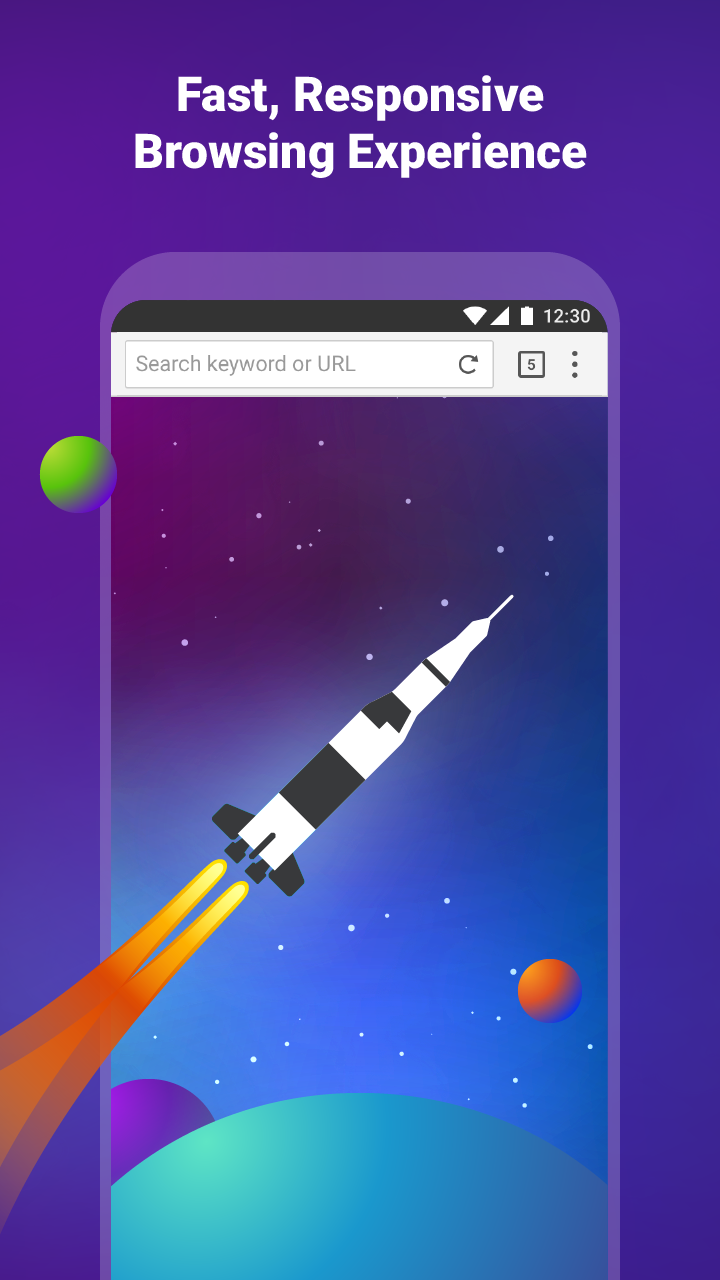
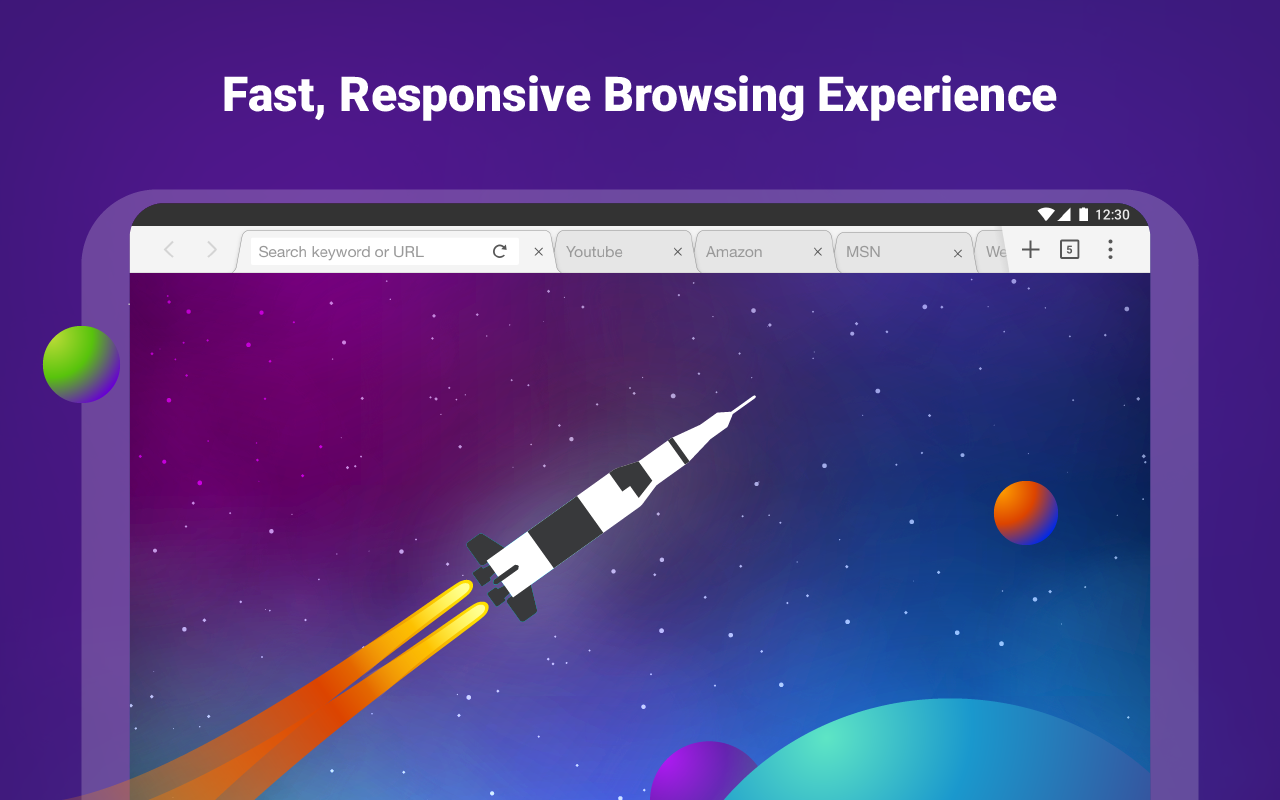
Puffin Web Browser Mod is a user-friendly web browser that not only saves users a significant amount of data but also protects their data usage and account security through robust protection measures, allowing for worry-free use. The software boasts extremely fast loading speeds; users can find relevant content simply by entering keywords, without worrying about annoying ads or pop-ups, and can easily download files and software of interest to their devices. The software also features dedicated modes for watching movies and videos and playing games, providing a smooth experience, and supports gamepad controls for a comfortable feel.
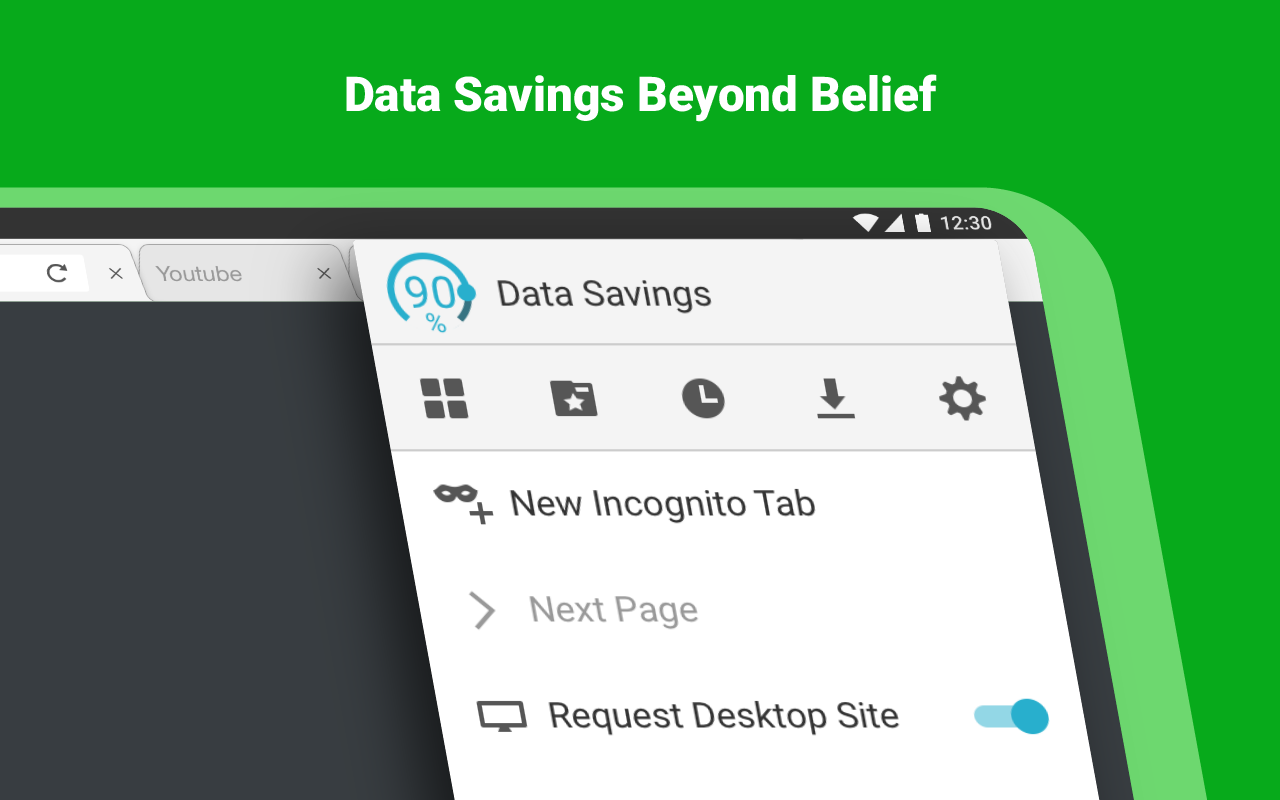
Cloud-accelerated browsing and data savings: Puffin Web Browser Mod loads complex pages by processing them in the cloud, helping pages feel responsive even on modest devices. On regular browsing, its compression can reduce data use by up to 80 percent. Video and Flash streaming may use more bandwidth than normal page viewing.
Flash content through the cloud: Puffin Web Browser Mod can display Flash content by running it on remote servers. Theater mode is available for a better viewing experience with supported videos and games. For smoother playback, ensure you have sufficient bandwidth.
Availability and restrictions: Puffin Web Browser Mod’s servers are located in the United States and Singapore, so some sites may enforce geolocation limits for users in other countries. The service is blocked in certain regions such as China, Saudi Arabia, and the United Arab Emirates, and it may be unavailable on some school networks in the United States.
Encrypted connection to Puffin servers: All traffic between the app and Puffin Web Browser Mod’s servers is end-to-end encrypted. This setup helps protect your browsing on open or public Wi-Fi by keeping data secure while it travels to the cloud.

The application is available in both mobile and desktop modes, providing a full web experience regardless of the device being used. This versatility allows users to switch between different modes seamlessly, ensuring a consistent browsing experience whether on a phone or tablet.
Geolocation restrictions can impact content access based on the user's location. Puffin's servers are located in the United States and Singapore, which may lead to limitations for users in certain regions. The app is blocked in specific countries, including China and Saudi Arabia, as well as some educational institutions in the United States. Users should consider these limitations when deciding to download Puffin Web Browser Mod.
Puffin Web Browser Mod operates on a subscription-based model. Users can choose a monthly subscription at $1 or opt for short-term prepaid subscriptions at $0.25 per week or $0.05 per day. The monthly subscription includes a 7-day free trial, allowing users to test the app before committing to a subscription plan. This flexibility caters to varying user needs, whether they require regular access or occasional use.
Security is a crucial aspect of the browsing experience, and Puffin Web Browser Mod addresses this through end-to-end encryption of all internet traffic from the app to its servers. This feature ensures that users can browse safely, particularly when using public or unsecured Wi-Fi networks. The emphasis on security adds an extra layer of protection for users who prioritize their privacy online.

Fantastic web browser, fast even on slow connection, so it's my default browser now along with Opera mini. i will even try it on my windows 10 desktop since i notice they have an early version... ***one improvement suggestion would be to have the adblocker block all type of add, block low level ads too which would make the browser even faster.
It's really a good browser, especially that it lets you play games that needs flash. But recently, it has problems. First it was automatically refreshing the page for no reason, now it keeps reconnecting to server which doesn't work at all. The browser is basically useless now. It's July already and it's still not working. It kept reconnecting to server that it won't load anymore. Edit: Well, its finally working. Thanks, I love it.
Best browser on the Android market bar none, been using this browser since I had an android, sure sometimes a little glitch here and there, but if the, I.T people can figure it out.. Best ever, plus I would like add the windows version, not great Yet, but if an add block is put in it, just wow.. You guys might have the best windows based browser on the planet, keep making it better.. Love the speed, it rocks, you guys are genius, plus if you could in the windows version, make Netflix work it.
Very fast and easy to use! However, there is a slight bug when it comes to the bar containing the tools such as: the mouse, the keyboard, and the game pad. I've noticed that it randomly disappears on start up and now it continues to not appear. It is very useful to have it on hand to perform tasks with this app, but without it, it can be quite bothersome.
How to reconnect to our servers?
Puffin Web Browser Mod should auto-resume its connection to our server while your device recovering from no signal. You can enforce it to do so. Please open menu and click "Reconnect to Server" icon.If Puffin Web Browser Mod still cannot connect to our server, please visit our feedback page and provide us more information.
Can I subscribe to Puffin Web Browser Mod without a credit card?
Gift cards from PayPal or Google Play are accepted as payment methods for Puffin Web Browser Mod products through Google Play Store Subscription. Head over to the Google Play Store to learn more.
How do I manage the devices and users associated with my Puffin Web Browser Mod 365 enterprise plan?
Puffin Web Browser Mod Enterprise Cloud Portal is a web-based administration console for managing license details, web filtering rules, IP access lists, and web access logs. Click here for the complete user guide.
How to check Puffin Web Browser Mod's version?
Go to the main menu > "Settings" icon on the top bar. Find Puffin Web Browser Mod's version at the bottom.
How to use the smart pointer?
Bring up the menu, and click "Mouse" icon. Pan around cursor to move it. Pan outside of cursor to scroll the web page.
Bring up the navigation menu in the bottom left corner, and tap the "Mouse" icon. Long press around cursor and move to drag-n-drop.
Bring up the navigation menu in the bottom left corner, and tap the "Mouse" icon. Long press and release around cursor to trigger right click.
Is Puffin Web Browser Mod Free?
Puffin Web Browser Mod is now subscription-based. There is no usage quota and free trial anymore.In addition to the existing $1/month subscription, two new low-cost prepaid subscriptions are available at $0.25/week and $0.05/day. The exact price is subject to the tax, exchange rate, and Google's pricing policy for each country. These short-term prepaid subscriptions allow users to pay for Puffin Web Browser Mod only when they need to use Puffin Web Browser Mod.
All users need a powerful web browser with superior features. Understanding their needs, the manufacturer CloudMosa Inc. designed a special application to optimize their web surfing experience. That is also the main reason why the Puffin Web Browser Mod was launched for all users around the world. This is a great web browser with performance acceleration features and top security.
Size:62.16MB Version:10.5.1.70541
Requirements:Android Votes:588
Package Name:com.cloudmosa.puffinFree Signature:13e281eeaf499ee6fe68dafa7d4af687


Utility apps are indispensable in our lives, making our daily routines more convenient. To help you find these apps more easily, this site has created a collection. This collection brings together a series of practical tools covering various aspects of life, work, and education, meeting all your needs. What are you waiting for? Try these apps now and make your life easier!
Transform your mobile device into a powerhouse of efficiency with these handpicked essential tools. Whether you need professional-grade photo editing, seamless file organization, smart task management, or real-time weather updates, our curated selection of premium apps delivers unbeatable performance. Streamline your daily routine, automate repetitive tasks, and boost your productivity with intuitive interfaces and powerful features. Designed for both professionals and casual users, these editor-approved applications will revolutionize how you work and play. Don't settle for an ordinary phone - upgrade your digital experience today and unlock your device's full potential!
About us | Contact us | Privacy policy| DMCA
Copyright © 2026 Xiaohei All rights reserved.