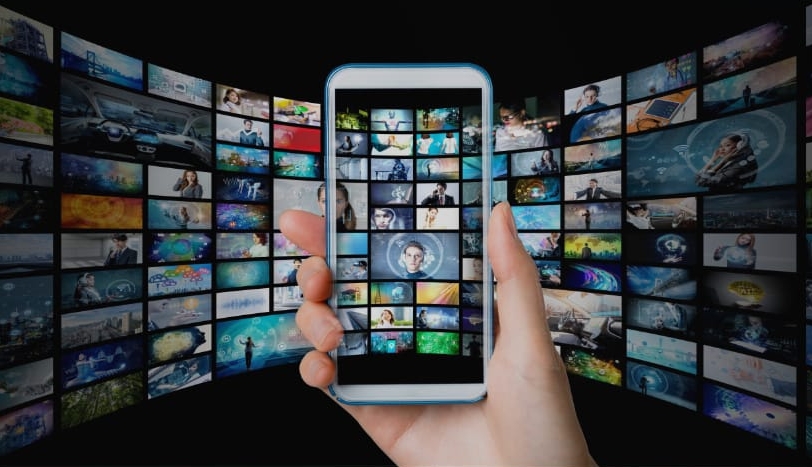
Welcome to a new world of movies and TV shows! Live Net TV offers a massive library of channels, from movies and TV shows to dramas and sports news—you're sure to find something you love! Live Net TV allows you to create personalized playlists, adding your favorite content to fill your playlist with your favorite movies! The interface is simple and user-friendly, making all features easy to use on your phone, allowing you to enjoy entertainment anytime, anywhere! Furthermore, Live Net TV supports multiple devices, including smartphones, iOS devices, and iPads, so you can enjoy movies and TV shows on any device!
Personalization: Create personalized playlists of your favorite channels for a unique TV viewing experience.
Ease of Use: Browse content on your smartphone or Android TV through a simple and easy-to-use interface.
HD Streaming: Enjoy a smooth HD viewing experience, say goodbye to buffering and stuttering.
Massive Channel Library: Watch over 800 live TV channels, covering movies, TV shows, dramas, sports, news, and more.
Free: Enjoy all the latest entertainment content without a subscription fee.
Supports multiple devices: Play content and channels on a variety of devices including Android phones, iOS, laptops, PCs, desktops, Roku, Android TVs, and Amazon FireStick.

No subscription required
No registration required
It works perfectly on many devices.
Easy-to-share reporting.
New channels and links are added and updated daily as quickly as possible.
Over 800 live TV channels
Easy to use
Supports high-quality live TV streaming.

Open the "Settings > About phone > Build number" menu on your device.
Go to "Developer options > Install apps from unknown sources" and enable this option.
Now your phone allows the installation of third-party apps.
Tap the "Download" button that pops up to download the Live NetTV APK file.
After a while, open "File Manager," locate the file, and tap it.
Once installed, the application is ready to use.

Which devices support the Live Net TV APK?
The Live Net TV APK runs on Android phones, Android TVs, Fire TV Sticks, and some Windows systems using Android emulators.
How many channels does Live Net TV offer?
Live Net TV offers hundreds of live TV channels covering categories such as sports, movies, news, and entertainment.
Do I need to register an account to use Live Net TV?
Live Net TV does not require registration or login. Users can open the app and start watching channels immediately.
Can Live Net TV play HD video?
If your device has a stable and fast internet connection, Live Net TV supports HD streaming of many channels.
Can Live Net TV be used with external media players?
Live Net TV supports external media players such as MXPlayer, enabling better playback control and smoother streaming.
Live Net TV is best suited for users who want to quickly watch live TV on their phones or Android TVs. It's suitable for sports fans watching live sporting events, travelers who need to watch familiar channels abroad, and general viewers who prefer flexible viewing without a monthly fee.
Size:21.3MB Version:4.9
Requirements:Android Votes:500
Today, many popular movie streaming apps like Netflix, Disney+, and Hulu have reached millions of viewers. And they have done this without relying heavily on additional promotions. People no longer need to stick to some random, specific TV schedules to enjoy their favorite shows and movies. Thanks to the internet, viewers can easily find new and entertaining content without any hassle. Not to mention, the leading movie streaming solution like Netflix has become incredibly popular because they understand and cater to audience preferences worldwide.
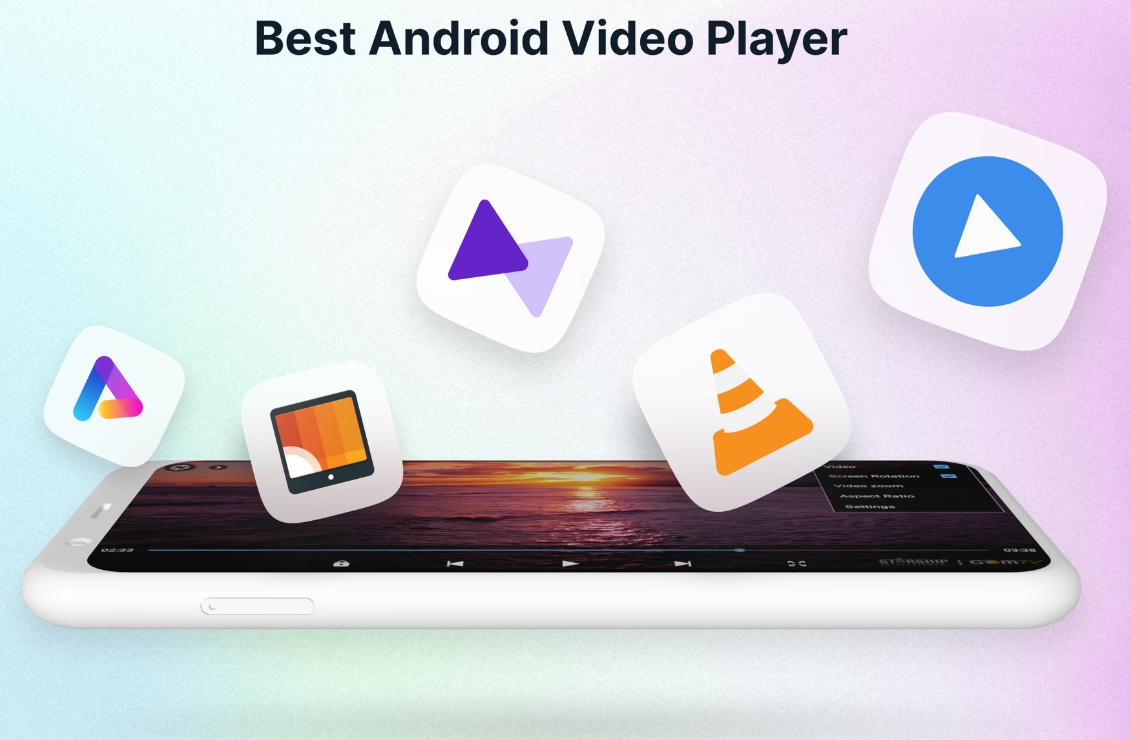
A video streaming service is a type of on-demand online entertainment source for TV shows, movies, and other streaming media. In need of Android movie apps? you can watch your favorite shows or movies any time anywhere Streaming means listening to music or watching video in ‘real time’, instead of downloading a file to your Android device and watching it later. Whether you're looking to watch movies, TV shows, or videos on your Android device, you'll need a good video player app. Beyond just playing content, these apps now offer features such as seamless playback, format versatility, subtitle support, advanced controls, VR integration, online video streaming, and enhanced privacy. This article delves into the best free and paid Android video player apps in 2024, guiding both casual viewers and cinephiles to their ideal choice.
Streaming software allows you to broadcast your content live across the internet. It processes the raw feed that comes from your camera and converts it into a digital format that is suitable for internet streaming, in real-time. In 2024, 41% of internet users have already watched at least one live stream in their lifetime. And 27.6% of them are expected to watch at least one live broadcast every week. Hence, it is needless to say that the live streaming market is seeing a massive boom. As the market is growing, the number of live streaming software is also increasing. And it is becoming extremely difficult to choose one. In this guide, we will tell you what are the parameters to decide the best live streaming software, like what features they should have and what factors you need to consider. And finally, we will tell you about the top 10 live-streaming software that our experts have handpicked for you! So, let’s get started.
About us | Contact us | Privacy policy| DMCA
Copyright © 2026 Xiaohei All rights reserved.