CREX Cricket Exchange is a sports live streaming software designed for cricket enthusiasts, bringing users the latest and most exciting cricket live broadcasts. Users can interact with other fans, stay updated on live scores and the latest cricket news. The software features a built-in search function; users can simply enter a player's name or other keywords to find their current schedule and past statistics. Users can follow their favorite players and teams, and receive notifications when relevant matches go live. The software also supports multiple languages and video quality options, and is constantly updated with more exciting highlights, providing users with a fresh and engaging experience.
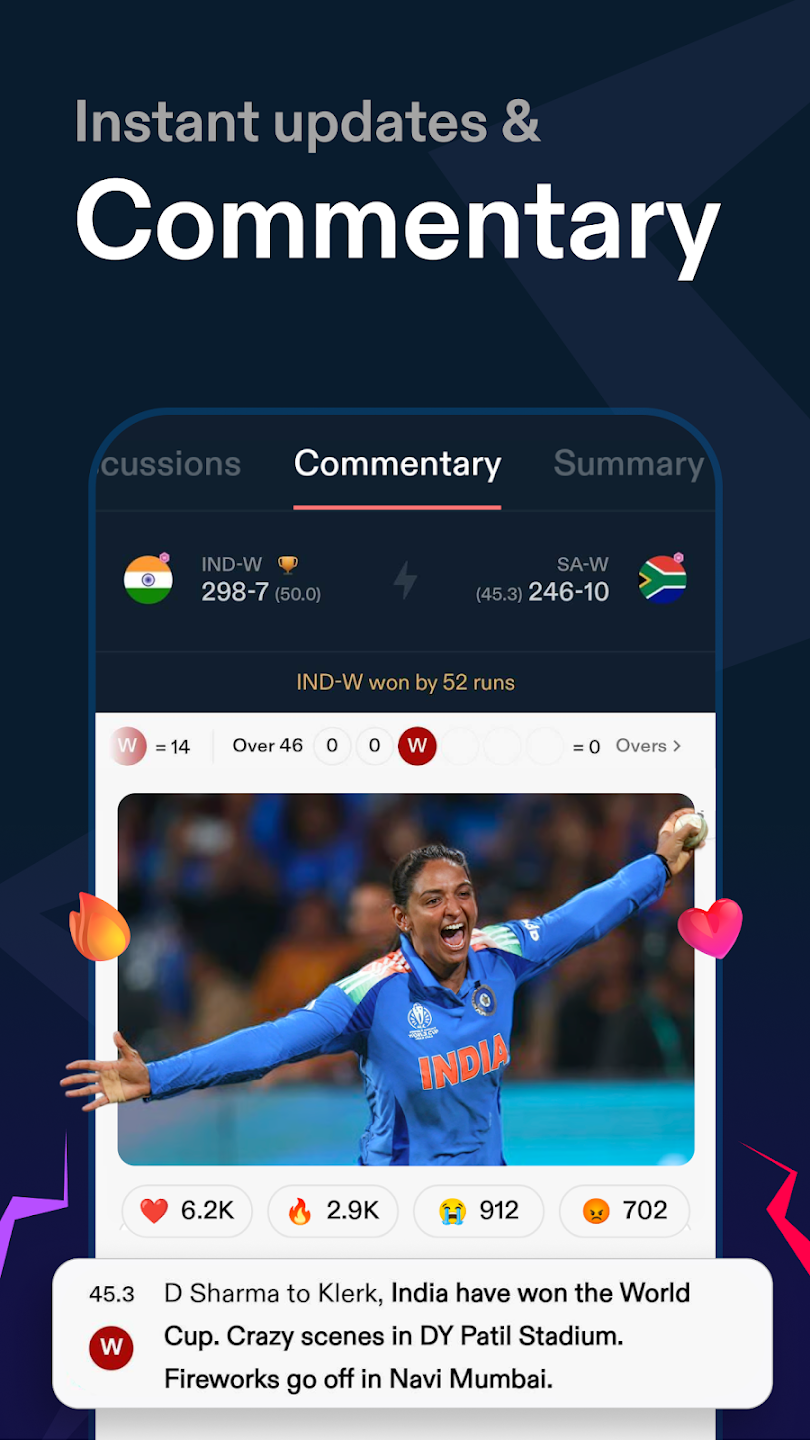
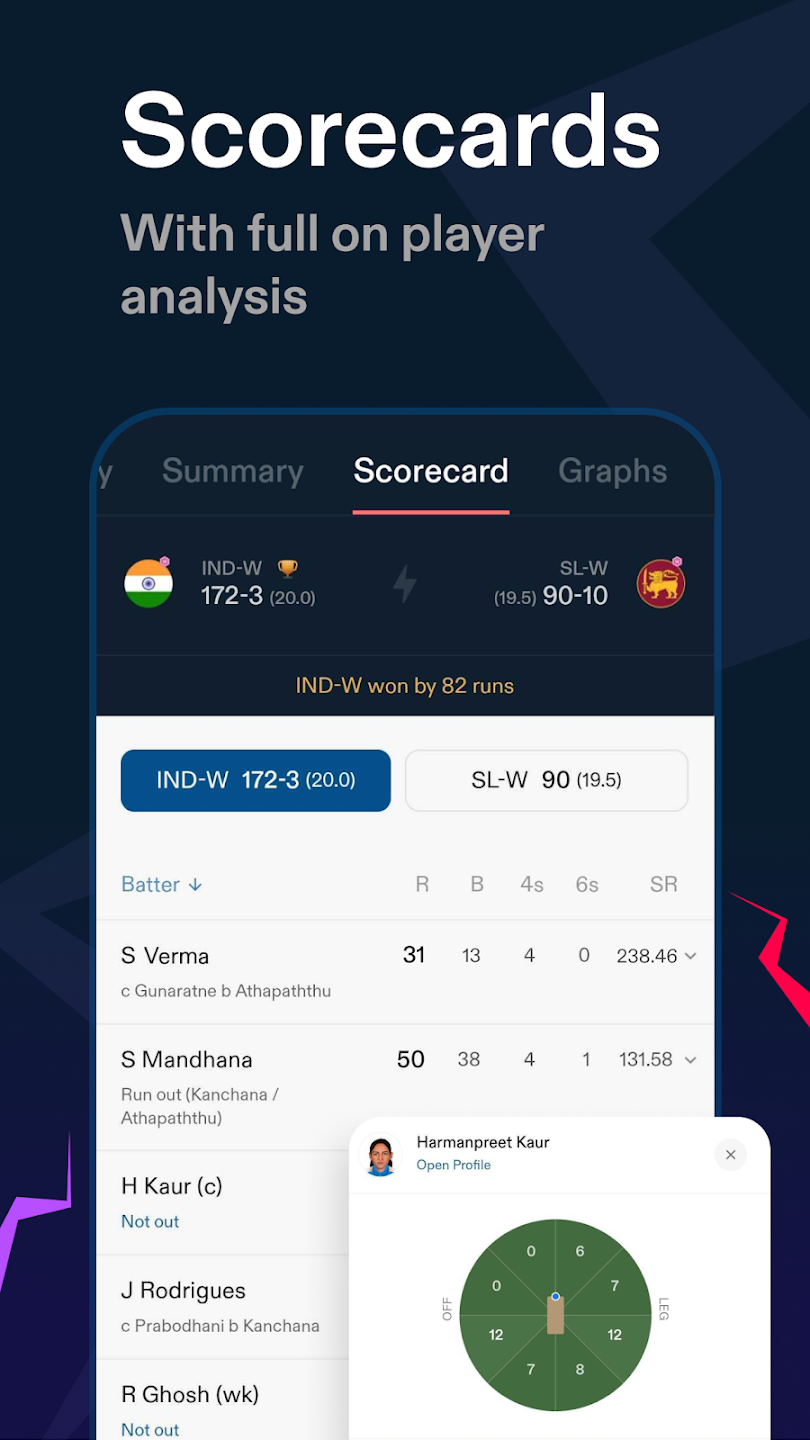
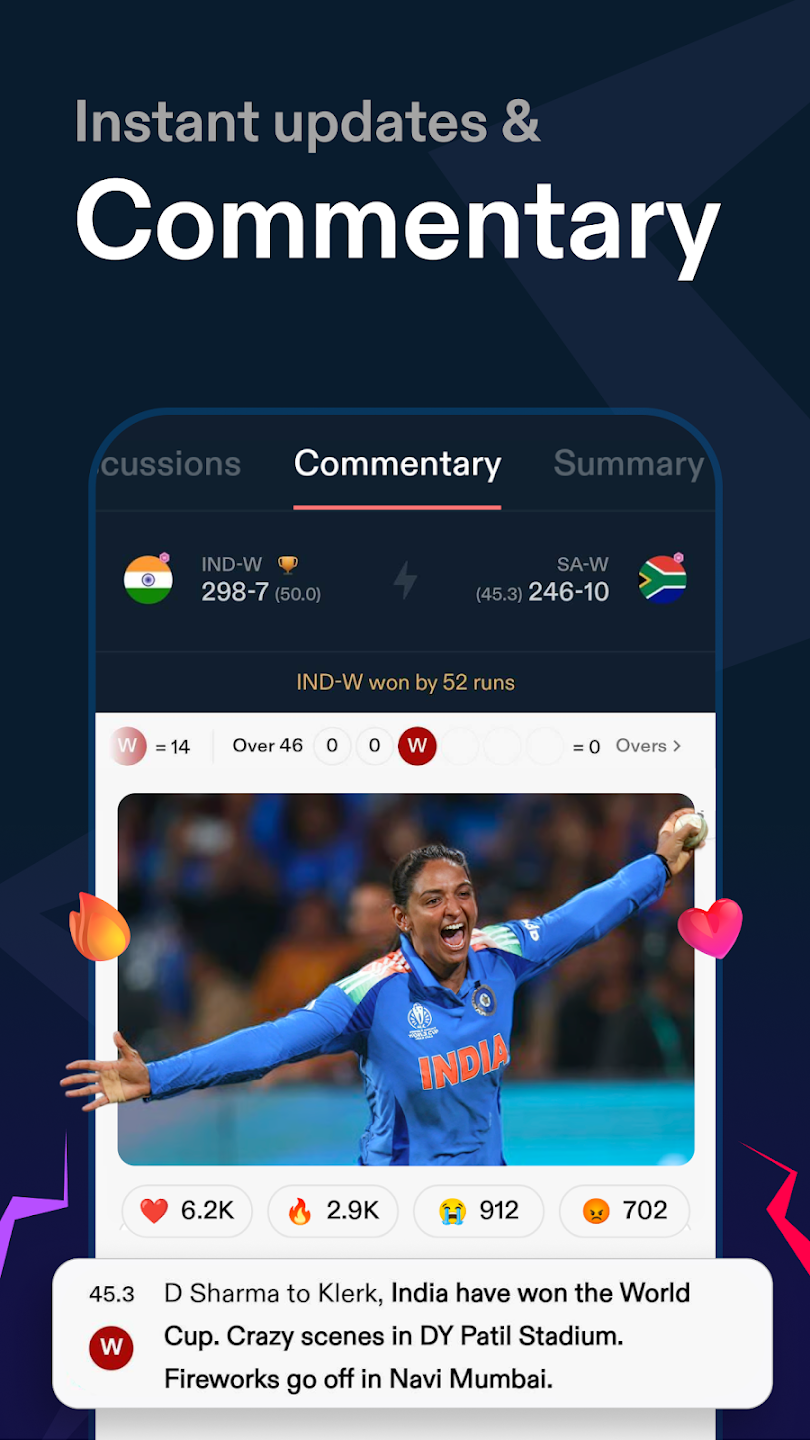
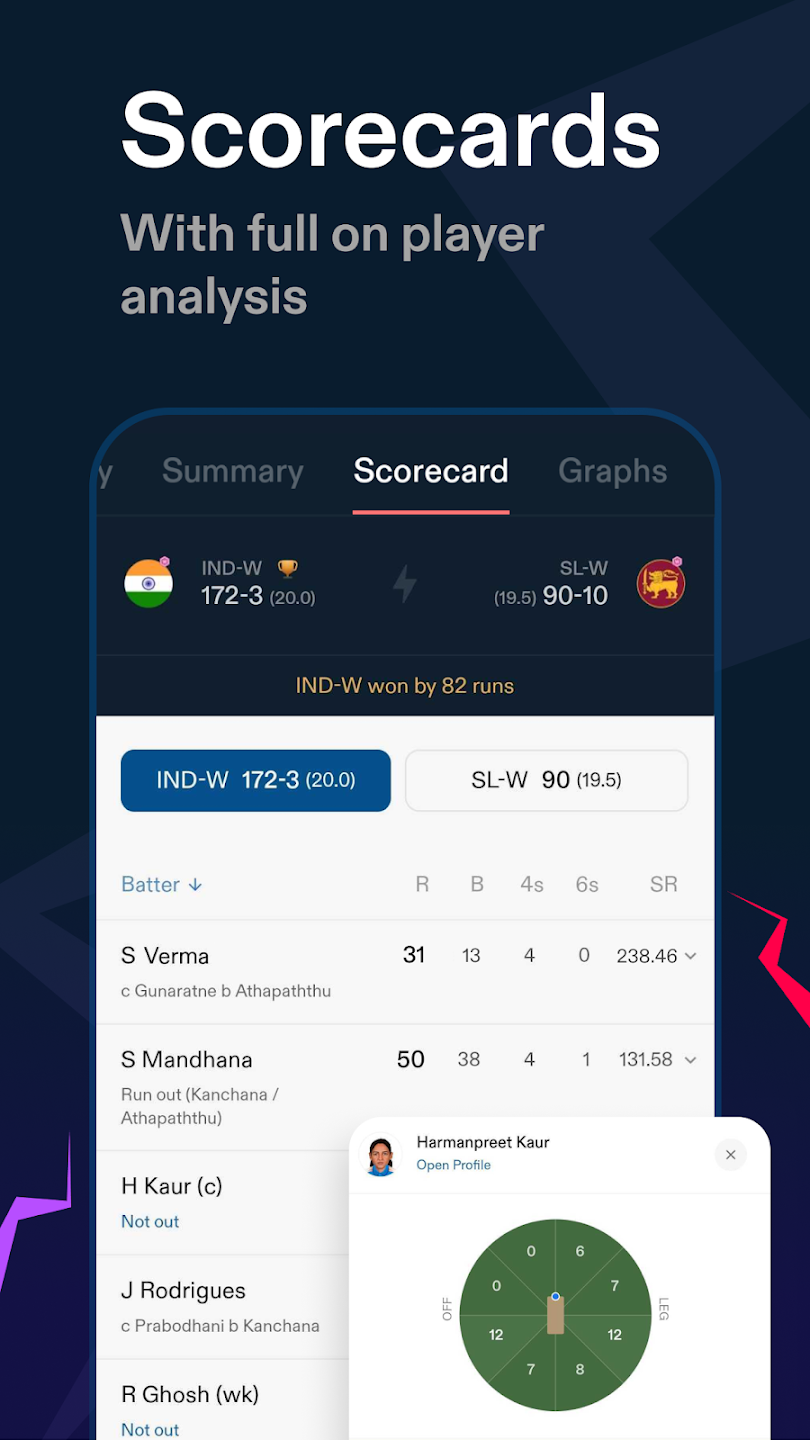
Live scores and ball by ball commentary: crex provides fast score updates with ball by ball commentary. You can view graphical highlights such as wagon wheels to understand scoring areas at a glance. Coverage includes ODIs, Tests, T20Is, and major T20 leagues. To access these updates during a match, download crex and open the live score screen.
Fantasy tips for matches and leagues: Additionally, you get practical fantasy tips before international games and popular league fixtures. Suggestions are tied to current form and match context to help set your lineup. Check previews before deadlines to avoid last minute changes. When you need deeper analysis during play, check the stats section.
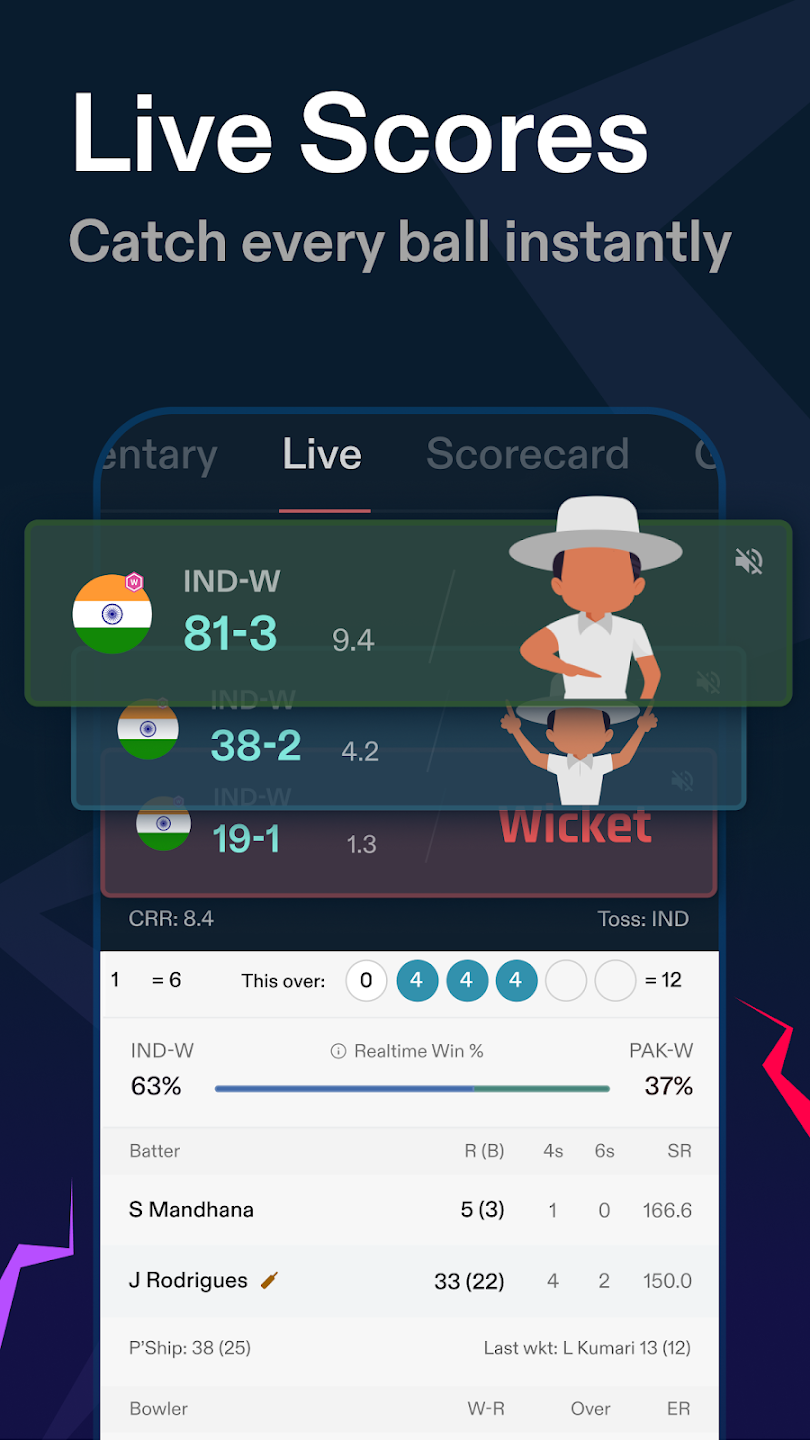
Real-time updates: Tracking each ball is indispensable if you are a cricketer. This application perfectly meets that need by updating information quickly and accurately every second.
Detailed scorecard: In addition to displaying basic data such as number of runs and wickets, the application also provides very interesting additional information. It describes each wicket in detail or statistics about partnerships.
News, videos, and interviews: Finally, stay aware of team news and expert views with interviews and feature stories. You can watch press conferences and fantasy previews in video format to keep up with squad updates and conditions. This adds context beyond the scoreboard.
Live win probability: Predicting the win rate in the match is an interesting highlight of the application. Rate up to 70%. However, this is just an entertainment feature. Don’t trust these numbers too much.

Get a detailed scoreboard system of teams playing in many different countries.
Help you have a fun entertainment space with a lot of your friends.
Analytical graphs may be used to evaluate the performance of teams on a variety of different dimensions.
All of the facts and statistics for all currently running series may be found in one location.
PIN Live Score enables you to follow the results of any live match while using other applications.
Select a player’s name to get an in-depth Career profile.
You may change the theme to dark or bright depending on your own choice at any moment.
quick scores and very good display of match details. Good predictions done by the CREX team. Fun way of showing scores makes it more interesting and also making the viewers curious what will happen next. Small details like the "BALL" "BALL IN AIR" makes me very curious what will happen next. Overall a very good and fun way of seeing scores.
This is the best cricket info app. Every cricket lover should have it. Has some adds which don't fill the entire screen but just takes a small part of it and can be removed by some upgrades in it. The best part is you can design your own desired team and earn some points following with some rank for every match. It even has some interesting quizzes about players and matches. Connect with fans like never before! Follow communities for your favourite teams and players. A ball faster to live.
One of the best cricket apps available! CREX provides very fast live score updates, detailed scorecards, player stats, and insightful match analysis. The interface is smooth and easy to navigate, making it simple to follow matches and tournaments. Notifications are timely, and the ball-by-ball commentary is excellent. Overall it's a fantastic app for every cricket fan. Highly recommended!
I've been using CREX for a long time and the experience has been fantastic. The app covers cricket from all corners of the world and provides detailed player and match information. Please consider adding Women's World Cup rankings.
Can I list my own items for trade on CREX?
Yes, users can easily list their own cricket items for trade by following the listing instructions in the app.
Is CREX available internationally?
Yes, CREX is available to users across multiple countries. However, please check for any region-specific restrictions that may apply.
How do I contact customer support for CREX?
You can contact customer support via the help section in the app or by reaching out to our official email address provided on the website.
How do I create an account on CREX?
To create an account on CREX, download the app from the App Store or Google Play Store, open it, and follow the registration process by providing your email address and creating a password.
Is there a fee for using CREX?
CREX charges a nominal transaction fee for each trade completed on the platform. Details of the fee structure can be found in the app or on our website.
Embrace the world of baseball like never before with CREX - Cricket Exchange. From live match updates to in-depth player analysis, from crafting your dream team to exploring global tournaments, it is your ultimate companion for all things baseball. Download now and experience the thrill of the game in the palm of your hand.
Size:88.2MB Version:26.06.04
Requirements:Android Votes:368


Sports competitions have been an integral part of human history for centuries, showcasing skill, endurance, and the spirit of competition. Each sport offers its own unique thrills-whether it's the speed and agility of soccer, the strategic depth of basketball, or the sheer power of weightlifting. While experiencing these activities in real life is exhilarating, stepping into the world of virtual sports can be just as exciting. Games allow you to immerse yourself in different sports, refine your techniques, and enjoy the thrill of victory-all from the comfort of your own space. Why not dive into the action and experience the joy of sports in a whole new way?
Discover a handpicked selection of premium fitness apps designed to optimize every part of your workout regimen. Whether your focus is strength training, cardio, flexibility, or recovery, these cutting-edge apps provide tailored solutions to meet your needs. Featuring smart AI-driven plans, real-time performance tracking, and expert-led workouts, they help you train smarter and stay accountable. Interactive challenges, community support, and progress insights keep motivation high, while seamless integration with wearables ensures precision. Transform your fitness routine with professional-grade guidance-accessible anytime, anywhere-and make every workout count toward your goals.
Our premium collection of fitness apps combines advanced technology with expert-designed programs to empower your health and wellness transformation. Each application in our suite offers a unique, science-backed approach to fitness - from personalized workout plans and nutrition tracking to mindfulness exercises and progress analytics. Whether you're aiming to build strength, improve endurance, or enhance overall wellbeing, our intuitive platforms provide the smart tools, real-time feedback, and motivational support you need to exceed your goals. Discover your perfect fitness companion and unlock a healthier, stronger version of yourself starting today.
About us | Contact us | Privacy policy| DMCA
Copyright © 2026 Xiaohei All rights reserved.