
We all know that handheld games from Nintendo, PS5, and other consoles cannot be played on mobile phones and computers. DraStic Emulator is an app that allows you to play Nintendo games on your phone. Here you can easily find a vast collection of handheld games and relive your childhood classics. The app is very easy to use: move on the left, control on the right. You can customize the controls in the menu, and even connect a Bluetooth controller for the best gaming experience. The app can also upscale the game's 3D graphics to twice the original resolution, making the game clearer and smoother!
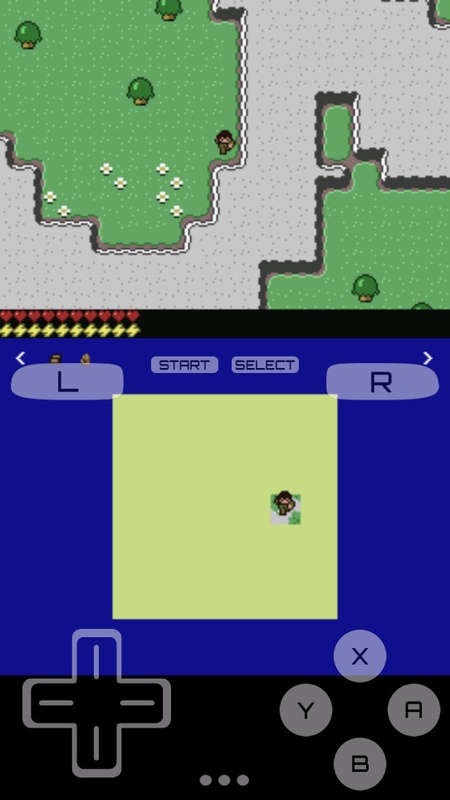
The default controls are very simple: use the virtual directional pad on the left side of the screen to move, and the four buttons on the right to perform various actions. The trigger button, start button, and select button are located above the directional pad and below the game screen. In short, this is just the default layout. You can customize the controls in the options menu, or, if you prefer, connect a game controller via Bluetooth for a more comfortable gaming experience. This app is compatible with all types of game controllers.
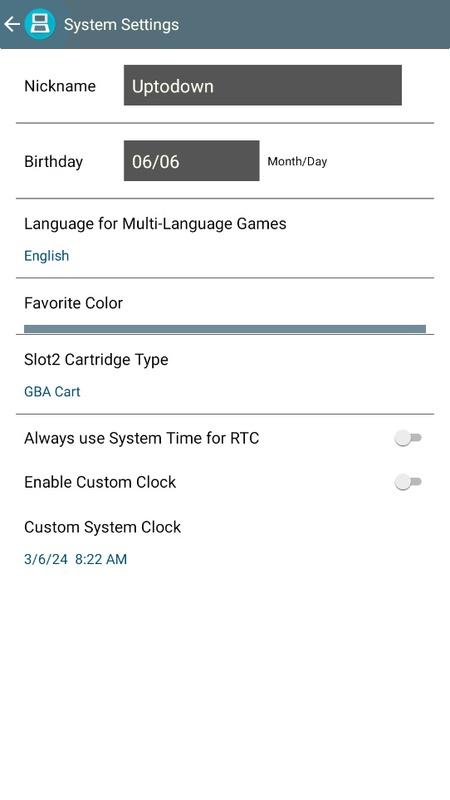
- Upscales game 3D graphics resolution to twice the original resolution (this optional feature works best on high-end quad-core devices)
- Customizes screen position and size, supporting portrait and landscape modes
- Full support for external controllers and physical controllers
- Save and resume game progress anytime, anywhere using the save function
- Optimizes your gaming experience with a database containing thousands of game enhancement codes
- Boosts emulation speed with the fast-forward function
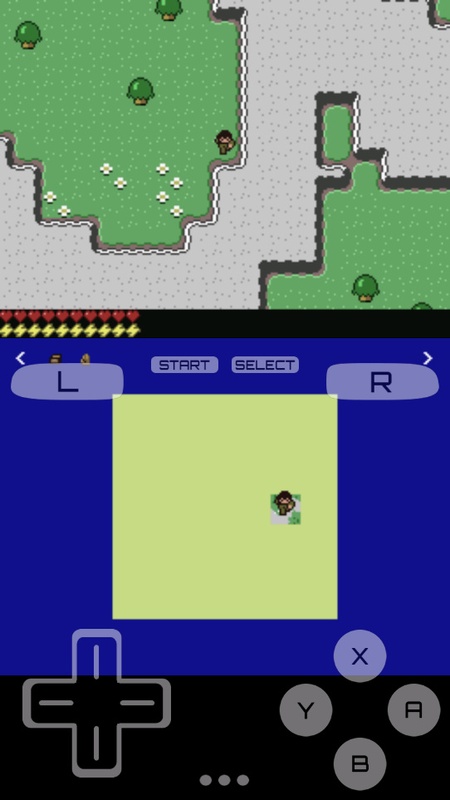
The biggest difference between this app and other DS emulators is its many practical features. For example, it offers six different window modes for emulating the Nintendo DS dual-screen setup. Besides the default dual-screen setting, there are large and small screen modes, stacked mode, and even a single-screen full-screen mode. Even better, you can switch modes at any time using custom buttons.
Pros: Six window modes
Customizable controllers
Multiple audio and video settings
Cons: Lacks multiplayer support
Excellent performance depends on device specifications.
Download the DraStic Emulator APK to play all the games in the Nintendo game library on your Android device. This emulator is perfectly optimized and runs almost all games smoothly, even on low-end and mid-range Android devices. It's powerful, fast, highly compatible, and completely free.
Size:10.4MB Version:r2.6.0.4a
Requirements:Android Votes:137
Welcome to our collection of game customization tools! These apps help you personalize your gameplay. You can access premium content, enjoy more in-game resources, or opt for an ad-free experience. Apps like Game Guardian and Lucky Patcher allow you to adjust game parameters. Just a heads-up, it's good to be mindful of the game's original terms of service. Feel free to explore and elevate your play, but always use them responsibly.
Meet Game BOX — your all-in-one game hub! Explore action, RPG, strategy, and more. Find games quickly, download fast, and play seamlessly on mobile. Simple, safe, and packed with top-rated titles. Perfect for gamers everywhere.
Utility apps are indispensable in our lives, making our daily routines more convenient. To help you find these apps more easily, this site has created a collection. This collection brings together a series of practical tools covering various aspects of life, work, and education, meeting all your needs. What are you waiting for? Try these apps now and make your life easier!
About us | Contact us | Privacy policy| DMCA
Copyright © 2026 Xiaohei All rights reserved.


































