
Snapdrop is a powerful and user-friendly remote file transfer tool that helps users easily transfer files between their mobile devices and computers, making your work tasks more efficient and smooth. The application presents a powerful yet easy-to-use file transfer program for a wide range of users. Users can easily enable it in simple steps and experience excellent customizable transfer settings. The application supports multi-tasking concurrency, helping you save valuable personal time, providing stable connections and high-quality transfer efficiency, bringing you great convenience.
Snapdrop is a simple and easy-to-use application for Android devices, allowing you to easily send files to yourself without any cumbersome steps. The first version of Snapdrop was developed for browsers, and now this Android app will make your life even more convenient. It's very simple to use: just open Snapdrop on the device you want to transfer files to, ensure they are connected to the same network, and then send the file.
Snapdrop is simple and convenient to use. It effectively solves many problems in file transfer and saves you a lot of time. Its interface is clean and easy to use, providing a convenient file transfer tool for sending files to yourself while working, or viewing content such as photos or videos on your Android device that you want to send to your computer.
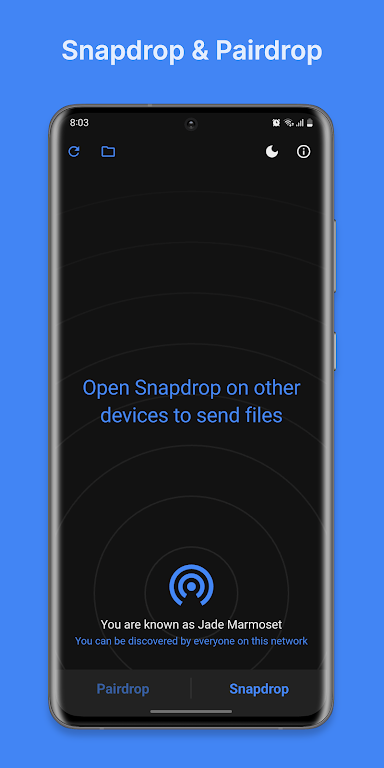
Open the application on your phone.
Visit snapdrop.net or pairdrop.net on other devices.
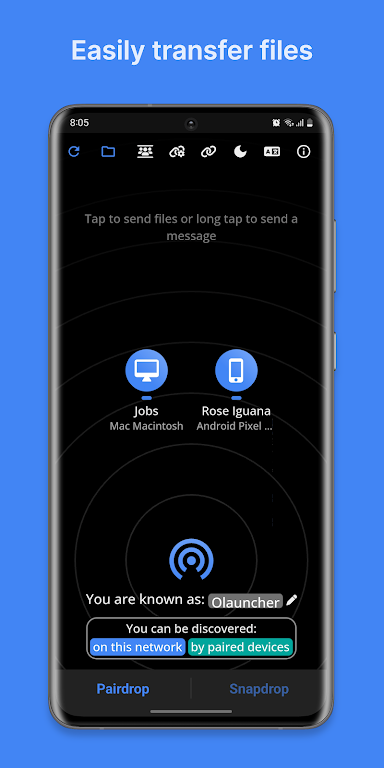
Tap the device name and select the file you want to transfer.
If your device has a VPN enabled, it may not work properly.
The application will rename all downloaded files to names starting with "File_". You can find these files in the "Downloads" folder.
Sometimes the application simply doesn't work properly, and the developers can't fix it. The problem lies with the website itself. Please refresh the page, restart the website, or try again later.
I love the app. But PairDrop always comes up with the Simplified Chinese language option, and I have no way to change it—it's really frustrating. I don't know if it's an issue with my phone specifically, but the dropdown button doesn't show any menu whatsoever—I use a Tecno Pova 6 Neo, if that helps. Alternatively, the web-app works fine, it has the language and light/dark theme settings on the main page, and I can use that for the meantime; but I'd still like to see that fixed, thank you.
The app is really great, i use it a lot. Facing just one issue, when I transfer files to my computer and download them, windows displays a warning saying that the source of the file is not trusted. In order to keep the file i have to specially go to my downloads and explicitly give a declaration that i trust this website. This is not a huge problem really, but it just takes extra time and if this gets fixed your app/website will become Perfect
Very convenient. I can easily transfer my files between my Android phone, Windows PC, and iPad now. Plus, it uses a private wireless network (which I use at home), so I don't have to worry about receiving unwanted files, and you can also prevent the file from trying to transfer to you. It performs well with PDF, DOC, and PNG files.
Pros
Free and open-source local file-sharing client
Runs on Android, Windows, Linux, iPhone, and Mac via PairDrop.
Integrates with Android's share menu for quick sending from other apps.
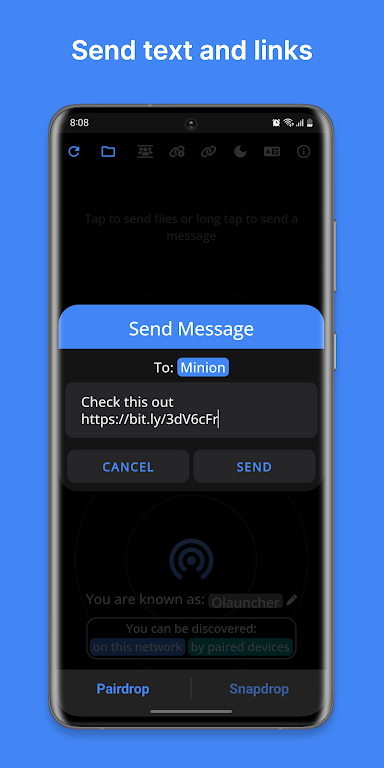
Clipboard functionality expands the scope of file sharing.
Peer-to-peer transfer prevents file contents from being leaked to remote servers.
Lightweight application with a very clean and intuitive interface.
Cons
Transferring large files can be slow.
The discovery function relies on remote servers, which may be busy and congested.
Reliability may change when the service is heavily loaded.
Snapdrop for Android is an open-source client focused on local file sharing, making file sharing between mobile phones and computers easy and convenient. It integrates tightly with Android's sharing functionality, boasts practical clipboard features and a clean interface. If you frequently need to transfer files or text snippets between different devices on the same network, Snapdrop is undoubtedly your ideal choice.
Size:45MB Version:1.2
Requirements:Android Votes:412
Utility apps are indispensable in our lives, making our daily routines more convenient. To help you find these apps more easily, this site has created a collection. This collection brings together a series of practical tools covering various aspects of life, work, and education, meeting all your needs. What are you waiting for? Try these apps now and make your life easier!
Transform your mobile device into a powerhouse of efficiency with these handpicked essential tools. Whether you need professional-grade photo editing, seamless file organization, smart task management, or real-time weather updates, our curated selection of premium apps delivers unbeatable performance. Streamline your daily routine, automate repetitive tasks, and boost your productivity with intuitive interfaces and powerful features. Designed for both professionals and casual users, these editor-approved applications will revolutionize how you work and play. Don't settle for an ordinary phone - upgrade your digital experience today and unlock your device's full potential!
With the development of mobile hardware and software, many practical tool software have emerged, covering a wide range of aspects and becoming a good helper for everyone in work and life. Today, the editor provides you with a list of useful tool software downloads. These tools are not particularly complex types, and after reading them, everyone can quickly learn how to use them. Proper use can bring great convenience to life and work.
About us | Contact us | Privacy policy| DMCA
Copyright © 2026 Xiaohei All rights reserved.


























