
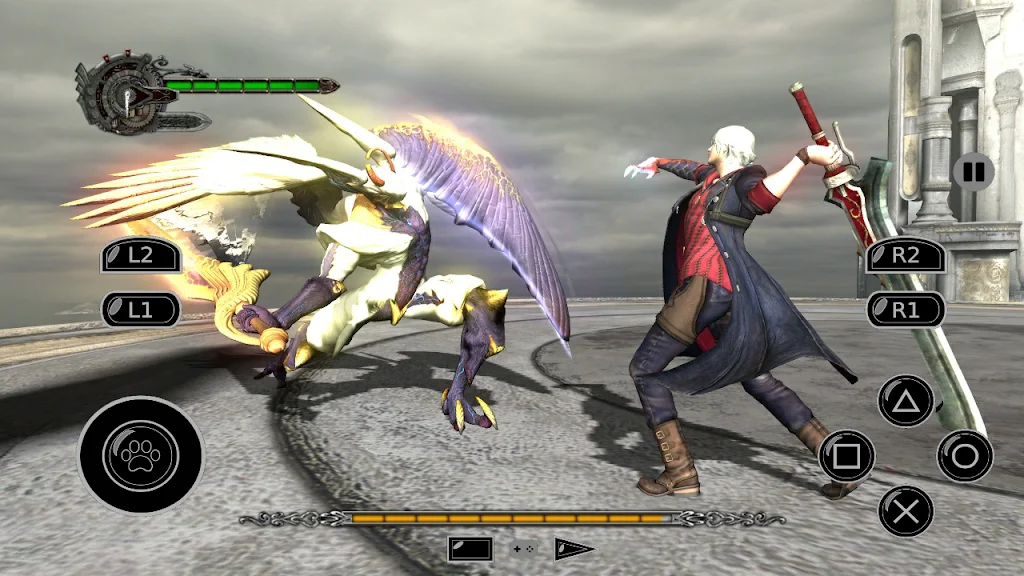
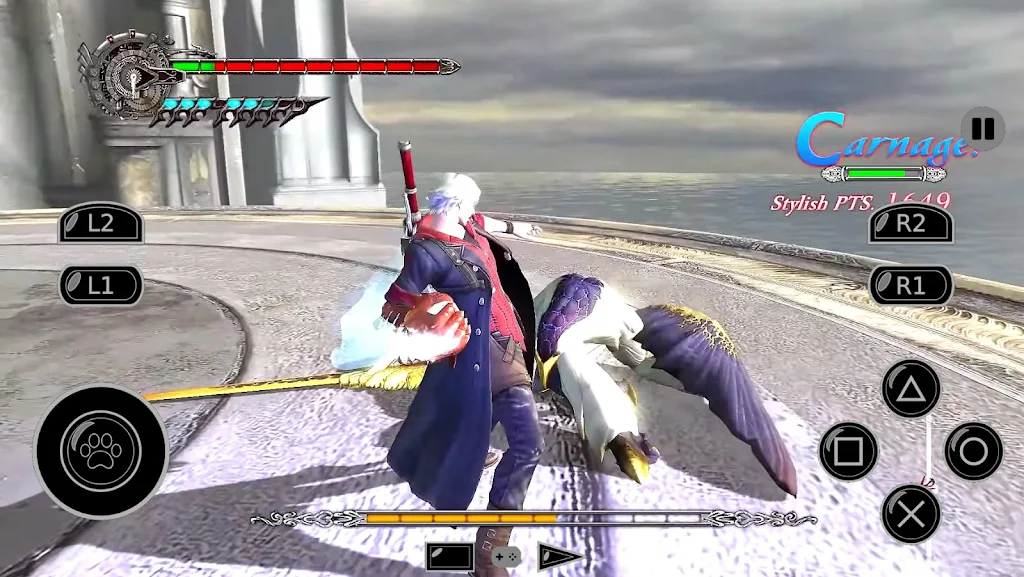
RPCS3 Emulator is an open-source game emulator software that allows users to enjoy games from the Sony platform and learn about various topics through built-in FAQs and tutorials. Simply enter keywords to find relevant information. The software supports gamepad controls and allows users to customize the operation of different key bindings for a comfortable gaming experience. It also boasts excellent compatibility, installing and running on mobile devices, computers, and other platforms, ensuring user safety.
Install PS3 firmware and play: You will first need to configure the emulator before you use RPCS3. As with the Windows version, the process is relatively long, although it is not that complicated if you follow the steps to the letter. On the emulator's official website you will find a step-by-step guide on how to correctly install the console's firmware and how to configure the app. Again, this process can take ten minutes or so, but once completed you can play any PS3 title on Android.
Support for USB and Bluetooth controllers: Using a USB or Bluetooth controller is essential to be able to play comfortably on RPCS3. After all, the vast majority of PS3 games involve a number of buttons in addition to the two sticks, so managing all these buttons on a touchscreen is very cumbersome. In the earliest versions of the emulator, in fact, the app crashes a lot when trying to use the touch controls. Fortunately, the app is compatible with Dual Shock 3, Dual Shock 4 and Dual Shock 5.
Differences between RPCS3 on Android and Windows: The main difference between the PC and mobile versions of the emulator is that the PC version has been in development for many years. RPCS3 has been fully functional on Windows since 2017. This is reflected in its extensive compatibility list and the number of getting started guides and other help available. Gradually, the Android version will get the same level of support as the Windows version, but it is a slow process.
The king of PS3 emulation, now on Android: Download the RPCS3 APK if you want to play PlayStation 3 games on your Android device. Thanks to this emulator you can enjoy some of the best titles from Sony's third console, wherever you are. As mentioned above, the compatibility list of this Android version is growing with every new version, so it is possible that some games may not work correctly or at all.
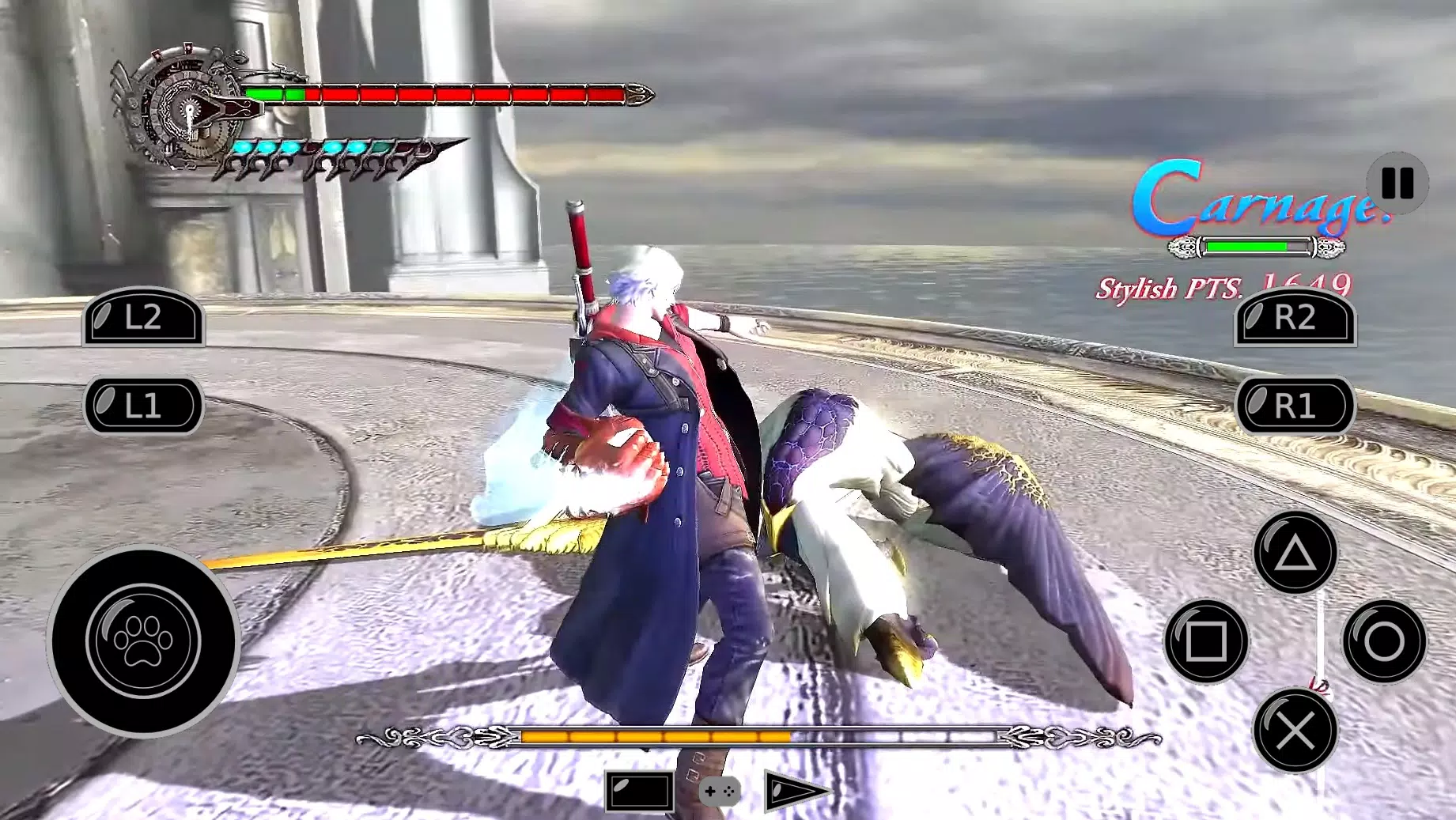
How stable is RPCS3 in its current state?
RPCS3 is stable enough to boot into every single PS3 game and correctly play many of them with ease. Stability is more of a per-game factor that may change with new builds as new features get implemented. As emulators progress in accuracy, there may be some regressions that occur and stability is typically one of them. Rest assured, the developers are always hard at work when it comes to keeping RPCS3 as stable as possible for now and into the future.
Can I just insert a PlayStation 3 game disc and start playing games?
In its current state, RPCS3 does not support reading game data directly from PlayStation 3 format discs. PlayStation 3 discs are formatted in a very special way that can only be read with an actual PlayStation 3 system, or a compatible Blu-ray drive from select manufacturers.
Where do I get PlayStation 3 games and software?
Typically, you want to dump your own PlayStation 3 games and software from your own console. We believe that this is the most efficient and safest way to migrate your disc-based games and digital games from your console to your PC.You can also dump games using select compatible Blu-ray drives. Not every Blu-ray drive will recognize PlayStation 3 games due to how data is formatted on the disc.
How can I use my PlayStation 3 games and software with RPCS3?
You will need two different tools for dumping PlayStation 3 game discs from a Blu-ray drive.
Can I play multiplayer games online?
Online multiplayer already works with many games. For games that require a dedicated server besides basic PSN matchmaking, compatibility depends on whether a community-based custom server replacement exists.
Can I play local-multiplayer games with RPCS3?
Local-multiplayer is completely supported. We support up to 7 concurrent controllers at any given time, just like original PlayStation 3 hardware. The controllers can be assigned with a wide range of configurations. For example, one player can use a keyboard while another can use a compatible gamepad.
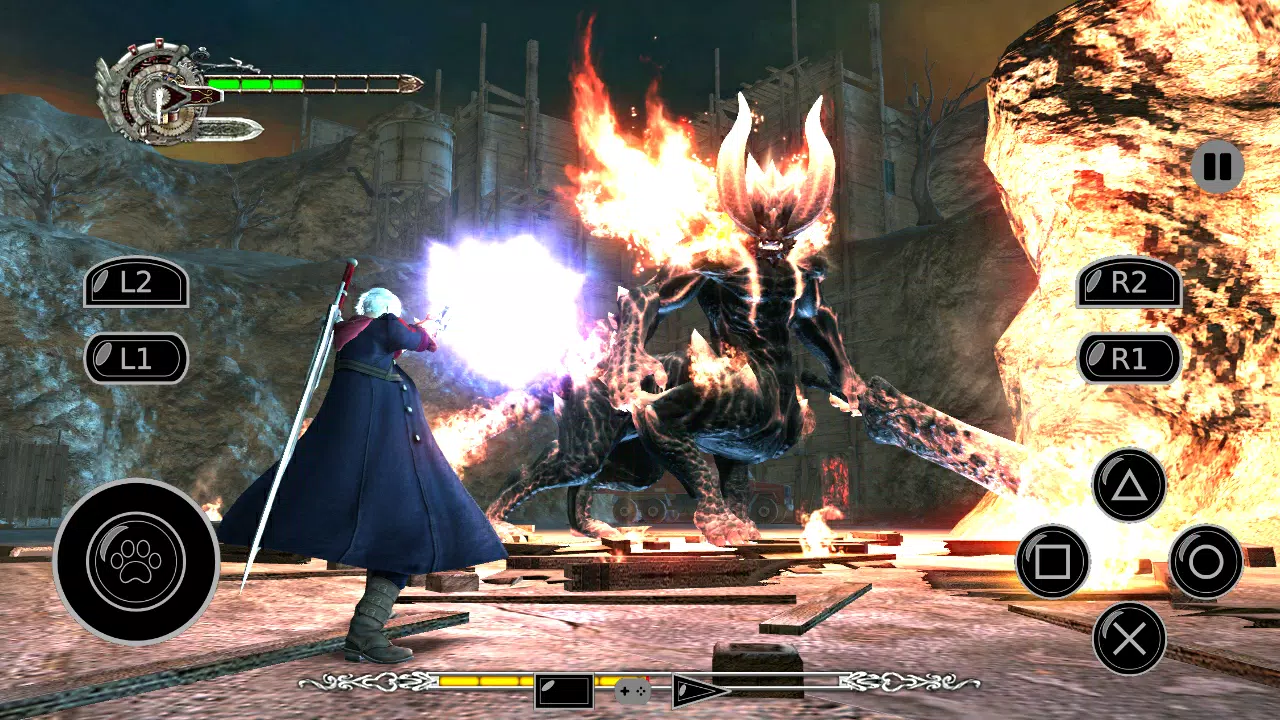
RPCS is an open-source project that makes use of a powerful development interface called Libretro. Libretro is an interface that allows you to make cross-platform applications that can use rich features such as OpenGL, cross-platform camera support, location support, and more in the future.It comes with its own built-in collection of applications to provide you with a 'one-stop-shop' for entertainment.
Size:170.3MB Version:2.0.0
Requirements:Android Votes:532
Package Name:mobi.android.rpcs3 Signature:27d1ec9ed62a5a1536fb45e837c5846c43f3929b
Transform your mobile device into a powerhouse of efficiency with these handpicked essential tools. Whether you need professional-grade photo editing, seamless file organization, smart task management, or real-time weather updates, our curated selection of premium apps delivers unbeatable performance. Streamline your daily routine, automate repetitive tasks, and boost your productivity with intuitive interfaces and powerful features. Designed for both professionals and casual users, these editor-approved applications will revolutionize how you work and play. Don't settle for an ordinary phone - upgrade your digital experience today and unlock your device's full potential!
With the development of mobile hardware and software, many practical tool software have emerged, covering a wide range of aspects and becoming a good helper for everyone in work and life. Today, the editor provides you with a list of useful tool software downloads. These tools are not particularly complex types, and after reading them, everyone can quickly learn how to use them. Proper use can bring great convenience to life and work.
About us | Contact us | Privacy policy| DMCA
Copyright © 2026 Xiaohei All rights reserved.

























