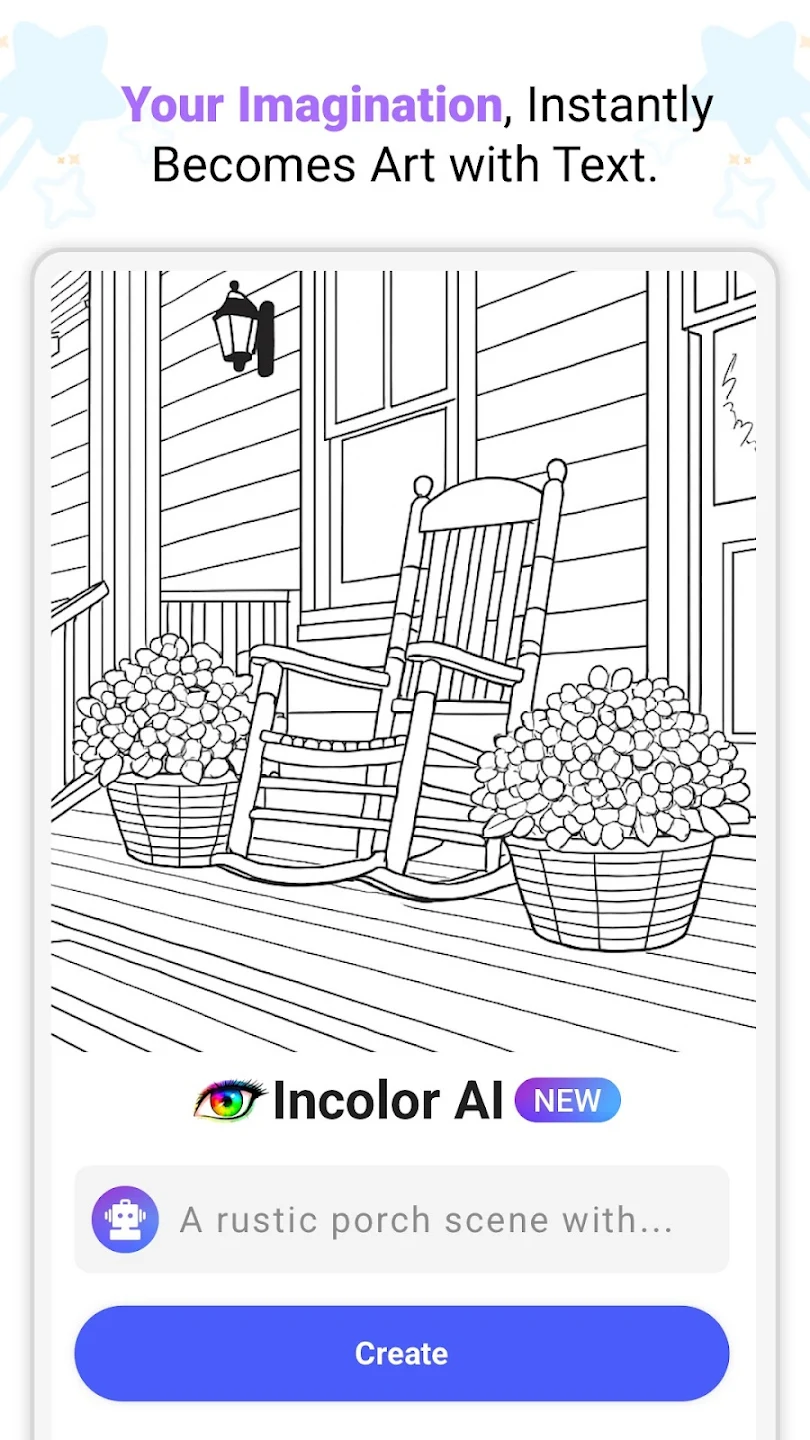
InColor is a fun coloring app that uses the latest AI technology to generate coloring pages in various styles. Users simply need to unleash their imagination and use different colors to color black and white images to create beautiful artwork. Share your creations with friends or in the community to earn likes from other users. Users only need to input their commands to generate high-quality pictures, and can flexibly use brushes of various thicknesses and gradients to create stunning works. Various fun activities are held weekly, and users can join these activities at any time to win cheers and rewards for their creations.
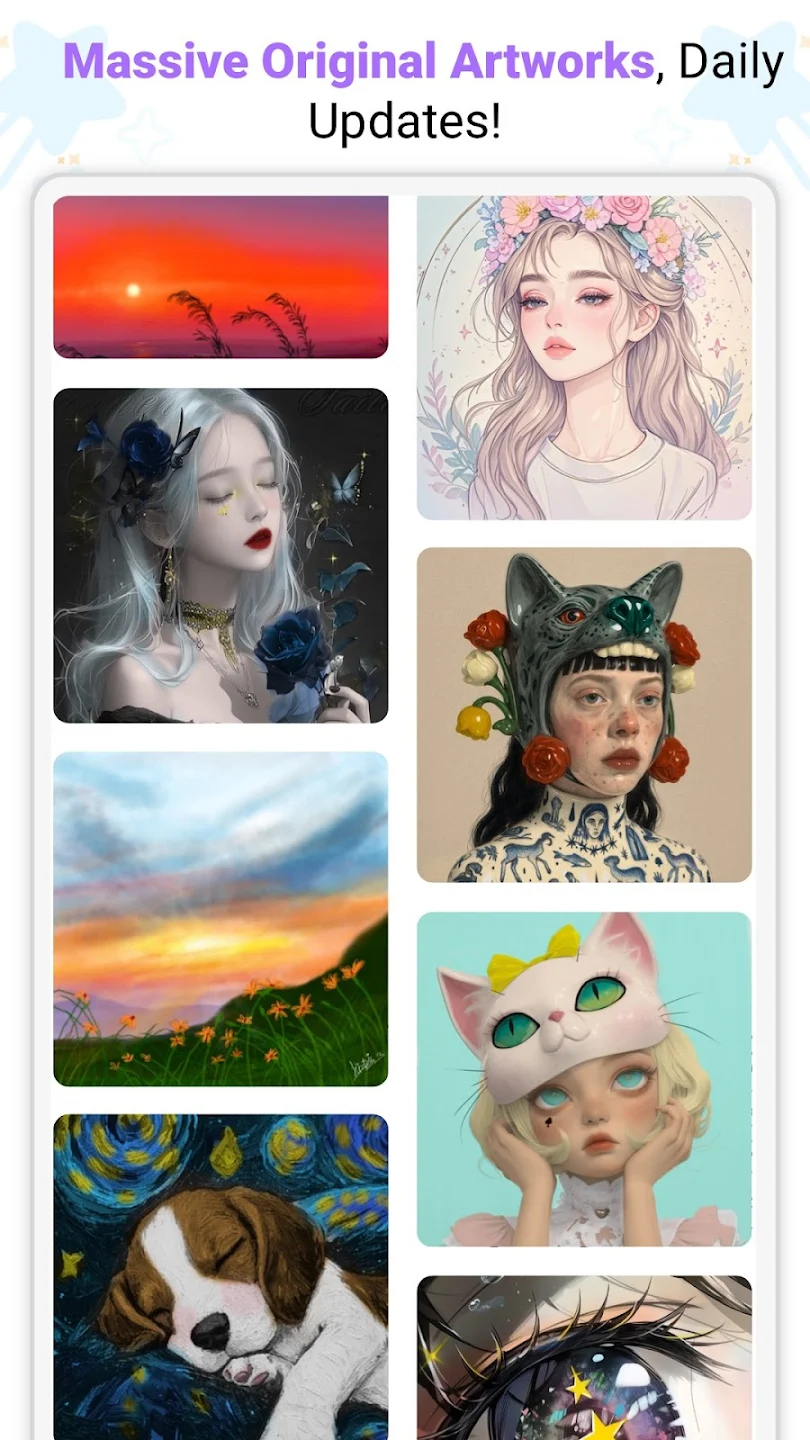
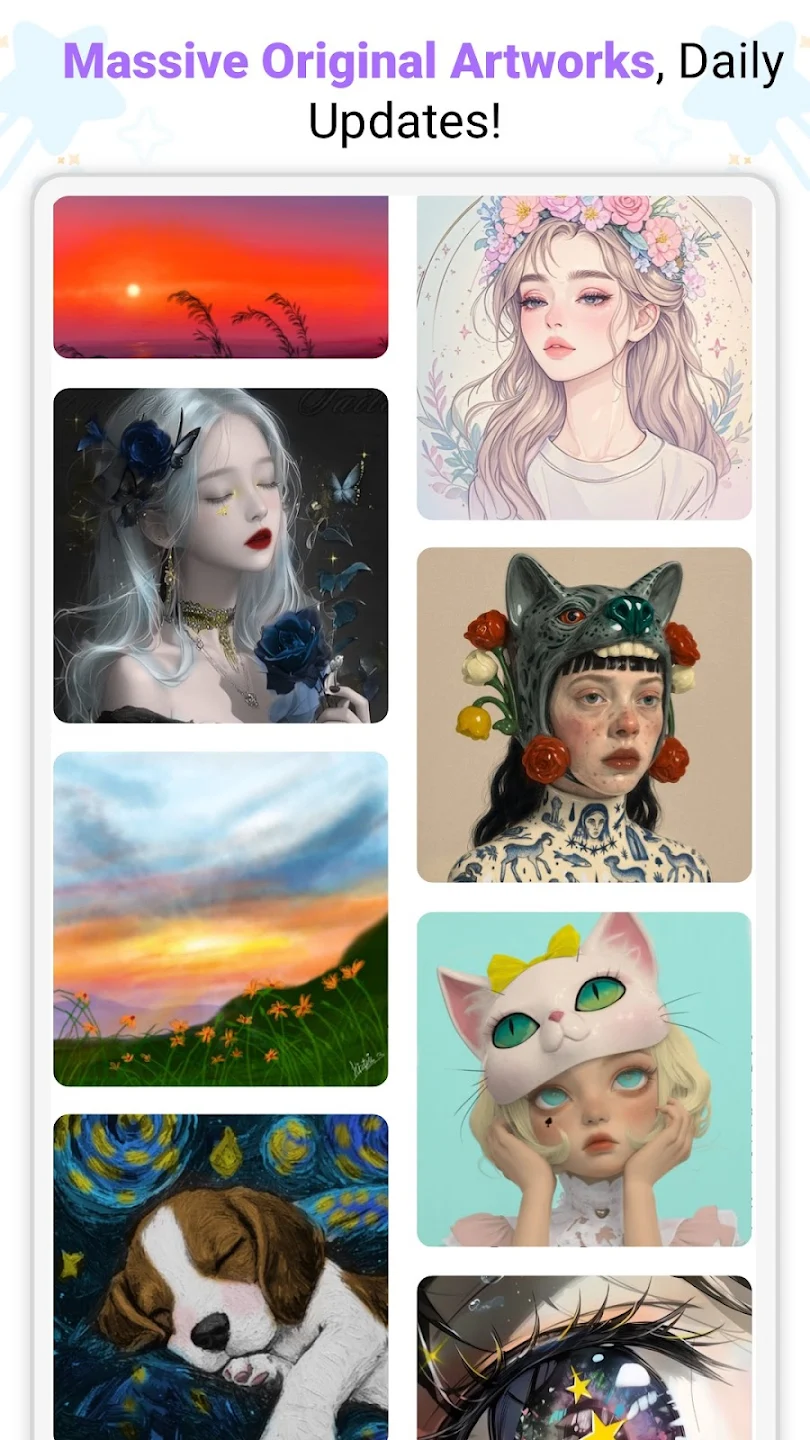
Daily New Updates: New drawing pages will be added to the waiting list. Players can choose the content they want to experience. All pictures are ready for you to color. Each picture will represent a different theme. Players are allowed to choose the picture that they find impressive.
Wide Style Range: The process of completing the pictures will go through many stages. Players need to determine the position to color on the drawing. Each drawing shows a unique style. Players will find more content when surfing and viewing available coloring pictures.
Fresh Content Always: The game will always refresh the player’s menu. Every day, you will enjoy different coloring pictures. Players will choose a picture to quickly complete. New coloring pictures will be added regularly to give players more choices.
Smart Coloring Help: The colors to be painted will be numbered in order. Players can follow the default coloring order or freely paint according to their skills. The game will highlight the areas that need to be completed on the picture. Players just need to tap to fill the marked area with color.
Simple User Interface: Players can easily interact with this game. They can find the pictures to be colored on the selection board. They are displayed in a random order. Players will tap to start painting any picture. The game interface will switch to coloring mode for players to start enjoying.
Endless Coloring Pages: You’re not stuck with the same old options here—dive into a collection that’s packed with mandalas, animals, floral designs, cartoons, and more. If variety is your jam, you’ll always find fresh artwork to mess around with.
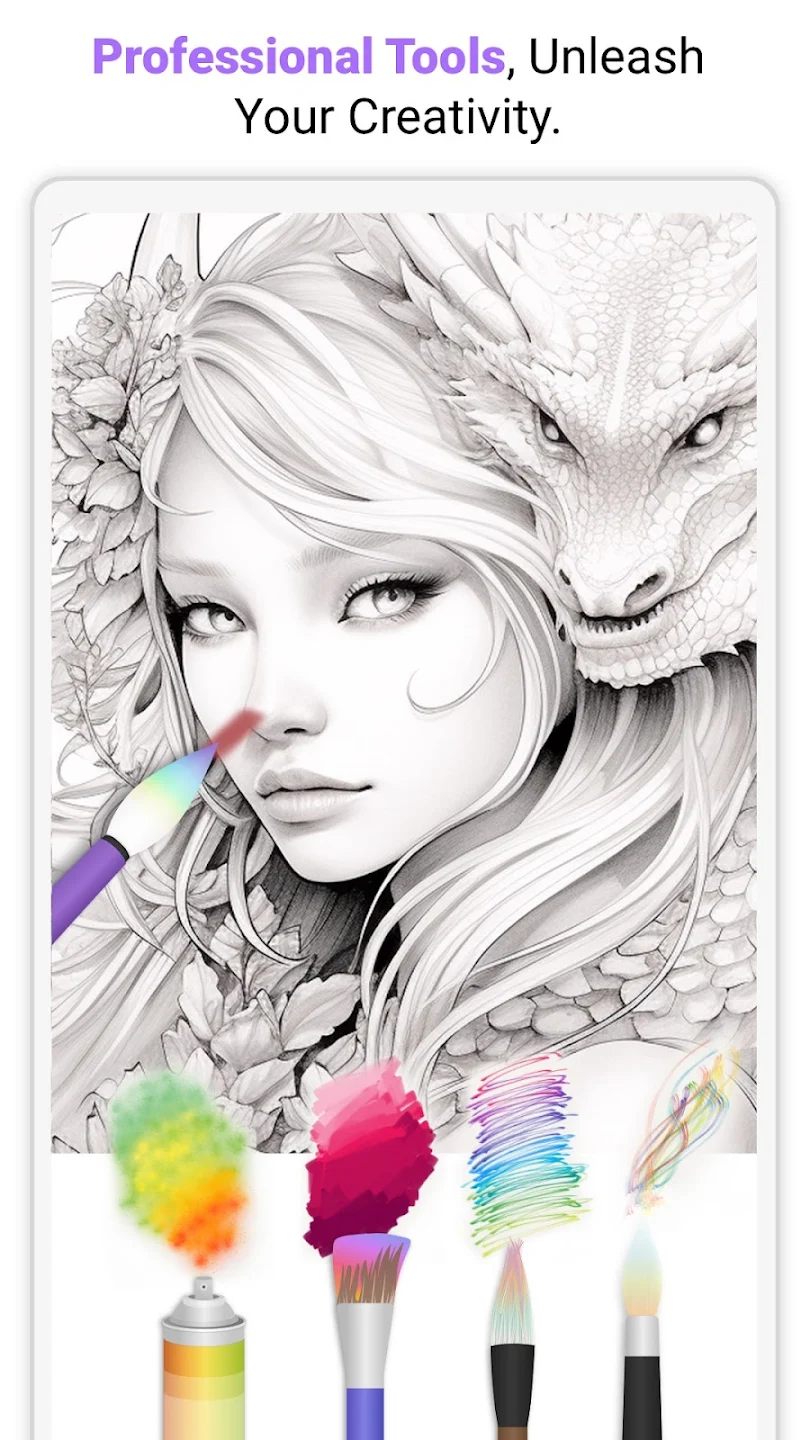
Easy, Customizable Tools: The interface is a breeze to use. Experiment with different brushes, fill tools, and color palettes that you can tweak to get just the right look. No more accidental scribbles with smart coloring—it helps keep things tidy inside the lines.
Turn Photos Into Art: Want to add a personal touch? Snap a picture or use one from your gallery, and watch as InColor transforms it into a custom coloring page. It’s a neat way to make memories extra creative.
Draw Your Own Designs: Not only is coloring a thing, but drawing too! Go ahead and sketch your own mandalas or patterns, then bring them to life with colors right in the app.
A Social, Supportive Community: Share your finished pieces and get inspired by what others are making. There’s a built-in feed where you can post your work, check out creative ideas, or just browse if you’re feeling a bit shy.
The BEST of all the coloring apps I've found so far, in my opinion. Lots of cool coloring pages only issues is it needs more cool and challenging free pages for those who cannot afford to pay. These are hard times were living in and not many of us don't have the option to pay. And maybe add more color palates like psychedelic, ocean, forest, jungle, antique/vintage, pastel, tropical, stormy, sunrise/sunset, and magical/sparkle combinations to choose from other than just the 4 you already have.
This app is amazing! I'd tried others for my artwork I've been working on, and they were so confusing to a beginner like me, and so much behind paywalls. THIS app has so much to choose from, and it's very easy for drawing and coloration, and the colors are gorgeous! And I don't mind the ads for something like this.
I've tried all the coloring apps and this is hands down the best! There are lots of good palettes that are free, and you can watch a video to use any of the tools for the picture you're working on! If you want a great completely free coloring app, this is the one!
Love The free version isn't overloaded with ads, but I love this app so much that I decided to go ahead and pay. There are some changes I'd love to see, but overall this has been the best coloring app I've tried to date! Lots of options: coloring tool, size, gradients, etc. Coloring pages, paint by number, sketch pad. There is no blending tool, though. I also wish there was a search option for types of pictures (i.e., mermaid).

Does InColor offer a free trial for its premium features?
Yes, InColor offers a 3-day free trial with some weekly, monthly, or yearly Premium subscriptions. Users can manage or cancel subscriptions anytime in their Apple ID settings.
How does InColor utilize AI technology?
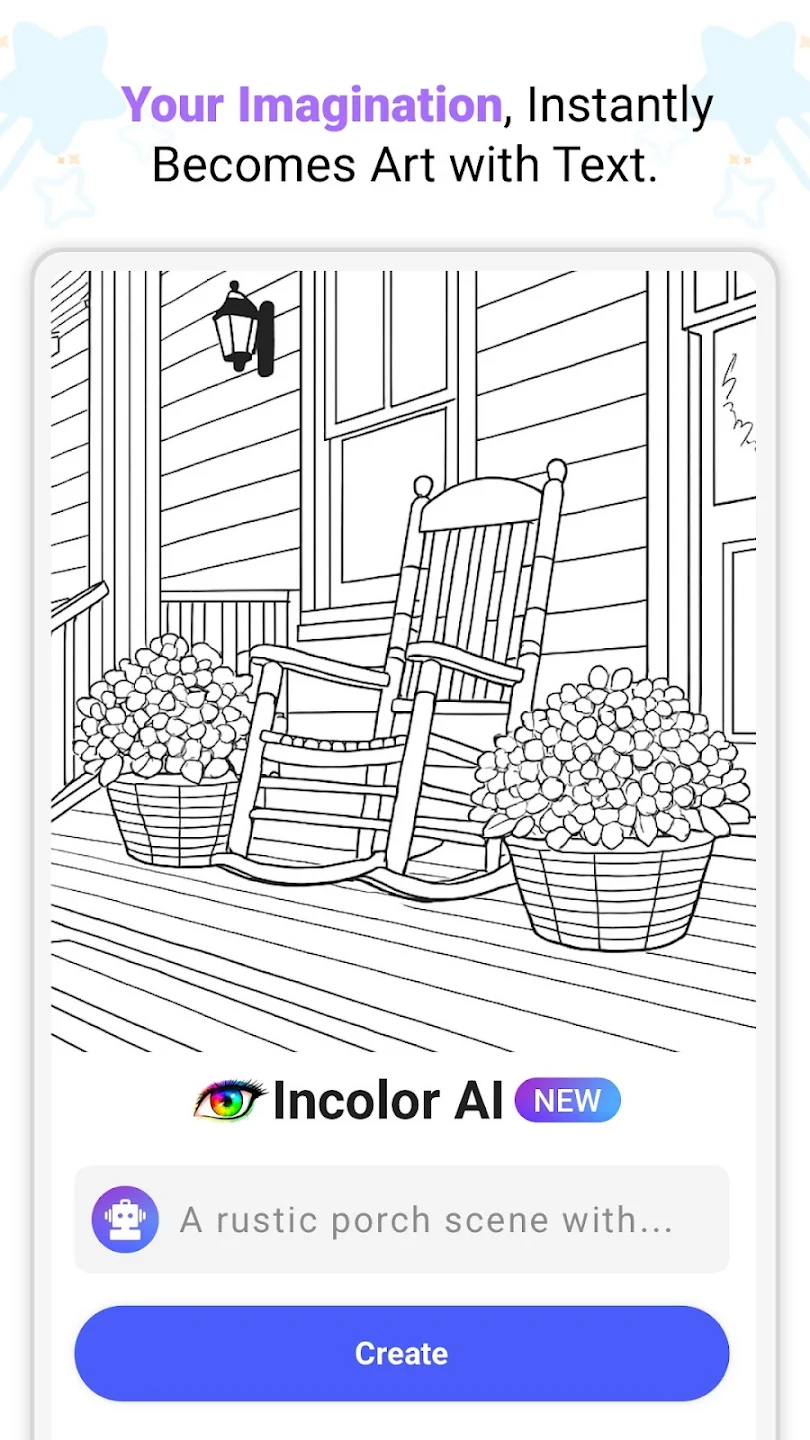
InColor utilizes AI technology to generate unique black-and-white line drawings from user prompts. It also features a tool to convert uploaded photos into colorable sketches.
What types of designs are available in InColor?
InColor provides a huge collection of designs updated daily across diverse styles and themes. Categories include Mandalas, animals, fashion, landscapes, pixel art, and various holidays.
Is InColor suitable for both beginners and experienced artists?
Yes, InColor is suitable for both beginners and experienced artists. It provides powerful drawing tools, a realistic drawing experience, and a supportive community for all skill levels.
Can I share my completed artwork from InColor?
Yes, users can share their completed artwork from InColor. The app includes options to publish creations within its global art community and share them on various social platforms.
InColor has over 600 different drawings, ranging from mandalas to animals and natural landscapes to abstract drawings. You'll have to pay to get access to all the drawings. But luckily, a good number of them are completely free.One of InColor's strong points is that coloring is pretty easy to do. At the bottom of the screen are loads of different color palettes, where you can find over one hundred colors. You can also choose whether you want to paint with plain colors, brushes, pencils, and so on. There are dozens of possibilities when coloring.
Size:85MB Version:7.2.0
Requirements:Android Votes:520
Package Name:com.inapp.incolor Signature:8d19225e555652a311c2c7b05d6a3444fdbb0b97


A healthy lifestyle is about more than just proper nutrition and consistent exercise. Getting enough sleep, taking care of your body and mind, and managing things like medications and doctor’s appointments also play important roles in staying healthy. A good app can be a great way to manage it all. That’s why Healthline tested a variety of different healthy lifestyle apps. We chose the year’s best based on content, reliability, and user reviews.
Nowadays, people's lives not only rely on mobile phones, but also on various apps. In addition to shopping apps and video watching apps, there are also many lifestyle apps that are commonly used by people. Today, I will share with you the apps for daily life? If you also want to make your life more convenient, you should really understand it well, which is also essential for everyone.
About us | Contact us | Privacy policy| DMCA
Copyright © 2026 Xiaohei All rights reserved.