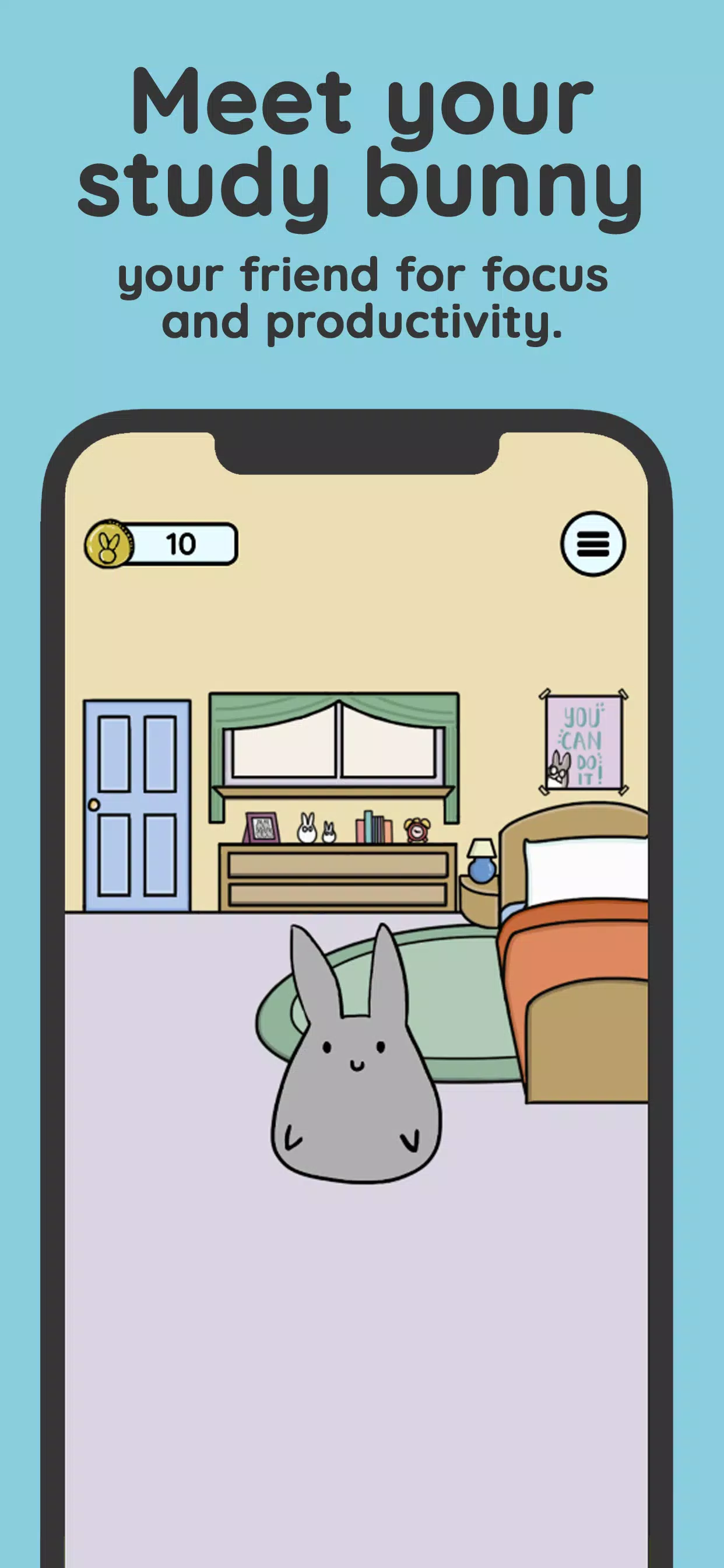
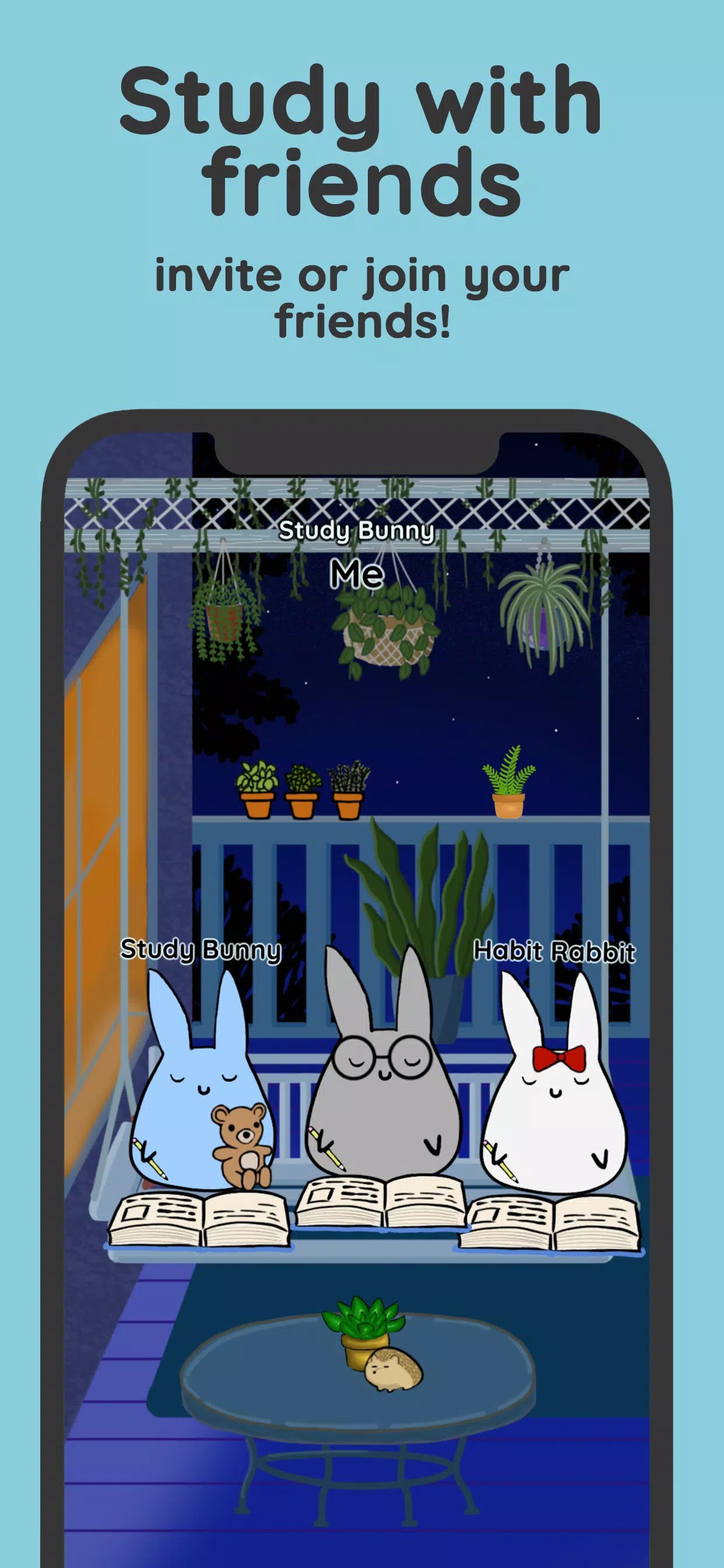
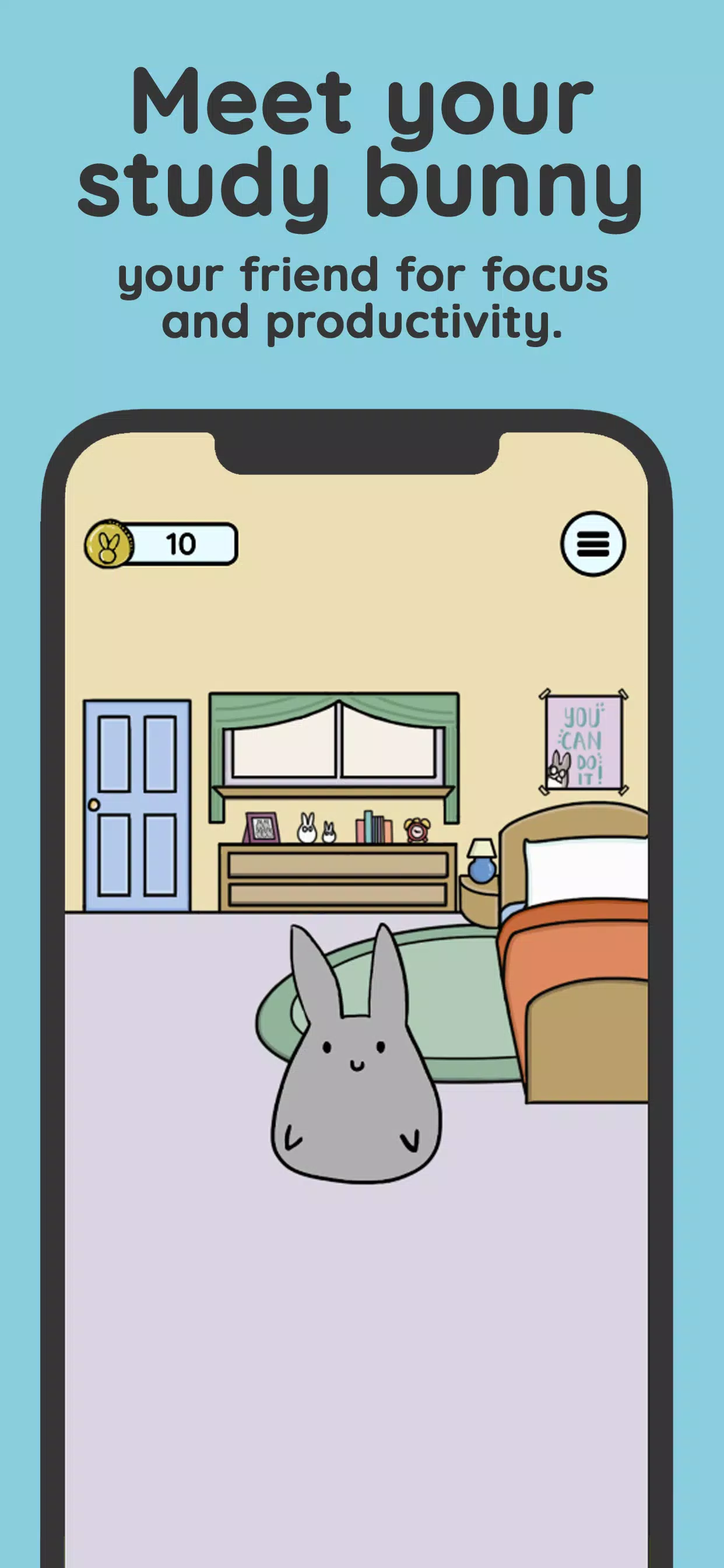
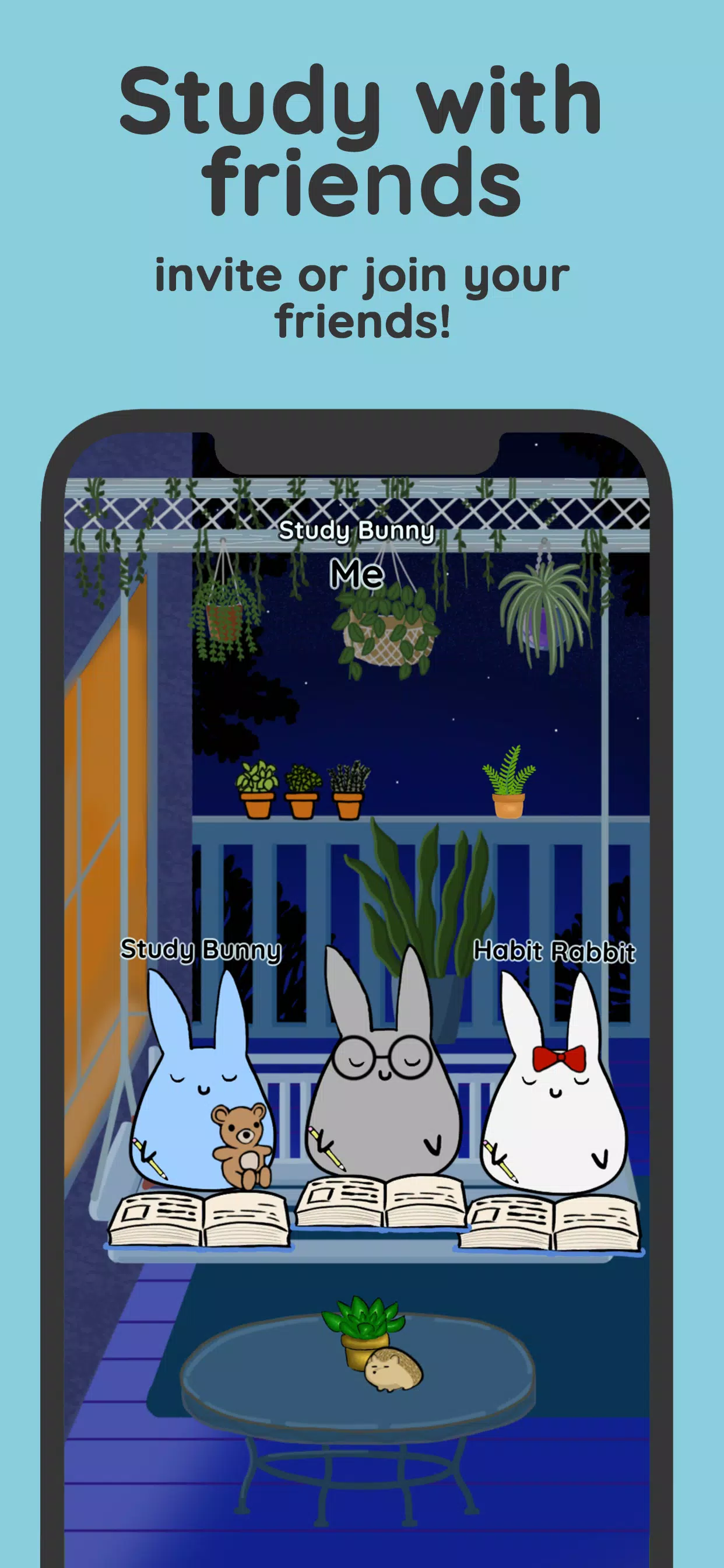
Study Bunny aims to help users cultivate good concentration habits. Users can set study time periods during which the software automatically blocks unnecessary messages and pop-ups and locks the screen, allowing users to focus on a specific task. As users accumulate focused time, they earn coins to buy various food, clothing, decorations, backgrounds, etc., for their pet bunny. Users can interact with the bunny and play fun mini-games, making the software more engaging. Numerous motivational tips and stories within the software provide encouragement when users struggle to concentrate, thus motivating them to maintain focus.
One of the standout features of Study Bunny is its focus timer. You can set a timer to track your study sessions and hit pause whenever you find yourself losing focus. But what sets Study Bunny apart is that when you pause the timer, you receive motivational advice to help you get back on track. This feature serves as a constant reminder to stay focused and motivated, making your study sessions more effective and efficient.
As you use the app and stay focused, you earn coins. These coins can be used to purchase items or Music from the in-app Store. Whether you want to buy study-related items like stationery or reWard yourself with some relaxing music, the store offers a variety of options to enhance your study experience. This gamifiCation element adds an extra layer of motivation, making studying more enjoyable and rewarding.
Study Bunny also provides a range of productivity tools to help you organize and manage your study tasks. The app offers a To-Do list feature where you can list all the tasks you need to accomplish. This helps you prioritize your work and stay on top of your study goals. Additionally, the flashCards feature allows you to create digital flashCards for effective memorization and revision. You can easily review your flashcards during study breaks, reinforcing your learning and boosting retention.
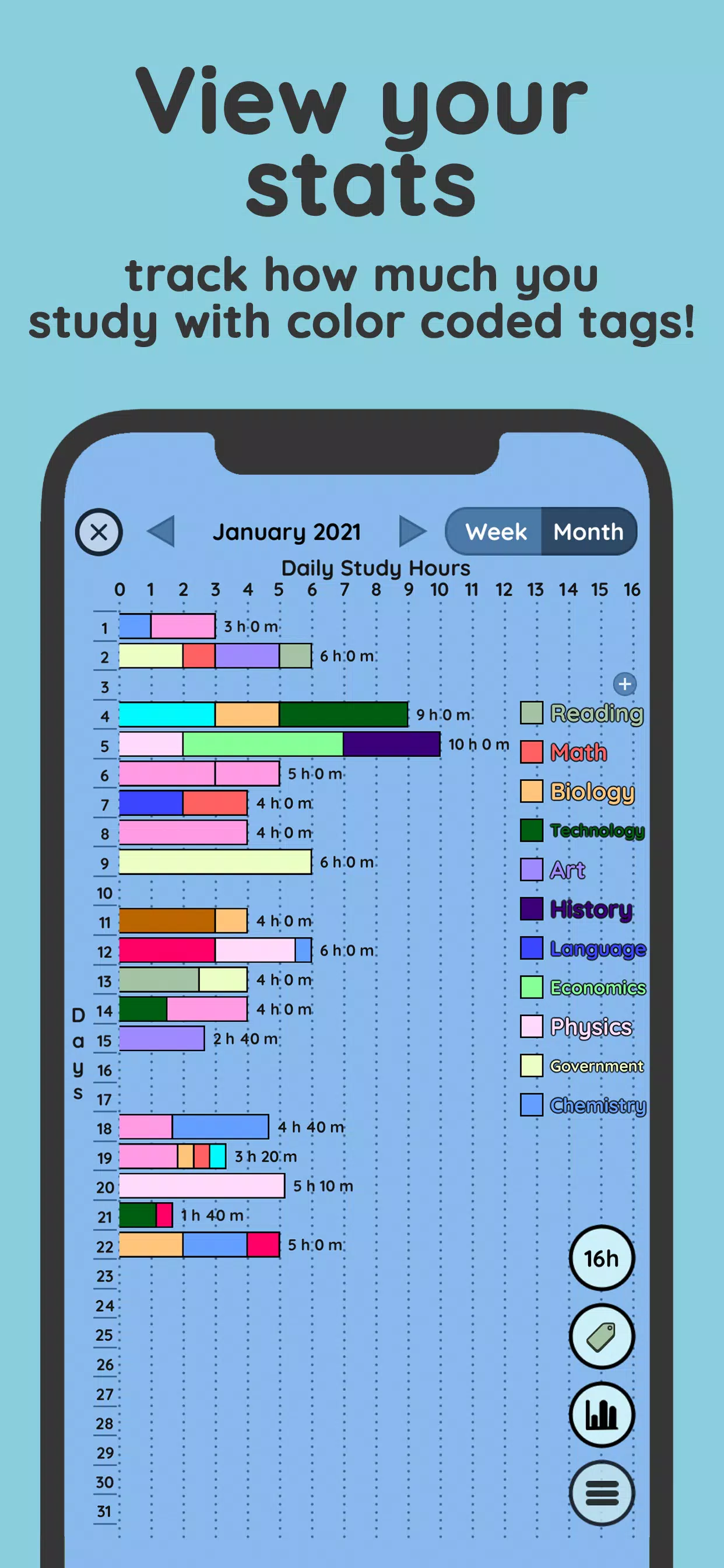
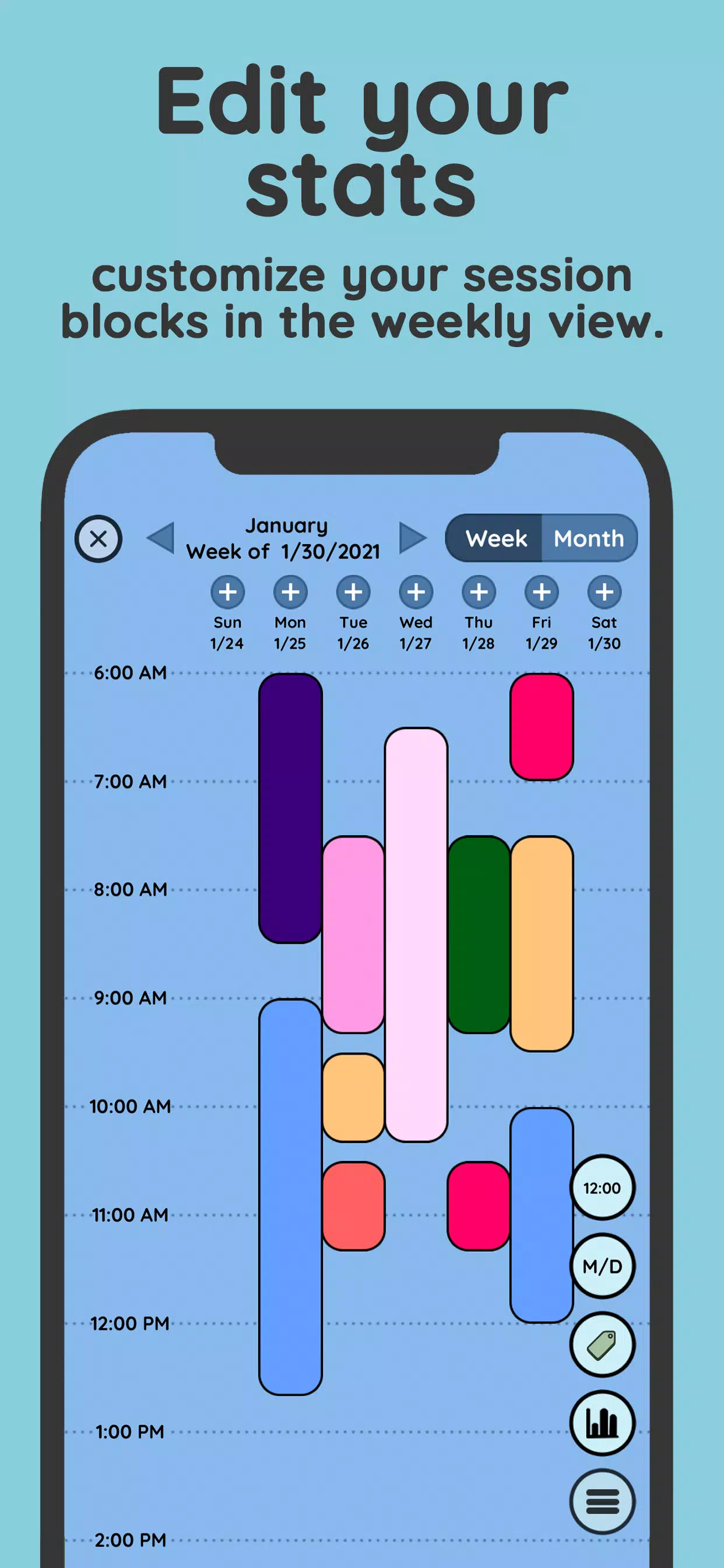
One of the key highlights of Study Bunny is the customizable Study Tracker. This feature allows you to track your study progress and set specific goals. You can define the subjects or topics you want to focus on, set study milestones, and monitor your progress over time. The Study Tracker provides valuable insights into your study habits, helping you identify areas for improvement and stay motivated to achieve your goals.
In the top right corner of the home page, click the drop down menu.
Click the stack of cards to go to Flashcards.
You can click the Default set to get started. If you want to add additional sets, click “Add Set”.
Once you start a set, you can edit the name of your flashcard set by clicking the pencil icon.
Type in the text that you want to display on the front and back of each card. For example, you can write “What is the third planet from the sun?” for the Front, and then the answer, “Earth”, on the Back. This is one card. To delete the card, click the trash can to the left.
To add more cards in your set, click “Add Card”, and fill out the Front and Back of each card.
When you have all the cards you want in your set, you can quiz yourself by clicking the “Quiz” button.
You will be displayed the front of the card first. To see if you have the correct answer, tap the card to flip the card and read the Back. If you correctly guessed the answer for your flashcard you can mark it as correct with the green check mark. If you were incorrect, click the red X.
Once you have quizzed yourself, you will know what percentage of your set you got correct.
You can see what your last quiz score was and how much you improved from the last time you quizzed yourself with the same set.
Flashcards does not support right-to-left languages.
Amazing, love the stats function. But i hope carrots could be gained through other ways, and maybe add a hunger bar? And when the hunger bar reaches zero for a certain number of days, the bunny dies or loses some items. But if the person is on holiday or a break, there could be a mode for it, e.g. hibernate bunny. A streak feature would be gladly appreciated too. Keep up the good work and i look forward to the improvements and updates! This is by far the productivity app that helped me the most.
it's a very helpful app but it would be nice if a sell button was added so we can get back our coins from items we accidently bought. I lost all my hard earned coins on the city background accidently and it made me really frustrated. Edit: I got my coins back! The developers of this app are really nice and helpful. They immediately reached out and solved my issue. Thank you so much!!
This is the only study app that has stuck with me so far. I find that I really stick to my study habits more with this app. The app is really good in itself, but I would really find the ff. features to be helpful: To be able to change the subject and color of the study time when I originally put a wrong subject and color. More career-based clothes for the bunny, I feel like many people like me would want to dress their bunny as their preffered profession. (more female laywer clothes plzz).
Best study app ever. I have the worst focus of any person ever, so my bunny keeps me very accountable. He guilts me into studying when he's sad. He also makes me wanna work hard for him to buy extra stuff. I find it insanely rewarding and motivating. God bless the creators of this app. I do wish that there is a paid version to get rid of ads. I also wish you could change the layout and interface of your schedule / statistics. It isn't very good.

Is there an alarm sound?
Yes, you must increase your phone's "notifications" volume. You may need to increase your ringtone volume first for this to work. The sound of your notification is based on what you set as your notification sound in phone settings. If your notifications are off but your ringtone is set to vibrate, you will get vibration as your alarm sound.On Android, press the down volume button on the side of your phone and swipe the menu down. Increase the sliders for ringtone and notifications.On iOS, turn off silent mode and increase your phone volume.
What do I do if the app crashes/doesn't open?
Switching To High-Speed Fiber Internet
Comparing High-Speed Internet Plans
Choosing Secure Email And Messaging Platforms
If you are an existing user, wait for the next update. This often fixes the issue, unless your operating system is outdated.
Try: phone settings, applications, app manager, Google Play Services, storage, clear data & cache. New users only: phone settings, applications, app manager, Study Bunny, storage, clear data & cache.
Can the coin rate be increased?
No. Study Bunny is used by students at all levels - some study a little, some a lot. While item prices vary, most require long term work, which means you should try to save up for expensive items. Having too many inexpensive items increases the file size of the app and clutters the store. We have accomodated this frequent request by rounding up study minutes (e.g. between 5-10 minutes will now get 1 coin instead of the minimum 10) and by increasing coin opportunities through ads for those who do not study as much. Ways to gain extra coins:
Double coins after study sessions up to 10 bonus coins per day
Eight free daily coins.
Use Happy Meter mode to gain extra coins when the meter is full.
Why am I not getting coins?
Please check the following: Exploring Premium Mobile Apps And Add-Ons.Pausing study sessions. You lose coins if you use the pause button longer than 7 minutes. Remember that pause is for brief emergencies. If you want a real break without penalty, use break timer mode.Accidentally in Break (no coins) timer mode. Make sure your timer is set to either Countdown or Stopwatch.Did not study for at least 5 minutes straight.
Can we have a sell back option?
We have decided not to add a sell back feature for items because allowing items to be temporarily owned defeats the purpose of studying to earn more coins.
Is the app translated into other languages?
Yes, it has been translated into 14 languages. You will find this feature in Settings. Please note that while most of the app will be translated, some things will still be in English. For example, the store items will still be in English, however there are pictures with these items and all store items can be previewed. Song listings in the music store and the new item pop up will also be in English. We hope that by translating the more complicated and important features, the app will be easier to use. If you are a native speaker and would like to bring translation errors to our attention, please feel free to email us.
Study Bunny is a tool that aims to make you more productive with your studies by setting a time for your studying. It has tools like a customizable study tracker, a to-do list, and flash cards to help you improve your study habits.Additionally, you can earn coins if you are able to follow your study timer. These rewards can be used to buy items or music online.
Size:145.4MB Version:60.09
Requirements:Android Votes:478
Package Name:com.superbyte.studybunny Signature:26e7339aec1a785beea029c5d3bb9292f5682dcf

A healthy lifestyle is about more than just proper nutrition and consistent exercise. Getting enough sleep, taking care of your body and mind, and managing things like medications and doctor’s appointments also play important roles in staying healthy. A good app can be a great way to manage it all. That’s why Healthline tested a variety of different healthy lifestyle apps. We chose the year’s best based on content, reliability, and user reviews.
Take charge of your daily routine with the most innovative lifestyle apps of 2024. Elevate your fitness, mindfulness, and nutrition with cutting-edge workout, meditation, and meal-planning tools. Boost productivity with smart scheduling apps that simplify time management, or unwind with curated entertainment, news, and reading platforms. Whether you want to stay organized, energized, or inspired, these handpicked apps help you achieve balance effortlessly. Download now and transform your work, wellness, and free time-your best life is just a tap away!
About us | Contact us | Privacy policy| DMCA
Copyright © 2026 Xiaohei All rights reserved.