
Open Art is an image and video generation and editing tool that integrates the latest AI models. Users simply input their instructions and reference images to generate videos of approximately 15 seconds, with the option to freely choose the resolution. Users can repeatedly generate and edit the same image, erasing, expanding, and repairing details to create more aesthetically pleasing results. Users can also create their own virtual avatars and customize their appearance and personality, adding tags to their favorite avatars for repeated use.
Variety of styles: The app offers a wide range of art styles, from classic to modern, abstract to realistic, allowing you to express your individuality and taste in your creations.
Speed and performance: OpenArt utilizes advanced AI algorithms to work quickly and efficiently, ensuring you don't have to wait long to see the stunning artworks generated by AI.
Easy to use: With just one simple step, OpenArt empowers you to unleash your creativity and transform any idea into beautiful art, making it accessible for users of all skill levels.
Offline and Smooth: OpenArt brings improvements like faster processing and offline functionality. You can create art anywhere without internet access, making it a reliable tool for both beginners and professional creators
New artistic revolution: By using OpenArt, you become part of an artistic revolution where imagination and technology come together to produce exceptional artworks, inviting you to explore the limitless possibilities of AI art.
Creative reality: OpenArt offers a platform for you to experience the power of turning your ideas into stunning artistic reality, allowing you to witness firsthand how AI can elevate your creativity.
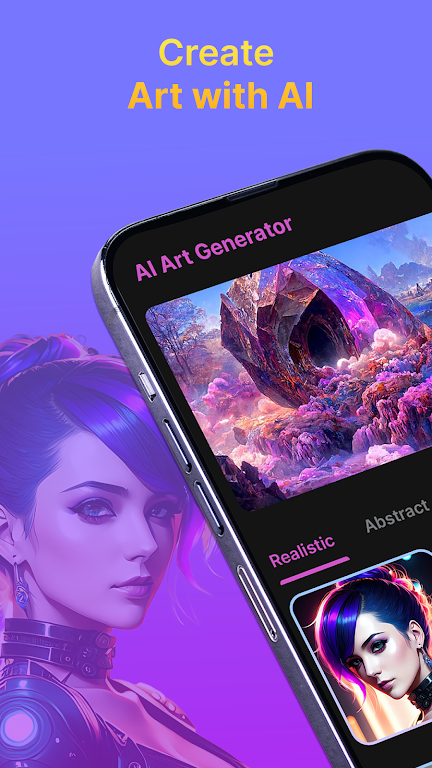
Image Editing, Inpainting, Outpainting, and Cleanup: OpenArt is not only for creating new images. Its editing features are a major reason creators keep using it. Inpainting lets you replace or repair a selected part of an image, while outpainting helps expand the canvas for banners, thumbnails, wide scenes, and background extensions.These features are useful when an image is almost good but needs a fix:Remove an unwanted object,Repair awkward details,Extend the background,Adjust a small area without regenerating everything.Convert a square image into a wider layout,For practical editing on Flyne AI, start with Image to Image AI when you want to transform an existing image with a prompt. For cleanup tasks, use AI Image Object,Remover or AI Background Changer depending on the problem you need to solve.
Consistent Characters and Story Workflows: Character consistency is one of OpenArt’s most attractive features. The platform lets users create characters from descriptions or references, then reuse them across different scenes, poses, and story concepts.This is valuable for:Comics and webtoons,Mascot design,Storyboards,Brand characters,Recurring social media personalities,Character-driven video concepts,The important reality is that consistent characters still require discipline. No current AI character workflow is perfect in every style, angle, lighting condition, or expression. Results improve when your reference images are clean, your character description is stable, and your prompts avoid changing too many variables at once.
Video, Story, World, and Audio Tools: OpenArt has expanded beyond image generation. Its current positioning includes video generation, story creation, world-building style tools, audio, and cinematic shot workflows. This makes it more ambitious than a simple AI art generator.That breadth is useful if you want a single creative environment. For example, you might begin with a character, test image styles, build a short story idea, then explore a video scene.

What is OpenArt?
OpenArt is an all-in-one platform for creating AI images and videos. Whether you want a product ad, a TikTok reel, a short film, or a virtual character that posts content for you, you can make it all on OpenArt, without specialized editing software, design background, or technical skills.
Is OpenArt free?
Yes. You can start creating on OpenArt for free with a trial plan, with daily credits and no credit card required. Paid plans unlock the most powerful AI models, longer video generation, and higher quality exports.
Which AI models does OpenArt use?
OpenArt brings together the best AI models in one place, including Seedream 5.0, Seedance 2.0, Google Veo 3, GPT Image 2, Nano Banana Pro, Sora 2, Kling 3.0, Grok Imagine, MiniMax Hailuo, and HappyHorse. Instead of paying for several separate tools, you get them all under one subscription and can pick whichever one fits the content you're making.
Can I create the same character across different scenes and videos?
Yes! This is one of OpenArt's most-loved features. Create a character once, and you can place them in any outfit, scene, or video with the same face and look every time. It's how creators build AI influencers, recurring brand mascots, and full stories with consistent characters.
Do I need to know how to use AI or edit videos to get good results?
Not at all. OpenArt is built for everyday creators. You describe what you want in plain words, pick a style, and the platform handles the rest. If you want more control, advanced tools are there when you're ready and you can always refine your prompts, but you can still make great content from your very first try.
OpenArt APK is a portable AI art studio with a wide range of styles, offline access, and premium upgrades, making digital art creation effortless for book covers, wallpapers, and personal projects. If you’re ready to unlock creativity on your phone, you can Download OpenArt APK Free today and start experimenting with limitless visuals.
Size:44.6MB Version:1.0.0
Requirements:Android Votes:87
Package Name:com.openart.aiartgenerator.texttoimage Signature:1d54be3c8b114083f140ef508f9a267cf2abb5ae
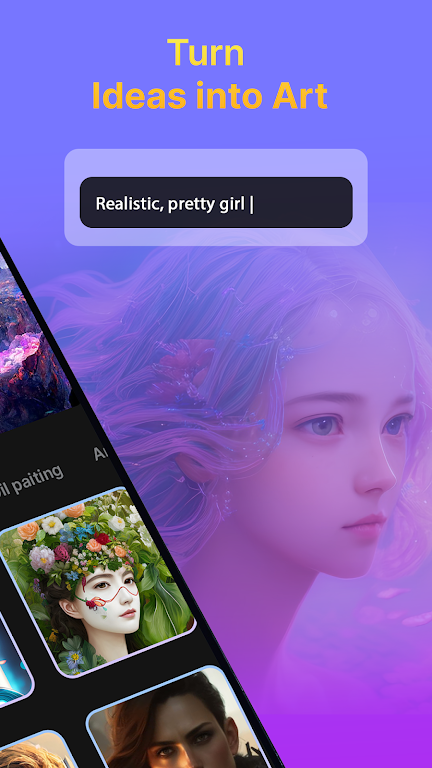

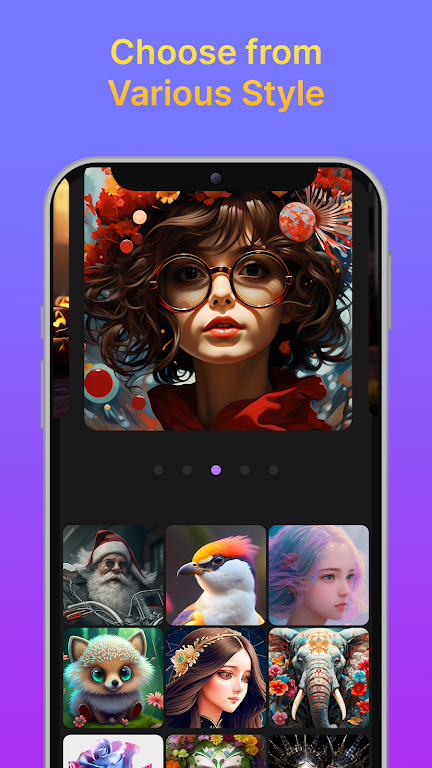
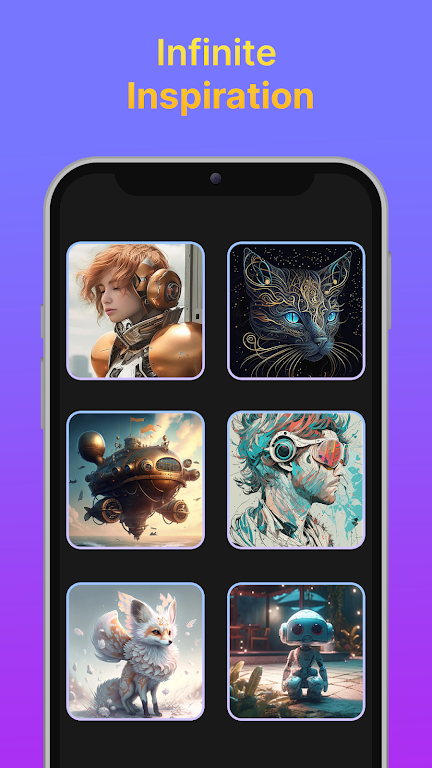
Utility apps are indispensable in our lives, making our daily routines more convenient. To help you find these apps more easily, this site has created a collection. This collection brings together a series of practical tools covering various aspects of life, work, and education, meeting all your needs. What are you waiting for? Try these apps now and make your life easier!
Transform your mobile device into a powerhouse of efficiency with these handpicked essential tools. Whether you need professional-grade photo editing, seamless file organization, smart task management, or real-time weather updates, our curated selection of premium apps delivers unbeatable performance. Streamline your daily routine, automate repetitive tasks, and boost your productivity with intuitive interfaces and powerful features. Designed for both professionals and casual users, these editor-approved applications will revolutionize how you work and play. Don't settle for an ordinary phone - upgrade your digital experience today and unlock your device's full potential!
About us | Contact us | Privacy policy| DMCA
Copyright © 2026 Xiaohei All rights reserved.


























