MAX Player is a convenient video player. This application boasts comprehensive features, supports multiple formats, eliminating the need for users to convert videos to mobile-friendly formats or waste time downloading additional decoders or plugins required by other applications. With MAX Player, you can customize the interface to better suit your preferences, use a lock button to prevent accidental interruptions while watching videos, and change default audio and video parameters. Furthermore, this application offers various viewing functions, not only for movies but also perfectly supporting the viewing of dance videos, songs, and various other high-definition videos.
Supports auto-rotation, aspect-ratio adjustments.
Lock your screen when video is playing.
Gesture on brightness Control.
Gesture on Volume Control.
new Max Player provided enabled disabled audio track of your video.
rename your video more easy.
Small size player so work quickly
lists all video files.
Optimal performance
One feature MX Player is known for is its multicore decoding system. This means that the app offers much better performance than most video players for Android, which generally only use one core. Thanks to the HW+ decoder, the app can also use hardware acceleration to improve playback performance and stability. This is particularly useful when playing very large files, such as 4K movies with multiple subtitle tracks or similar situations.
Convenient touch controls
MX Player stands out for its range of gesture controls, which allow you to carry out practically any action in seconds. For example, you can simply swipe up or down on the left side of the screen to increase or decrease the brightness. Doing the same on the screen's right side will lower or raise the volume. All these controls, of course, can be customized and adjusted from the app's settings menu. Control and interact with your video player your way.
The king of subtitles
Another interesting feature of MX Player is the ability to load and edit subtitles in several different ways. You can change the font, the size, the color, the time before they appear, and so on. In other words, you can play with the subtitles of any video to make them suitable for you. Moreover, the app supports the following formats: SRT, TXT, SUB, SSA, SMI, MPL, PJS, VTT, and AAS, among others. You can also use the gesture controls to quickly modify any subtitle-related parameter as well.
Ad-free with MAX Player Pro
The main difference between MAX Player and MX Player Pro is that MX Player Pro is ad-free. You will not find any differences between the two in every other aspect. No mod or beta makes it possible to have the free version without ads. The only solution if you want to remove the ads is to download the APK of the Pro version. Otherwise, the app performance is the same in both versions. Both apps allow you to stream your movies directly to your TV, PC, or Mac. You will not need any special Xvid codecs.
Customize Your Viewing Experience: Utilize the video player's features such as equalizer, video cropping, and advanced decoder to personalize your viewing experience.
Multiplay Back Options: Take advantage of the auto rotation, aspect ratio, and screen lock features while watching videos to optimize your viewing experience.
Background Play Feature: Enjoy listening to music while watching videos with the background play feature, allowing you to multitask seamlessly on your device.
Pros
A video player app with broad format support
Intuitive user interface
Has a subtitle support
Cons
Occasional buffering on slower networks
Limited content compared to standalone streaming apps
One of the most interesting features in MAX Player is the smart design of its interface, which lets you handle its features as desired using onscreen gestures. In addition to serving as a player and an equalizer, MAX Player can also help you manage your digital music collection, organizing it by genre, artist, and album.
Size:4.3MB Version:1.4
Requirements:Android Votes:193
Package Name:com.vvc.maxplayer Signature:4a1f31a40639987f516ef47197f1796741581cf3
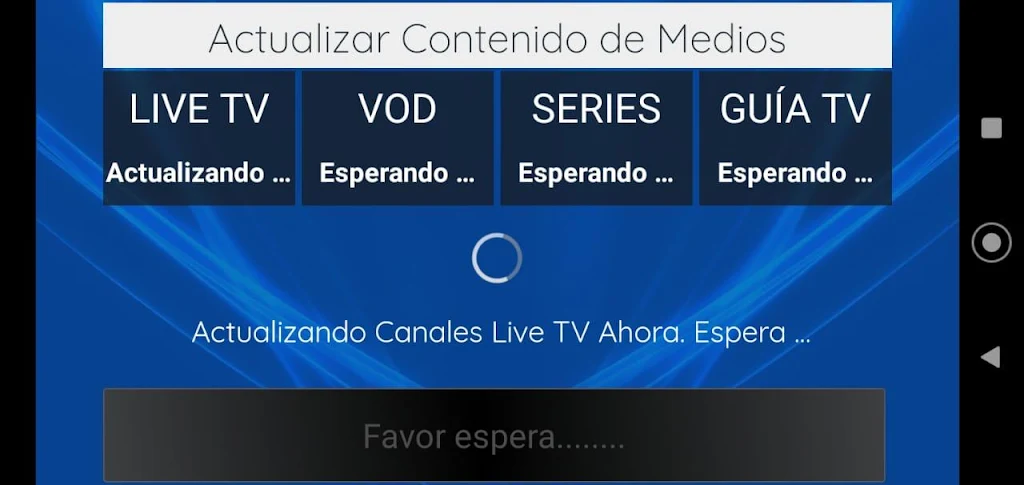
Today, many popular movie streaming apps like Netflix, Disney+, and Hulu have reached millions of viewers. And they have done this without relying heavily on additional promotions. People no longer need to stick to some random, specific TV schedules to enjoy their favorite shows and movies. Thanks to the internet, viewers can easily find new and entertaining content without any hassle. Not to mention, the leading movie streaming solution like Netflix has become incredibly popular because they understand and cater to audience preferences worldwide.
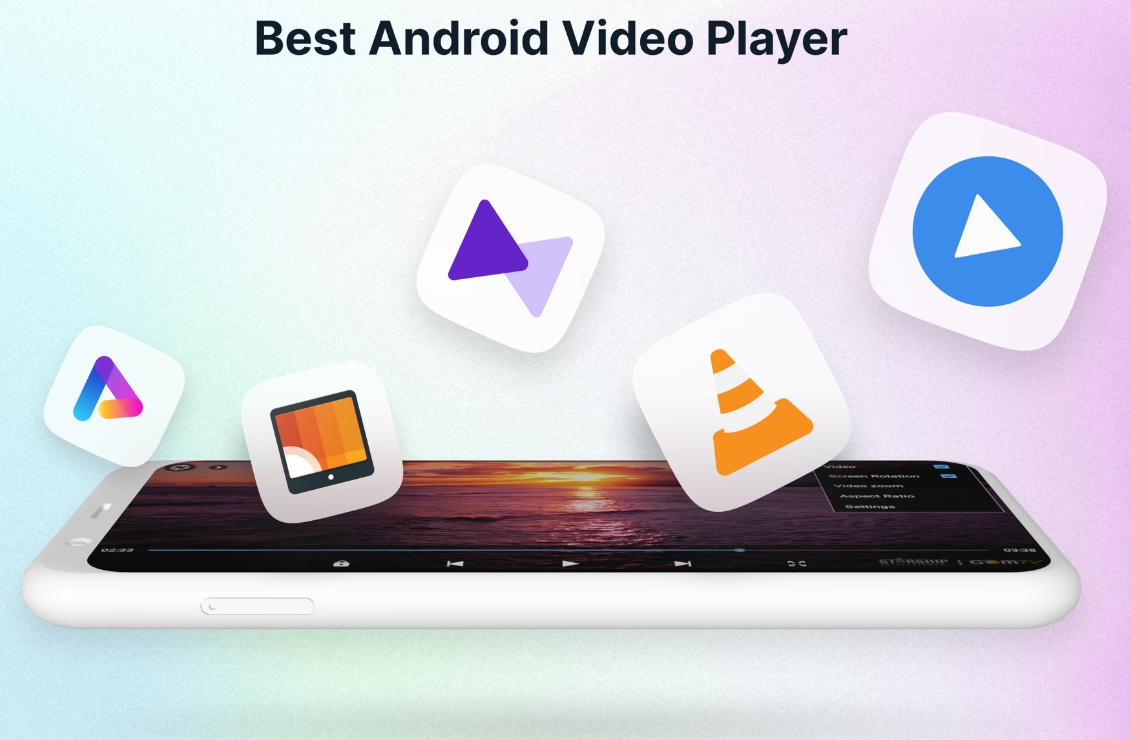
A video streaming service is a type of on-demand online entertainment source for TV shows, movies, and other streaming media. In need of Android movie apps? you can watch your favorite shows or movies any time anywhere Streaming means listening to music or watching video in ‘real time’, instead of downloading a file to your Android device and watching it later. Whether you're looking to watch movies, TV shows, or videos on your Android device, you'll need a good video player app. Beyond just playing content, these apps now offer features such as seamless playback, format versatility, subtitle support, advanced controls, VR integration, online video streaming, and enhanced privacy. This article delves into the best free and paid Android video player apps in 2024, guiding both casual viewers and cinephiles to their ideal choice.
With the advancement of technology, downloading videos on Android devices is no longer time-consuming. The Android universe is now infested with hundreds of apps for video download in Android that can download HD videos from a slew of video-sharing and streaming sites like YouTube with the swipe of a finger. However, the majority of these apps may contain adware and other unwanted software! As a result, if you’re looking for a good list of the best free Video Downloader Apps for Android. That is completely safe; this is the place to be!
About us | Contact us | Privacy policy| DMCA
Copyright © 2026 Xiaohei All rights reserved.