K Lite Codec is a uniquely designed multimedia playback utility that provides users with outstanding media file decoding and playback services, allowing you to enjoy the convenience of playing various media files anytime, anywhere. The application presents a powerful yet lightweight player program for a wide user base. Users can enjoy excellent high-definition video playback, experience subtitle display, and benefit from a clean and intuitive interface design. Users can experience excellent video file management and enjoy a smooth playback experience with accelerated video decoding support, allowing you to enjoy high-quality video playback anytime, anywhere.
Feature-Rich Media Playback
K Lite Codec brings a simple yet powerful media experience to Android users. The application supports multiple audio and video formats, enabling users to easily play almost all multimedia files stored on their devices. Upon launch, K Lite Codec requests access to local media and immediately scans the files, clearly categorizing them into video and audio categories for easy browsing.
User Interface and Controls
This application boasts a clean and concise layout, prioritizing user experience. Media files are logically categorized into tabs, allowing users to play content immediately with a simple click. A familiar set of playback controls—including play, pause, skip, fast forward, rewind, screen resizing, and mute—simplifies navigation and enhances the user experience. To personalize your viewing or listening experience, simply tap the menu icon to access settings such as playback speed and the built-in equalizer.
Library Management and Convenient Features
K Lite Codec's integrated playlist functionality allows users to organize their favorite tracks or videos for quick access. The History tab provides a detailed log of played files, allowing users to revisit content without manual searching. These management tools are especially useful for users with large media libraries, effectively managing and retrieving past and current media sessions.
AVI, MKV, MP4, FLV, MPEG, MOV, TS, M2TS, WMV, RM, RMVB, OGM, WebM
MP3, FLAC, M4A, AAC, OGG, 3GP, AMR, APE, MKA, Opus, Wavpack, Musepack
DVD and Blu-ray Discs (decrypted)
And many more audio and video formats!

HDR Video Playback
Subtitle Display
Hardware-Accelerated Video Decoding
Audio Bitstream
Video Thumbnails in File Explorer
File Association Options
Corrupted Codec Detection
And More!

Pros
Supports multiple audio and video formats
User-friendly, clearly laid-out interface
Includes playback speed and equalizer controls
Media library management with playlist and history tabs
Fast and stable operation on most devices
Cons
The free version contains ads that may be distracting
Lacks advanced features such as subtitle management and video quality adjustment
No integrated streaming or network playback options
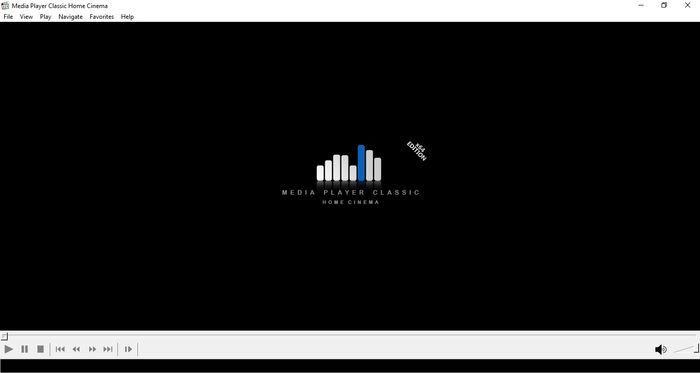
K-Lite Codec is a highly recommended media player and a viable alternative to mainstream players like VLC. If you're not satisfied with your usual media player suite, try this underrated multimedia player and manager. It not only boasts excellent playback capabilities but also offers deep customization settings, allowing you to personalize it to your streaming needs.
Size:32MB Version:4.5.1
Requirements:Android Votes:439
Utility apps are indispensable in our lives, making our daily routines more convenient. To help you find these apps more easily, this site has created a collection. This collection brings together a series of practical tools covering various aspects of life, work, and education, meeting all your needs. What are you waiting for? Try these apps now and make your life easier!
Transform your mobile device into a powerhouse of efficiency with these handpicked essential tools. Whether you need professional-grade photo editing, seamless file organization, smart task management, or real-time weather updates, our curated selection of premium apps delivers unbeatable performance. Streamline your daily routine, automate repetitive tasks, and boost your productivity with intuitive interfaces and powerful features. Designed for both professionals and casual users, these editor-approved applications will revolutionize how you work and play. Don't settle for an ordinary phone - upgrade your digital experience today and unlock your device's full potential!
With the development of mobile hardware and software, many practical tool software have emerged, covering a wide range of aspects and becoming a good helper for everyone in work and life. Today, the editor provides you with a list of useful tool software downloads. These tools are not particularly complex types, and after reading them, everyone can quickly learn how to use them. Proper use can bring great convenience to life and work.
About us | Contact us | Privacy policy| DMCA
Copyright © 2026 Xiaohei All rights reserved.