Network Spoofer is a fantastic network spoofing utility that helps users manipulate other devices connected to the same Wi-Fi network, tricking unauthorized trespassers. The app offers a powerful yet lightweight network spoofing program with a wide range of convenient options, allowing users to experiment with changing all displayed images on web pages, inverting text, redirecting web pages, and more. The app provides excellent customization options, letting you experience a relaxed and unique prank journey.
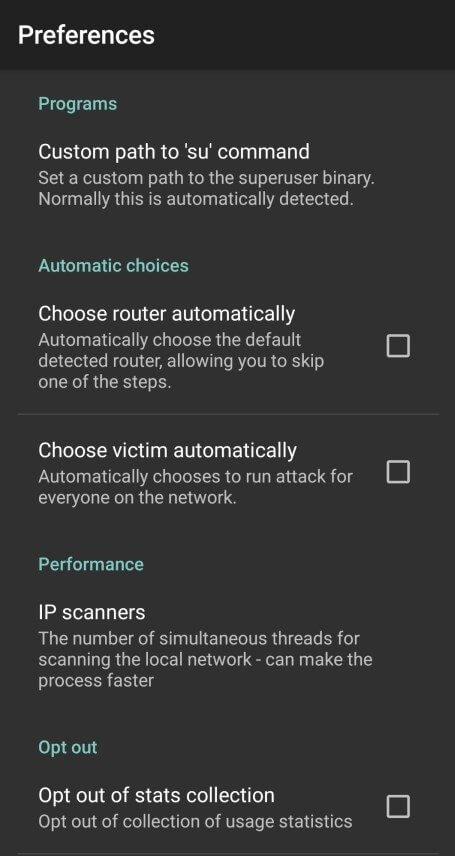
You can use the network spoofer on any Wi-Fi network you've previously connected to. After selecting the tool, a list of devices will load, from which you can choose the devices you want to spoof. You can also select all devices, but please note that doing so will slow down your phone and increase battery consumption.
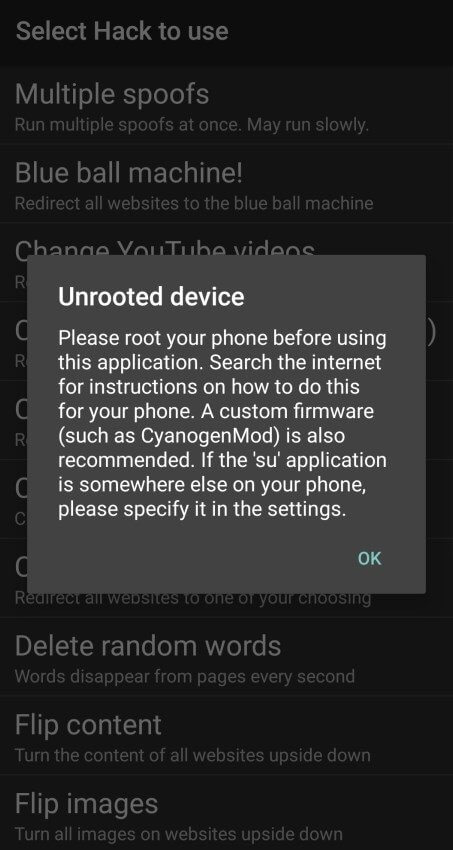
Please note that the network spoofer does not contain any malicious functions. This application is intended to demonstrate the vulnerability of home networks to simple attacks, but permission from the network owner is required—never attempt to use the network spoofer on any corporate or other non-residential network (such as school or university networks). Using web spoofing tools online is very obvious; network administrators will consider such behavior as malicious hacking.
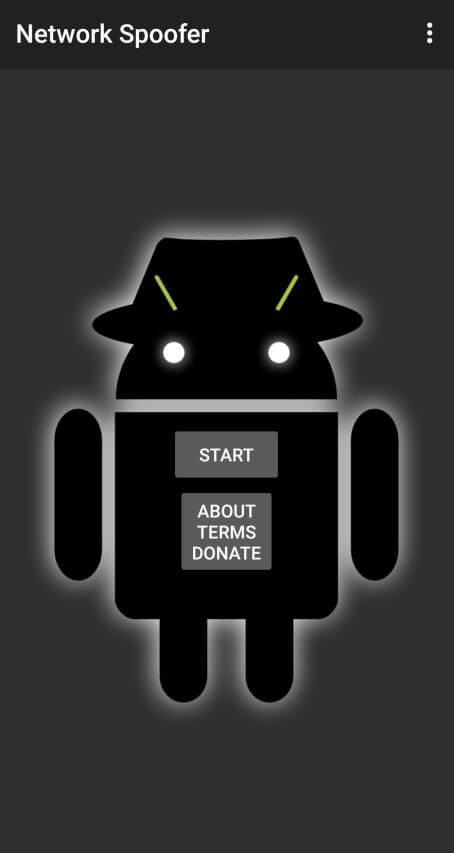
Change Website Images: Replace images on a website with any image you like.
Invert Text: Watch your friends scratch their heads trying to read inverted text.
Website Redirect: Direct your friends to websites other than the ones they want to visit.
Perform DNS Spoofing: Trick devices on the network into connecting to the wrong websites. This demonstrates how DNS attacks can be used for malicious purposes.
Inject Custom Content: Add your own content to web pages that other users are visiting. This can make a website appear altered or tampered with.
Tamper with a Website: Change the look of a website by altering the layout or replacing content. This confuses users about how their browsers are behaving.
Replace YouTube Videos: Make YouTube videos display unexpected content. Surprise viewers watching a live stream.
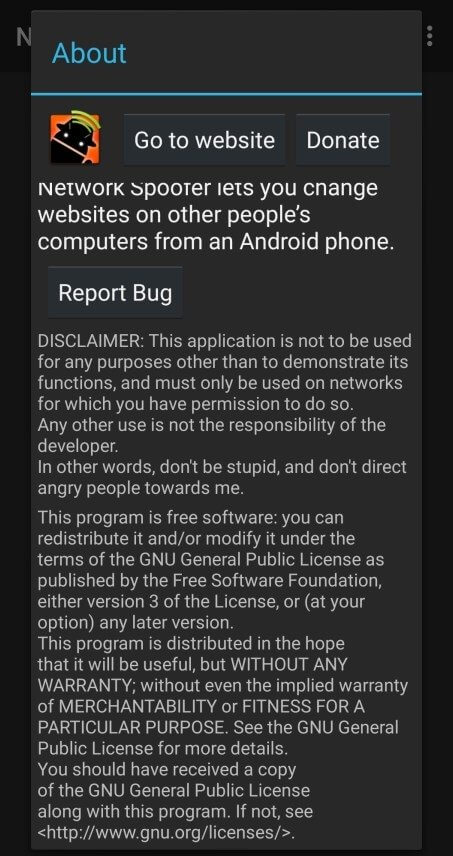
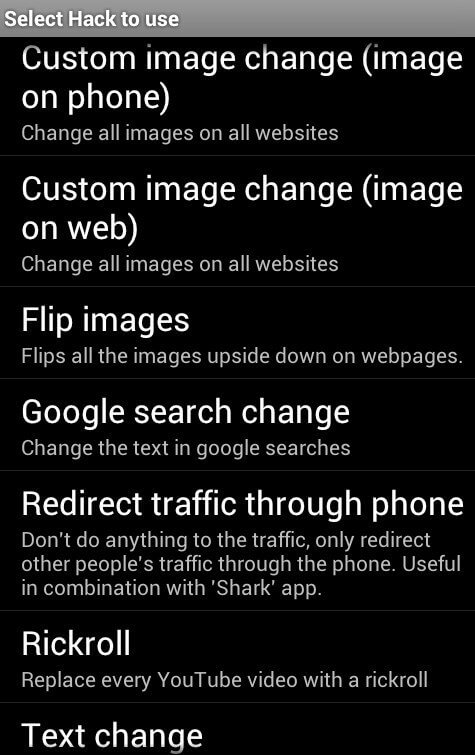
Change all images on visited web pages.
Flip Images.
Change Google Search Results. Redirect website traffic from your phone.
Replace any YouTube video with Rick Roll.
Change the text.
Use the network cheat only on networks you have access to. Never use it on public or unknown networks.
Make sure your pranks are harmless and won't hurt anyone's feelings or cause any trouble.
Respect others' privacy. Don't do anything that makes others feel unsafe or violated.
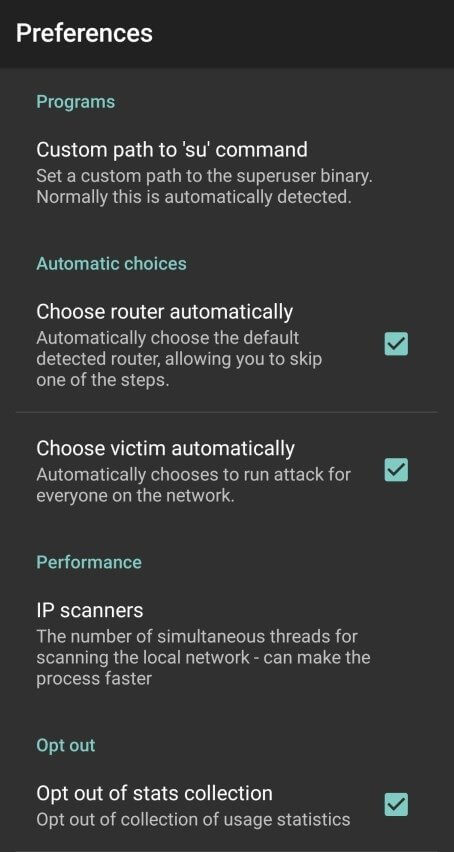
The network cheat lets you play lighthearted pranks on your friends over their Wi-Fi networks. It's easy to download and install and offers a variety of features to let you get creative and have fun. But remember to use it in a friendly and responsible manner.
Size:5MB Version:2.4.0
Requirements:Android Votes:140
Utility apps are indispensable in our lives, making our daily routines more convenient. To help you find these apps more easily, this site has created a collection. This collection brings together a series of practical tools covering various aspects of life, work, and education, meeting all your needs. What are you waiting for? Try these apps now and make your life easier!
Transform your mobile device into a powerhouse of efficiency with these handpicked essential tools. Whether you need professional-grade photo editing, seamless file organization, smart task management, or real-time weather updates, our curated selection of premium apps delivers unbeatable performance. Streamline your daily routine, automate repetitive tasks, and boost your productivity with intuitive interfaces and powerful features. Designed for both professionals and casual users, these editor-approved applications will revolutionize how you work and play. Don't settle for an ordinary phone - upgrade your digital experience today and unlock your device's full potential!
With the development of mobile hardware and software, many practical tool software have emerged, covering a wide range of aspects and becoming a good helper for everyone in work and life. Today, the editor provides you with a list of useful tool software downloads. These tools are not particularly complex types, and after reading them, everyone can quickly learn how to use them. Proper use can bring great convenience to life and work.
About us | Contact us | Privacy policy| DMCA
Copyright © 2026 Xiaohei All rights reserved.