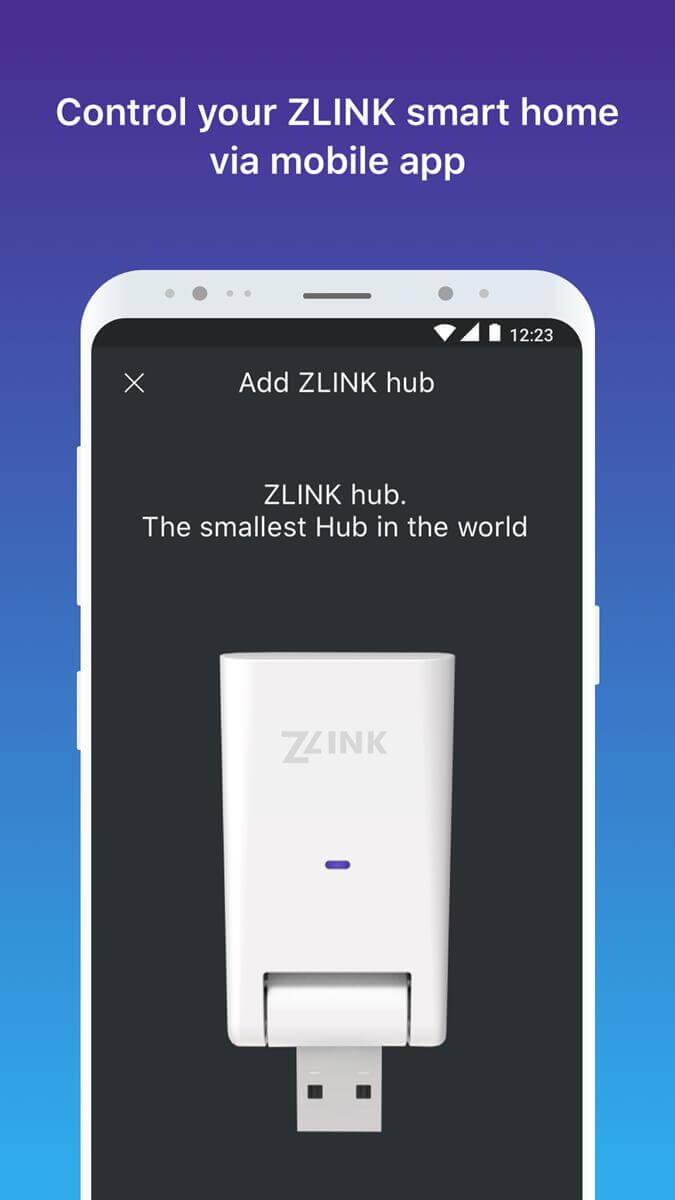
ZLINK is a comprehensive smart home management tool. The application offers a wide variety of smart home devices, aiming to automate everything in your home, allowing users to monitor and control their homes anytime, anywhere. With ZLINK, you can remotely control connected devices from anywhere. To create a smart home, you need to purchase and install various ZLink brand products and connect them using this application for a unified management experience. Whether it's switches, sockets, boilers, lights, or any other device, ZLink provides comprehensive smart device solutions.
Compatibility with Various Screens: The app has been extracted from a Junsun V1 display and is compatible with a wide range of Android car screens.
Seamless Connectivity: ZLINK can be activated by simply connecting an Android device via USB or Bluetooth to the display.
Access to Android Auto Features: Once connected, users can enjoy all the features of Android Auto, including navigation, music streaming, and more.
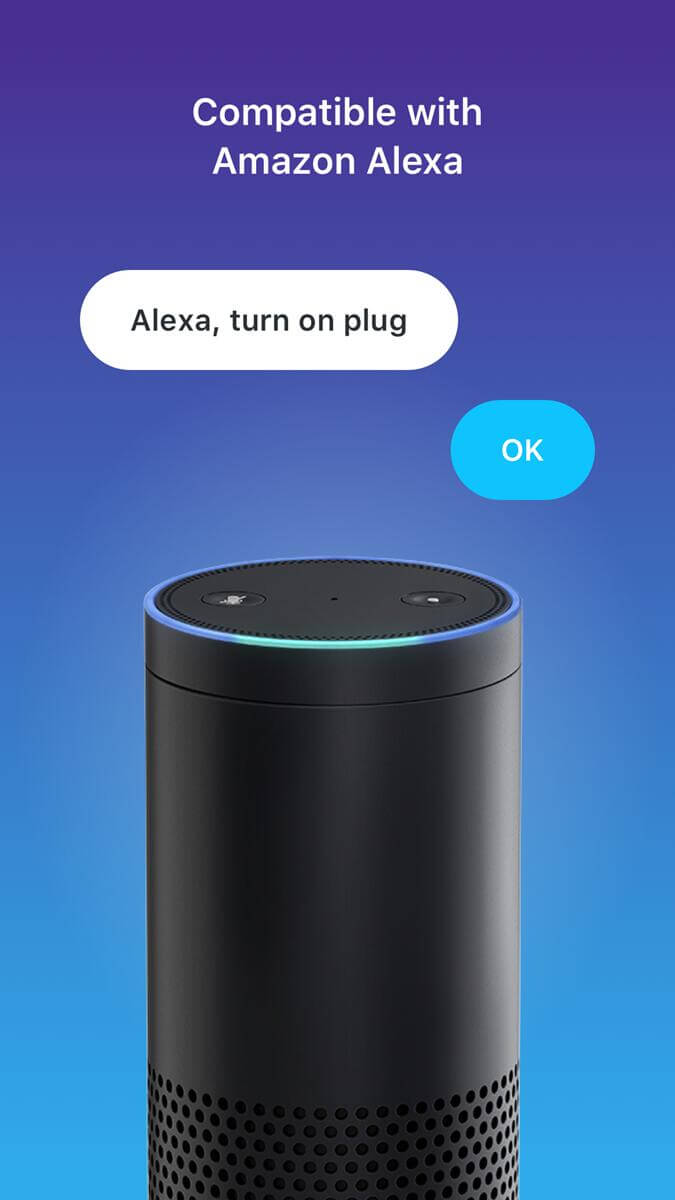
Alexa Compatible
If you own an Amazon Alexa device for home automation, then this app is suitable for you. To manage all your ZLINK devices, you can connect with the Alexa device and then provide commands to manage the devices. With voice commands, Alexa can turn the connected ZLINK devices on or off and make it easier for you to control them at your will.
Control Everything
It doesn’t matter which ZLINK device you own. Be it the Smart Plug, Speakers, Lights, Sockets, Hubs or anything else, you can connect to each of the devices and control them with this app. Once you start this app, it will start searching for the nearby devices and then help you connect to the right devices. Once connected, you get all the options to control them.
Dashboard Customization
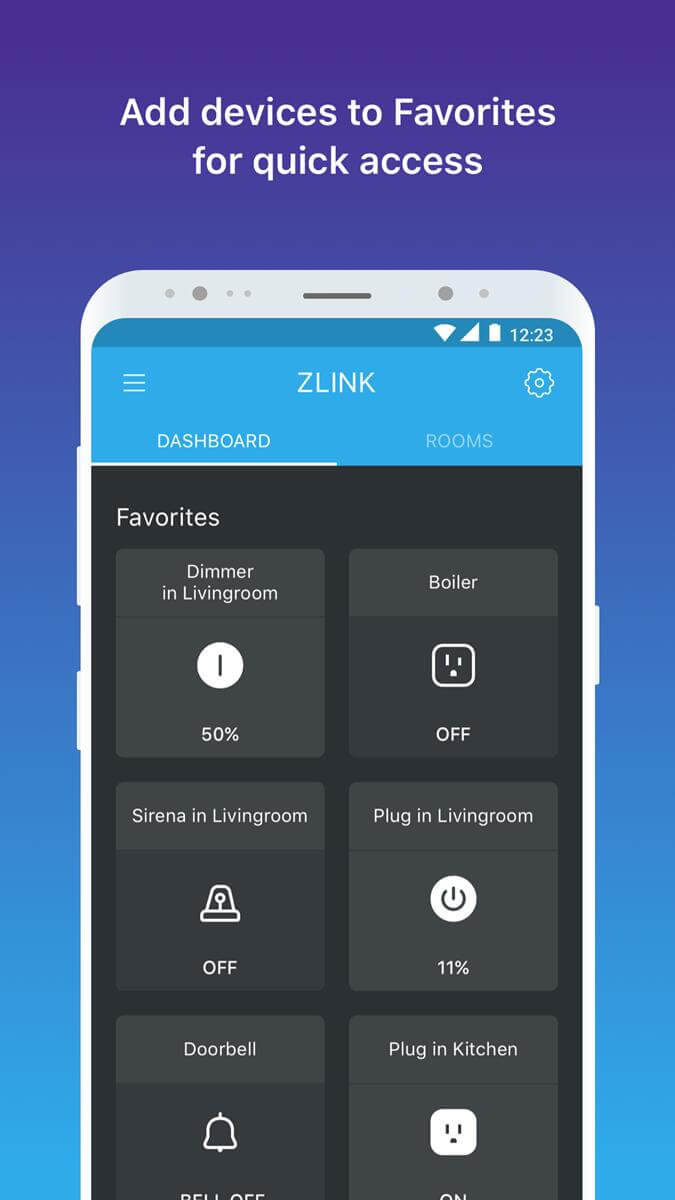
Once you connect to the ZLINK devices, you can see all of them in the App Dashboard. The App Dashboard is highly customizable, which means you can prioritize the devices to be on top of the dashboard for easy access. Also, the dashboard allows you to manage the devices located in different rooms, which is quite convenient as you can turn ON or OFF the devices in all or specific rooms at once.
Simple User Interface
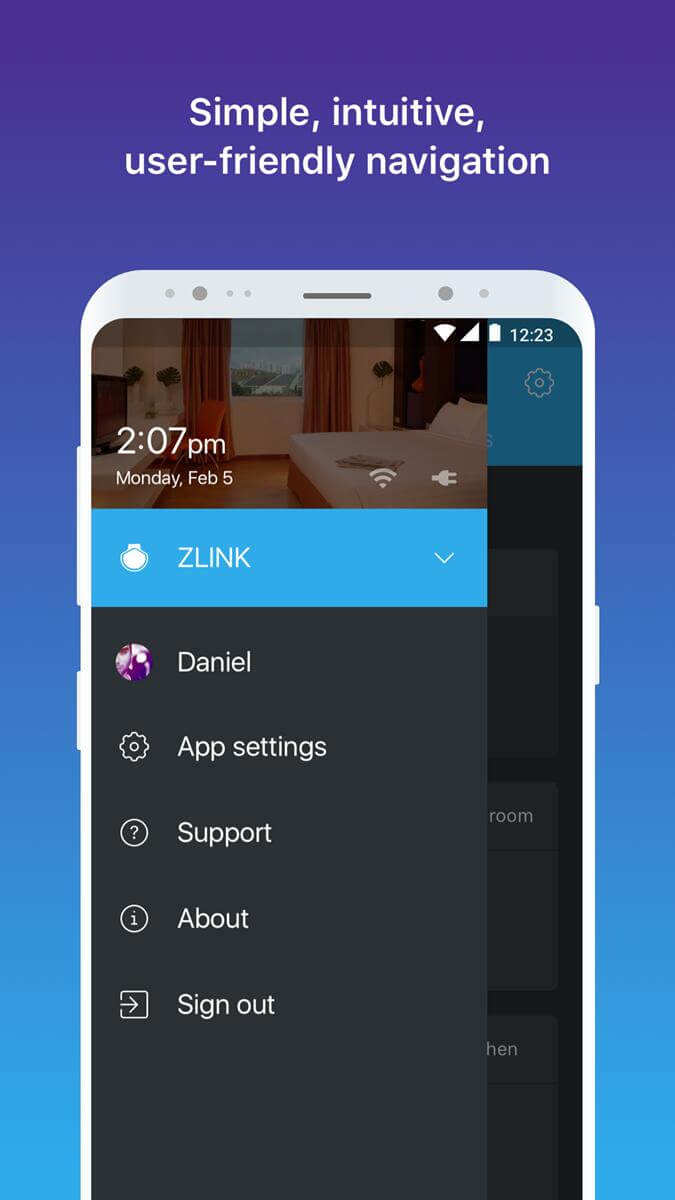
Unlike other third-party apps, the ZLINK comes with a super simple user interface. There is nothing complicated in the interface, and anyone can start using it without any learning curve about the features.
Make sure to connect your Android device to the display via USB or Bluetooth to activate ZLINK automatically.
Explore the various features of Android Auto, such as music streaming, navigation, and voice commands, to make the most of the app.
Customize your settings within the app to tailor the experience to your preferences and needs.
Thank you for downloading first release of the ZLINK Smart Home App. Enjoy these features offered in our first version:
- Create and customize personal profiles
- Connect your hub to local Wi-Fi using wizard
- Create rooms and connect to your devices
- Add Z-Wave smart; bulbs, plug-in modules, switches and dimmers
Stay tuned for future feature releases.
Questions, Suggestions, Concerns; please contact us at info@zlinkproducts.com
ZLINK is activated by default as soon as you connect an Android device via USB or Bluetooth to the display. When you open the app, you can enjoy all the features of Android Auto and any app you have installed that's compatible with this mode. Among them, you'll find Google Maps, Spotify, iVoox, and many more. So, if you want to enjoy Android Auto on your vehicle's screen, downloading the ZLINK APK is an excellent option.
Size:18MB Version:1.2.78
Requirements:Android Votes:166
Utility apps are indispensable in our lives, making our daily routines more convenient. To help you find these apps more easily, this site has created a collection. This collection brings together a series of practical tools covering various aspects of life, work, and education, meeting all your needs. What are you waiting for? Try these apps now and make your life easier!
About us | Contact us | Privacy policy| DMCA
Copyright © 2026 Xiaohei All rights reserved.