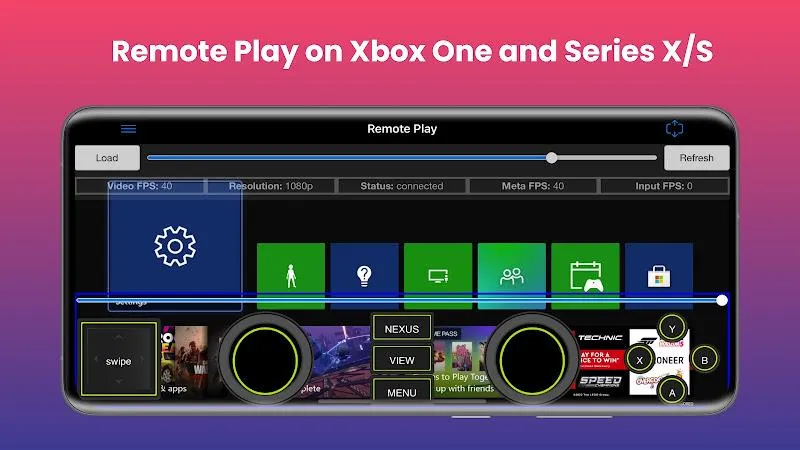
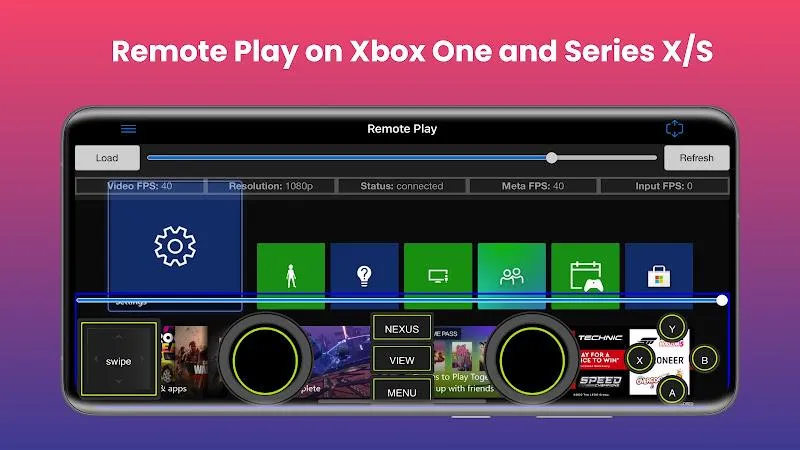
XBPlay - Remote Play for X-Box is an application for remotely playing Xbox games. It streams Xbox games from the cloud to your phone and allows you to control them with a game controller, truly bringing the joy of Xbox gaming to your mobile device. The application utilizes cloud gaming, allowing you to play Xbox games without a Wi-Fi connection, so you can enjoy the game with friends even when you're not together. Furthermore, the application provides enhanced support for your gaming experience—it lets you choose from various clarity enhancement algorithms to find the one best suited for your device and needs.
- Remote Play: Stream content to your phone and control it with an on-screen game controller. Supports 1080p resolution and is backward compatible with games (Xbox 360 games)!
- Cloud Gaming: Play Xbox games without being connected to the same Wi-Fi network as your console using cloud gaming.
- Mouse and Keyboard Support: For games that officially support mouse and keyboard interaction, you can use a mouse and keyboard in either emulation mode or true direct mode.
- Clarity Enhancement: Choose from a variety of clarity enhancement algorithms and adjust the intensity to precisely match your specific needs.
- Media Cast: Cast videos from your phone to your Xbox 360, Xbox One, or Series X/S consoles.
- TV Casting: Cast your console screen directly to your smart TV (currently requires a high-end smart TV, supporting 60fps and 1080p).
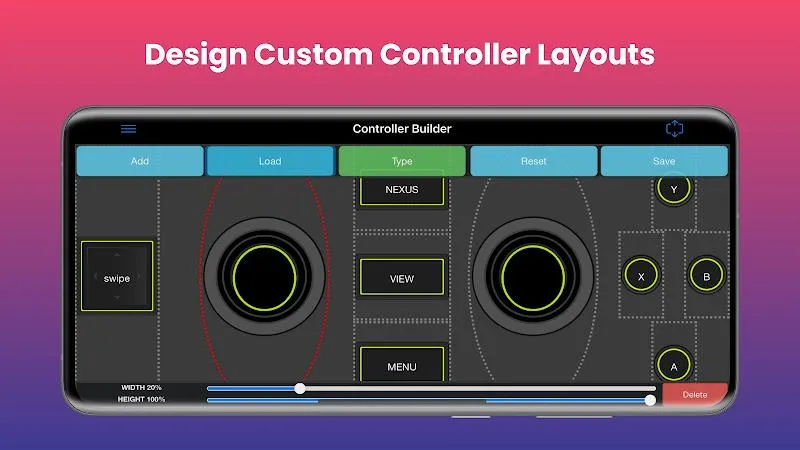
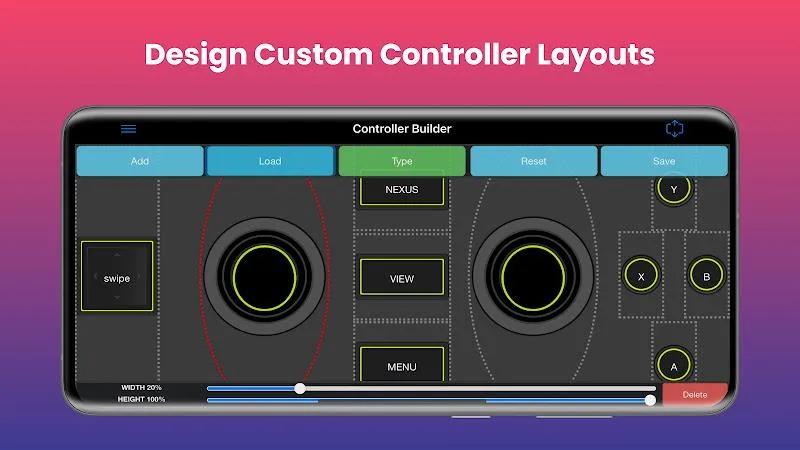
- Controller Generator: Create and save your own custom full-screen or mini game controllers for use in games.
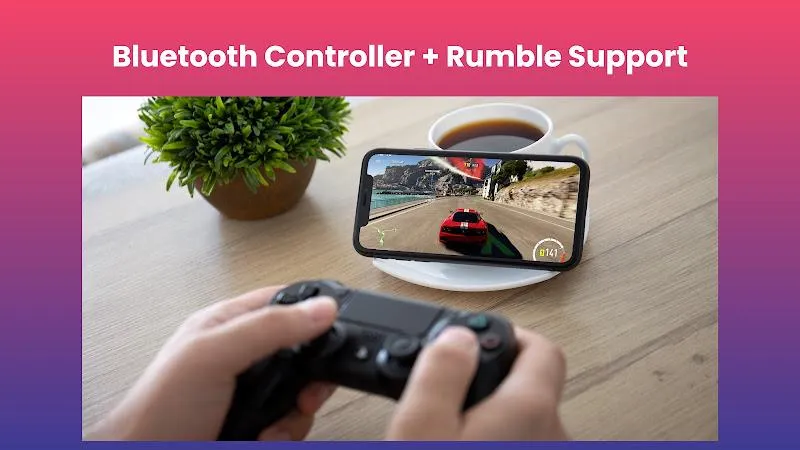
- Physical Controllers: All streaming screens work with physical controllers connected to your phone. For example, you can use a PS5 controller on your Xbox!
- Media Remote: Control your console with a simple media remote while playing videos or browsing the console's home screen.
Save the downloaded APK file anywhere on your device.
Now open the Android Settings app and go to Security Settings.
Find the option called "Unknown sources" and enable it.
Install the app using the downloaded APK file.
It only takes a few seconds to complete.
Open the app using the shortcut created on your home screen.
What Android version is required to install XBPlay - Remote Play for X-Box?
XBPlay - Remote Play for X-Box requires Android 7.0 Nougat or later to install and run. This ensures that XBPlay - Remote Play for X-Box is compatible with the game's functionality and performance requirements. To check your device's Android version, go to Settings > About phone > Software information. If your device is running an earlier version, consider updating your system to meet the game's requirements.
Why can't I install the XBPlay - Remote Play for X-Box app on my Android device?
Installation of XBPlay - Remote Play for X-Box may fail due to insufficient storage space, a poor network connection, or incompatibility with your Android device. To resolve this issue, ensure your device meets the minimum configuration requirements before attempting installation.
What is the file size of XBPlay - Remote Play for X-Box?
XBPlay - Remote Play for X-Box occupies approximately 311.12 MB (326,232,670 bytes) of storage space.
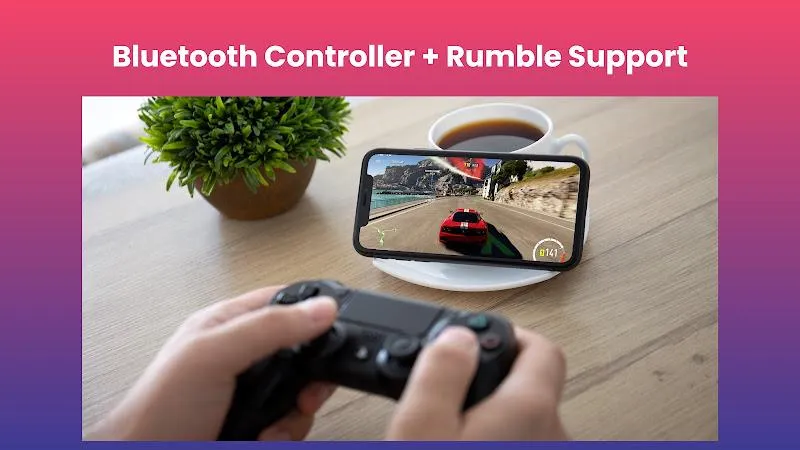
With its powerful features, including media remote control and controller customization, xbPlay becomes an essential tool for Xbox players seeking a flexible and convenient gaming experience.
Size:27.59MB Version:4.31
Requirements:Android Votes:207
Welcome to our collection of game customization tools! These apps help you personalize your gameplay. You can access premium content, enjoy more in-game resources, or opt for an ad-free experience. Apps like Game Guardian and Lucky Patcher allow you to adjust game parameters. Just a heads-up, it's good to be mindful of the game's original terms of service. Feel free to explore and elevate your play, but always use them responsibly.
Meet Game BOX — your all-in-one game hub! Explore action, RPG, strategy, and more. Find games quickly, download fast, and play seamlessly on mobile. Simple, safe, and packed with top-rated titles. Perfect for gamers everywhere.
Utility apps are indispensable in our lives, making our daily routines more convenient. To help you find these apps more easily, this site has created a collection. This collection brings together a series of practical tools covering various aspects of life, work, and education, meeting all your needs. What are you waiting for? Try these apps now and make your life easier!
About us | Contact us | Privacy policy| DMCA
Copyright © 2026 Xiaohei All rights reserved.