90 FPS is an outstanding game optimization tool that helps players achieve a superior gaming experience in fast-paced action shooting games, enjoying responsive controls and rapid response. The application presents a powerful and easy-to-use game modification program for a wide range of players. Players can experience high frame rate mode in a clear and intuitive interface, enjoy a wider game view, and explore more powerful custom parameter adjustments. The application offers excellent device compatibility, helping players unleash their best skills on the battlefield and enjoy exhilarating shooting gameplay.
Supported Games High Frame Rate Mode
90 FPS + 120 FPS (v4.2) is designed to provide higher frame rate settings for compatible mobile games. When the game and device support it, you can enable 90 FPS or 120 FPS for smoother visuals and more stable operation. This application is primarily targeted at supported scenarios, so actual results may vary depending on the game and hardware. Therefore, you can test and retain these options, provided your configuration supports them.
iPad View Layout
You can switch to an iPad-style layout for a wider field of view. This mode adjusts the visual presentation to feel more expansive, helping you to see game menus or scenes more clearly. This mode is very useful if you want a wider field of view but don't want to change your phone. The app displays this option alongside the frame rate settings, which you can adjust to your preference.
Supports a Wide Range of Android Versions
90 FPS + 120 FPS (v4.2) is designed to be compatible with a wide range of Android versions. It supports Android 14, which helps users with the latest software maintain the same toolset. This broad compatibility reduces hassle when changing devices or updating your system. Therefore, you can maintain consistency in your settings even if your Android version changes.
Works on Different Devices
This tool is designed to be device-agnostic, so you can try other high frame rate options on most devices, except for a few flagship models. Depending on the screen and game support of each device, you can also explore compatible settings on mid-range or older phones. This approach helps users test performance options without purchasing new hardware and encourages them to experiment within the limitations of their existing devices.
Transparent and Unofficial Utility
90 FPS + 120 FPS (v4.2) is an unofficial tool that doesn't claim any affiliation with any game brand or developer. It clearly states its identity and provides contact information for support or intellectual property issues. This transparency helps you understand how it operates regarding game policies. It also guides users to apply settings responsibly and carefully read the rules for each game.
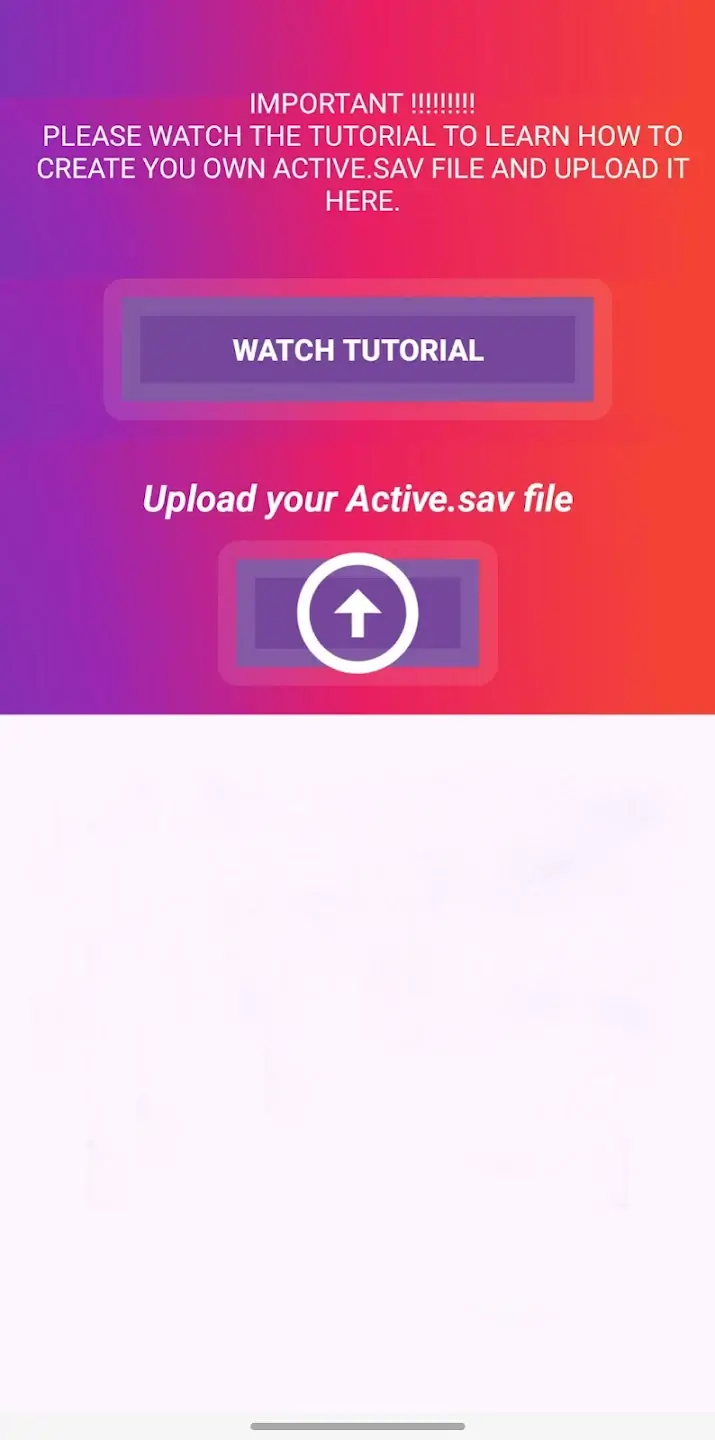
Enable iPad View
Another standout feature of 90 FPS & iPad View is that you can unlock the 90 FPS + iPad View mode. Using these two features together allows you to easily enjoy the smooth visual experience on Apple devices. However, it's recommended that you watch the in-app tutorial first to efficiently complete the configuration. Note that if your device is running Android 13, additional steps are required.
Unlock 90 FPS on Android Devices
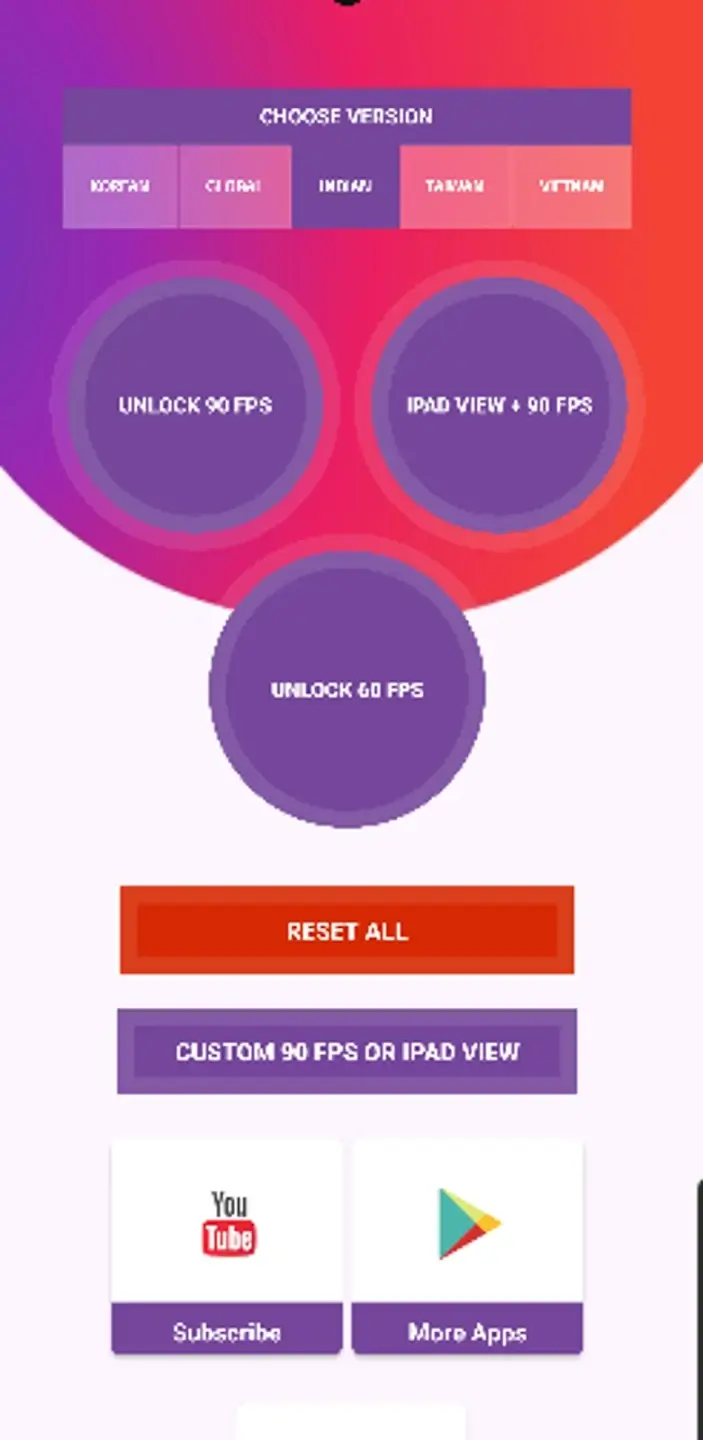
Unlocking 90 FPS in games like BGMI is incredibly easy with 90 FPS & iPad VIEW. Simply look at the app's home screen and find the game version where you want to adjust the refresh rate. In other words, the app provides shortcuts to the most frequently used options. Of course, you can also customize the settings as needed.
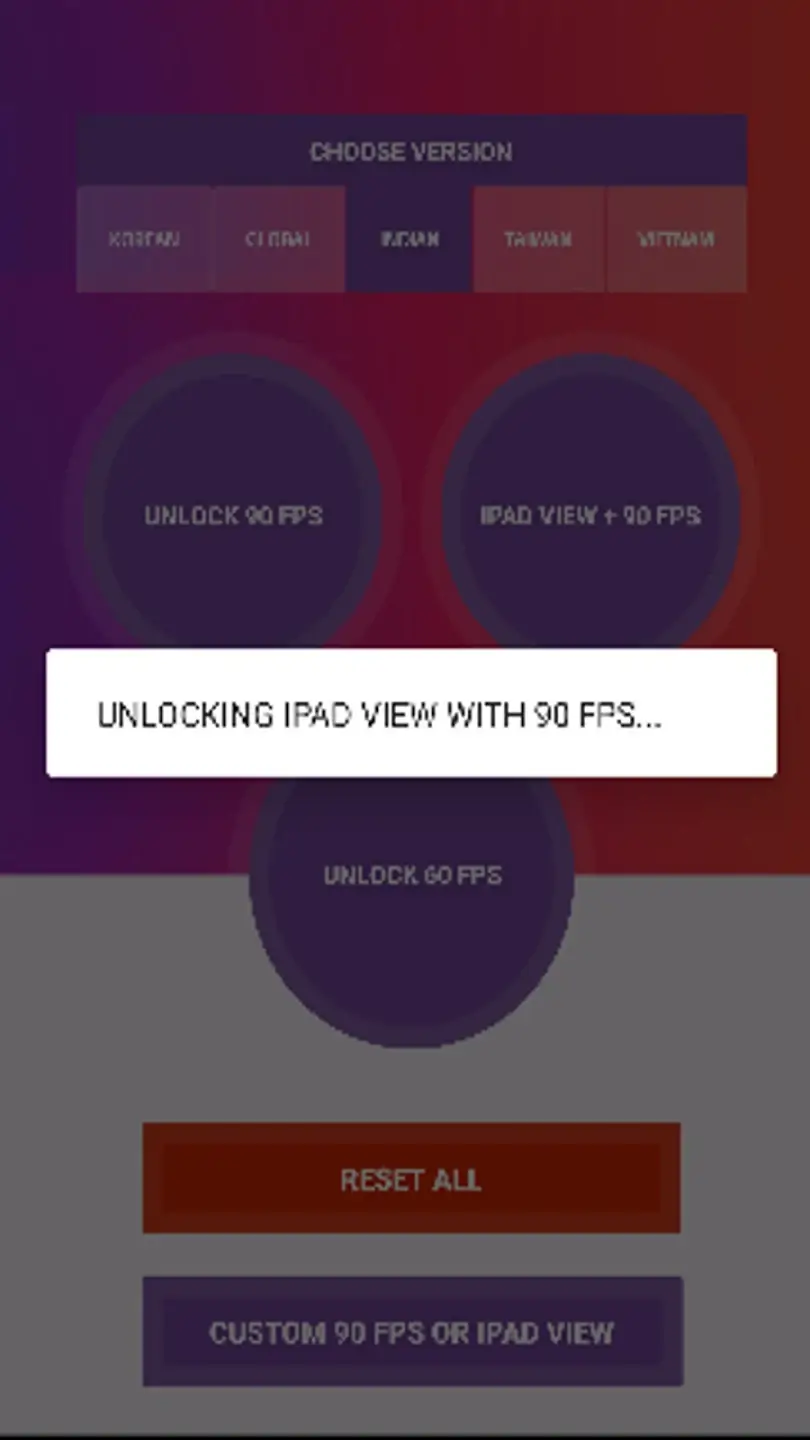
Install the app, open it, and allow any basic prompts to appear so the interface loads correctly.
Select the game you want to adjust and wait for the app to read the available settings.
Choose a frame rate option, such as 90 FPS or 120 FPS, and confirm your selection.
If you prefer a wider layout, enable iPad view and save the changes within the app.
Launch the game and observe the action and visuals. If the results aren't ideal, adjust again.
A very good app for low device players to improve gameplay it heat up Mobile slightly more but it is ok you can play in a cooler room and it will improve your headshots connectivity highly recommended for tdm players
I loved it my phone is oppo A6x 5g there is vertual gyroscope in this phone so it was delayed i download this apps and turn on 120 fps and screen also in 120 fps now I can play in 120 fps better than before like iphone it also reduced the gyro delay upto 90% now I can play well thanks to the developer i was dream to play like before to play in 90 fps in tecno cammon 20 pro 5g
it was working on update 4.2 but after 4.3 the 120fps is not working pls can we get the apps new update
The 120 FPS file for this application is not downloading. It keeps showing “Server not found.” In the Update 4.1 worked perfectly, but after update 4.2, the file is no longer downloading. Please provide a solution to this issue. Thank you.
Download the 90 FPS & iPad View APK for Android to experience smooth 90 FPS gameplay in games like PUBG or BGMI on your smartphone. This tool also includes several video tutorials to help you quickly complete the configuration.
Size:16MB Version:10.5
Requirements:Android Votes:376
Package Name:tq.tech.Fps Signature:dd304f093c93dc637bcbaba82fe1212cdfdf906b
Welcome to our collection of game customization tools! These apps help you personalize your gameplay. You can access premium content, enjoy more in-game resources, or opt for an ad-free experience. Apps like Game Guardian and Lucky Patcher allow you to adjust game parameters. Just a heads-up, it's good to be mindful of the game's original terms of service. Feel free to explore and elevate your play, but always use them responsibly.
Meet Game BOX — your all-in-one game hub! Explore action, RPG, strategy, and more. Find games quickly, download fast, and play seamlessly on mobile. Simple, safe, and packed with top-rated titles. Perfect for gamers everywhere.
Utility apps are indispensable in our lives, making our daily routines more convenient. To help you find these apps more easily, this site has created a collection. This collection brings together a series of practical tools covering various aspects of life, work, and education, meeting all your needs. What are you waiting for? Try these apps now and make your life easier!
About us | Contact us | Privacy policy| DMCA
Copyright © 2026 Xiaohei All rights reserved.