S Secure is an excellent security application. Designed specifically for Android devices, it offers a powerful suite of privacy tools to protect your mobile device from unauthorized access and provide a unique user experience. With S Secure, you can enjoy a safer and better mobile experience, along with many free security tools. You can lock or hide apps using fingerprints, PIN codes, and pattern locks to protect your data. Furthermore, you can protect your Wi-Fi network for added privacy and security while browsing the internet.

Full Protection: The App offers you complete protection. Its advanced features protect your Apps, Folders, browsing data, and other content.
Lock and Mask Apps: It allows you to lock and mask selected Apps and their data. Yo, get different options for locking and masking your Apps and data.
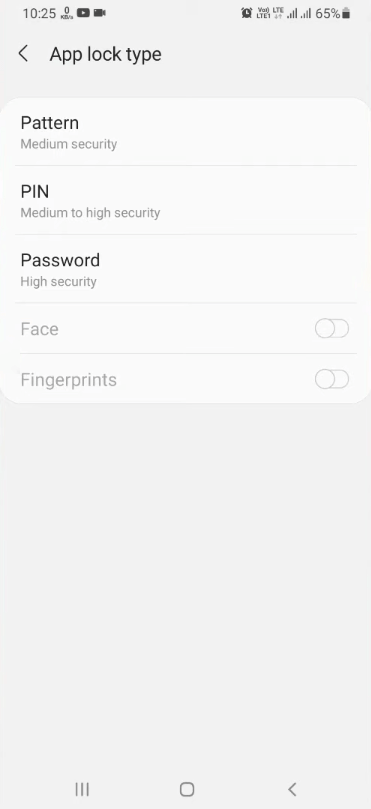
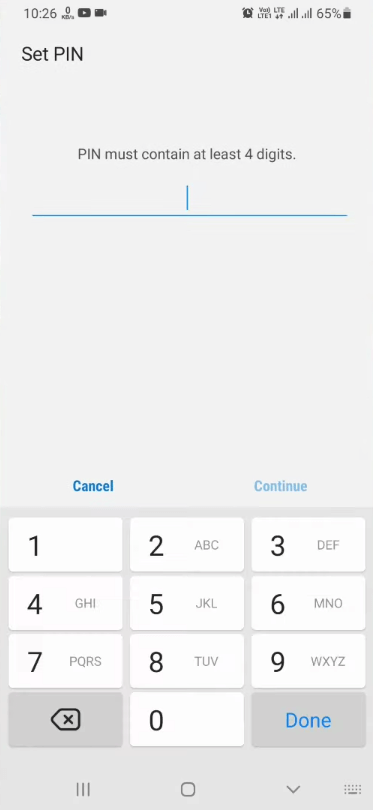
Select Lock Type: You can lock and mask selected Apps with different types of locks. You can use Pattern, PIN, or Fingerprint locks, according to your choice.
Hides Masked Apps’ Notification: Besides locking and masking the Apps, it will also block notifications from masked Apps. So, no one will ever know of these Apps.
Protect Privacy While Online: It keeps your privacy protected while your browse. The App will mask domains and Apps from the WiFi provider.
Tracker Request Blocking: The App uses the easy privacy list and prevents you from the trackers by blocking the tracker requests.
Keeps Your IP Private: You can now browse safely with this App as it keeps your IP address private by encrypting the unsecured web requests.
Free to Use: Last but not least, the App is available for free. Users can download and use it without paying for any subscription.
Lock and Mask Apps: This function empowers users to protect selected apps with extra authentication, such as PINs, patterns, or biometrics. The “mask” capability further allows users to hide apps from the app drawer and deactivate their notifications, ensuring sensitive information remains private even if the device is in someone else’s hands.
Secure Wi-Fi: This built-in tool protects users’ online sessions on open or public Wi-Fi networks. By encrypting web traffic, disabling tracking, and hiding the device’s IP address, S Secure minimizes the risk of eavesdropping and data interception on unsecured internet connections.
Device Compatibility and Limitations: While S Secure is powerful on supported models, it is tailored specifically for Samsung devices. Some features may not function on older or entry-level smartphones, and availability might vary depending on device region or software version. The app is not available for non-Samsung Android devices.
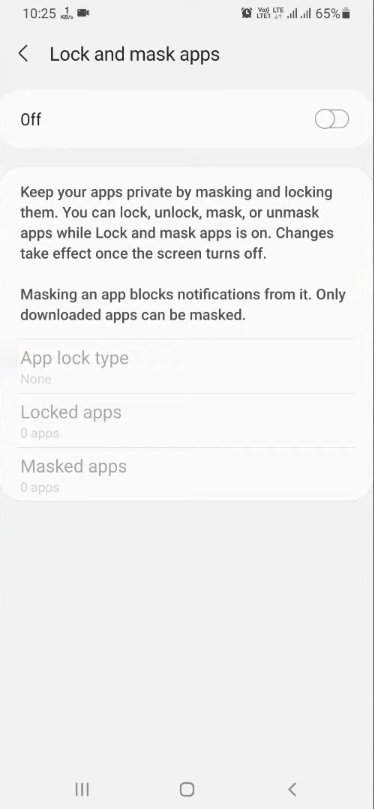
Many people have apps with sensitive content installed on their devices or apps that they simply don't want anyone else to know are there. If this sounds like you, S Secure gives you the option to lock or hide apps. After locking an app, you'll have to enter a special code every time you want to open it. On the other hand, if you hide an app, it won't appear in the normal app list, and you won't receive notifications. Thanks to these two features, no one will be able to see anything you don't want them to see when using your device.
Another interesting feature offered by S Secure protects your privacy when you're browsing the Internet over Wi-Fi. Essentially, the app blocks all requests from trackers, hiding your Internet provider from countless domains and apps. This way, you can keep your IP address private and protected from the vast majority of websites and apps. It's important to note that the maximum duration of a protected session is approximately six hours.
Best of all, using it to manage your protected or hidden apps couldn't be easier. As soon as you open the app, you'll see a complete list of all the apps that are either hidden or protected with a special code. Plus, unlocking or revealing an app again only takes a few taps. This is an app that's as convenient as it is simple.
Pros
Specifically made for Samung devices
Simple and easy to use
App locking and masking
Better privacy and anonymity while online
Cons
Not all Samsung models are supported
If you own a Samsung smartphone or tablet and are looking for a way to be able to secure your apps and make browsing the internet safer, give S Secure a try. It's easy to use and just works as intended. Just be aware that not all models are supported, but if you're willing to test and find out, this app will serve you well.
Size:3.83MB Version:5.0.10
Requirements:Android Votes:504
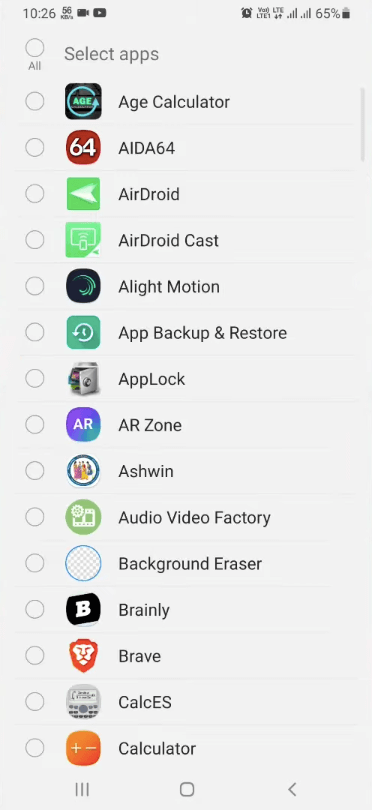
Utility apps are indispensable in our lives, making our daily routines more convenient. To help you find these apps more easily, this site has created a collection. This collection brings together a series of practical tools covering various aspects of life, work, and education, meeting all your needs. What are you waiting for? Try these apps now and make your life easier!
With the development of mobile hardware and software, many practical tool software have emerged, covering a wide range of aspects and becoming a good helper for everyone in work and life. Today, the editor provides you with a list of useful tool software downloads. These tools are not particularly complex types, and after reading them, everyone can quickly learn how to use them. Proper use can bring great convenience to life and work.
About us | Contact us | Privacy policy| DMCA
Copyright © 2026 Xiaohei All rights reserved.