M64Plus FZ Pro Emulator is a practical emulator tool that allows users to enjoy Nintendo 64 games on their mobile devices. M64Plus FZ Pro Emulator boasts powerful features, supports multiple controllers, and further enhances the user's gaming experience. This application also features customization options, allowing users to customize themes and skins, and enhanced graphics options, enabling users to personalize the visuals of each game while retaining its original charm, providing a personalized gaming experience. The user-friendly interface makes startup very simple, requiring no complicated steps; users can immediately enjoy classic childhood games.
Feature-Rich and Customizable
All necessary cores and plugins come pre-included, eliminating the need for separate downloads. The emulator supports SD card storage, enabling users to save their game data externally and manage larger libraries with ease. One standout feature is its seamless Google Drive cloud backup and sync, making it convenient to transfer save files across devices or preserve progress in case of device changes.
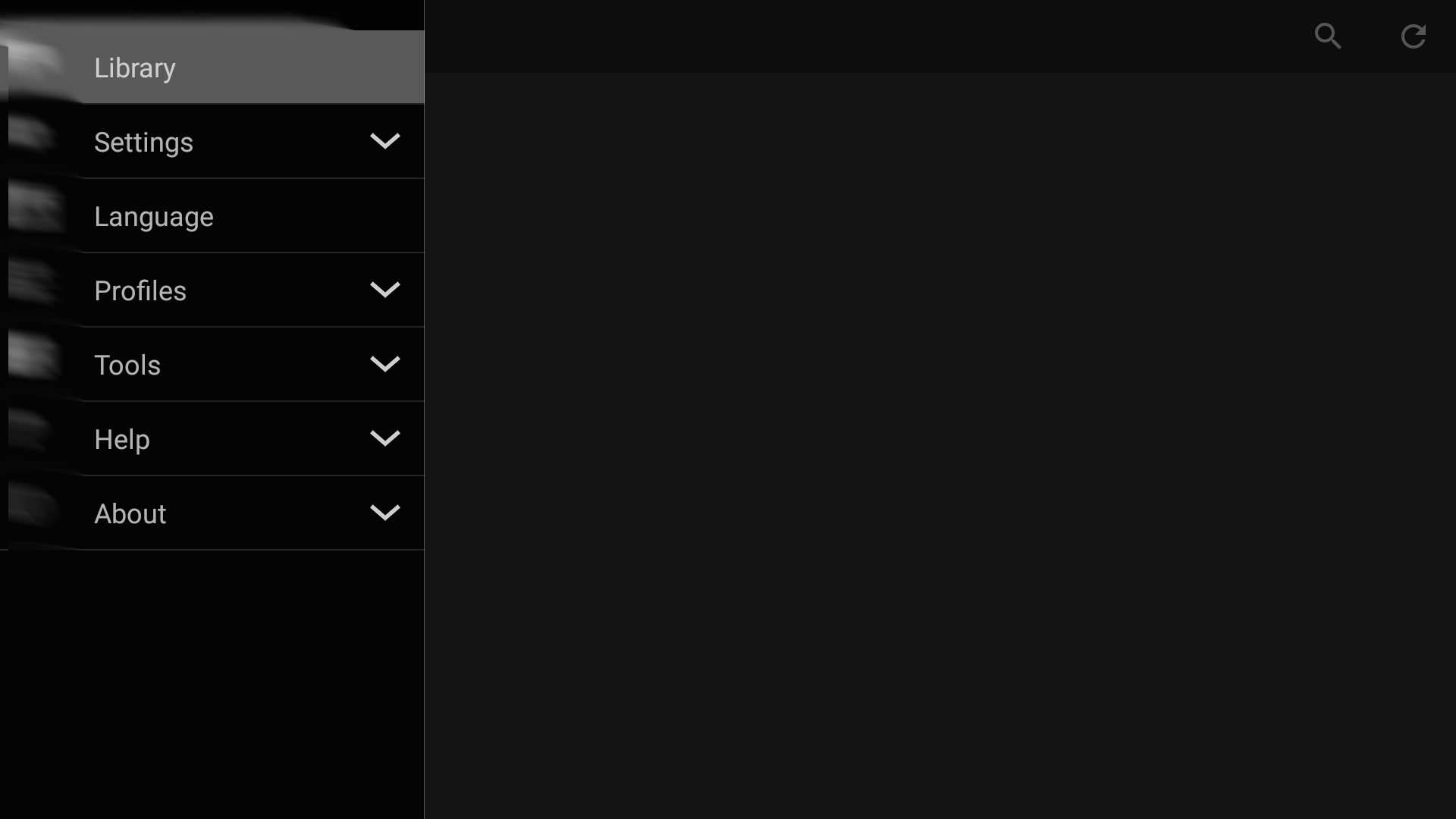
The app features in-depth settings and control mapping options, including customizable on-screen control pads. Gamepad support is also extensive, making it compatible with a variety of external controllers. From adjusting graphics plugins to tweaking audio performance, advanced configuration options are available for fine-tuning individual game performance and appearance.
User Experience and Performance
The interface is clean and focuses on usability, with a categorized library display for easy browsing. Game compatibility is strong, with popular titles like Super Mario 64 and The Legend of Zelda: Ocarina of Time running smoothly on most modern devices. However, performance can vary based on hardware and game title. Some games may require experimenting with different video plugins to achieve optimal results, and a small number of titles may exhibit minor graphical glitches or incompatibilities.
The emulator does not include game ROMs and requires users to provide their own legally obtained files. Importing and exporting save data, especially from the free version or other emulators, is simplified through built-in data management tools. For those upgrading, a straightforward migration process ensures continuity of game progress and settings.
Compatibility and Localization
While English is the primary supported language, the emulator does offer partial translations for several languages—however, the experience is most reliable in English. Certain technical aspects or advanced configuration menus may appear less intuitive to newcomers, but comprehensive online documentation and an active user community help address most usability questions.
IMPORT GAMES AND SET UP THE CONTROLS
The app’s emulator ability is powerful for most of the old N64 games, as users only need to import the virtual file of any games, and the system will handle the rest. The emulation is smooth thanks to the built-in system, and users can set up some control methods for specific games and start running the game afterward. The app even comes with different features for the emulation process, ensuring some fixes and boosts to give the game better performance and exceed users’ expectations when trying out the old games.
AN INTUITIVE AND CUSTOMIZABLE ON-SCREEN CONTROL
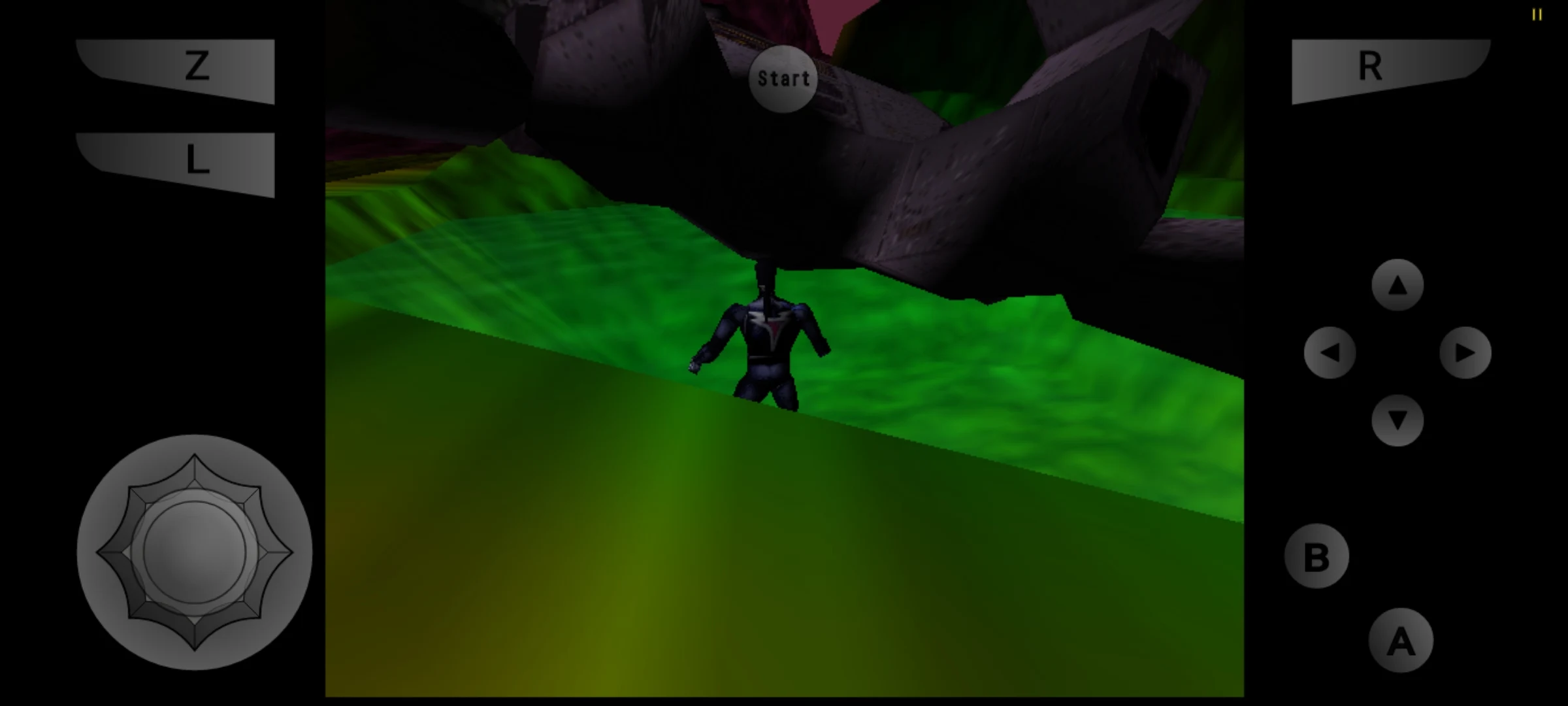
Besides the quick process of firing games, the emulator still has many tricks to its sleeves, such as the game settings, extra cheats, features, and the virtual on-screen touch control. Especially the latest, as it has an intuitive design, mimicking all the buttons on the original and minimalizing it so users will have more leisure when emulating. The best part about the system is the customizations, letting users adjust, reconfigure, and do many things to match their hand structures with the controls.
DIFFERENT PROFILES FOR EASIER SIMULATION
Besides the available settings, the emulator will give users different profiles for every game they have in the system. Each profile will save down the configures, settings, graphics tweaks, and more so that they don’t have to switch between settings when playing different games.
Pros
SD card and Google Drive backup support
Excellent optimization
Great UI
Easy to import data from the non-pro version
Cons
Some games do not work
Not all video plugins work
Some missing translations
A little challenging to get your controller set up
What is M64Plus Fz Pro Apk?
M64Plus Fz Pro Apk is an Android emulator for the Nintendo 64 console. It allows users to play classic N64 games on their mobile devices, with support for a wide range of features and customization options. The app also includes additional tools such as cheat codes, save states, controller mapping and more.
How do I install it?
To install the app you will need to first download it from our website. Once downloaded onto your device simply open up the file in order to begin the installation process which should be straightforward enough if you are familiar with installing apps on Android phones/tablets. If not then please refer user manual provided by the manufacturer before proceeding further!
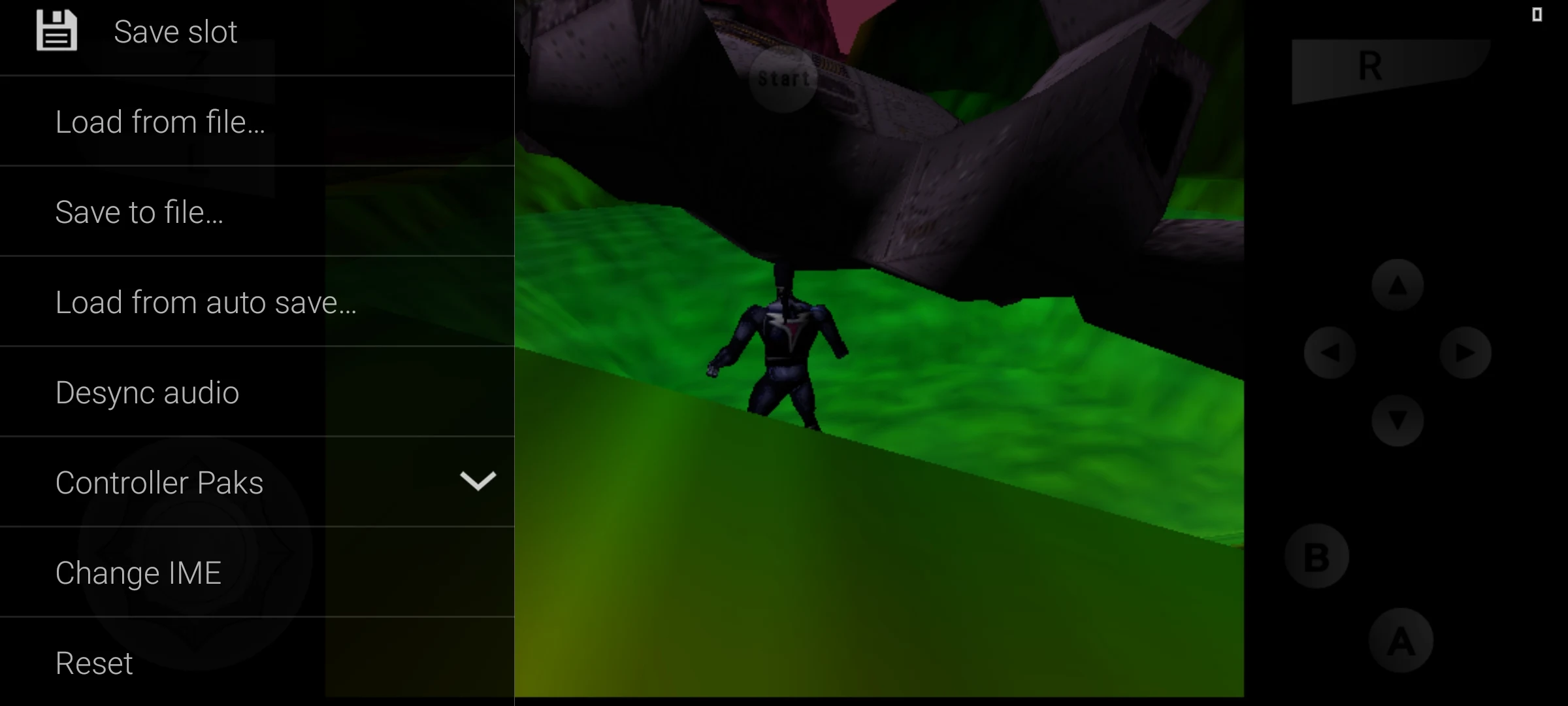
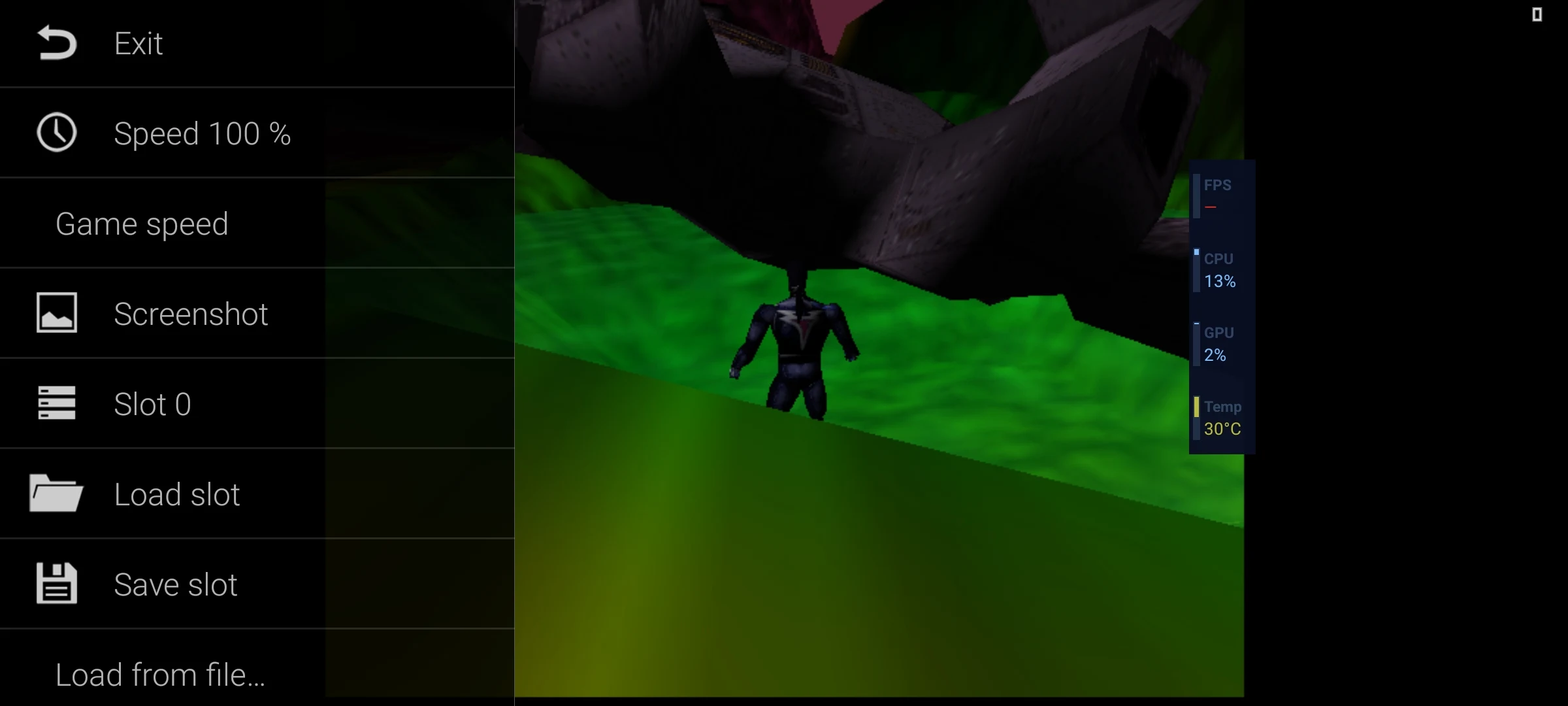
M64Plus FZ Emulator is a Nintendo 64 emulator that's full featured and effective. It has a decent list of compatible titles and its overall interface is elegant and easy to access.
Size:22.0MB Version:3.0.332
Requirements:Android Votes:270
Meet Game BOX — your all-in-one game hub! Explore action, RPG, strategy, and more. Find games quickly, download fast, and play seamlessly on mobile. Simple, safe, and packed with top-rated titles. Perfect for gamers everywhere.
Transform your mobile device into a powerhouse of efficiency with these handpicked essential tools. Whether you need professional-grade photo editing, seamless file organization, smart task management, or real-time weather updates, our curated selection of premium apps delivers unbeatable performance. Streamline your daily routine, automate repetitive tasks, and boost your productivity with intuitive interfaces and powerful features. Designed for both professionals and casual users, these editor-approved applications will revolutionize how you work and play. Don't settle for an ordinary phone - upgrade your digital experience today and unlock your device's full potential!
With the development of mobile hardware and software, many practical tool software have emerged, covering a wide range of aspects and becoming a good helper for everyone in work and life. Today, the editor provides you with a list of useful tool software downloads. These tools are not particularly complex types, and after reading them, everyone can quickly learn how to use them. Proper use can bring great convenience to life and work.
About us | Contact us | Privacy policy| DMCA
Copyright © 2026 Xiaohei All rights reserved.