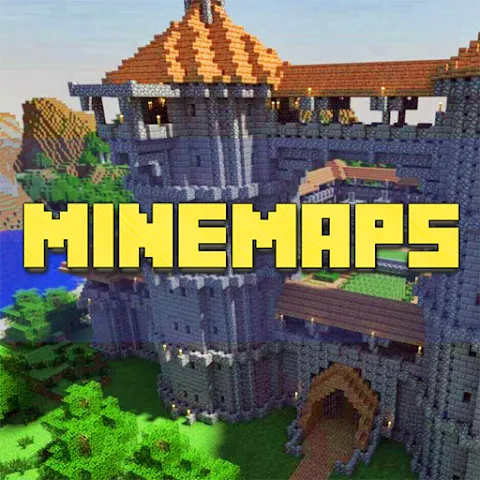
Maps for Minecraft PE is an unofficial companion application. It offers a wealth of maps for players to explore. With a simple tap, maps are installed in the background, automatically launching Minecraft PE and loading the selected map world. Maps for Minecraft PE allows you to browse hundreds of Minecraft PE maps, ranging from simple houses to vast city maps. Whether you enjoy exploring expansive cityscapes, challenging your parkour skills, or engaging in intense multiplayer battles, this application has something for you.
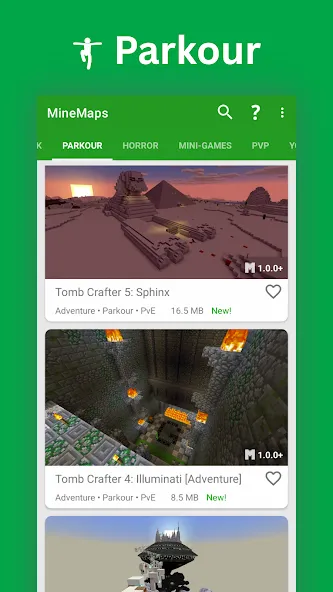
With MineMaps: Maps for Minecraft PE you can browse over 150 awesome Minecraft maps, install them in just one tap and play right away!
Just select map you like, click "Download" and then click "Play" - you are all set! - Minecraft app will open automatically with your new map installed & ready to play!
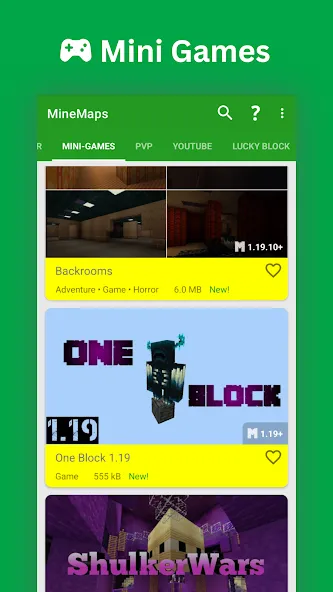
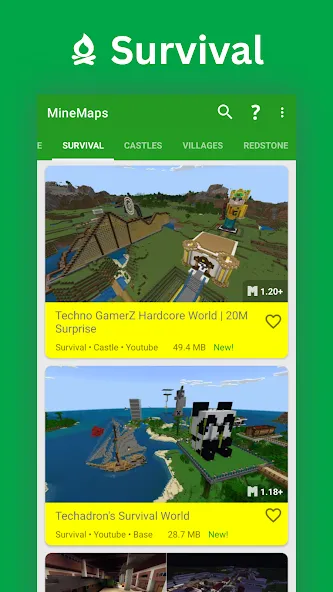
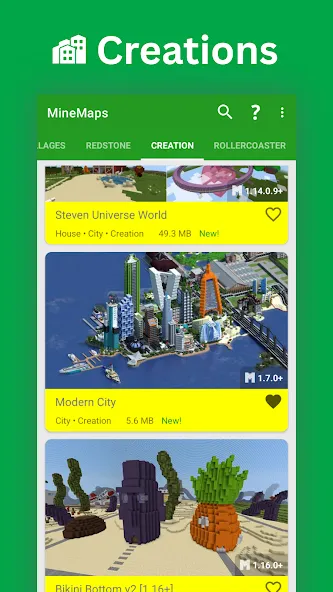
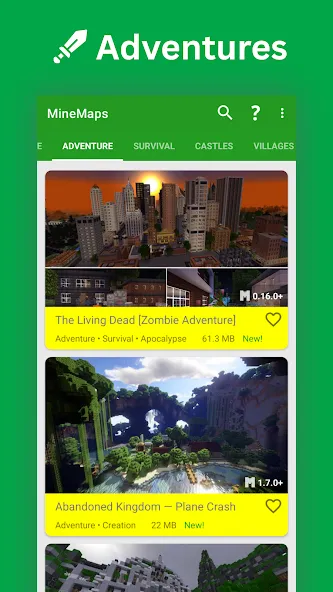
Each map has brief description, screenshot, and some of maps have Youtube video, which you can watch right in the app! Click on "Author" button to go to map creator's page, where you can find detailed description of a map and credits.
You will find all kind of maps: Survival, Adventure, Puzzle, Parkour, Creation, Games and others!
MineMaps offers best Minecraft maps. Enjoy and share with your friends!
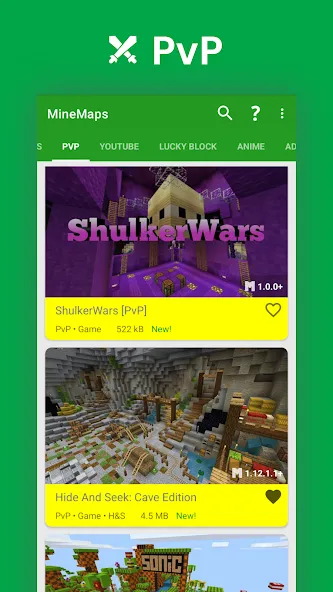
Each of these maps is unique and falls under a certain category.
These categories include Mini-Game, PVP, Adventure, and Survival.
To use it, you just have to select the scenario you like most from the two big lists you'll find in the app.
The first includes official maps and scenarios designed for Minecraft by professionals.
The second includes unofficial maps developed by gamers who want to share their creations with the world.
Both types come with descriptions of what you'll find in the settings so you'll know what you're downloading.
Pros
Hundreds of maps covering cities, survival, mini-games, parkour, and more
Map installation is quick, with worlds made available directly in Minecraft PE
Each map includes a description, screenshot, and creator credits for easier selection
Catalog receives new maps from time to time, keeping content fresh
Cons
Ad-supported experience, which may bother some players
Occasional ad freezes or glitches interrupt navigation
Focuses solely on maps, without additional tools or features beyond browsing and installing them
All in all, Maps for Minecraft PE is a pretty forthright tool for the pocket edition of Minecraft. It provides easily downloadable add-on worlds that you can delve into and explore. However, there are times when this app stops altogether out of nowhere.
Size:9.2MB Version:5.2.0
Requirements:Android Votes:346
Package Name:mnw.mcpe_maps Signature:ba384e85254e9dbf732f166820b9e40922e211b2
Welcome to our collection of game customization tools! These apps help you personalize your gameplay. You can access premium content, enjoy more in-game resources, or opt for an ad-free experience. Apps like Game Guardian and Lucky Patcher allow you to adjust game parameters. Just a heads-up, it's good to be mindful of the game's original terms of service. Feel free to explore and elevate your play, but always use them responsibly.
With the development of mobile hardware and software, many practical tool software have emerged, covering a wide range of aspects and becoming a good helper for everyone in work and life. Today, the editor provides you with a list of useful tool software downloads. These tools are not particularly complex types, and after reading them, everyone can quickly learn how to use them. Proper use can bring great convenience to life and work.
About us | Contact us | Privacy policy| DMCA
Copyright © 2026 Xiaohei All rights reserved.