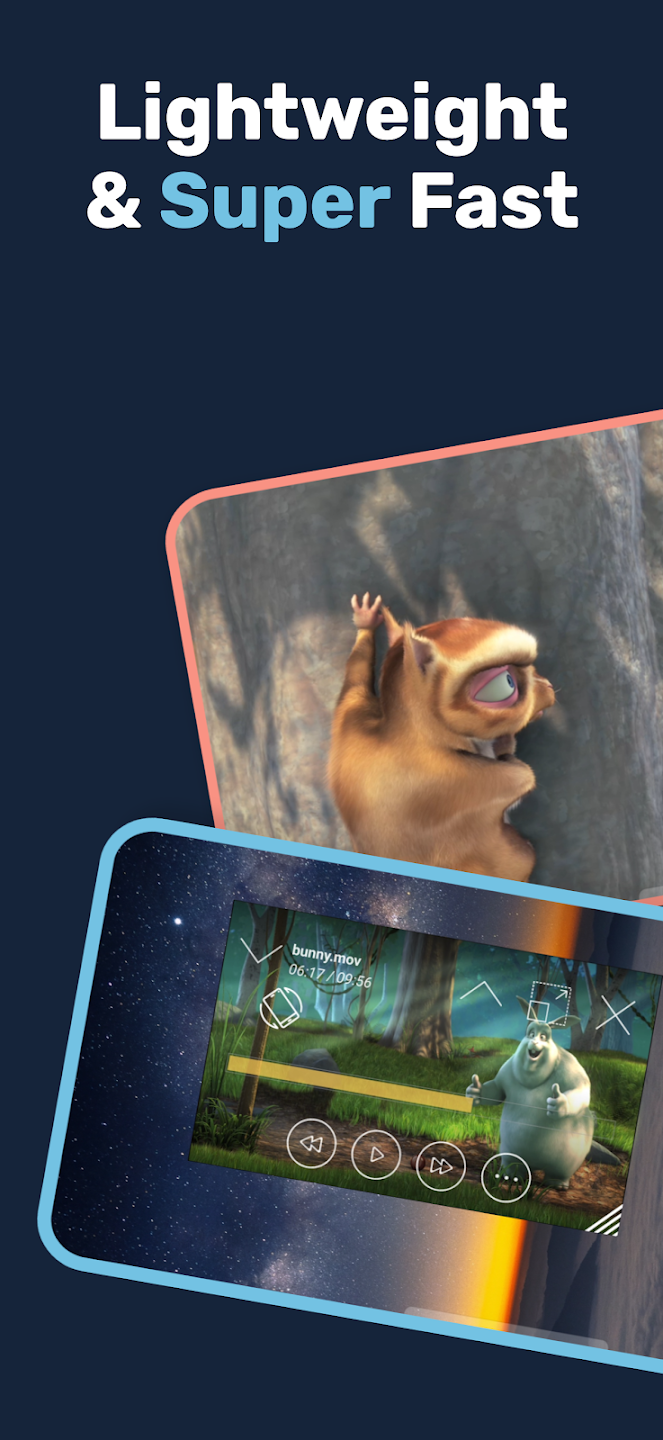
Lua Player is a powerful video player that allows users to watch videos in various formats and freely adjust video quality, aspect ratio, subtitles, and more for a more comfortable viewing experience. The software supports a small window mode, allowing users to place the video screen above other software or games, enabling them to watch their favorite videos anytime, anywhere. It has a built-in video decoder, allowing users to freely import videos, movies, and music to begin their binge-watching journey. The software also features a built-in search function; simply enter keywords to find relevant videos, saving users time.
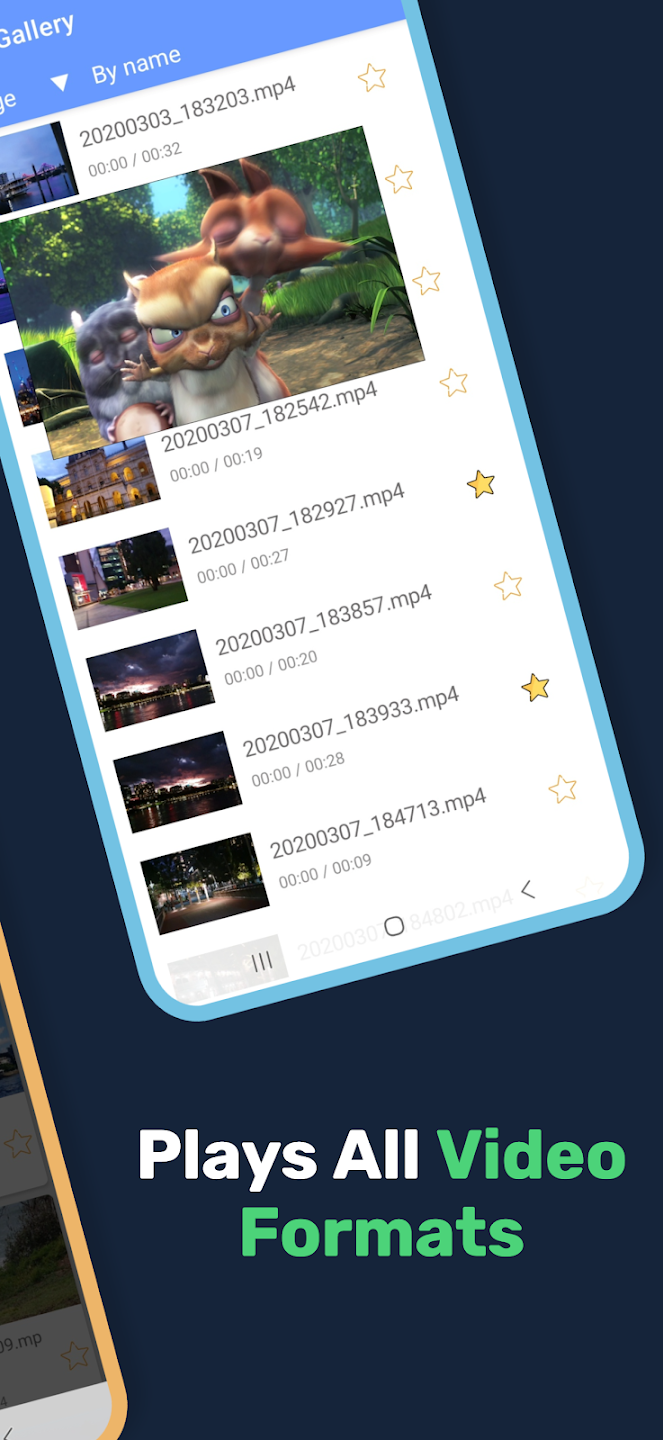
Easy Window Move: Coming to this application, you can move windows quickly and easily. Helps you choose the perfect viewing position without having to go through too many difficult steps.
Flexible Size Control: Not only can you move easily, but you can also adjust the size flexibly. You can zoom in or out, giving you the right size for your viewing needs.
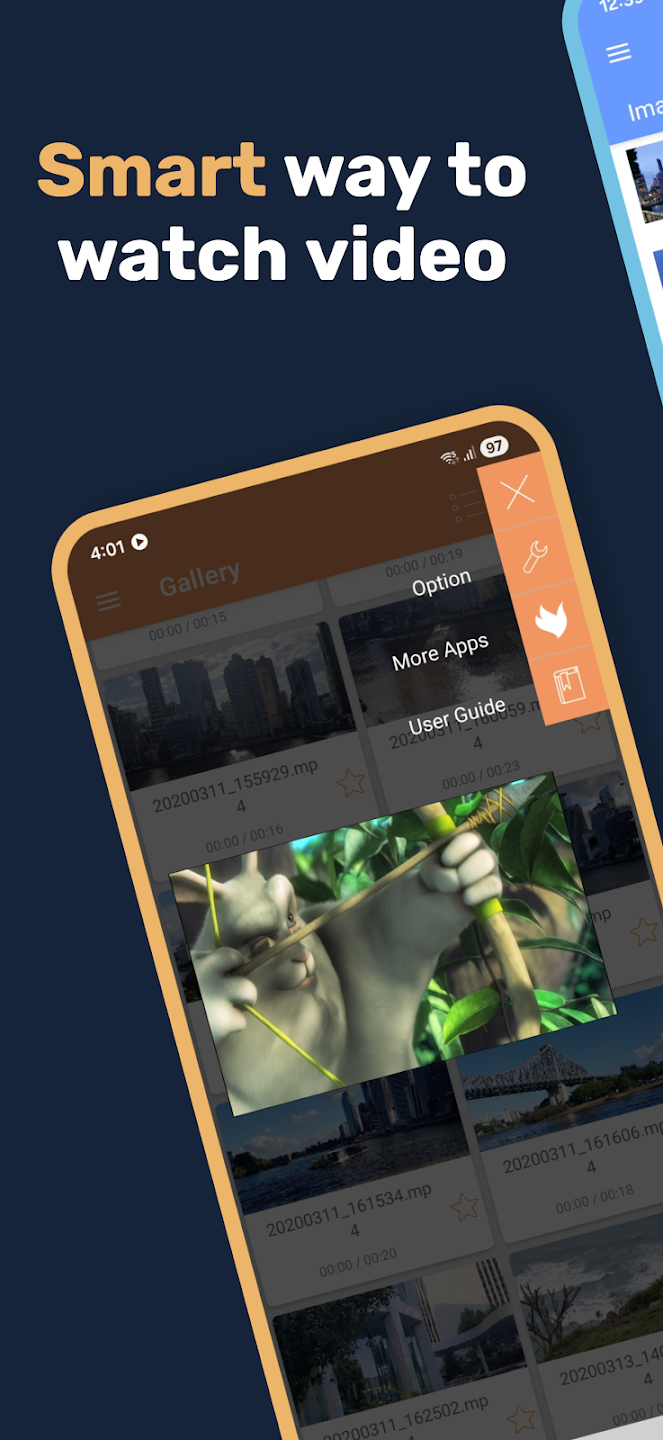
Full Menu Access: The application also provides you with a full menu. You will have access to everything from basic to advanced features. Helping you control and use the application easily and simply.
Many Codec Supported: The application will provide you with professional support tools. With these tools, you will experience the most perfect entertainment moments. Like you are in a movie theater and immersed in your relaxing moments.
Subtitle Format Variety: The application will also bring you subtitles with diverse languages. From popular languages to uncommon languages, helping you to easily follow the content without encountering any difficulties or language barriers. Bringing you extremely perfect and smooth viewing experiences.
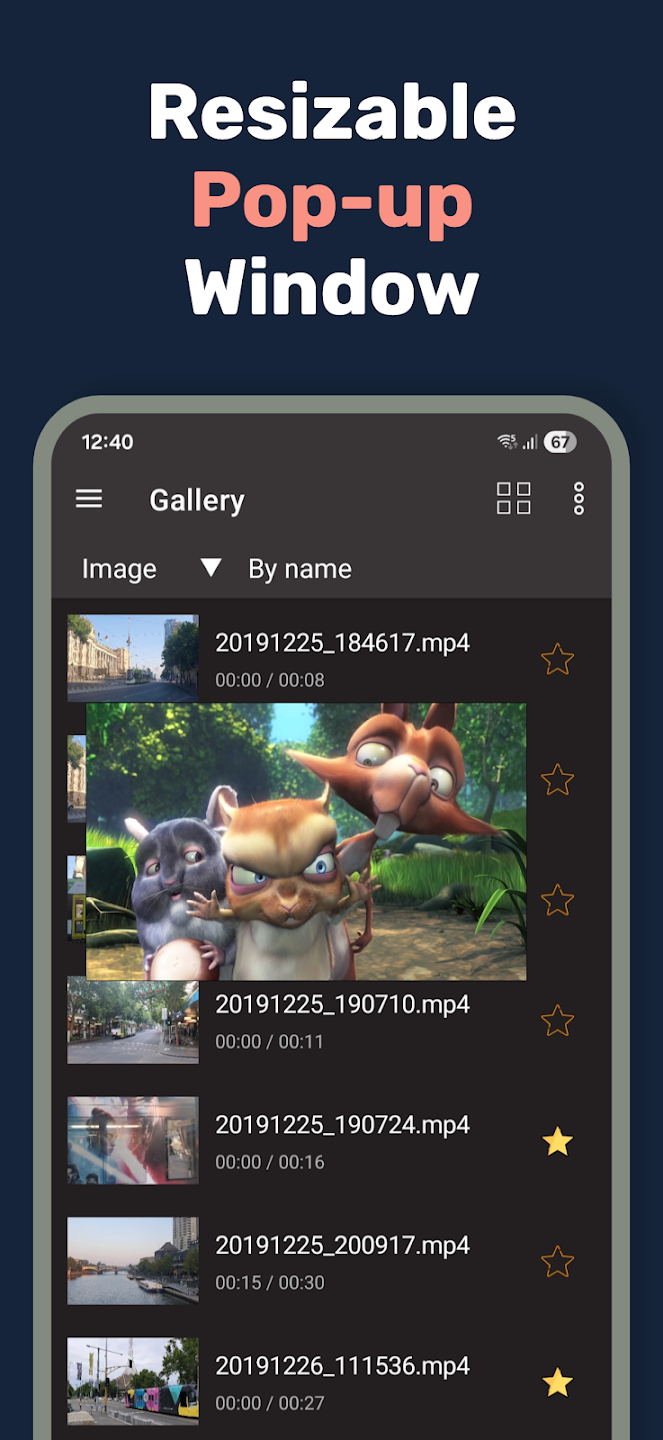
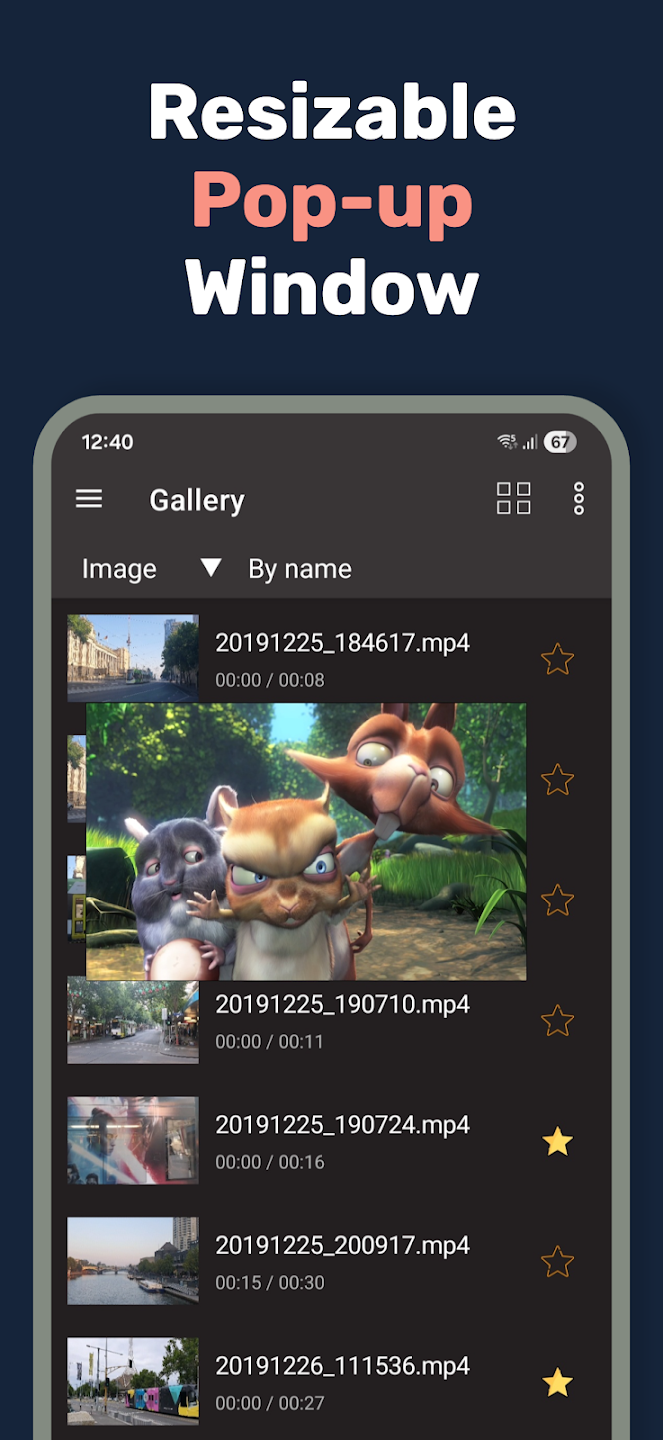
Real Multitasking with Floating Window: Play your videos in a small, movable window that stays on top of other apps. Resize or shift the player anywhere on your screen and get on with your other stuff. It even works right from external file managers.
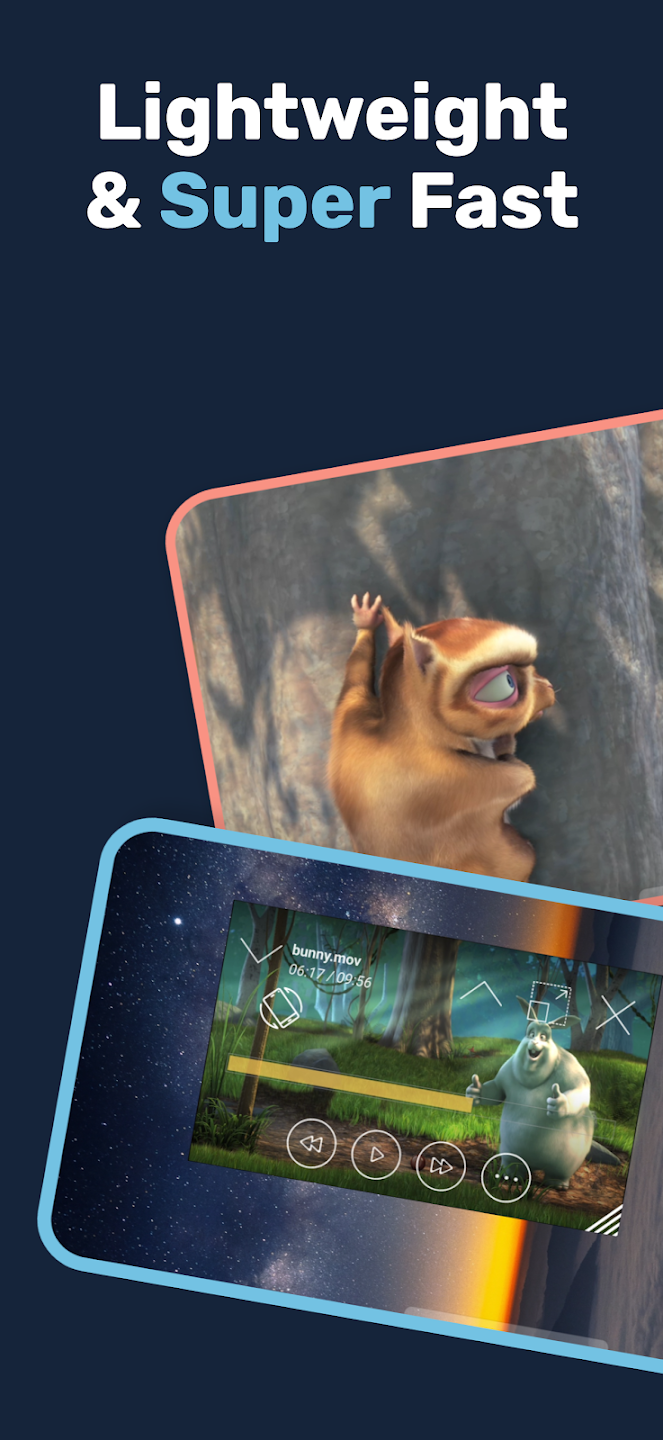
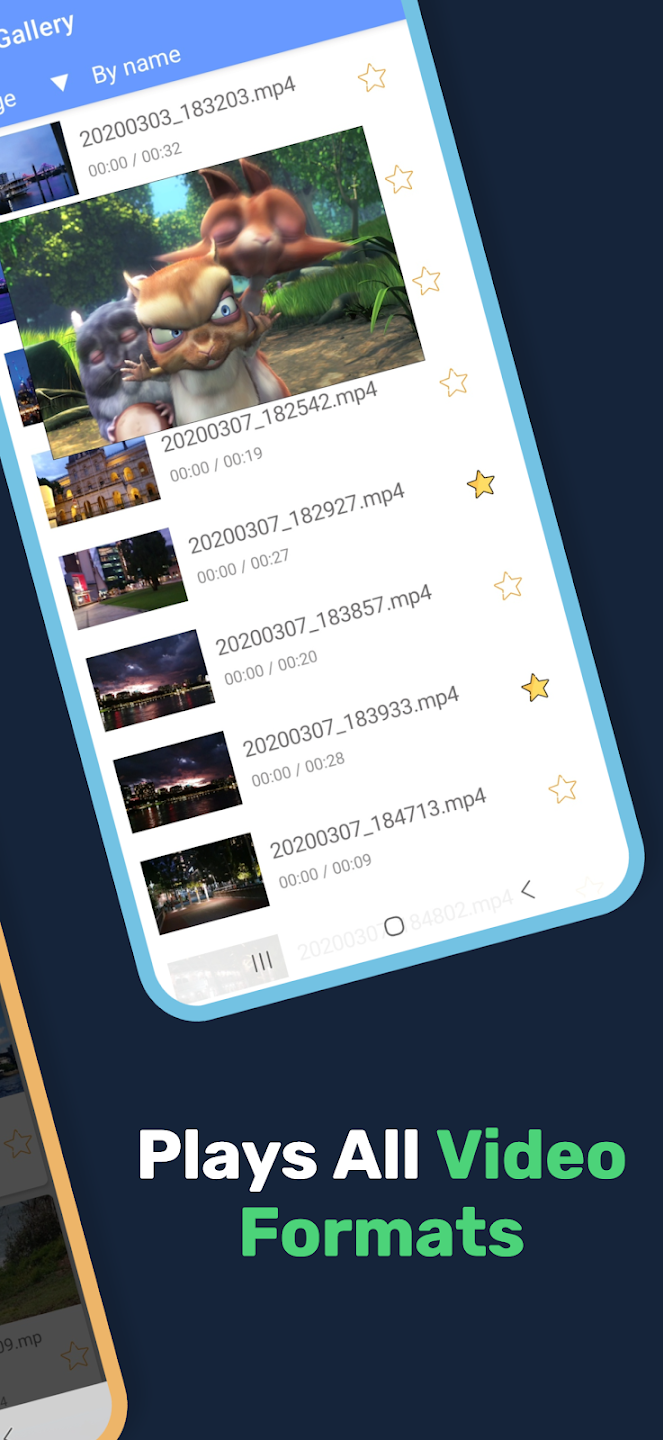
High-Quality Video and Audio Support: Whether you’ve got HD movies, short clips, or audio files, Lua Player-Popup Media Player handles them smoothly. It supports formats like MP4, AVI, and more, with high-quality playback up to 1080p (as long as your device can handle it).
Background & Hidden Playback: Need to tuck your video away for a minute? Quickly hide and restore the pop-up window anytime without stopping your media or losing your spot.
Flexible Playback Controls: Adjust playback speed from super slow (0.3x) to double time (2.0x) with just a tap. Want to set point-to-point repeats? AB Repeat makes looping sections simple.
Network Streaming and SMB Support: Stream videos and music straight from your home network, NAS, or popular network protocols like SMB (SAMBA), RTSP, HTTP, and more.
Gesture Controls & Easy Access: Control brightness, volume, and video position using gestures—convenient when you’re juggling other apps. Capture screen grabs or rotate the video orientation with a swipe.
I have been using it maybe a month now and have had no issues. I download movies/music & can play both with Lua. I can turn my screen off, it will still play. It auto pauses when you watch a YT video or a video in browser, then resumes as soon as the video stops. Which I like, I don't have to go back and press play. The picture in picture or the hovering screen is perfectly dimensioned and not too small.. You have to go into settings to turn the option to continue where you left off. Great apa!
I personally love this app and enjoy using it. If I can make a suggestion. If you keep everything the same the layout the design but just add an option to have more than one popup player. Like the g player they have an option as to where you can play 6 to 8 videos at the same time. That would be dope with the way the layout is and how easy it is to resize the player your app would hands down be the best multi video popup player and would knock out all competition. Feel free to contact me.
this isn't a hyperbole, I think I've tried 20 different players (most regarded as the best/most popular) and lua is the only one that gives you full control while in PIP mode. no other player in the market can adjust brightness, volume and window size like Lua for some god forsaken reason. with that said, I think Lua Player is the best. it's not as "s3xy" as others, and I think it actually needs a UI update because the controls are gigantic but functionality wise literally nothing like it!
This popup player is by far the best one ive tried and i plan on keeping it. Its a popup that gives you as much control over it as your regular video player. The features are very intuitive and easy to learn. The ui is beautiful. I would definitely recommend this to my friends and to you.
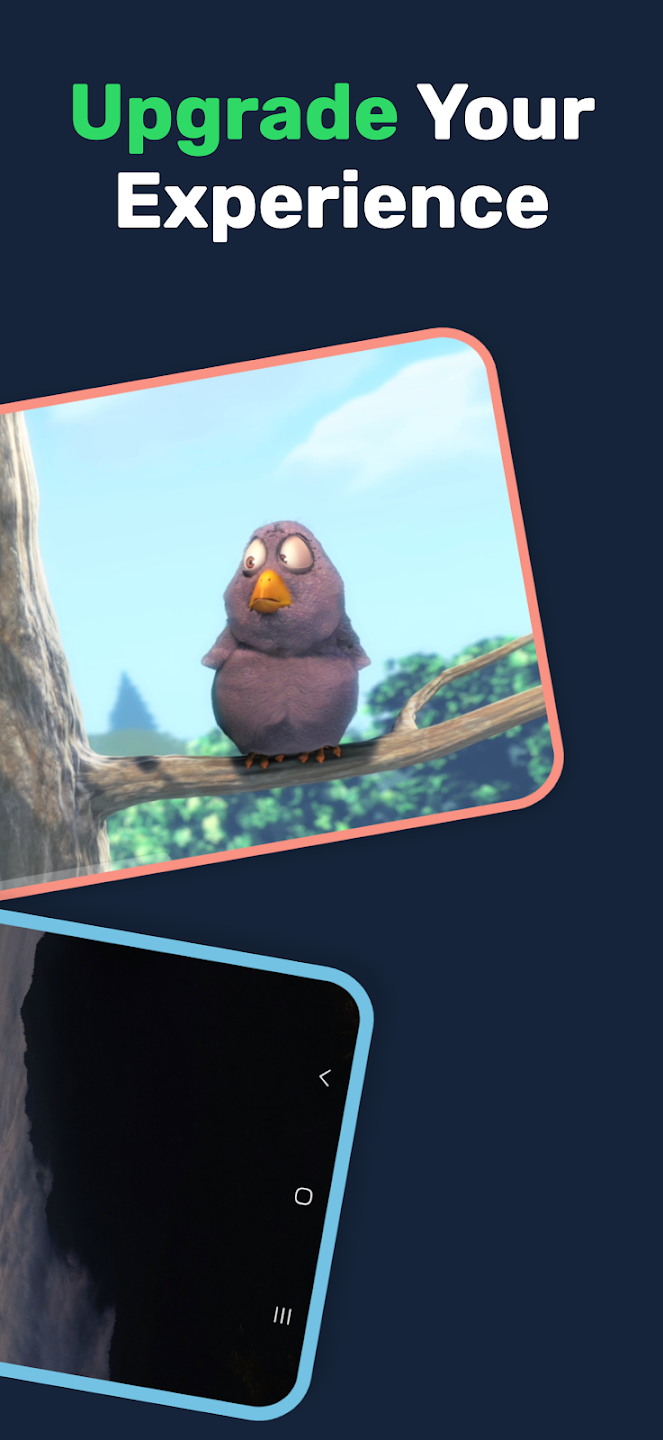
Experience the most powerful multitasking media player! Lua Player is a top-tier media player that supports all formats, high-resolution videos, and subtitles—all within a fully customizable floating window (Picture-in-Picture). Enjoy your favorite content while gaming, chatting, or browsing.
Size:43.7MB Version:3.6.3
Requirements:Android Votes:515
Package Name:ms.dev.luaplayer_va Signature:c16fb2da07f5c69e3679b305c5d097a4d33a66f6
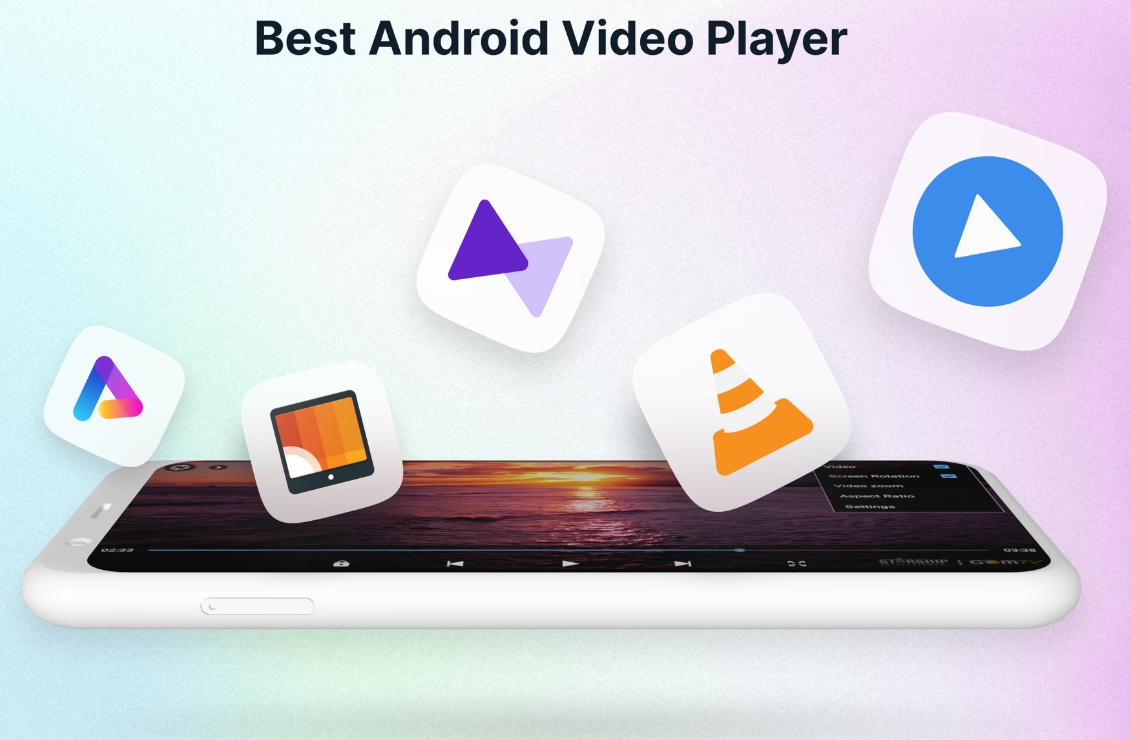
A video streaming service is a type of on-demand online entertainment source for TV shows, movies, and other streaming media. In need of Android movie apps? you can watch your favorite shows or movies any time anywhere Streaming means listening to music or watching video in ‘real time’, instead of downloading a file to your Android device and watching it later. Whether you're looking to watch movies, TV shows, or videos on your Android device, you'll need a good video player app. Beyond just playing content, these apps now offer features such as seamless playback, format versatility, subtitle support, advanced controls, VR integration, online video streaming, and enhanced privacy. This article delves into the best free and paid Android video player apps in 2024, guiding both casual viewers and cinephiles to their ideal choice.
Is it safe to say the movies are back? Admittedly, they never really left. But it seems in this decade where every year throws up new challenges and hiccups in the industry, folks become convinced the sky is falling and cinema’s days are numbered. Still, here we are back at the end of the year. And once again, there seems plenty to be thankful for as new cinematic images burrow their way into the collective subconscious for years to come. Whether it’s the sight of Muad’Dib standing before a nation of radicalized disciples as if he were a space-aged T.E.
Media player with multimedia capabilities is one of the important features in today’s smartphones. Most of the video content is consumed on smart devices and viewers continue their tasks like sending emails, surfing apps keeping the video playback on through Picture-in-Picture mode. Playing audio/video on an Android app has become a basic function with android video players becoming more and more customizable. Some of the best video players for Android offer multi format support, easy customizations, hardware acceleration, subtitle support and much more. In this blog, we have compared the best video player for Android based on speed, battery consumption, streaming capabilities, resource usage and more.
About us | Contact us | Privacy policy| DMCA
Copyright © 2026 Xiaohei All rights reserved.