MegaDownloader is a user-friendly tool for downloading MEGA files. Simply copy the MEGA.nz link into the software to start downloading directly. With its extremely fast download speeds, it saves users time and effort. The software offers rich customization options, allowing you to freely rename files, choose save locations, and start or pause downloads at any time to meet different user needs. Built-in encryption tools add an extra layer of protection for important information, ensuring file security.
As a cloud service, MEGA allows users to link, share, and manage data. MegaDownloader will also encrypt files, securely upload photos and videos, and has the capacity to exchange private or group messages. Files you've downloaded can be saved to your computer, phone, or tablet, which lets you access them even when operating offline. You can also use MEGA to hold encrypted video or audio calls in either a direct or a group setting. Some of MEGA's other features include:
Fast download speeds that keep pace with your Internet connection.
Automated download of files of all sizes, ranging from kilobytes to several gigabytes.
File versioning capabilities for easy reversion to older copies.
Support for parallel downloads for organizing numerous files.
Optional segmented downloads allowing you to selectively boost download speeds even faster.
To use MegaDownloader, you must have a Mega account first. While some dislike this feature, it doesn't take long to register an account, which then gives you free cloud storage. You can sign in to your account on any device that you use to access those files or download new ones. Cloud storage is helpful in professional settings too because everyone in your office can access and share files without relying on USB or external hard drives.
The features that come with MegaDownloader make it worth the time it takes to download it too. Every time that you download a new file, you receive a link that you can share with others to let them view that file. You can easily share those files and use the links to embed new content on a blog or website. Private messaging is another feature that you can use to send individuals and groups messages that you don't want anyone else to see. The messaging system makes this a great tool to use when working on group projects with more than one person.
Those concerned about their online presence will appreciate the encryption tools that MegaDownloader includes. It encrypts any messages that you see, including standard private messages as well as group phone calls. Do you work in an office where you need to connect with people who work from home and in other offices? With this feature, you can connect the whole group in one phone call to go over your work without worrying about someone finding out what you spoke about or getting access to the call.
Another nice feature of MegaDownloader is how quickly it downloads new files. Though this software works with your existing internet connection, it maximizes the speed to make sure that you're not sitting around for hours and waiting for a download to finish. It works on files of all types, including those of more than one gigabyte in size. No matter how big a file is, you can download it faster.
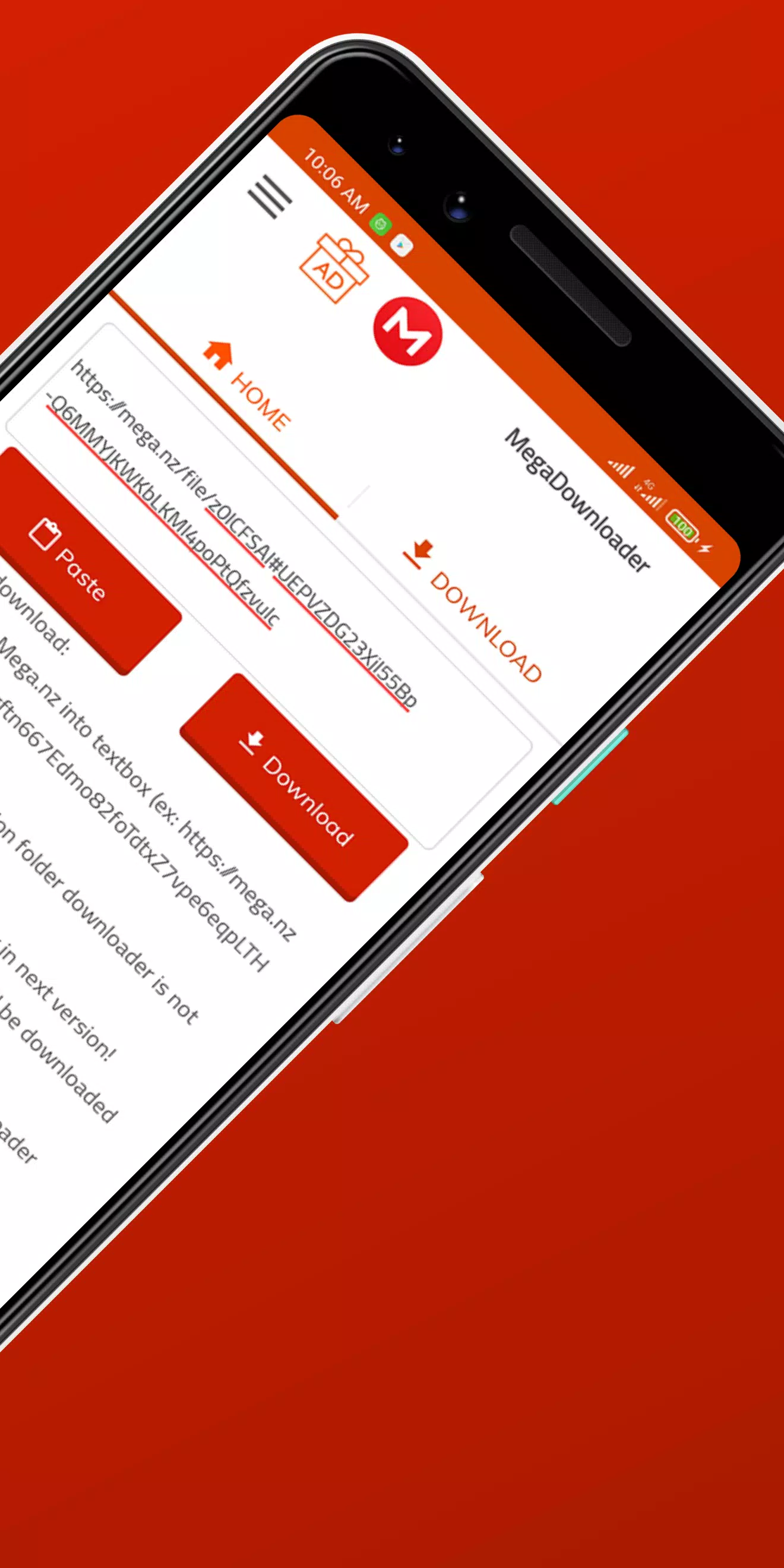
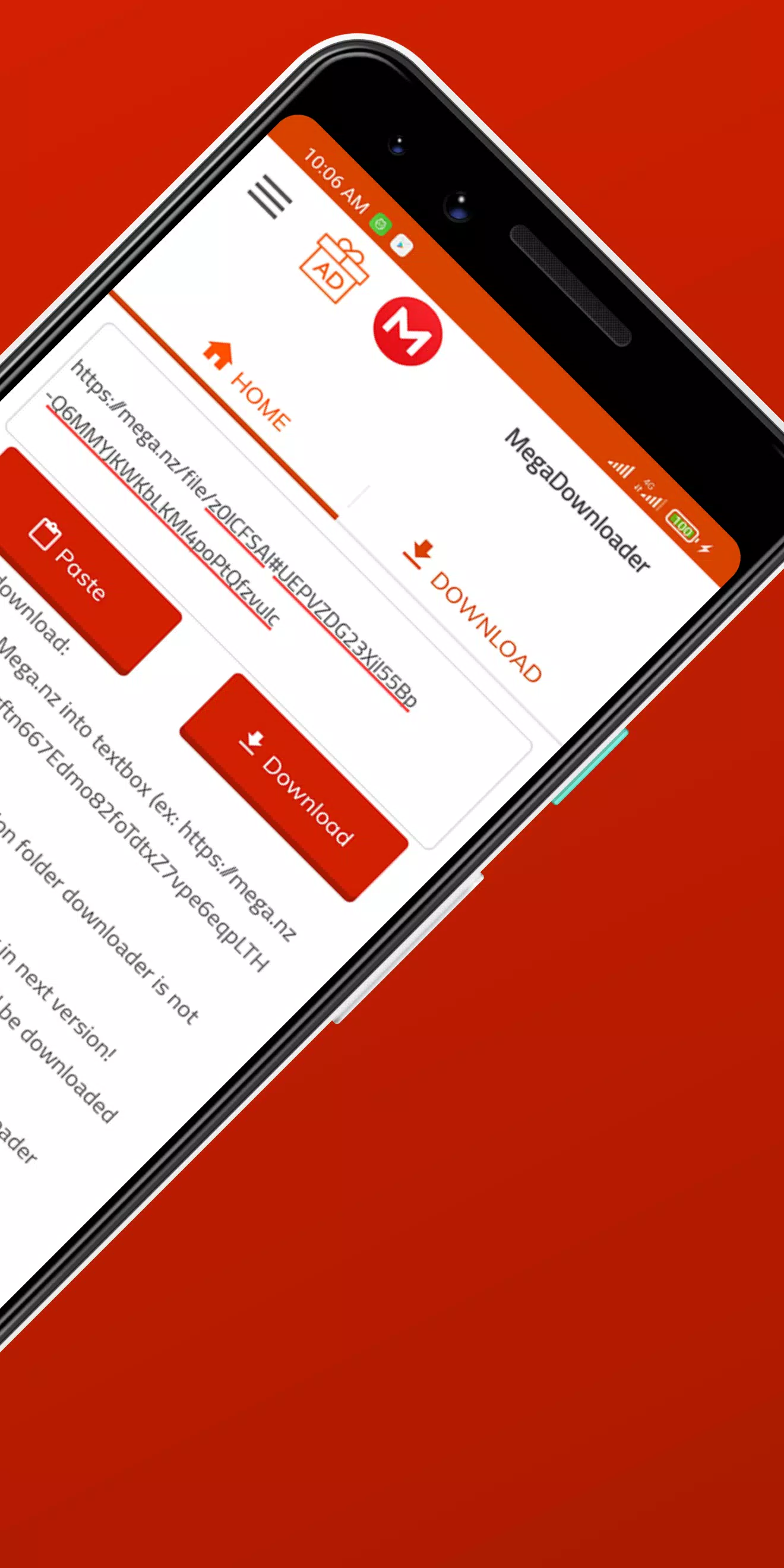
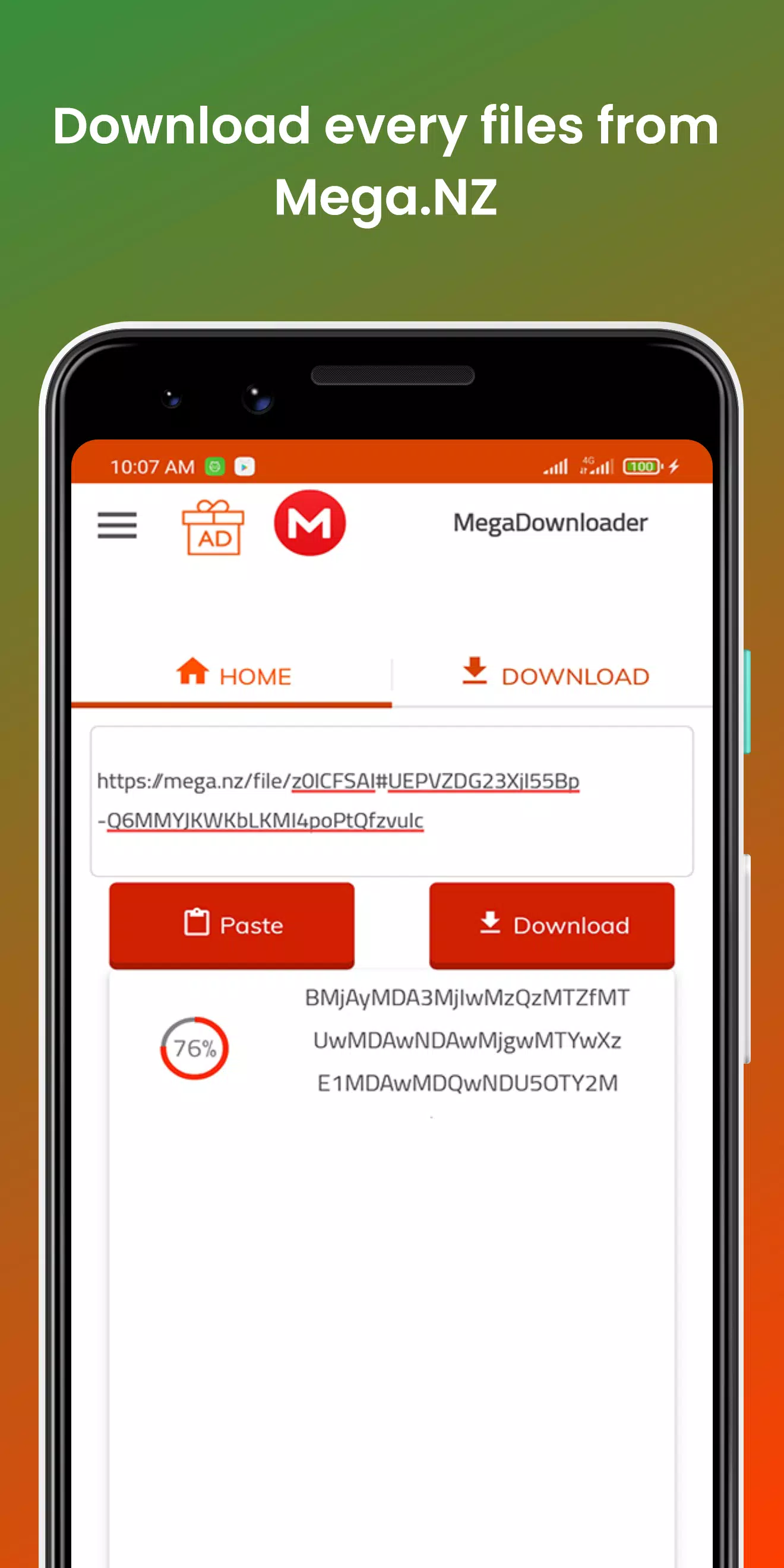
One of the virtues of MegaDownloader is its ease of use. Just download its installer and open it. Once the installation is complete, you can run this utility thanks to the icon that will have been created on the desktop. Then, use the button pointed out in the image to add new links.
Add links: Copy the download links you want and tap on Add links. Remember, if your downloads are videos, you can use Watch online to play them directly on VLC.
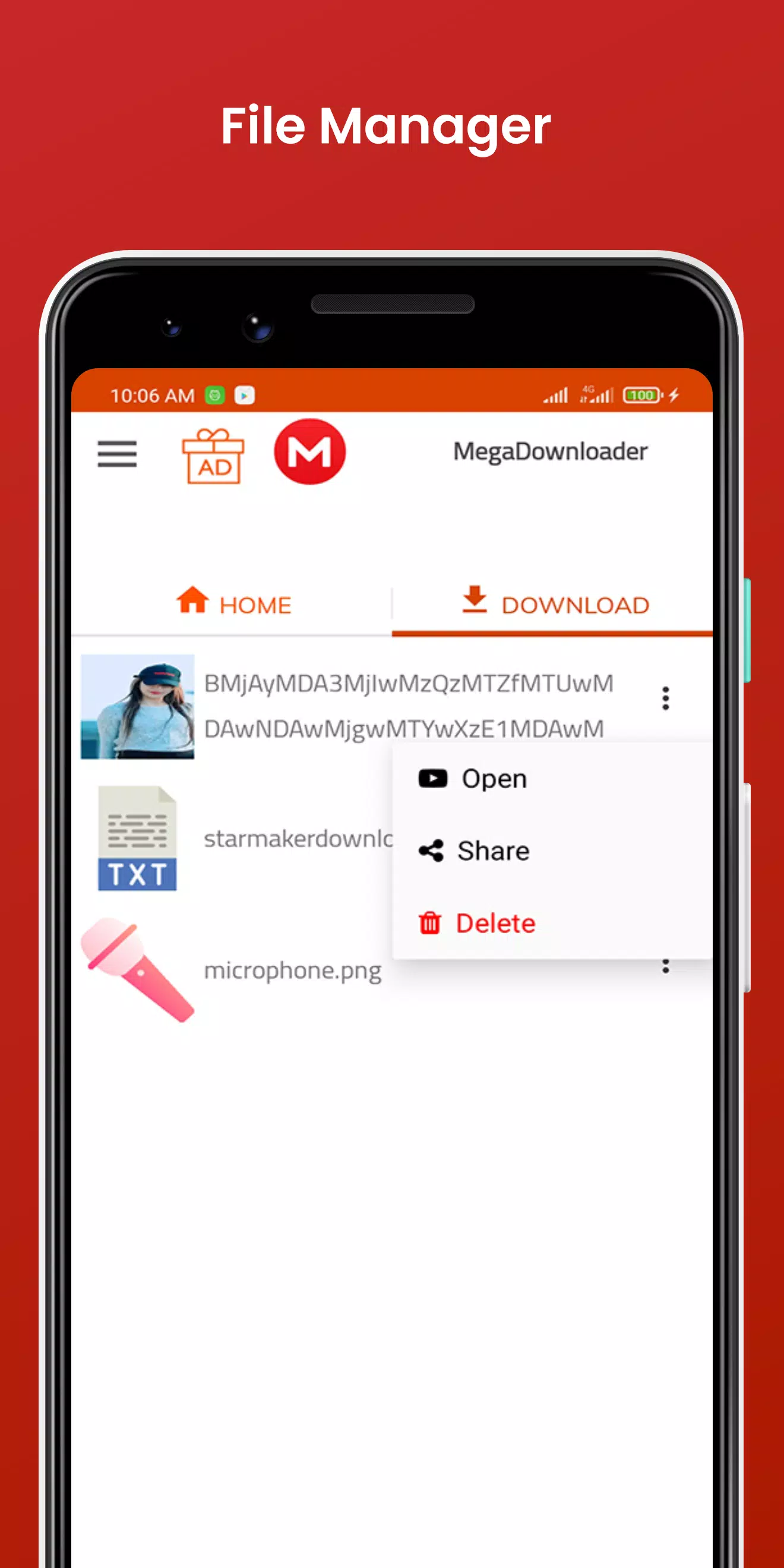
Links added to MegaDownloader: Once the links have been added, the download will start automatically. You can view its progress on the main screen.
Download progress: If you want to pause, stop, or resume downloads, use the controls available on the top left of the screen.
Download controls: Finally, you can make some adjustments to modify the behavior of the application according to your needs. Tap on the gear to access the settings.
Access options: In the preferences window, in the General section, you can use your MEGA credentials. This way, the downloads you make will be linked to your account.
Finally, if you have a slow connection and want to surf the Internet smoothly while downloading, set a download limit. On the contrary, if you have a fast connection, it is preferable not to activate this option to download at maximum speed.
MegaDownloader helps when you receive a MEGA.nz link and want the file saved to your phone without extra steps. It focuses on direct downloads through shared links, so you only work with the address provided by the sender. The app takes the link and handles the download on your device, which keeps the process straightforward on mobile.
Size:4.8MB Version:8
Requirements:Android Votes:93
Package Name:smartmobile.megadownloader.mega.nz.download Signature:e889143621852d5b46c2fd80d64cd08e
Utility apps are indispensable in our lives, making our daily routines more convenient. To help you find these apps more easily, this site has created a collection. This collection brings together a series of practical tools covering various aspects of life, work, and education, meeting all your needs. What are you waiting for? Try these apps now and make your life easier!
Transform your mobile device into a powerhouse of efficiency with these handpicked essential tools. Whether you need professional-grade photo editing, seamless file organization, smart task management, or real-time weather updates, our curated selection of premium apps delivers unbeatable performance. Streamline your daily routine, automate repetitive tasks, and boost your productivity with intuitive interfaces and powerful features. Designed for both professionals and casual users, these editor-approved applications will revolutionize how you work and play. Don't settle for an ordinary phone - upgrade your digital experience today and unlock your device's full potential!
About us | Contact us | Privacy policy| DMCA
Copyright © 2026 Xiaohei All rights reserved.