aTube Catcher is a powerful video downloader that provides users with detailed tutorials to help them download their favorite videos and music to their devices. With just a click, users can experience stable and smooth download speeds. Users can freely choose the quality of downloaded videos and convert videos and music between different formats to meet various needs. The software has built-in file management and search functions; users can simply enter keywords to find their favorite movies, making it easy to relive cherished memories anytime, anywhere. Furthermore, the software boasts excellent compatibility and can be installed and used on all Android devices.
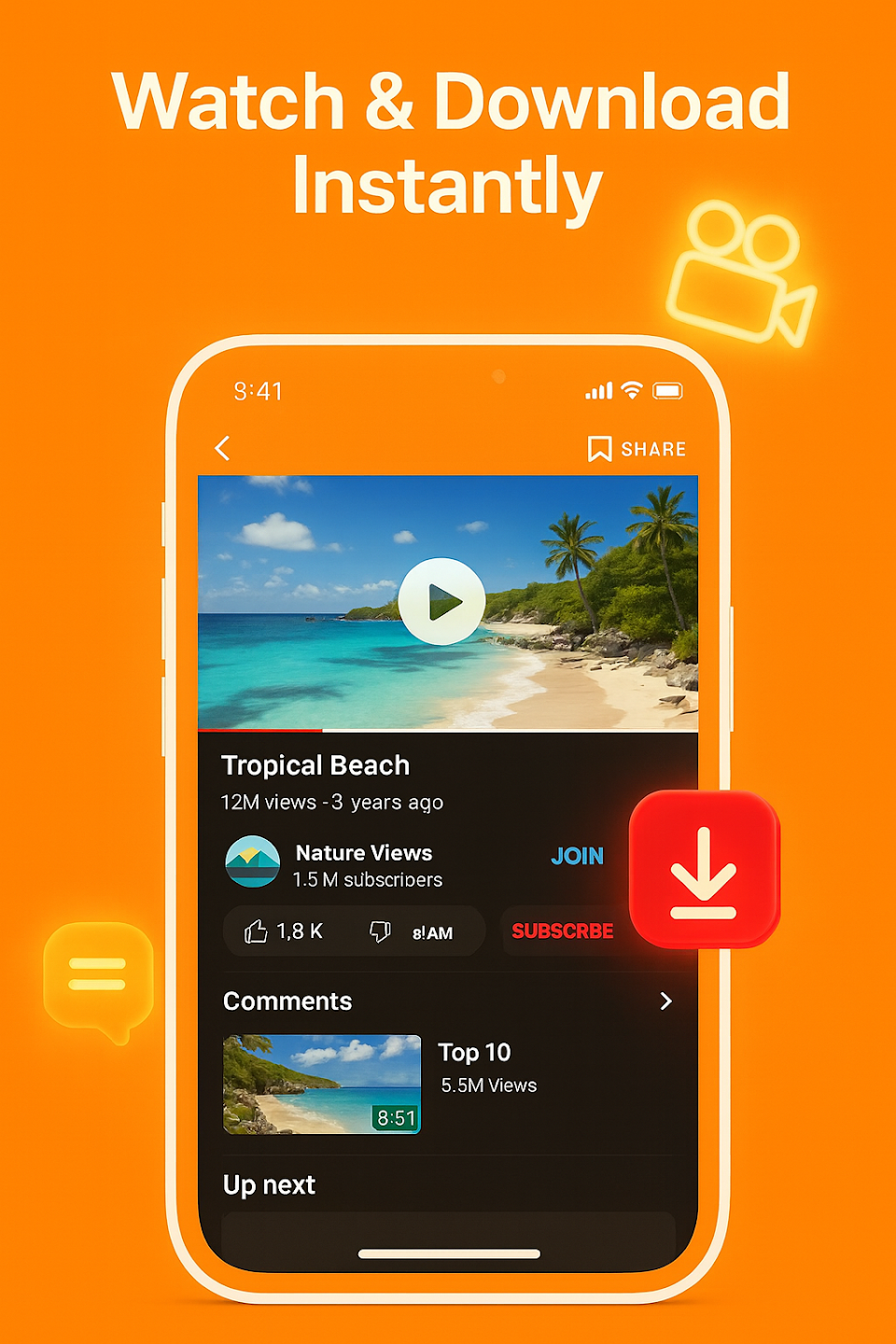
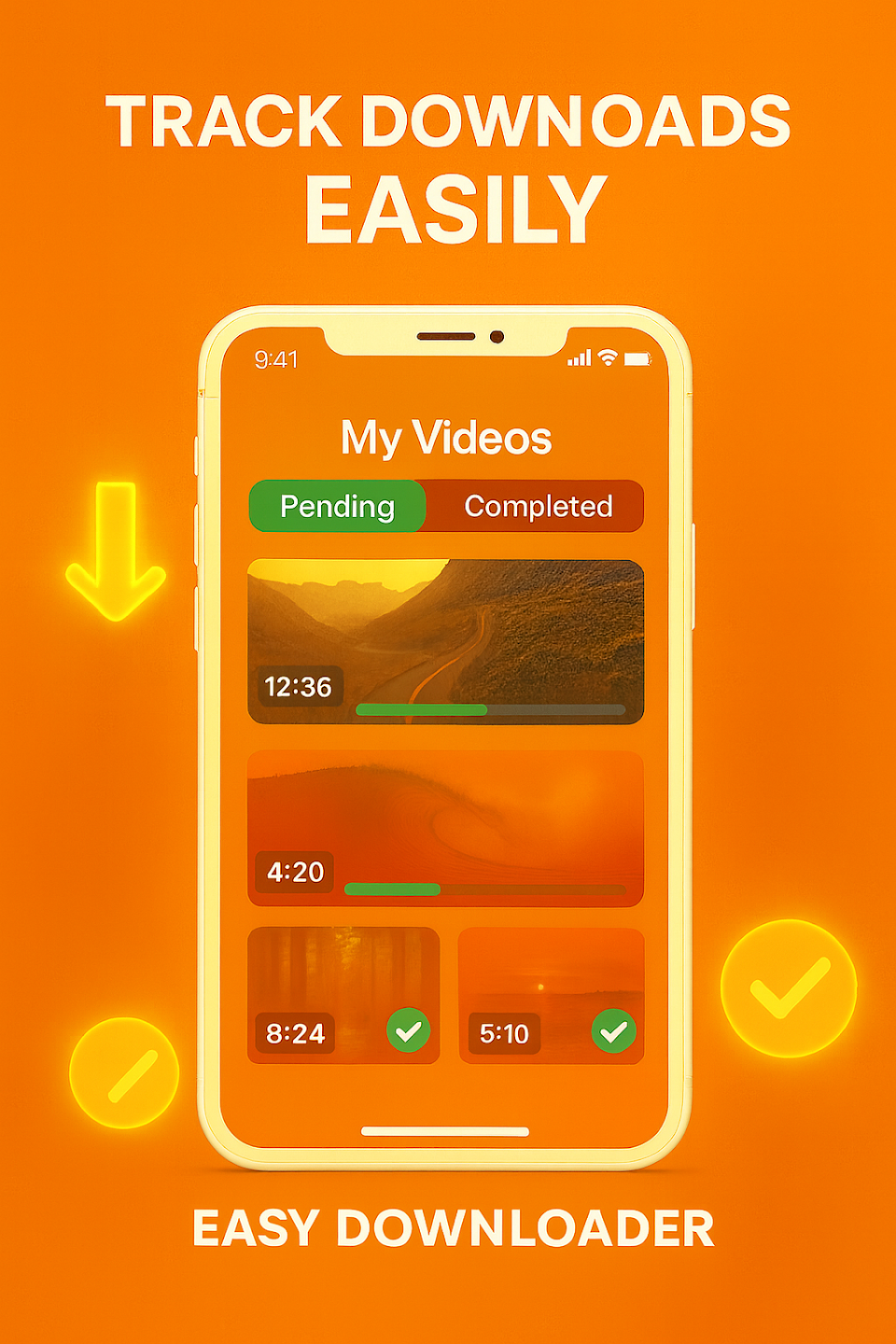
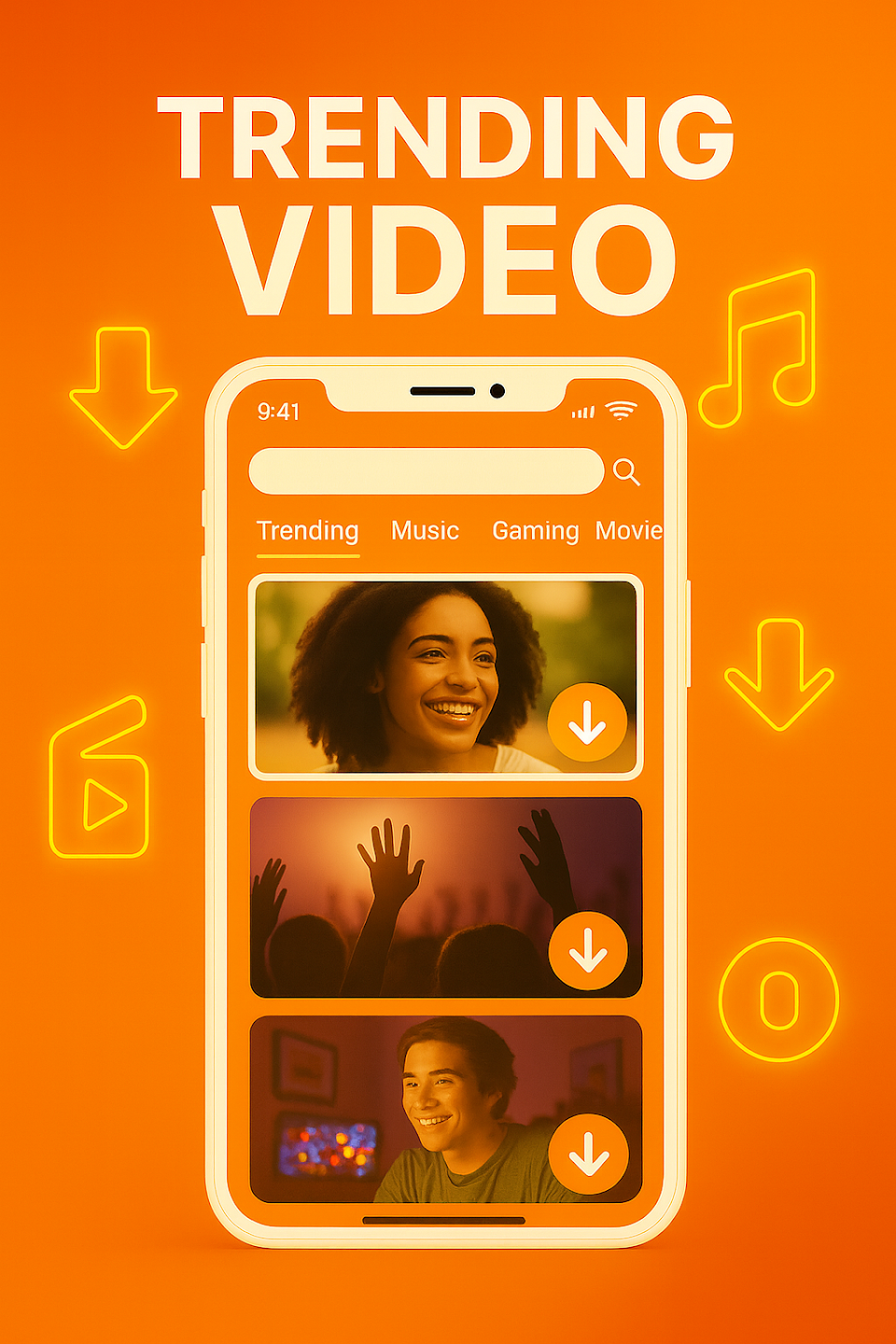
Quick Video Downloads: Paste a link, and Atube Catcher jumps into action—fetching videos from a ton of different sites straight to your Android device.
Download from 50+ Sites: Love discovering content all over the web? This app can snag videos from loads of social networks and platforms, no hassle.
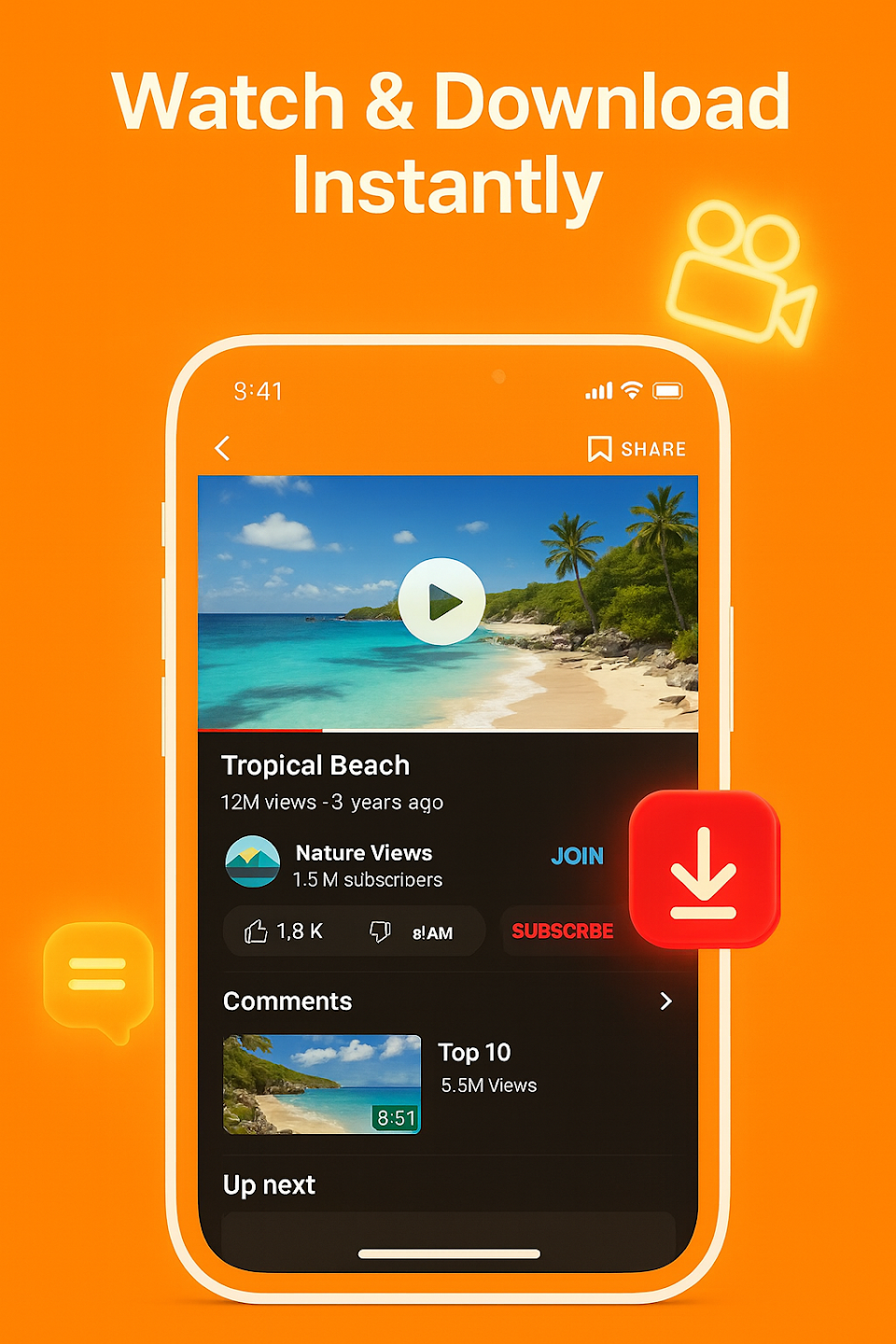
Watch Offline Anytime: No WiFi? Not a problem. Once you’ve downloaded a video, you can watch it offline whenever you want.
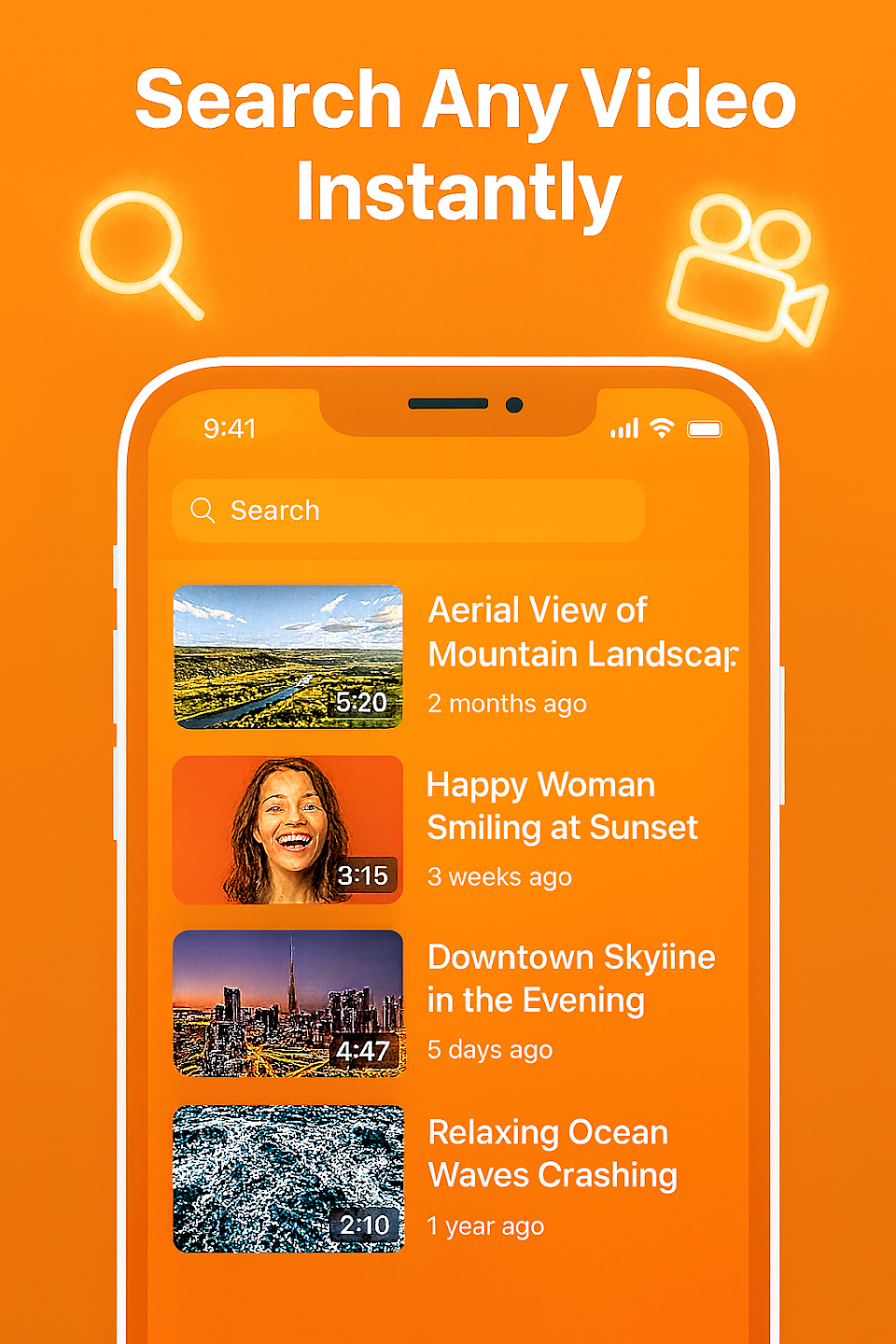
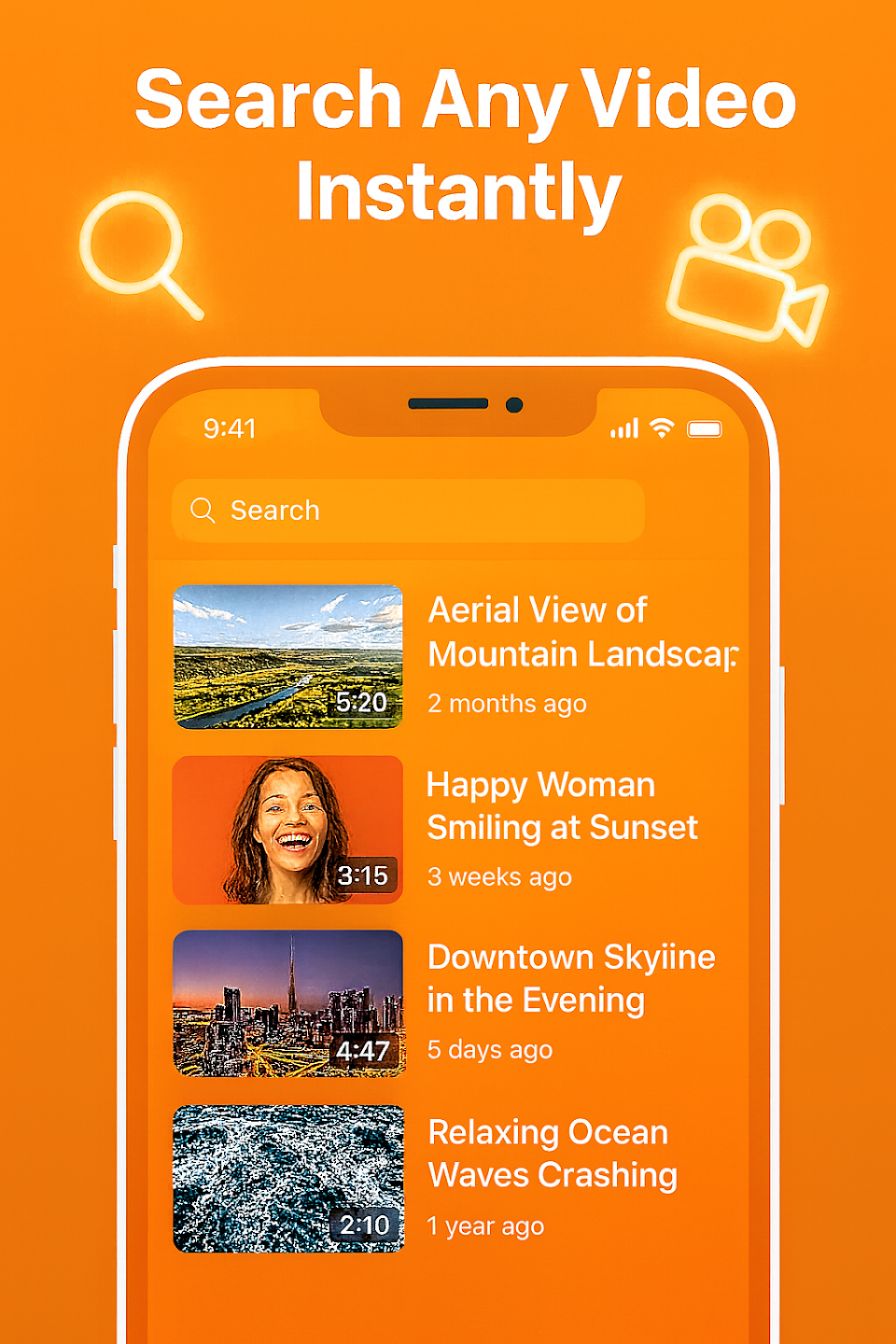
Easy In-App Search: Skip the copy-paste routine. Just type the name of a video or song, watch it in the app, and if you like it, download it on the spot.
One-Tap Sharing: Pulled down something funny or memorable? Share videos right from the app with your friends or family without jumping through hoops.
Multiple Formats and Resolutions: Need your files in MP4, 3GP, or even old-school FLV? Want it in crisp 4K or just a small SD file? Choose from tons of formats and quality levels—even up to 8K.
To get the best results from Atube Catcher APK, a few simple habits can make a big difference. These tips are practical, easy to apply, and help you avoid common issues.
Start by choosing the right format. If you only need audio, go with MP3. It takes up less space and is ideal for music or podcasts. If you want the full experience, MP4 is the better option.
Always check your storage space before downloading large files. Running out of space in the middle of a download can interrupt the process and waste time.
If you are new to the app, try downloading a short file first. This helps you understand how the system works and ensures everything runs smoothly before moving on to larger content.
Keeping your files organized is also important. Rename your downloads or group them into categories so you can find them easily later. Over time, this will save you effort and improve your overall experience.
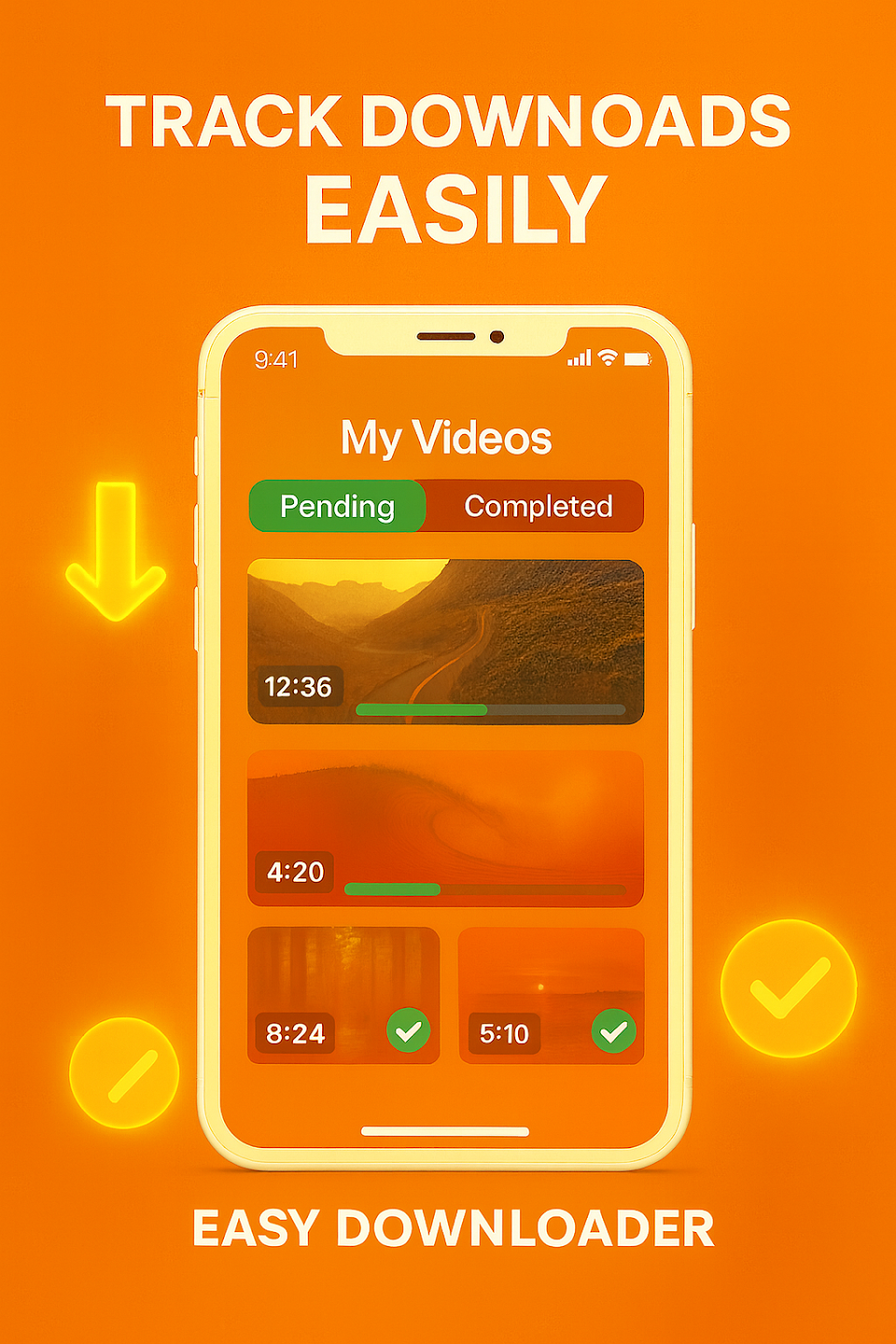
Regardless of whether the goal is to play a movie on a DVD player, view how-to clips on your smartphone, listen to music while driving, or any other media-based activity, a video downloader and converter is certainly worth keeping on the PC for such first-world emergencies.
If aTube Catcher is not already in the top, it should be. This small app packs heavy artillery aimed at video downloading and conversion, putting its diversified features at the disposal of all user groups, beginners and experts alike. While other similar programs with a thinner skill set name their price, aTube Catcher is benevolent and supplies its services free of charge (excluding the setup's advertisements).
Unsurprisingly, the installation procedure is rapid. However, users should pay a little attention when going through the setup stages, as aTube Catcher offers to download and install third-party apps that are not essential for it to run, as well as to make some changes to web browsers. To skip these slightly tricky offers, it is necessary to cancel the first one (“Cancel” button) and decline the second (“Decline”). If previous versions of aTube exist on the computer, the tool can be set to remove them automatically.
A welcome screen with an appearance that perfectly blends in with the Windows 8.1 look presents all major features: video downloads, video conversion, screen capture, video conversion to MP3, video finder, DVD/Blu-ray VCD creator, video resizer, audio recorder, and music.
The program's main frame was never really glamorous, and some users may even argue that it is poorly designed. aTube prefers to focus on the simplicity of a task, regardless of its nature. The downloader, stream catcher, screen recorder, video converter, disc creator, and audio recorder are accessible through separate panels.
As far as supported output file types are concerned, aTube is generous. Popular video formats include 3GP, AVI, MKV, MOV, MP4, RM, VCD, and SVCD (standard NTSC or PAL). Moreover, the tool is able to extract the audio stream and save it to MP3, OGG, WAV, and other types of audio tracks, as well as to prepare the clips for playback on iPad, iPod, Nokia, Wii, Xbox, Zune, and similar devices. The last alternative is to disable conversion altogether, in order to keep the original clip extension.
Is aTube Catcher free to use?
Yes, aTube Catcher is completely free to use.
Can I convert videos to audio formats using aTube Catcher?
Yes, aTube Catcher allows users to convert videos to audio files in formats such as MP3, WAV, and WMA.
Are there any restrictions on how many videos I can download using aTube Catcher?
No, there are no restrictions on how many videos you can download using aTube Catcher.
Does aTube Catcher support batch downloading?
Yes, aTube Catcher supports batch downloading, allowing users to download multiple videos at once.
Can I use aTube Catcher to record my screen?
Yes, aTube Catcher includes a screen recorder feature that allows users to record their computer screens.
Atube Catcher suits people who want a basic media downloader on Android and prefer simple controls over a complicated interface. It is most useful for users who save music, short videos, or clips for offline use and want format options in the same app. It makes the most sense for people who value convenience and are comfortable checking app credibility before installing.
Size:2.3MB Version:1.8
Requirements:Android Votes:226
Package Name:dev.atu2_be.cat2_cher Signature:09d340c4e694816cfbfb359f81696959ef0122b0
Does the world need one more app for social media? That was one of the main things that the founders of the startup thought about when they came up with the idea to create a social media app. Threads has apparently answered with a resounding “yes.” In just one hour, the Meta app gained one million users, making it the winner of this competition of social media apps. The “Threads case” is different, you might say. And I agree. Since they already had Instagram users, that gave them an edge that other apps do not have. And finally, is it still worth it to start from scratch and make a social media app when you do not have Instagram to watch your back? Yes, that is the clear answer. Today I am going to discuss why social media app development is worth your time and money. Also, I will cover steps, costs, features, and other aspects.
With the advancement of technology, downloading videos on Android devices is no longer time-consuming. The Android universe is now infested with hundreds of apps for video download in Android that can download HD videos from a slew of video-sharing and streaming sites like YouTube with the swipe of a finger. However, the majority of these apps may contain adware and other unwanted software! As a result, if you’re looking for a good list of the best free Video Downloader Apps for Android. That is completely safe; this is the place to be!
A truly outstanding movie is not just about an engaging plot-it also requires seamless transitions between scenes. When these transitions are natural and fluid, they help the audience stay immersed in the story without feeling disconnected. The same principle applies to video games. Games that ensure smooth, uninterrupted gameplay, whether through well-designed animations, intuitive controls, or seamless scene changes, create a more immersive and enjoyable experience for players. A game that flows effortlessly from one moment to the next demonstrates a level of craftsmanship that deserves recognition and admiration.
About us | Contact us | Privacy policy| DMCA
Copyright © 2026 Xiaohei All rights reserved.