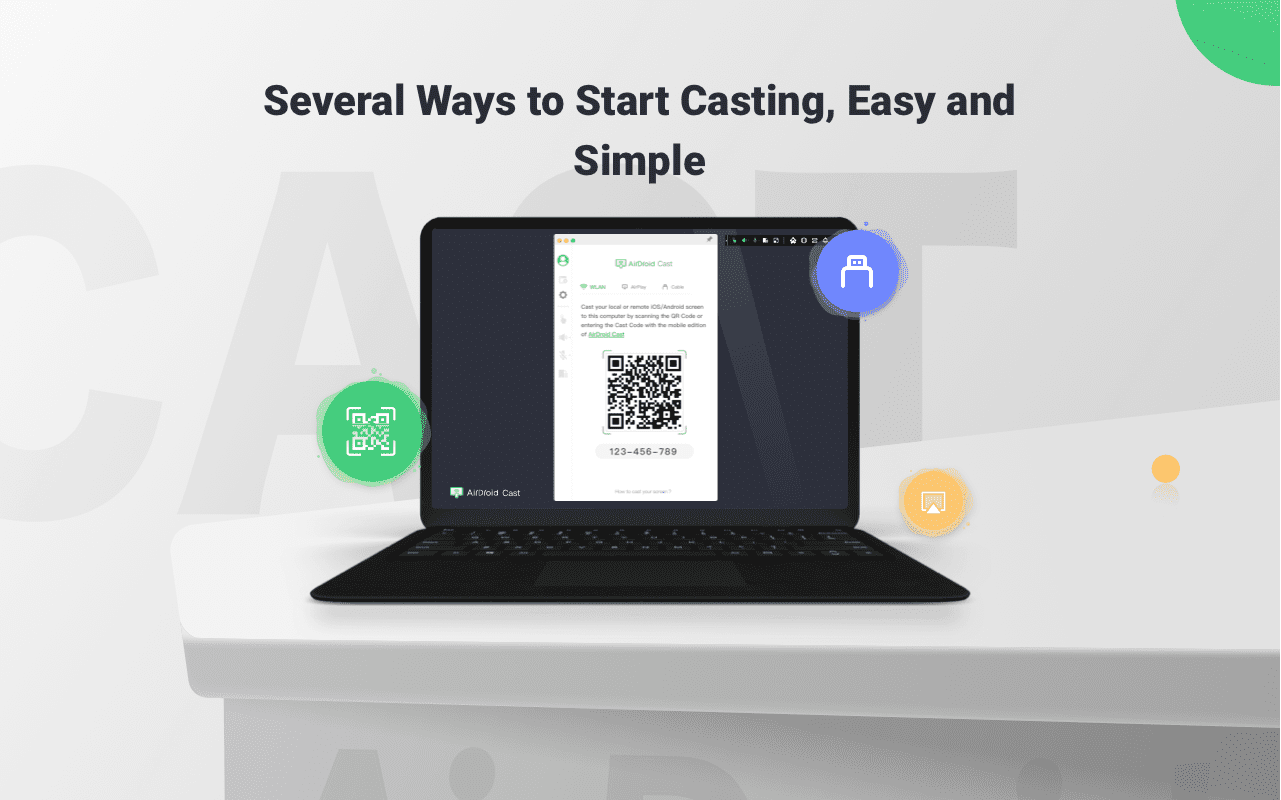
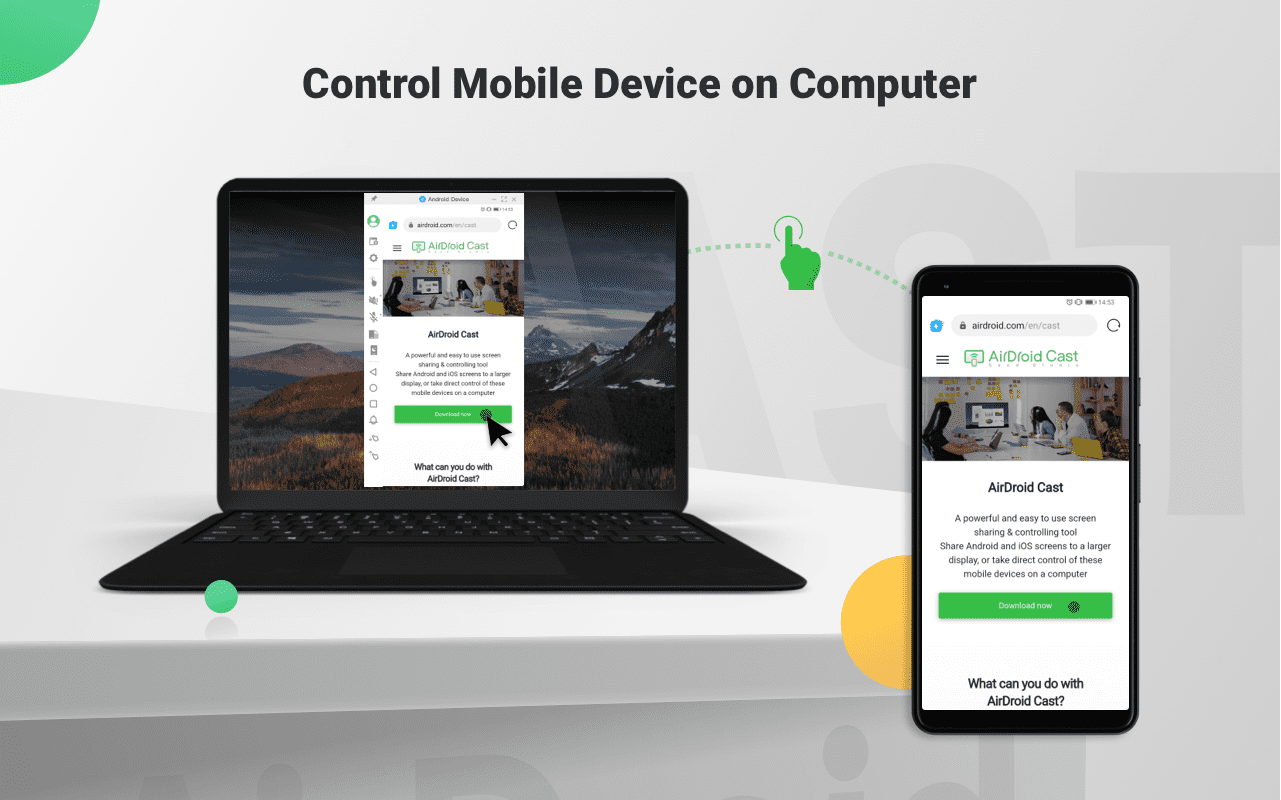
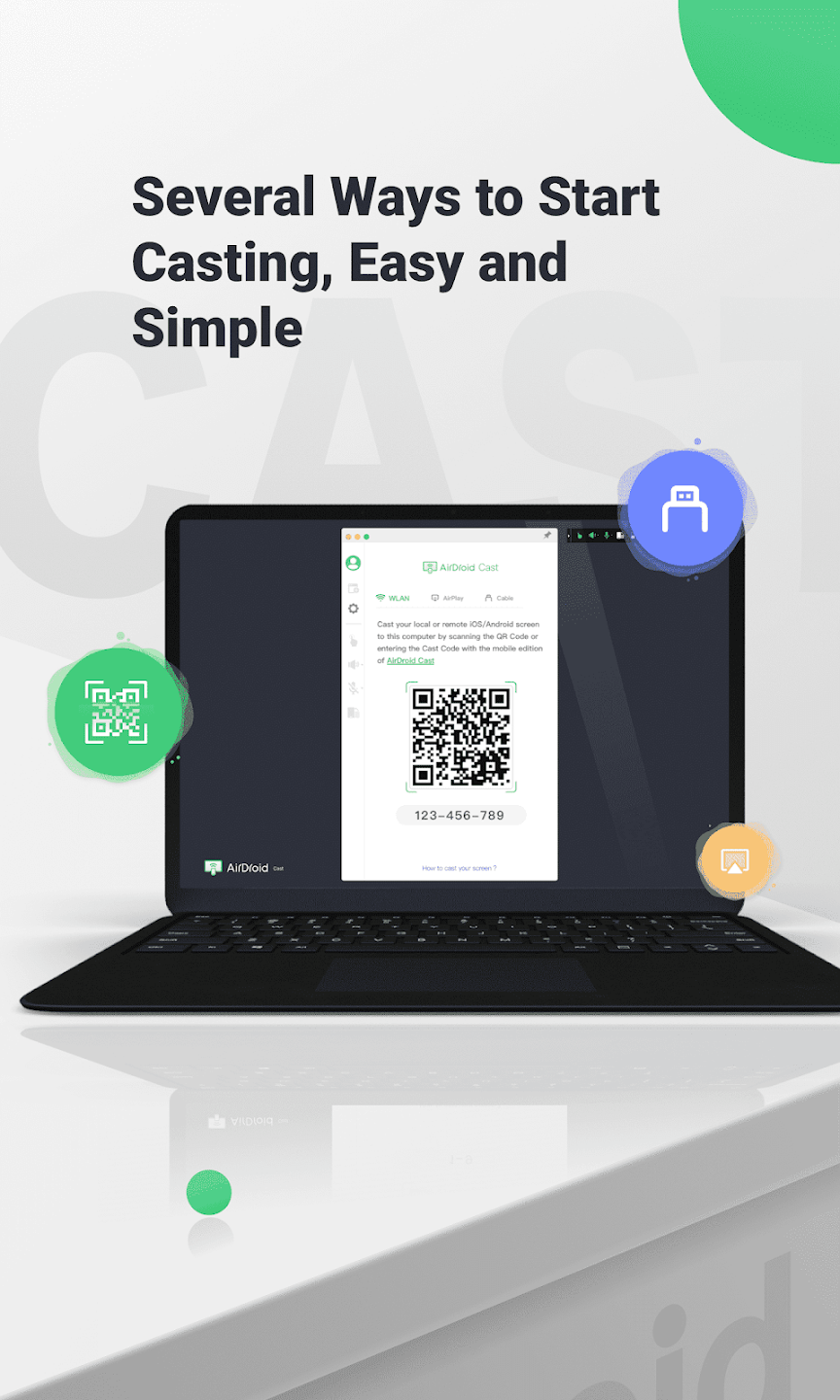
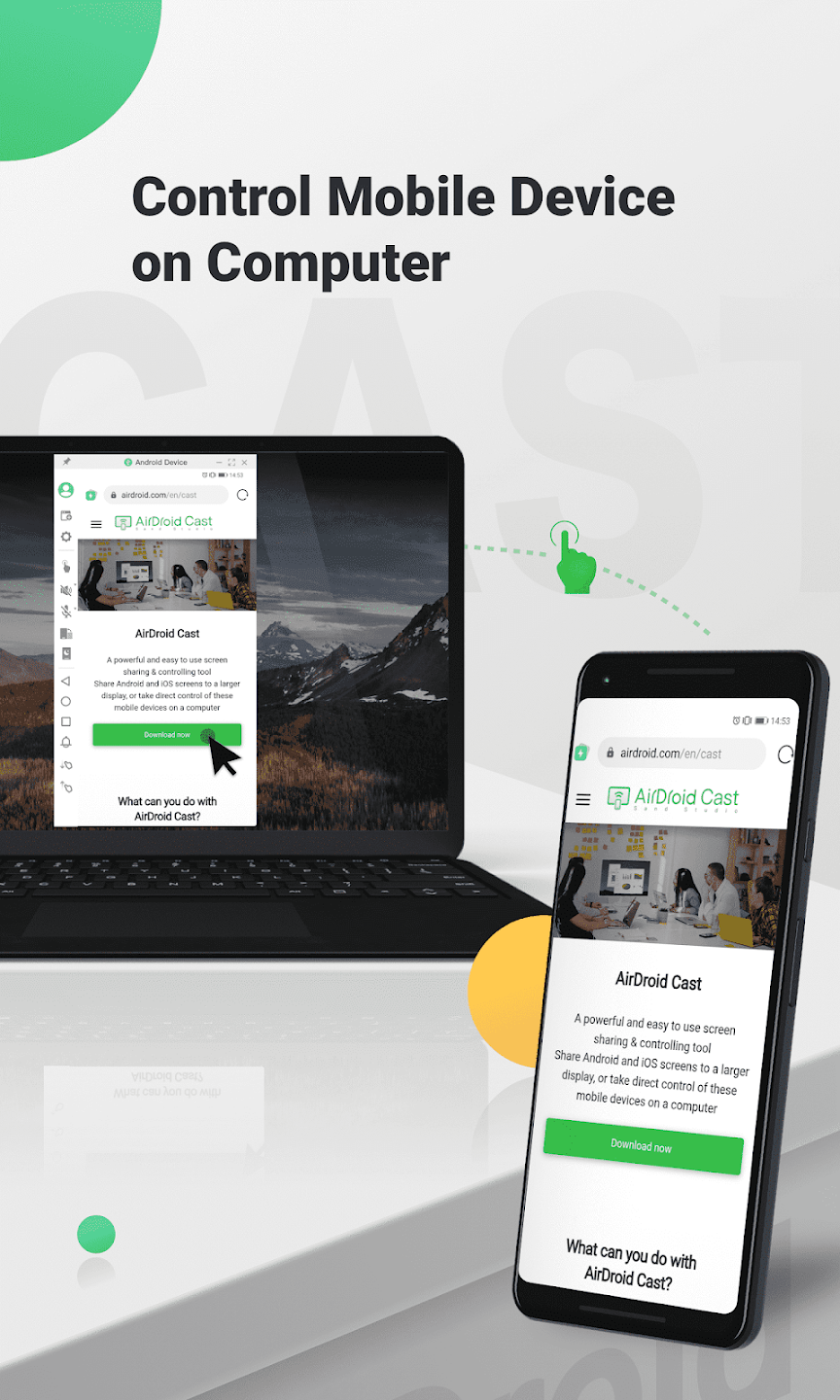
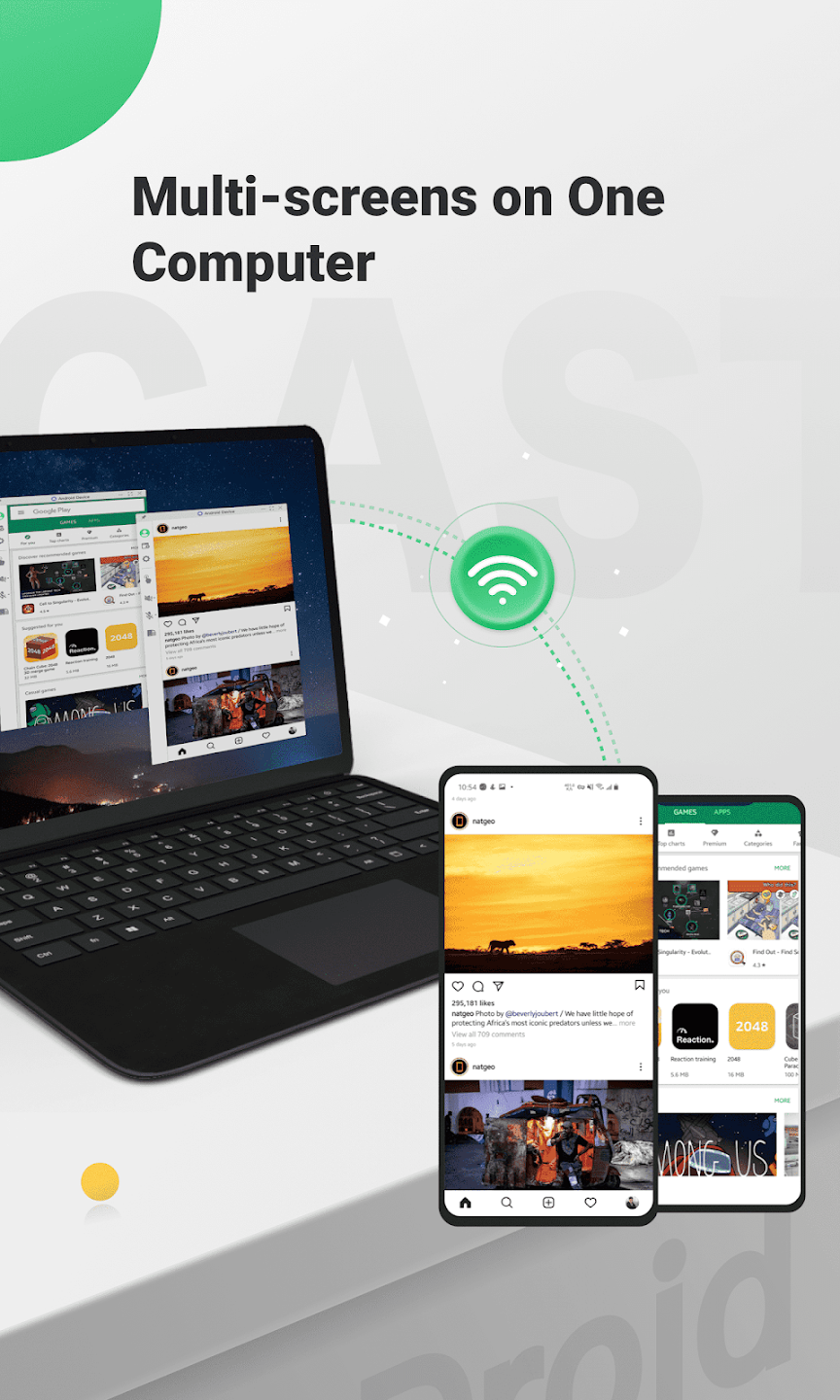
AirDroid Cast is a convenient and easy-to-use screen sharing and control tool. Users can cast their mobile phone screen and audio to their PC via QR code, USB cable, or casting code, facilitating communication and improving work efficiency. The software supports projecting the screens of up to five devices onto the same device simultaneously, easily enabling various presentations, speeches, and even live streaming, meeting diverse user needs. Of course, security is paramount. The software protects user accounts and screen security in real time, so please use it with confidence.
Remote Meeting: When you are on a business trip or working from home, AirDroid Cast can help bridge the communication gap in a remote meeting. By scanning the QR code or entering the Cast Code, the meeting attendees can easily share their screens with the meeting host. Each attendee can directly draw and show his/her idea, using the two-way audio feature to make the communication more effective.
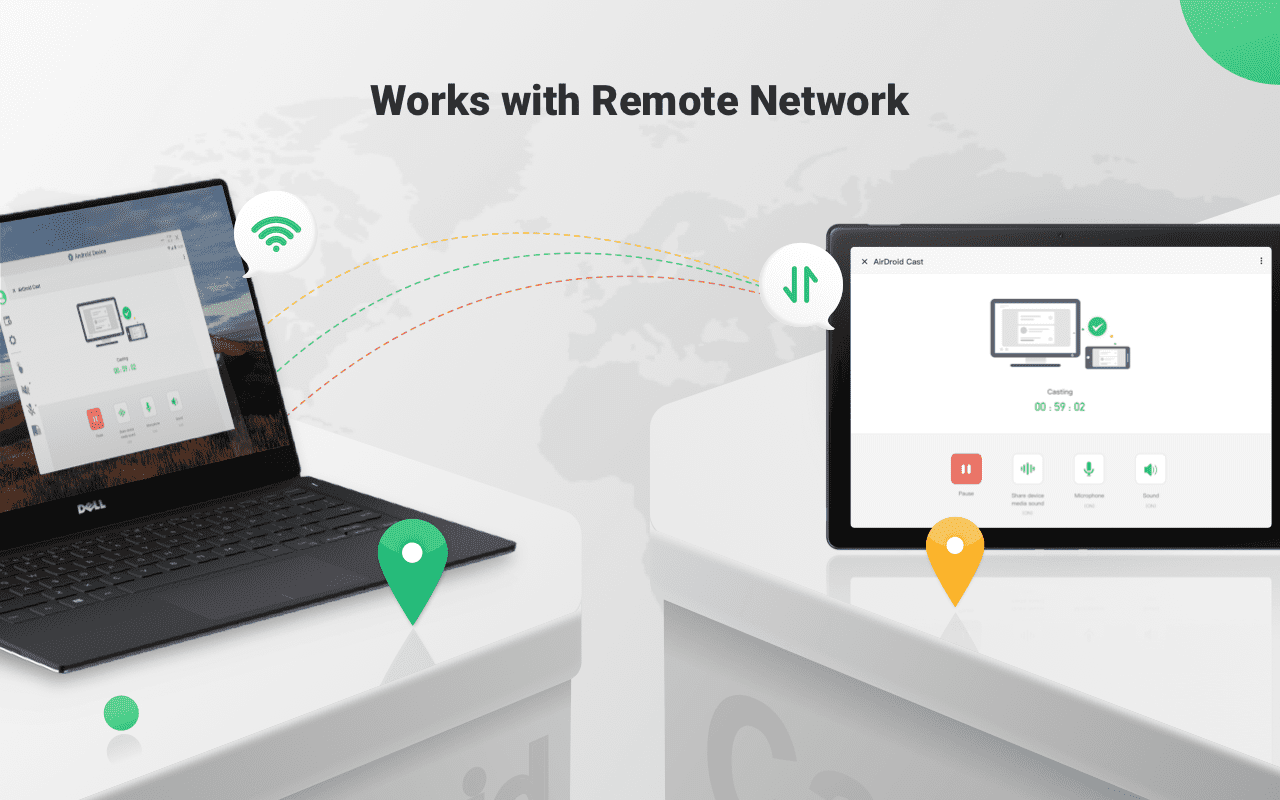
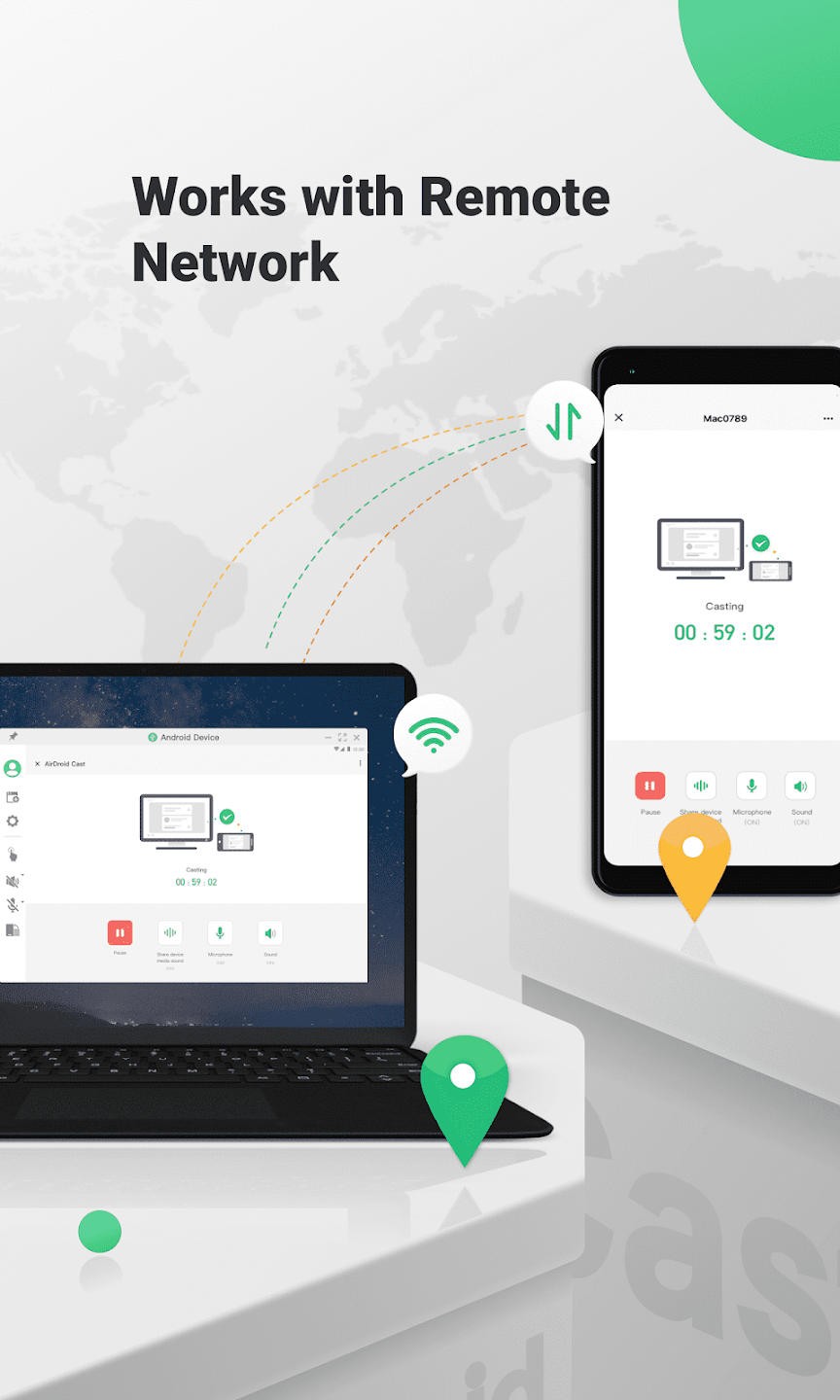
Works with Remote Network: All features of AirDroid Cast are available under the local area network. As a Premium user, network type will not be limited; AirDroid Cast works even under the remote network.
Online Presentation: You can nail in-house meetings, training, or product demonstration with AirDroid Cast. It enables you to share your screen to the computer whether the devices are under the same local area network. AirDroid Cast also supports AirPlay, allowing you to share iOS device screens to Windows or Mac computers.
Online Teaching: As an instructor, you can turn your Android or iOS device into a handy whiteboard by using AirDroid Cast. You can type down key points or draw the formula right onto your device. In addition, you can get your students' feedback right away using the two-way audio feature.
Game-streaming: Share your screen on PC by connecting with cable or WiFi. In this way, your fans can enjoy watching the live game streams. And, AirDroid Cast supports up to 5 devices casting at the same time, your friends can join you and show their skills with you.
This worked great! Took less than 30 seconds from start of downloading app on both devices and the casting! I wanted to view my phone to my tablet I just googled how to cast phone to tablet. Tried the first app that showed up.. And it worked instantly by just scanning the QR code on the tablet with my phone. Make sure you share the audio to device as well or you want hear the video or whatever your playing.. So glad this popped up first!
I needed a solution to film on my Samsung A55 5g using the main camera on a tripod and to be able to see the camera view. found this as a solution and mirrored to an old oppo 2020 phone. Works perfect. Thank you, solved a problem for me today.
I've been needing this forever. I only have hotspot WIFI, so I've always connected my phone to my TV with an HDMI adaptor to watch streaming channels. It's effective, but having to lean over and peck at my phone to control what's on TV was irritating. Now I can use my mouse! I CAN "link to Windows", but that presumes that I have any hotspot data left. You have to buy premium for USB casting, but at $29.99 per YEAR, it's not a problem at all.
Awesome, convenient, great, useful, easy to use and to understand, the down side is that you'll have to upgrade to transfer large amount of data at once but other than that is good. I needed it only once for a small job I needed to transfer about 1,000 pictures Wich is not a lot but it kept asking me to upgrade every time I uploaded 5 pictures at a time, I mean I would've pay for the upgrade but I was going to use it once and it was for a nonprofit organization, if I ever need it again I'll pay!
Is AirDroid Cast safe?
AirDroid Cast's remote service uses p2p (peer-to-peer) direct connection technology. The transmission is solely done between clients without going through a relay server. The transmission goes through the relay server only when the client fails to connect via the p2p channel due to network limitations. The content is encrypted using end-to-end AES encryption to ensure the safety of the transmission. Our server doesn't store any of your transmitted data and content to ensure user privacy.
AirDroid Cast can’t be opened on macOS computer, what should I do?
Please try the following steps and check if the problem solved:
Go to macOS System Preferences,
Click on Security & Privacy > General,
Under Allow apps to be downloaded from, select App Store and identified developers.
How to improve the stability of the device connection on AirDroid Cast?
To improve the stability of the connection and adjust the display quality, you can:
Make sure the network between two devices (mobile phone) is smooth and trouble-free.
Charge and keep your mobile device screen is on while casting the screen.
Try to turn off the "auto-sleep" of your mobile device.
Allow AirDroid Cast to run in the background of the device (recommended).
How many devices can I connect at a time via USB cable while using AirDroid Cast?
You can connect up to 1 Android and 1 iOS device at the same time when you use the AirDroid Cast Cable feature.
How to keep AirDroid Cast running in the background on mobile devices?
To keep AirDroid Cast running in the background on mobile devices, you can:
Keep WLAN Always on during sleep.
Turn on "Run in background" (or add AirDroid Cast to the allow list of Cleanup).
Turn off "Power saving mode" and disable "Battery optimization".
Lock AirDroid Cast on Task Manager or Recent Apps.
AirDroid Cas is a powerful and user-friendly screen-sharing and controlling tool that enhances productivity and collaboration during remote interactions. Its ability to bridge the gap between mobile devices and computers, along with its multiple features and compatibility with various network environments, makes it an invaluable asset for individuals and businesses seeking efficient and effective remote communication and collaboration solutions.
Size:27.1MB Version:1.1.8.1
Requirements:Android Votes:526
Package Name:com.sand.aircast Signature:45819d7212130ab8b7a8f35da0d43843d924b09e
Transform your mobile device into a powerhouse of efficiency with these handpicked essential tools. Whether you need professional-grade photo editing, seamless file organization, smart task management, or real-time weather updates, our curated selection of premium apps delivers unbeatable performance. Streamline your daily routine, automate repetitive tasks, and boost your productivity with intuitive interfaces and powerful features. Designed for both professionals and casual users, these editor-approved applications will revolutionize how you work and play. Don't settle for an ordinary phone - upgrade your digital experience today and unlock your device's full potential!
With the development of mobile hardware and software, many practical tool software have emerged, covering a wide range of aspects and becoming a good helper for everyone in work and life. Today, the editor provides you with a list of useful tool software downloads. These tools are not particularly complex types, and after reading them, everyone can quickly learn how to use them. Proper use can bring great convenience to life and work.
About us | Contact us | Privacy policy| DMCA
Copyright © 2026 Xiaohei All rights reserved.