YouTube Downloader is a comprehensive video tool. This application offers a user-friendly interface and a wealth of tools, allowing users to directly download YouTube videos to their devices for viewing anytime, anywhere, without consuming excessive data. With YouTube Downloader, you can browse various videos and download those you're interested in. Simply search for videos by format and click the download button. Furthermore, this application offers multiple download formats and qualities, allowing you to choose the right download format for your needs.
Easy to download videos.
Watch offline anytime.
Save mobile data by not streaming again and again.
Choose video quality for downloading.
Share downloaded videos with friends without internet use.
Free to install on Android phones.
This allows you to view your videos at a later time without having to use up data by watching them on YouTube. It's also useful if you want to ensure that you can access videos you may need even if you're in an area without a reliable Internet connection.
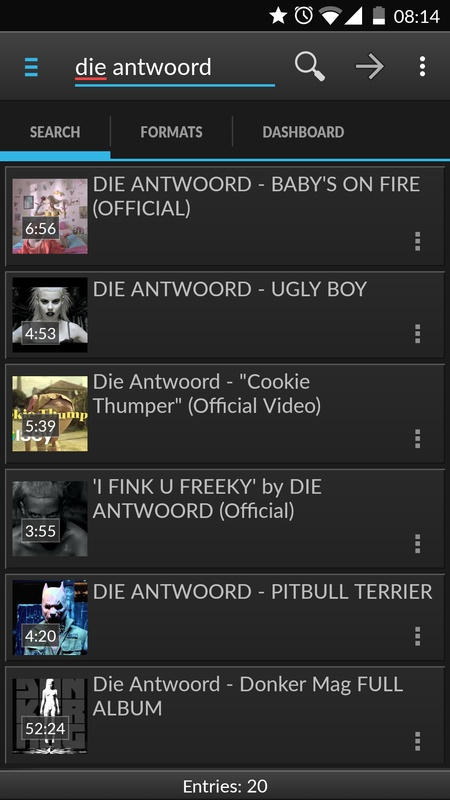
The layout of the app is simple, which makes downloading videos very straightforward. You Tube Downloader for Android is divided into three tabs. The first one lets you search for the specific YouTube videos you want to download.
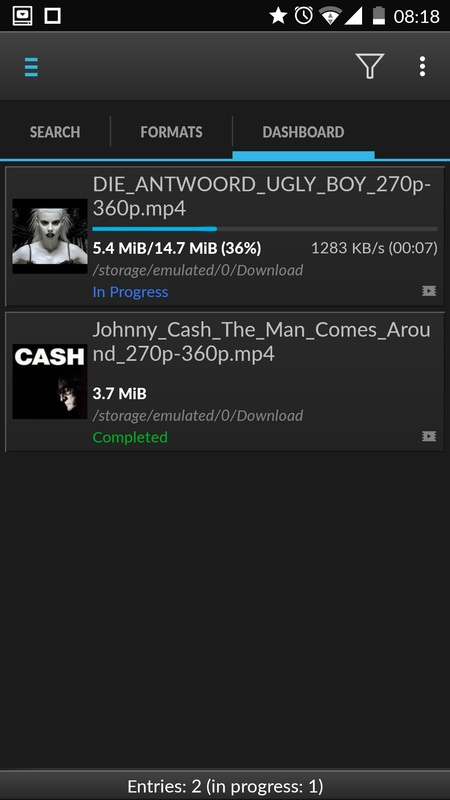
The second one provides you with a few options, such as selecting the video quality, if available, as well as giving you the ability to convert videos to MP3 songs. On the third tab, you can see your history, making it easy to keep track of the videos you've already downloaded.
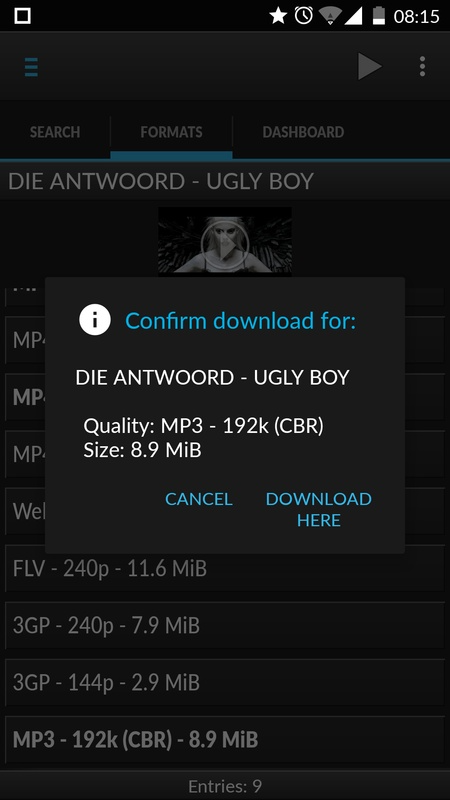
Manage files via long press actions in the dashboard.
Copy a download link or pass it to other apps.
Filter video lists by format or quality using the side menu.
Adjust preferences to match your usage.
Start a remote download on another PC via SSH when required.
Pros
Lets you save any video from YouTube.
Simple and clean user interface.
Allows you to convert videos to MP3 automatically.
Cons
App sometimes fails to connect, requiring several retries before downloading.
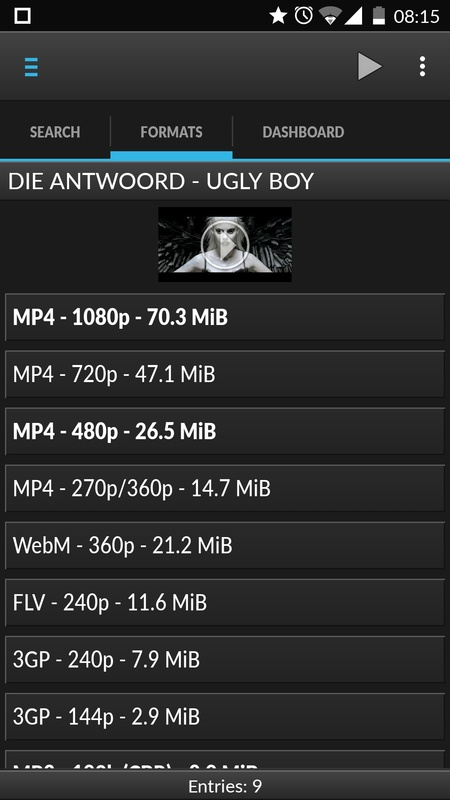
You Tube Downloader is an excellent app for downloading music and videos from Android operating systems. Its main asset and what has made it a leader in the field since its first version appeared in 2012 is its simplicity and effectiveness. Once installed, there is no need to configure anything— in under a minute, you can download almost any video from the Internet to the memory of your Android device. Thanks to this app, you can enjoy any online multimedia content offline.
Size:21.9MB Version:9.0
Requirements:Android Votes:170
Package Name:dentex.youtube.downloader Signature:d7d9fa972c44efc3b47ebf56a9abac0050f3a3ea
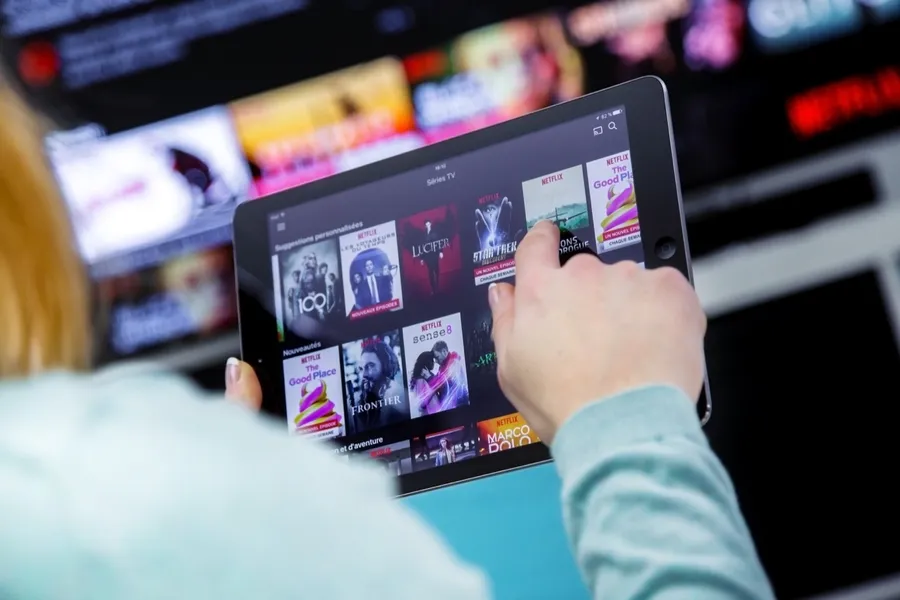
Today, many popular movie streaming apps like Netflix, Disney+, and Hulu have reached millions of viewers. And they have done this without relying heavily on additional promotions. People no longer need to stick to some random, specific TV schedules to enjoy their favorite shows and movies. Thanks to the internet, viewers can easily find new and entertaining content without any hassle. Not to mention, the leading movie streaming solution like Netflix has become incredibly popular because they understand and cater to audience preferences worldwide.
Media player with multimedia capabilities is one of the important features in today’s smartphones. Most of the video content is consumed on smart devices and viewers continue their tasks like sending emails, surfing apps keeping the video playback on through Picture-in-Picture mode. Playing audio/video on an Android app has become a basic function with android video players becoming more and more customizable. Some of the best video players for Android offer multi format support, easy customizations, hardware acceleration, subtitle support and much more. In this blog, we have compared the best video player for Android based on speed, battery consumption, streaming capabilities, resource usage and more.
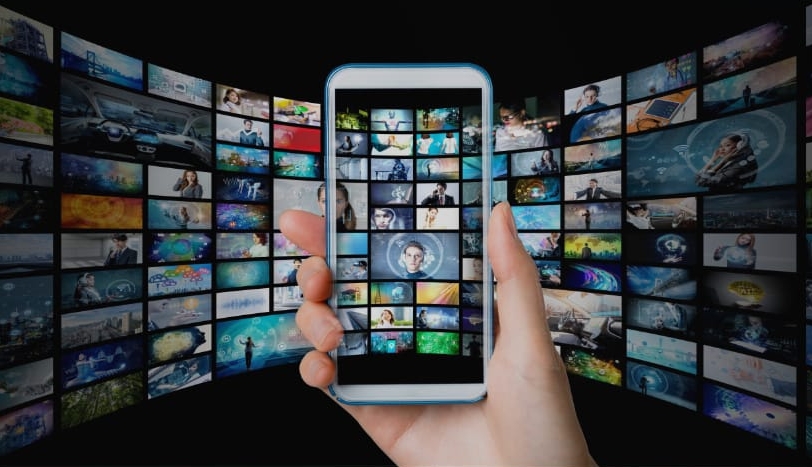
The software boasts a sleek, user-friendly interface designed for effortless navigation, enabling seamless browsing and quick searches across a diverse range of video content. Its extensive library is continuously updated with the newest releases, including blockbuster movies, trending TV series, entertaining variety shows, captivating animations, and insightful documentaries. With this ever-expanding collection, users can enjoy high-quality, up-to-date entertainment anytime and anywhere, catering to all tastes and preferences.
About us | Contact us | Privacy policy| DMCA
Copyright © 2026 Xiaohei All rights reserved.