Redfinger Cloud Emulator is an emulator software designed specifically for Android devices. Users can directly run PC software and games on their Android devices, allowing them to maintain game time and AFK performance while ensuring smooth gameplay and security, providing a comfortable user experience. The software is not only small in size but also includes a built-in app store; users can easily find content of interest by using keywords or browsing popular rankings and download it to their devices with a single click. The software supports virtual account functionality, allowing users to log in to different accounts within the same application simultaneously, thereby improving work efficiency.
24/7 cloud gaming and app running: Redfinger Cloud Emulator keeps apps and games active at all times, even if your local device loses power or network. Sessions continue in the cloud, so progress and automation do not stop when you close the app. You can reconnect from another device and pick up instantly.
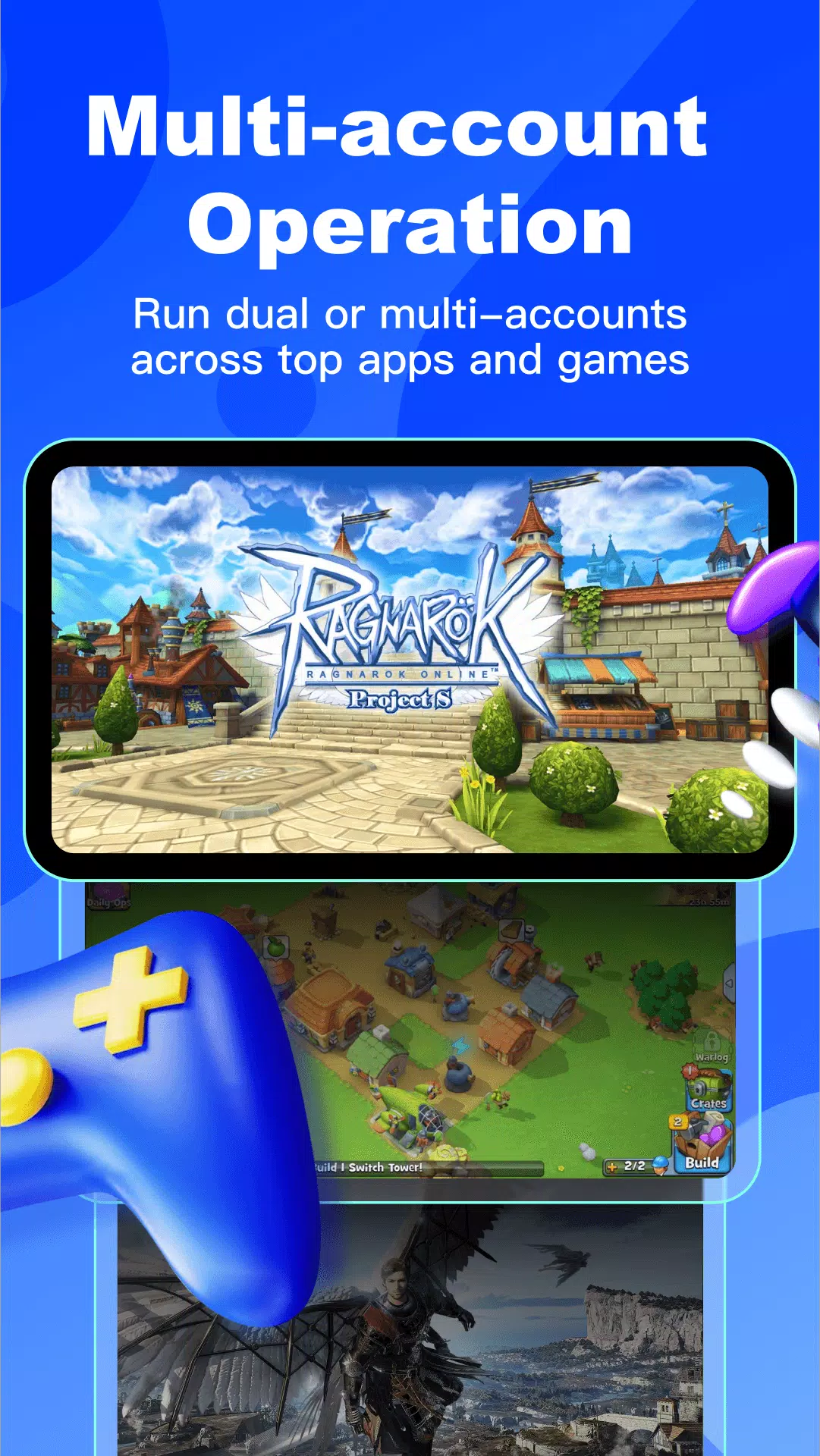
Manage many accounts with batch control: Redfinger Cloud Emulator supports multiple cloud phones in parallel for gaming, marketing, or studio work. You can apply batch actions such as reboot, scheduled reboot, app installation, and file upload to streamline repeated tasks. This helps scale from a few instances to large setups while keeping control simple.
Cross platform access and quick switching: Use Redfinger Cloud Emulator on Android, iOS, Windows, and macOS with the same account. You can switch devices to check your cloud phone without manual syncing. Data and sessions stay in the cloud, so the handoff between devices remains quick and consistent.
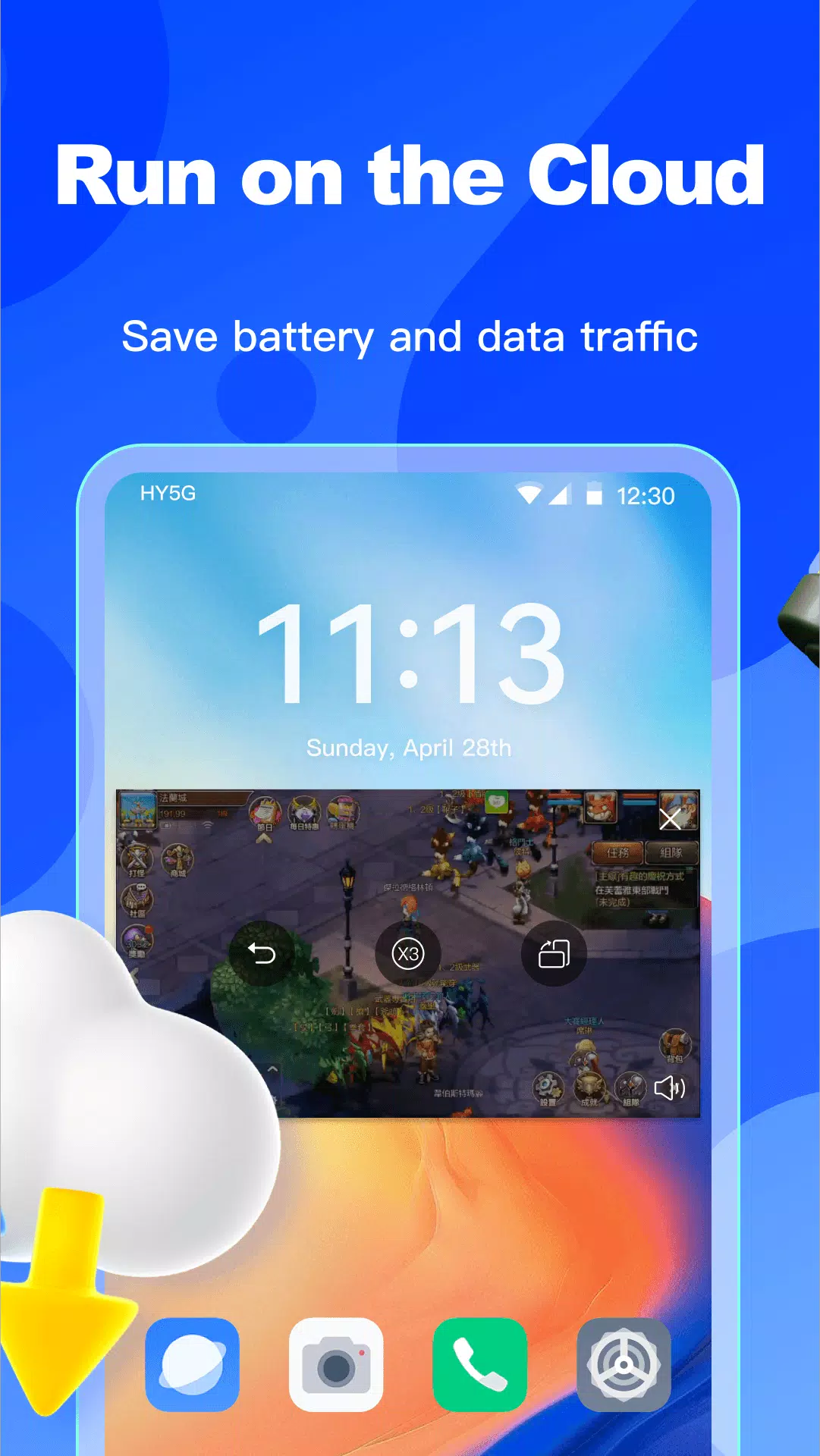
Cloud execution for security and zero local strain: Apps and games run on remote servers, not on your phone. This keeps local battery, storage, and data usage minimal. Your content stays in the Redfinger cloud phone, which reduces exposure on the physical device you use to connect.
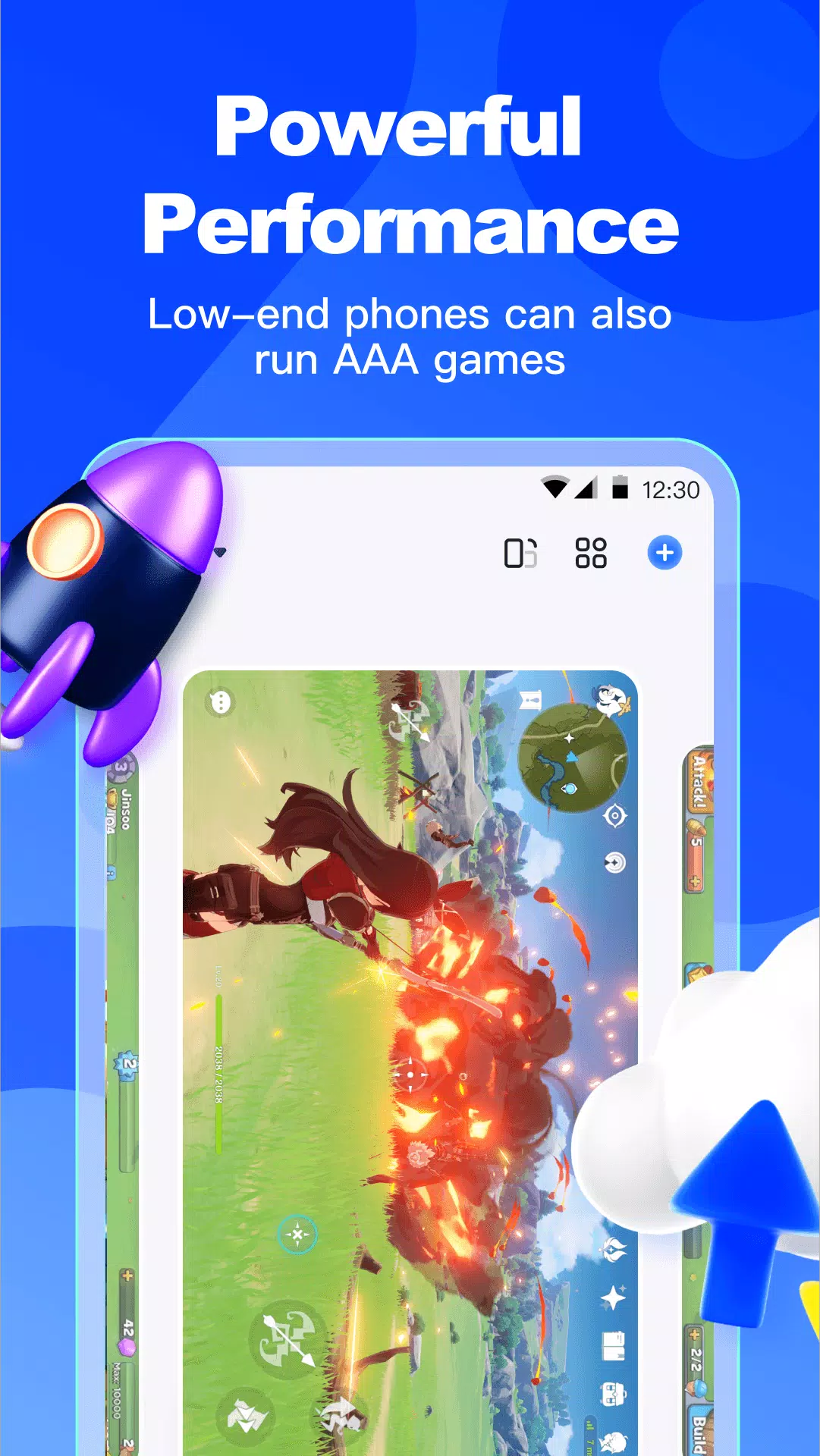
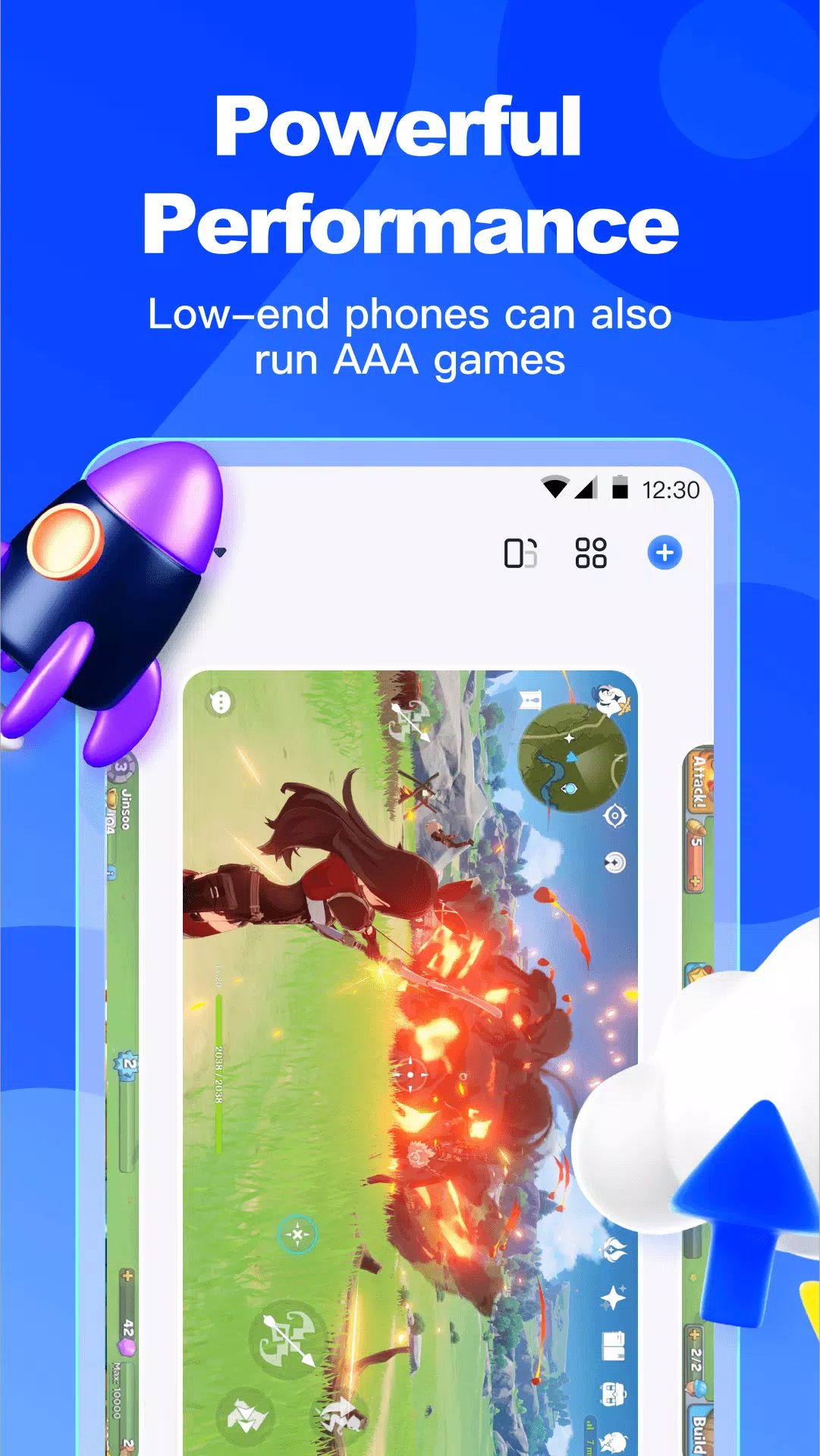
Run heavy apps on low end hardware: Redfinger Cloud Emulator delivers high performance from the cloud, helping large games and tools run smoothly. Boot times are fast and switching between apps is responsive. As an Android cloud emulator, it also frees local storage and memory for other needs.
Cloud Android platforms like Redfinger Cloud Emulator offer incredible flexibility, allowing you to run a virtual Android device remotely without consuming your local hardware resources. However, like any cloud-based service, the experience can sometimes be affected by "lag" – a delay between your input and the cloud phone's response. This can manifest as choppy visuals, delayed button presses, or slow app loading.
Use a wired Ethernet connection instead of Wi-Fi for maximum stability.
Ensure your internet speed meets or exceeds Redfinger Cloud Emulator's recommended bandwidth.
Select the Redfinger server region closest to your physical location to reduce ping.
Adjust Redfinger's display resolution and frame rate to match your network capabilities.
Ensure your local device's graphics drivers are up-to-date for optimal rendering.
Close unnecessary applications running in the background on your local computer or phone.

I honestly don't understand why some people are giving this app 1 star My experience has been really good. It's fast, smooth, and doesn't lag It's great for running multiple accounts and staying AFK in games without any issues. So far, it's been reliable and does exactly what it's supposed to do. Definitely worth trying before judging it based on the low ratings.
My 3-day plan just ended, so I bought a 7-day package this time. During those 3 days, I encountered some problems. When I left it running at night and woke up, I found out that my Roblox had disconnected. It's really frustrating because it wasted my time. I hope I don't encounter that issue again, so please help me focus on solving that specific problem. Also, one time it didn't disconnect, but when I checked it, the cloud phone was on the Play Store even though I left it running Roblox.
after using this app for 20+ days, it awsome, some tiny errors throughout the time, but besides that pretty good, some things I would change is the fact it can't go horizontal, j have to use an app for that, and it is laggy, not that the phone is laggy but more like the wifi, besides that its good.
im sorry ok but please make the screen full screening. and remove the bubble the wifi thingy. it will make it better make the settings. **the other settings for how you want to run the vm.** in an app inside the vm and thanks for viewing my feedback unlike other developers im happy. And if you want to know what i mean download virtual master. you will understand what i mean.
What is the price of the Redfinger Cloud Emulator?
Detailed price information can be found following logging in Redfinger.
Can I have multiple cloud phones with same account?
Yes, We support purchasing multiple cloud phones under the same account. Each cloud phone needs to be paid separately.
How to select the Cloud phone server?
We recommend you choose a server that is close to you depending on your location.
How does the package of the purchased cloud phone calculate the time?
Time will add. For example, if the device has 10 days left to expire and you purchase the 30-day package, the remaining time to expire will be 40 days.
The cloud phone has expired, can I return to the cloud phone I was using before?
Sorry, it cannot. After the cloud phone expires, the system will automatically recycle the device and clear data, if you want to continue to use the cloud phone, please buy a new cloud phone.
What is cloud phone authorization?
You can authorize an account or create an authorization ID to allow others to use your device but cannot renew it.
Can I transfer my cloud phone to another account for use?
The Cloud Phone is not available for transfer to other accounts, only for authorization.
With its 24/7 gaming, unlimited time, and powerful features,Redfinger Cloud Emulator is a must-have app for anyone who loves technology. So why wait? Download Redfinger Cloud Emulator today and explore a whole new world of possibilities!
Size:93.7MB Version:1.9.14.54
Requirements:Android Votes:94
Package Name:com.redfinger.global.agent1 Signature:846f71cd264934872d064d2856db0d89

Utility apps are indispensable in our lives, making our daily routines more convenient. To help you find these apps more easily, this site has created a collection. This collection brings together a series of practical tools covering various aspects of life, work, and education, meeting all your needs. What are you waiting for? Try these apps now and make your life easier!
Transform your mobile device into a powerhouse of efficiency with these handpicked essential tools. Whether you need professional-grade photo editing, seamless file organization, smart task management, or real-time weather updates, our curated selection of premium apps delivers unbeatable performance. Streamline your daily routine, automate repetitive tasks, and boost your productivity with intuitive interfaces and powerful features. Designed for both professionals and casual users, these editor-approved applications will revolutionize how you work and play. Don't settle for an ordinary phone - upgrade your digital experience today and unlock your device's full potential!
About us | Contact us | Privacy policy| DMCA
Copyright © 2026 Xiaohei All rights reserved.