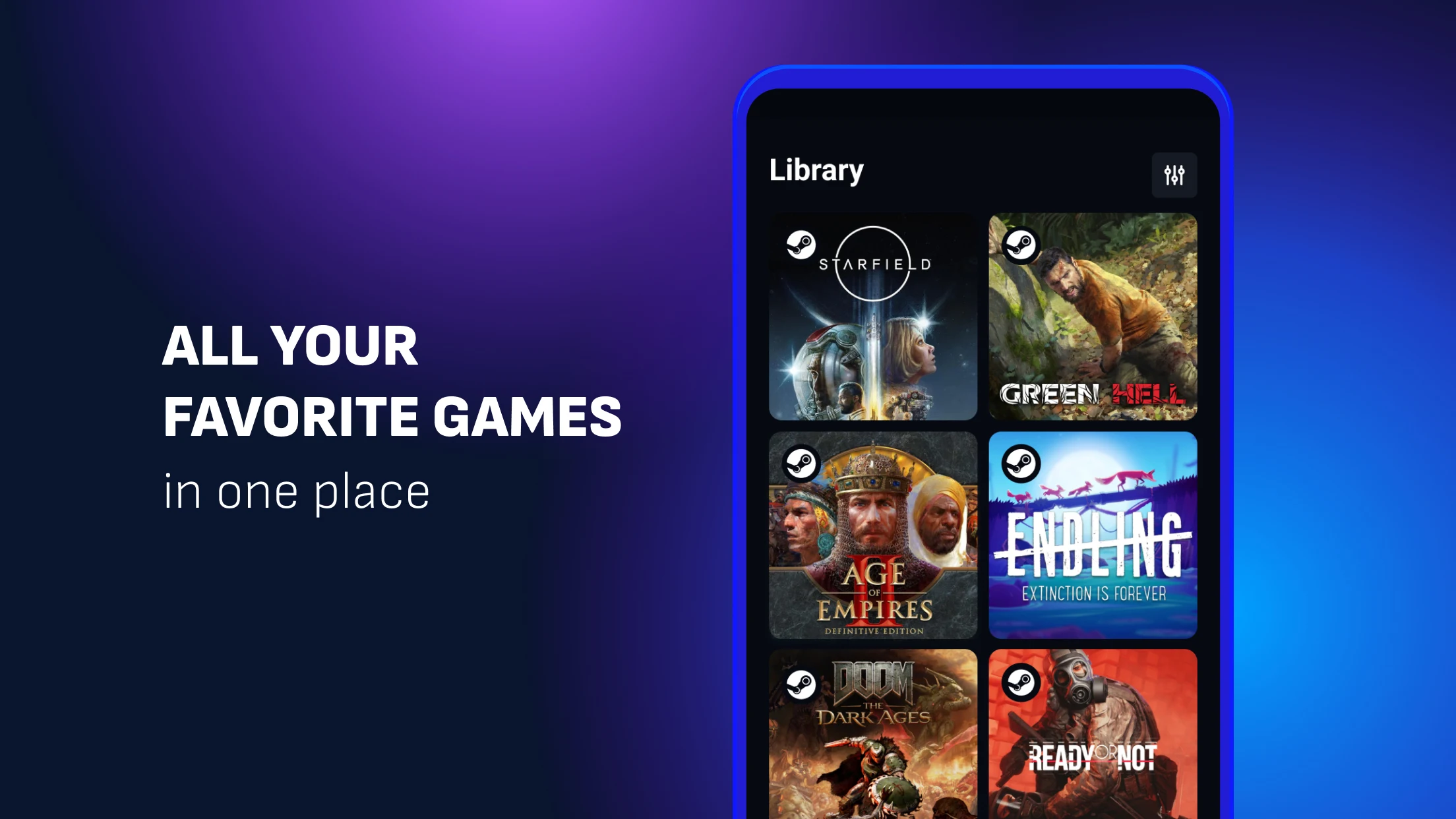
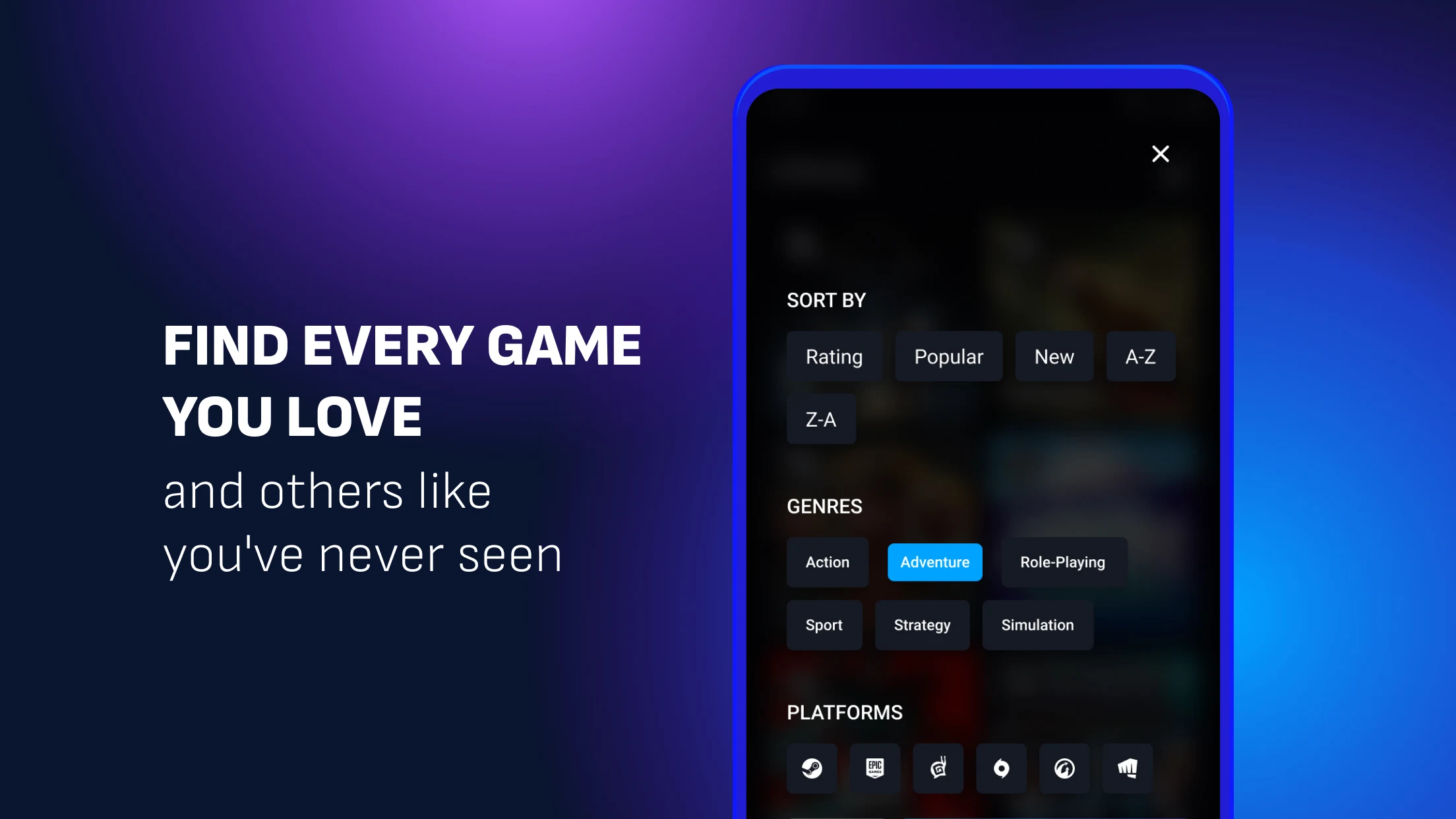
Boosteroid is a user-friendly cloud gaming platform that allows users to easily play various popular games on their mobile devices without downloading hundreds of gigabytes of installation packages. With network acceleration, users can enjoy smooth and stable frame rates and image quality, providing a comfortable gaming experience. Users can log in to their accounts on different devices, seamlessly integrating their game library and previous game progress, allowing them to play anytime, anywhere. The software supports extensive customization options, allowing users to connect game controllers and customize their button layout and sensitivity to achieve the perfect gaming feel.
Access a vast library of games without downloads: One of the key benefits is the ability to seamlessly switch between different devices while preserving your in-game progress. This feature ensures that you can continue your sessions on another device with ease, maintaining a consistent and enjoyable experience.
Seamlessly switch between devices: The platform offers no restrictions on session times, providing 24/7 access to Full HD gaming and a comprehensive library of games. This always-on accessibility ensures that gamers can delve into their favorite titles whenever inspiration strikes.
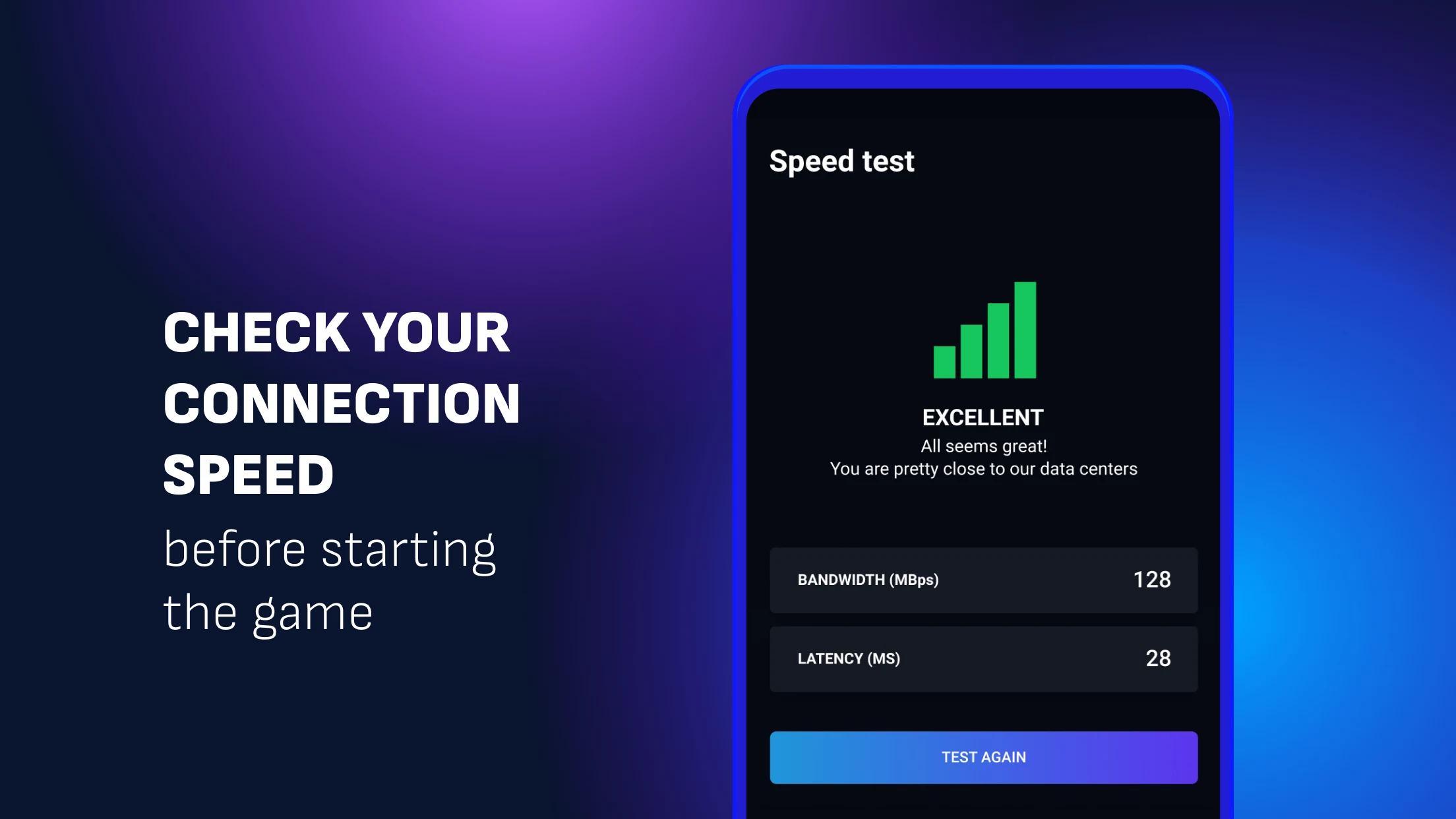
Optimize Your Connection for the Best Performance: To ensure an optimal experience on your smartphone, a minimum internet speed of 13 Mbps is required. It’s also advised to use a 5GHz Wi-Fi network for improved connectivity, particularly when fewer devices are sharing the bandwidth; helping to lower latency and provide smoother performance.
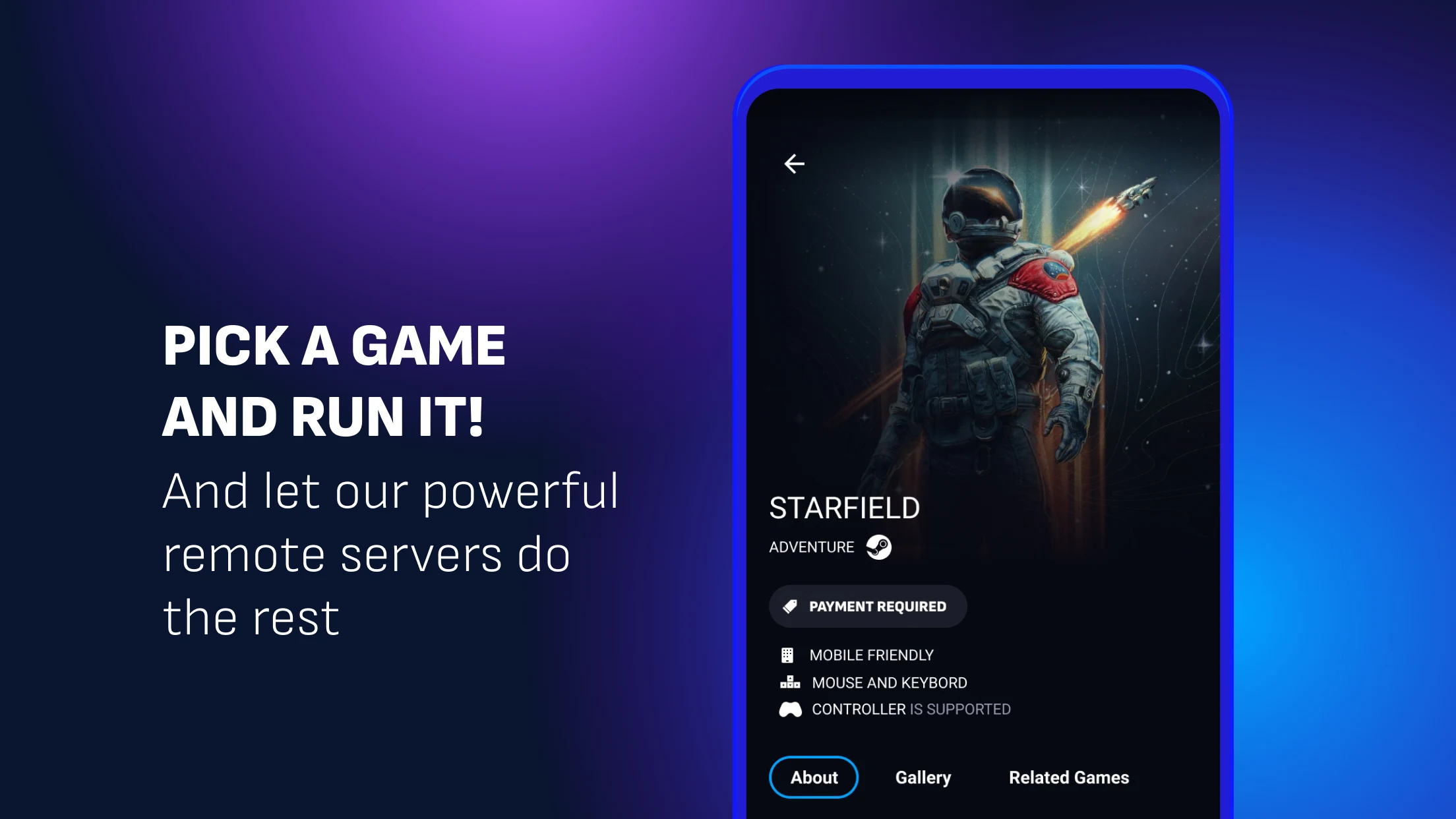
Choose your preferred controls: Please note, keyboard and mouse input is not supported. Instead, an on-screen overlay controller will be available once you initiate a game. Connecting a gamepad to your device is also an option for those who prefer physical controls.
Pick the right controller: Xbox Series X/S and PS5 DualSense controllers both support native rumble. For iPhone with a form-fitting controller, CloudGear’s Taptic Engine fallback provides haptic feedback.
Enable AV1: If your connection is congested or you’re on mobile data, switching from H.264 to AV1 can reduce artifacts without increasing bandwidth.
Ethernet Cable: First and foremost, it is better to use an Ethernet cable, not a Wi-Fi connection. No matter what you play on, laptop or computer, a wired connection will always be faster than a wireless one. Of course, a 5 GHz Wi-Fi router is great for playing via Boosteroid, but not all devices can connect to such routers, especially mobile. But what if you don’t have a wire and you want to play games on Boosteroid right now?
Increase Your Speed: Another obvious step is to increase the speed of the Internet. Speed less than 15Mbps is not quite a suitable option for playing games on Boosteroid. You can update your Internet plan or move your device closer to the router if it is possible.
Be careful with the applications: We all like to watch movies, videos, and TV shows. Maybe someone likes to spend a lot of time on social networks. Any of these tasks also require a high-quality Internet connection and take over the Internet connection. Even if you are not using any service now, it still works and runs just thanks to the Internet. For the best Boosteroid performance make sure that other applications & tabs are run to a minimum.
First, a bit of my history. I have been using cloud gaming for a few years now, having evolved from using local moonlight streaming. I’ve also got background in Twitch streaming, having been involved in a few show production gigs. It gave me understanding of why many problems with cloud gaming usually arise, and how to address them.
I have seen a past review on this subreddit. In my opinion, it was fair but a bit emotional (coming on the heels of an unpleasant experience), and also the service has evolved since then. That’s why I decided to write my own.In general, I’m a strong proponent of cloud gaming. Even with the best gaming machine in the world, access to cloud will always make your gaming life better.Now, to my Boosteroid review:
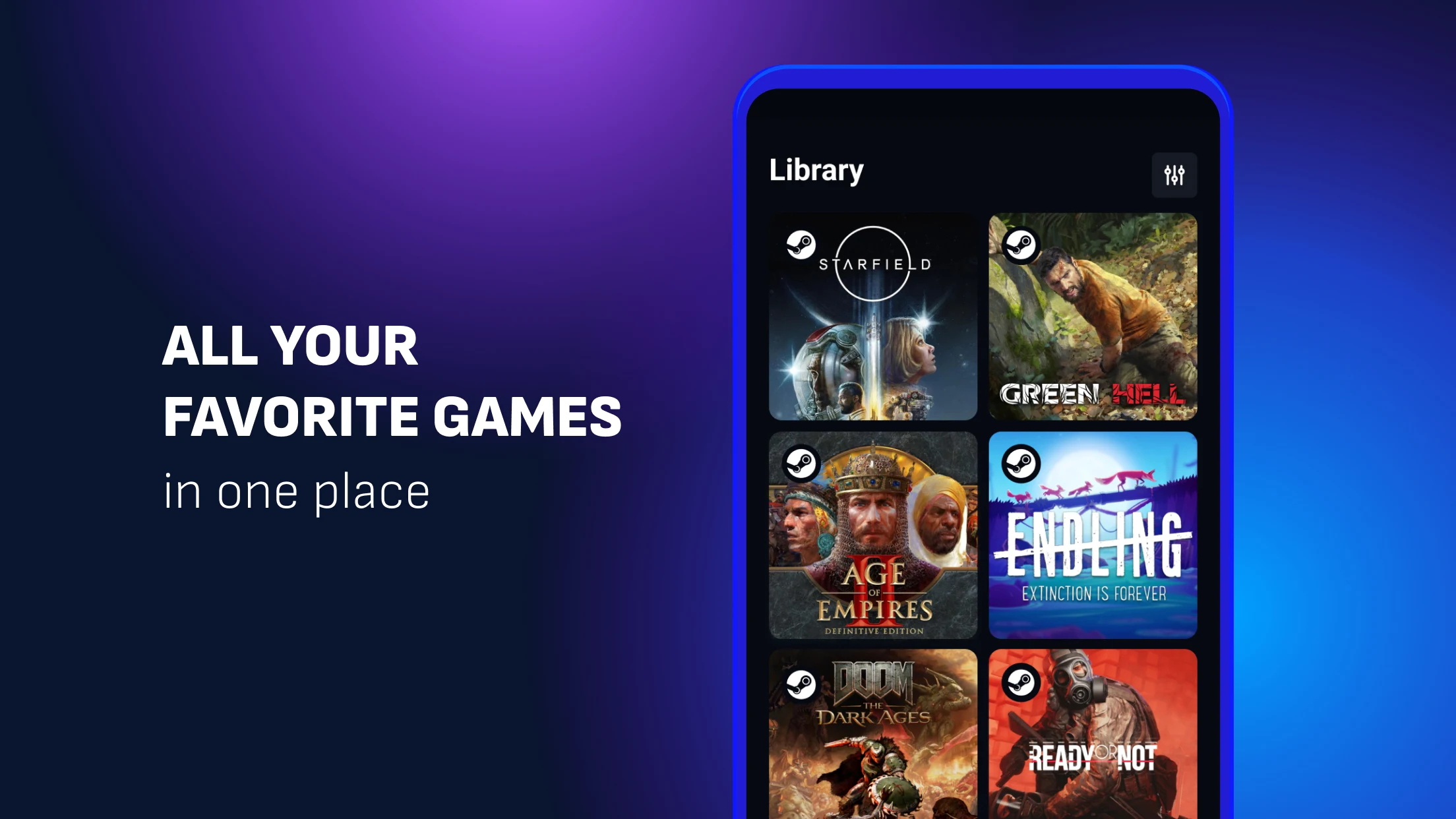
The game library is not as deep as GFN, but you can find gems like Last of Us, GTA, Helldivers 2, etc, that are lacking on any other cloud service, including latest releases. I
The quality of the new servers is high, you can check out Cloud Gaming Battles and see the reviews. There is an associated issue I will get back to in the “bad” section, but in general, for the price in question, it’s good.
I have played games on android, linux (steam deck), and, of course, various windows machines. You can start the game on one device, and move to the other, without changing sessions. The quality between devices is not consistent, but I usually can understand why. For example my Android TV box connected to WiFi didn’t play well, but it’s pretty old and can’t even ensure flawless YouTube at 4k, let alone gameplay at 4k.
The option to tune bitrate during live session is very neat, and I think is underestimated by most users.
Boosteroid recently merged two plans - standard and ultra into a unified 15 euro plan. It’s on the expensive side as far as your normal subscription goes, however, it’s cheaper than the alternatives of the same quality.
You need to activate bluetooth controller before starting Boosteroid.
This one goes to every cloud gaming service - I want them to give me, the user, more control over how the virtual machine behaves. Sometimes you face a freeze or another issue and can’t investigate the problem properly - is that your machine, is that the ISP issue, is that the issue on the server side.
The way Boosteroid deployed new servers had some problems. While the quality of the game and stream increased, the internet connection demand also increased, and there were other problems that needed to be addressed.
You can’t choose the server to play on. I’d rather wait for when the server near me gets an opening, then connect somewhere else. It’s one of the things you don’t think about as long as everything is fine. At least, they added the option to not play on servers that are far away.
If you are into cloud gaming, Boosteroid is a solid option. While it’s not perfect, there are games (including blockbusters from Sony and Rockstar) you can’t play anywhere else at this quality. When starting with Boosteroid, make sure you turn off the option to play on remote servers.
How does Boosteroid work?
Boosteroid is a cloud gaming platform that provides two-click access to high-end video games and brings lots of positive emotions and experiences.Play your favorite games at 60/120 FPS (up to 4K resolutions are supported) on a PC, laptop, tablet, Android TV, or even phone. Performance may depend on device type, settings, network quality, and other factors.Boosteroid works pretty much the same way as any other cloud gaming service. You launch a video game on Boosteroid, all your inputs (commands from a keyboard, mouse, or controller) get processed on our remote servers, and you receive a video and audio stream back to your device in order to manage the gameplay.The browser-based solution we offer is custom that secures low latency, high image quality, and a smooth gaming experience. You can also play games by means of our desktop application for Windows, Linux, Android, Android TV, macOS.
How to connect a gamepad correctly?
The gamepad must be connected to the device from which the session is launched (we recommend doing this before starting). After the session begins, press a few buttons on the gamepad so the system can recognize it — you will hear a system sound once it’s detected.
Where is the service available?
The location of our servers ensures the best performance of our service in all countries of Europe, North America, and Brazil.Server configuration may differ in some countries.The quality of Boosteroid depends on your Internet connection, hardware, location, software, and other minor factors.You should check if your device is compatible with our general requirements.
Do I really need a good Internet connection?
Yes, a good and stable Internet connection is the main requirement of any cloud gaming service on the market.Latency is the main drawback as of now. When you watch a video, you'll hardly notice any problems with the connection, even if they are present. This is mainly because you don't have any live interaction with the video itself.When it comes to cloud gaming, a slow and inconsistent Internet connection will lead to severe input lag.Therefore, many users believe that cloud gaming is not yet suitable for professional and high-level competitive plays, where winning and losing are often decided in tenths or hundredths of a second.
Boosteroid serves a specific purpose: turning a mobile device into a controller for games streamed to a television through the Boosteroid cloud service. Its direct connection to the game server is intended to minimize delay, which is critical for responsive gameplay. The utility is narrow, functioning only during an active game session and not for navigating the service's menus.
Size:13.3MB Version:1.6.30
Requirements:Android Votes:150
Package Name:com.boosteroid.streaming Signature:5f5a77672e07c4e380a9dbe5d6e3670c
Utility apps are indispensable in our lives, making our daily routines more convenient. To help you find these apps more easily, this site has created a collection. This collection brings together a series of practical tools covering various aspects of life, work, and education, meeting all your needs. What are you waiting for? Try these apps now and make your life easier!
With the development of mobile hardware and software, many practical tool software have emerged, covering a wide range of aspects and becoming a good helper for everyone in work and life. Today, the editor provides you with a list of useful tool software downloads. These tools are not particularly complex types, and after reading them, everyone can quickly learn how to use them. Proper use can bring great convenience to life and work.
About us | Contact us | Privacy policy| DMCA
Copyright © 2026 Xiaohei All rights reserved.