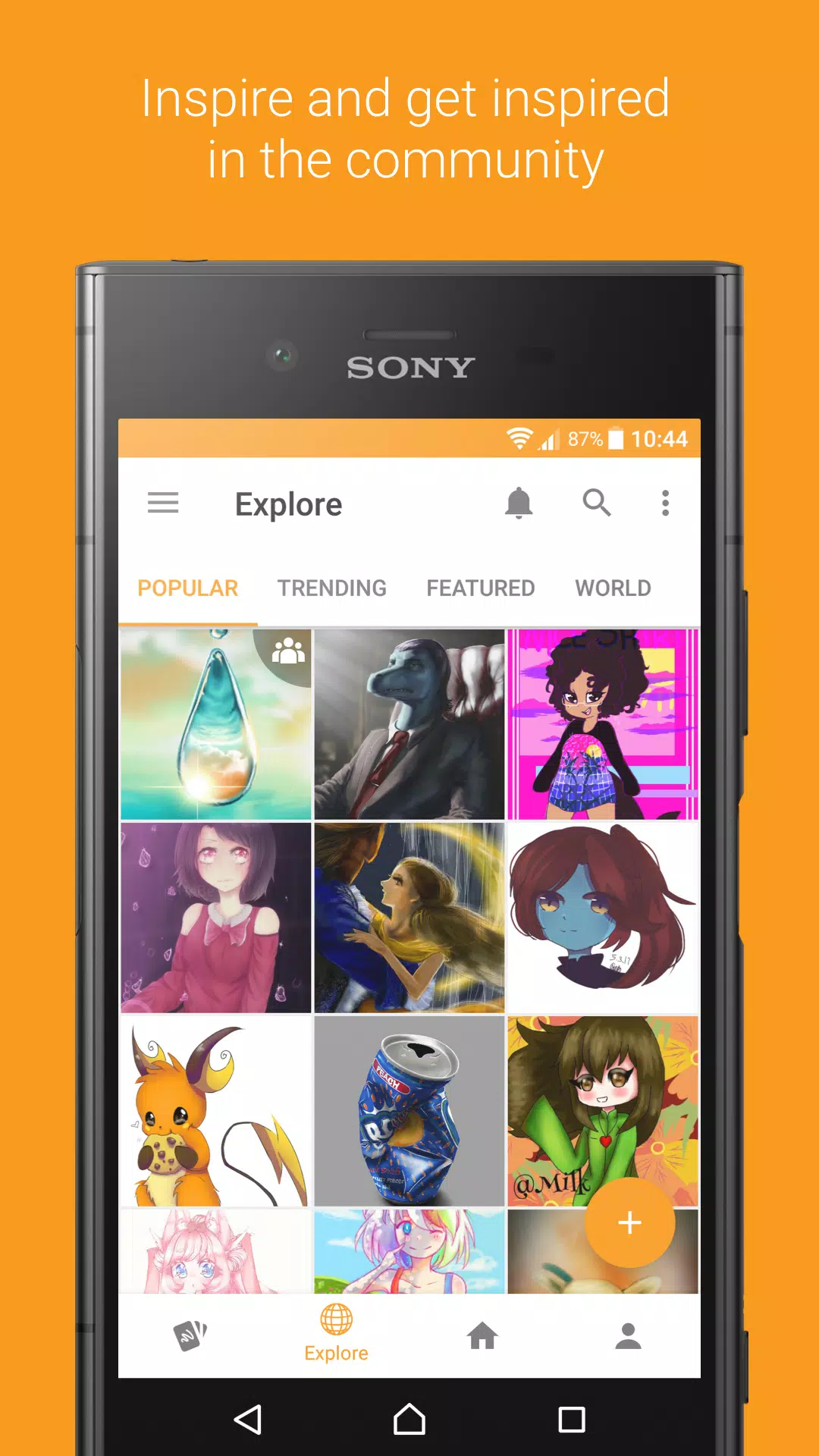
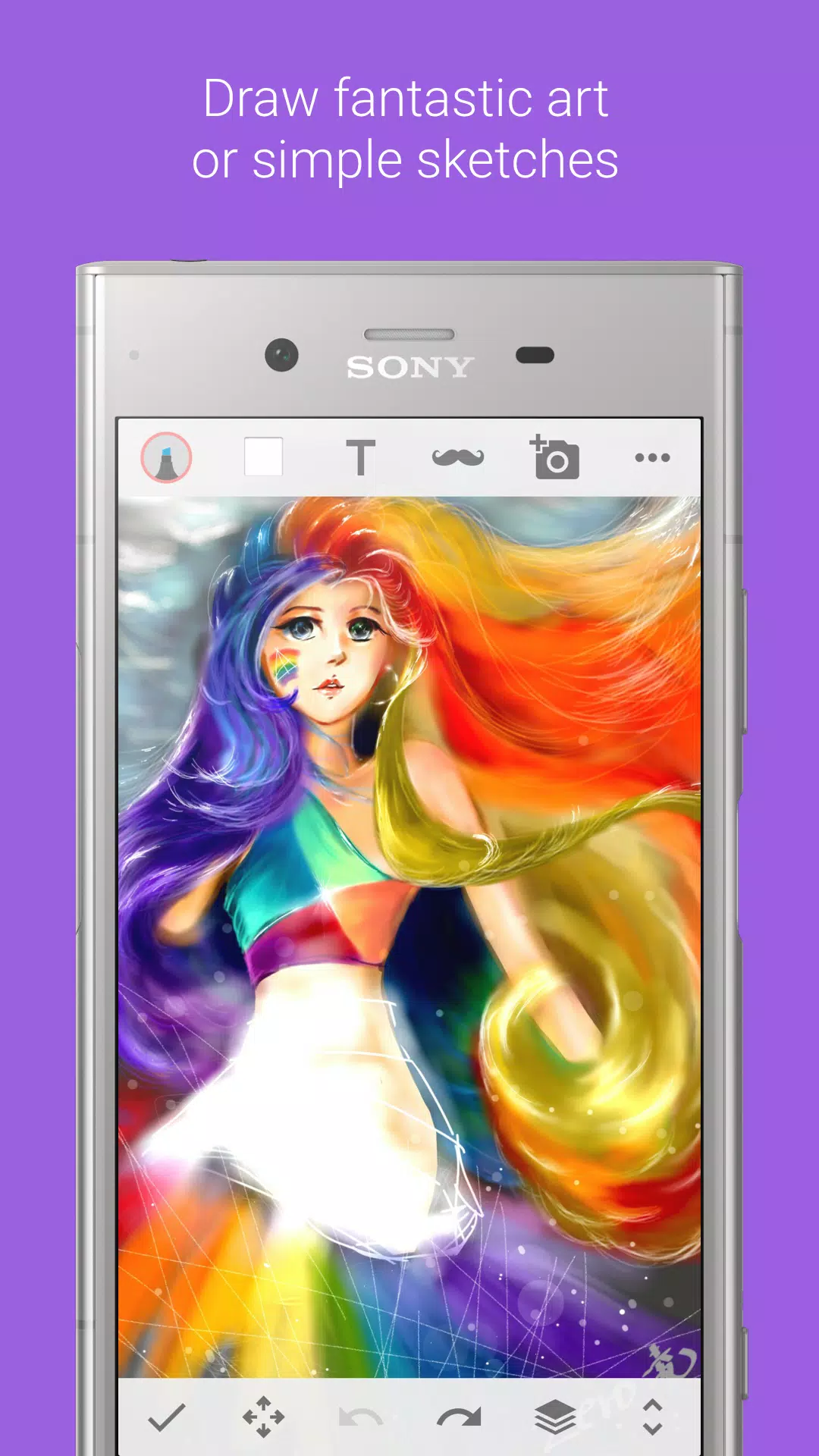
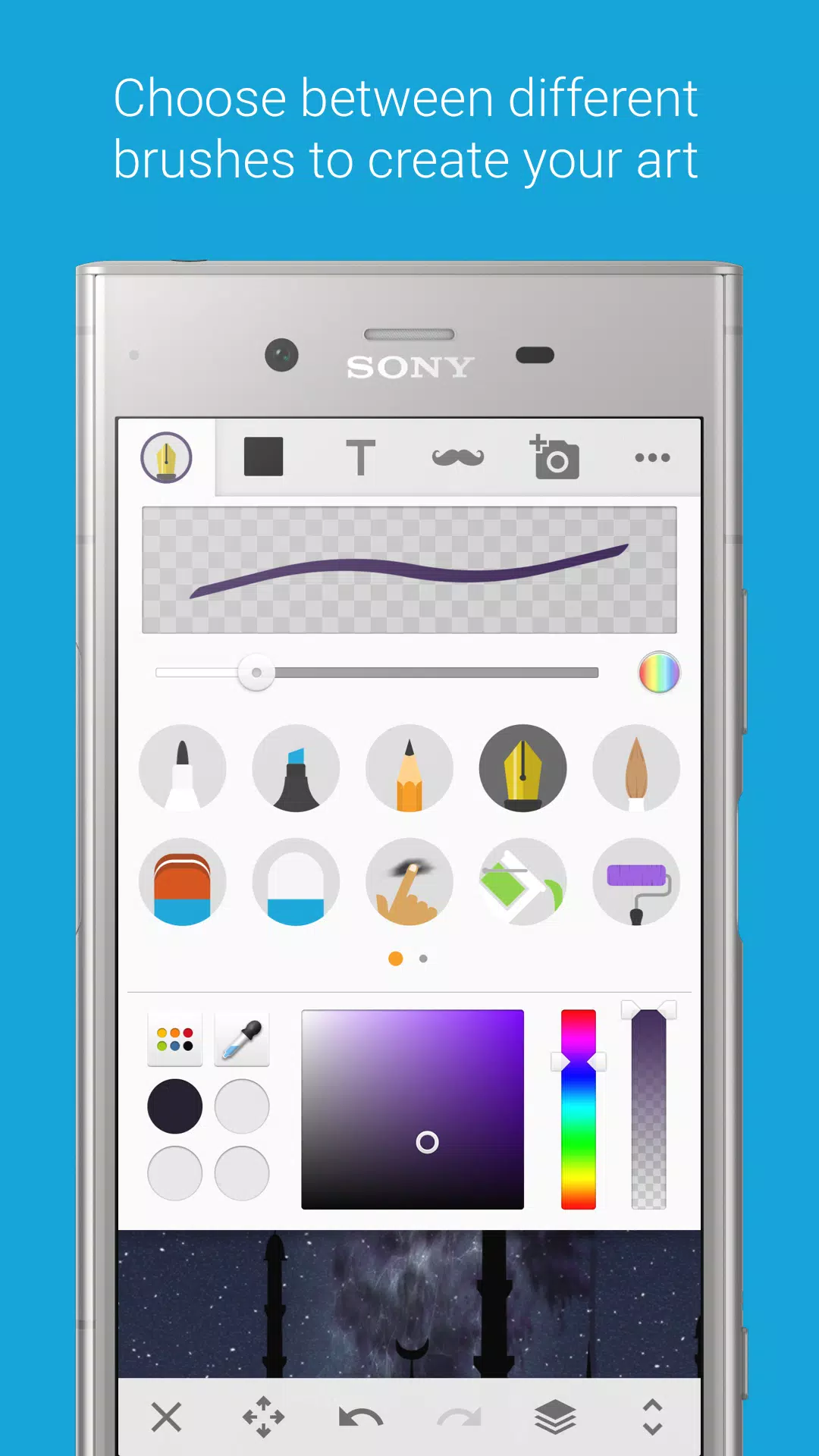
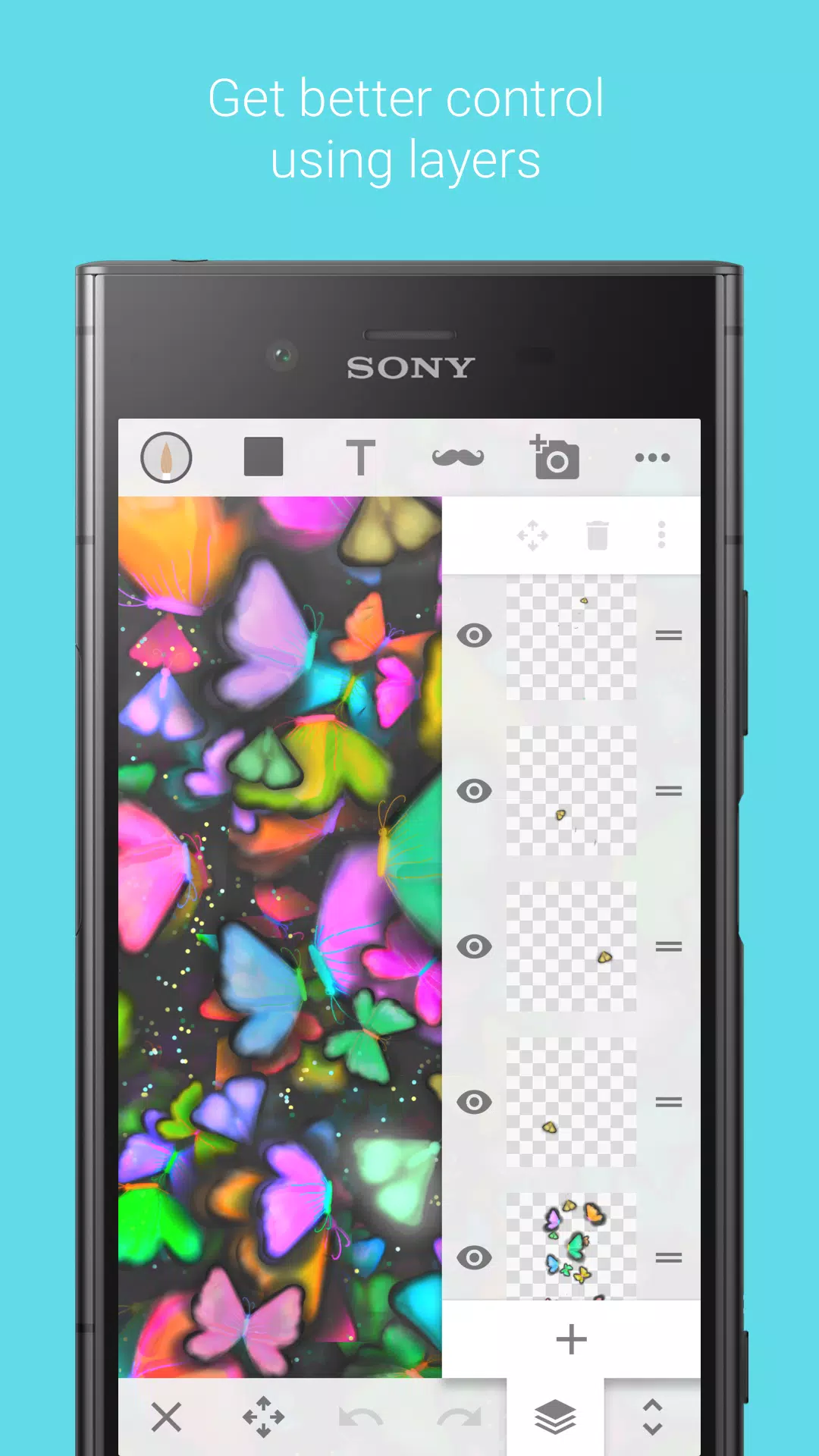
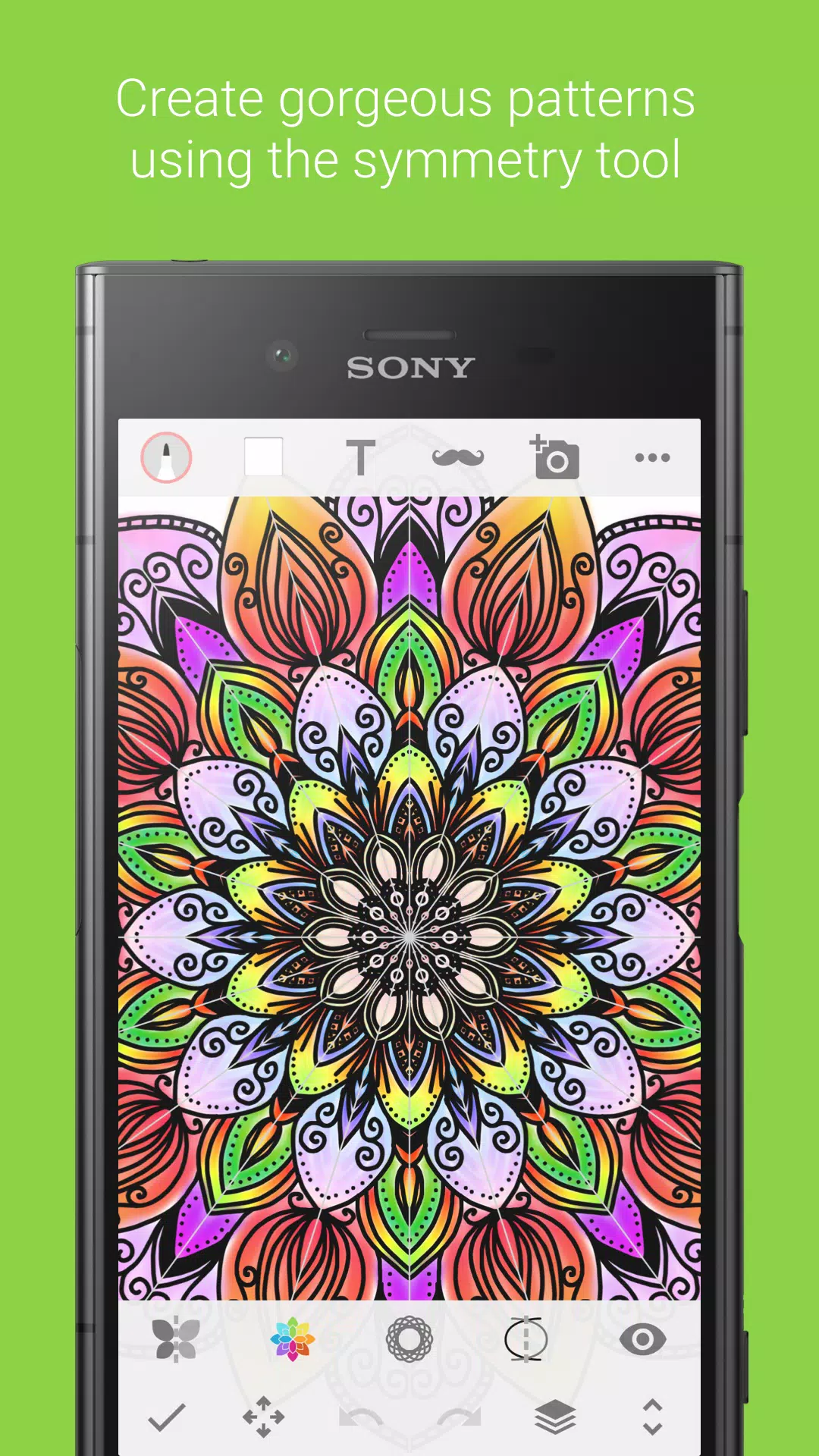
Rascunho is a drawing tool designed for mobile devices. Users can draw and edit photos regardless of whether they have internet access or not. It offers a variety of brush types with adjustable color and thickness. Users can unleash their imagination to create different layers and manipulate them by moving, cropping, and rotating to create beautiful images. Users can also import photos, edit them on the canvas, add various text styles and titles, and export them to friends to garner likes.
Core drawing tools: You get multiple brushes, pens, and pencils for different strokes. Draw with a finger or a compatible stylus. Use an eraser, smudge, bucket fill, ruler, and color controls to shape your lines and fills. A pipette helps pick colors from the canvas, and undo or redo lets you revert changes when needed.
Layers and precision: Rascunho supports layers so you can separate elements and build complex drawings. You can move, scale, rotate, and flip objects to arrange your composition. Crop images and adjust colors to fit your idea. Pan and zoom make it easier to paint fine details with control.
Photo editing, text, and stickers: You can import photos and place them on the canvas for quick edits. Add text with multiple fonts for captions or notes, and apply free stickers for highlights. Choose a background to set the scene, then export the result as an image for saving or sharing through other apps.
Offline use and service status: Community posts, collaborations, and cloud backup were discontinued on September 30, 2019. You can still create and save locally, and share exported images using apps you already use. Feature availability can vary by device and Rascunho latest version.
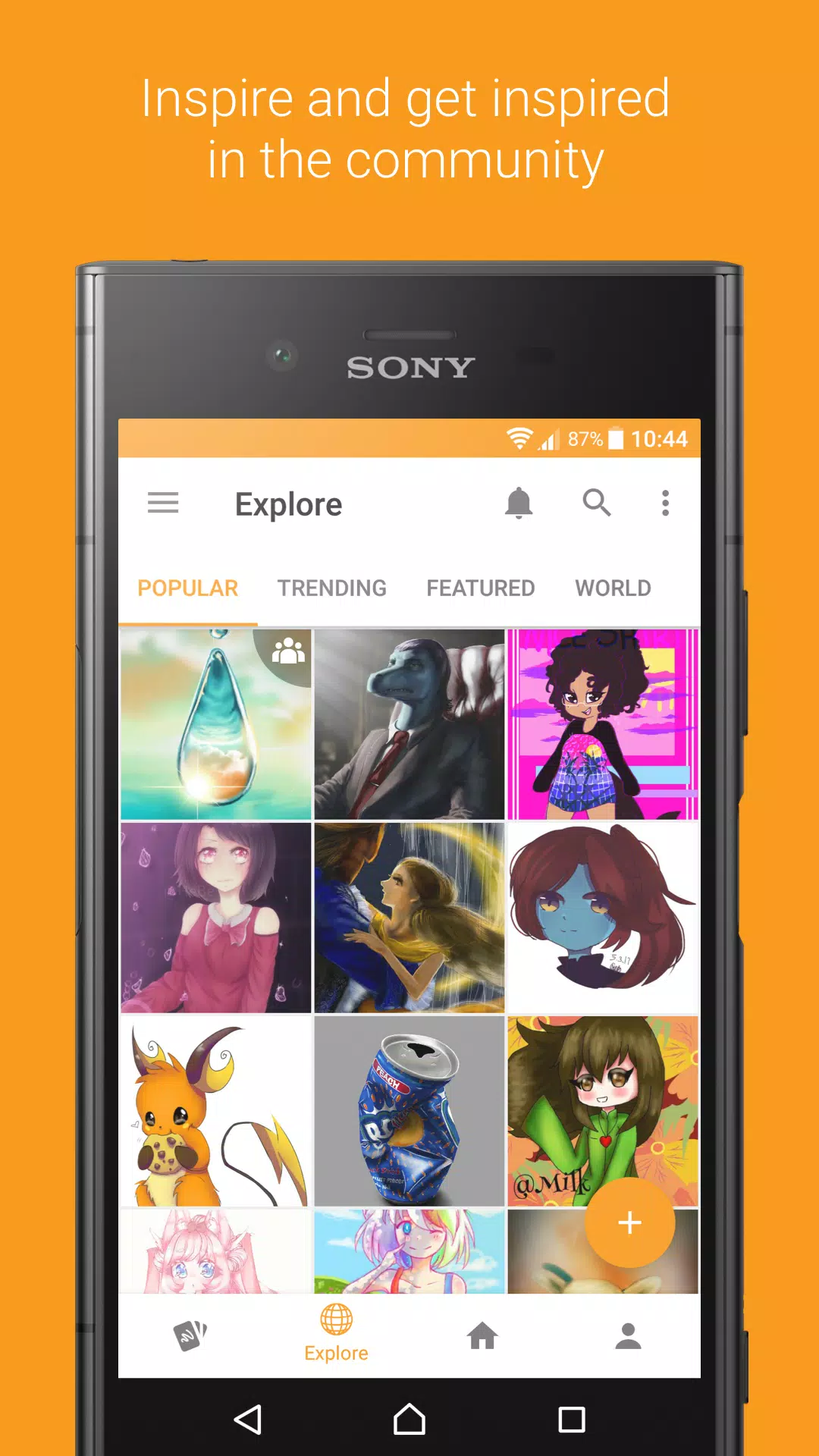
It's over all a really good app! It reminds me so much of the old Rascunho app, and I'm glad you managed to create this one. The only thing I miss is the ability to create the drawings on this app, like the old Rascunho and I also miss the collaboration tab, when we could repost something and it would show up on the collab bits. I don't exactly know the names.
Very nice! The design! The features! I look forward to the unique possibilities of the collab feature that sounds like it's coming soon! Having an app about art that didn't have a place to draw was weird at first but I don't mind. It would be nice if I could scroll through posts, sort of like Instagram... That's all!
sony Rascunho is what got me into digital art way back in 2015 and is STILL the drawing application i use to this day. so so many memories and the community there was wonderful. i still rmb when it was shutting down everyone was making art, saying goodbyes, and i bawled. sony Rascunho was a really huge turning point in my life so this app is honestly a gift. thank u devs for ur hard work!!
Amazing app! I love it, I can finally post pictures and see other artists. You've done an amazing job making it seem like Rascunho, I do have some suggestions but these don't change the game play and my overall opinion on the app: scroll through posts instead of going back to click on another post, and a popular section so that we can see what's trending. Overall, really nice app!
Are you in any way affiliated with Sony?
Sony has no involvement in Rascunho. We use the experience gained at Sony do guide our decisions, but the site and apps are built from scratch by us.
Why was Sony Rascunho shut down?
That was a business decision made at the highest level of Sony Mobile. The Rascunho team tried very hard to keep the project going, but failed.
Will Rascunho be shut down like Sony Rascunho was?
We plan to keep the app going as long as we can afford it. No silly corporate decisions will cause us to quit.
How can I support Rascunho?
You can find us on Patreon, where we would very much appreciate your support.
How do I delete my account?
First of all you need to know that deleting your account is permanent and all data will be lost. If you are sure about it, go to account deletion.
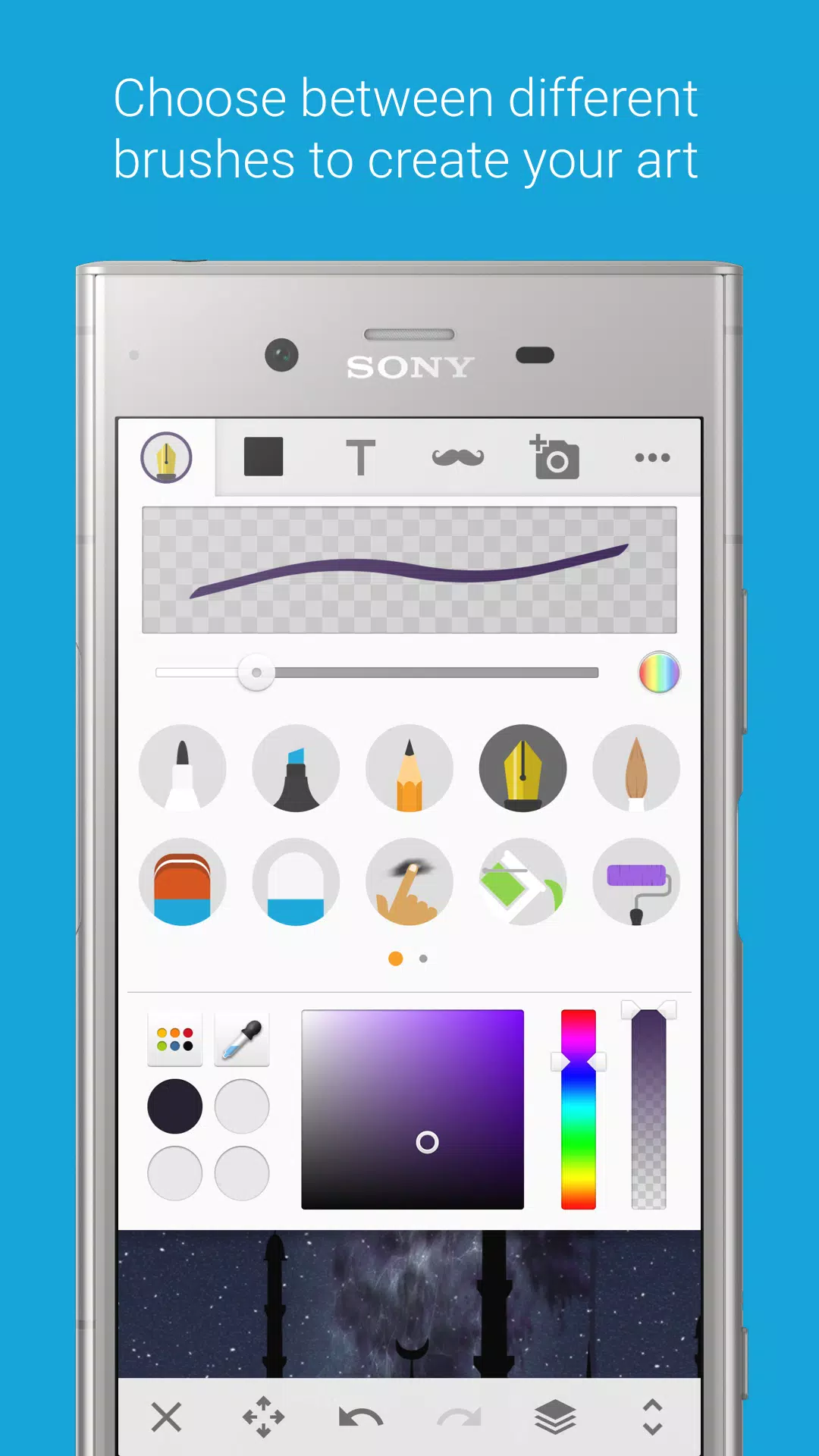
The standout feature is the sticker-insertion tool. More than twenty default stickers cover playful accessories such as fake mustaches, beards, hats, and sunglasses. Each sticker can be resized, rotated, and positioned anywhere on the photo. Additional packs are available for download, giving the library room to grow without cluttering the initial install.
Size:32.8MB Version:9.0.T.0.6
Requirements:Android Votes:550
Package Name:com.sonymobile.sketch Signature:330df1d4f77968c397ff53d444089bb46dc330f1
Transform your mobile device into a powerhouse of efficiency with these handpicked essential tools. Whether you need professional-grade photo editing, seamless file organization, smart task management, or real-time weather updates, our curated selection of premium apps delivers unbeatable performance. Streamline your daily routine, automate repetitive tasks, and boost your productivity with intuitive interfaces and powerful features. Designed for both professionals and casual users, these editor-approved applications will revolutionize how you work and play. Don't settle for an ordinary phone - upgrade your digital experience today and unlock your device's full potential!
With the development of mobile hardware and software, many practical tool software have emerged, covering a wide range of aspects and becoming a good helper for everyone in work and life. Today, the editor provides you with a list of useful tool software downloads. These tools are not particularly complex types, and after reading them, everyone can quickly learn how to use them. Proper use can bring great convenience to life and work.
About us | Contact us | Privacy policy| DMCA
Copyright © 2026 Xiaohei All rights reserved.