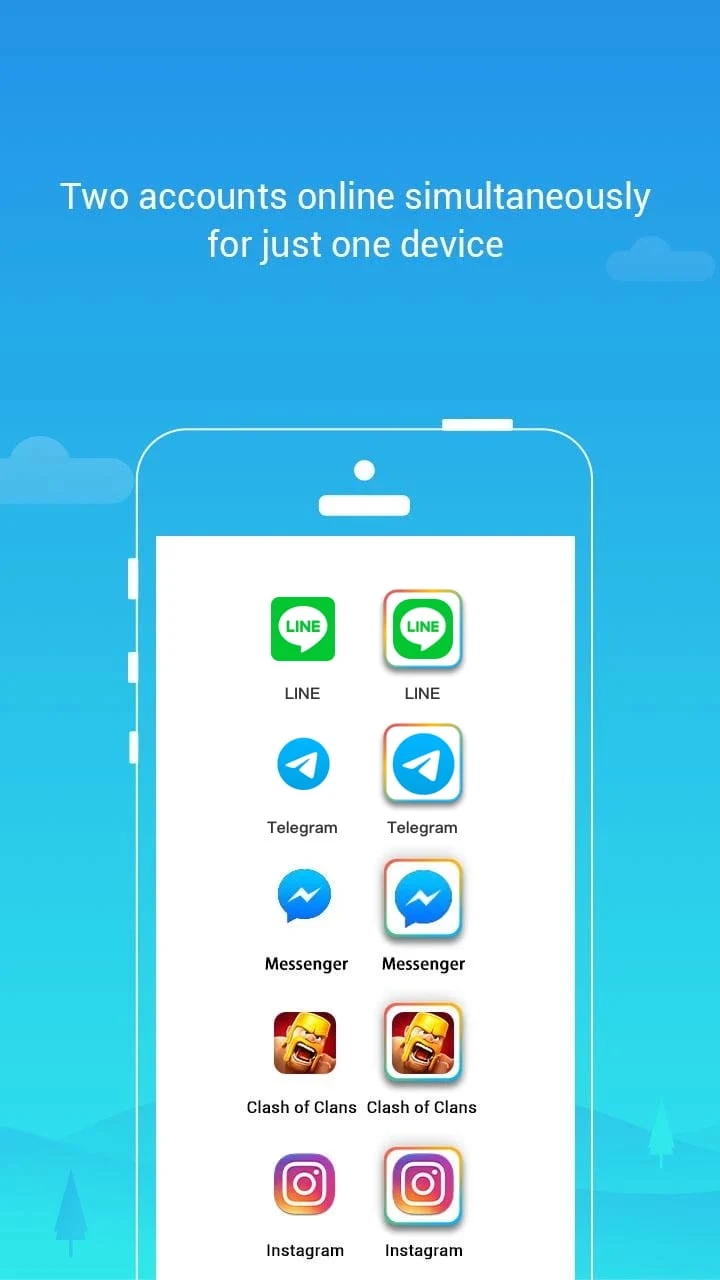
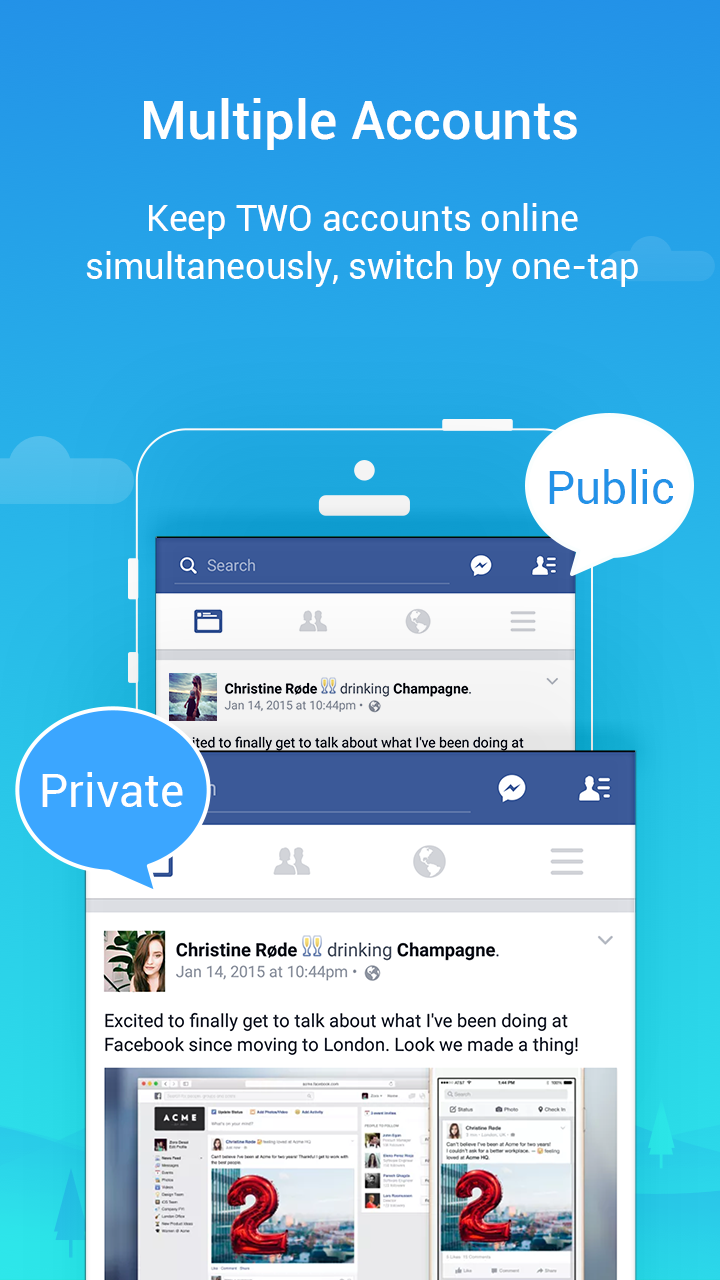
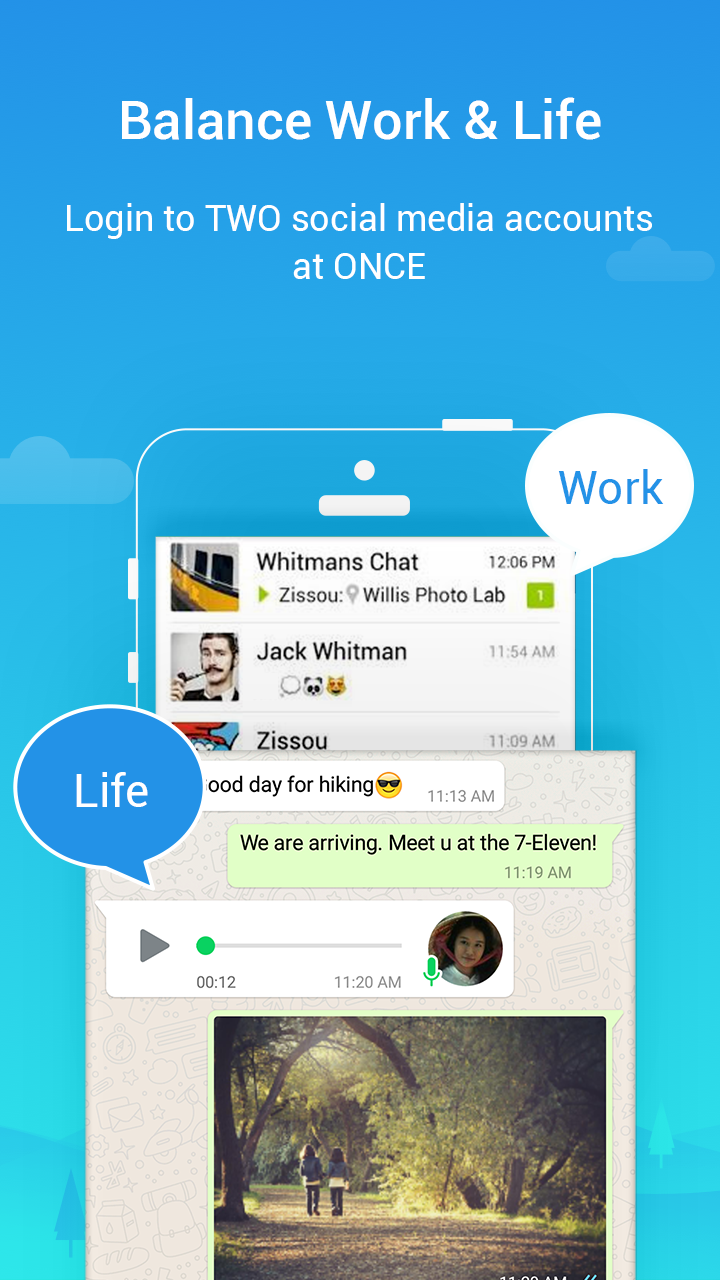
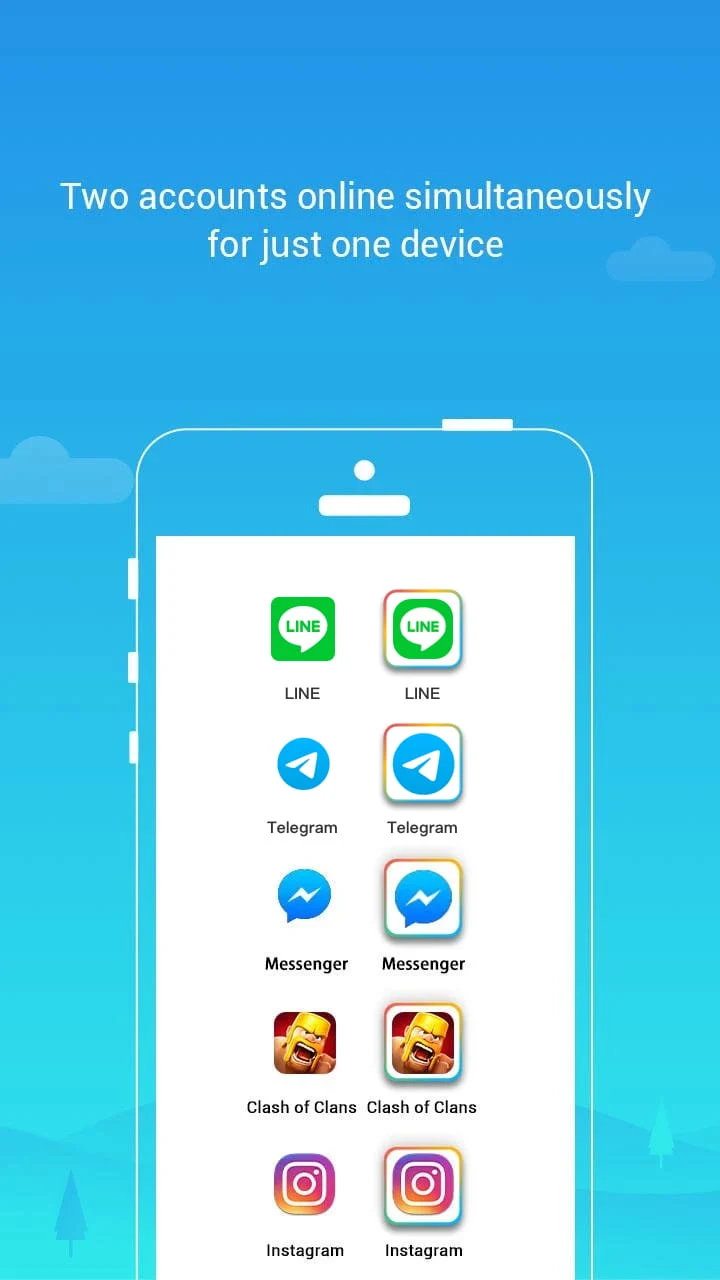
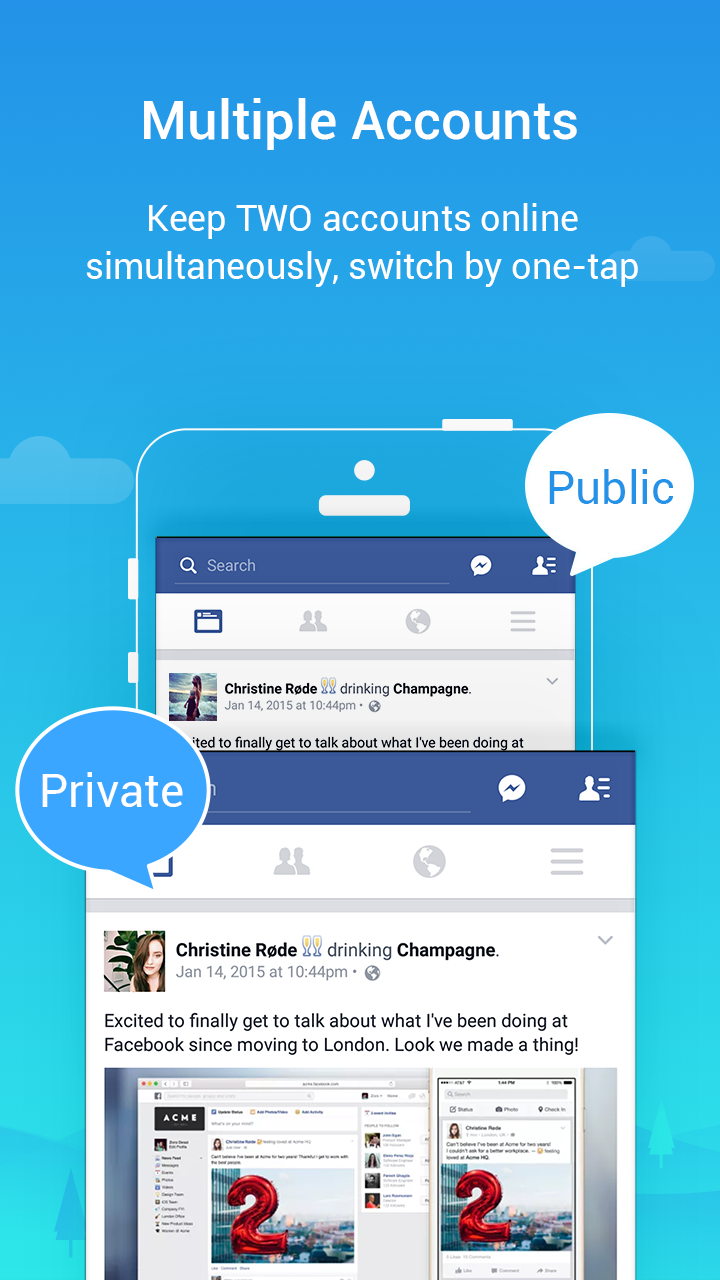
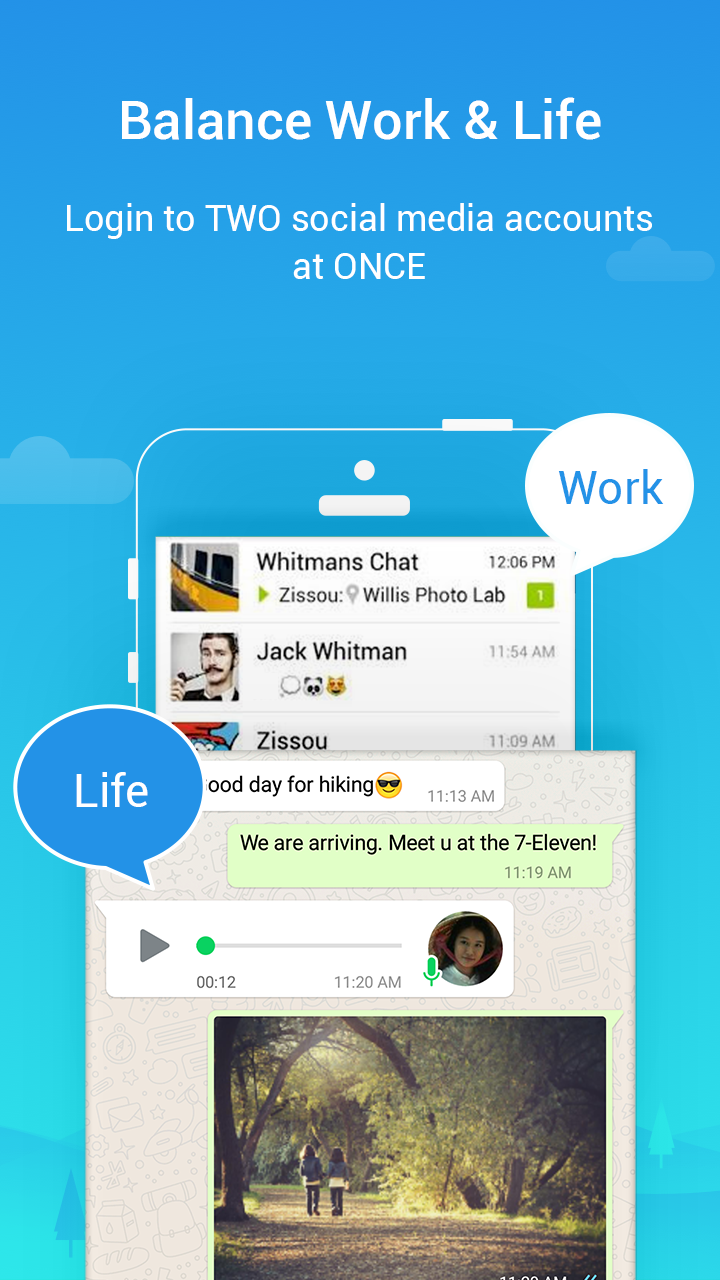
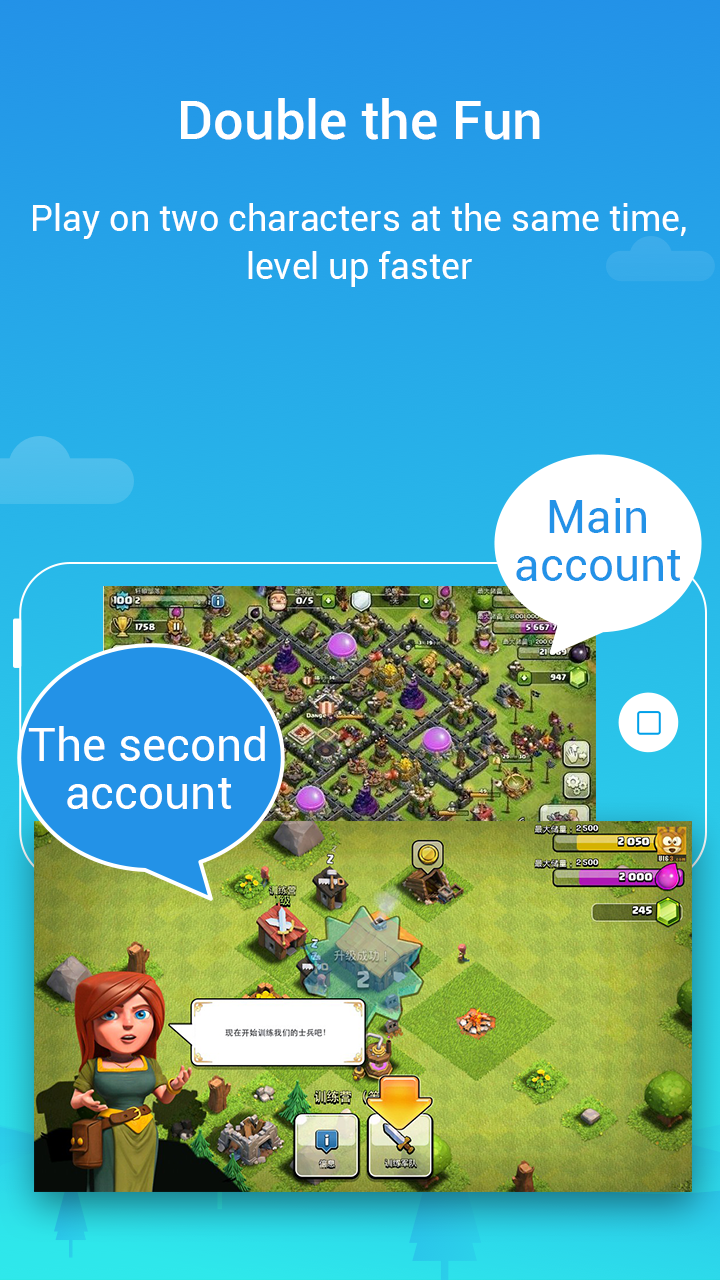
Parallel Space Lite is an account management tool designed for mobile devices, allowing users to run two different accounts simultaneously on the same device, completely separating your work and personal life. The software displays apps and games that can be run in dual-client mode on the screen, allowing users to run them simultaneously with a simple tap. You can receive and process messages from different accounts at the same time. Users can hide their personal accounts in a private space and add passwords to protect their security.
Simultaneous Usage: Usually, an application only allows logging in to one account or multiple accounts. This application “says no” to that. You can clone as many as you want and include as many accounts as possible.
Separation Of Life: You will feel much more relaxed because the application helps arrange work and personal life to be separate but still convenient.
Seamless Switching: Simple and fast operation, switch between accounts/applications with just 1 touch, helping to save a lot of time and effort.
Separate Data: Helps users manage similar applications and their accounts and data separately. Users do not have to worry about applications overlapping or sharing/using the same data source.
Hidden Apps: Users can “hide” their privacy in a secret place by customizing hide/show applications. Only you have the right to know what is private.
Access Control: Each person’s fingerprint is unique, no one’s is the same as anyone else’s. Set up a fingerprint lock if you want to upgrade your security level. Now, no one can use the app without your permission.
This app functions better than similar apps for making clones, is easy to use, and the clones produced are as good as the originals.
I love all of the cloning apps that I have used and I've used quite a bunch parallel space light is probably the easiest and most convenient one to use the ads that it has built into it are not that bad I have a scale of 1 to 10 I give it a 9 and a half just for the fact is there are some ads on it but they're not that big of a deal parallel space light does everything I needed to do.
This is the best app for creating clones. It creates duplicates quickly, and they work as well as the originals. I haven't discovered an app I can't clone with it, and if there's a limit to the number of copies I can make, I haven't discovered it yet. Messenger, Text Now, Gmail: there are so many possibilities.
its a good app, but a bit too heavy for small phones. try and compress your mb, its taking too much space. remember, apps like whatsapp accumulate data so with this app one will find themselves having to reistall frequently. otherwise its a good app.
After Installing Android 10 app is not working as it's is not opening. Kindly check and provide new update for helping those people who have been already installed latest Android version in their mobile. Hope you will solve Parallel space Duel app users problem.
How do I open the second account of an app?
a)Touch the + on the homepage and select the app you want to login with another account.b)Open the app in Parallel Space and login with the other account
Can Parallel Space support multiple accounts, such as a third WhatsApp account?
Nope.We don’t support multiple accounts to be online at the same time at present.
Why does Parallel Space consume so much battery sometimes?
The Google Play service framework will be running in the background for the first time you add the Google account and this can lead to a temporary battery draining problem. This drainage won’t reappear after that, but if there are any other events leading to battery draining please contact us.
Why does Parallel Space apply for so many permissions?
Parallel Space needs to applies for the basic permissions to keep the apps added in Parallel Space functioning well.
Will subsidiary accounts affect the functions of the main accounts?
Absolutely not, the subsidiary account is running in a separate environment.
Why do the apps added to Parallel Space crash or are unable to open sometimes?
We are continually working to fix the unexpected incompatibilities between apps and Parallel Space. Please provide us with any feedback if you are experiencing these issues and we’ll fix them as soon as possible.
Limitation: Due to policy or technical limitations, some apps are not supported in Parallel Space Lite, such as apps that declare the REQUIRE_SECURE_ENV flag.
Permissions: Parallel Space Lite may request your permission to use necessary information from the apps you add, ensuring the cloned apps function seamlessly. This may include accessing and processing location data if required by the cloned app for normal usage, even when Parallel Space Lite is running in the background.
Consumptions: While Parallel Space Lite itself is lightweight, the apps running within it may consume memory, battery, and data. Check “Settings” in Parallel Space Lite for more details.
Notifications: To receive notifications from cloned apps, especially social networking apps, add Parallel Space Lite to the whitelist in third-party boost apps.
Conflict: Some social networking apps may not allow running two accounts with the same mobile number. In such cases, use a different mobile number for your second account in the cloned app and ensure it's active for receiving verification messages.
Overall, if you’re someone who juggles multiple accounts on various social media platforms or gaming applications, Parallel Space Lite could be a lifesaver for you. Its lightweight design and efficient performance make it an excellent choice for anyone looking for a reliable cloning app.
Size:34.0MB Version:4.0.9424
Requirements:Android Votes:567
Package Name:com.parallel.space.lite Signature:1e16aa4a024963798a4805c4ca5d35444174a6c7
Transform your mobile device into a powerhouse of efficiency with these handpicked essential tools. Whether you need professional-grade photo editing, seamless file organization, smart task management, or real-time weather updates, our curated selection of premium apps delivers unbeatable performance. Streamline your daily routine, automate repetitive tasks, and boost your productivity with intuitive interfaces and powerful features. Designed for both professionals and casual users, these editor-approved applications will revolutionize how you work and play. Don't settle for an ordinary phone - upgrade your digital experience today and unlock your device's full potential!
With the development of mobile hardware and software, many practical tool software have emerged, covering a wide range of aspects and becoming a good helper for everyone in work and life. Today, the editor provides you with a list of useful tool software downloads. These tools are not particularly complex types, and after reading them, everyone can quickly learn how to use them. Proper use can bring great convenience to life and work.
About us | Contact us | Privacy policy| DMCA
Copyright © 2026 Xiaohei All rights reserved.