JanaTube is a streaming media application. It supports local playback, allowing users to save their own music and videos within the app. It can be minimized for playback and supports background operation. Playback speed can be adjusted up to three times. Resolution is also adjustable. The interface is simple and user-friendly, allowing for quick setup. It allows users to do other things while playing media, providing great convenience. If you're looking for a media player that supports background playback, give it a try.
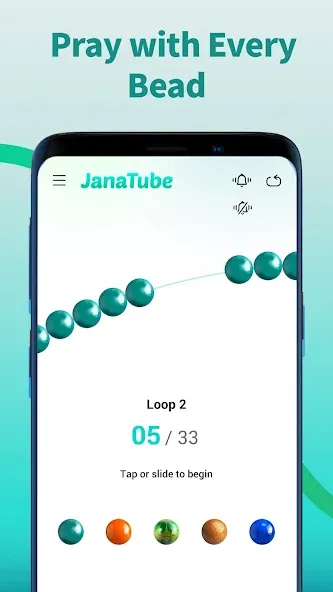
Local Playback
Access and play your personal collection of music and videos directly within JanaTube. This feature simplifies your media experience, allowing seamless switching between online content and your local files—even when offline.
Floating Tube
When you exit JanaTube to use other apps, continue watching videos with the floating player. Minimize JanaTube and keep the video in a small movable window, so you can listen to music or watch while using your device.
Background Popup Player
Use the minimize function to float streaming videos in a small, movable window on your screen. Keep watching your favorites while gaming, checking email, or handling any other task without interruption!
Playback Speed up to 3X
Choose from eight playback speeds, up to 3X, to enjoy videos at your preferred pace.
HD Video Player
Smooth HD playback with options like 360p, 720p, and 1080p for the best viewing experience.
Restricted Mode
Screen out potentially mature content you may prefer to avoid.
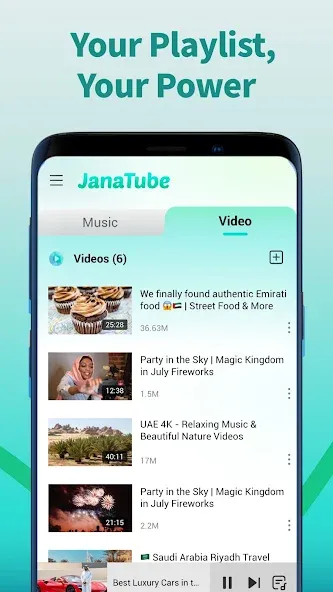
The app is built for quick access to media and daily dhikr with light steps. To begin, download JanaTube and open it on your phone.
Open JanaTube on your phone, then allow media access if prompted so local files can appear in the library.
From the home screen, pick Online to explore content, or switch to Local to view videos and music stored on the device.
Use the search bar to find an item, open it, then choose 360p, 720p, or 1080p and adjust playback speed as needed.
While the video or song plays, tap the floating icon to keep a small player on screen, or let audio continue in the background.
From the toolbar, open the Tasbih to count dhikr, then visit Settings if you want to enable Restricted Mode and review history.
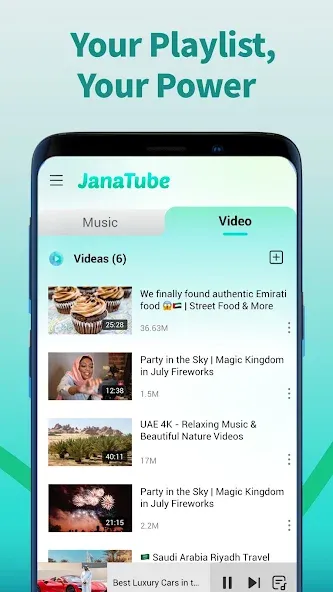
What is JanaTube used for?
JanaTube is used for watching online videos, playing local media files, and using a built-in tasbih tool for daily spiritual tracking.
Does JanaTube support background playback?
Yes, it allows videos to play in a floating window so you can use other apps at the same time.
Can I use JanaTube offline?
Yes, you can play downloaded music and videos through its local playback feature without an internet connection.
Is there a way to control video speed in JanaTube?
Yes, the app supports multiple playback speeds, up to 3x, for flexible viewing.
Who should use JanaTube?
It suits users who want a simple app for video streaming, offline media, multitasking, and light daily utility features like tasbih tracking.
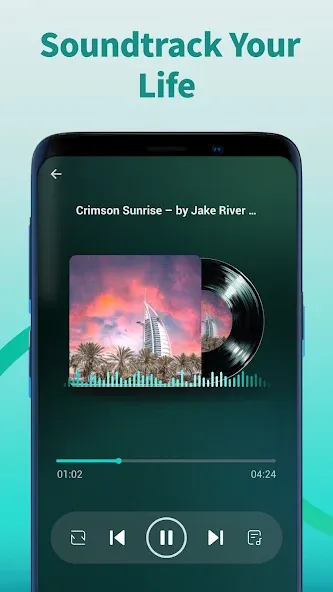
This app has an indescribable satisfaction There was a time when we were tired of seeing ads. Now we have the freedom to play whatever we like without ads, and the playlist based on a song is great. You don't need to select the next song it just plays it.The best thing is that if you put all the songs and keep the screen locked, it will play there without any problem.This is a super app in my opinion
I use this app instead of YouTube,it's an amazing app but I can't play the videos like I used to before,please bring back the old play menu,the latest update just completely ruined the app,thanks.
best feature is playing music in the background can you guys help it is best if you can add toggle to turn OFF reels it is left for user to choose personally i dont like reels but if someone likes they can turn on and watch
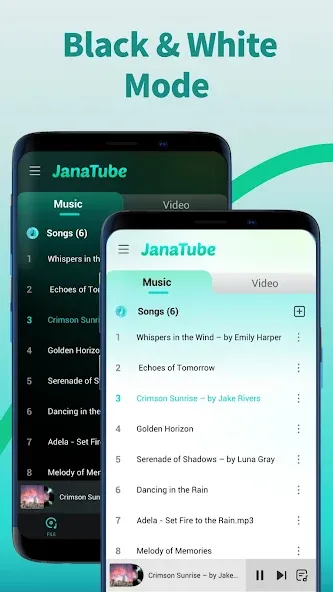
JanaTube is a media player that allows you to play all the songs and videos you have stored locally on your Android device. In the case of videos, it will also allow you to watch them in a floating window while using other apps. Thanks to this, you will be able to watch videos while playing video games or typing messages in a messaging app.
Size:24.73MB Version:5.6.90.107
Requirements:Android Votes:490
Package Name:com.jana.tube.video Signature:1c6000b24a3be0d0d6405f4af072d672
Today, many popular movie streaming apps like Netflix, Disney+, and Hulu have reached millions of viewers. And they have done this without relying heavily on additional promotions. People no longer need to stick to some random, specific TV schedules to enjoy their favorite shows and movies. Thanks to the internet, viewers can easily find new and entertaining content without any hassle. Not to mention, the leading movie streaming solution like Netflix has become incredibly popular because they understand and cater to audience preferences worldwide.
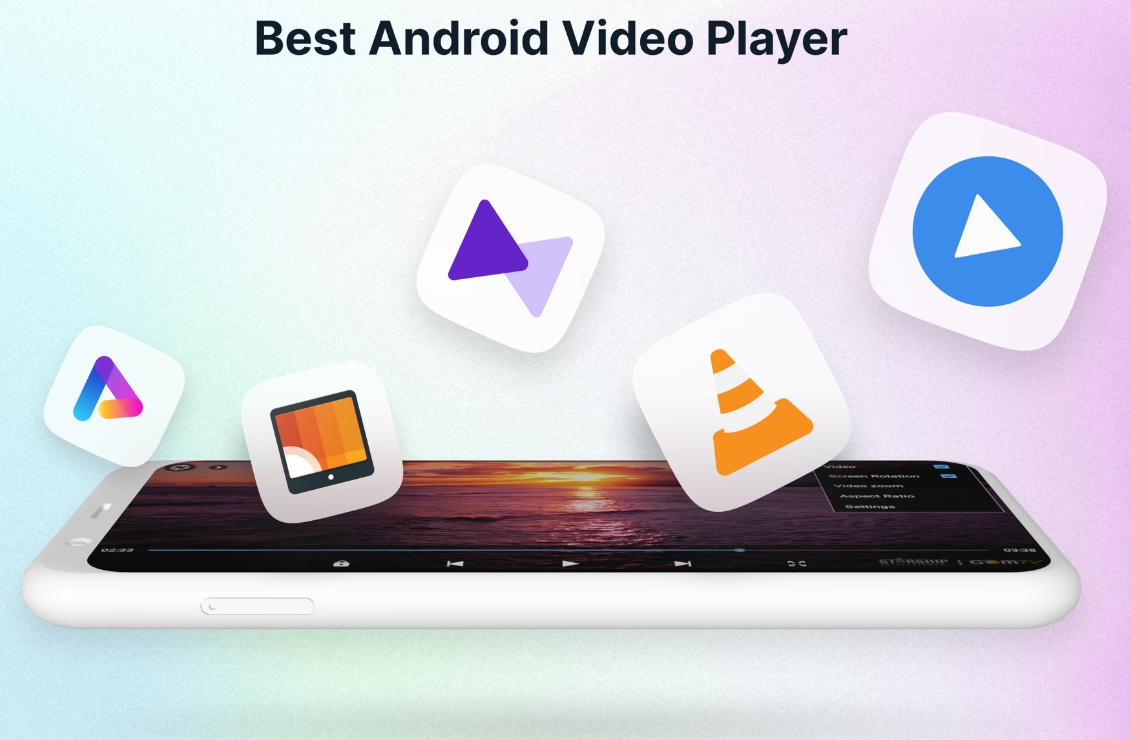
A video streaming service is a type of on-demand online entertainment source for TV shows, movies, and other streaming media. In need of Android movie apps? you can watch your favorite shows or movies any time anywhere Streaming means listening to music or watching video in ‘real time’, instead of downloading a file to your Android device and watching it later. Whether you're looking to watch movies, TV shows, or videos on your Android device, you'll need a good video player app. Beyond just playing content, these apps now offer features such as seamless playback, format versatility, subtitle support, advanced controls, VR integration, online video streaming, and enhanced privacy. This article delves into the best free and paid Android video player apps in 2024, guiding both casual viewers and cinephiles to their ideal choice.
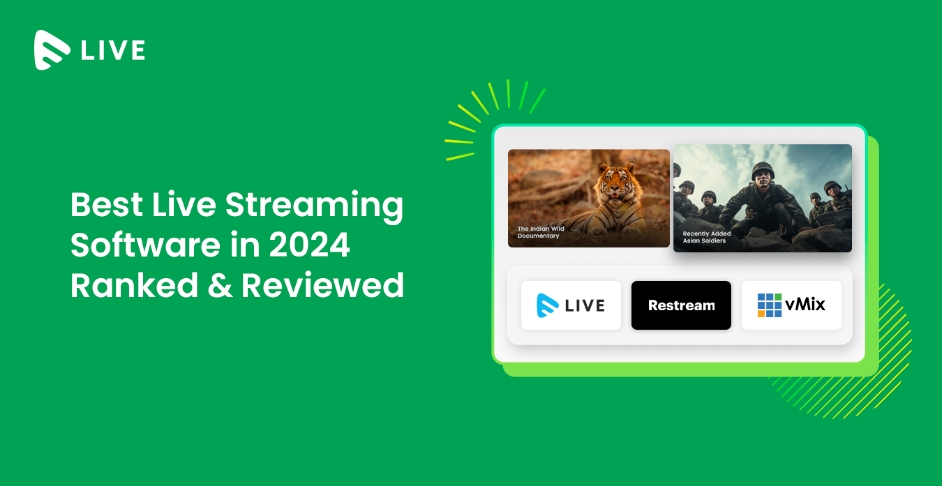
Streaming software allows you to broadcast your content live across the internet. It processes the raw feed that comes from your camera and converts it into a digital format that is suitable for internet streaming, in real-time. In 2024, 41% of internet users have already watched at least one live stream in their lifetime. And 27.6% of them are expected to watch at least one live broadcast every week. Hence, it is needless to say that the live streaming market is seeing a massive boom. As the market is growing, the number of live streaming software is also increasing. And it is becoming extremely difficult to choose one. In this guide, we will tell you what are the parameters to decide the best live streaming software, like what features they should have and what factors you need to consider. And finally, we will tell you about the top 10 live-streaming software that our experts have handpicked for you! So, let’s get started.
About us | Contact us | Privacy policy| DMCA
Copyright © 2026 Xiaohei All rights reserved.