YTD Video Downloader is a video downloader that supports multiple file formats, quickly parses and plays videos, and features a simple and easy-to-use interface that allows users to quickly get started. It supports background downloads, requires only a single link to access the app, allows for adjustable playback speed, and plays videos of any size smoothly. It can also improve resolution, supports parsing most streaming media platforms, and offers multiple subtitle switching options. Give it a try!
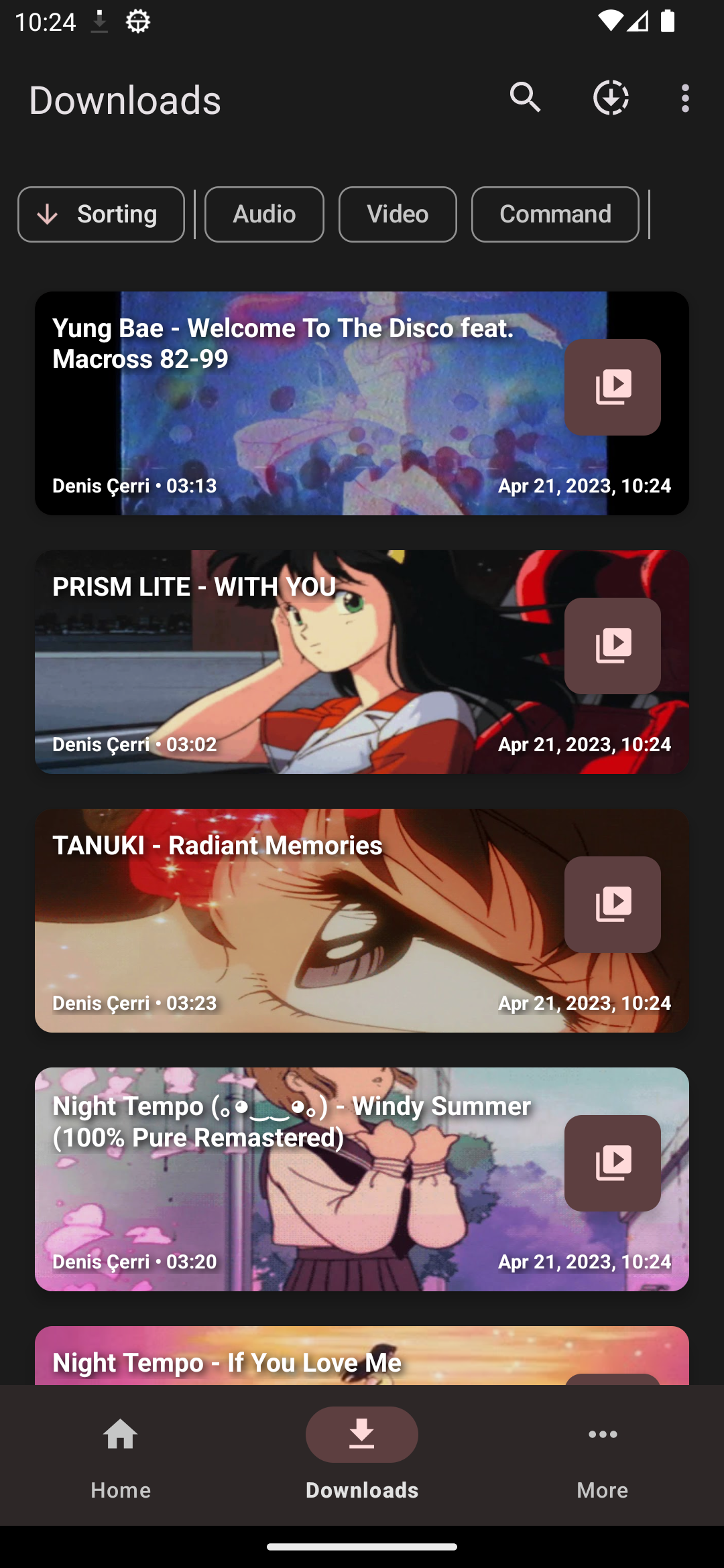
Files can be downloaded of file types, including MP4, MP3, MOV, MKV, AVI, and FLV.
The interface that YTD video network uses is extremely easy to navigate, and you'll quickly find any function you need. Once you start the process to download videos on Android mobile, you'll see their progress pop up below the main screen of the application.
Play all format videos directly from the application just one click.
Videos Show on apps background.
Share Video File Just one simple click.
Always watch them even if there is no Internet connection available. Create your own super music collection and enjoy it anytime wherever you are! What you get with ytd it: - 100% free program - HD videos with sound.
All videos you like and watch offline.
YTD Video Downloader is a great application that's simple, lightweight, and extremely easy to use. This is all thanks to the efficient design of its interface and the quality of the available features.
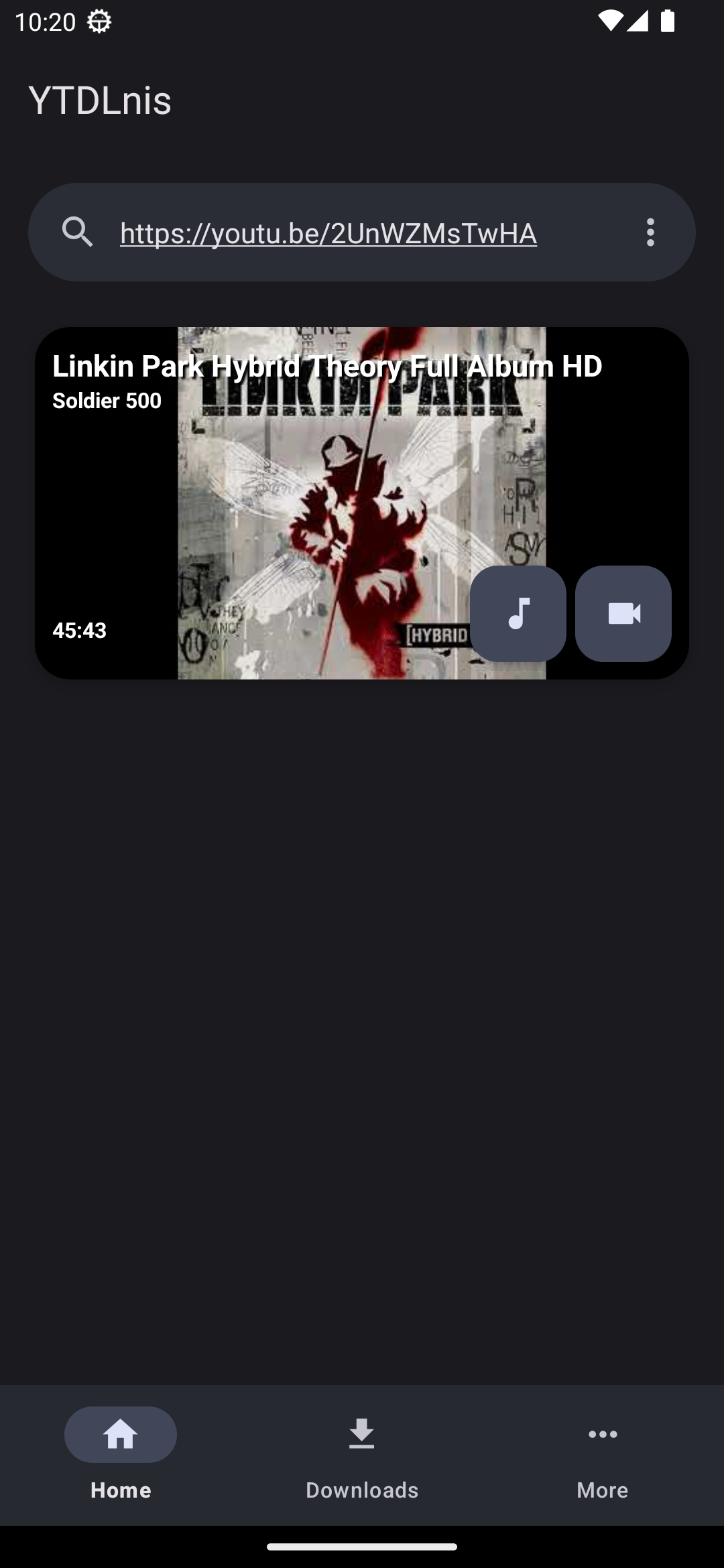
Step 1: Input the URL in the Browser tab to open the page from where you want to download the video.
Step 2: Once the app has found the downloadable videos, choose which one you want.
Step 3: Once it has downloaded, you can access it from the Downloads tab.
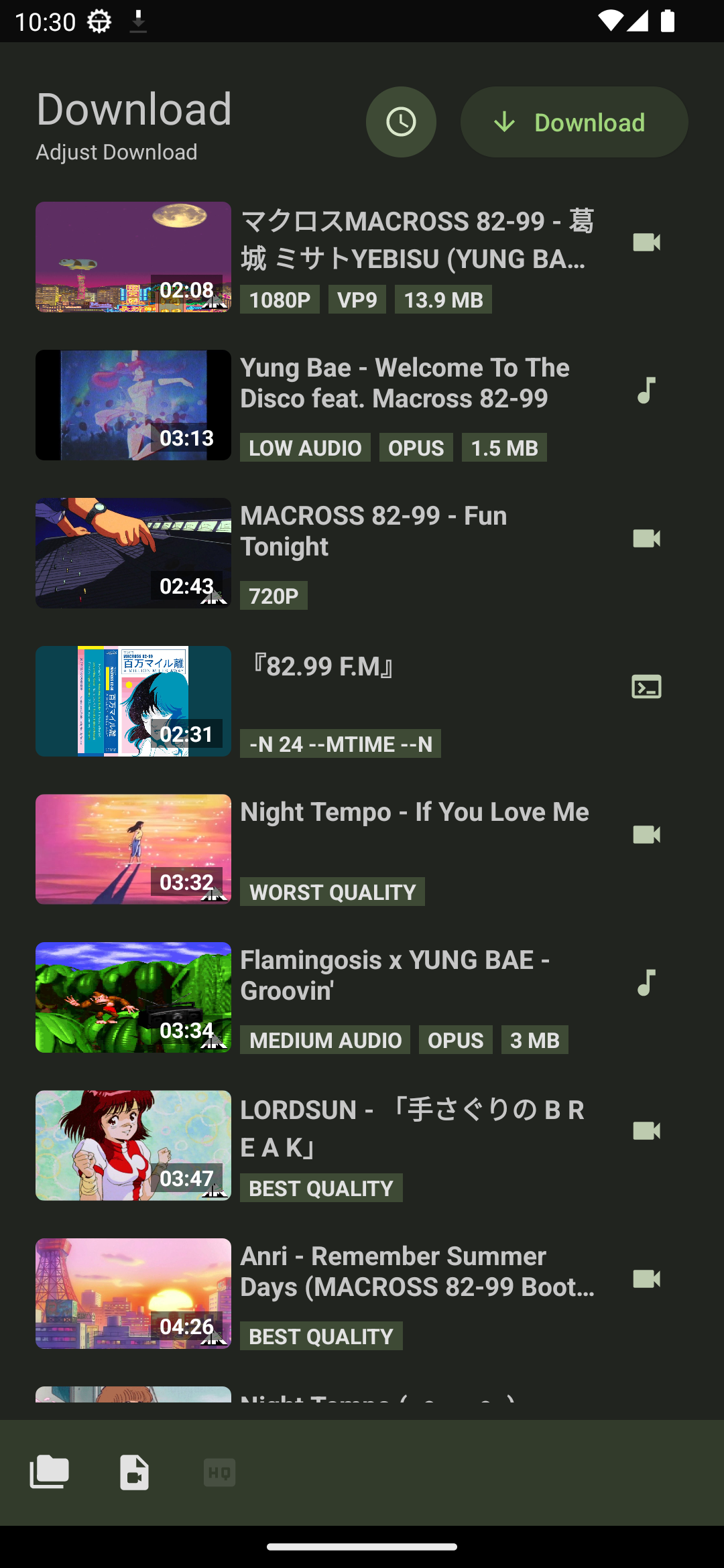
Reliable Downloads that Work
Queue any video, no matter how long, without crashes or stalls. YTD PRO adds up to 4× faster downloads and auto-resume if your connection drops.
Free HD Videos. Up to 8K in PRO
Get the original YouTube video quality. You can save videos in 8K, 4K, 2K, HD, 1080P from all major video streaming sites, with no loss in quality.
1-click Download for Playlists & Channels
Grab entire playlists and channels from your favorite streaming sites, save and convert them to MP4, MP3, 3GP, MPEG, AVI, and other formats.
Pros
Feature-rich YouTube downloader
Fast downloading
Supports batches
Cons
Some features limited in free version
"YTD is the old guard in this area." - PC Magazine
"YTD offers all the features one would expect for downloading streaming videos, and some additional ones for conversion. There are some extras that make this tool even handier." - CNET
"Definitely more convenient than web-based YouTube downloaders!" - TechRadar
YTD Video Downloader is an app that lets you download videos from over 1,000 streaming video platforms easily and quickly. With this app, you can customize everything included in each video you download, such as the resolution, audio, or subtitles. You can also choose the output format, either video or audio and enjoy your favorite content offline.
Size:9.25MB Version:1.2.6
Requirements:Android Votes:212
Package Name:com.tubsnap.snapmatcom.tubsnap.snapmat Signature:a22fd298f4377148023933881f3e901a
With the advancement of technology, downloading videos on Android devices is no longer time-consuming. The Android universe is now infested with hundreds of apps for video download in Android that can download HD videos from a slew of video-sharing and streaming sites like YouTube with the swipe of a finger. However, the majority of these apps may contain adware and other unwanted software! As a result, if you’re looking for a good list of the best free Video Downloader Apps for Android. That is completely safe; this is the place to be!
Media player with multimedia capabilities is one of the important features in today’s smartphones. Most of the video content is consumed on smart devices and viewers continue their tasks like sending emails, surfing apps keeping the video playback on through Picture-in-Picture mode. Playing audio/video on an Android app has become a basic function with android video players becoming more and more customizable. Some of the best video players for Android offer multi format support, easy customizations, hardware acceleration, subtitle support and much more. In this blog, we have compared the best video player for Android based on speed, battery consumption, streaming capabilities, resource usage and more.
Streaming software allows you to broadcast your content live across the internet. It processes the raw feed that comes from your camera and converts it into a digital format that is suitable for internet streaming, in real-time. In 2024, 41% of internet users have already watched at least one live stream in their lifetime. And 27.6% of them are expected to watch at least one live broadcast every week. Hence, it is needless to say that the live streaming market is seeing a massive boom. As the market is growing, the number of live streaming software is also increasing. And it is becoming extremely difficult to choose one. In this guide, we will tell you what are the parameters to decide the best live streaming software, like what features they should have and what factors you need to consider. And finally, we will tell you about the top 10 live-streaming software that our experts have handpicked for you! So, let’s get started.
About us | Contact us | Privacy policy| DMCA
Copyright © 2026 Xiaohei All rights reserved.